Mockups vs Product Photography: Which is Better?
Choosing between product mockups vs product photography can be difficult for ecommerce businesses, especially when cost, speed, and product presentation […]
Published Dec 8, 2025
Create realistic tote bag mockups using Modor with simple steps, pro tips, and marketplace ready visuals
12 min
A tote bag mockup is a digital product visualization that shows your design on a realistic bag before it reaches production. The difficult part is recreating the details that make a printed tote look real, including natural fabric texture, folds, shadows, and accurate design proportions.
Modor takes care of much of that complexity with its AI assistance features, ready-made templates, and a straightforward editor for creating realistic tote bag mockups in minutes.
With the right workflow, you can create tote bag mockups that not only look visually appealing but also help you convert visitors to your store into buying customers.
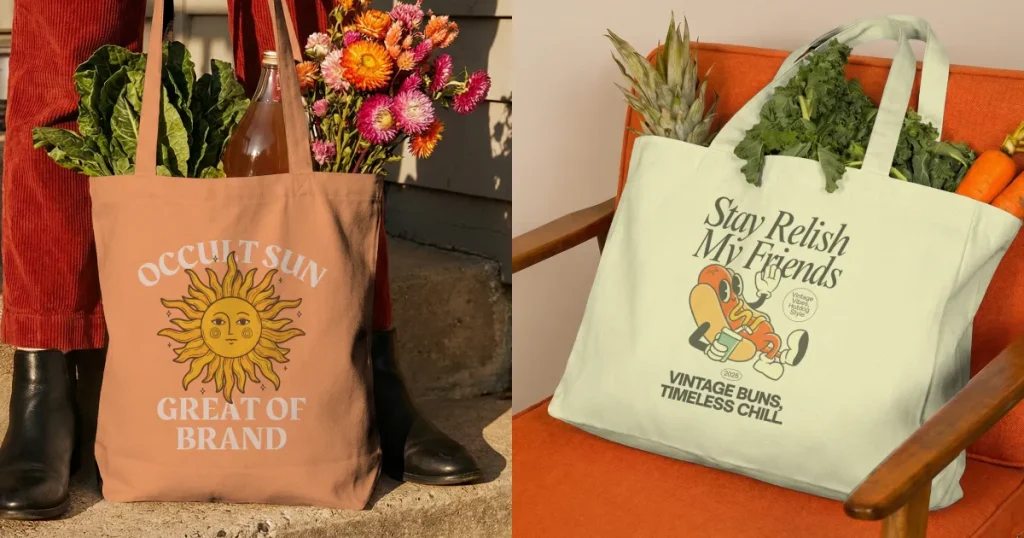
A tote bag mockup is a digital preview of a tote bag featuring your design. It shows how your tote bag design will appear on actual fabric with folds, creases, texture, and natural lighting. This gives you an authentic look at placement and proportions before any physical printing, helping you test your creative ideas. Many creators also start with free mockup tools to quickly validate design ideas before moving to premium tools.
If you run an online store dealing with tote bags, this one is for you. Below are a few reasons to create tote bag mockups.
Let’s have a look at some of the best tools to create tote bag mockups.
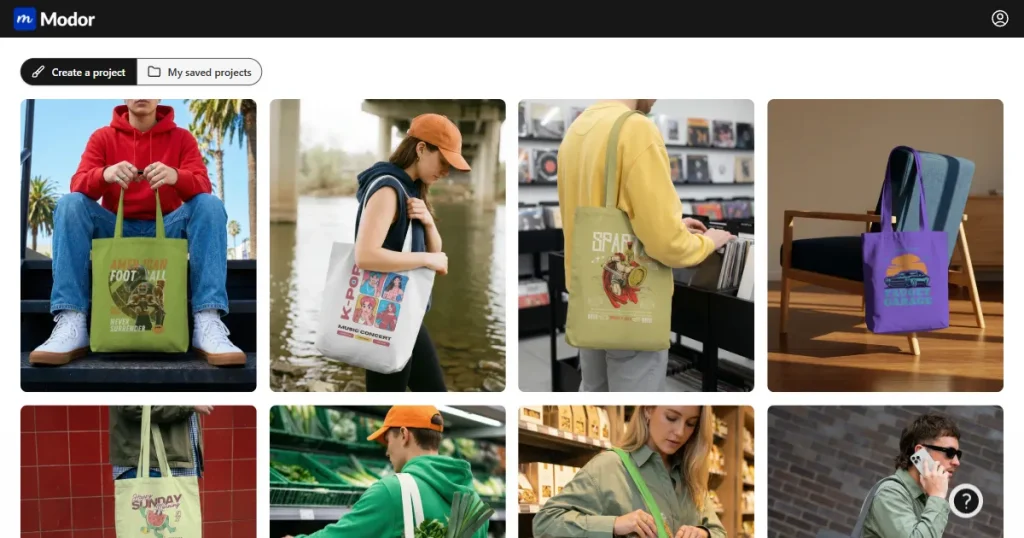
Modor is a fast, intuitive tool to create tote bag mockups in minutes. It offers an extensive library of templates and a simple-to-use editor, making it easy to upload and adjust your tote bag design. Ideal for beginners and creators who need quick results with premium quality. You can also find canvas tote bag mockup styles that match current design trends.
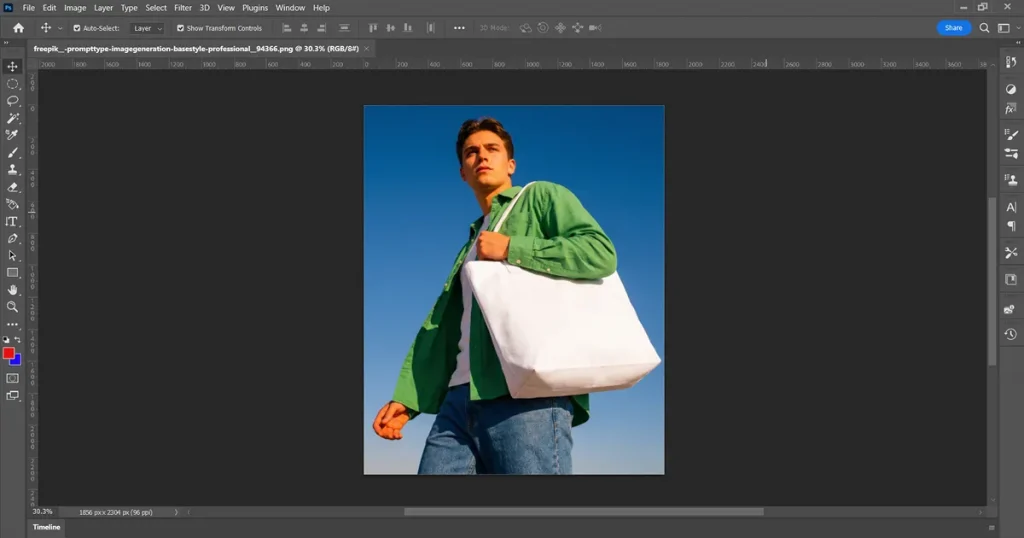
Photoshop is the number one choice for designers who need advanced control over every element when they create tote bag mockups. Smart objects allow fast design swapping, and the layers provide complete control over shadow intensity, color behavior, and adjustments. You can download your tote bag PSD mockup for flexible editing.
Although it offers the highest level of customization, it can feel slow for batch mockups and requires design experience to use effectively.
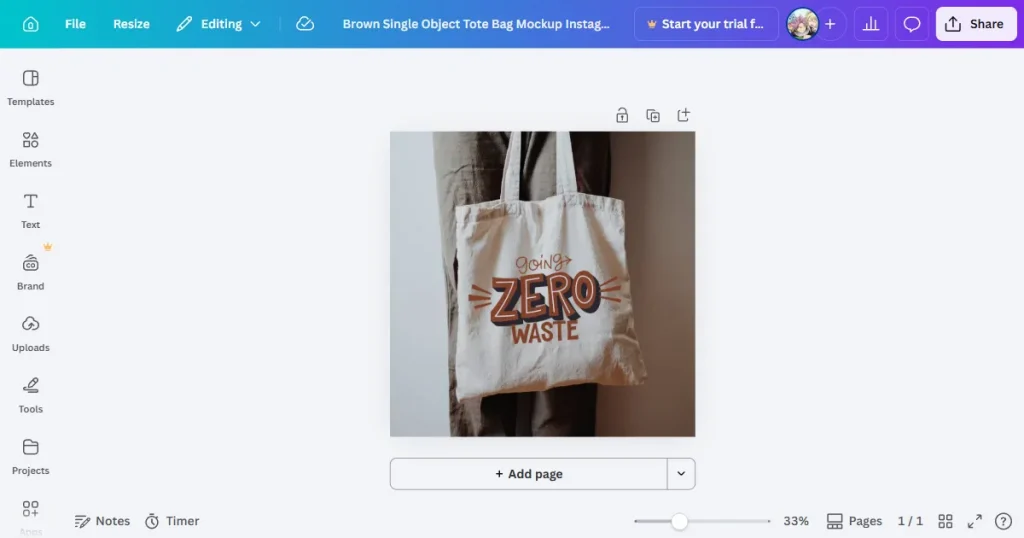
Canva is a beginner-friendly platform that simplifies the process to create tote bag mockups for quick social media visuals. The drag-and-drop system makes it easy to place your tote bag design. It also offers free tote bag mockup templates to customize and export.
One major downside is that the texture detail is not as realistic as a dedicated mockup generator. It works well for simple presentations and promotional graphics, but it lacks the depth and control you get from a tote bag PSD mockup.
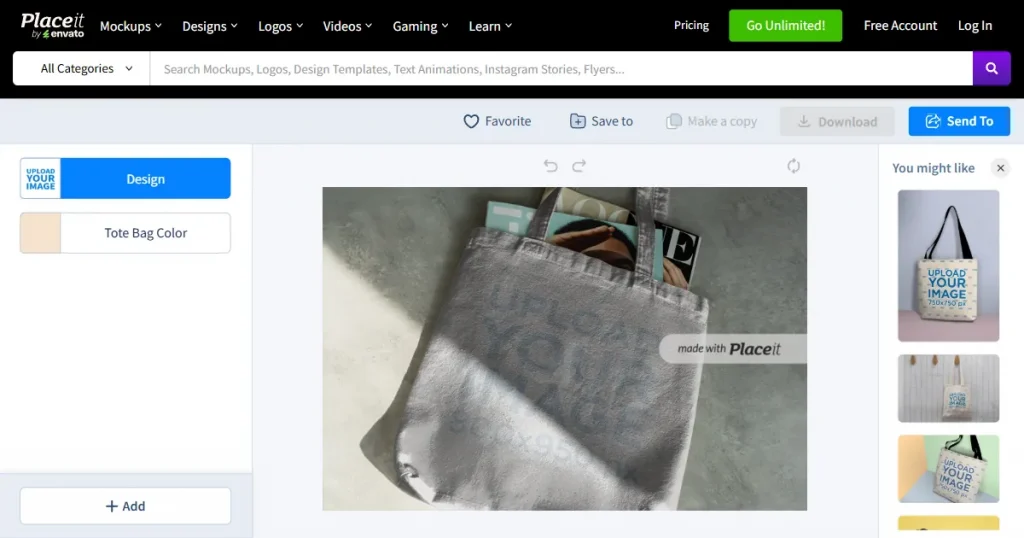
Placeit provides a large collection of preset templates and angles, helping sellers create tote bag mockups. You’ll also find some canvas tote bag mockup options, though they may feel less detailed. Another limitation is that some templates may appear flatter than those in more advanced tools. It’s a bit of a grind to find unique templates here.
Below are a few practical tips to help you create tote bag mockup designs that look more realistic and professional:
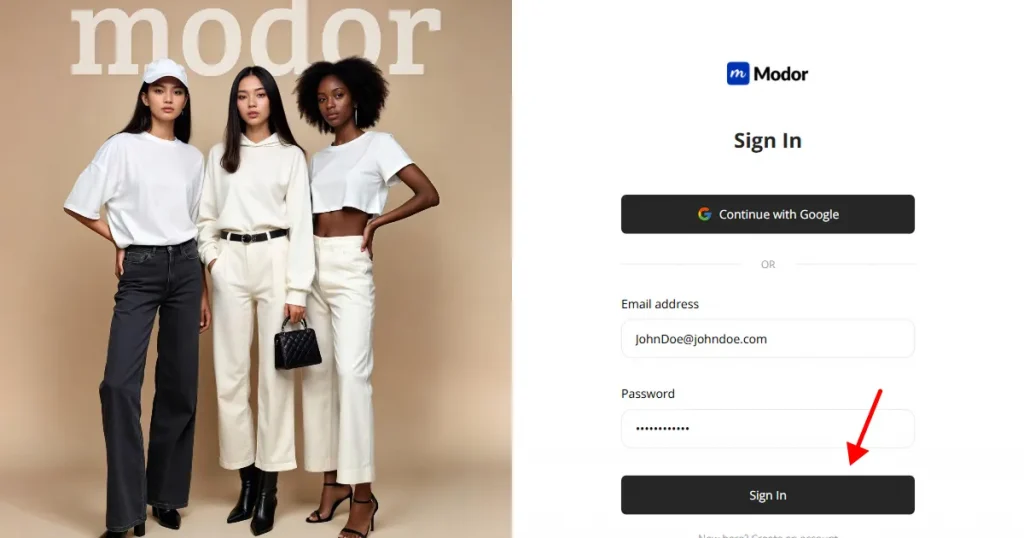
Step 1: Sign up on Modor using Google or email. Using Google is a faster method for most users. If you already have an account, simply log in using your saved credentials and continue where you left off.
Step 2: On the homepage, select the Tote-bag category from the available list, which includes t-shirts, hoodies, billboards, iPhones, and other templates.
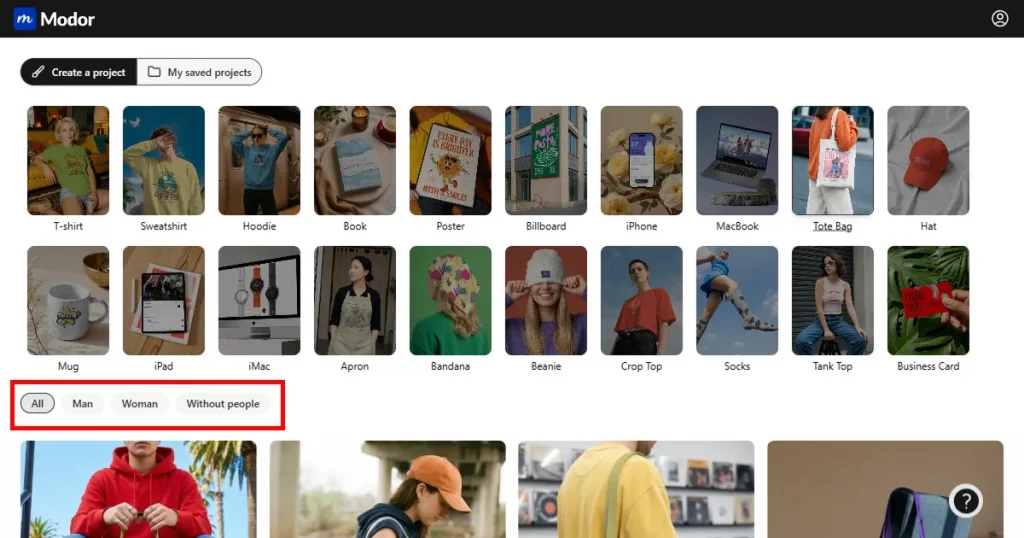
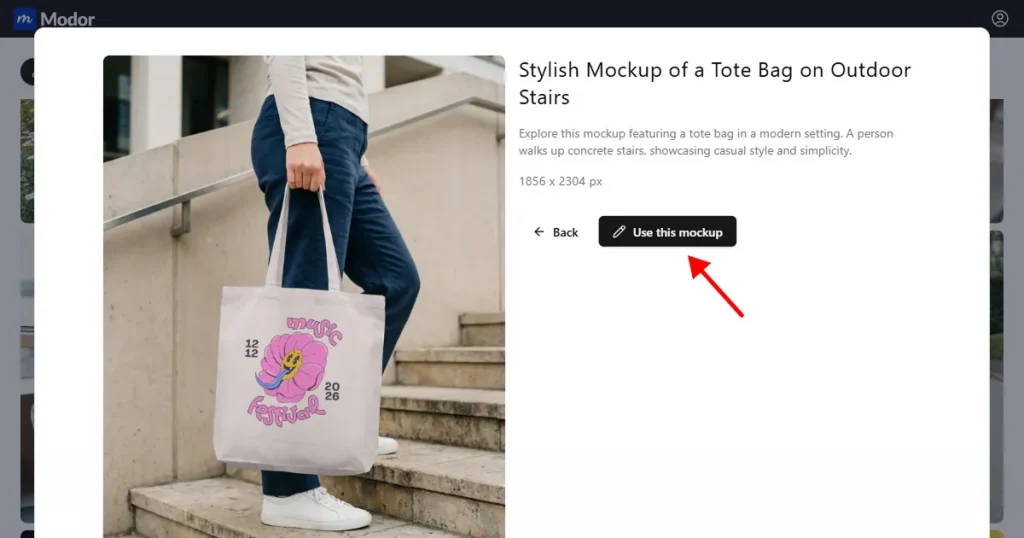
Step 3: Browse through the mockups and pick one that aligns with your brand tone, whether it is minimal, urban lifestyle, artistic, or eco-focused. When you find the right fit, click Use this mockup to open it inside the editor.
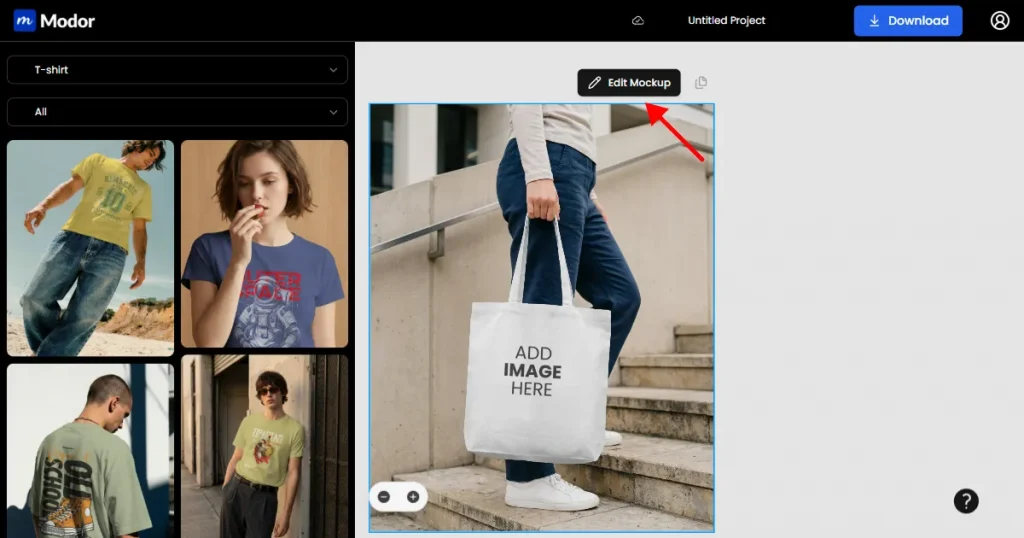
Step 4: Once inside the editor, click Edit Mockup to unlock customization tools.
Step 5: Upload your tote bag design in a high-resolution transparent PNG to maintain clean edges against the fabric surface.
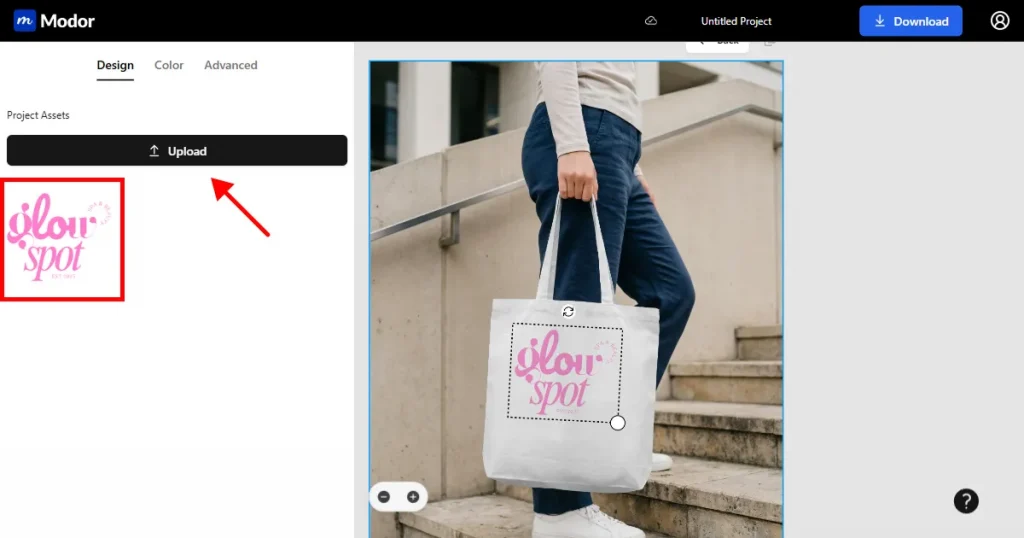
Step 6: Customize your tote bag mockup template accordingly. Before exporting, name your project so you can return later to make adjustments or create free tote bag mockup variations. When you are satisfied, download your tote bag mockup as a PNG or JPG, depending on where it will be used. PNG works well for transparent backgrounds, while JPG is ideal for marketplace listings and social media posts.
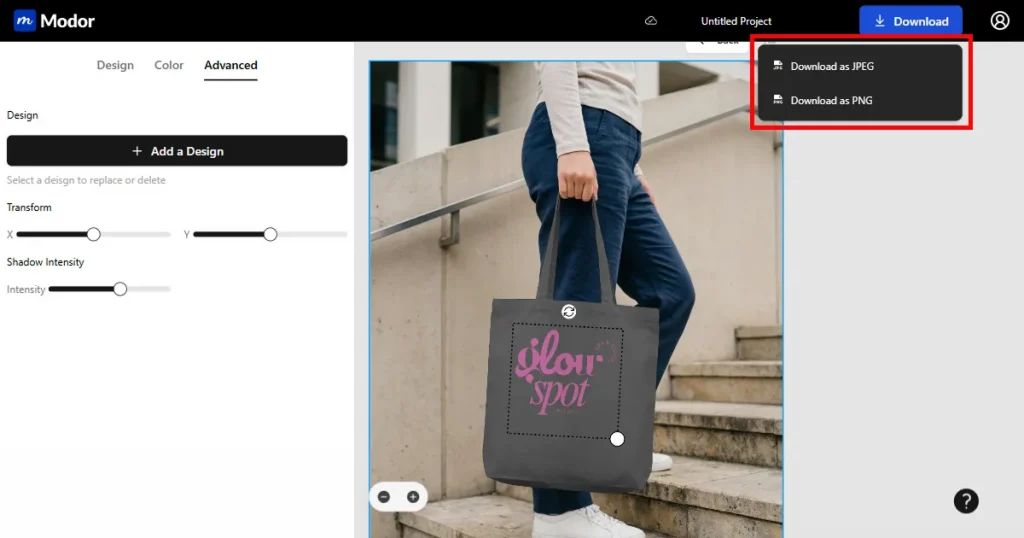
Below are a few valuable suggestions to help you create better bag mockups.
Now that we have covered how to create tote bag mockups, let’s have a look at the trending tote bag mockup styles.
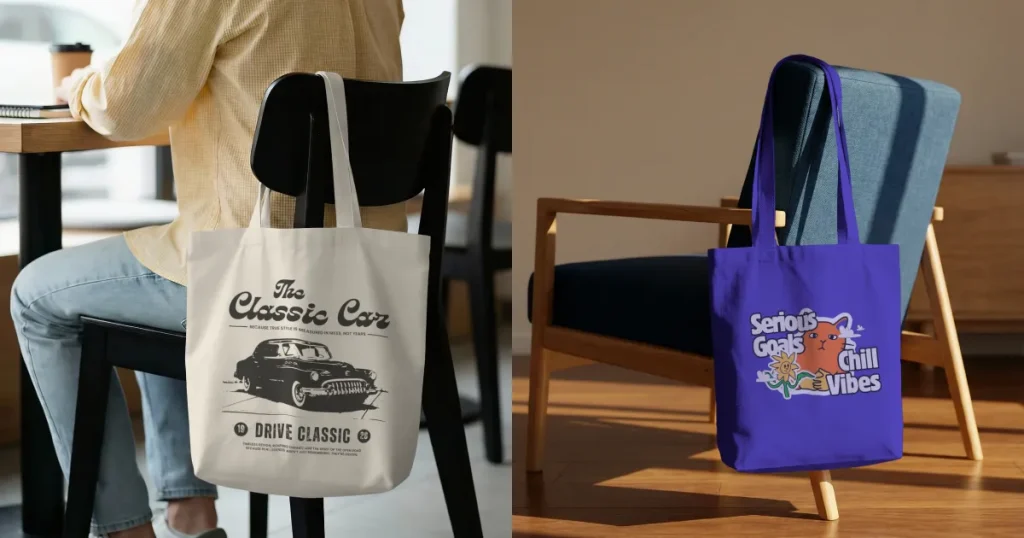
This mockup style displays the tote bag suspended from a hook or stand. It highlights the natural draping and the fabric’s structure, making your tote bag design feel more authentic.
Best use case: Widely used in Etsy shops and boutique brands where customers appreciate clean and minimal product displays.
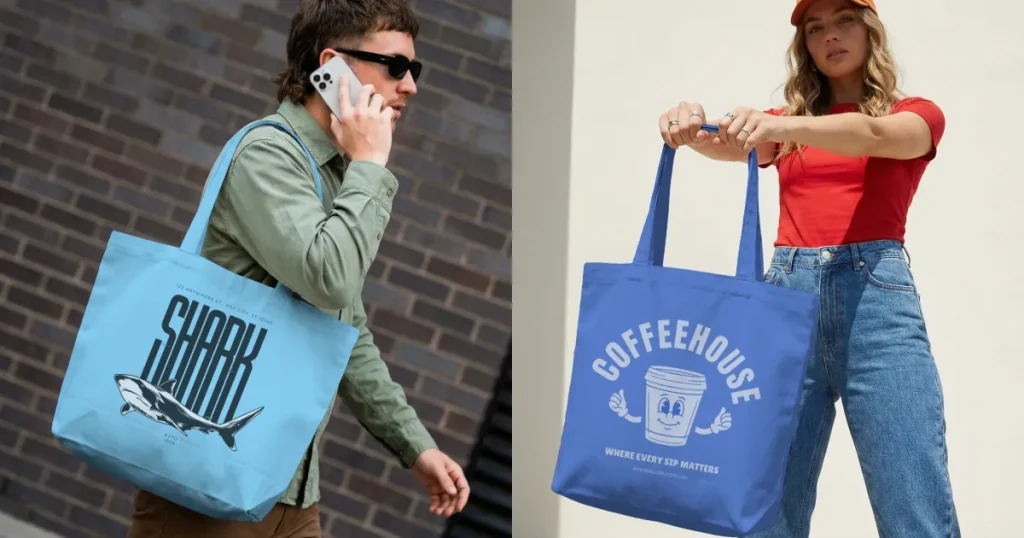
This style depicts a person holding or wearing the tote bag in a real-world setting. It helps buyers understand size proportions and fit, which is essential in e-commerce.
Best use case: Ideal for apparel stores, lifestyle brands, and social media promotions that rely on human-centered images.
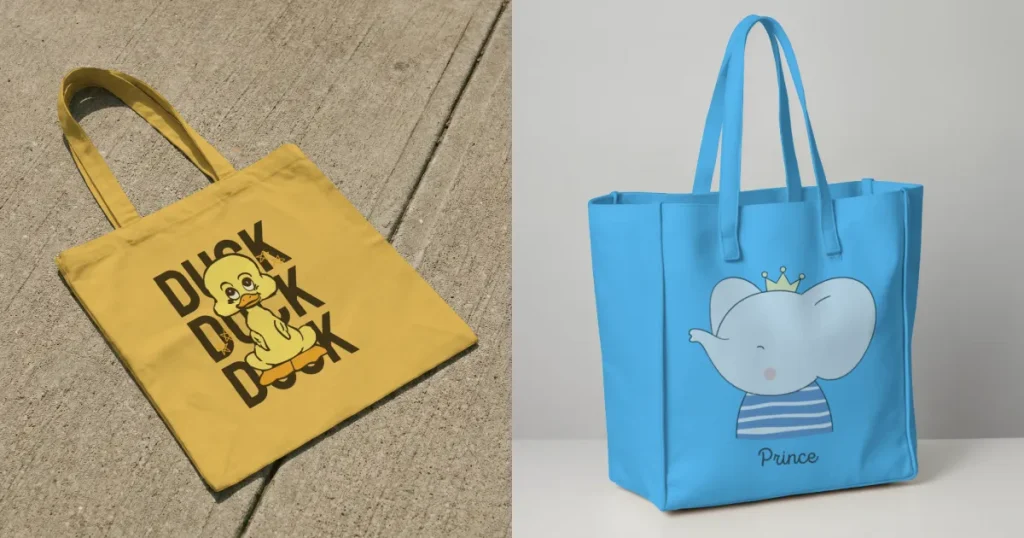
Minimal tote bag mockups use clean backgrounds, soft shadows, and simple designs. This style lets your tote bag design shine without distractions, making it great for text-based designs or simple graphics.
Best use case: Excellent for aesthetic shops, typography-focused brands, and sellers who prioritize subtle elegance.
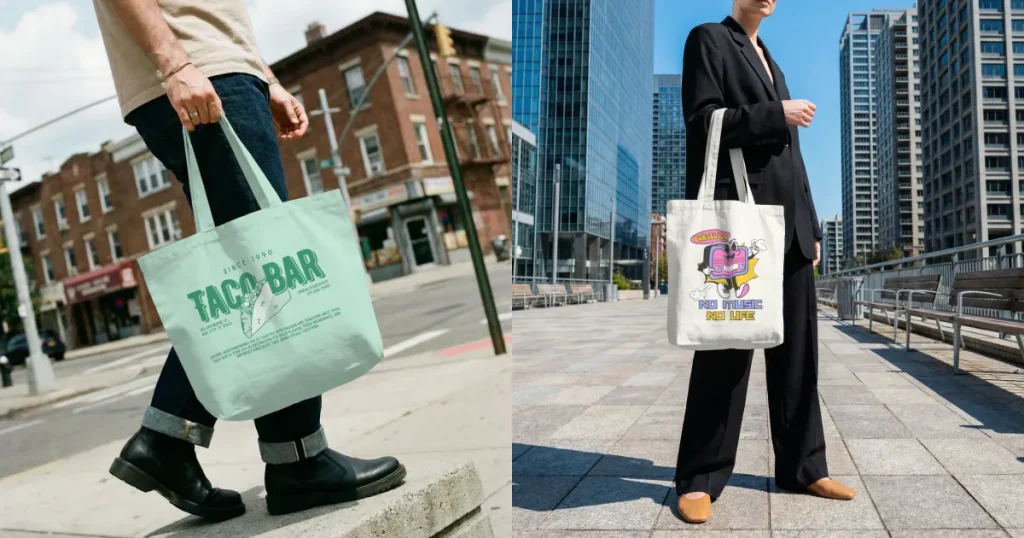
Urban tote bag mockups use graffiti walls, concrete streets, or outdoor city settings. This style gives tote bag mockups a bold atmosphere that suits expressive designs and youth-focused branding.
Best use case: Best for Streetwear stores, creative designers, and brands that lean into modern culture.
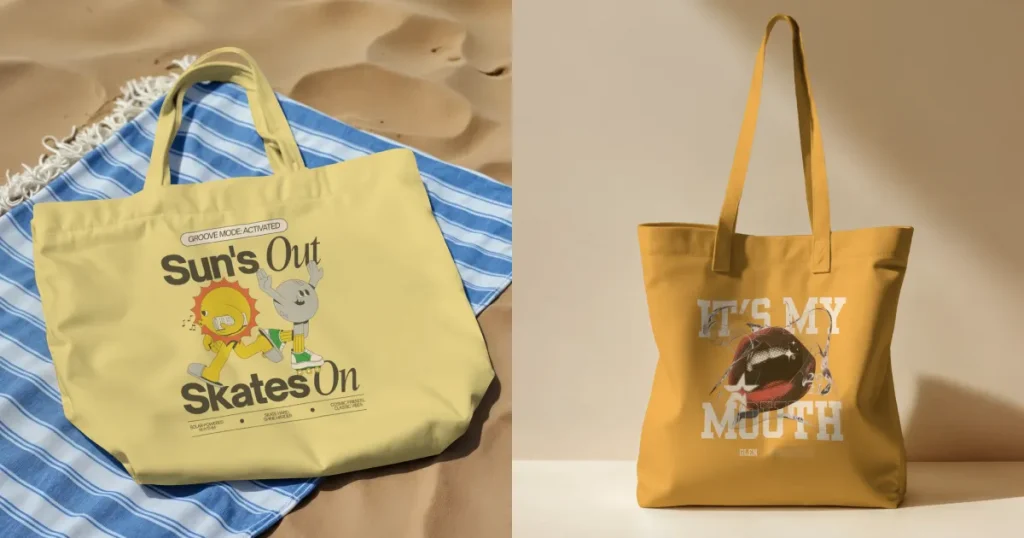
Canvas tote bag mockups focus on fabric texture and natural materials. They give your tote bag design a handmade, eco-friendly feel that aligns with sustainable branding trends.
Best use case: Widely used by Sustainability-focused brands, handmade markets, and nature-inspired sellers who use earthy tones and organic visuals.
When you create tote bag mockup visuals for marketplaces, aligning with platform guidelines improves visibility and buyer trust. When your visuals align with what buyers expect, your tote bag design feels clearer and more trustworthy.
Use wider images for Etsy, square visuals for Amazon, and consistent sizing for Shopify to keep your store looking polished. Make sure your mockups load quickly and stay sharp so your tote bag design stands out the moment someone opens the page.
| Platform | Aspect Ratio | Recommended Size | Key Insights |
|---|---|---|---|
| Etsy | 4:3 | 2000 x 1500 px | The first image should be horizontal and bright for better clicks. |
| Amazon | 1:1 | 2000 x 2000 px | A pure white background is required, and the product must fill most of the frame. |
| Shopify | 1:1 (preferred) | 2048 x 2048 px | Square images keep the store layout clean and improve zoom quality. |
| Redbubble | 3:4 (tote bags) | 2400 x 3200 px | High resolution improves print clarity and listing quality. |
| Printify | 1:1 | 2048 x 2048 px | High-quality files guarantee sharp print results. |
| Zazzle | 4:3 | 1080 x 1440px | Transparent PNGs and clear visuals rank better. |
Check out the tips below before you create tote bag mockups for your e-commerce store listing.
Tote bag mockups help you present your tote bag design clearly and give buyers a true sense of how the product will look. With Modor, you can quickly create tote bag mockups and prepare print-ready images. You can also create free tote bag mockup templates to use.
Strong mockups build trust, drive engagement, and increase conversions. Experiment with different styles to create a cohesive and appealing product catalog.
A good mockup for tote bag products also keeps your brand consistent across all platforms, helping customers remember you. As you refine your visuals over time, your store begins to look more professional and more reliable to new shoppers.
The right mockup depends on your brand personality and the style of your tote bag design. Choose a clean, minimal scene for a simple tote bag design or a lifestyle scene for emotional appeal. Always use high-quality visuals with natural texture so your mockup for tote bag products feels realistic on any platform.
Modor provides thousands of templates and a simple editor that makes tote bag mockups easy for beginners and efficient for professionals. Modor delivers realistic textures and lighting so your tote bag design appears polished. With Modor, you can create multiple mockups at once, boosting product launches.
Photoshop is ideal for designers who want deeper customization and advanced editing control. It supports precise adjustments to shadow texture and design placement, but it’s more time-consuming.
Yes, Modor includes a variety of canvas tote bag mockups that highlight fabric texture and give your designs a more natural, realistic look.
Yes, there are AI-powered tools to create tote bag mockups. Modor is one such option that produces quick tote bag mockups with accurate placement and realistic details. It supports creators who want clean, professional results without complicated editing tools.
Yes, you can create free tote bag mockup designs using online tools such as Modor and Canva. These tools let you upload your tote bag design, customize a template, and export the final mockup without advanced editing skills.
A tote bag PSD mockup is useful when you need detailed control over layers, shadows, fabric texture, and design placement. Photoshop is especially suitable for designers who want to make precise manual adjustments to their mockups.