


How to Start a Print-on-Demand Business in 2026
If you are looking for how to start a print-on-demand business, the process involves choosing a specific niche, creating compelling […]
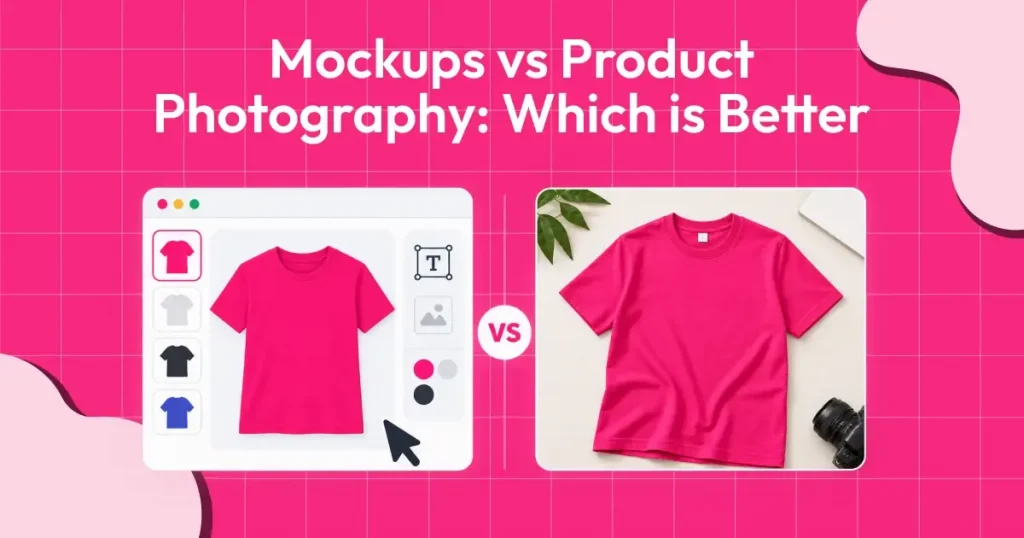
Choosing between product mockups vs product photography can be difficult for ecommerce businesses, especially when cost, speed, and product presentation all matter. While product mockups let you create realistic product images without a physical sample or a photoshoot, product photography shows the actual product, including its texture, colors, materials, and details.
Product mockups are especially useful for testing designs, launching print-on-demand products, and quickly creating multiple product variations. And with a free mockup generator like Modor, businesses can create professional product visuals without investing in photography equipment, models, or studio setups.
The better option depends on your business stage, budget, product type, and marketing goals. This comparison between mockups vs product photography breaks down the key differences between product mockups and product photography to help you decide when to use each and when combining both makes more sense.
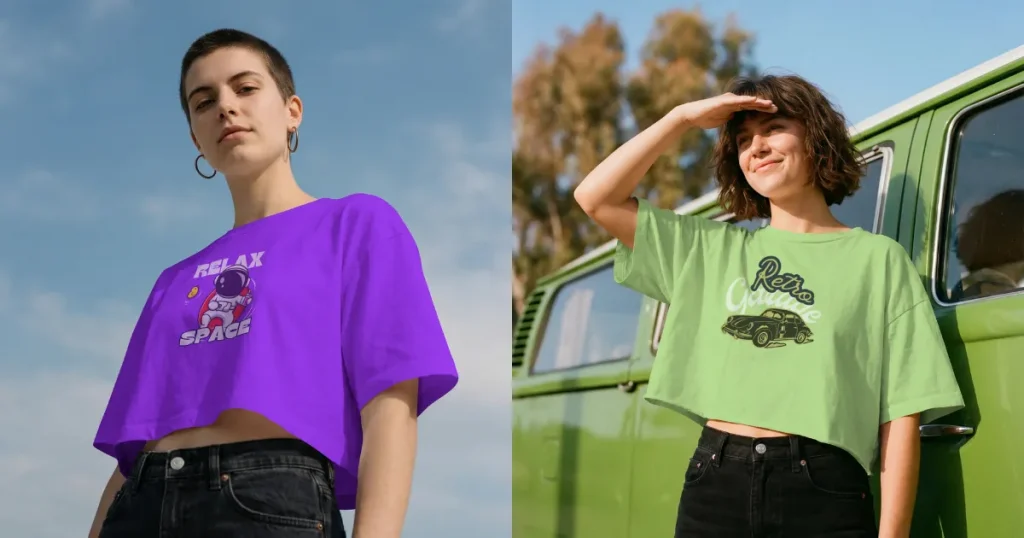
A product mockup is a visual draft of a product that showcases what the final physical or digital item will look like to a customer before they buy it. One of the biggest advantages of product mockups is that they can be created quickly and at no cost to produce a physical sample. This allows users to visualize and showcase a product before it is manufactured.
Print-on-demand store owners and ecommerce businesses use product mockups for the following reasons.
In any mockups vs product photography discussion, it’s equally important to understand the downsides of mockups so you can make better decisions.
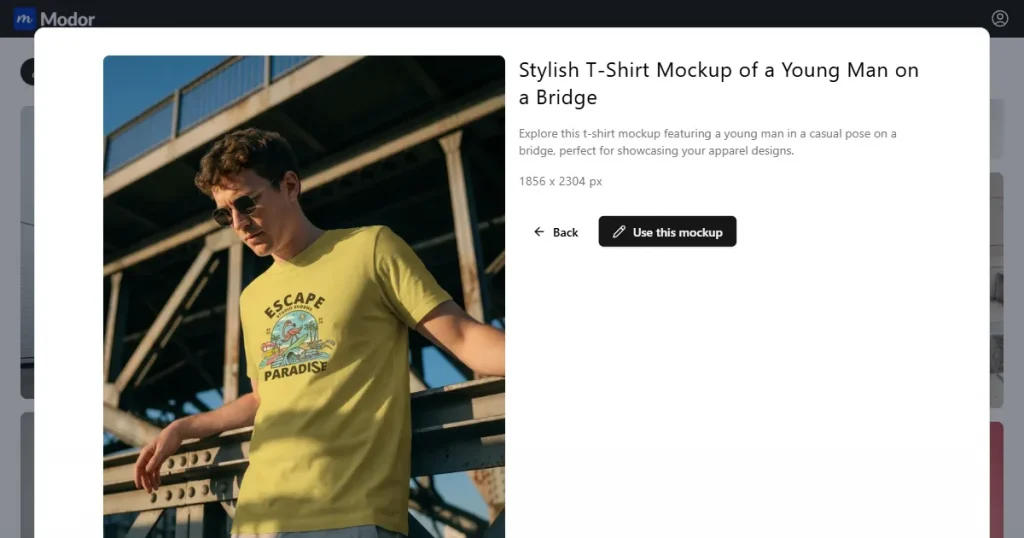
Product photography is the process of taking product photographs intended for commercial use.
Businesses use these photos across e-commerce websites, social media, and advertising to give customers a clear visual of the product and encourage purchases.
If we compare mockups vs product photography,product photography is generally expensive because it requires hiring a professional photographer and model, and investing significant time and effort in planning and capturing the photos.
To understand which is better between mockups vs product photography, let’s look at why e-commerce businesses still use product photography.
When comparing mockups vs product photography, product photography also comes with several drawbacks.
Now, let’s have a look at how mockups vs product photography compare face to face.
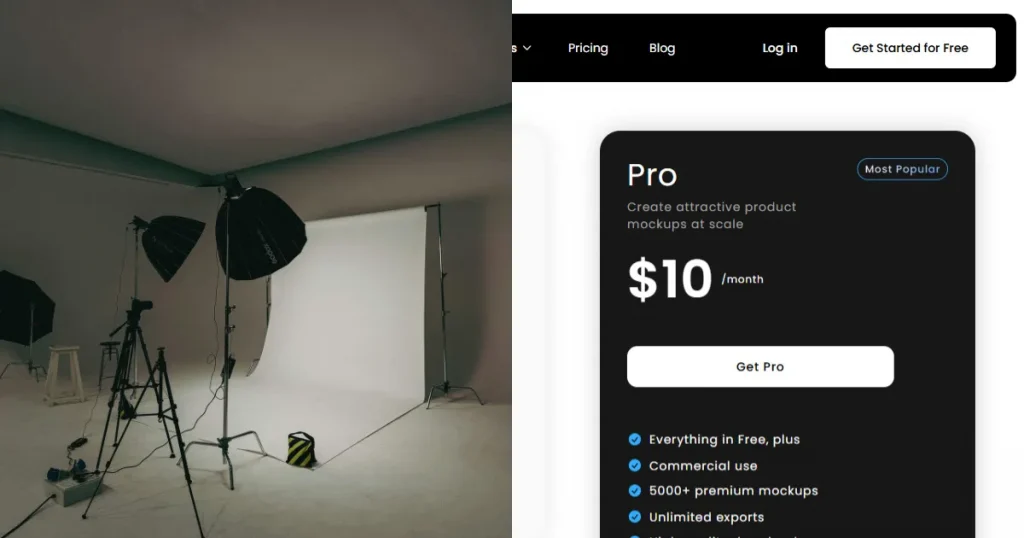
One of the biggest differences in mockups vs product photography is the setup cost. When it comes to product photography, the setup, photographer, and model hiring costs can be pretty expensive.
Compared to mockup generators, they cost very little, and with just one subscription, you can create multiple variations of the same product image without arranging a new photoshoot each time.
Another major factor when comparing mockups vs product photography is how easy it is to update product images. If you want to update the product images on your store, you will need to start the process from scratch. Hire the same photographer and model at an additional cost, and invest a lot of time in it.
However, with the best mockup generator tools, you get the option to just edit the product the way you want, by changing the text, colors, shadows, and design placement, and your product is ready. It takes only a few minutes.
If we compare mockups vs product photography, one of the biggest advantages of product photography is that it can help build customer trust. When customers can see the actual product, they get a clearer idea of what they will receive after placing their order.
Mockups can also look realistic, but if they depict something different from the actual product, they can create false expectations and even lead to customer dissatisfaction.
That’s why it is important to choose the right mockup generator tool, as it can help bridge the gap between real product photography and digital preview images.
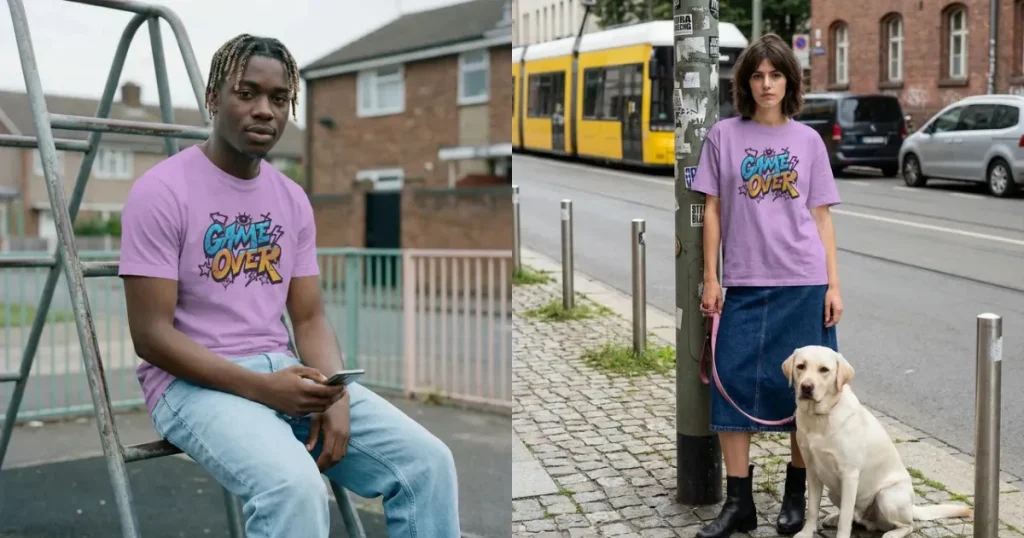
When comparing mockups vs product photography, we found that product mockups can be very useful for testing a new product idea before investing money in manufacturing. You can create different designs, packaging styles, colors, and product variations, and show them to your target audience to see which they like most.
This can help business owners collect feedback and make changes before spending money on the final product. In comparison, product photography can only be done once you have a physical product ready for the photoshoot.
Brand differentiation is another area where mockups vs product photography produce different results. Many businesses use similar product photography styles, backgrounds, and setups, which can make their products look nearly identical.
With mockups, you can create more unique, customized scenes, backgrounds, and visual styles that match your brand identity and help your products stand out.
However, avoid overused, generic mockup templates, as relying on the same visuals as other businesses can make your store feel less distinctive and harder to remember.
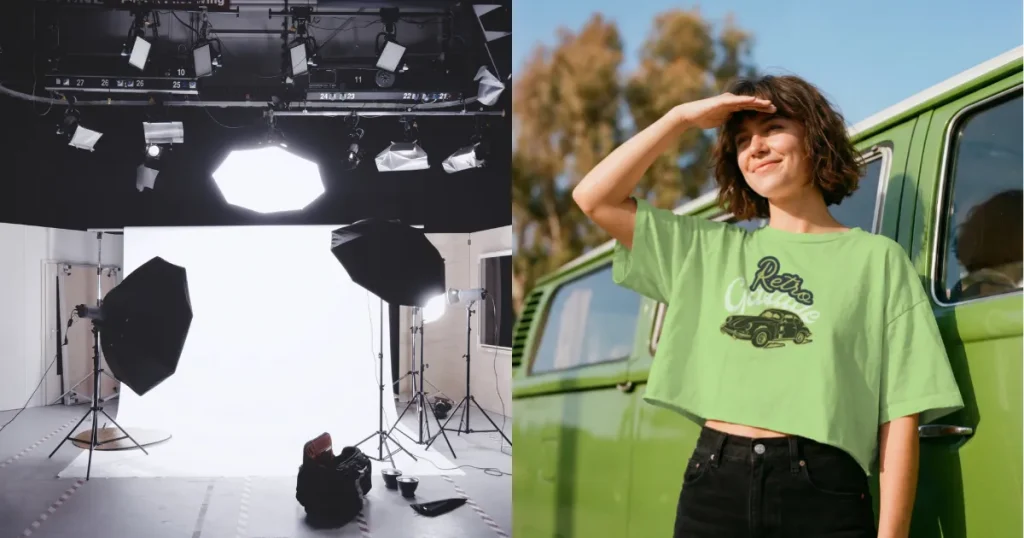
We already have a good idea of which is the better choice between mockups vs product photography, but let’s also look at which option is better for different use cases.
When should you use mockups?
Here are a few reasons why you should use product mockups.
When should you use Product Photography?
Although Product mockups can be used as product images most of the time, here are a few times when you should use real product photography.
If, after comparing mockups vs product photography, you decide mockups are the better option, these tools are worth considering.
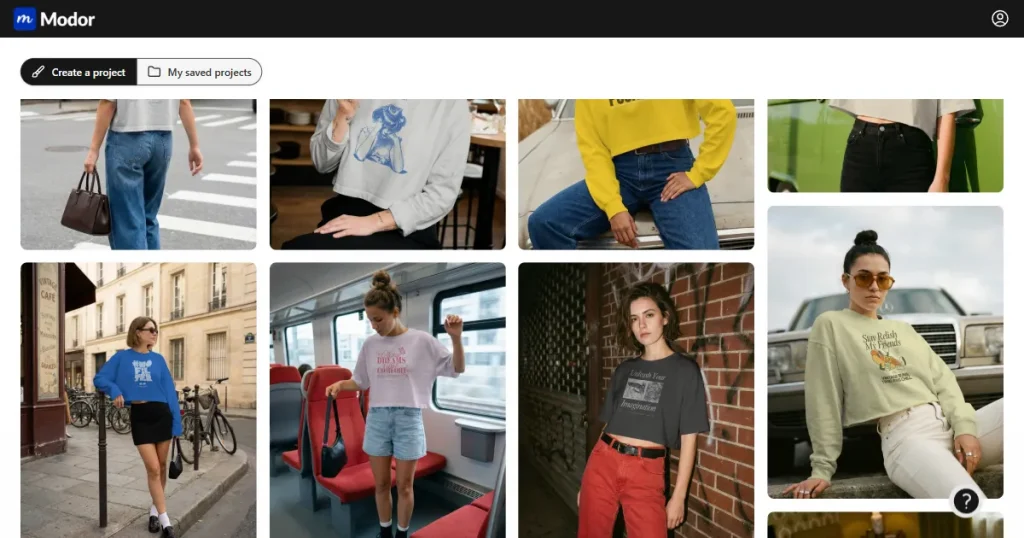
Modor is an AI-powered mockup generator that helps users create realistic product mockups in seconds without using complex design software.
Key features
| Pros | Cons |
| Beginner-friendly and easy to use | Requires an internet connection |
| Free mockups with commercial licensing | Advanced features may require a premium plan |
| 10,000+ templates across 25+ categories | |
| Bulk export for multiple mockups |
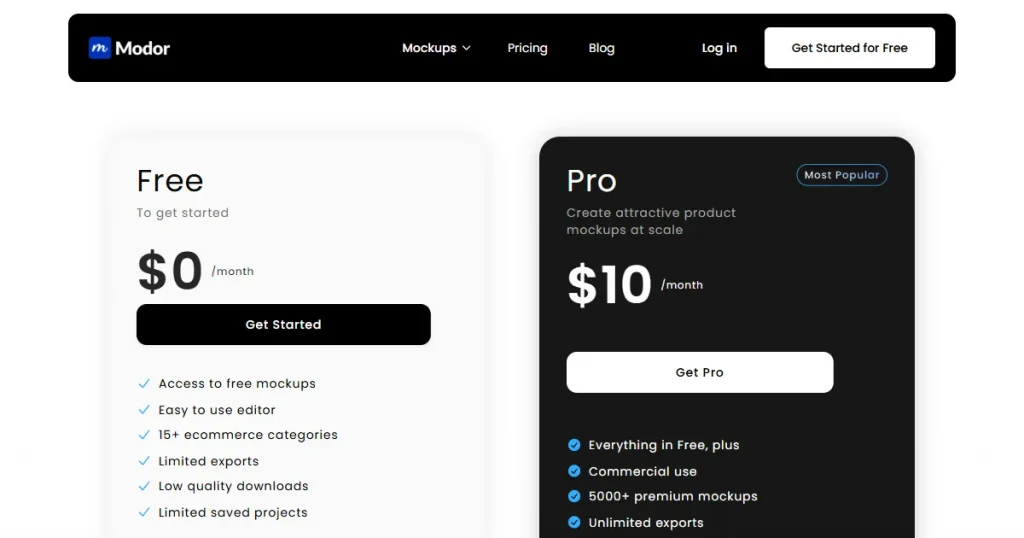
Pricing
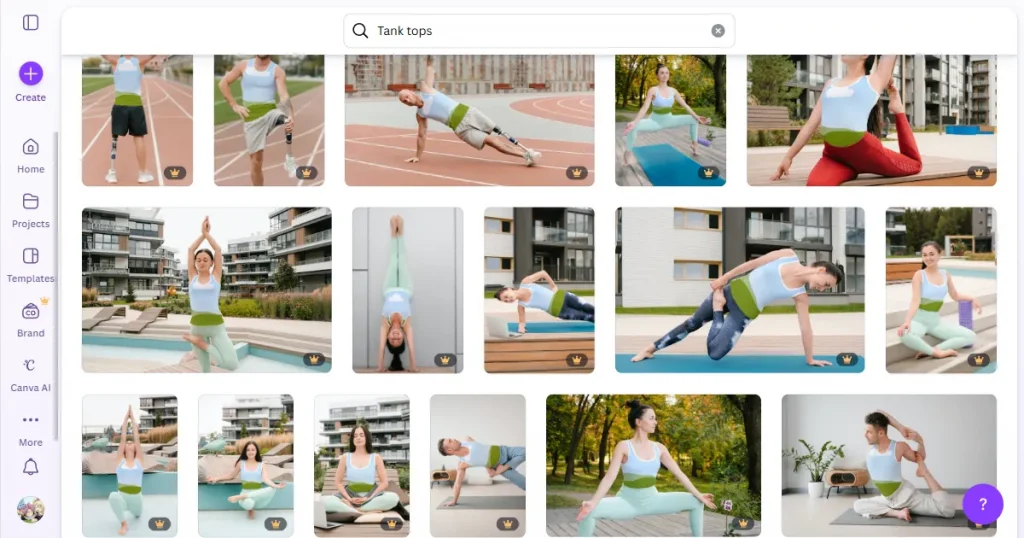
Smartmockups is a free mockup generator integrated into Canva that helps users create realistic product mockups without using complex design software.
Key features
| Pros | Cons |
| Beginner-friendly and easy to use | Most mockup templates require Canva Pro |
| Free mockup generator tool | Less editing control than Photoshop |
| Realistic shadows, lighting and perspective | Dependent on Canva ecosystem |
| Directly integrated with Canva | Free options have fewer choices |
| Only provides generic mockup templates |
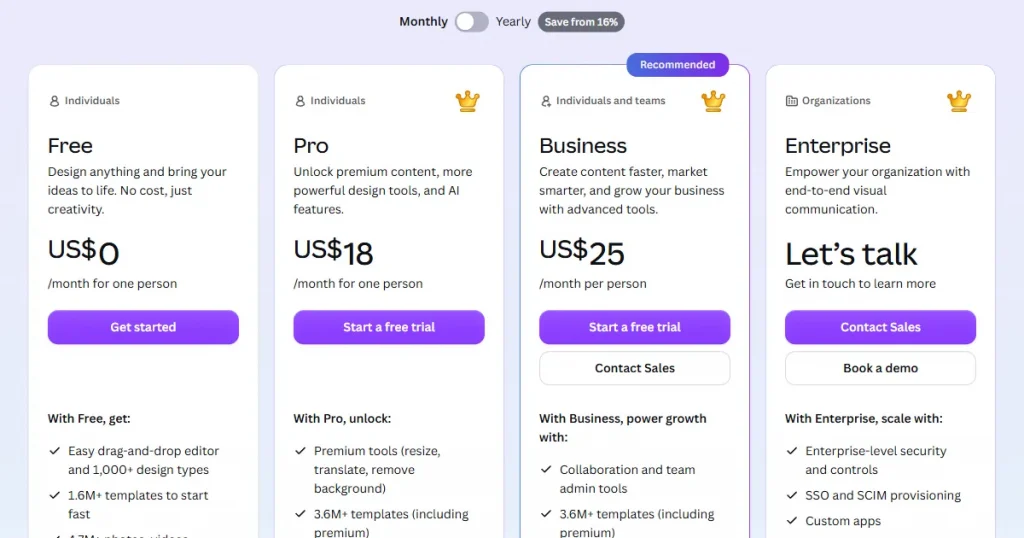
Pricing
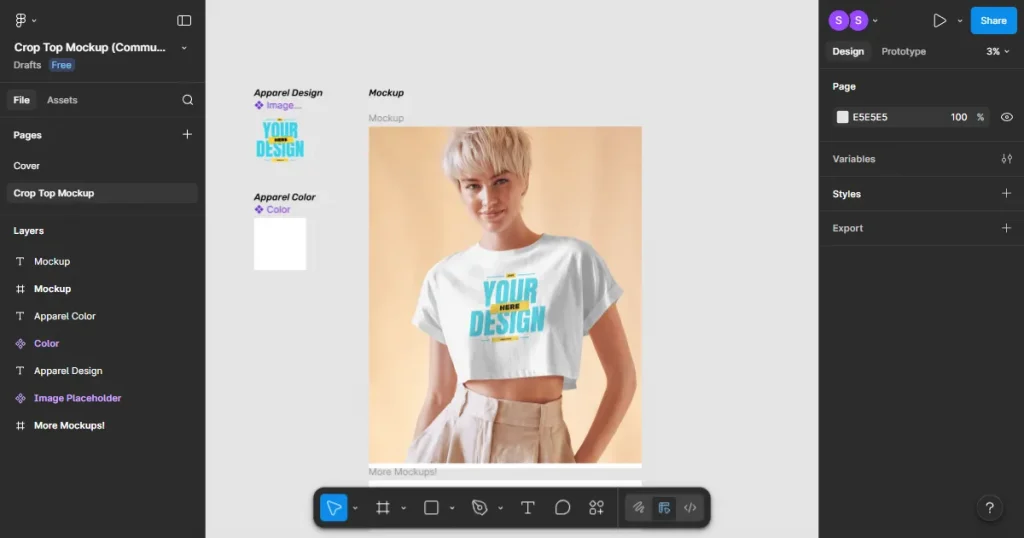
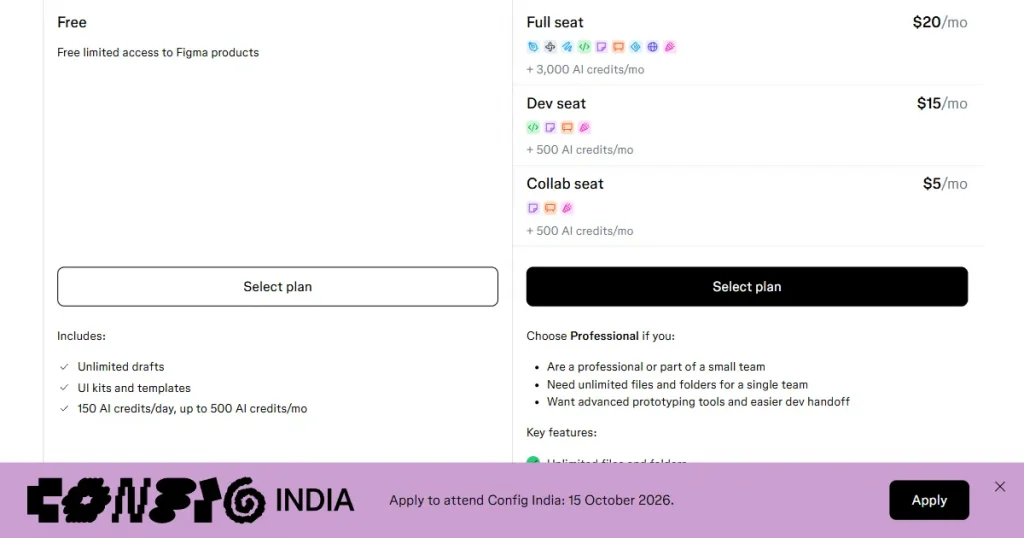
Figma is a collaborative design and prototyping tool that can also be used to create digital product mockups, especially for websites, apps, and UI designs. Although it is not a dedicated mockup generator, it can still be used to create product mockups thanks to its wide collection of community templates.
Key features
| Pros | Cons |
| Free plan available | Not a dedicated product mockup generator |
| Excellent for UI and digital product mockups | Steeper learning curve for beginners |
| Large library of templates and plugins | Limited ready-made physical product mockups |
| Real-time collaboration | More time-consuming than dedicated mockup tools |
Pricing
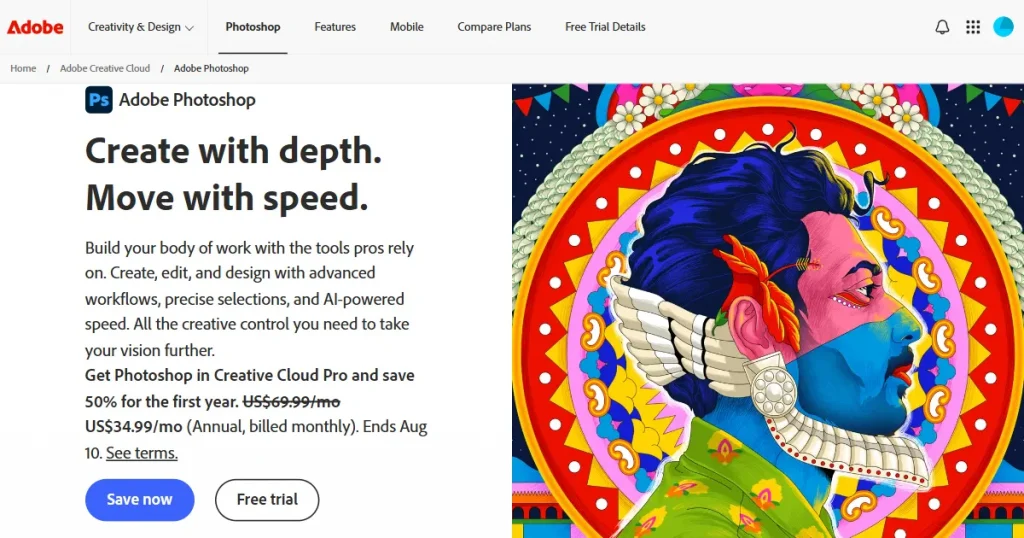
Photoshop is professional image-editing software that can be used to create highly customized product mockups with PSD templates, Smart Objects, layers, and advanced editing tools.
Key features
| Pros | Cons |
| Highly customizable with advanced editing tools. | Steep learning curve for beginners. |
| Smart Objects make editing PSD mockups easier. | Creating mockups can be time-consuming. |
| Offers professional-grade image editing capabilities. | Requires suitable PSD mockup templates. |
| AI tools can speed up certain editing tasks. | Requires a paid subscription. |
| Produces highly realistic, professional mockups. | Overkill for simple mockup requirements. |
Pricing
Step 1: Create an Account and Log In
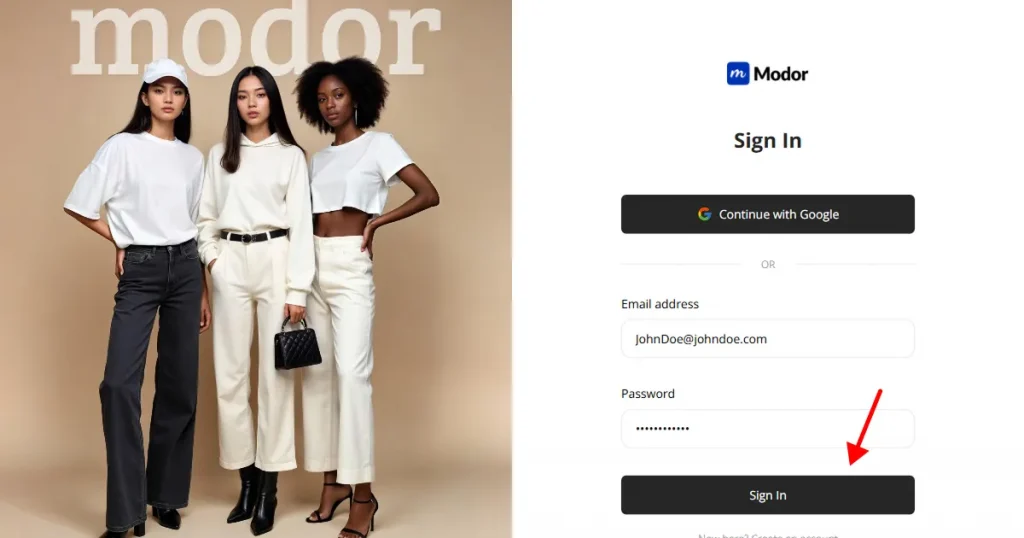
The first step is to create an account with Modor, which you can do using your email address or Google sign-in.
Step 2: Select a Mockup Category
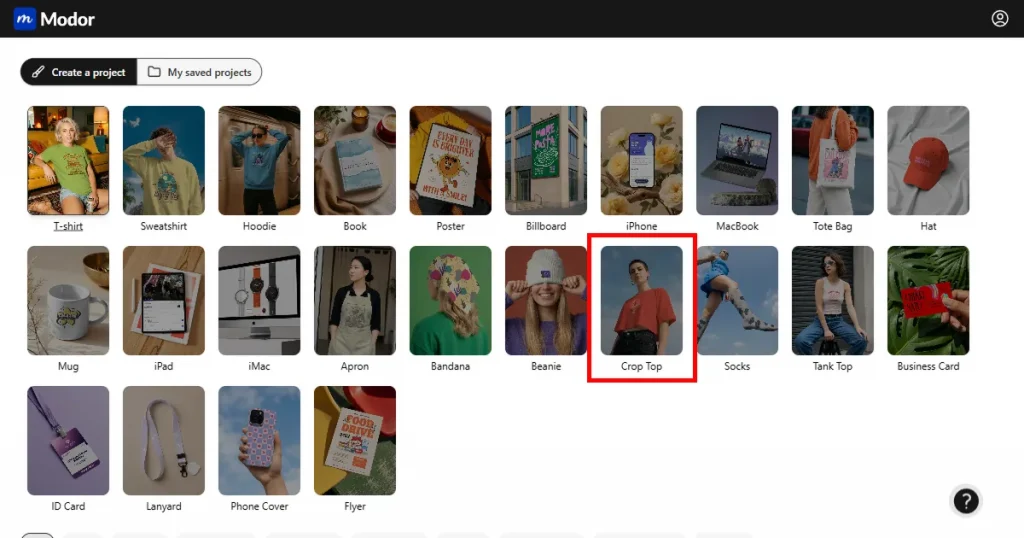
After signing up, you can choose from 25+ mockup categories. Choose one based on the kind of mockup you are looking for.
Step 3: Select a Mockup Template
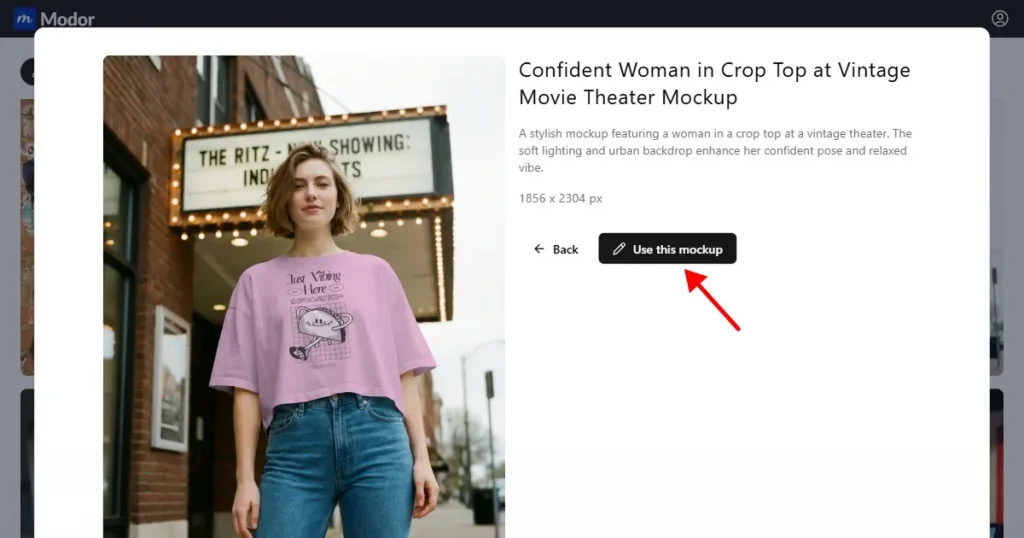
After selecting the category, you can browse through a bunch of mockup templates. You can select one, then click Use this template to create a project.
Step 4: Upload Your Design
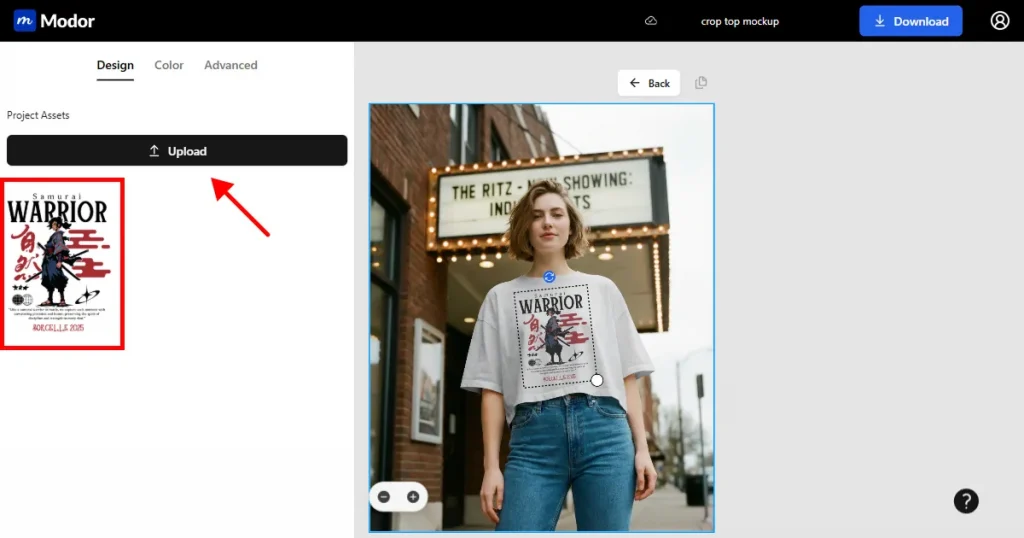
Once inside the project workspace, you can name the project appropriately. Click the Upload button in the top-left corner to upload your design.
Step 5: Change the Color
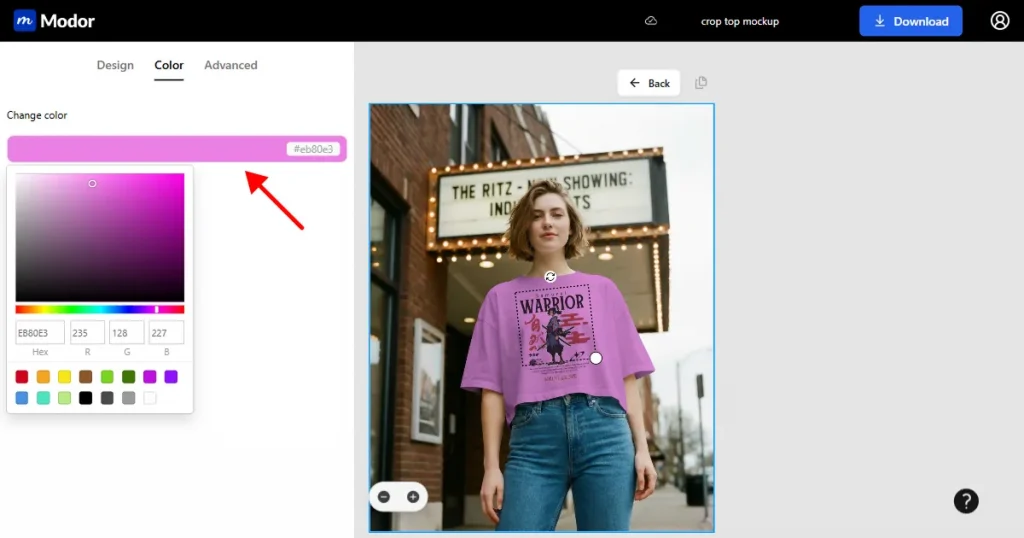
Next, you can change the mockup image’s color by clicking the Color tab and either selecting a color from the color picker or entering the HEX code for the color you want to change.
Step 6: Use Advanced Tools
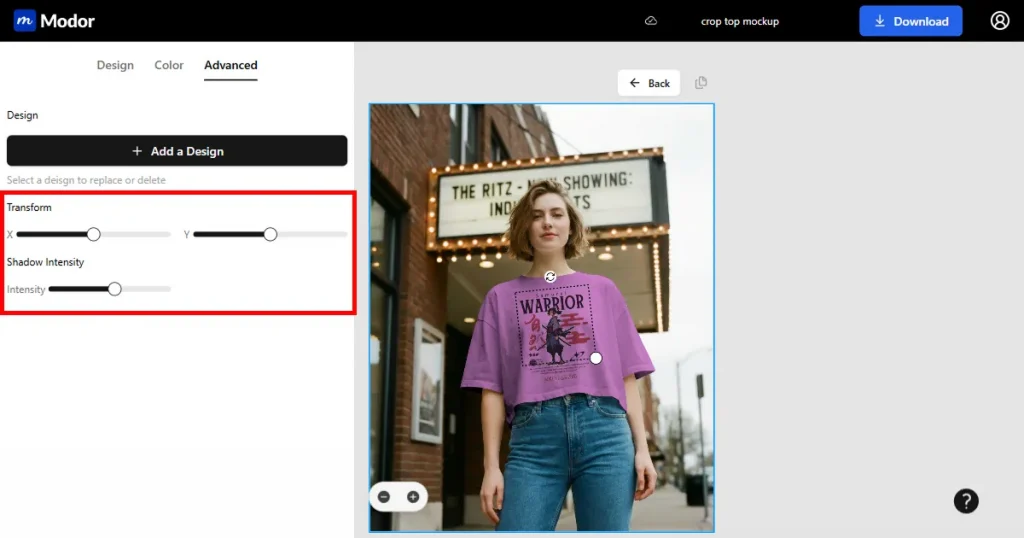
You also have the option to choose from two advanced tools, Transform, which changes the design’s alignment, and Shadow Intensity, which improves the mockup’s realism.
Step 7: Export
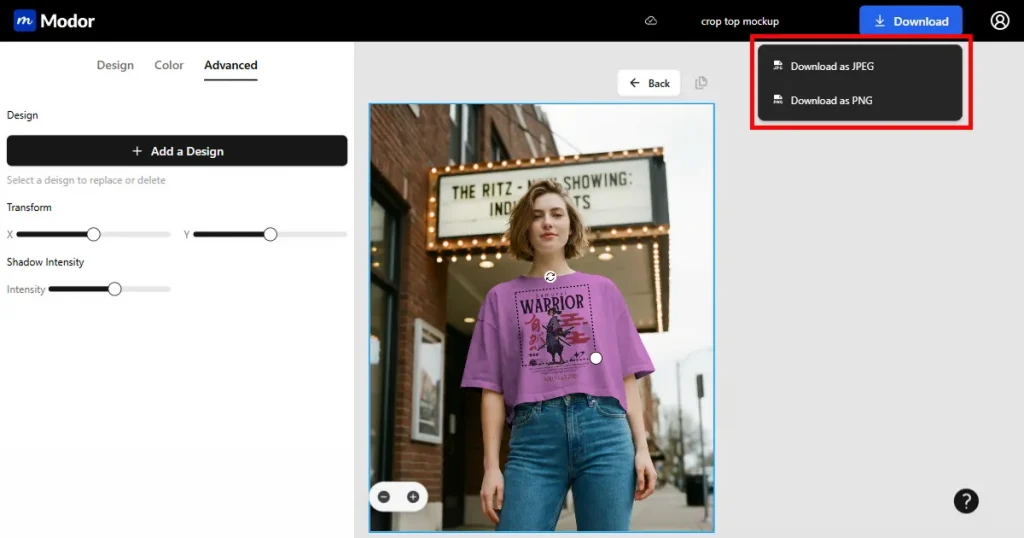
Finally, once you create the product mockup, you can export it by clicking the download button in the top-right corner. The file will be downloaded as a ZIP file. You can extract it and use it.
To better understand the mockups vs product photography debate, we also looked at discussions from real Reddit users.
On Reddit, there were multiple discussions about which performs better in print-on-demand store listings, with many users saying that mockups are better because they are closer to real product images when you use the right mockup generator tool.
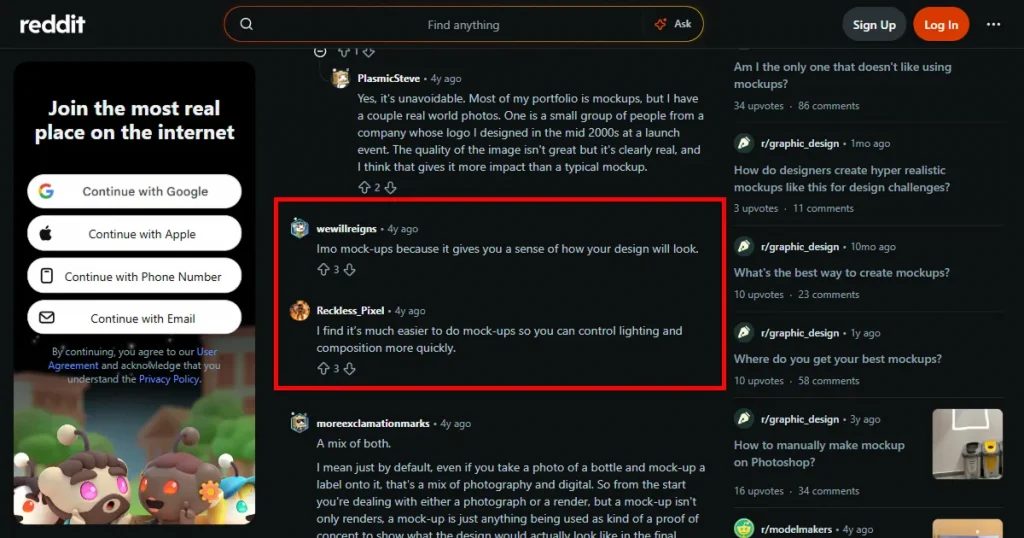
While some users say that product photography is the best between mockups vs product photography, as it shows only realistic previews to customers, increasing their trust and conversions. However, there are also several discussions about a hybrid strategy that uses both.
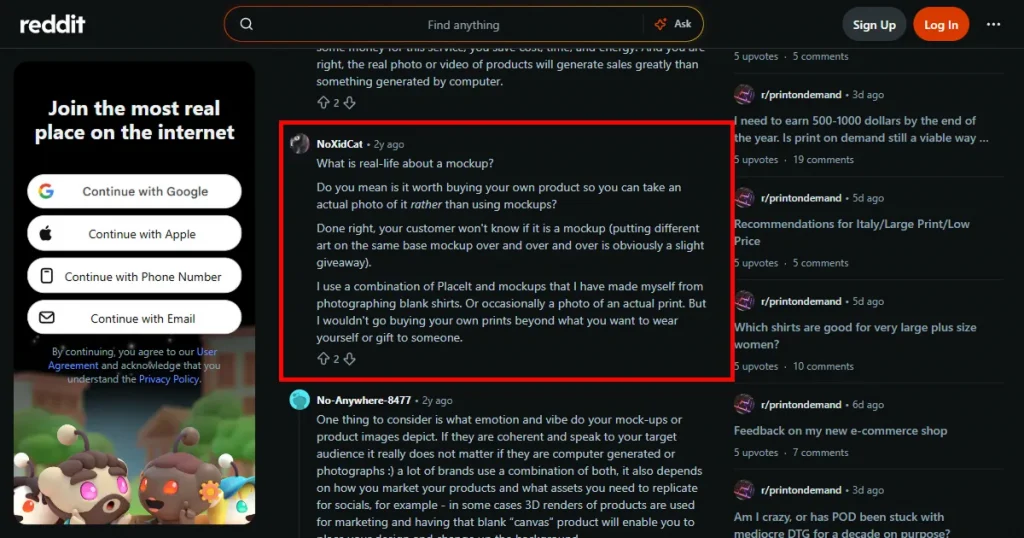
Users discuss using product mockups for the main product listing images, as they can be created quickly and used to show multiple product variations.
And then using product photography for some of the important images, where customers can see the actual product in real life. This can help you get the benefits of both mockups and product photography without relying entirely on either.
When comparing mockups vs product photography, mockups stand out for their speed and flexibility, while product photography stands out for its authenticity and realism.
So, use digital product mockups to test designs quickly, create multiple product variations, and launch products fast. And use digital photography when your primary focus is showcasing realism.
You can also use a hybrid approach, taking advantage of both worlds. However, choosing between mockups vs product photography depends on your business stage, budget, and marketing goals. So, if you are a beginner, go for product mockups, but if you have some budget to spare, definitely try a hybrid strategy.
A product mockup is a digital representation that shows how a design will look on a real product. It is used by designers, e-commerce store owners, and small businesses to visualize the final product before manufacturing.
To create product mockups, you will need to create an account with Modor, select a mockup category, select a template, upload your designs, edit the colors and realism of the mockup, and finally download the product mockup.
You should choose digital product mockups when your goal is to create mockups fast and easily. Use product photography only when you need to showcase the real product.
Yes, digital product mockups have a high conversion rate, making them an ideal choice for print-on-demand store owners in product listings.
Modor is one of the best free mockup generators, offering 10,000+ templates across 25+ categories, high-quality downloads with commercial licensing, and free PSD mockup templates.