



MockUPhone Review: Is it Actually Worth It?
MockUPhone is a completely free, browser-based mockup generator that lets you create mockups for various devices. However, the tool has […]
Published Feb 17, 2026
Simplify your search for the best iPhone mockup tools with our direct comparison of the top picks, including their core features and pricing.
13 min
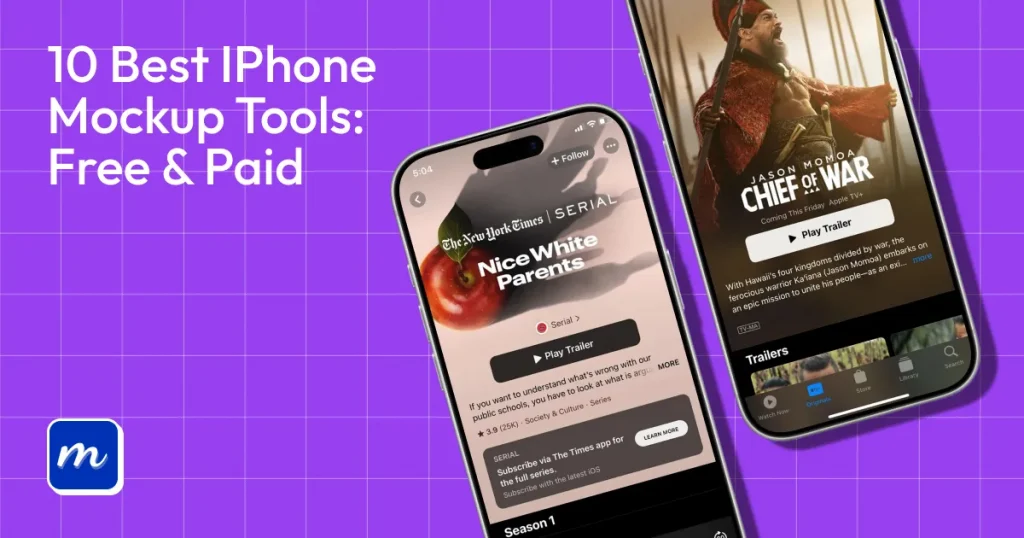
iPhone mockups are realistic device previews used to showcase app designs, websites, or branding in a real-world context.
If you’re looking for the best iPhone mockup tools, this guide brings together the top free and paid options in one place. We compare their features, pricing, and use cases so you can choose the right tool based on your workflow.
From quick online generators to feature-packed options, and even PSD mockups, our list of the best iPhone mockup tools covers popular options like Modor, Placeit, MockUPhone, and Rotato, as well as reliable free iPhone mockup generators worth exploring.
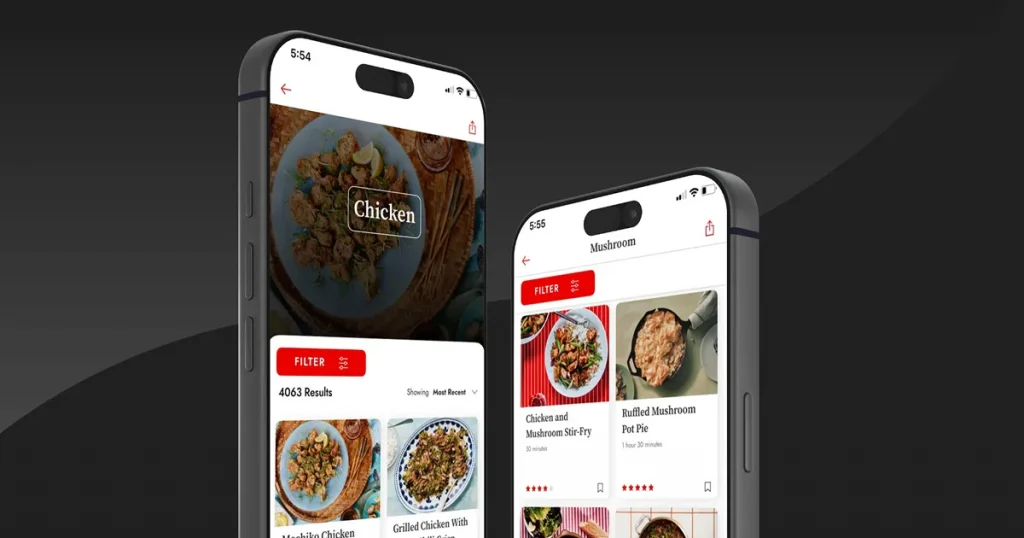
Before we look at our list of the 10 best iPhone mockup tools, let us first understand the key concept. iPhone mockups are not all the same, and using the wrong one not only leads to poor presentations and visualization but also reduces the click-through rate.
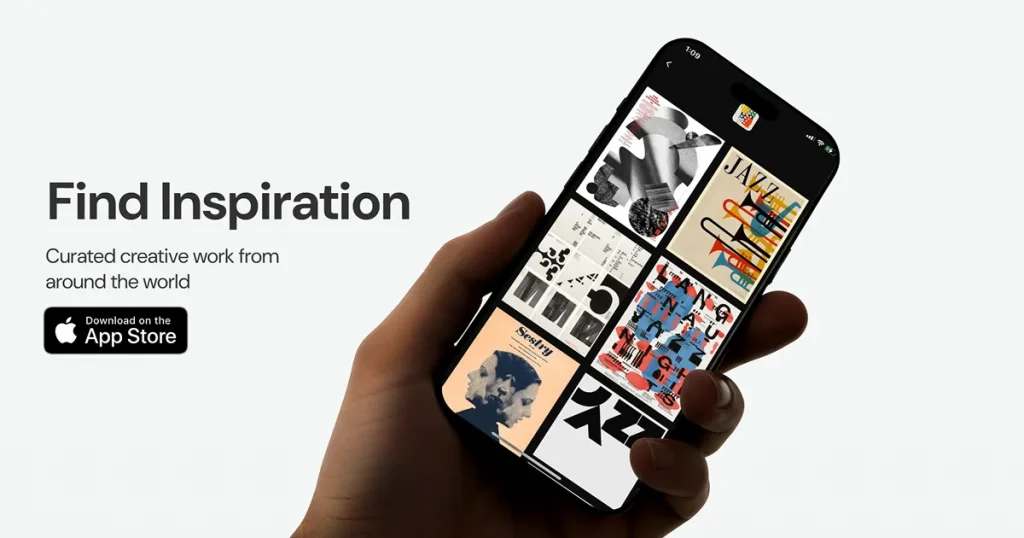
An iPhone mockup is a digital preview that shows how your app, website, or design will look on a real iPhone screen. These mockups aren’t just static images, they can also include animations or 3D effects for both desktop and mobile views making them useful in any best iPhone mockup generator workflow.
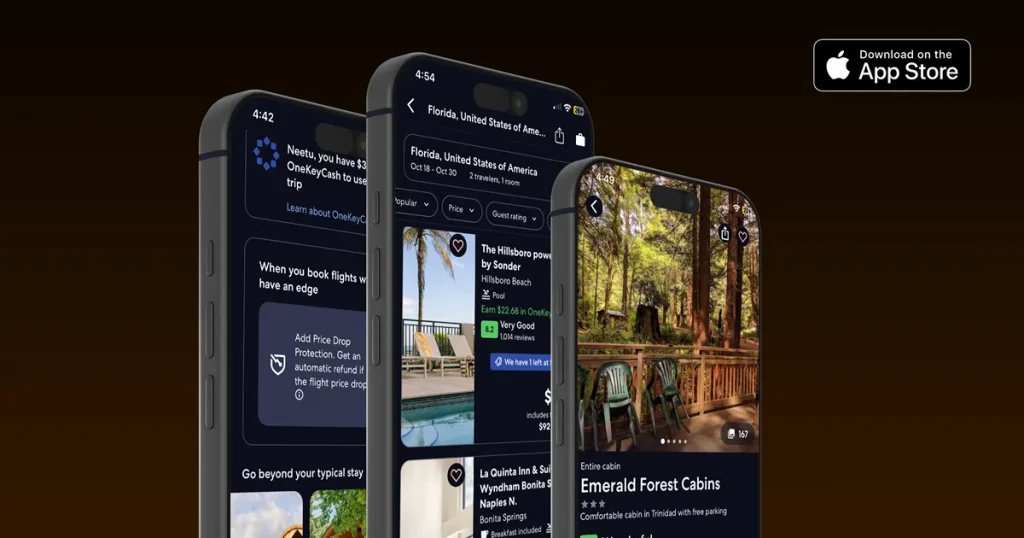
While iPhone mockups come in a variety of styles, the four most common are based on design elements that the best iPhone mockup tools should offer, as follows.
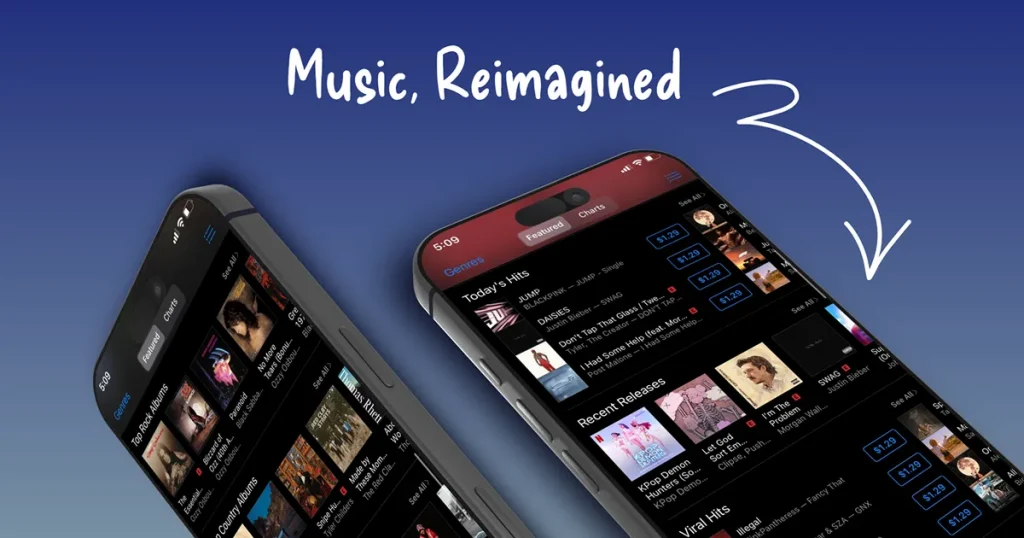
iPhone mockups are used whenever you want to display images clearly and in context. Here are the uses you most often see:
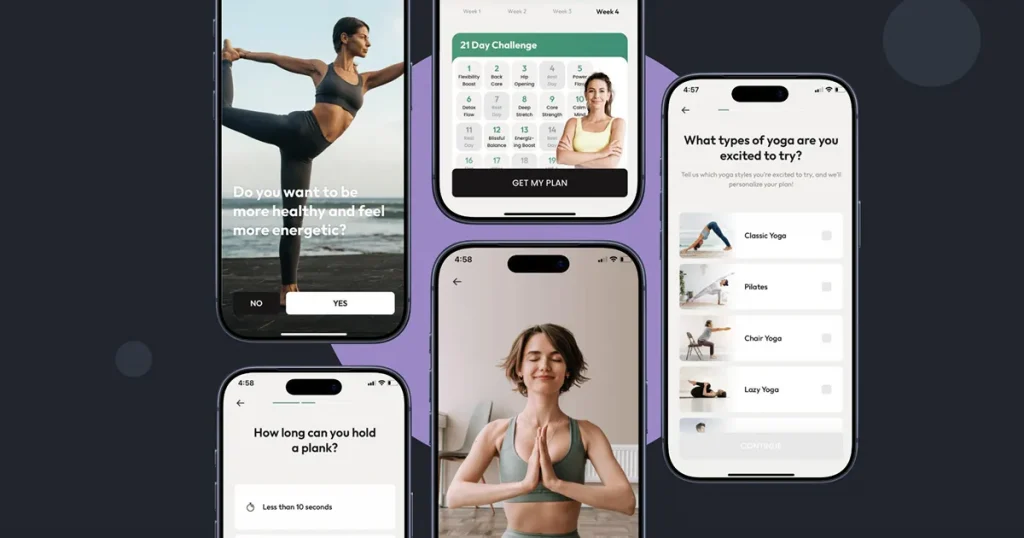
A good iPhone mockup should offer a blend of fidelity, clarity, and accessibility. Below are the main traits to look for.
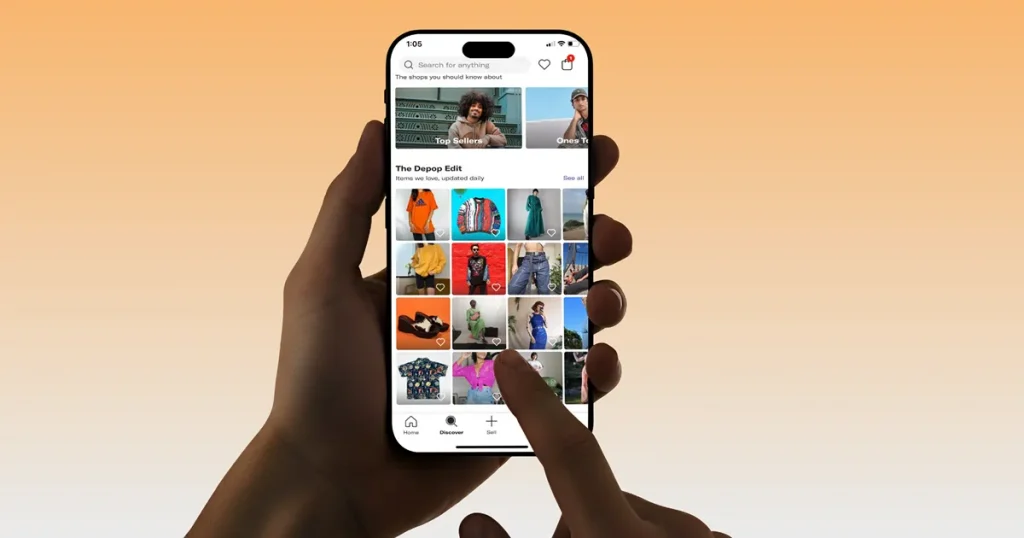
When creating iPhone mockups or choosing the right iPhone mockup templates, it is best to follow Apple’s Human Interface Guidelines to ensure designs remain accurate.
While there are several mockup tools claiming to be the best iPhone mockup tools, we tested both free iPhone mockup generators and paid ones for usability and features.
While there are several online iPhone mockup generator free tools, we tested both free and paid ones for their usability and features. We also reviewed the differences between web-based and desktop tools regarding access and control.
Template quality was evaluated by aligning frame accuracy with real iPhone models and by reviewing shadows and lighting to achieve a natural look. We also tested text readability to make sure it is easy to read.
We reviewed the licensing terms to confirm whether mockups can be used for commercial projects. We also noted any attribution requirements, especially for free templates or plans.
| Tool | Free Plan Available | Paid Plan Starting at ($) | Output Type | Latest iPhone Models Available |
|---|---|---|---|---|
| Modor | Yes | $10/month | High-resolution images | Yes |
| Placeit | No | $7.47/month | Images, videos | Yes |
| MockUPhone | Yes | Free tool | Images | Yes |
| Rotato | No | $79 (one-time payment) | Images, videos | Yes |
| Vexels | No | $14/month | Images | Limited |
| Unblast | Yes | Free tool | Images | Limited |
| Mediamodifier | Yes | $25/month | Images | Yes |
| Artboard Studio | Yes | $16/month | Images | Yes |
| Renderforest | Yes | $10/month | Images, videos | Yes |
| Mockuuups Studio | Yes | $20/month | Images | Yes |
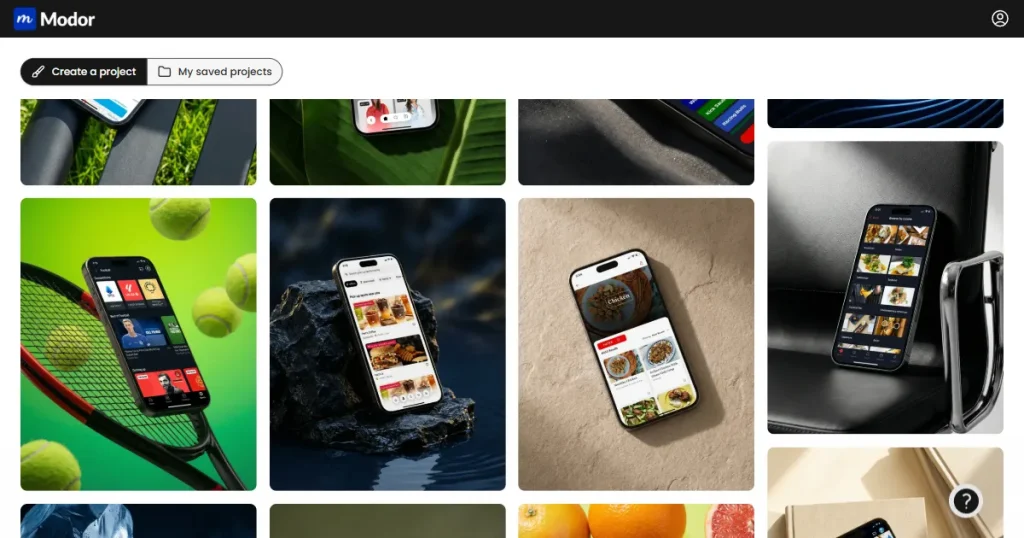
Modor is one of the best iPhone mockup tools available in the market. With a massive library of over 10,000+ designs, the platform offers built-in iPhone mockup templates for the latest iPhone models.
Core features
Pricing
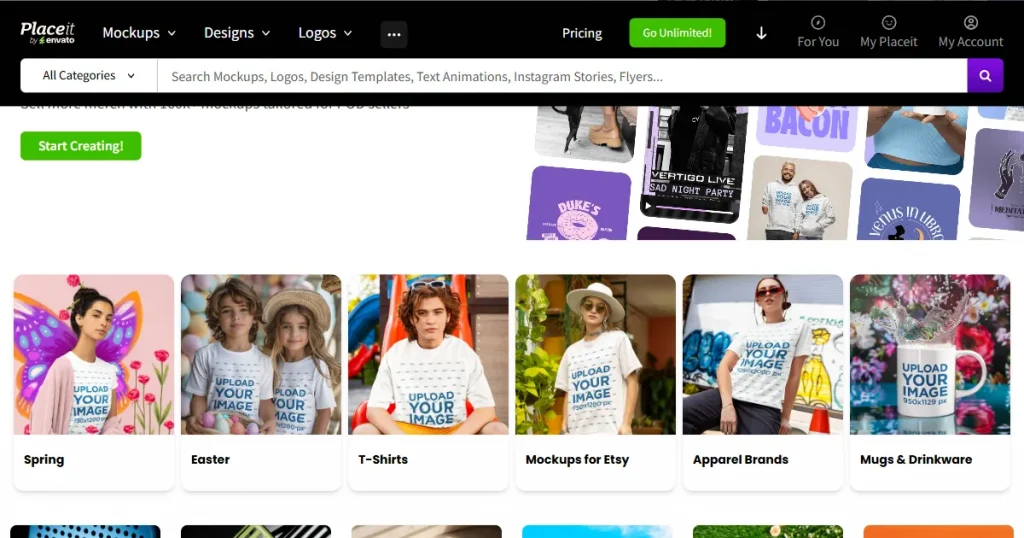
Placeit by Envato is a mockup-generating tool with a huge library of customizable iPhone mockups and various templates for logos, videos, and other marketing materials, and is often considered one of the best iPhone mockup generators for marketing use.
Core features
Pricing
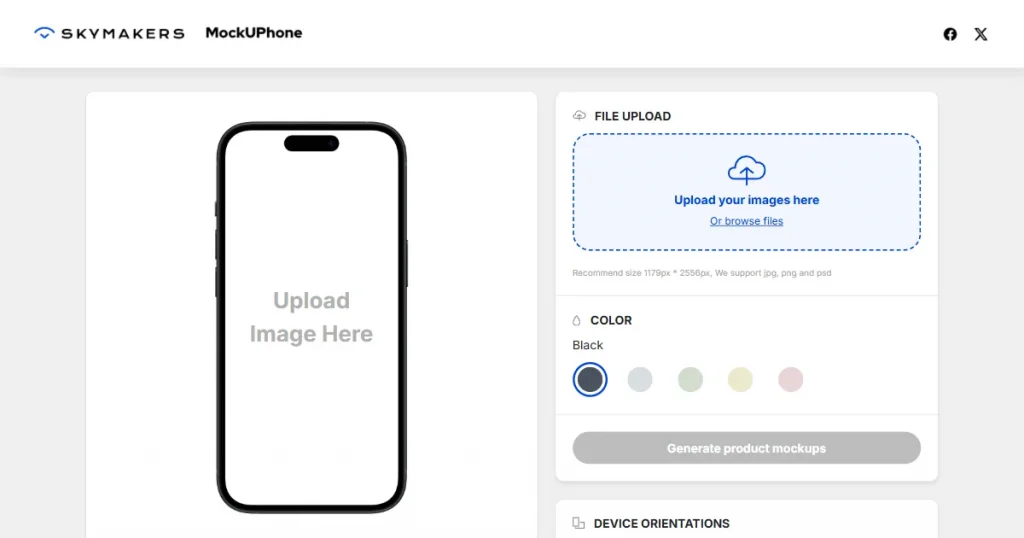
MockUPhone is one of the easiest-to-use free iPhone mockup generators developed by Skymakers. Offering mockups of all Apple devices, including the iPhone, it’s one of the most versatile iPhone mockup tools available.
Core features
Pricing
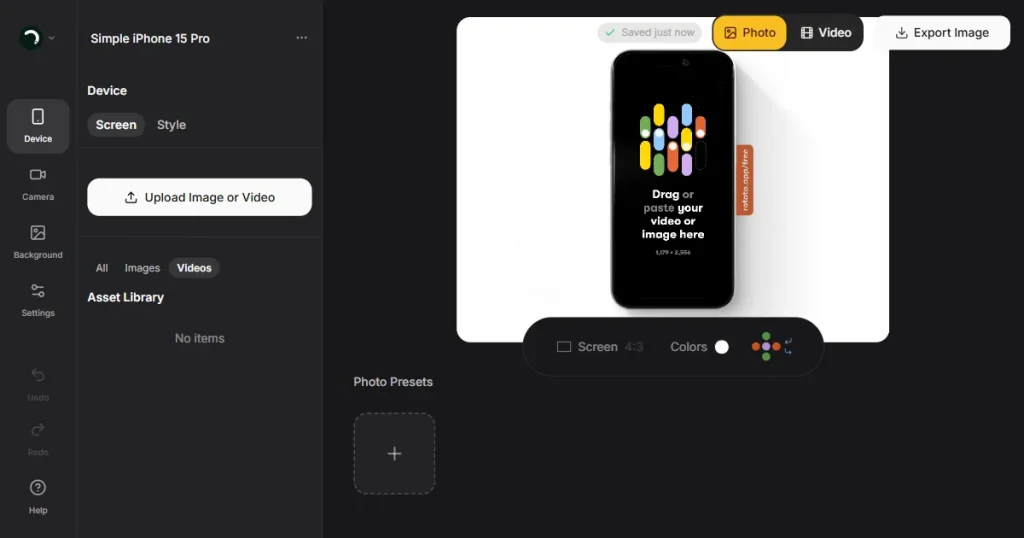
This iPhone mockup tool, built as a desktop application, processes high-quality 3D device renders. It is commonly used by designers and product teams to showcase apps and products through polished images and videos.
Core features
Pricing
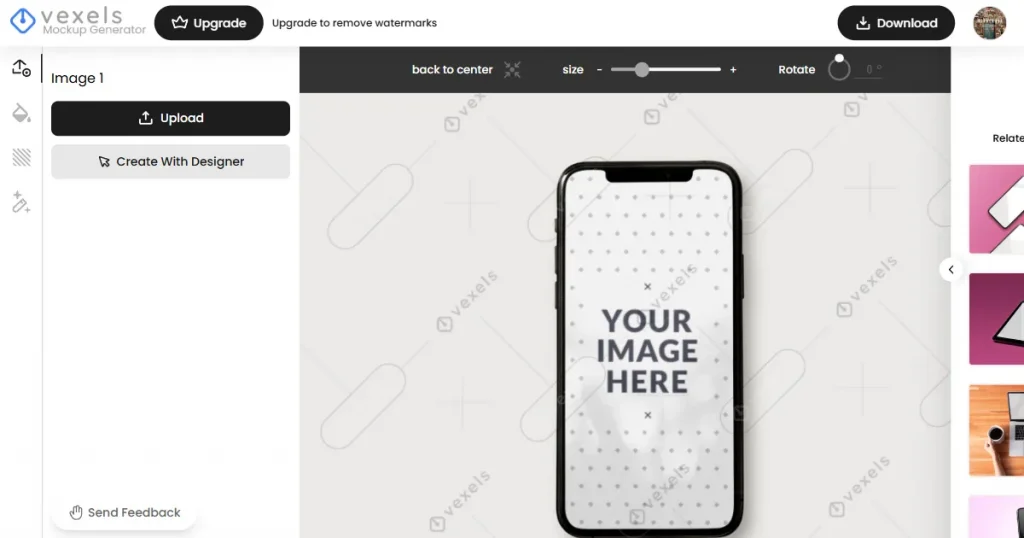
Market visual-centered, this web-based platform is home to a larger stock and design library, including iPhone mockups. It also offers more than 300 illustrations, icons, and other elements for a wide range of advertising layouts.
Core features
Pricing
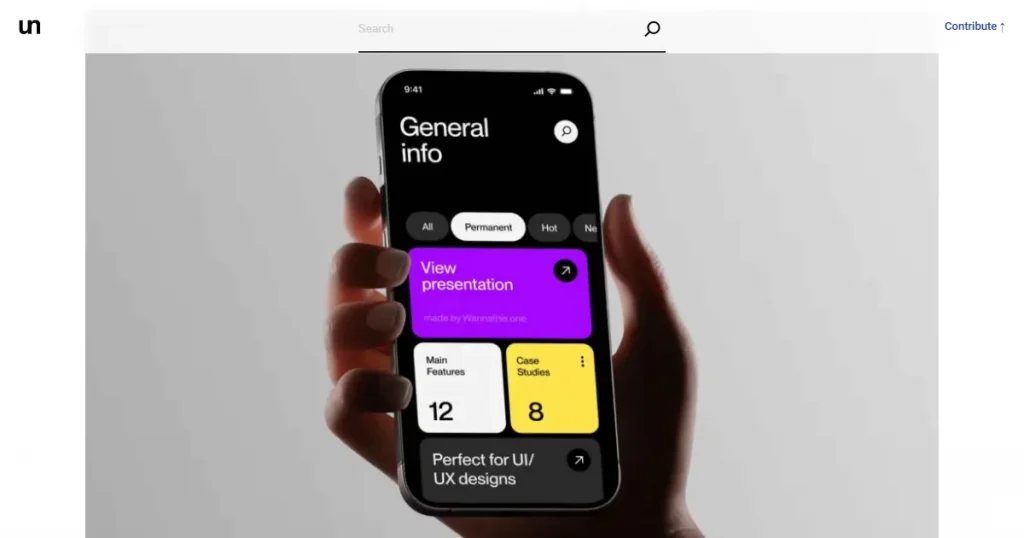
Rather than an iPhone mockup tool and editor, this platform works as a curated design resource. It offers iPhone mockups created by independent designers as ready-made downloadable files.
Core features
Pricing
Free to use for both personal and commercial use
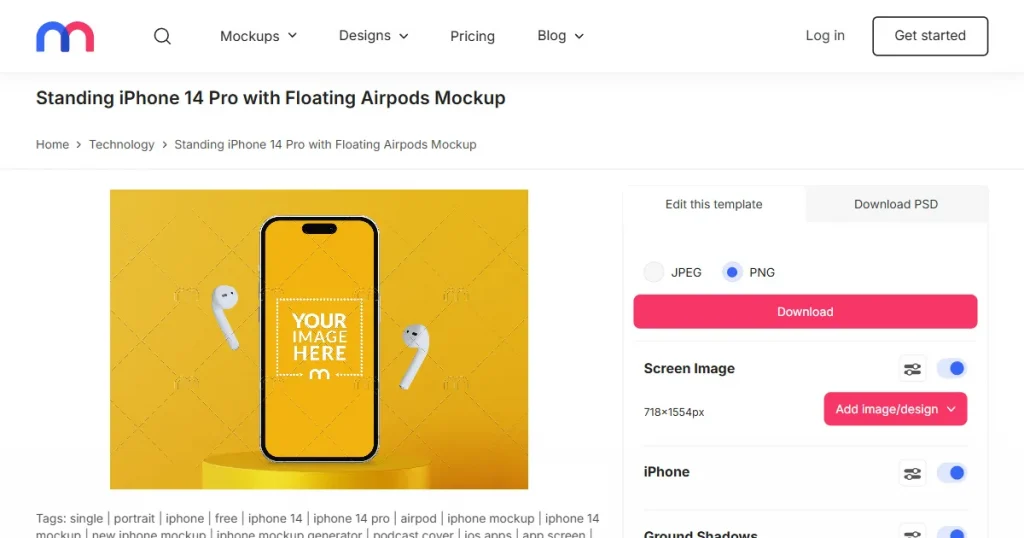
Mediamodifier is a web-based platform with a built-in online editor and offers iPhone mockups as part of a wider design and marketing toolkit. It focuses on ready-to-edit templates that are fast to customize, rather than precise UI accuracy, which is often the reason it’s considered one of the best iPhone mockup generators.
Core features
Pricing
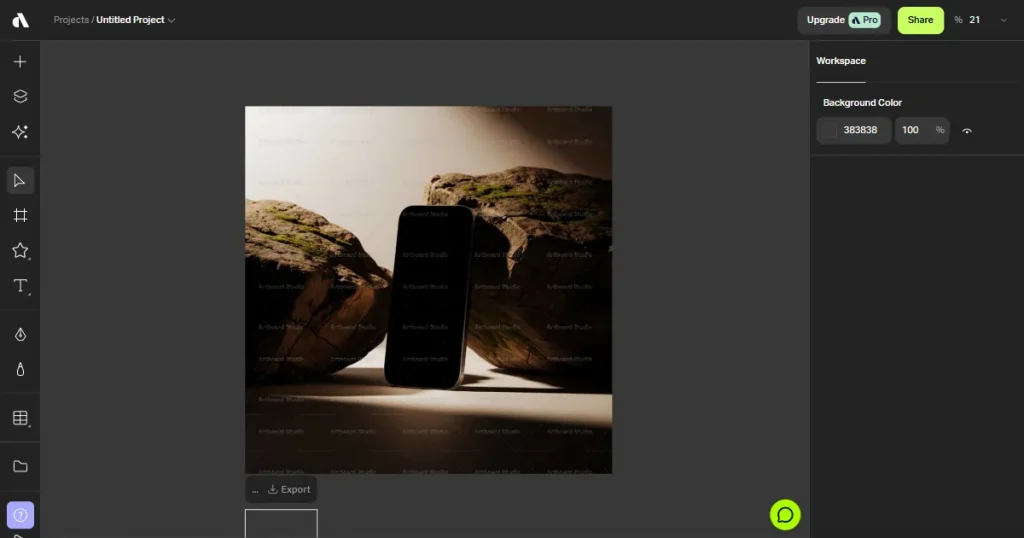
Instead of one-click mockups, this iPhone mockup tool provides a full-canvas editor where iPhone mockups are placed in editable scenes. It is well-suited for users who want more control over layout and visual styling.
Core features
Pricing
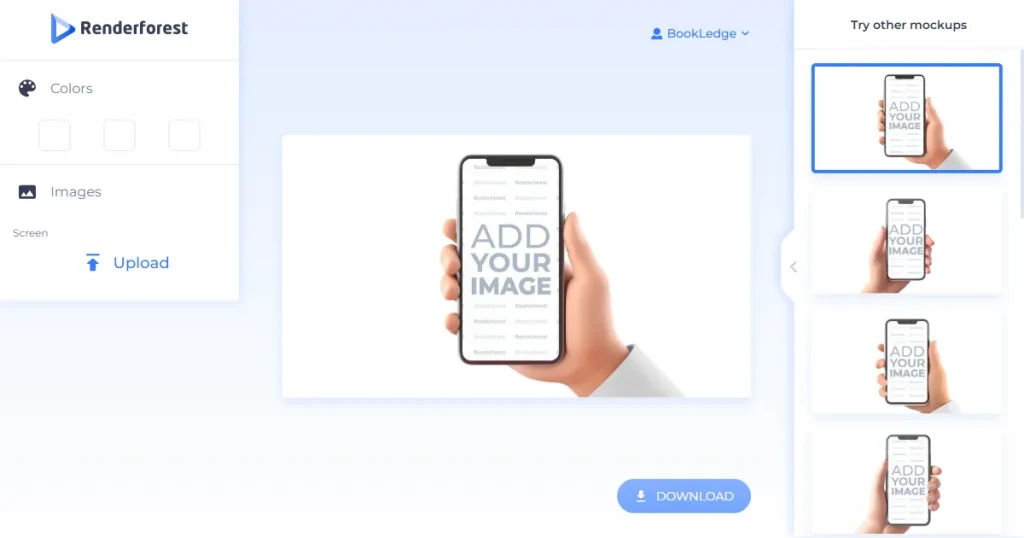
Created primarily for video and animation work, this platform includes iPhone mockups within its device and presentation templates. It is often used for animated app demos and promotional visuals.
Core features
Pricing
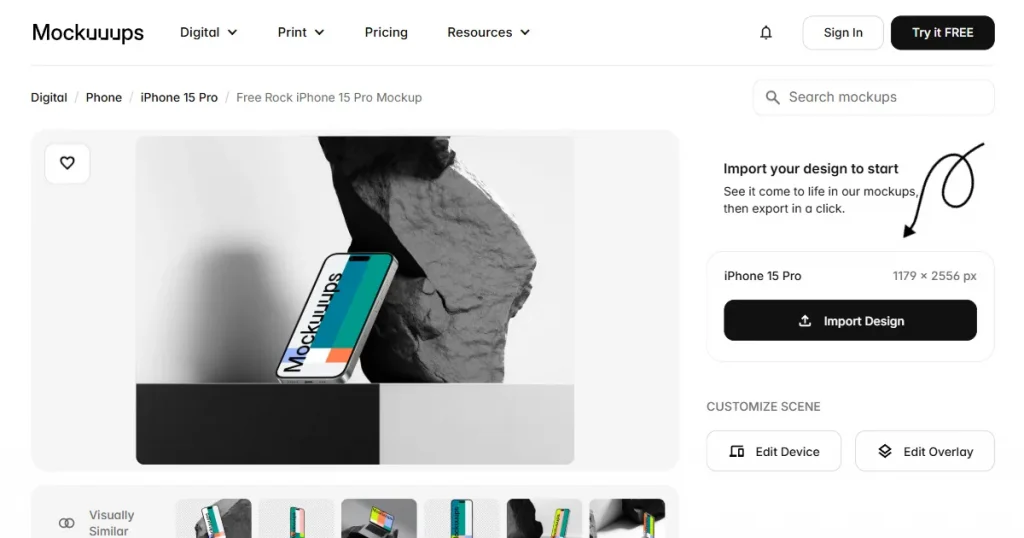
Focused entirely on device mockups, Mockuuups Studio offers strong iPhone support with realistic, product-ready scenes. The workflow favors speed and visual quality over detailed design controls.
Core features
Pricing
Creating an iPhone mockup in Modor does not require design skills or additional tools. Simply follow these steps.
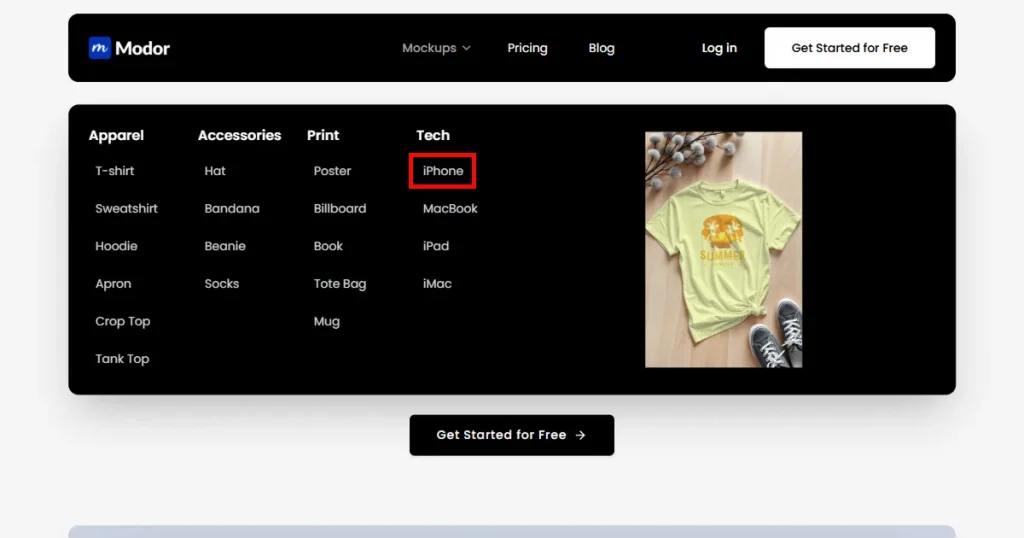
Step-1: Go to Modor and select the iPhone device from the top panel.
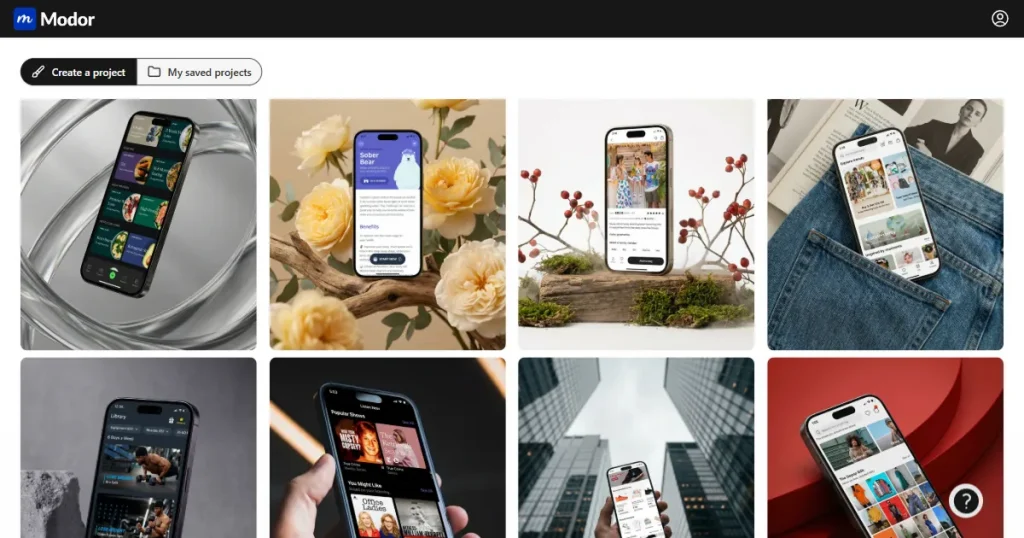
Step-2: Browse through the iPhone mockup templates and select the one that fits your brand or product.
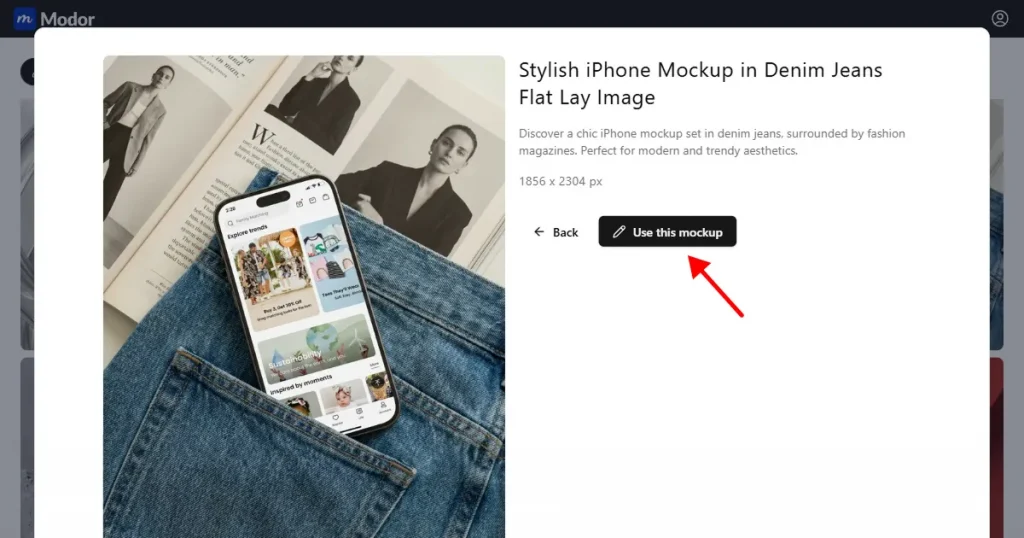
Step-3: Once you’ve selected the template, click on the Use this mockup button, and the interface will open.
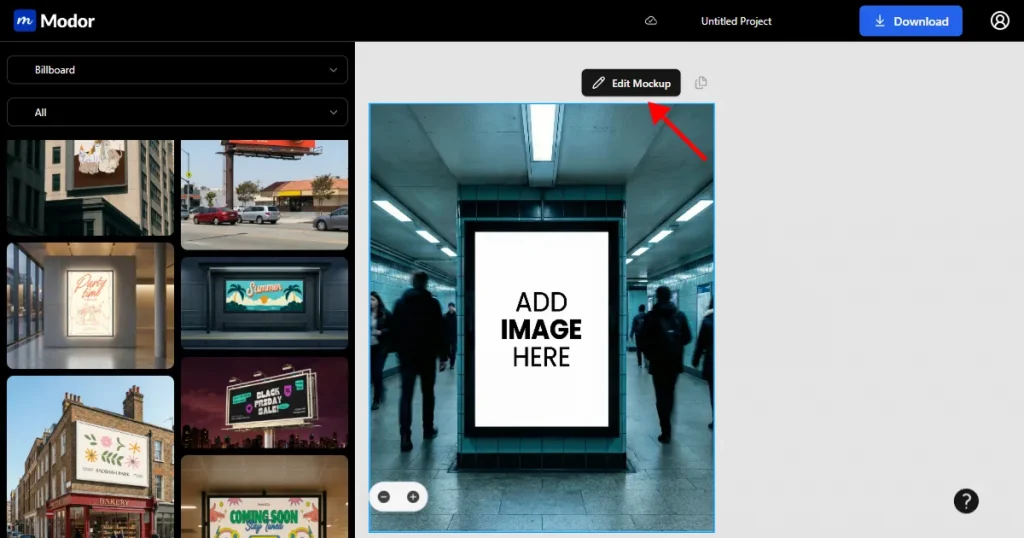
Step-4: Customize the mockup template by uploading your design via the Upload button, and you can replace it with a single click.
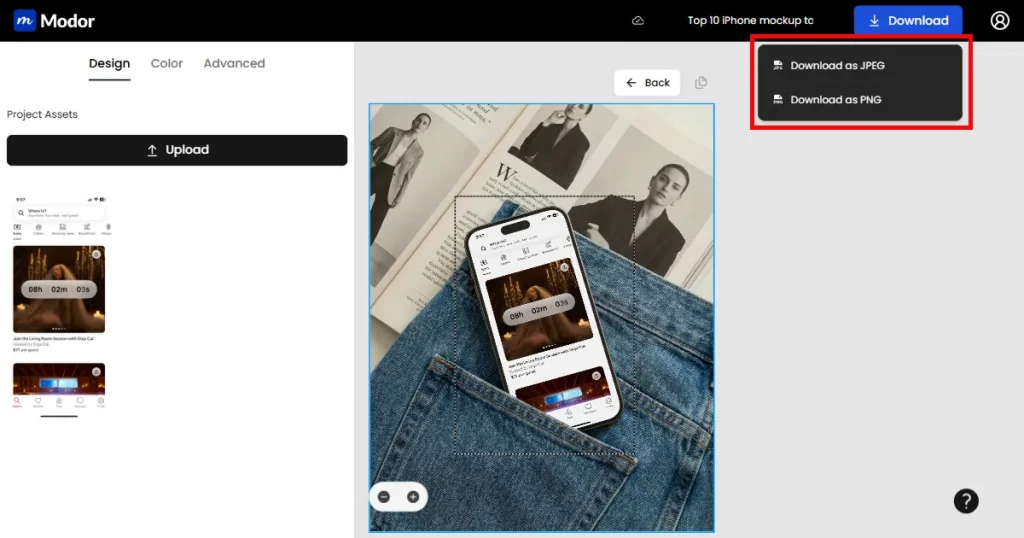
Step-5: Once your mockup is ready, you can download it as a JPEG or a PNG by clicking on the download option.
Free and paid tools solve different problems.
Here are some of the things to consider when you’re choosing an iPhone mockup tool.
Choose an iPhone mockup tool based on where the final design will be used, not what is popular at the moment. App Store listings need accurate device frames, correct sizes, and clean exports, while marketing visuals need greater flexibility in backgrounds and layout.
Tools like Modor work well for quick, accurate mockups with an easy workflow, while free iPhone mockup generator options like Unblast are useful for creating simple promotional visuals using free iPhone mockup templates. A smart approach is to start with a free plan to test what works for your process, then move to a paid plan.
There are many good options, but Modor stands out for most users. It is easy to use and offers affordable pricing with a free plan.
You can create an iPhone mockup by using an online mockup tool or design software. Choose a template, add your design, edit the text if needed, adjust the layout, and download the final image.
Yes, you can use Modor for free.
Yes, some free iPhone mockup generators like MockUPhone allow commercial use. However, check the licensing rules for the free templates before using them.
No, you don’t need design experience to use iPhone mockup tools.
The best iPhone mockup generator should offer accurate device frames, high-resolution exports, and easy customization. Choose one based on whether you need quick online editing, advanced 3D visuals, or realistic lifestyle mockups.
You can find free iPhone mockup templates on Modor, which offers a free plan with a range of iPhone mockup templates that you can customize and use to test designs or create promotional visuals.


