Published Jul 10, 2026

MockUPhone Review: Is it Actually Worth it?

MockUPhone review

MockUPhone is a completely free, browser-based mockup generator that lets you create mockups for various devices. However, the tool lacks template variety, doesn’t offer advanced editing capabilities, and produces generic results.

In this MockUPhone review, we will break down what problems the MockUPhone mockup generator solves, where it excels, where it falls short, and introduce a MockUPhone alternative that will offer only premium-quality templates and make your mockups look unique and visually appealing.
Key Insights

  • Mockup tools help designers and businesses present apps, websites, and branding in a more realistic and professional way.
  • They are commonly used for client presentations, marketing materials, app store screenshots, social media posts, and product showcases.
  • The MockUPhone mockup generator is primarily designed to create quick device mockups for apps, websites, presentations, and landing pages.
  • MockUPhone free access makes it ideal for indie developers, marketers, and startups looking for simple and fast mockup workflows.
  • The MockUPhone mockup generator focuses on speed and simplicity rather than advanced customization capabilities.
  • Mockuphone supports multiple device categories and orientations, enabling users to create realistic previews across different screen sizes.
  • Modor is a strong MockUPhone alternative with features like better customization options, bulk exports, access to 10,000+ templates across 25 categories, high-quality watermark-free downloads, and a commercial license even on the free templates.

What is MockUPhone?

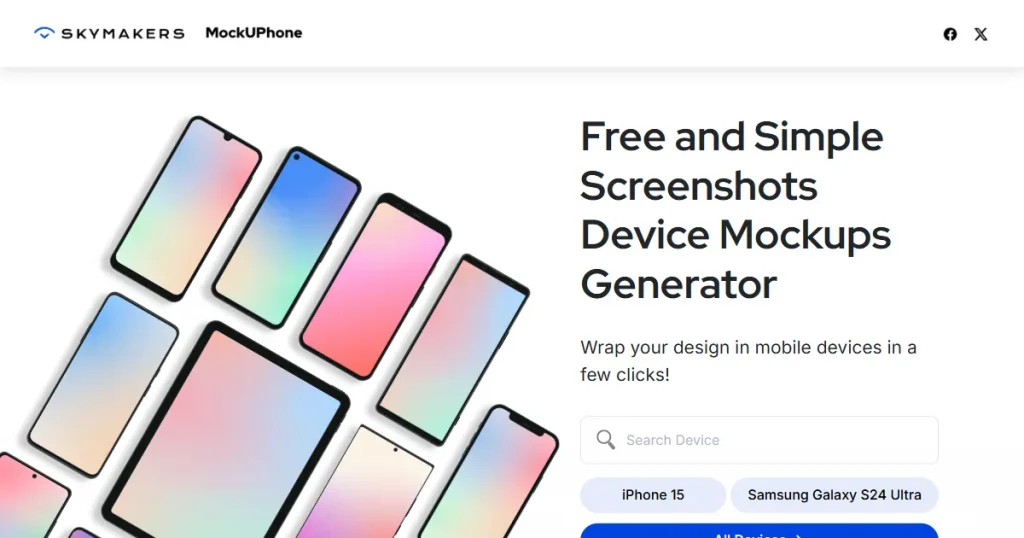
MockUPhone homepage

MockUPhone is a free, web-based tool that lets you create device mockups quickly without learning any complex software like Photoshop. It supports a wide variety of devices like phones, tablets, laptops, TVs, and wearables.

The best part is that you don’t need to create an account or go through any extra steps to generate mockups. All you have to do is select a template, upload your design, and download the mockup.
What Problem Does MockUPhone Actually Solve?

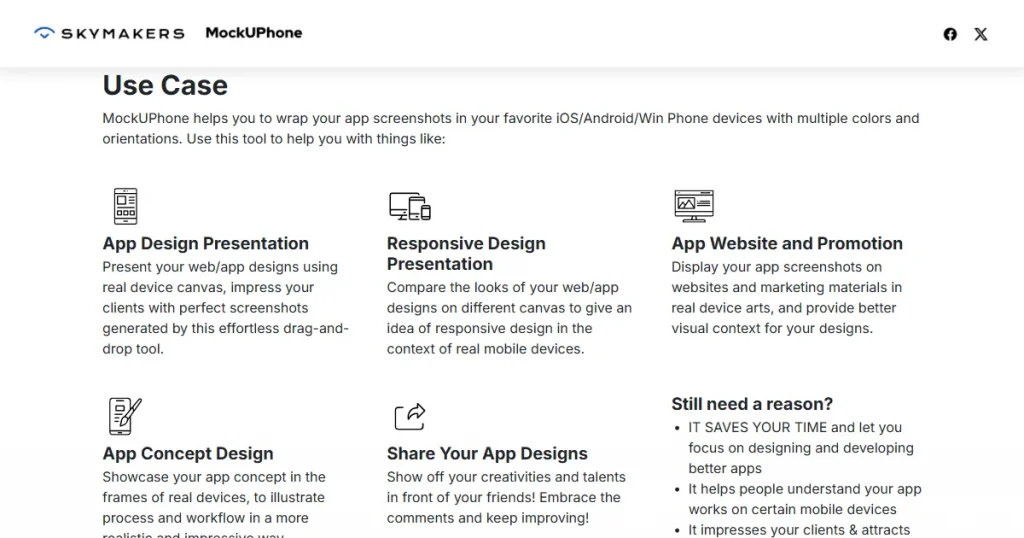
MockUPhone use case page

Before we dive deeper into this MockUPhone review, let’s learn the exact problem that MockUPhone solves.
  • High-quality product showcases: If you have an excellent product but can’t showcase it professionally, no one will notice it. With MockUPhone, you can create professional mockups that look great and catch your audience’s attention.
  • Fast device mockups: MockUPhone lets you create mockups in your browser without downloading any external software. This makes it easy to see how your product would look in real life before you even start production.
  • Internal previews: Before launching an app or product, it is crucial to visualize how it would look. MockUPhone makes it very easy to do exactly that by letting you create mockups quickly so you can iterate on the product and improve it.

Feature Breakdown: What You Actually Get?

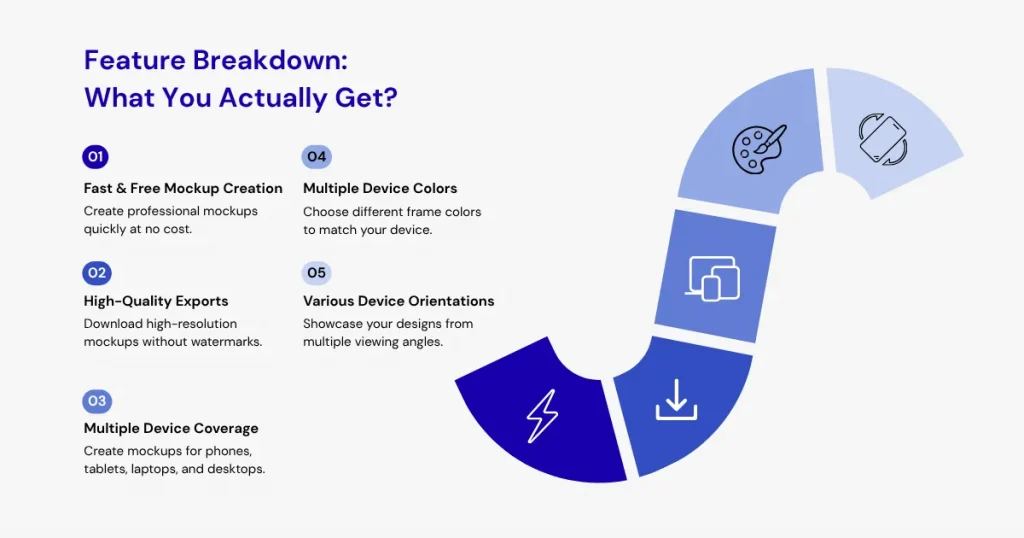
Feature breakdown of MockUPhone

To help you decide whether it’s worth using, this MockUPhone review takes a closer look at the features you get with the platform.

1. Fast and Free Mockup Creation

MockUPhone is a free tool that makes creating device mockups quick and extremely easy, which is one of the biggest reasons behind its popularity. Instead of using complicated design software, you can simply choose a MockUPhone free template, upload your screenshot, and generate a professional-looking mockup within seconds.

2. High-Quality Exports

Unlike other mockup tools that limit download resolution or add watermarks to their exports, MockUPhone lets you download your device mockups at the highest possible quality, without any watermarks.

3. Multiple Device Coverage

Along with supporting multiple device categories like phones, laptops, tablets, and desktops, MockUPhone also includes frames from popular brands such as Apple, Samsung, Nokia, Dell, and Microsoft. This helps you create mockups that closely match the actual devices your audience uses, making your presentations look more realistic and professional.

4. Covers Multiple Colors of Devices

MockUPhone also gives you control over the appearance of your device frames by offering multiple color options for many devices. For example, when creating an iPhone 15 mockup, you can choose from colors like Black, Blue, Green, or Pink to match the mockup to the exact version of the device your audience uses.

5. Covers Various Device Orientations

Another major advantage of using MockUPhone is that you can download the device mockup in multiple orientations, such as horizontal, portrait, or multi-angled, allowing you to showcase your product from multiple perspectives.
Modor: The Best Alternative to MockUPhone

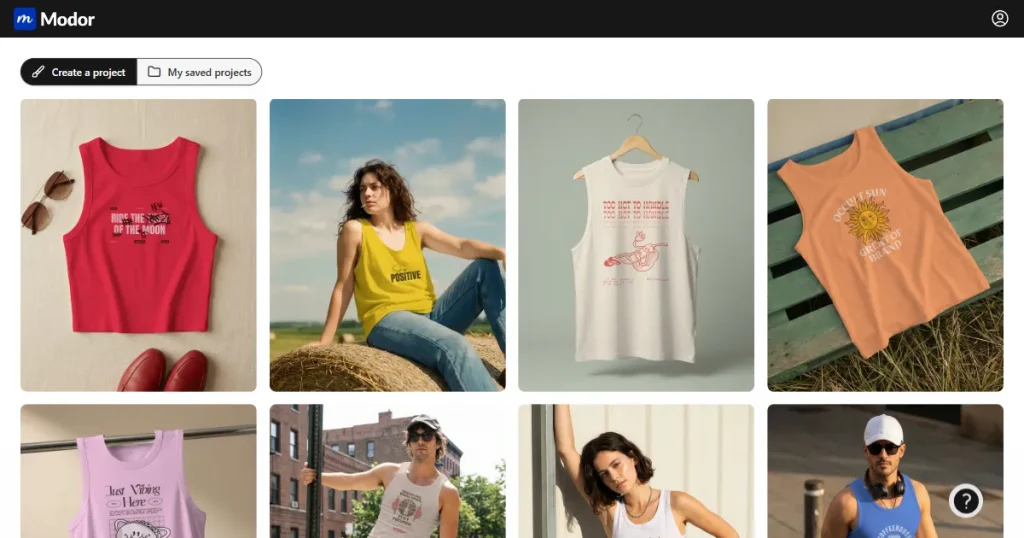
Modor tank top mockup template

Modor is an AI-powered browser-based mockup tool similar to MockUPhone mockup generator, but without its limitations. Modor is designed for both beginners and professional designers who want to create professional-looking product mockups.

The tool offers an easy-to-use drag-and-drop editor, 10,000+ mockup templates across 25+ categories, bulk export support, and high-quality, watermark-free downloads with a commercial license, even with the free plan.
Features Supported by Modor

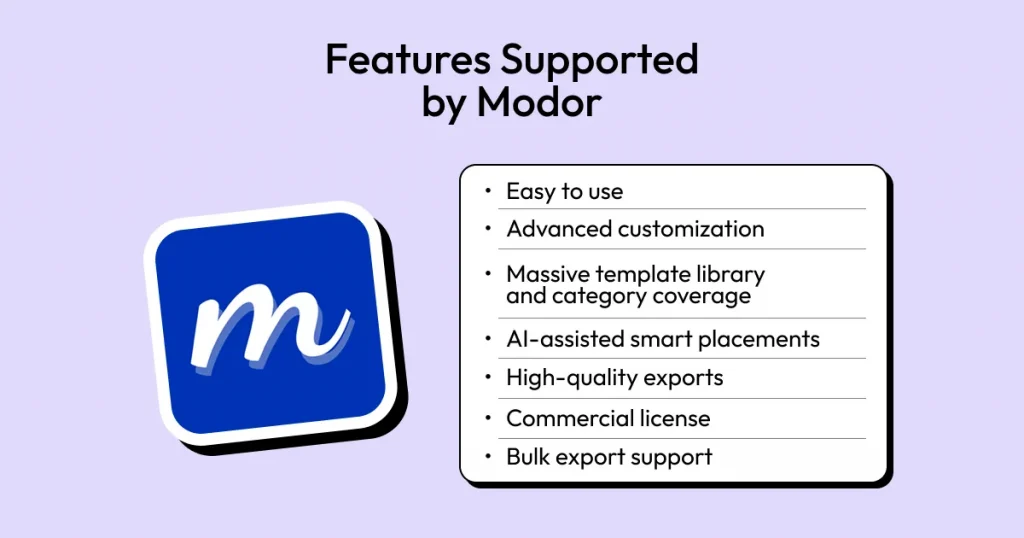
Features supported by Modor

For a more comprehensive MockUPhone review, we need to look at the key features supported by Modor, so you can compare which mockup tool is best for you.
  • Easy to use: Modor comes with a simple drag-and-drop editor that lets you create mockups in just a few clicks.
  • Advanced customization: Modor also lets you enhance the realism of a mockup by adjusting the shadows and the placement of a design.
  • Massive template library and category coverage: Modor offers 10,000+ mockup templates across 25+ categories, with new templates and categories added regularly.
  • AI-assisted smart placements: Modor’s AI automatically fits your design into templates with adjusted perspective, scaling, and lighting.
  • High-quality exports: You can download all the mockups you create in Modor in high resolution, watermark-free.
  • Commercial license: All mockups created in Modor include a commercial license for business use.
  • Bulk export support: If you want to create multiple mockups at the same time, you can do that by adding multiple mockup templates within a project and exporting them together.

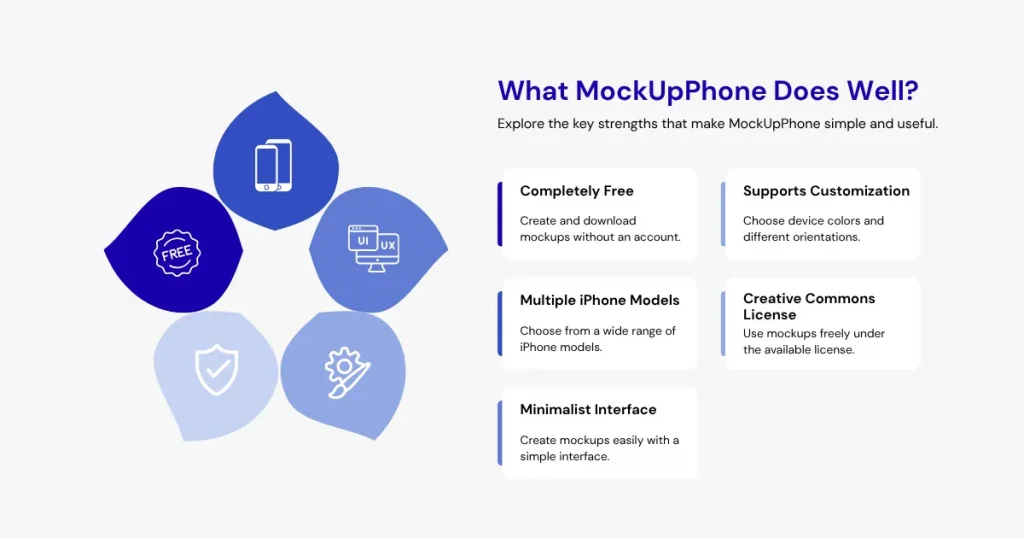
What MockUPhone Does Well?

Pros of MockUPhone

Before looking at its limitations, this MockUPhone review explores the strengths that make the platform appealing to beginners
  • Completely free: As mentioned above, MockUPhone is a free tool, so no account creation is required. Just choose your device, upload your design, and download it in high quality.
  • Covers multiple iPhone models: Covers a wide variety of iPhone models, with their most updated version being the iPhone 15 Pro Max.
  • Minimalist interface: Its UI is clean, with no clutter or complex features. Which means anyone with no design experience can produce high-quality output.
  • Supports customization: It covers multiple shades of each iPhone model, and you can download the iPhone mockup in multiple orientations, including landscape, portrait, and angled.
  • Creative Commons Attribution 3.0 license: All mockups created with MockUPhone come with a Creative Commons license, which means MockUPhone free templates can be used without attribution.

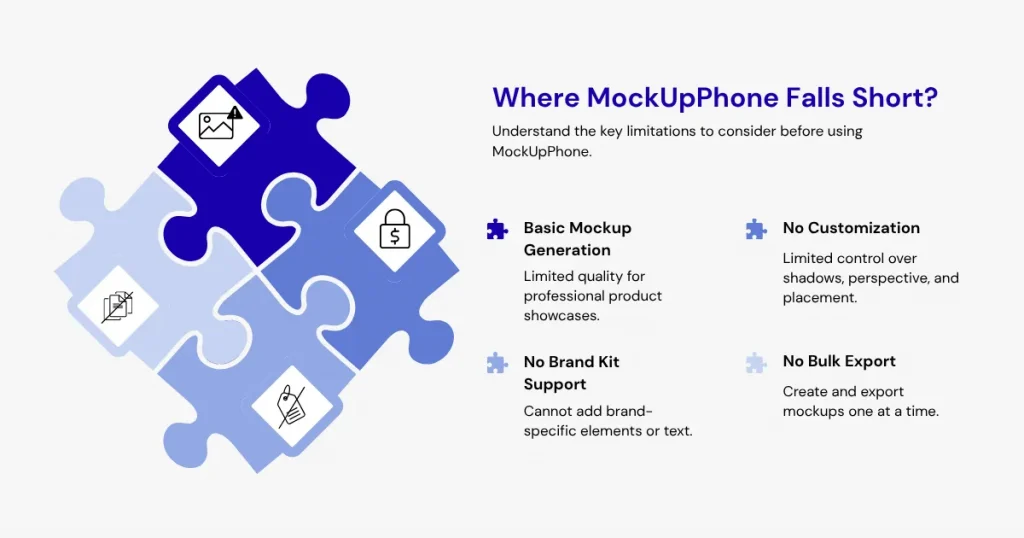
Where MockUPhone Falls Short?

Cons of MockUPhone

While MockUPhone does a few things well, this MockUPhone review also uncovered several areas where the platform feels limited compared to other mockup tools.
  • Basic mockup generation: Mockups generated with MockUPhone are suitable only for internal previews and cannot be used for product showcases, as they lack the quality required for high-quality product mockups.
  • No customization allowed: With MockUPhone, you can only add your design and export the mockup it gives you. You cannot change the shadows, perspective, or alignment of your design, which severely limits it.
  • No brand kit support: Moreover, it doesn’t support brand kit or text additions to the mockup, which makes it pretty difficult to create product-specific device mockups that look unique to your brand.
  • No bulk export support: Another big demerit is that MockUPhone doesn’t support bulk mockup creations. If you want to create multiple device mockups for your brand, you will have to do it one by one.

Who Should and Should Not Use MockUPhone?

Who should use MockUPhone

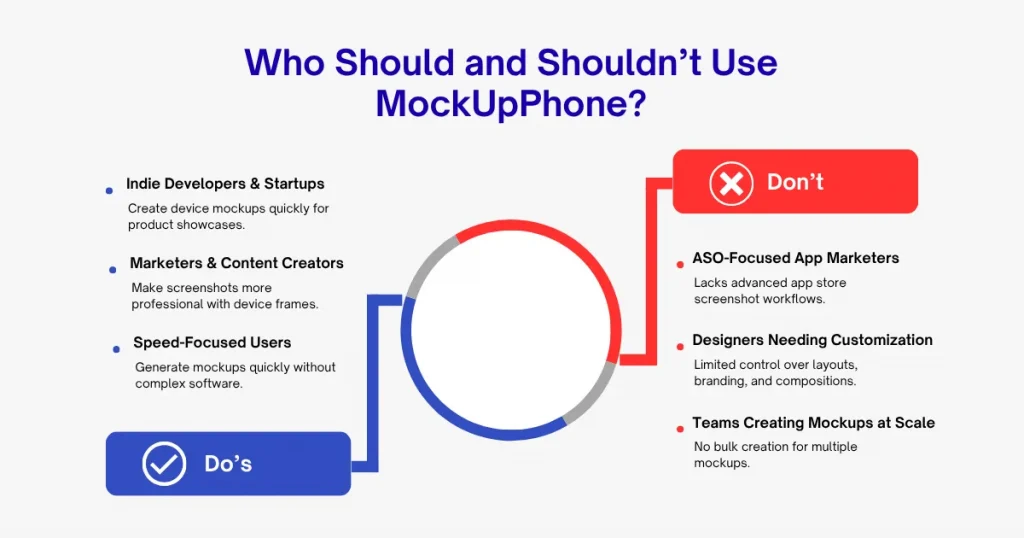
To get a better idea if MockUPhone is worth it, this MockUPhone review also explores who should use this tool and who shouldn’t.

It is the right tool if you are:

  • An indie developer or startup founder: With MockUPhone free templates, you can quickly create device mockups for landing pages, launch announcements, investor decks, or product showcases without learning complex design software.
  • A marketer, blogger, or content creator: If you want to make screenshots look more professional by placing them inside realistic iPhone, Android, tablet, or desktop frames.
  • Value fast mockup creation over customization: MockUPhone values speed and simplicity over customization, works directly in the browser, requires no installation, and lets you generate device mockups in just a few clicks

It is not the right tool if you are:

  • An app marketer focused on ASO: MockUPhone creates device mockups, but it does not provide the advanced layouts, captions, localization, and screenshot workflows needed for app store listings.
  • A designer who needs extensive customization: If you want full control over backgrounds, text placement, branding elements, animations, or complex compositions, then MockUPhone is not the right tool for you.
  • A team producing mockups at scale: MockUPhone lacks a bulk mockup creation feature, so if you are a small business owner whose work revolves around creating multiple mockups a day, then it is not the right tool for you.

How MockUPhone Compares to Modor?

Before we conclude this MockUPhone review, let’s look at a comparison of MockUPhone with Modor to get a better understanding of which mockup tool is best suited for your needs.

FeatureMockUPhoneModor
Primary PurposeDevice mockups for apps, websites, and screenshotsFull mockup generator for devices, apparel, print products, packaging, and branding assets
Device MockupsiPhone, iPad, Android, TV mockupsiPhone, iPad, MacBook, iMac, and other device mockups
Product MockupsNot supportedT-shirts, hoodies, mugs, tote bags, posters, business cards, and more
Template LibraryLimited device-focused templates10,000+ mockup templates across multiple categories
Customization OptionsBasic screenshot placement inside device framesAdvanced editing with background, colors, shadows, and positioning
Free PlanCompletely freeFree plan available
Best ForDevelopers, startups, consultants, and bloggers needing quick device mockupsEcommerce sellers, POD businesses, marketers, agencies, and designers needing diverse mockup types

Final Insights

Through this MockUPhone review, we can conclude that the MockUPhone mockup generator is a very good tool for basic mockup creation, but it lacks the quality and finesse to be used as product images for branding purposes.

This makes Modor the best MockUPhone alternative, as it offers everything MockUPhone does, but does so better. It offers a massive template library of 10,000+ mockup templates, bulk export support, watermark-free high-quality exports with a commercial license, and more.

FAQs

1. What is MockUPhone app?

MockUPhone is a free web-based tool that helps users create realistic device mockups by placing screenshots inside smartphone, tablet, laptop, and desktop frames.

2. What is the best MockUPhone alternative for iPhone?

Modor is one of the best MockUPhone alternatives for iPhone mockups because it offers more templates, customization options, and design flexibility.

3. Is MockUPhone free for commercial use?

Yes, MockUPhone is free to use, including for commercial projects and marketing materials.

4. How good is the MockUPhone mockup generator?

The MockUPhone mockup generator is excellent for quickly creating simple device mockups, but it lacks the advanced customization features of dedicated mockup platforms.

5. Does this MockUPhone review recommend it for beginners?

Yes, this MockUPhone review recommends it for beginners because it is free, easy to use, and requires no design experience.
Related Posts

Scroll to Top