15 Best Mockup Tools to Try in 2026: Free & Paid
Discover the 15 best mockup tools to try in 2026: both free and paid. Explore AI-generated mockups with Modor.
Published Feb 13, 2026
Looking for the right iPhone mockup template to fit your brand? Checkout our list of the best iPhone mockup templates worth trying.
14 min
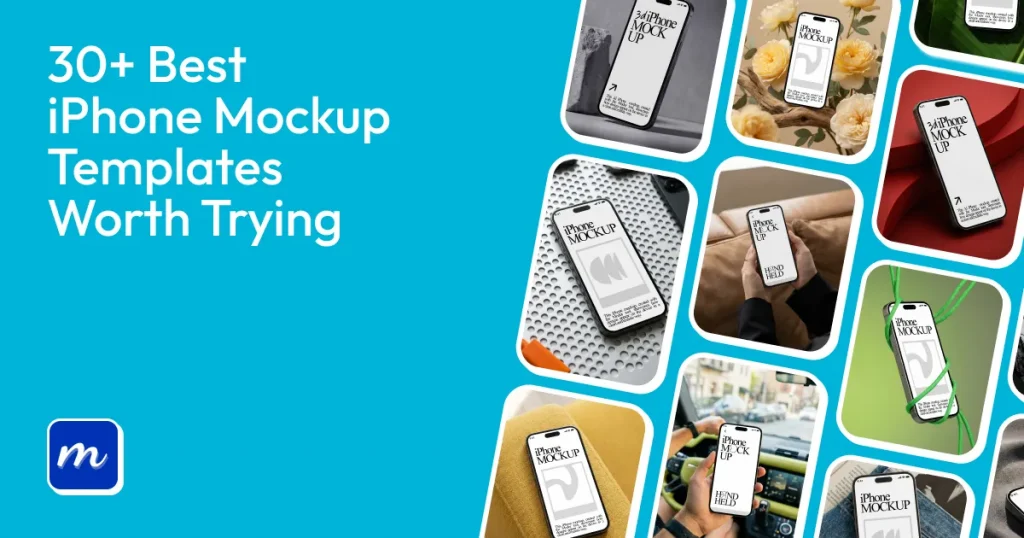
An iPhone mockup template is a ready-made design that lets you place your app or screen on an iPhone frame to preview how it will look in real use.
Check out 30+ of the best iPhone mockup templates from Modor, covering different styles, layouts, scenes, and themes, such as 3D iPhone mockups, floating mockups, outdoor scenes, and more.
Whether you need free iPhone mockup templates for quick previews or a more polished option for client work, this list helps you find the right template fast.
iPhone mockup templates are ready-made graphic files that let you place your designs or images onto an iPhone display to show how they would look in real life. You can edit them to match your needs, like changing the screen, text, or background.
Some of the best iPhone mockup generator tools include Canva, Modor, AppLaunchpad, and Placeit. These iPhone mockup tools are widely used because they offer simple interfaces, flexible editing options, large template libraries, and some even provide free mockup templates for basic use.
This makes it easier to present your design using the best iPhone mockup template for your use case.
Choosing the best iPhone mockup template shouldn’t be a hassle. You just need to ensure that the template you select fits these criteria:
Here’s a collection of 30+ best iPhone mockup templates from Modor, organized into six functional categories.
These best iPhone mockup templates emphasize the visual look and feel over the layout or scene. The differences are usually seen in colors, shadows, textures, and background. Many designers start with free iPhone mockup template options before moving to premium ones.
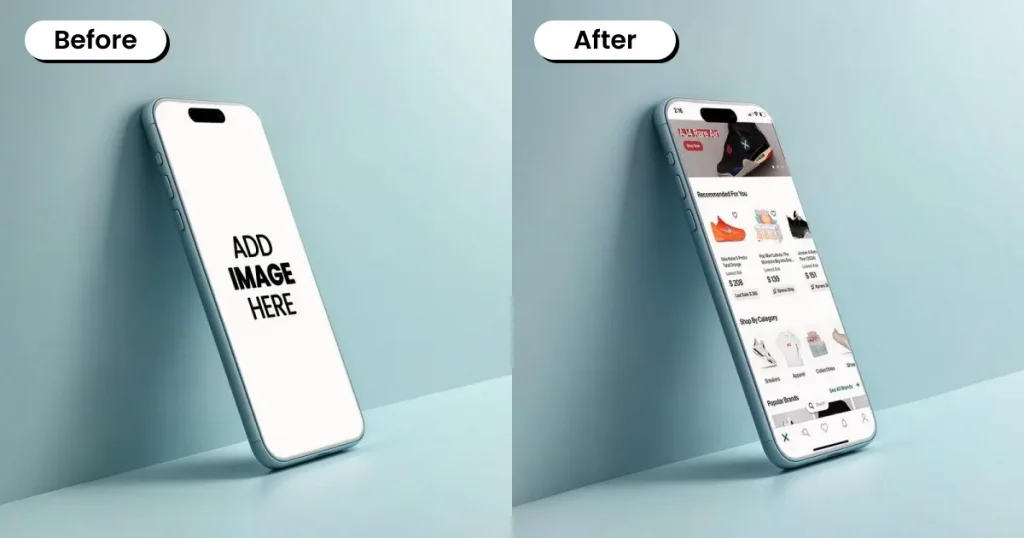
A Clay iPhone mockup template is a soft 3D style template where the iPhone has a smooth, matte, single-color clay-like finish. These templates often use light or pastel tones with gentle shadows and rounded edges.
Use cases: Used in landing pages, UI case studies, and product showcases.
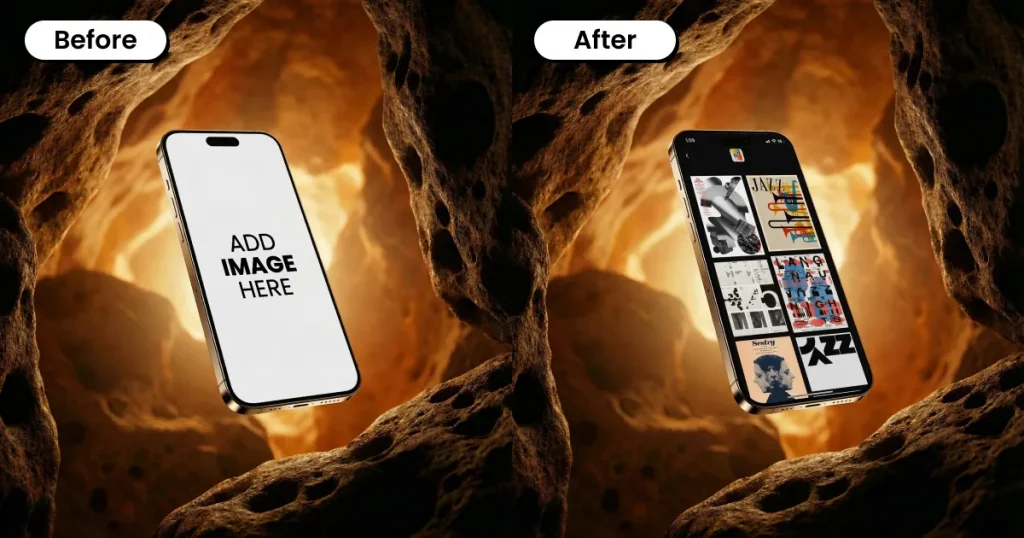
Typically in PSD format, Photorealistic iPhone mockup templates are pre-made files that display logos, apps, or products in a realistic environment. They make a flat design look like a genuine 3D object by using smart objects, lighting, and shadow effects.
Use cases: Used in app store previews, marketing banners, product pages, branding presentations, and UI/UX portfolio showcases.
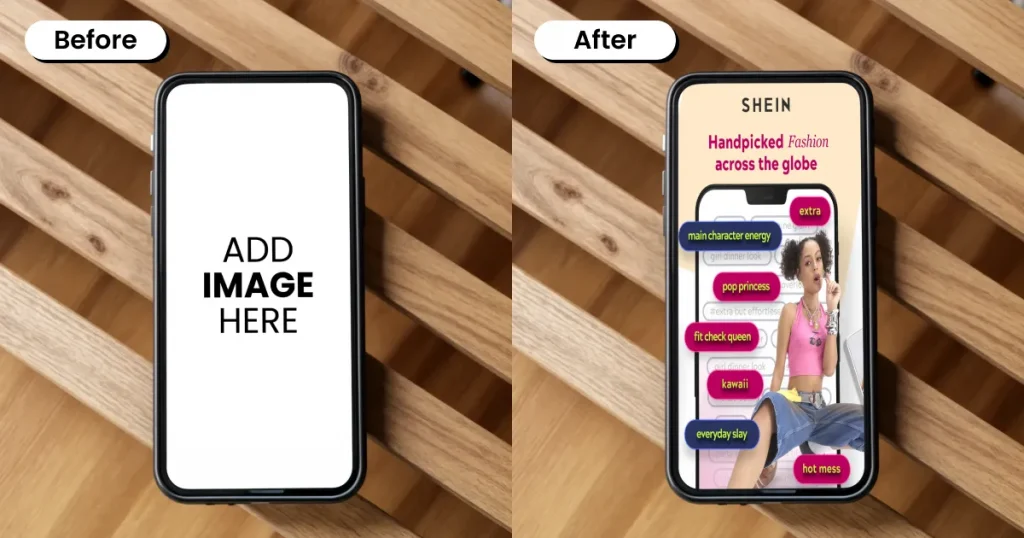
Minimalistic mockup templates are simple, neat graphic layouts that showcase designs, focusing solely on the product and omitting unnecessary elements to create modern, aesthetic visuals. These are one of the best iPhone mockup templates if you want something minimal.
Use cases: Used to present logos, products, packaging, or app designs in a clean and simple setting.
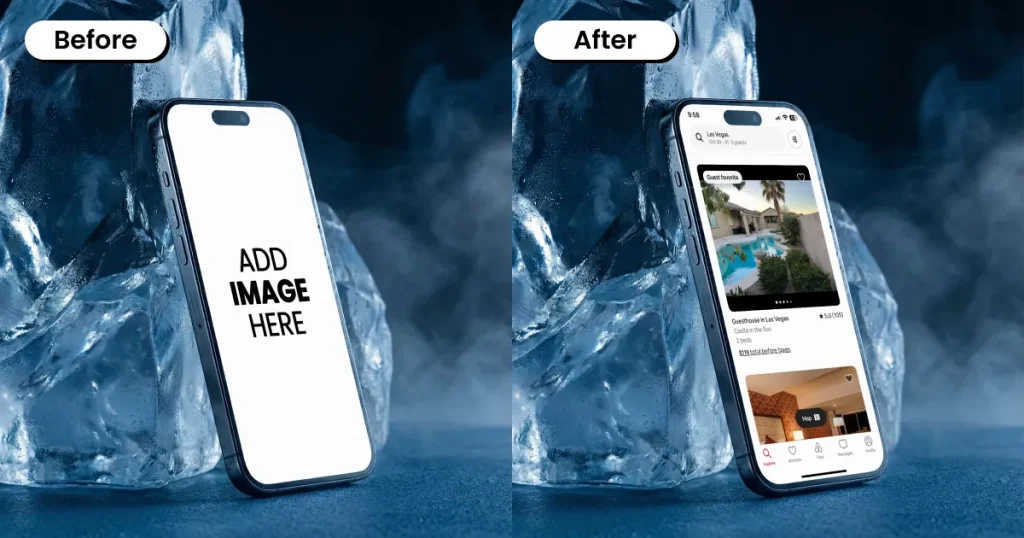
The 3D Rendered iPhone mockup template is perfect for embedding a design, logo, or app screen in a 3D environment, with no physical prototype.
Use cases: Used for packaging, branding, and ads in 3D design assets.
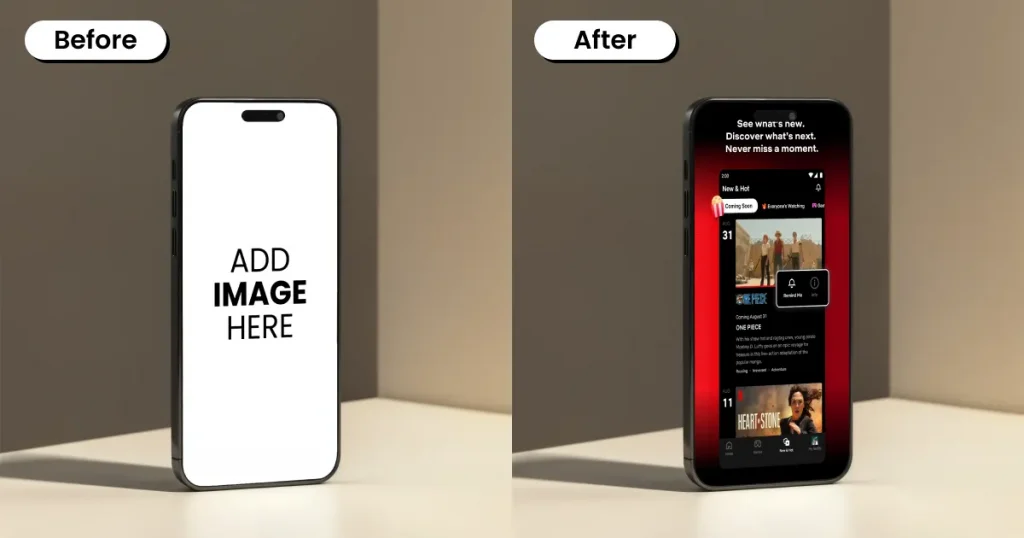
Among the best iPhone mockup templates, the Dynamic Shadow iPhone mockup templates feature lifelike shadows that can be adjusted to add depth and give a realistic 3D look.
Use cases: Used for app store visuals, branding previews, product and packaging displays, social media graphics, and UI/UX portfolio shots.
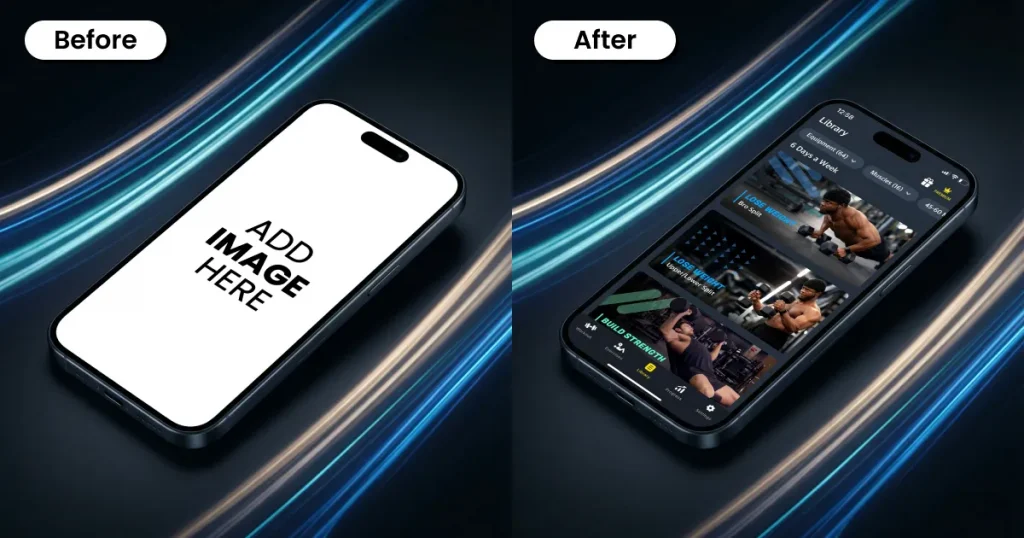
Isometric view mockup templates show designs from a fixed top-down angle, with multiple sides of an object visible, creating a clean 2D illusion. This visual style gives a tech-focused, almost game-like look, similar to SimCity’s visuals.
Use cases: Used for mobile applications and UI/UX showcases, websites, portfolio panels, branding displays, and presentations.
The templates below are grouped by their arrangement, viewing angle, and screen presentation.
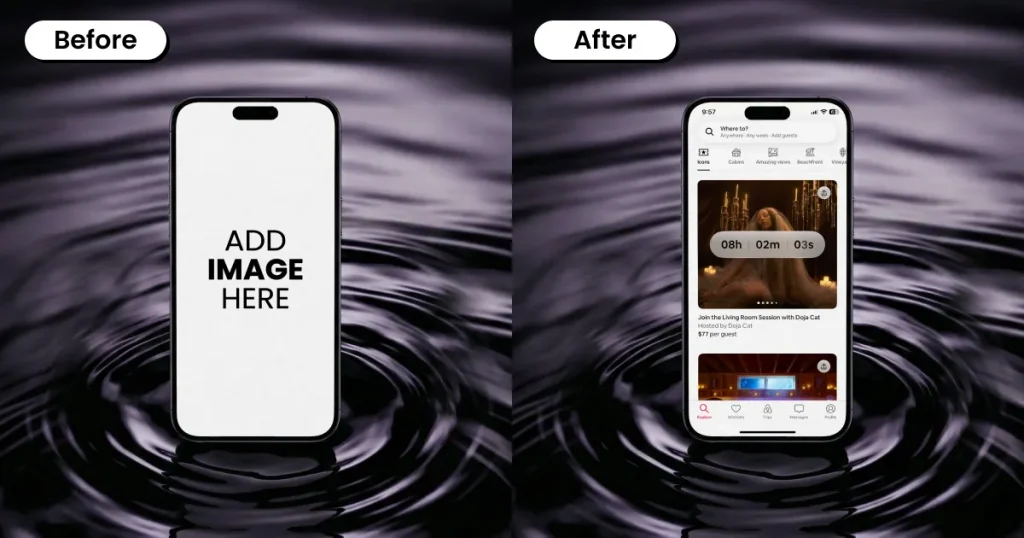
The front-view iPhone mockup template displays visuals as a flat, 2D digital graphic. These templates feature smart objects, allowing quick design changes for a more realistic, non-angled look.
Use cases: Used to showcase artwork, logos, App Store Screenshots, and product images.
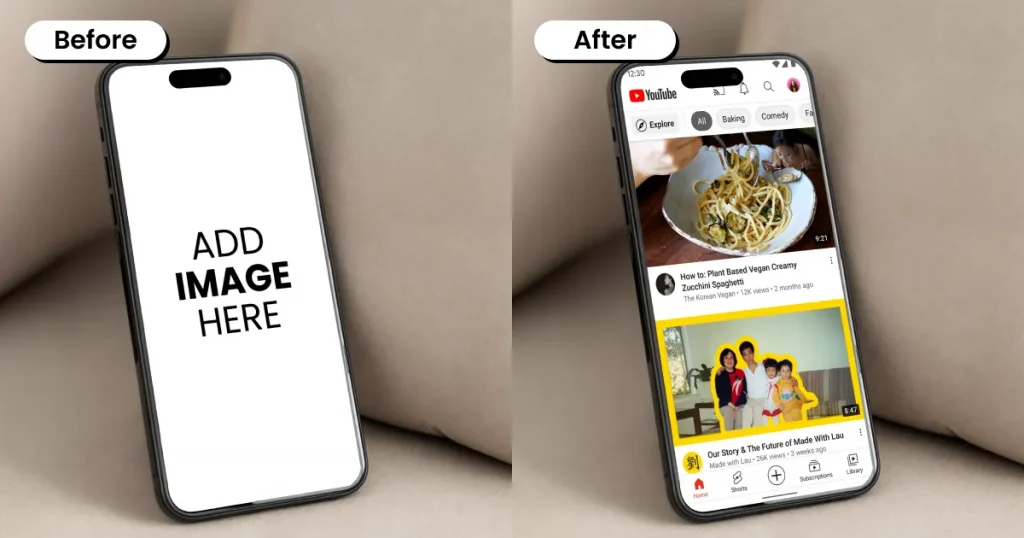
An angled perspective iPhone mockup template lets you showcase your designs with a tilted, high-depth viewpoint rather than a straight-on layout. This approach helps products, devices, or branding materials feel more dynamic and realistic, making it one of the best iPhone mockup templates.
Use cases: Used to present app screens on devices, product visuals, UI/UX portfolio shots, and marketing graphics.
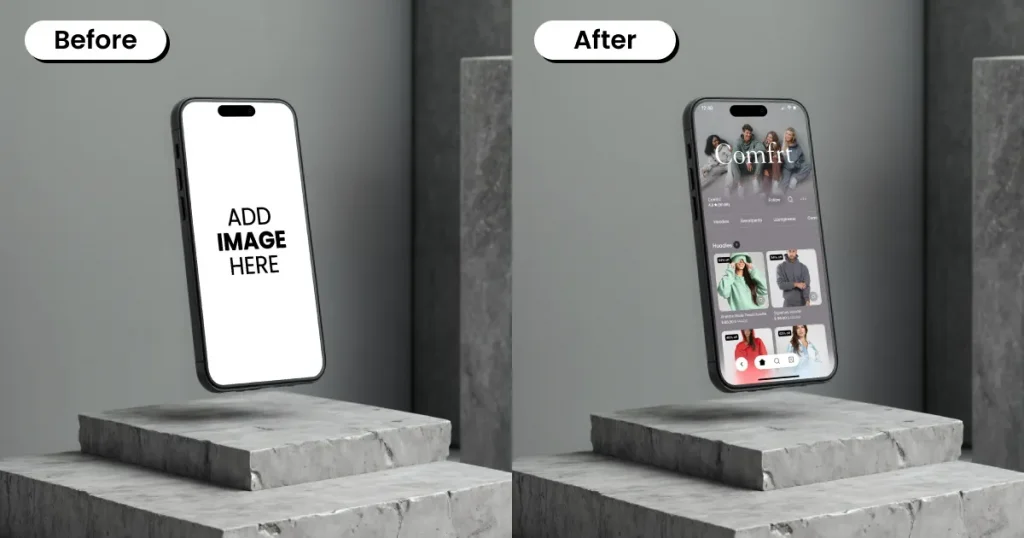
Floating iPhone mockup templates are frequently chosen when working with free mockup templates for UI and app previews. These templates show devices suspended in mid-air against different visual settings to showcase designs.
Use cases: Used for showcasing UI/UX designs, mobile applications, responsive website designs, and marketing materials.
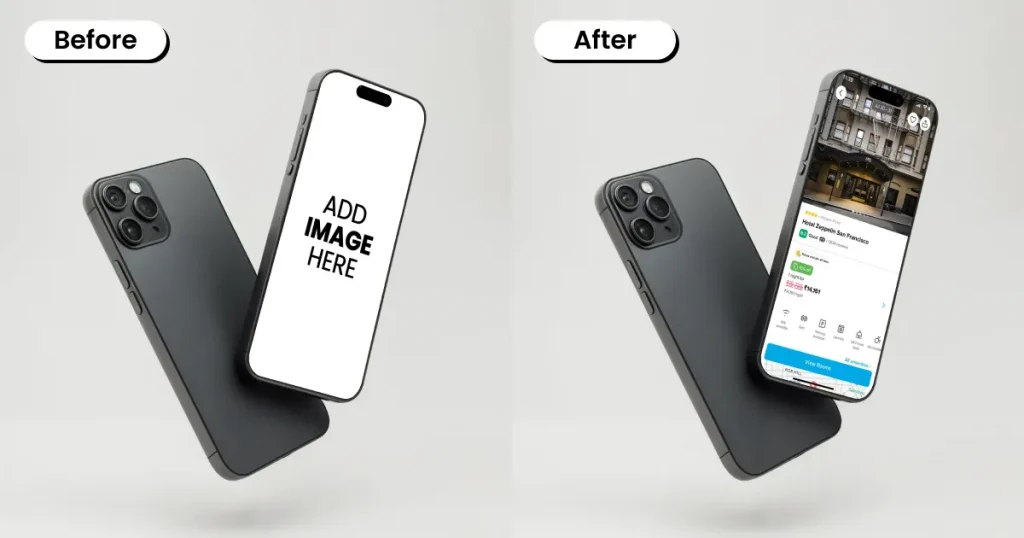
The front and back view mockup template displays the product’s entire exterior in realistic, professional, and often 3D format. These templates allow users to present, test, or promote designs without creating physical prototypes.
Use cases: Used for product branding and marketing visuals
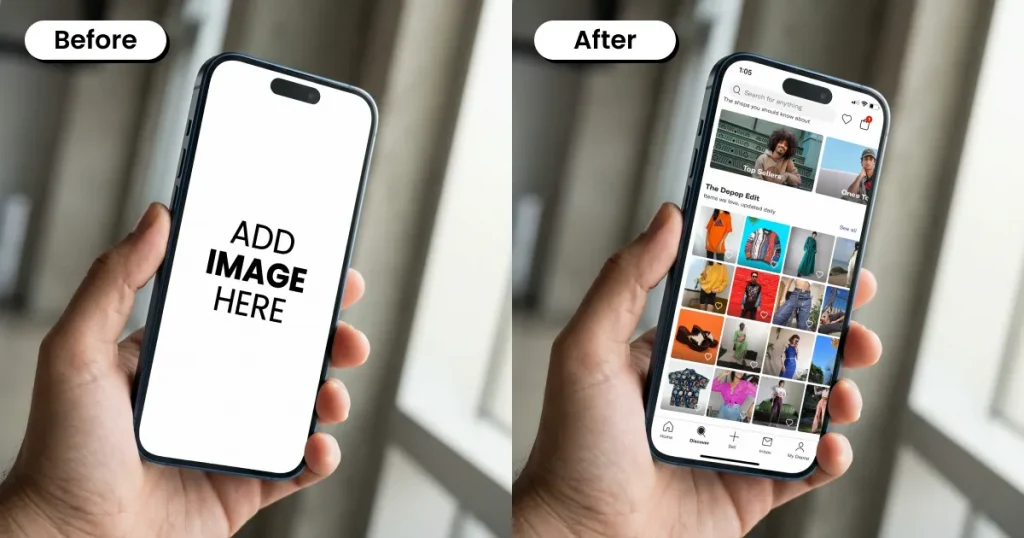
A close-up iPhone mockup template, featured in many of the best iPhone mockup templates, provides a zoomed-in view of an iPhone screen. This allows for the display of app interfaces or web designs within a realistically textured bezel and screen plane, making them feel integrated and tactile.
Use cases: Used for mobile app showcases, website portfolios, product launches, and social media.
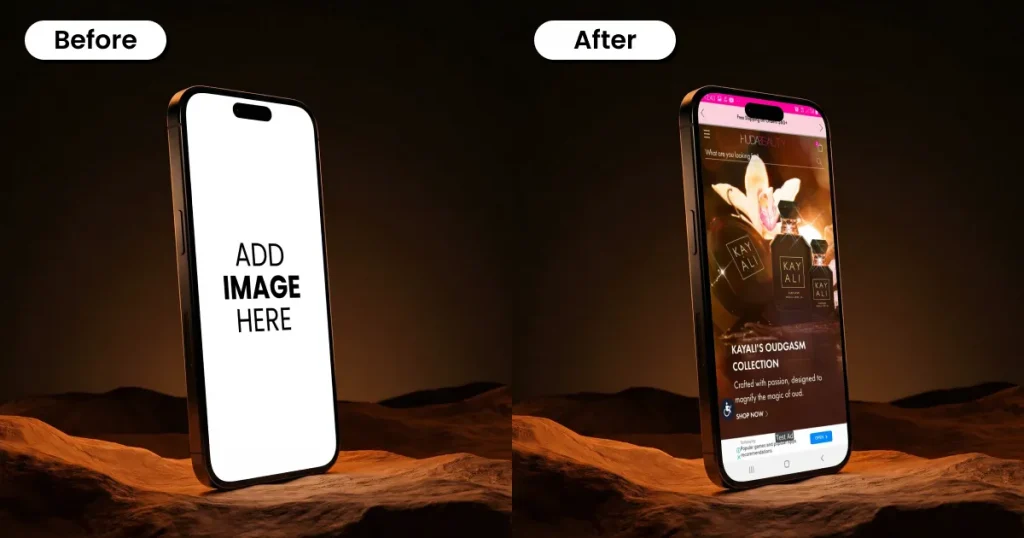
A side-angle mockup template presents a graphic from one fixed viewpoint or a ¾ perspective. Ideal for projects where a clean, uniform presentation is needed, these templates add depth, making visuals more dynamic.
Use cases: Used for showcasing app UI on mobile devices, branding visuals, and ads.
Position-based mockup templates focus on the device’s physical stance and how it affects the viewer’s perception of the screen.
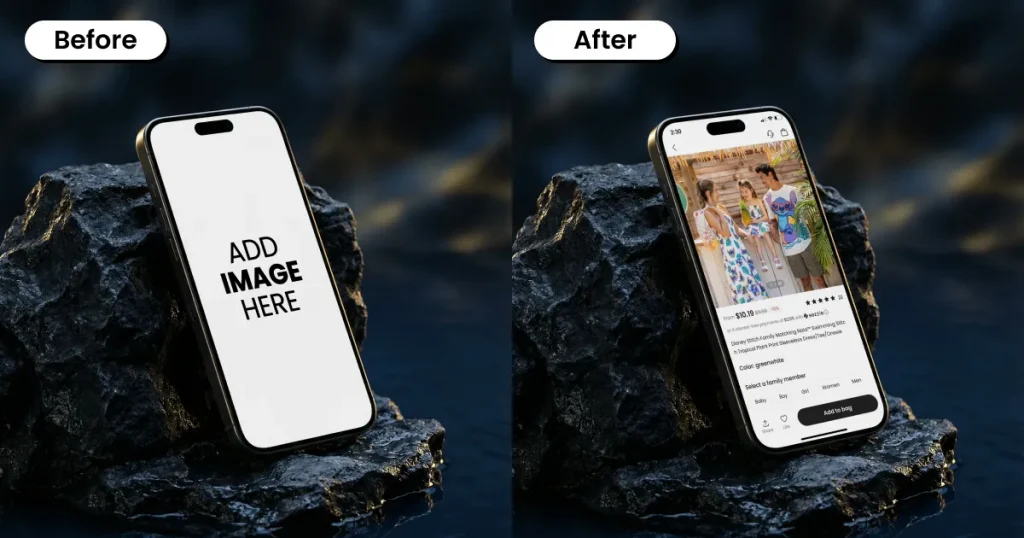
A leaning device mockup template showcases a device tilted or resting against a surface in a realistic leaning context. It is used to present app, UI, or website designs and highlight specific details, such as screen, edge, and button features.
Use cases: Used for marketing visuals, UI/UX designs, branding, mobile app interfaces, and mobile-friendly websites.
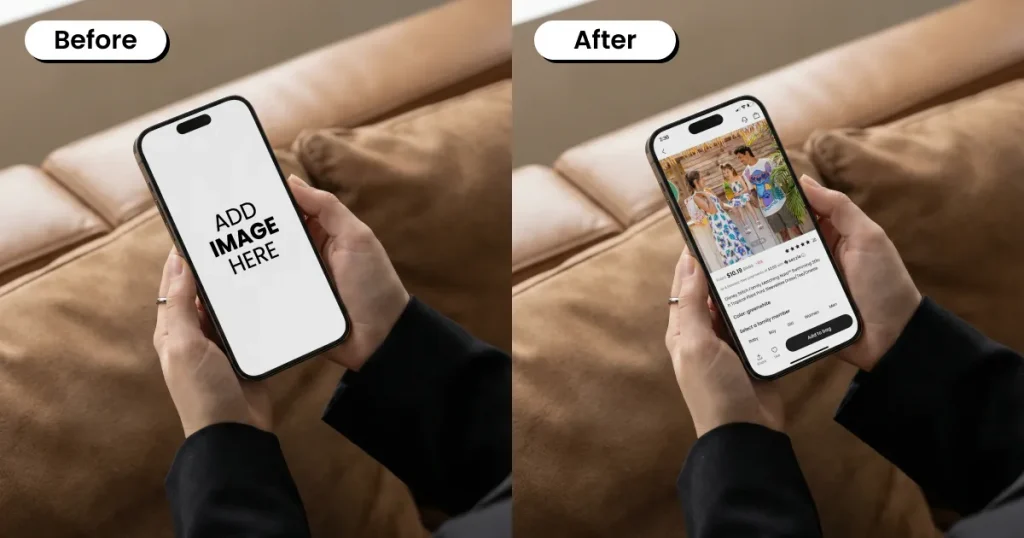
The in-hand iPhone mockup template shows how a product looks when held in hand. They feature a human hand holding a device to provide a sense of scale and usage.
Use cases: Used to create high-fidelity visualizations for clients or portfolios.
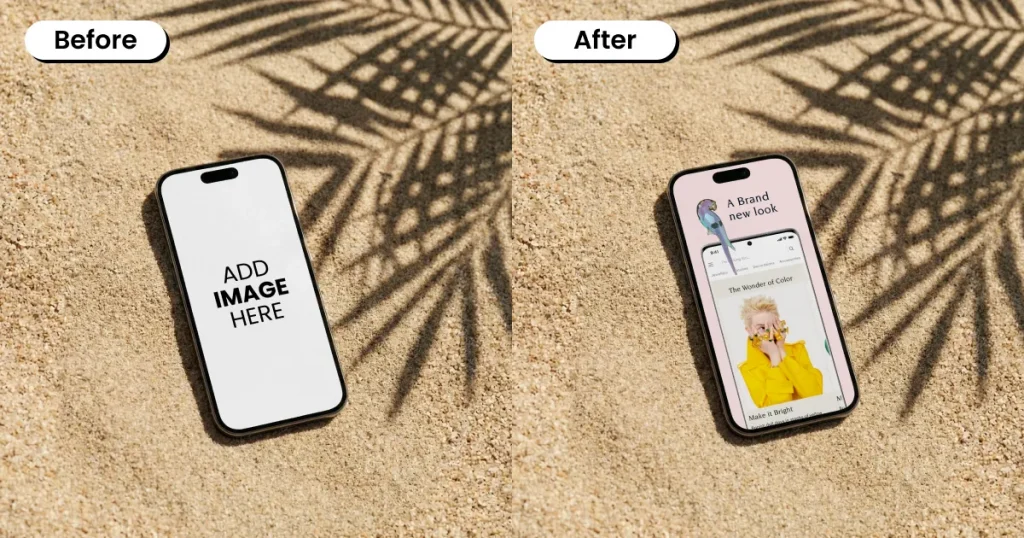
An on-surface mockup template showcases a device placed on a flat surface such as a desk, floor, or platform. It maps 2D designs onto 3D surfaces in real time, so you can visually mock up a product without creating a physical prototype.
Use cases: Used for App Store screenshots, landing pages, portfolios, product pages, social media visuals, and case studies.
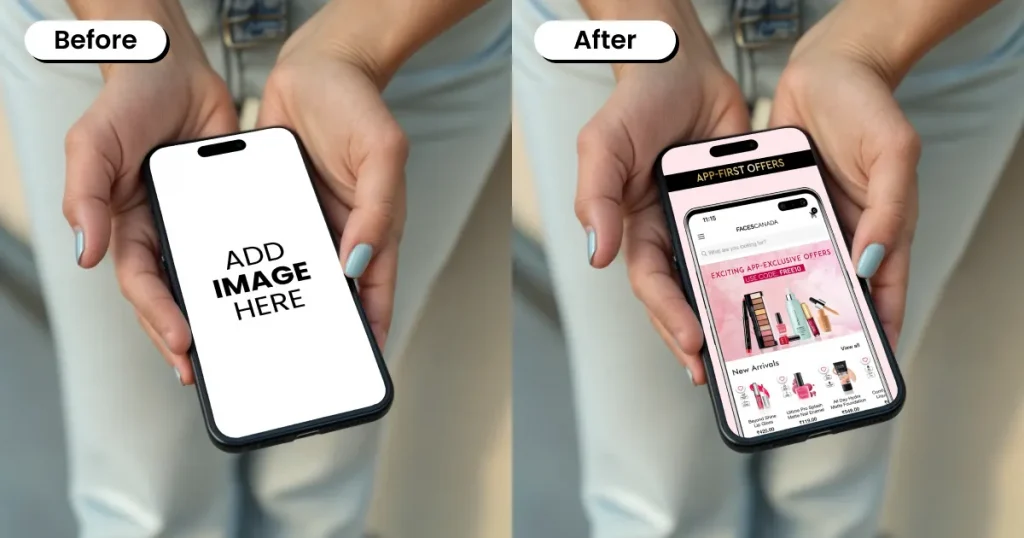
Similar to the in-hand template, the two-hand-held mockup shows the device held with both hands. It is often placed in a natural usage pose, which makes the scene feel more real and shows how people would actually use the device.
Use cases: Used for social media apps, messaging interfaces, reading screens, gaming visuals, and promotional images.
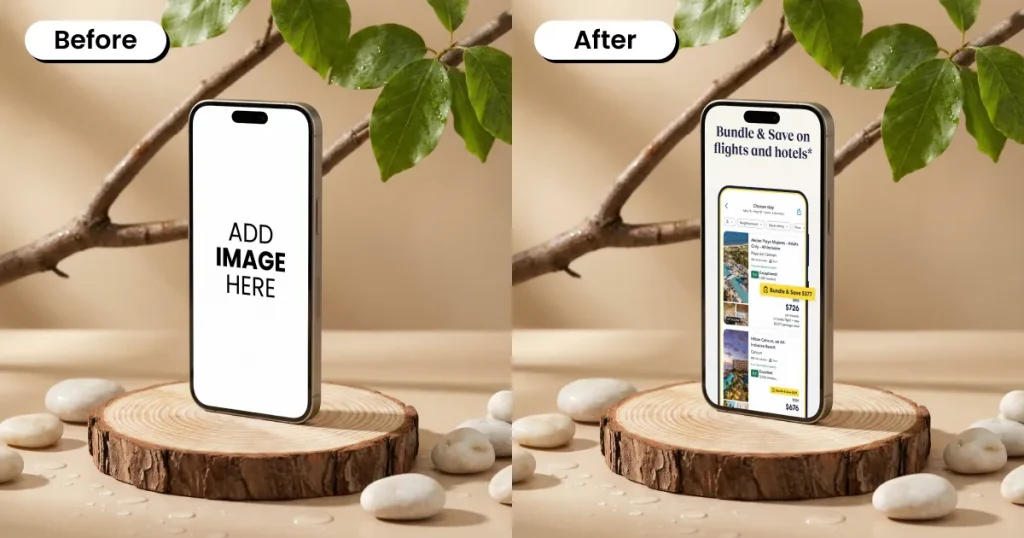
A vertical layout mockup template showcases designs in a vertically arranged layout, commonly in 4:5 or 9:16 aspect ratios for digital and print media.
Use cases: Used for portfolio presentation, client proposals, and marketing materials.
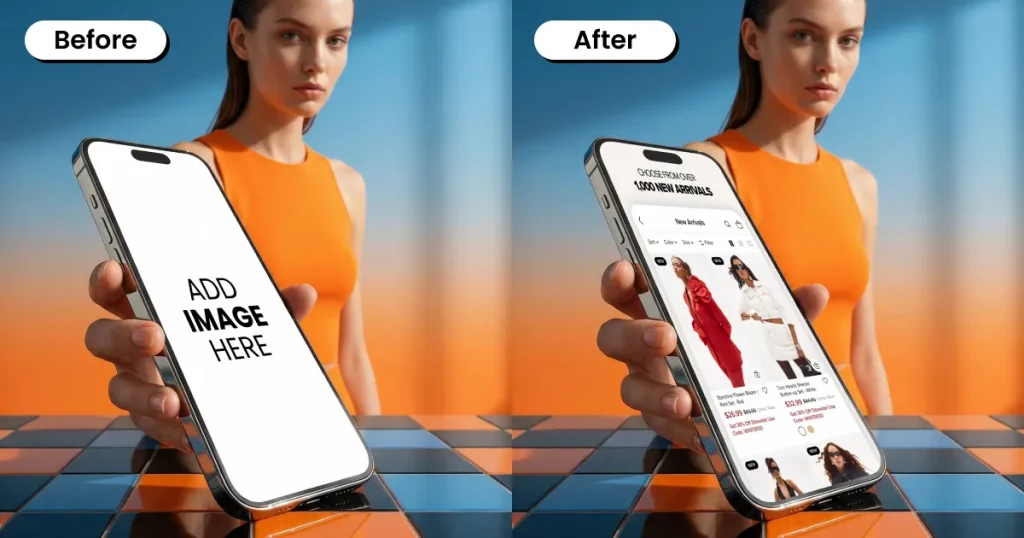
A single-device mockup template displays a design on a specific, isolated device. These templates keep the focus on a single screen and device, helping present the UI in a distraction-free manner.
Use cases: Used in portfolios, marketing visuals, product presentations, and landing pages.
These iPhone mockup templates are ideal for depicting everyday situations, making the visuals more relatable. These styles are especially popular among designers seeking clean, modern free mockup templates.
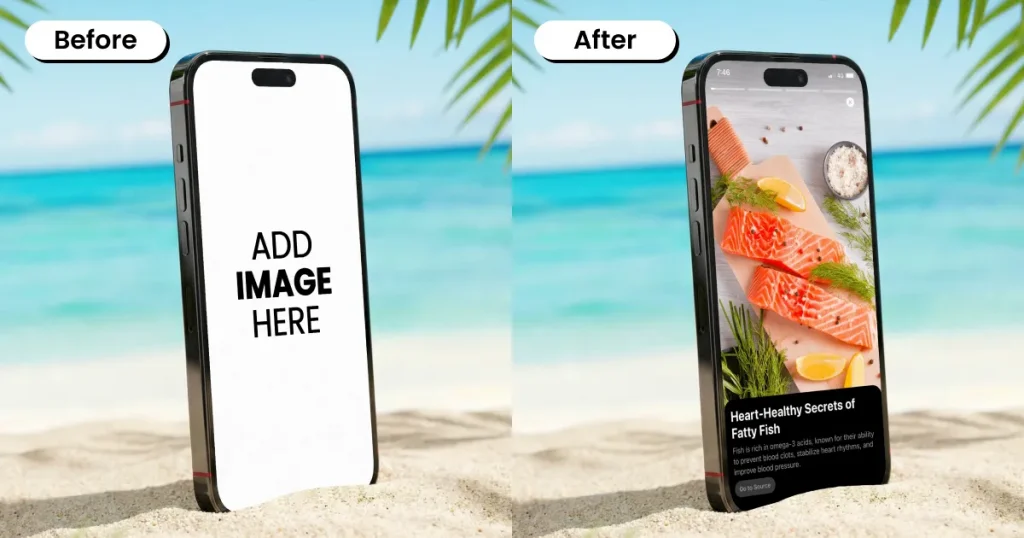
The outdoor scene iPhone mockup template displays devices, such as iPhones, in an outdoor setting. It incorporates real outdoor lighting to make the visuals realistic and part of daily life.
Use cases: Used for branding, navigational tools, social media graphics, and advertising.
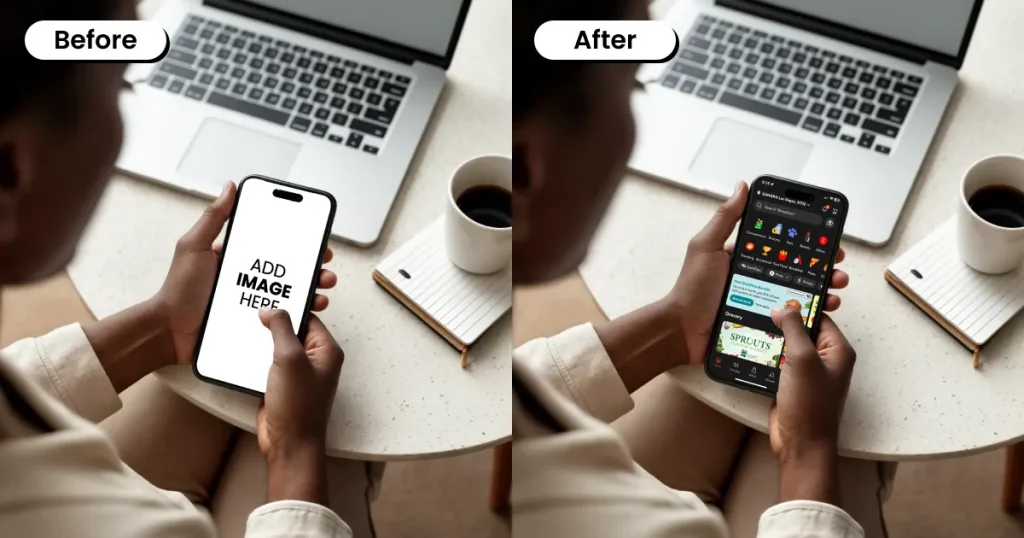
An office scene iPhone mockup template is a work-setting template in which the device is typically placed on a desk. These templates are used to essentially make the visuals appear professional and work-oriented.
Use cases: Used for showing productivity apps and tools, work dashboards, portfolio projects, and professional marketing visuals.
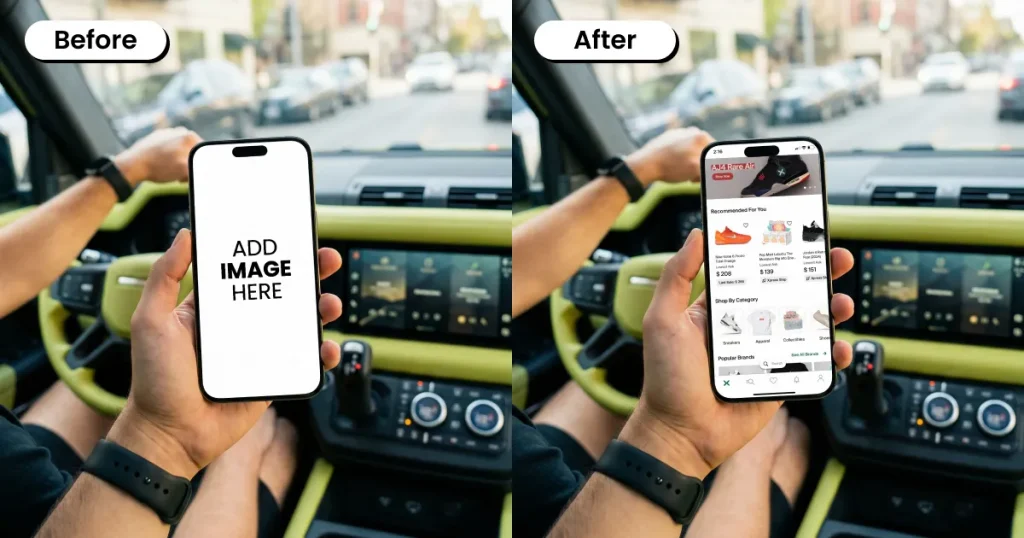
Travel scene iPhone mockup template embeds travel-related elements into its design. Applying these aspects gives the visual a sense of personalization, linking the product to its intended use.
Use cases: Used for booking apps, travel planners, itinerary tools, and location-based services.
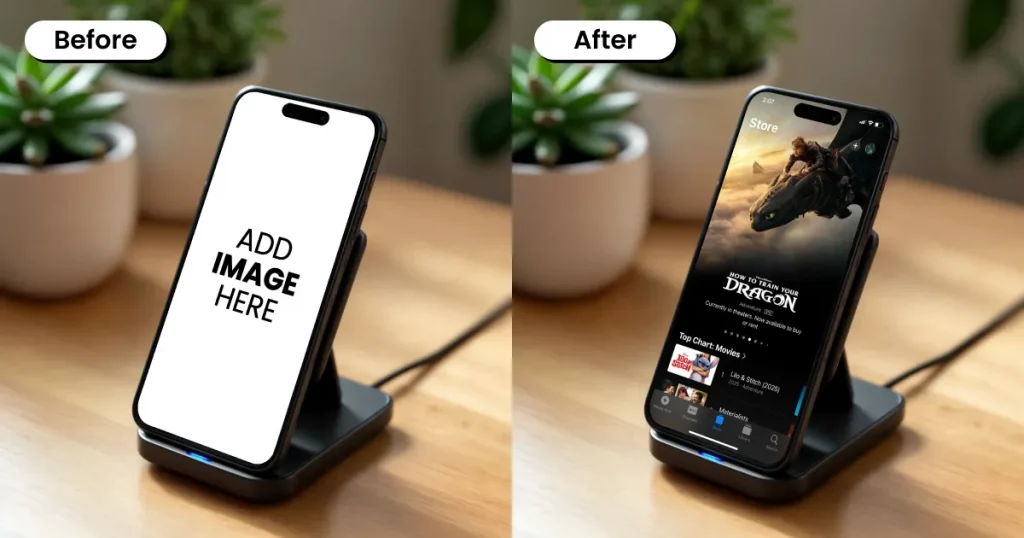
The indoor scene iPhone mockup template displays the device in indoor settings, such as living rooms and tables. Such templates provide a warm and comfortable feel that makes the design look part of everyday life.
Use cases: Used for shopping apps, entertainment platforms, reading apps, and lifestyle products.
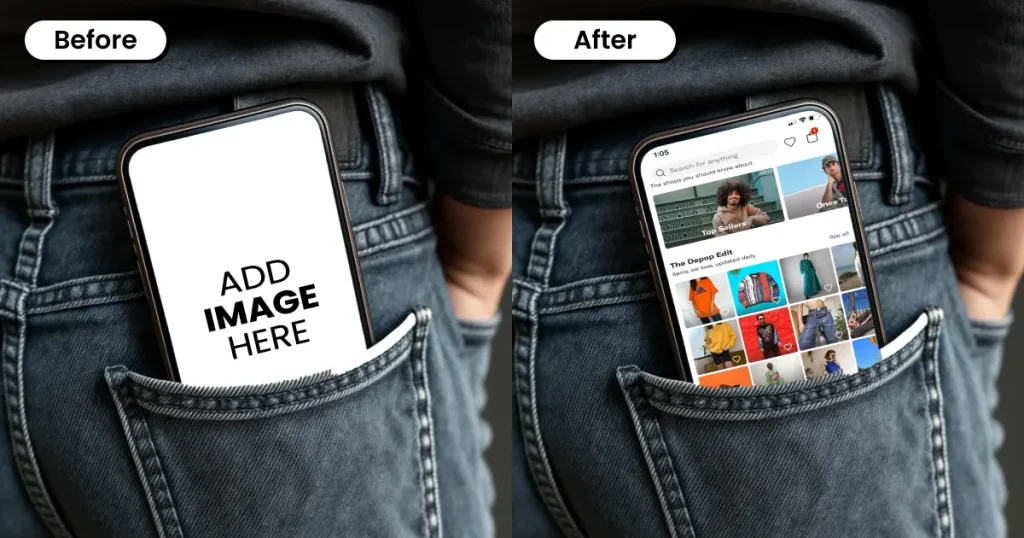
The Pocket Scene iPhone mockup template shows the device either partially inside a pocket or bag, or pulled out to highlight portability and everyday carry.
Use cases: Good for lock screen previews, quick-access apps, and branding visuals that focus on daily convenience.
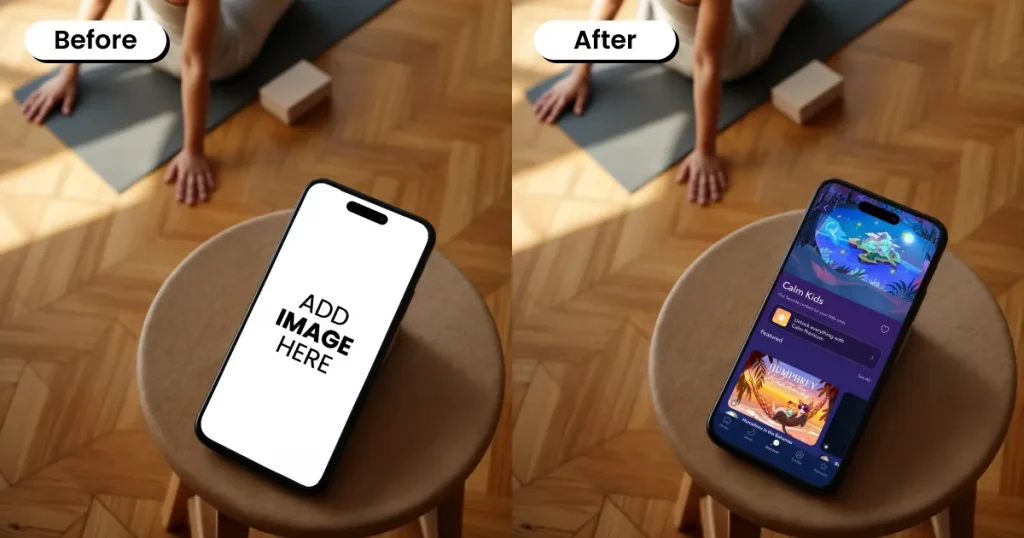
A fitness scene mockup template shows a device placed in a workout setting, such as a gym, yoga area, or home exercise space, to present an app in an active and health-focused environment.
Use cases: Used for fitness trackers, workout planners, health apps, and sports-related promotions and branding.
This category groups iPhone mockup templates by the latest iPhone templates available on Modor.
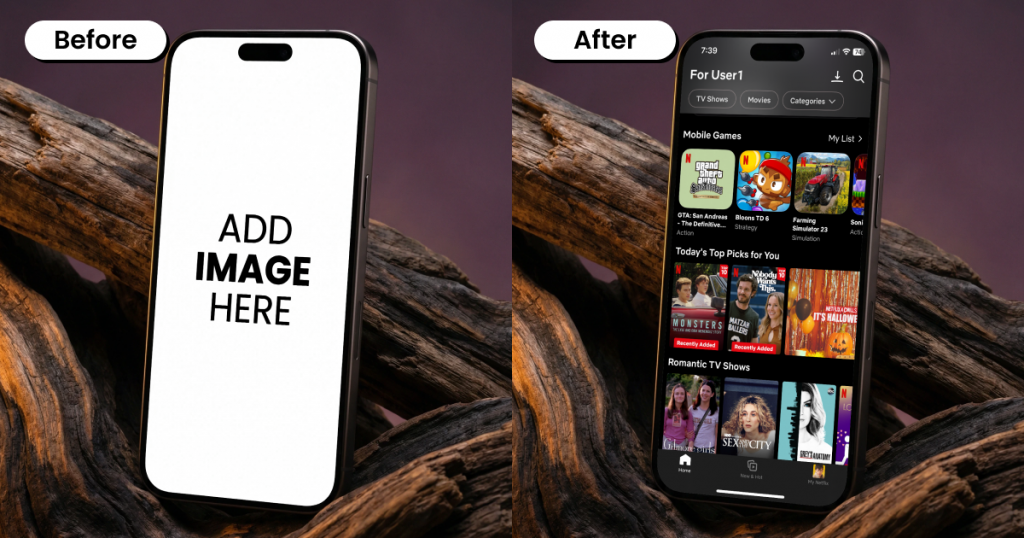
Modor offers a wide selection of iPhone mockup templates for the latest iPhone series, including iPhone 17 and iPhone 17 Pro Max. You can easily customize and export mockups in the correct proportions with just one click.
Use cases: Used for new app launches, product announcements, and marketing visuals that aim to present the app on iPhone 17.
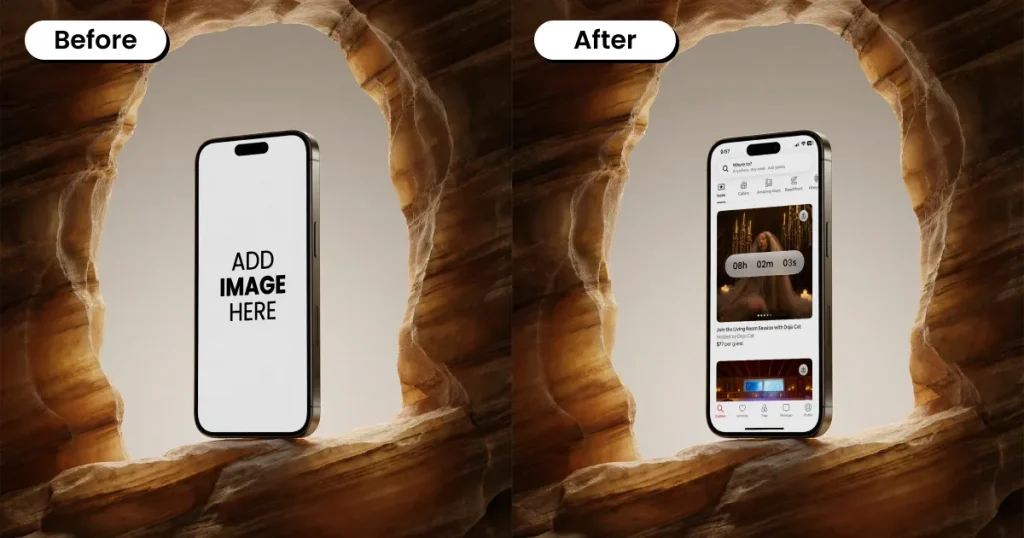
Modor also offers an assortment of iPhone mockups and even free mockup templates for the iPhone 16 series, particularly iPhone 16 and 16 Pro Max, that you can browse and use.
Use cases: Used for App Store screenshots, landing pages, product demos, and marketing visuals to showcase on iPhone 16.
In this category, we’ve listed iPhone mockup templates by visual theme rather than layout or device position.
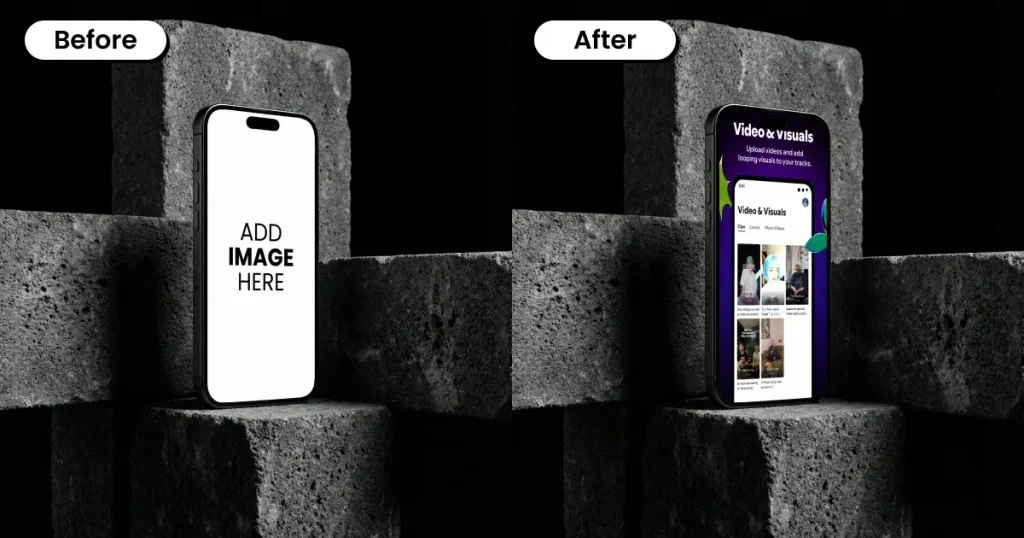
Dark Theme mockup template uses dark backgrounds, deep tones, and low-light styling around the device. The dark theme creates a strong contrast, making the screen stand out clearly.
Use cases: Used for gaming apps, media apps, tech products, and modern UI presentations and visuals.
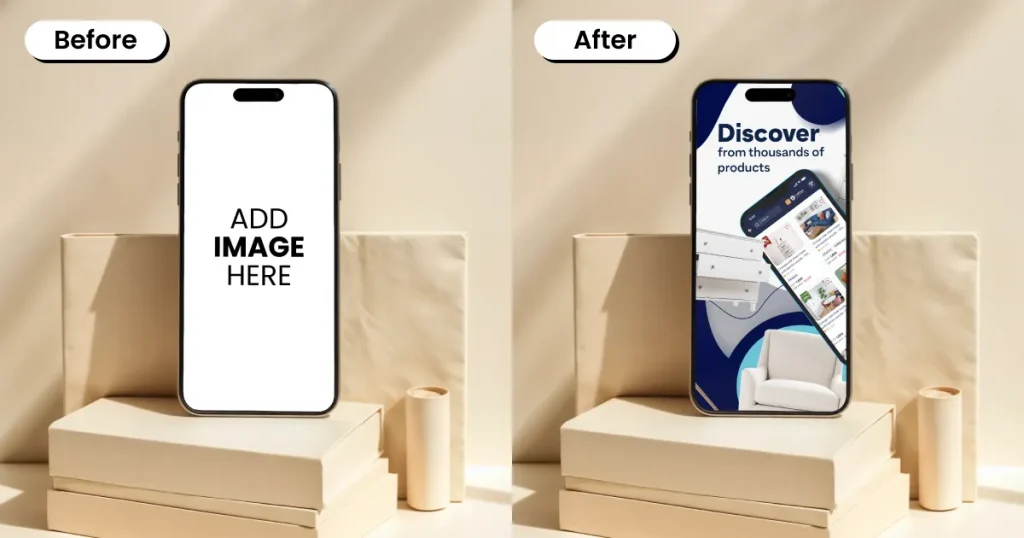
Light theme mockup template uses bright backgrounds, soft lighting, and clean white or neutral tones. They’re used to create an overall presentation that’s fresh, simple, and easy to view.
Use cases: Used for business apps, productivity tools, and clean App Store visuals.
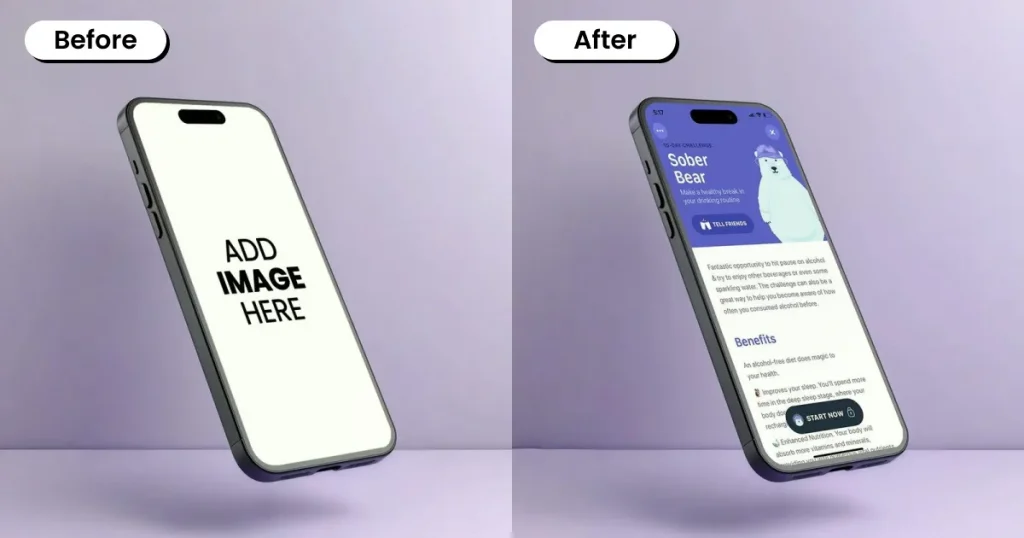
A pastel theme mockup template uses soft pastel shades like lavender, light pink, blue, peach, or mint in the background and design elements. These templates offer a calm and friendly visual tone without strong contrast.
Use cases: Used for lifestyle apps, wellness brands, beauty products, and soft-themed presentations.
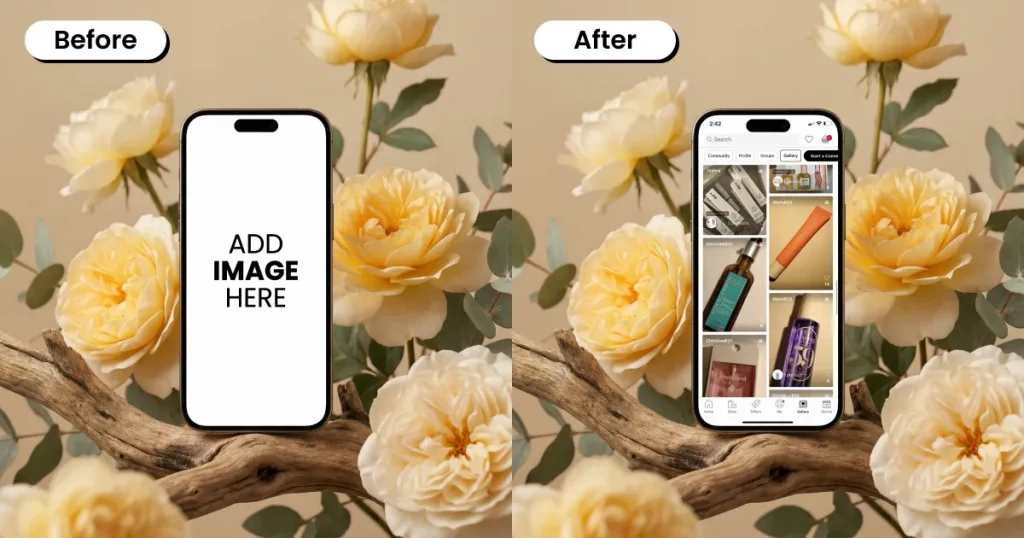
Floral theme iPhone mockup templates include floral patterns, plants, or natural decorative elements in the design. They add a natural and decorative touch that makes the visual feel warm and expressive.
Use cases: Used mostly for fashion apps, beauty brands, gift-related products, and creative portfolio displays.
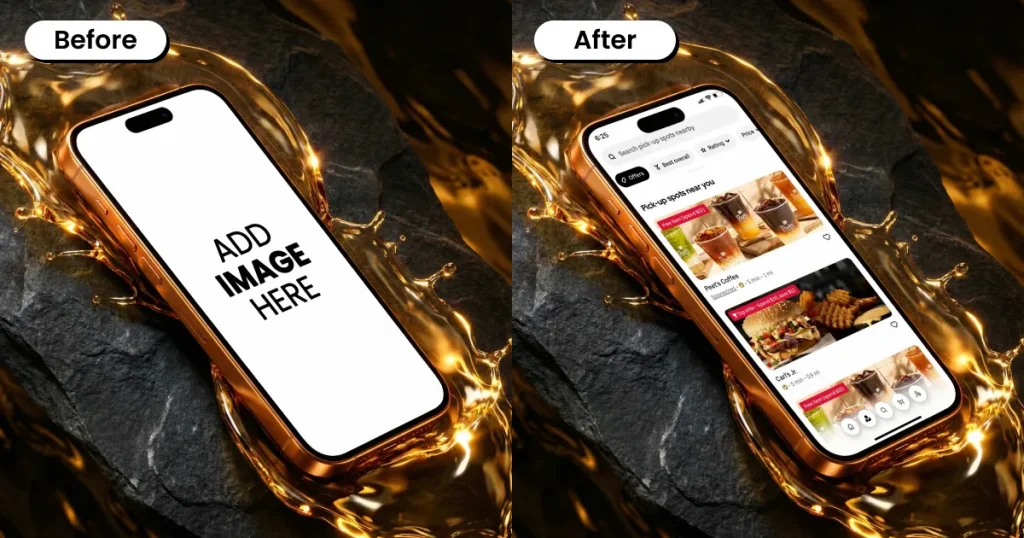
A luxury-themed iPhone mockup template is designed with high-end details such as dark colors, gold accents, and rich textures to create an upmarket, refined look.
Use cases: Used for luxury brand apps, finance products, high-value services, and premium product promotions.
Creating an iPhone mockup template in Modor is easy. Here are the steps to get started.
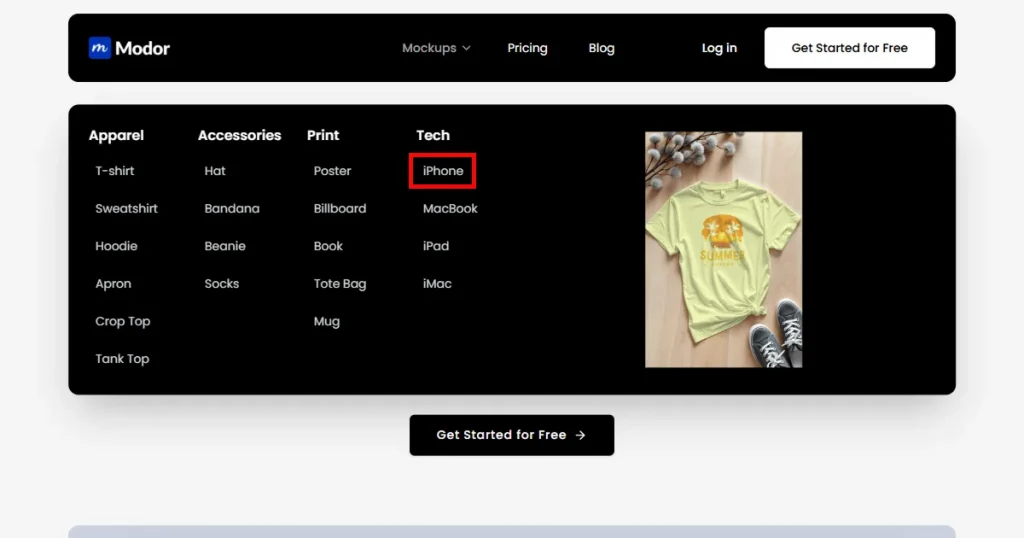
Step-1: Go to Modor and select iPhone from the top section.
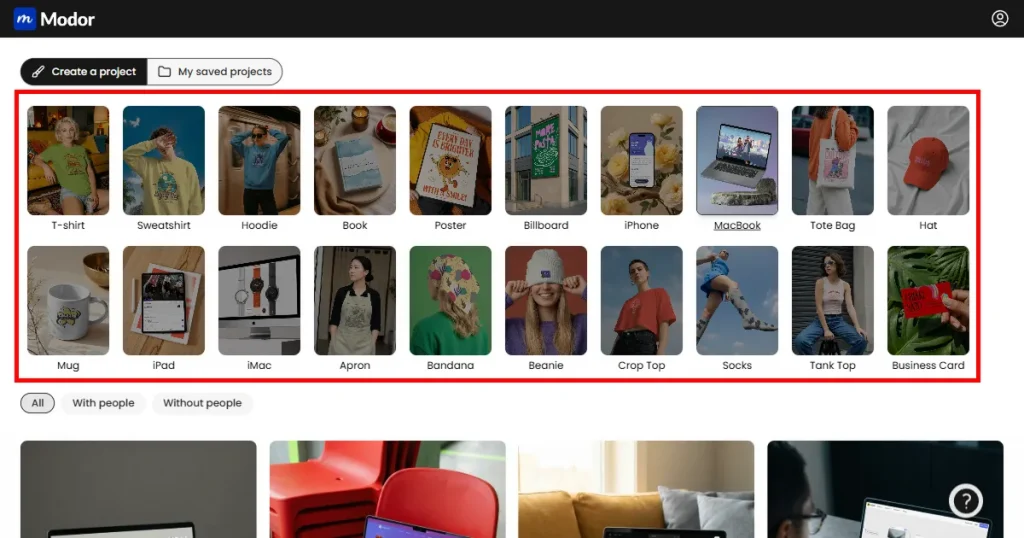
Step-2: Browse through the templates and select the one that you want to use.
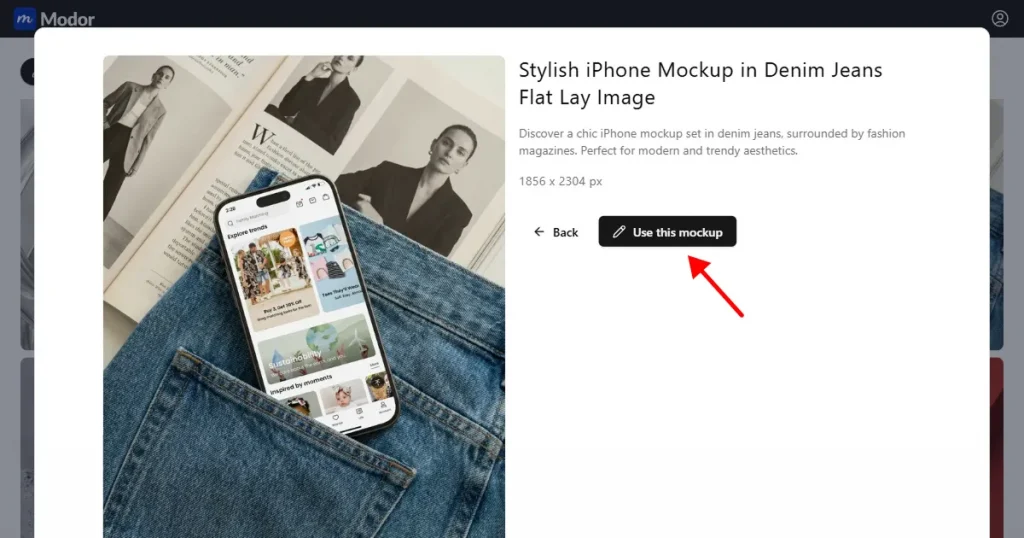
Step-3: Click on the Use this mockup button to customize the mockup template.
Step-4: Add your design by clicking on the Upload button.
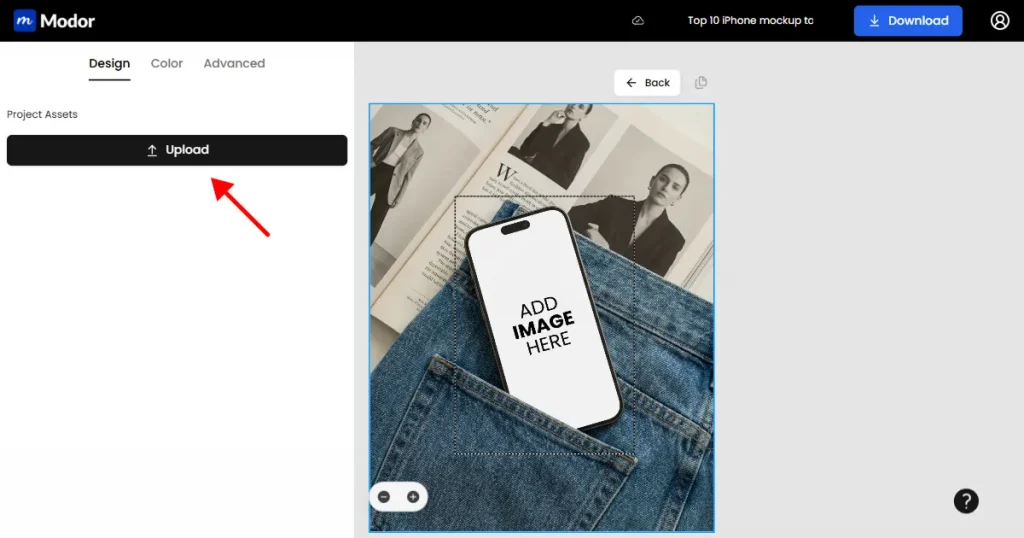
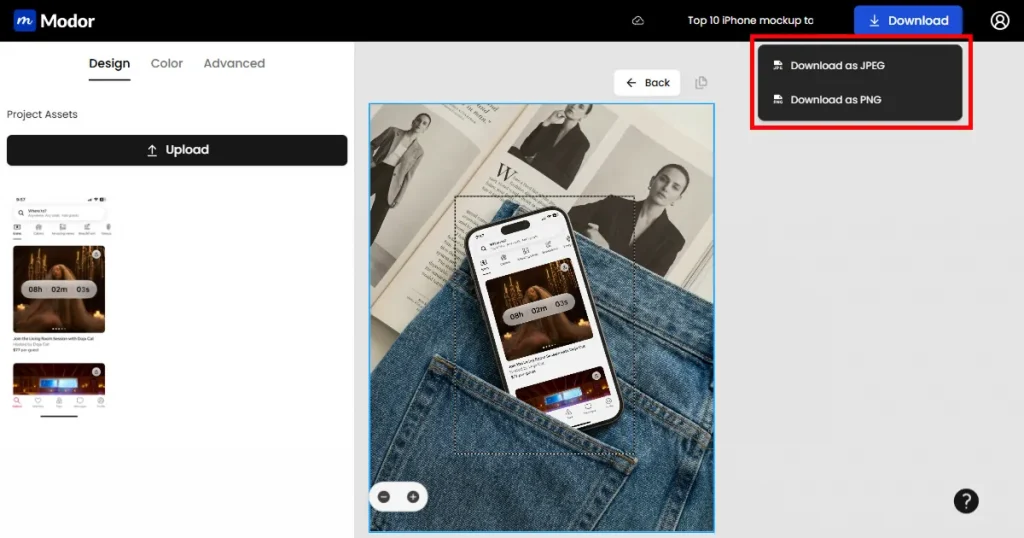
Step-5: Once done with the customization, click on the Download button. You can export the mockup as a JPEG or PNG.
Modor offers two flexible pricing options:
That concludes our list of the 30+ best iPhone mockup templates.
Since visuals play a big role in first impressions and user decisions, searching for the best iPhone mockup template is easier said than done. Many start with a free iPhone mockup generator that offers the best iPhone mockup templates, then move to paid tools.
However, with Modor, the job becomes easier. With a variety of ready-to-use templates in various styles, layouts, scenes, and themes to choose from, you can create iPhone mockups in minutes, without wasting your time. This makes it one of the best iPhone mockup generators available in the market.
You can use iPhone mockup-generating tools like Modor and Mediamodifier to create an iPhone mockup. With a wide selection of templates and an easy-to-edit interface, you can create mockups in minutes.
You can get free iPhone mockup templates using tools like Modor that offer free plans and ready-to-use mockup templates.
JPEG and PNG are the most common ones. Though there are other formats like video and animation.
Pick a template based on your brand, the design’s purpose, the viewing angle, and the iPhone model you want to showcase.
You can find free Figma iPhone mockup templates on platforms like Figma Community, UI8, and design resource websites that offer ready-to-use files.
The best iPhone mockup generator should provide accurate device frames, realistic visuals, easy screen replacement, and high-resolution exports. These features help you create professional app presentations without spending time on complex design software.