



11 Best iPad Mockup Tools: Free and Paid
An iPad mockup tool is a simple mockup tool that lets you place your app or design onto an iPad screen. […]
If you are looking for how to create book mockups, your first destination would be Photoshop. However, creating book mockups with Photoshop is time-consuming, and the tool also has a steep learning curve.
That’s why Modor is the best free book mockup generator. Here, the process is very simple and fast. You can just select a template, upload your cover design, customize it, and export it.
With Modor, you can browse through thousands of templates across different categories, including 3d book mockups and hardcover book mockups, test multiple mockup template styles, and fine-tune everything using a simple drag-and-drop editor.
That said, in this guide, we will cover how to create book mockups with Modor, along with best practices and trending book cover designs.
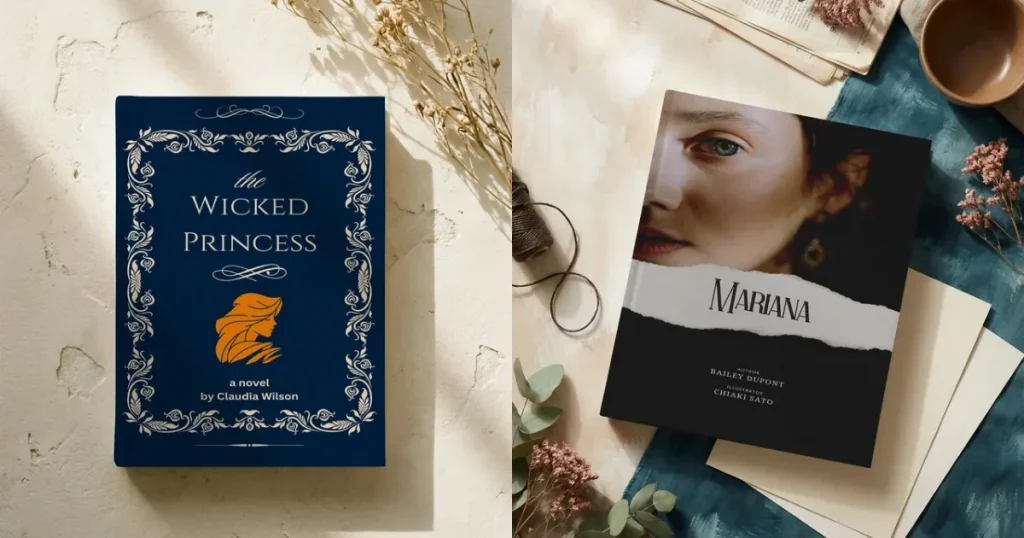
A book mockup is a digital image that makes your book feel real. A book mockup helps you visualize what the book would look like in the real world without printing it.
Book mockups are used by authors and publishers for online marketing, website banners, and the creation of engaging, high-quality promotional materials that showcase a physical product.
They’re also useful for content creators who share book-related content but want to avoid the time and expense of professional photo shoots.
Before learning how to create book mockups, you need to understand the different kinds of book mockups available.
Hardcover mockups
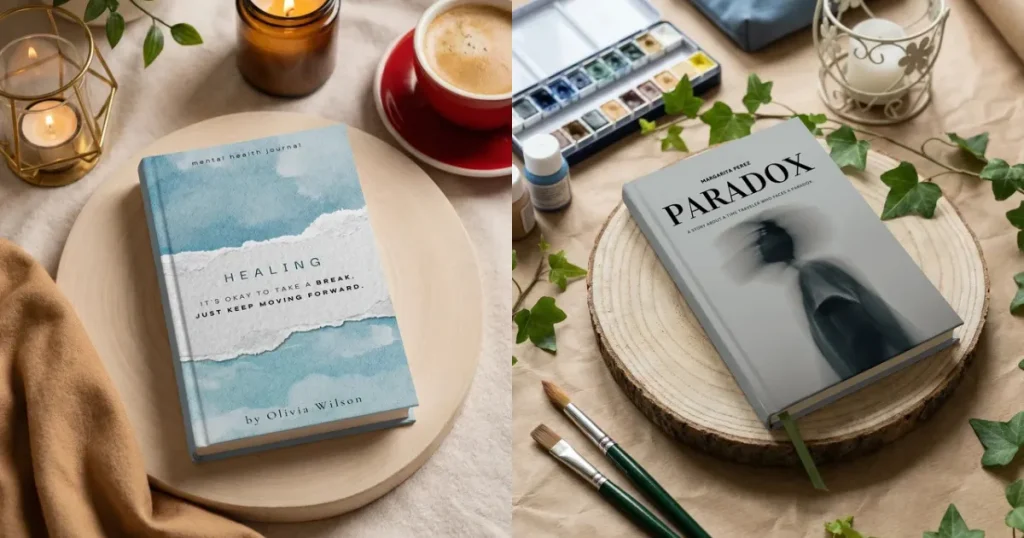
Hardcover books are strong and can withstand harsh conditions. They also look premium, thus they are priced higher than paperbacks.
This means hardcover mockups look more premium than paperback ones. Many readers also prefer collecting hardcover books, so using hardcover mockups can make your book appear more valuable.
Paperback mockups
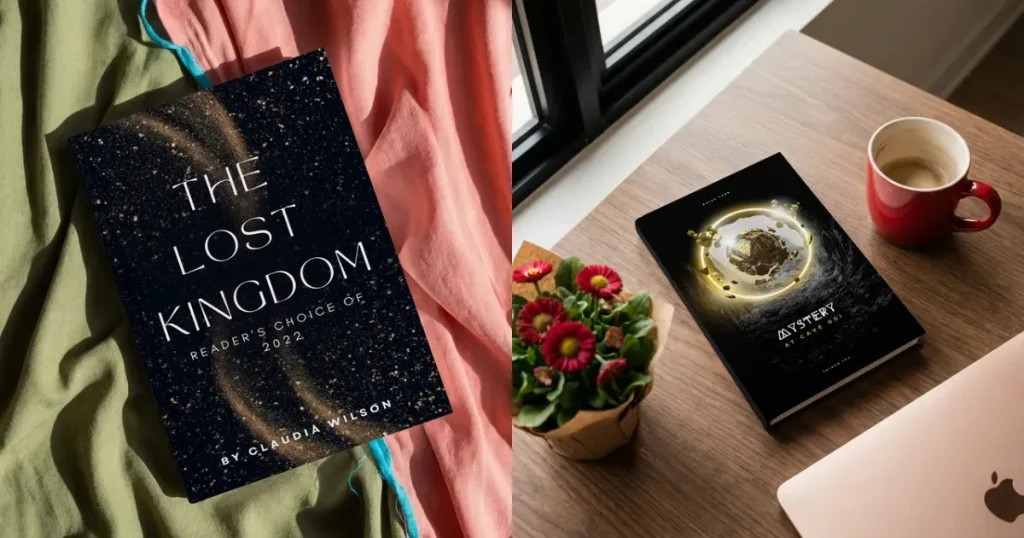
A paperback book mockup shows the book bound in a cover that is not as hard or strong as a hardcover. They contain the same content as the hardcover version, but they are prone to wear and tear.
Despite their shortcomings, paperbacks are lighter, more affordable, and easier to carry, which makes them extremely popular, especially among readers who want the content without wasting money on aesthetics.
3D angled mockups
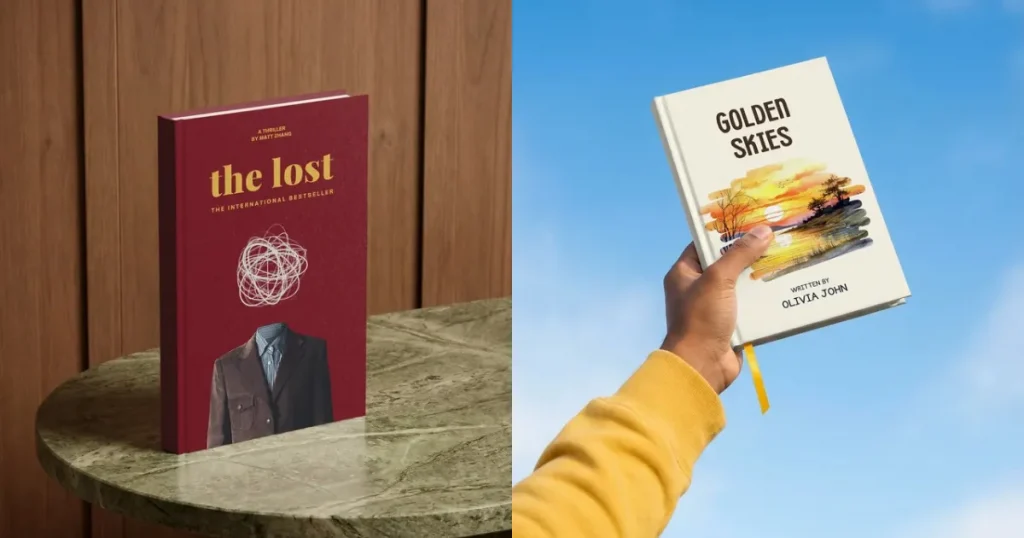
3D book mockups are the type of book mockups authors or publishers use to showcase their books in a realistic way. Using 3D book mockups enhances your book’s realism and makes readers more likely to purchase it.
Flat lay mockups
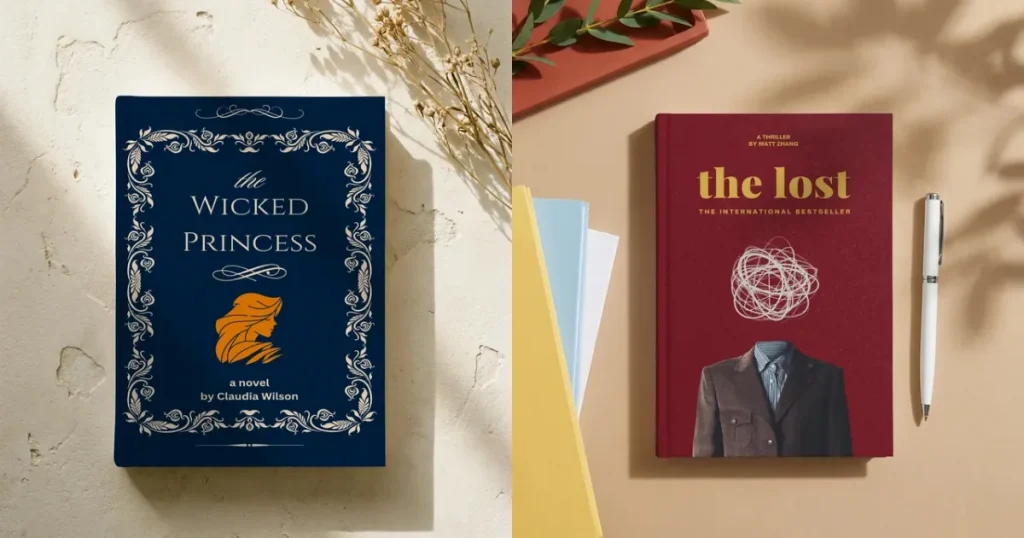
Flat lay book mockups are the most basic kind of book mockup, hence why authors or creators use to showcase their books. It is not the best way to showcase a book, but this kind of presentation is also appreciated by readers as it looks clean and minimal.
Lifestyle mockups
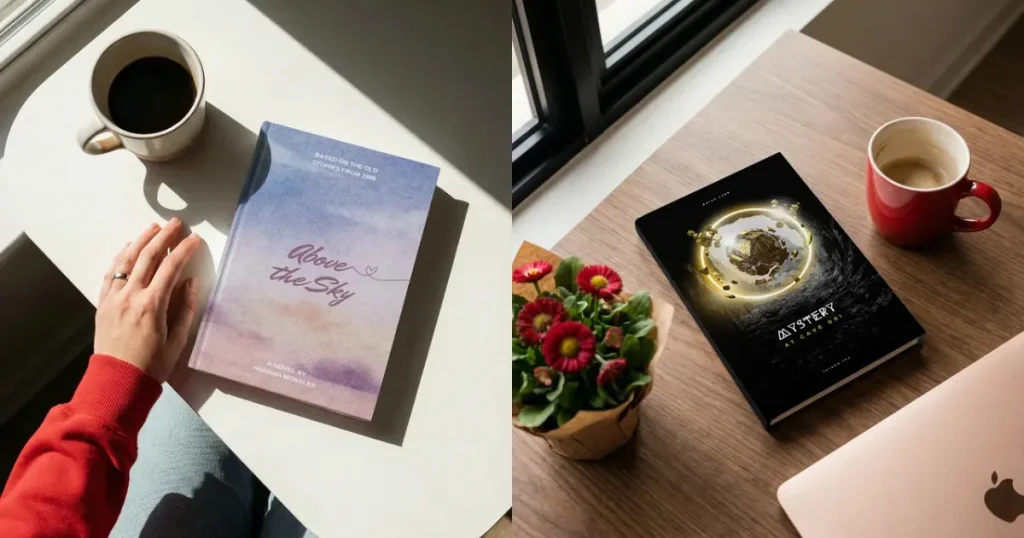
Lifestyle mockups are book images shown in real-life settings, such as next to coffee cups, laptops, or on desks or sofas. This type of mockup helps readers see how the book would look in an everyday setting and increases the likelihood of them purchasing the book
Stacked or bundle mockups
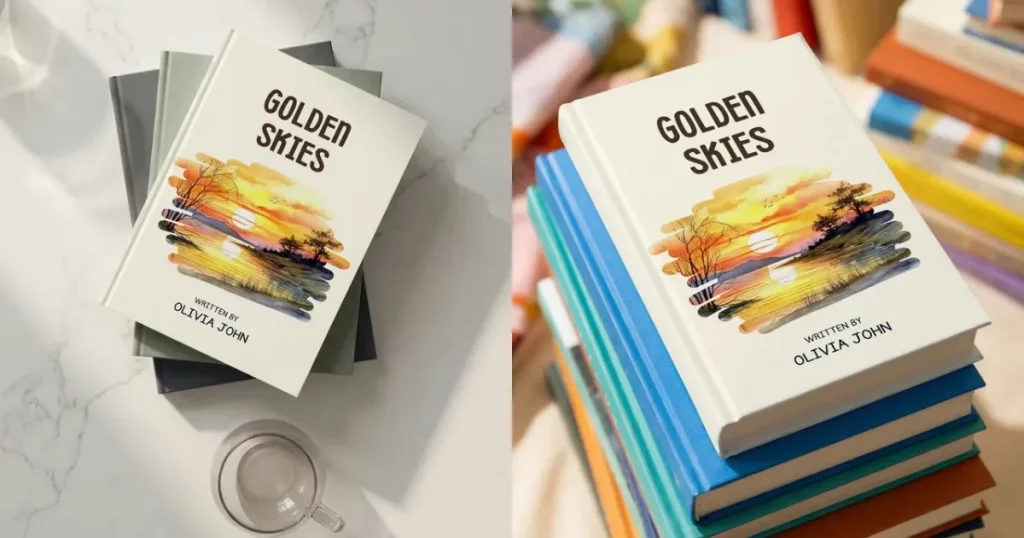
Stacked book mockups showcase multiple books from a series or collection. Authors, publishers, or marketers use them to promote bundled offers, especially when selling a series at a discounted price.
Before you learn how to create a book mockup, let’s first understand why we even need them in the first place.
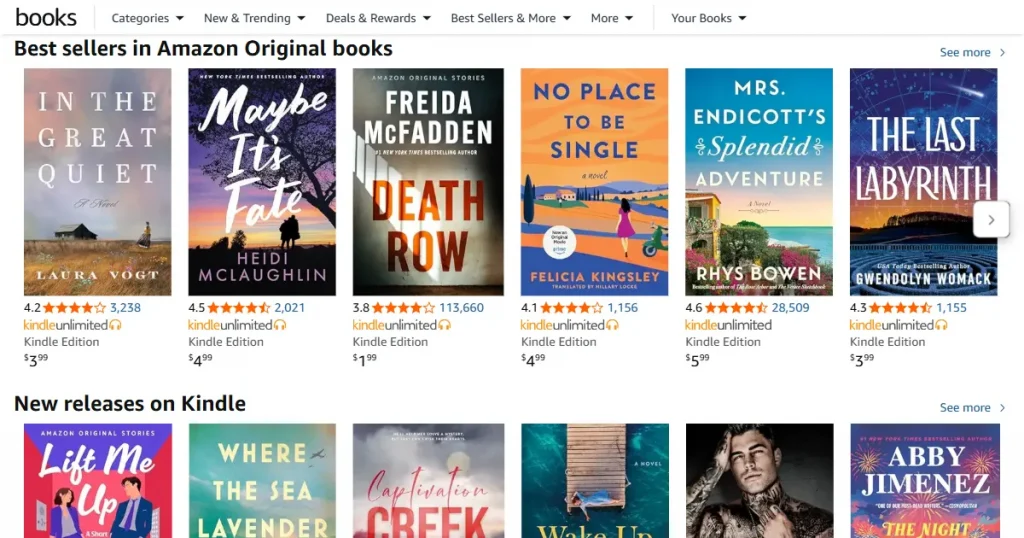
Even if you write the next potential New York Times bestseller, you can’t reach that title if you don’t market your book properly. And the first step to market your book is to get good book promotional visuals on Amazon or your sales page.
To do that, you need a professional book photographer, which will cost you a lot of money. Although the results would be very good. You can create the same visual assets by using a free book mockup generator, like Modor.
A well-designed mockup helps you promote your book before printing, attract attention in crowded marketplaces, and test different cover designs to see what works best.
Instead of spending thousands on photoshoots, you can create and update mockups anytime for as little as $10 a month.
Earlier, if you wanted to create content about a book, you needed to have physical copies. Book mockups remove that barrier by allowing you to place any book cover image on a mockup and post it to social media within minutes.
Book mockups, especially 3D book mockups, can be used across sales pages, landing pages, social media, and other promotional or marketing content.
Before understanding how to create book mockups, you need to know which mockup style is right for your specific use case.
Now that we are close to learning how to create book mockups, you need to know about a few tools that make the process easy.
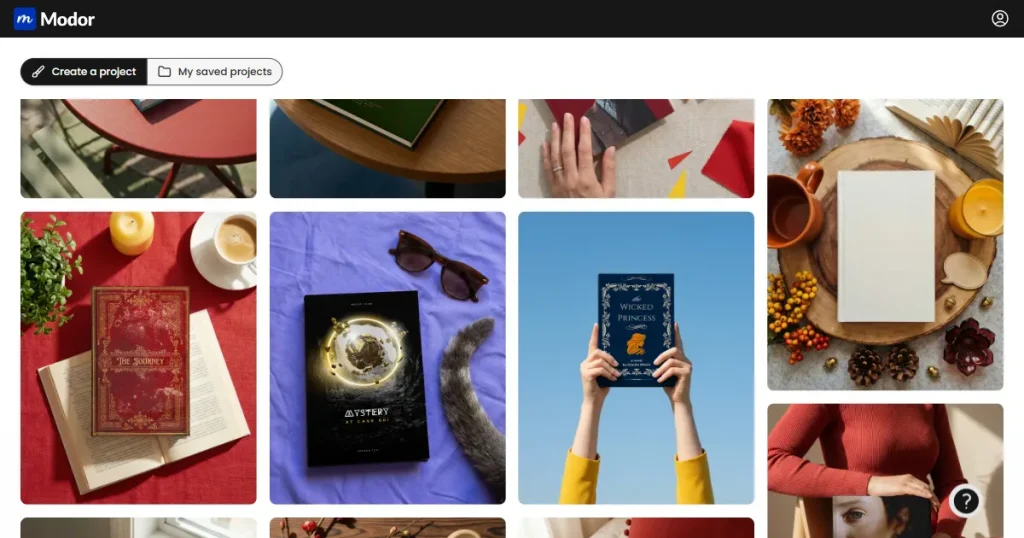
Modor is an AI-powered mockup generator that you can use to create book mockups online. It comes with a drag-and-drop editor like Canva and a library of 2000+ book mockup templates, including paperback, hardcover, and 3D mockups.
Moreover, Modor is free to use, has watermark-free exports, supports bulk mockups, and provides mockups with commercial licensing.
Also, Modor’s book mockups template library is always updated with new mockup templates, meaning you always have the kind of mockup that is trending right now, like minimalist typography design or photorealistic design mockups.
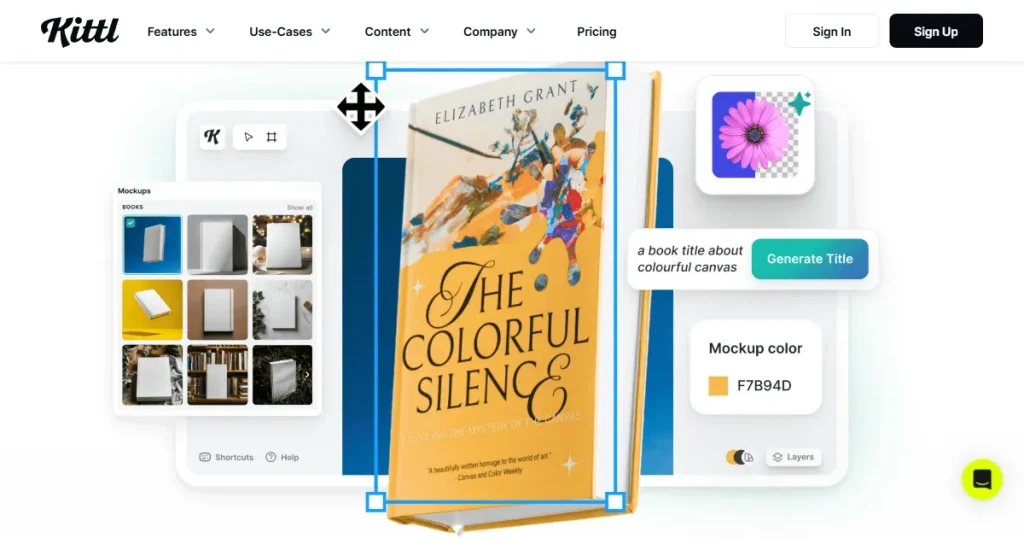
If you have ever searched for how to create a book mockup, this tool is the right one for you. Just like Canva, Kittl is a design-first tool, but it also has a mockup generator.
Its user interface (UI) is not beginner-friendly, and it has a smaller template library and limited storage, even with the pro plan.
Also, most of the good-looking book mockup templates are hidden behind a paywall, which means you can’t do much with their free plan.
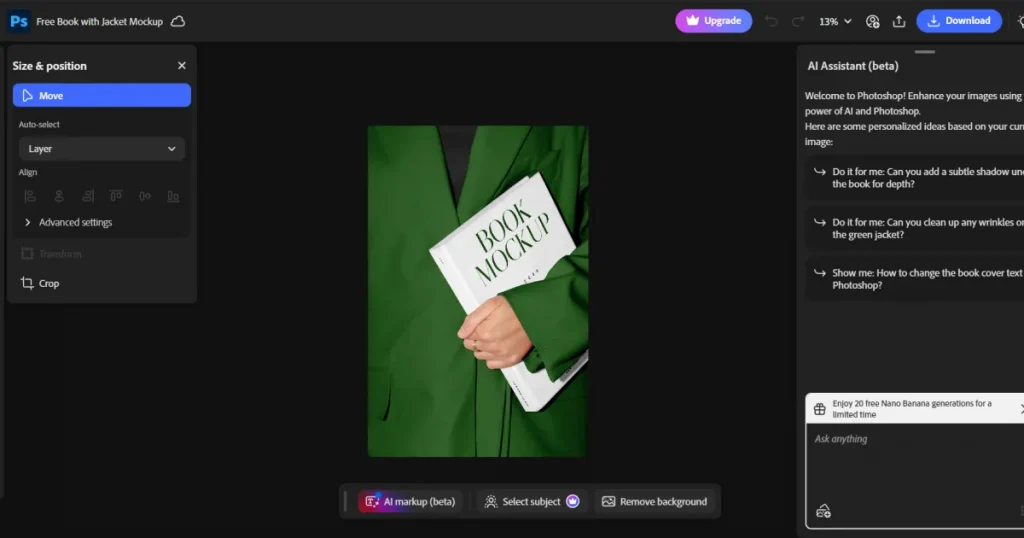
Whenever someone needs book mockups, their most common search term is how to create book mockups in Photoshop. As it is the most versatile design software, you can do everything from creating book cover designs to book mockups.
Photoshop gives you full control when creating book mockups, but it comes with a learning curve. It takes time to understand the tool, especially for beginners, and even after that, creating each mockup can still be slow due to its complex UI.
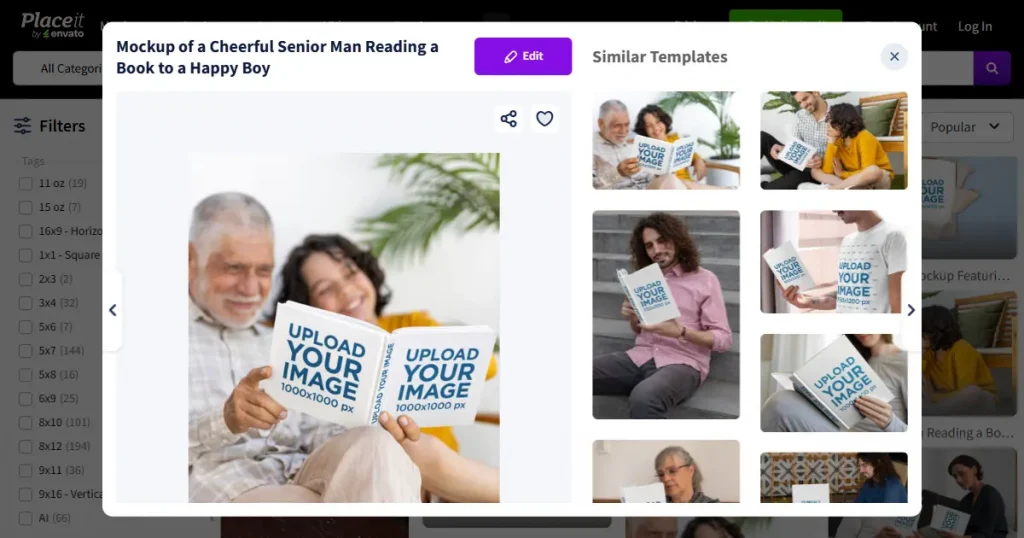
Placeit is another good mockup generator that you can use to create book mockups online. It offers a wide variety of templates to choose from, and you can create mockups very quickly.
All you need to do is upload your book cover design, and it will automatically fit within the template. But you don’t get to choose how to place the cover design. You can’t rotate it, resize it, or change its placement even slightly.
Also, their template quality isn’t great, which means your book may look similar to others on the market, making it harder to stand out.
Here is the step-by-step process on how to create book mockups using Modor.
Step 1: Create an Account and Log In to Modor
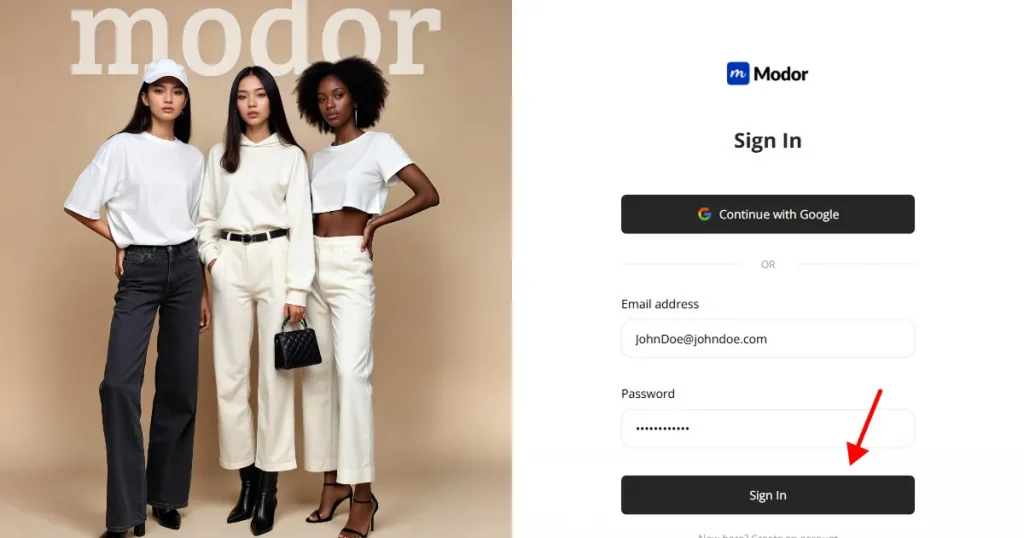
To use Modor for book mockups, you need to first create an account using either the Google Login or Email login method. Google login is faster as you don’t need to enter your details to get started.
Once you create an account in Modor, you can log in to the tool using the same method.
Step 2: Navigate to Book Mockup Category
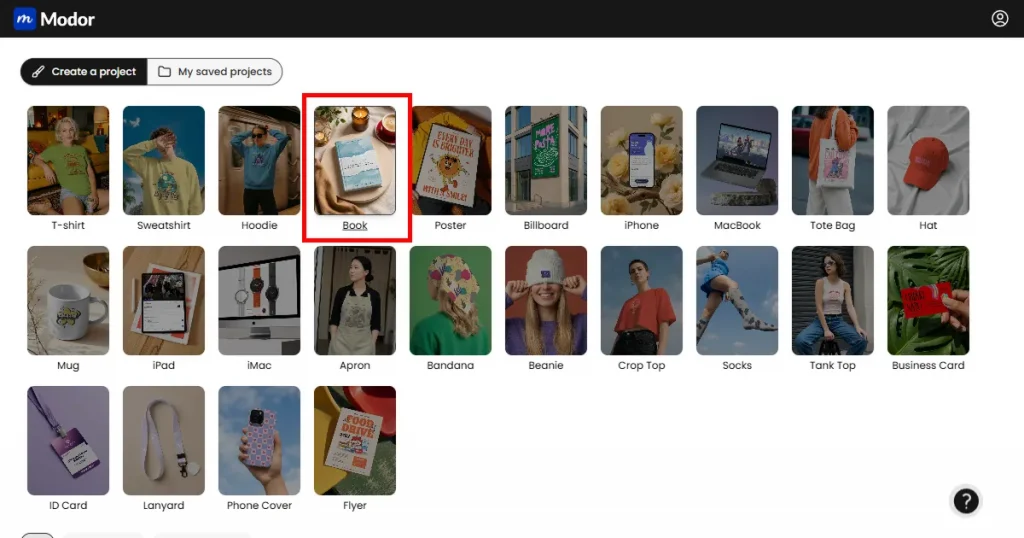
Once inside the tool, find the book mockup category from the 20+ categories available on Modor.
Step 3: Choose a Suitable Template
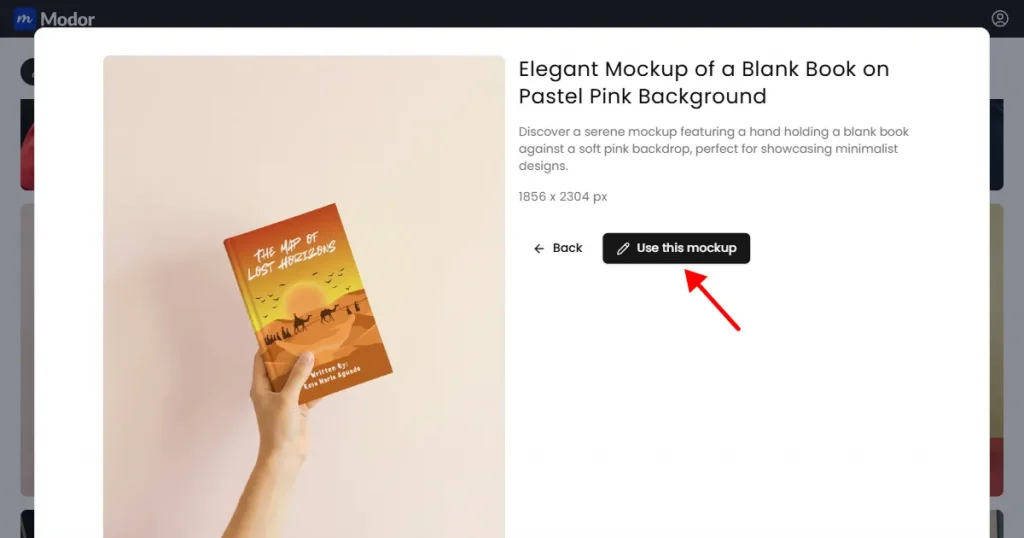
Once you find a mockup template that aligns with your branding, click the Use this mockup button to start editing it.
Step 4: Upload Your Book Cover Design
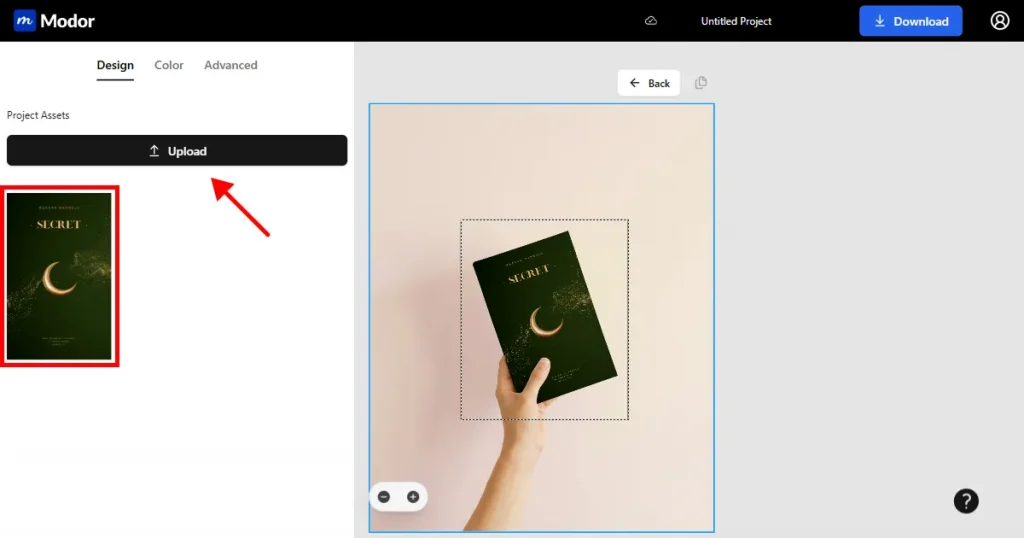
Once you click on Use this mockup, Modor will automatically create a project for you. Now, inside the project dashboard, you can click on the Upload button on the left-hand side to add your book cover design to the mockup template.
Once you add the book cover to the template, Modor’s AI will automatically handle the placement, lighting, and shadows. And you will get a professional-looking book mockup with your cover design.
Step 5: Customize the Book Mockup
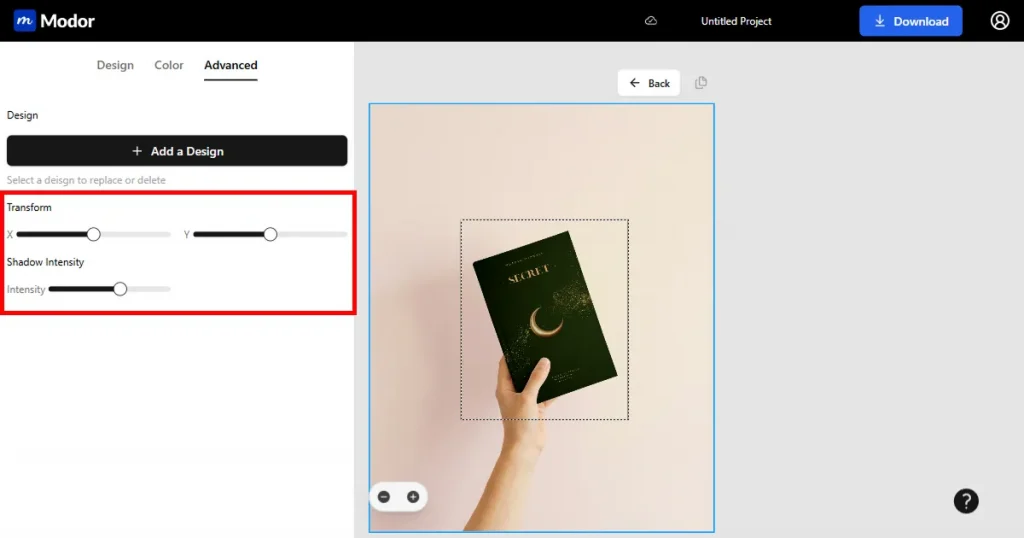
Once your book mockup is ready, you can change the placement of your design by toggling the X and Y coordinates of your design using Modor’s advanced transform tool.
To make your book mockup look more realistic, you can adjust the shadow intensity.
Step 6: Export High-Resolution Mockup
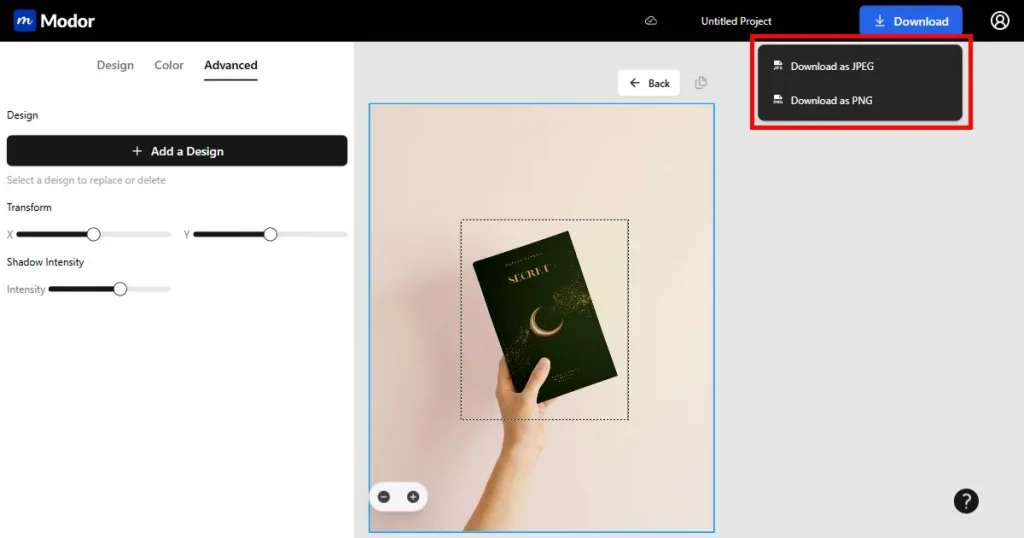
Finally, export your mockup at the highest possible resolution as JPG and PNG. The file will be downloaded as a zip file. Extract it and use it.
Readers judge a book by its cover. Here are a few trending book cover designs, so you know what to create.
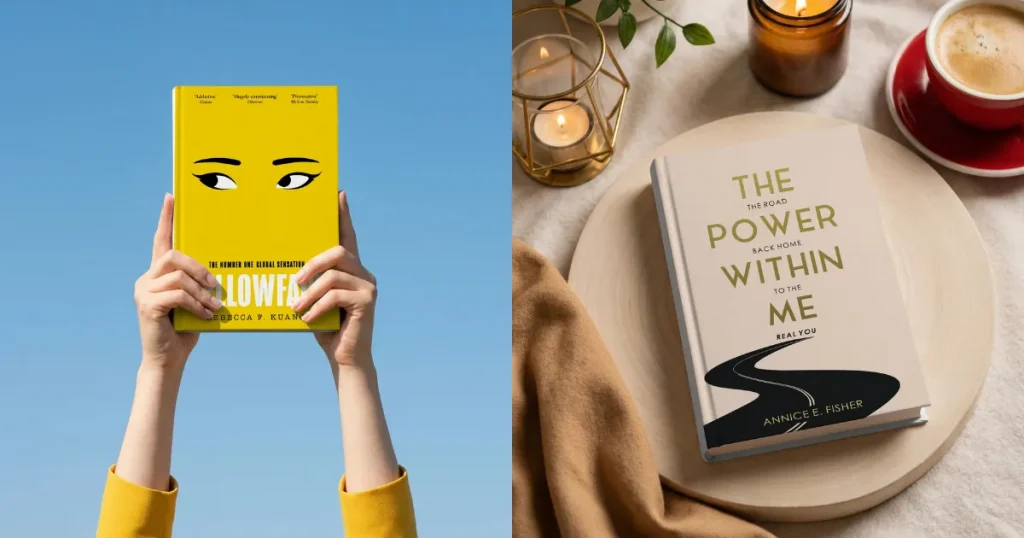
Minimalistic covers don’t have many elements, so the reader’s eyes go to the title or a supporting image. This helps you create a unique visual identity so readers can recognize your book at a glance.
It works well for nonfiction, business books, memoirs, and some literary fiction, making them look clean and unique even in crowded online bookstores.
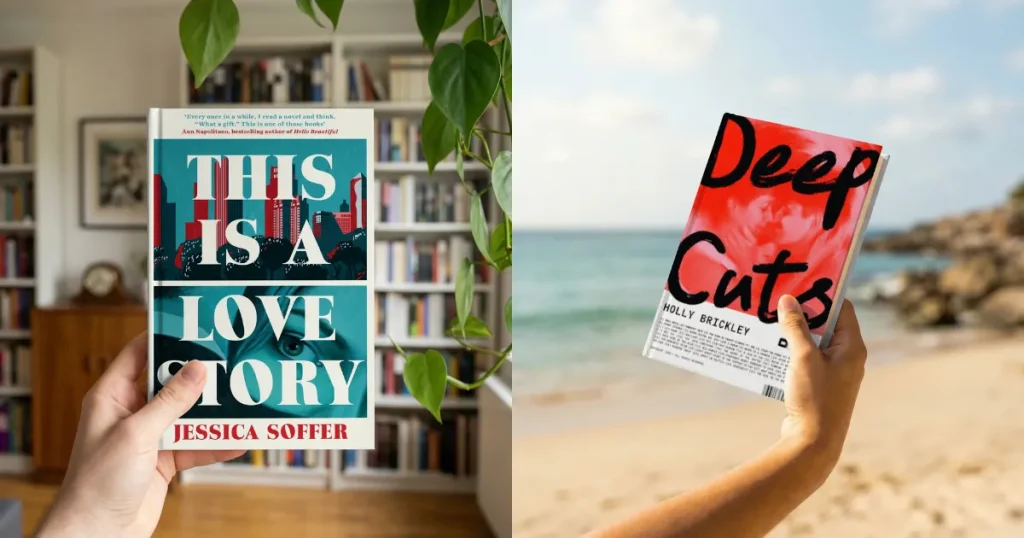
In bold illustrated designs, the scroll stopper is the title or the author’s name. This type of design uses typography and fonts to evoke different emotions. So, this design style is used for different genres.
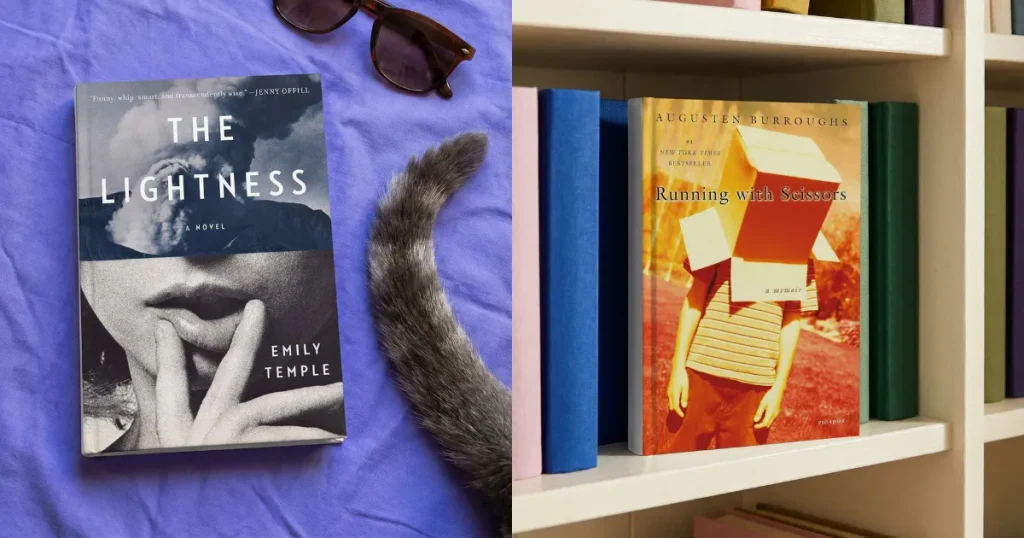
This kind of cover design relies on the use of images to tell a story. They don’t just place any image on the cover. They blend images and designs in a way that allows readers to form an emotional connection with the book simply by looking at the cover.
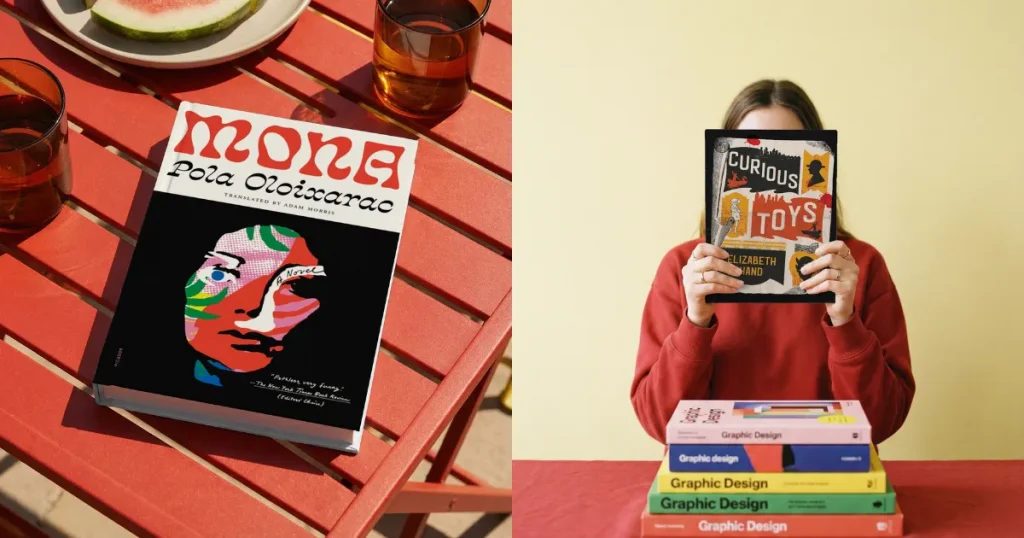
These are the types of designs that tap into our nostalgia and liking towards classical aesthetics. By using vintage designs effectively, you can make your book cover look like art, attracting readers who appreciate it.
These kinds of covers work very well for historical fiction, mysteries, and literary novels, but can be adapted to any genre.
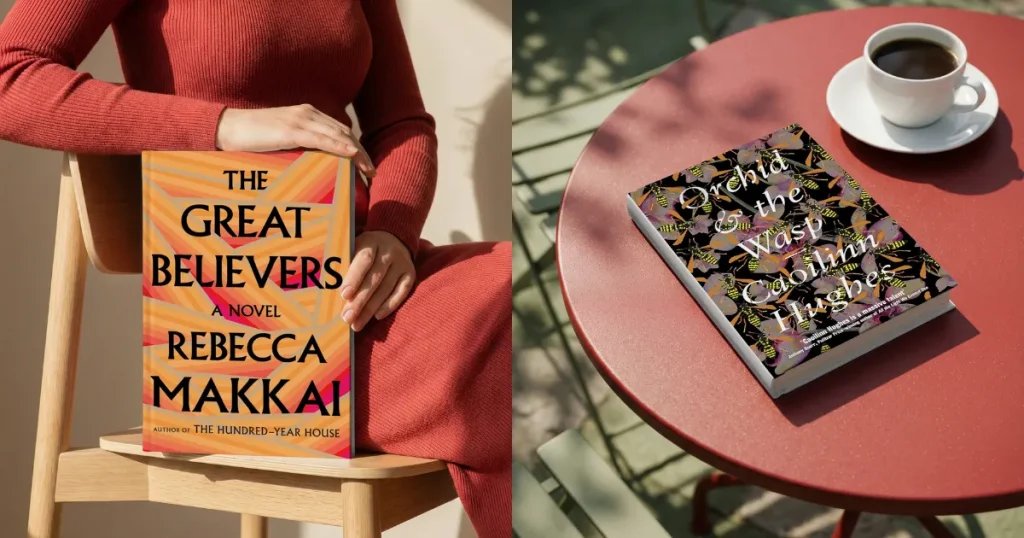
You might have seen many book covers use repeating patterns. They do this to capture readers’ attention when they are not sure what they are looking for. This also helps authors build a solid visual identity. So readers can identify it as their book.
Creating book mockups that look realistic and visually appealing is what really matters when you’re publishing or marketing your books, but not every tool helps you get those stunning, yet high-converting visuals.
That’s where Modor comes into the picture. It is a dedicated book mockup generator that creates book mockups quickly that look like they were shot in a studio during a professional photoshoot.
Now, we have already shown you how to create book mockups with Modor. So, go ahead and test it with your real book cover before choosing the tool.
You can create a book mockup using Modor. Just upload your cover design to any of the curated professional templates, customize it, and export it at the highest quality.
Modor is the best tool for book mockups. It lets you create book mockups quickly, even without design skills, using its drag-and-drop editor. I also support bulk exports, watermark-free exports, and every mockup you create with Modor can be used for commercial purposes.
You can create a book mockup in Canva by selecting a book mockup template, uploading your cover design, and placing it into ready-made mockup frames. Then you can customize them further in the design tool or download them as is.
To create book mockups in Photoshop, use free PSD mockups with smart objects, and place your design inside the placeholder. Next, you can customize the shadows and perspective for a more realistic 3D effect.
Modor delivers some of the most realistic book mockups, even for beginners. It offers high-quality, professionally designed, and hand-picked book mockup templates that make your designs look photorealistic with minimal effort.
A 3D book mockup is a digital photo of a book that shows how it will look in real life, with realistic depth and shadows.
You can easily create a book mockup online with Modor by simply uploading your design and customizing it without installing anything.


