31 Best T-Shirt Mockup Ideas for Apparel Brands
Discover 30+ professional t-shirt mockup templates for ecommerce, POD, and branding. Learn how realistic mockups boost conversions and save photoshoot costs
Published Mar 13, 2026
Discover the best t-shirt mockup tools. Compare Modor, Placeit, Canva, Printful & more with features, pricing, and use cases.
15 min
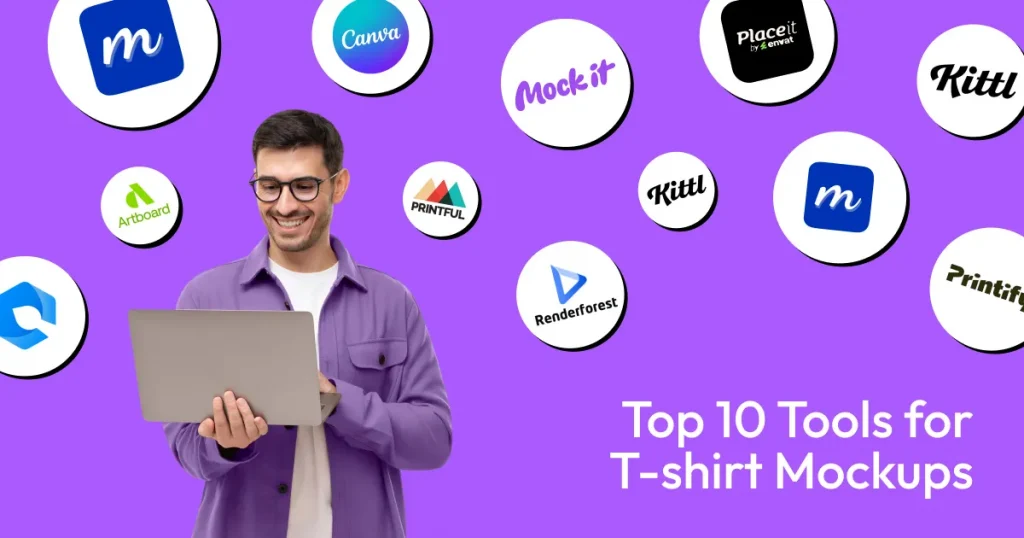
Creating high-converting t-shirt mockups can be challenging without design skills or costly photoshoots. T-shirt mockup tools solve this by generating realistic visuals in minutes.
This guide compares the 10 best t-shirt mockup tools. Modor stands out as the best AI t-shirt mockup tool thanks to its AI-powered templates that blend designs with fabric folds and curves. Printify, having a large product catalog, is one of the best t-shirt mockup tools for POD stores.
We have covered free t-shirt mockup tools and advanced AI t-shirt mockup tools, breaking down their features, pricing, and use cases, so you can quickly choose the right tool for design, bulk mockups, or print-on-demand workflows.
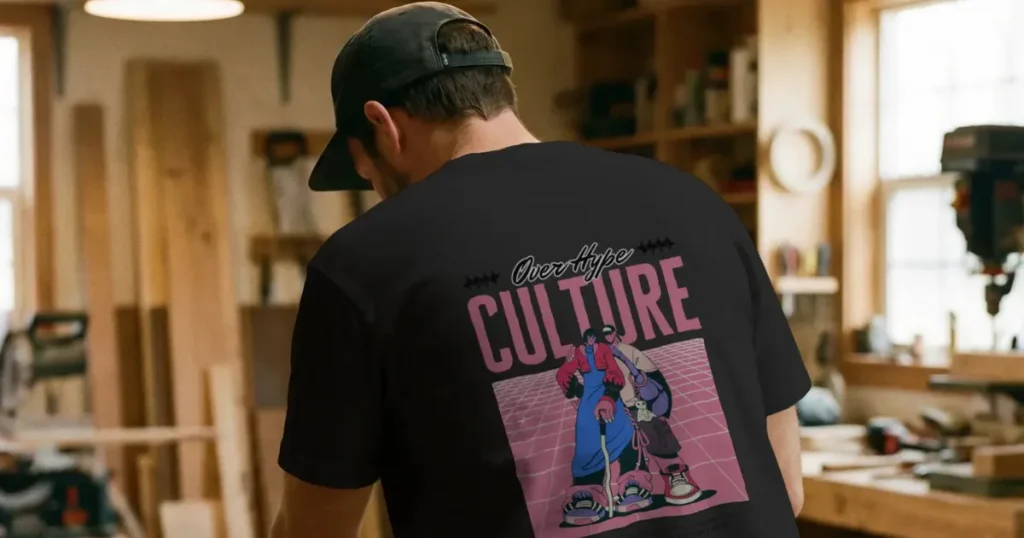
Think of t-shirt mockups as a marketing asset. They let you validate a design before you can waste money printing samples of your product that nobody wants.
Beyond that, a good t-shirt mockup builds trust by mimicking fabric physics. If the fabric looks heavy and premium online, customers assume it feels that way in real life, too. Additionally, t-shirt mockups help you avoid expectation mismatch refunds that hurt profit margins.
A bad mockup looks like a flat sticker floating on top of a chest. That’s not what you want to do. The best t-shirt mockup tools will warp your design to match the clothing’s curves and folds. The fabric texture should look real, whether you are dealing with heavy cotton, soft fleece, or slick polyester.
If you have to read a manual or go through hours of guided tutorials to use the t-shirt mockup software, it’s probably too complicated. Look for features like smart placement; they are lifesavers because they keep you from having to resize the same design over and over.
Efficiency is key. Look for t-shirt mockup templates that will automatically place your design where it belongs. If you are testing multiple color variants, instant switching is a feature you can’t live without.
Lastly, if you run a big store, look for automation, something like Bulk t-shirt mockup generation. Automation becomes non-negotiable as your store scales.
Never assume you own the rights. Commercial licensing is required if you use t-shirt mockups for profit. Also, pay attention to the export quality, watermarks are a no-go for ads or any practical use, and low-resolution mockups will make your store look amateurish.
Aim for at least 1500px to 3000px wide if you want your listing to look crisp on a retina display. Always double-check the fine print on resale rights, and stick to PNGs for transparent backgrounds and JPGs for fast-loading mockups on your store.
Free t-shirt mockup tools are fine for tossing ideas around or sending a quick proof of your skills. But once you start running real ads, paid tools become inevitable.
| Tool | Standout Feature | Drawback | Pricing |
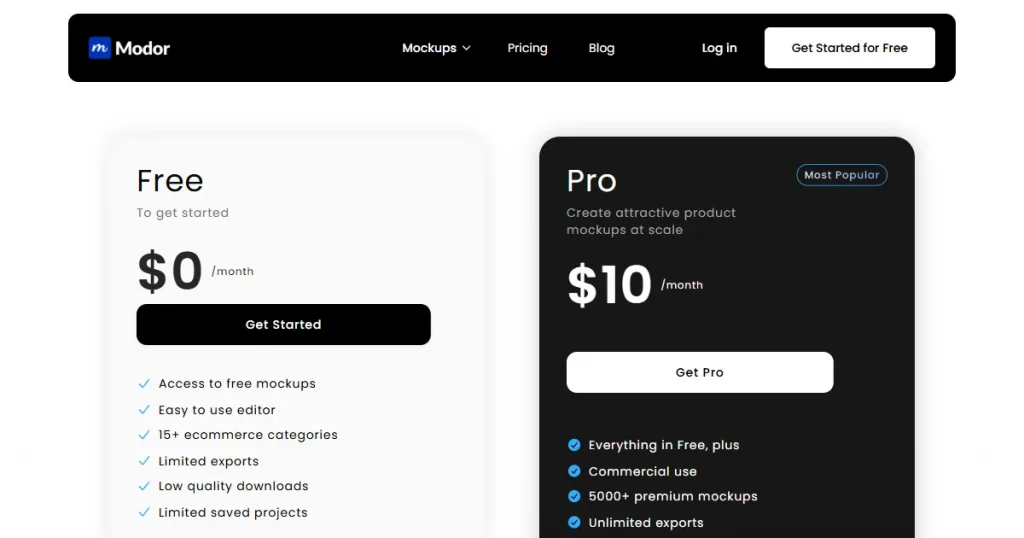
| Modor | AI that smartly wraps designs over fabric folds | No PSDs or direct store plugins | Free plan, Pro starts at $10/mo |
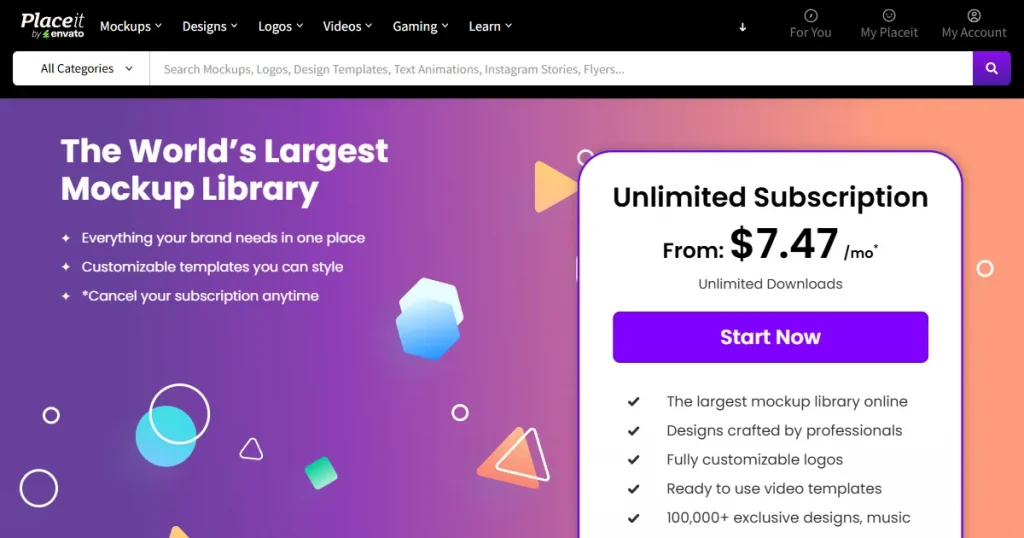
| Placeit | Huge library with real brand mockups | Free mockups have watermarks | Free plan (limited), Unlimited subscription starts at $7.47/mo |
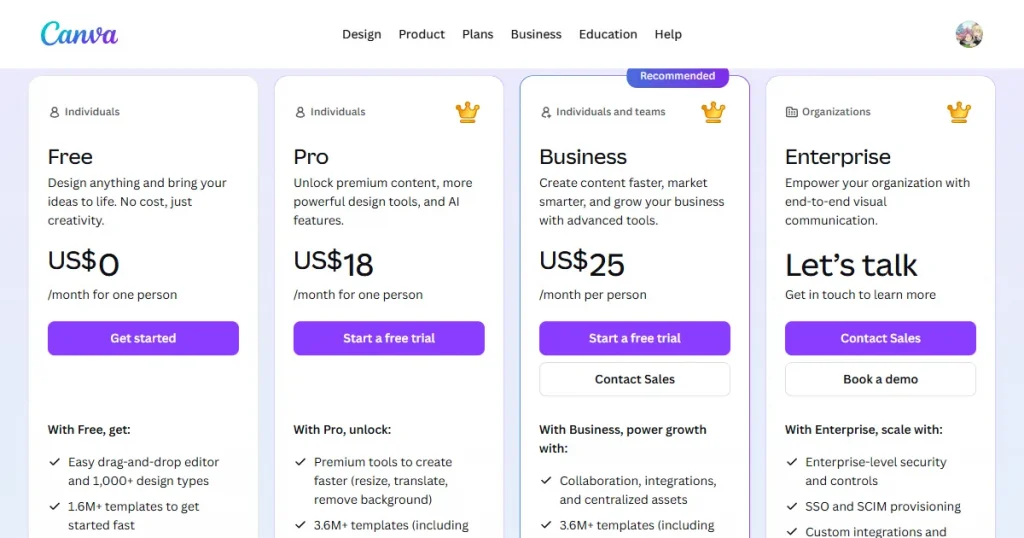
| Canva | Collaborating with teams in real-time | Mockups lack depth/realism | Free plan, Pro plan starts at $18/mo |
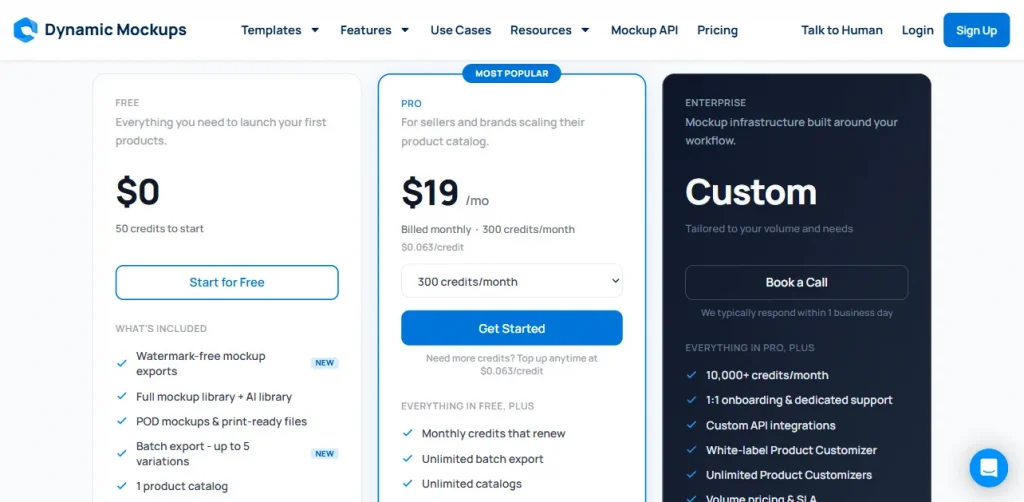
| Dynamic Mockups | Photoshop API for custom mockups | Free exports are watermarked | Free plan (50 credits), Pro plan starts at $19/mo |
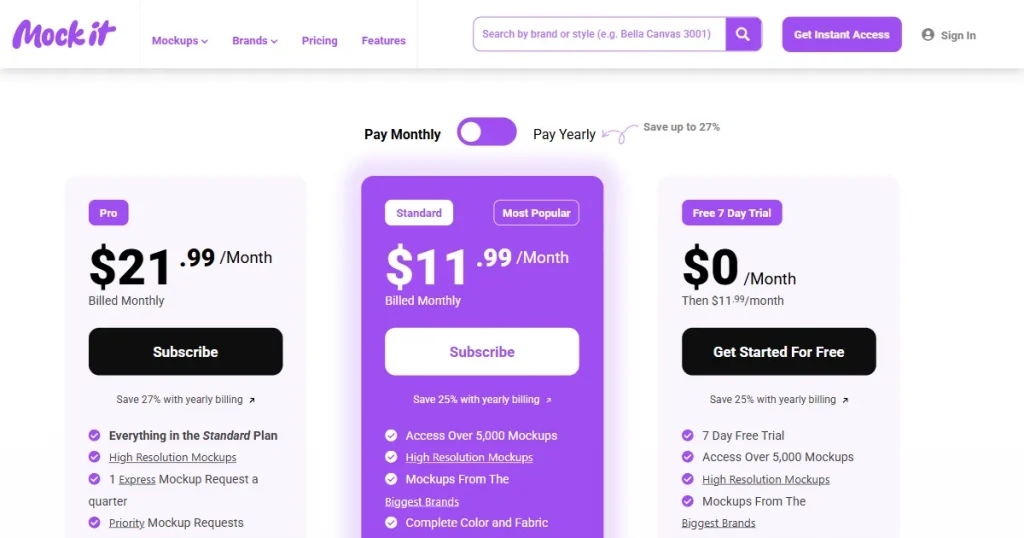
| Mock It | Specific brand mockups (Bella + Canvas, Gildan, Comfort Colors, and Shaka Wear) | No forever-free plan | 7-day free trial, Standard plan starts at $11.99/mo |
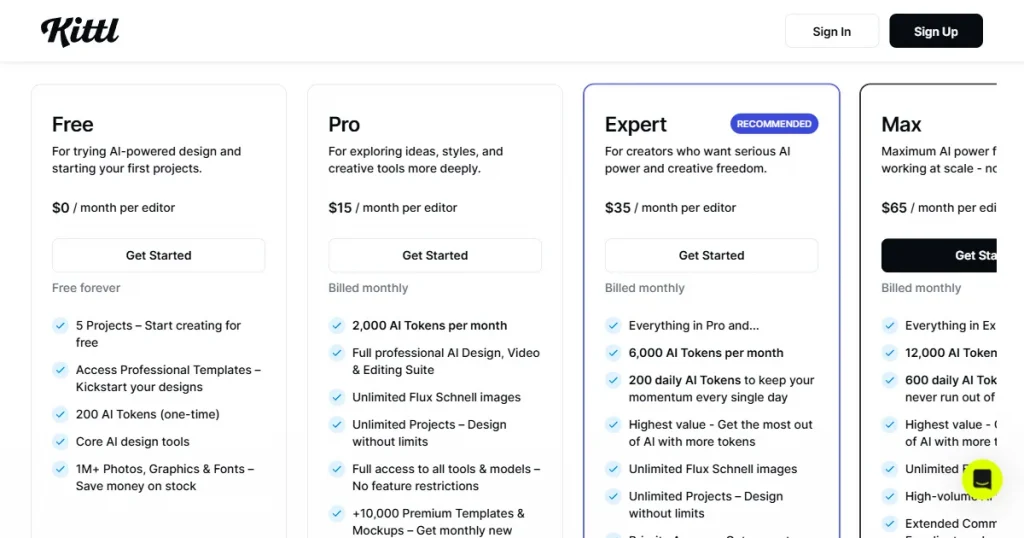
| Kittl | Design tools and mockups in one place | No e-commerce integrations yet | Free plan, Pro plan starts at $15/mo |
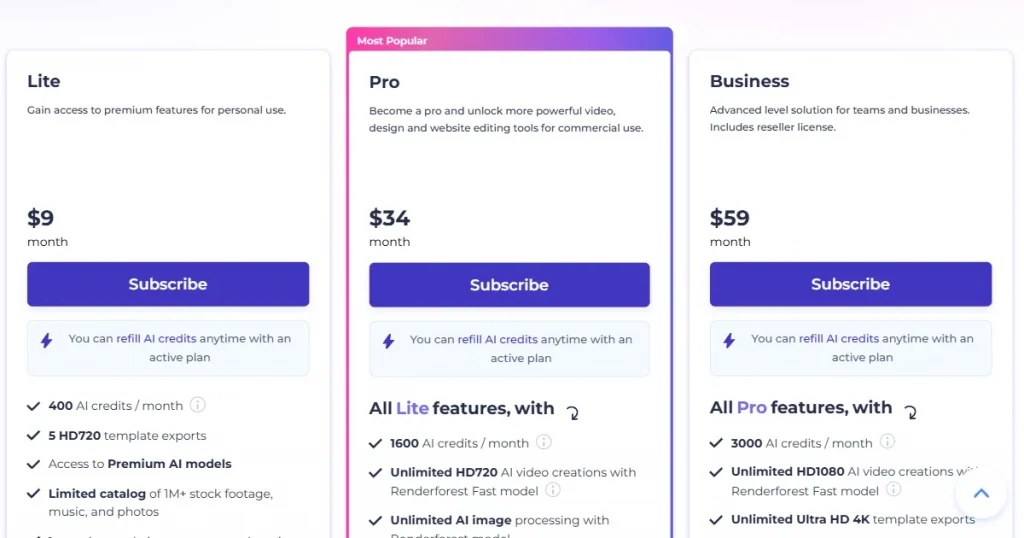
| Renderforest | Branding, video, and mockups combined | Free exports are of low quality | Free plan, Lite plan starts at $10/mo |
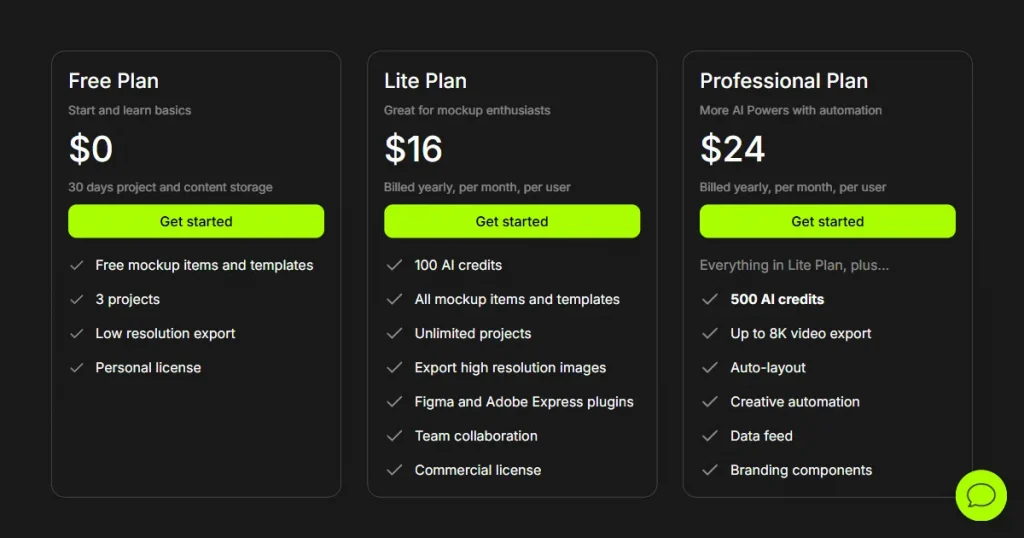
| Artboard Studio | High-end motion and 3D control | Free plan offers low-res exports only | Free plan, Lite plan starts at $16/mo |
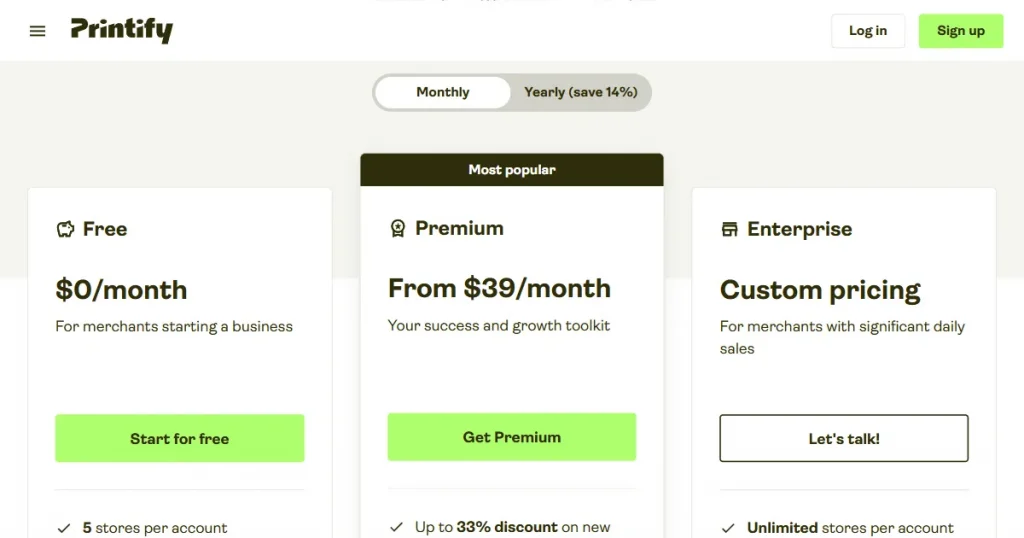
| Printify | Mockup & order fulfillment combined | Free tier has feature limits | Free plan, Premium plan starts at $29/mo |
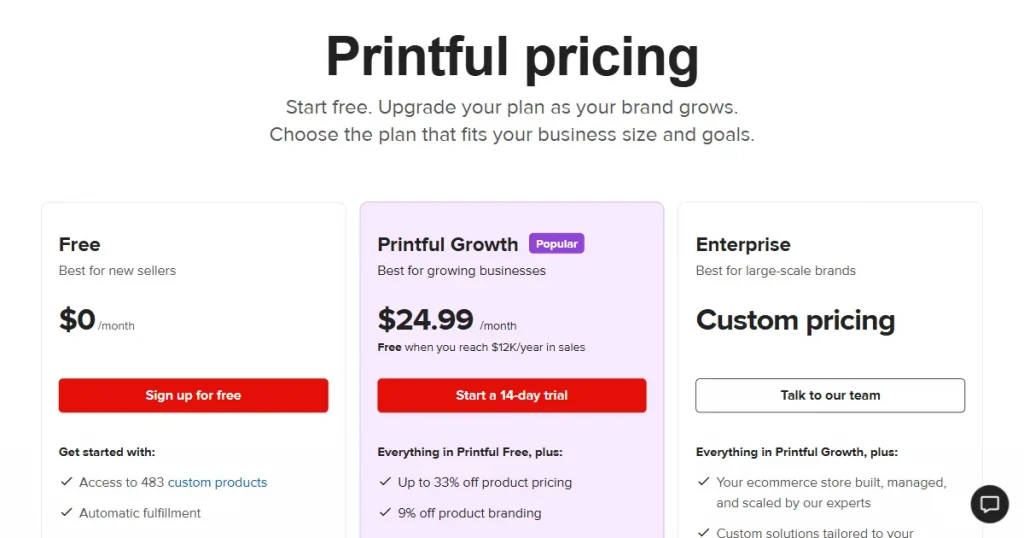
| Printful | Reliable end-to-end order fulfillment | The free plan is a bit restricted | Free plan, Growth plan starts at $24.99/mo |
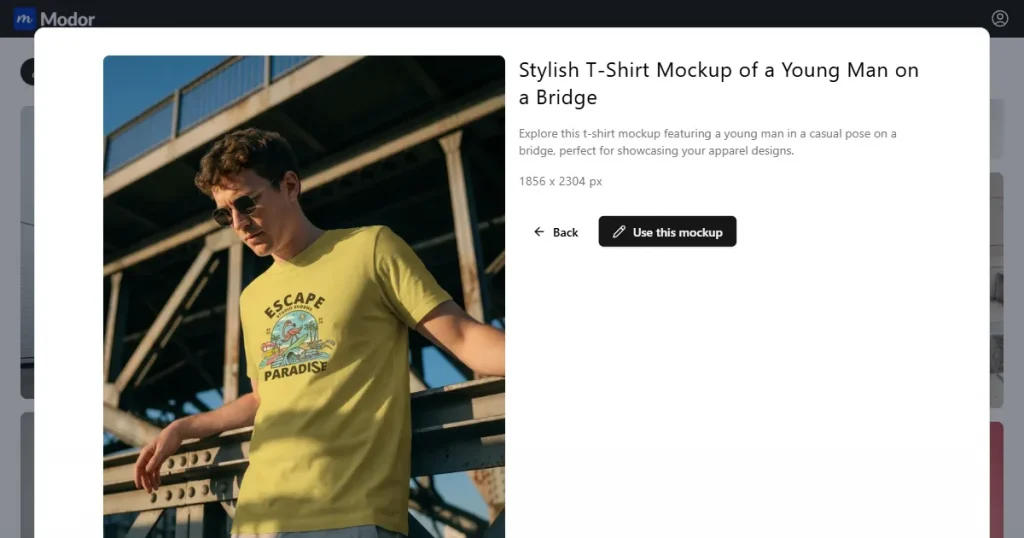
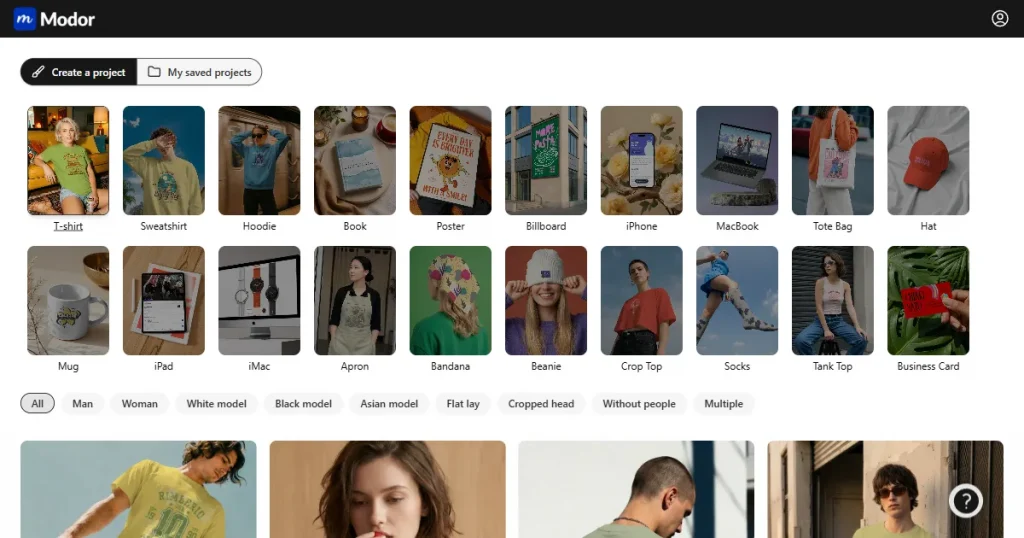
Modor is one of the leading AI-t-shirt mockup tools. It’s designed to handle the manual work for you, especially on tricky parts like blending a rigid design into a crumpled t-shirt.
The Best t-shirt mockup tool with AI t-shirt mockup templates that automatically wrap your design around fabric curves and folds.
You can’t use PSD files, and it lacks e-commerce integration.
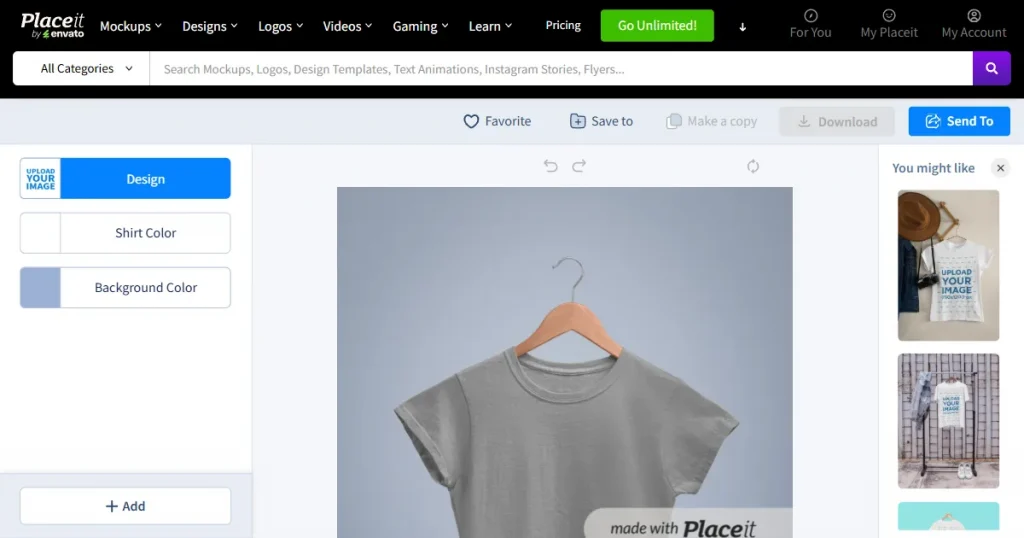
Placeit is one of the best t-shirt mockup tools. If you need a photo of a grandma wearing a hoodie or a fitness model in a tank top, they have it. The real value here for sellers is the official brand mockups, which you can use to show a customer exactly what a Gildan 5000 looks like on a person.
The large volume of assets includes specific apparel brands and trendy video mockups.
The free stuff is mostly either too simple or outdated for any professional use, plus you get a rigid watermark and low-quality exports.
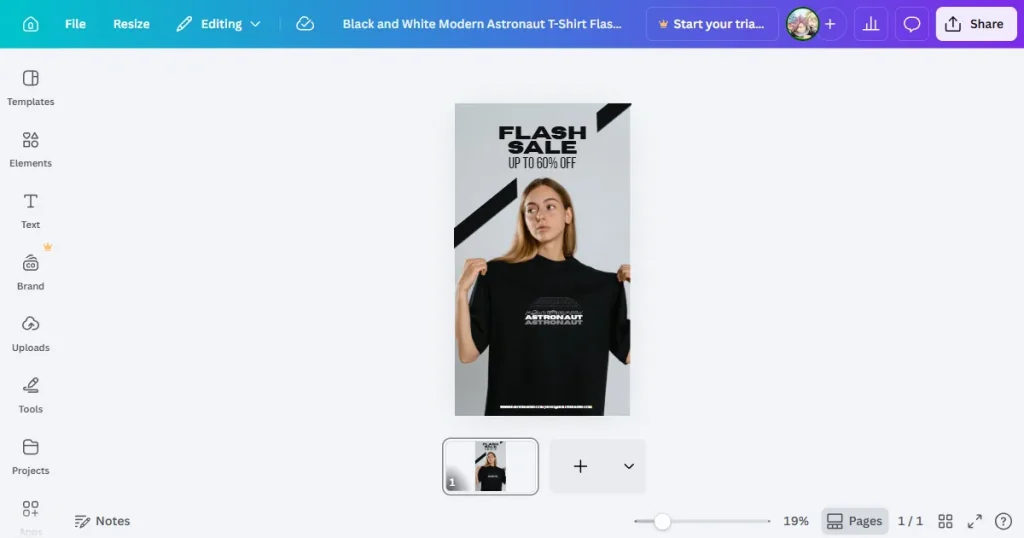
Everyone knows Canva for design, but their mockup game is catching up. It’s not the most advanced t-shirt mockup software on this list, but the convenience factor is quite noticeable. Being able to design a logo, put it on a t-shirt, and resize it for Instagram all in one platform is a huge win-win.
Real-time collaboration makes it the best t-shirt mockup tool for design teams working together.
T-shirt mockups can look flat compared to dedicated 3D t-shirt mockup tools, and free mockups are limited.
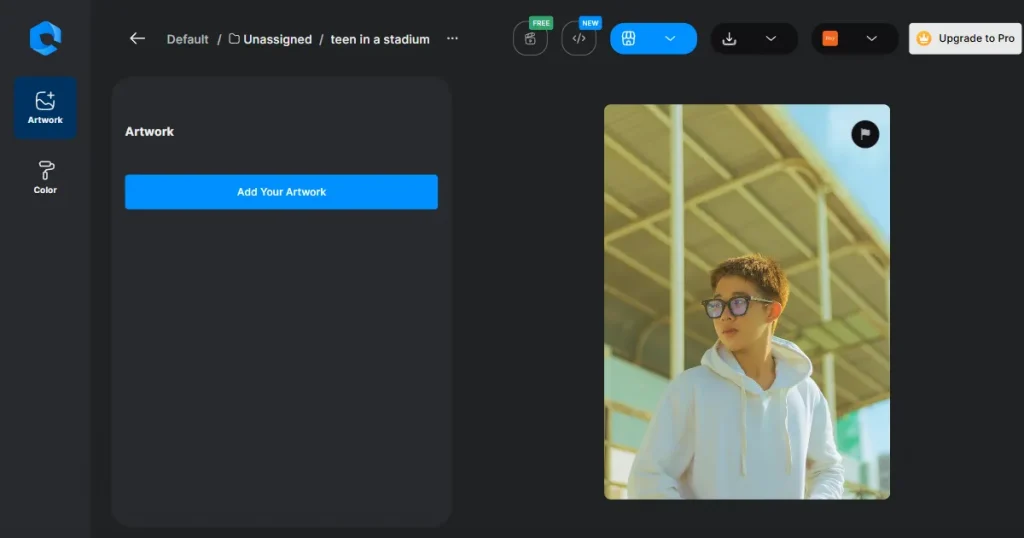
Dynamic Mockups is an AI t-shirt mockup tool for power users, looking for the absolute best, not a bare minimum. It plugs into the Photoshop API, which sounds technical, but it basically means you can generate custom mockups with Photoshop flexibility.
The Photoshop API feature is unheard of and great news for Photoshop designers.
You’ll be stuck with a watermark if you rely on the free exports.
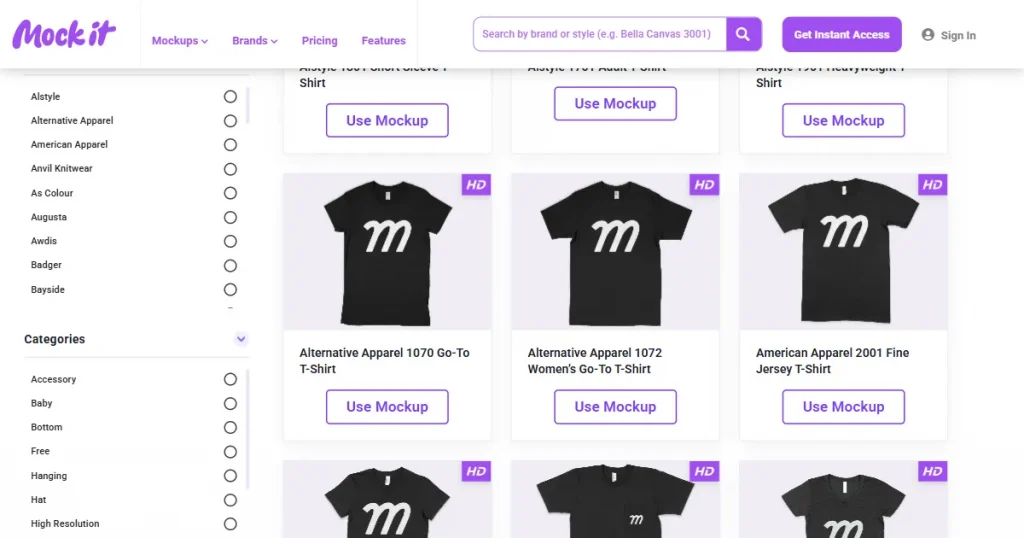
Mock It knows its audience: clothing brand owners. They don’t just give you a t-shirt, they give you specific brand mockups like Shaka Wear or Comfort Colors.
No permanent free tier, you only get a 7-day free trial to test it out.
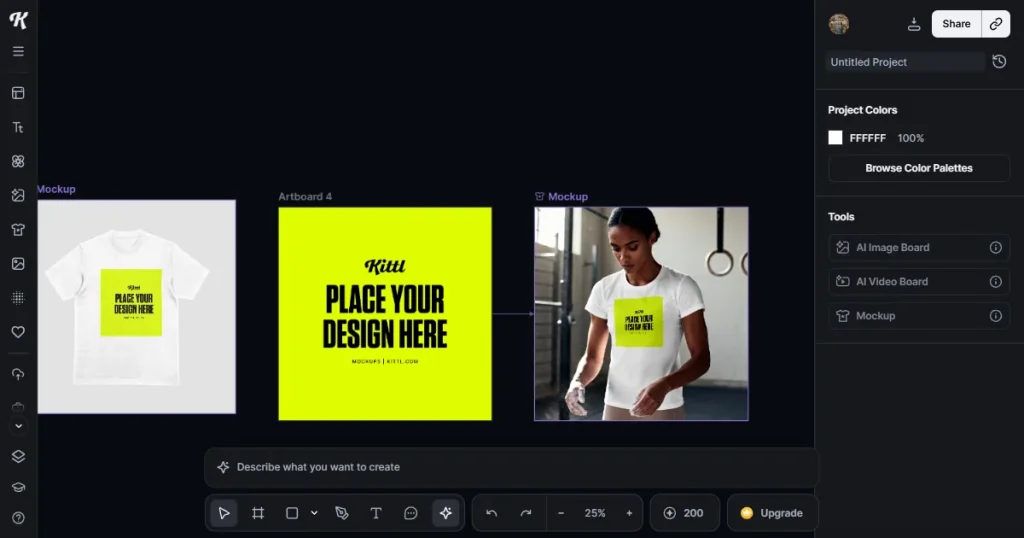
Kittl is a pro-level design tool, not just t-shirt mockup software, that runs directly in your browser. You can create anything from vector graphics to AI-generated images, and they’ve recently added a solid mockup feature.
A seamless workflow that merges high-end design creation with mockups.
Mockups are still a secondary feature here, and you will not find e-commerce integration yet.
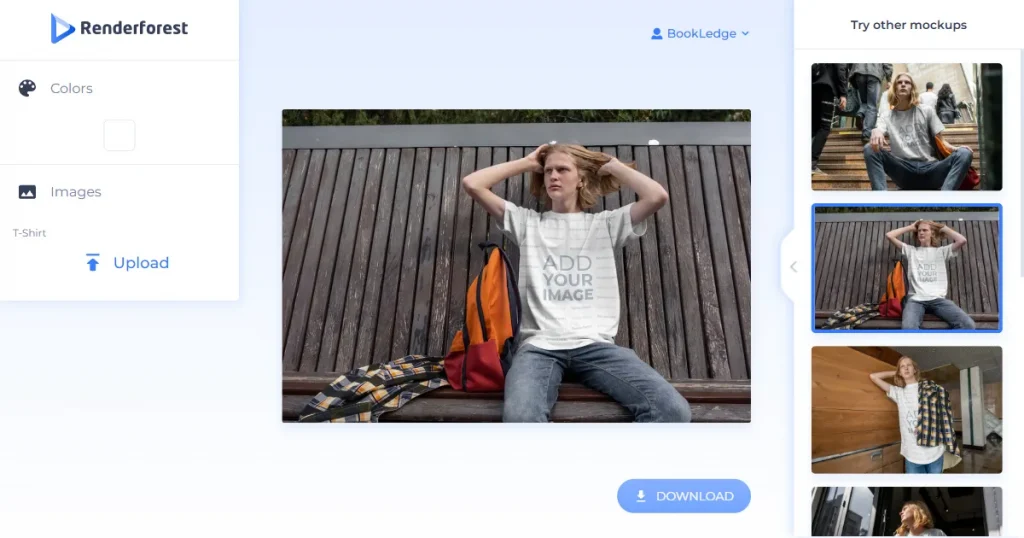
Renderforest tries to be the all-in-one t-shirt mockup software for branding. If you need a logo animation, a promo video, and a t-shirt mockup all in the same day, this is the right call.
It’s a one-stop platform for mockups, branding, and video content.
The free plan is pretty restrictive, with watermarks and low-quality output.
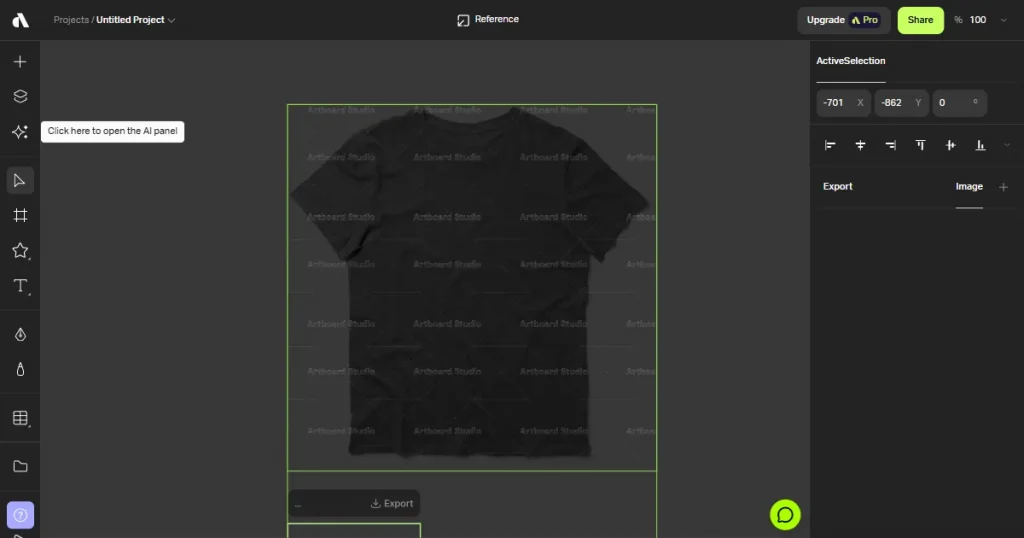
Artboard Studio gives you control over shadow angles and 3D warping. It’s the best pick if you want to build a unique scene from scratch rather than just using a pre-designed 3D t-shirt mockup tool’s template.
You can enhance your mockups with AI, create your own composition from scratch, then let AI turn it into a video mockup. Artboard Studio also supports Figma and Adobe plugins, making it the best t-shirt mockup tool for designers.
You won’t get high-resolution exports on the free plan.
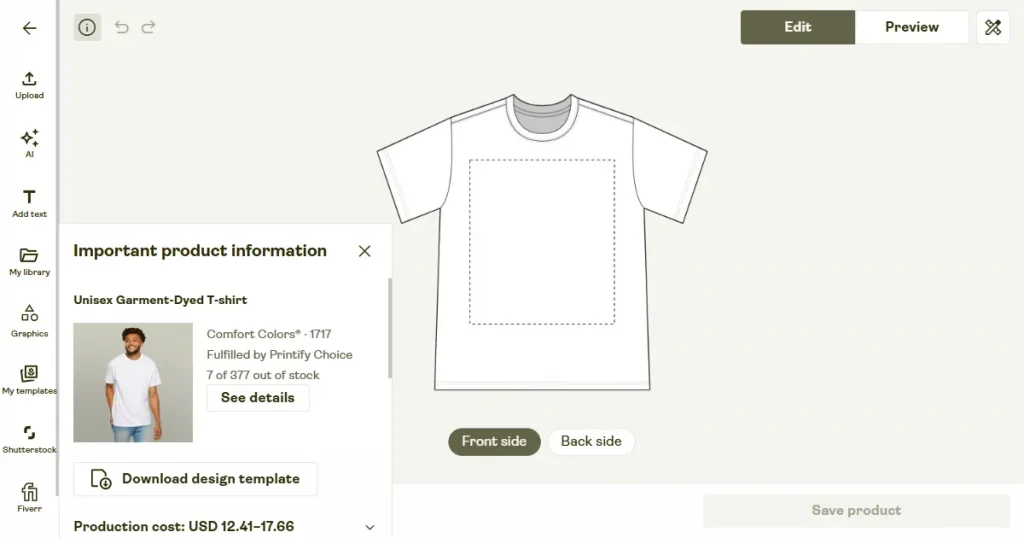
Printify is primarily a Print-on-demand platform, but its t-shirt mockup software is surprisingly capable. The mockup you create is tied directly to a real product from a real print provider, so you know exactly what can be manufactured.
You can design, create a mockup, and list a product for sale all in one place.
The free plan is not sufficient for any practical use and is a strict no for growing e-commerce stores.
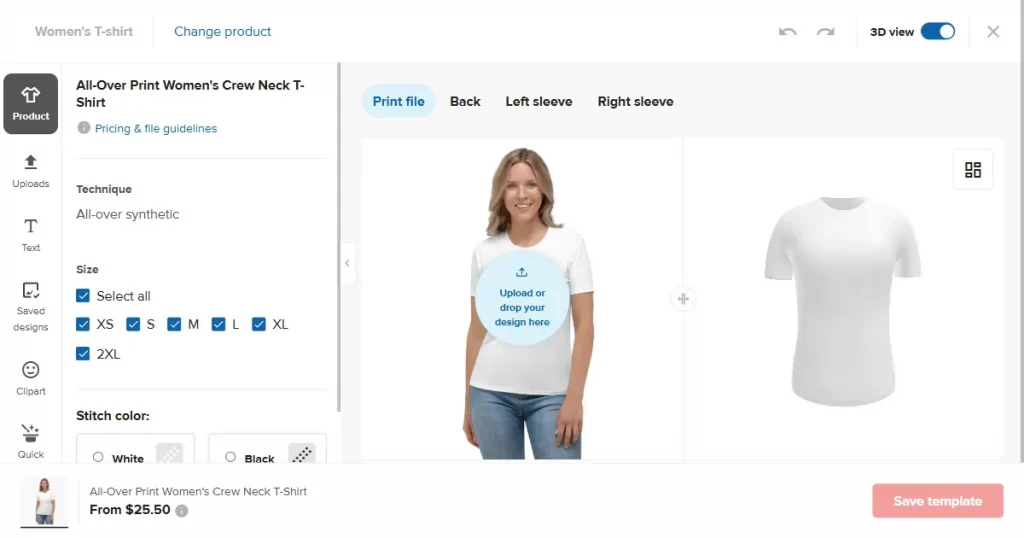
Like Printify, Printful is another leading platform in the Print-on-demand space. Printful’s t-shirt mockup software is robust and focuses on fabric and color accuracy.
It’s an end-to-end solution for Print-on-demand sellers. You can create t-shirt mockups and ship actual t-shirts from a single platform.
The free plan has some limits compared to dedicated design-only tools.
Don’t overthink it, it’s not that complicated. Whether you need total creative freedom or just need to get 50 t-shirts online by tomorrow, there’s a specific tool for that in this blog.
If you are nitpicky about pixel-perfect mockups (and you should be), go with Artboard Studio or Kittl. They give you the controls of Photoshop on a web-based platform, so the final t-shirt mockup looks exactly how you envisioned it for your client.
Speed and scale are your friends here. Dynamic Mockups or Placeit are the best AI t-shirt mockup tools. They let you create consistent, commercially safe mockups for a complete catalog without getting bogged down in legal worries or manual editing.
If you work around social media, Canva or Renderforest are your best options. They prioritize fast mockup creation in social media-ready formats like vertical video and square posts, so you can get your content up on TikTok or Instagram Stories immediately.
The market is flooded with options right now, which is a good problem to have. You can find everything from simple, free browser-based tools to complex design software.
My advice? Don’t commit to a tool until you’ve tested it. Test the free versions of the top contenders. See which interface and features click with your brain.
Which T-Shirt Mockup Tool Should You Use
Want 100 t-shirt mockups in one go? Dynamic Mockups is your best friend
Choosing the best t-shirt mockup tools really depends on what you need. Placeit wins for sheer variety, Modor is great if you want AI to handle the realism, and Printful is the only right option for anyone running a print-on-demand store.
Printify or Printful. Since they handle printing and shipping as well, the mockups are integrated directly into the sales process, saving you a massive amount of admin work.
For speed? Absolutely. AI t-shirt mockup tools let you skip the technical skills. But if you need absolute control over every shadow and fabric texture, a traditional PSD still gives you the most creative freedom.
Canva, Kittl, Printful, and Printify all offer free tiers for commercial use. Just be careful, as they often come with limitations, such as lower resolution or restricted access to premium assets.
Dynamic Mockups is the hands-down winner here. Its Photoshop API and batch mockup generation features let you create hundreds of product variants while you nap.
Yes, Modor is one of the best free t-shirt mockup tool, it offers a free forever plan where you can create free t-shirt mockups. However, some advanced features and higher-quality exports are only available in the paid version.
Artboard Studio is one of the best 3D t-shirt mockup tools, thanks to its advanced control over lighting, shadows, and realistic fabric effects, resulting in high-quality visuals.
Tools like Modor, Canva, and Mock It are good options, depending on whether you prioritize AI-powered realism, broader design features, or apparel-specific mockups.