12 Best Printify Alternatives for Print-on-demand Sellers
Discover 12 best Printify alternatives. Compare Printful & Gelato for better margins & faster global shipping.
Published Nov 22, 2025
8 Best Kittl alternative: 2026 review of 8 top design tools, in-depth testing, pros, cons, and pricing.
15 min
Kittl is great for typography and vintage designs, but it doesn’t cover everything. The template library is small, export options are limited, and integrations are basic. That’s why many users start looking for better alternatives to Kittl.
And one of the best Kittl alternatives right now is Modor mockup generator, mainly for its simple workflow and large mockup library. Canva also stands out for quick designs and works well for non-designers.
To keep things fair, we tested 8 Kittl alternatives to see how they perform in real use. We focused on AI features, ease of use, template quality, export options, and overall usability.
This guide breaks down which Kittl alternatives are actually worth your time and which ones fall short.
We looked at AI features, ease of use, template quality, export options, and real-world usability. This guide breaks down which Kittl alternatives are worth your time and what’s not.
Here’s the list of the 8 best Kittl alternatives we tested:
We weren’t just looking for cheap Kittl alternatives. We wanted tools that excel where Kittl is giving the bare minimum. A real Kittl alternative free or paid, had to compete on Kittl’s home turf: text effects, AI features, and an easy-to-use editor. We ran the project on all 8 tools and laid out four criteria:
| TOOL | BEST FOR | FREE PLAN VERDICT | STARTING PRICE |
|---|---|---|---|
| Modor | Photo-realistic Product Mockups | Excellent | Free / $15/mo |
| Canva | All-in-one General Design | Excellent | Free / $15/mo |
| Adobe Express | AI Gen & Professional Assets | Good | Free / $9.99/mo |
| Snappa | Rapid Social Media Graphics | Demo Only | Free / $15/mo |
| Freepik | Stock Assets & AI Generation | Limited | Free / $9/mo |
| Glorify | E-commerce Marketing Workflow | Limited | Free / $19/mo |
| Fotor | Photo Restoration & Editing | Decent | Free / $8.99/mo |
| Visme | Corporate Charts & Data | Decent | Free / $29/mo |
Here is my detailed, hands-on breakdown of the 8 best Kittl alternatives for 2026.
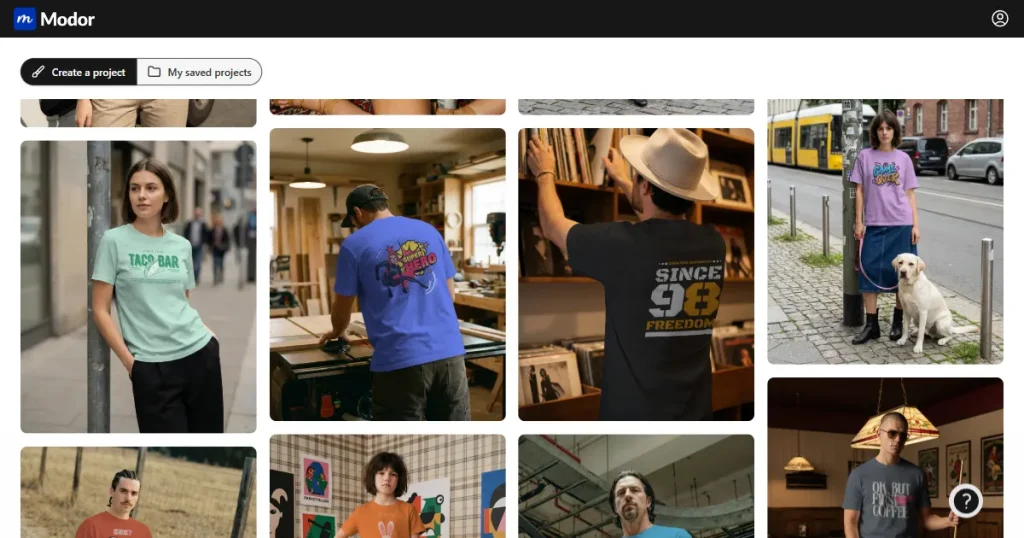
Modor isn’t a full-blown replacement for Kittl. It’s a specialist. Modor is an AI mockup generator and one of the most practical Kittl alternative free options for e-commerce, freelancers, and social media managers. Kittl’s has its own mockups, too, but Modor’s entire platform is dedicated to mockups.
My pro tip: design your art in Kittl or Canva, then bring that transparent PNG to Modor to make the final, professional product shots. It’s one of my favorite Kittl alternatives for precisely this reason.
| PROS | CONS |
|---|---|
| Specialist Quality: Dedicated entirely to mockups, resulting in higher realism than generalist tools. | Niche Focus: It is not a full graphic design suite (no text effects or vector drawing). |
| Smart Wrapping: Advanced blending automatically warps designs to fit fabric folds. | Brand Assets: Saving brand colors and logos requires a paid subscription. |
| Generous Free Plan: No watermarks on free exports and allows for commercial use. |
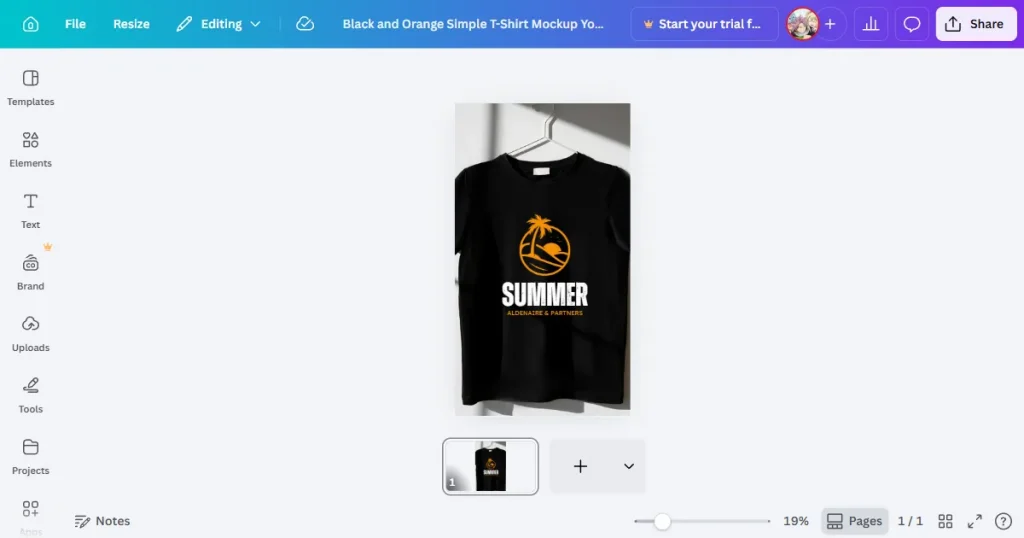
Everyone knows Canva. Where Kittl is a specialist, Canva is the generalist that tries to do everything. It’s the best Kittl alternative if you need one tool for all your tasks, plus that giant library of design assets.
Canva only makes sense if you are using the Brand Kit (a Pro feature). Don’t just use the default templates; your designs will scream, ‘I made this on Canva.’
| PROS | CONS |
|---|---|
| User Experience: The easiest learning curve of any design tool on the market. | Generic Look: Default templates are so popular they can look “overused” without customization. |
| Magic Studio: An incredibly robust suite of AI tools included in the platform. | Paywall: The best assets (elements, photos, fonts) are locked behind the Pro plan. |
| All-in-One: Handles everything from video editing to social scheduling. |
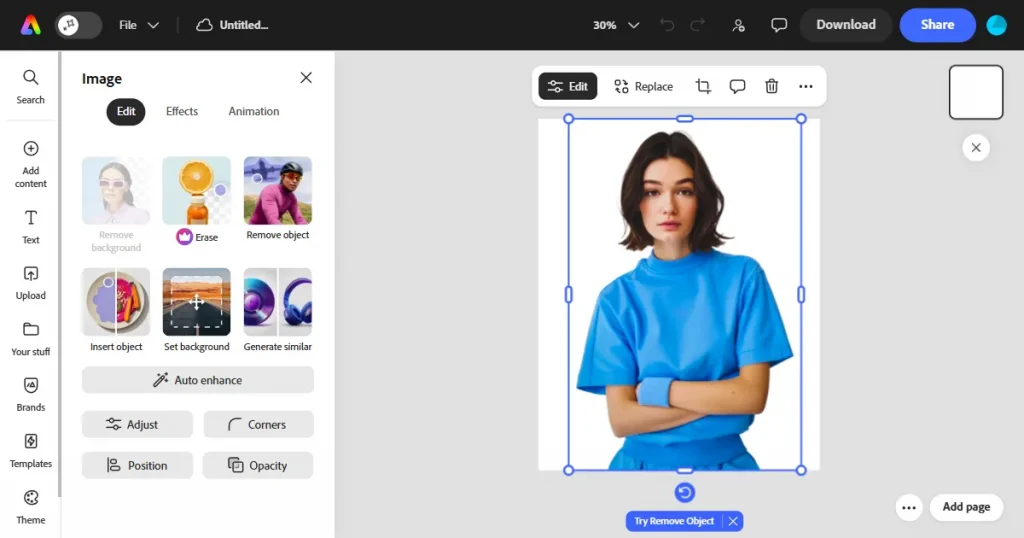
This is Adobe’s direct hit at Canva, and it’s a really good one. This is the tool for serious creators because it works with Photoshop and has the best-in-class Adobe Firefly AI. It’s one of the best Kittl alternatives if AI quality matters to you.
My advice: Use the Quick Actions features to save time. The AI is commercially safe, too, which is a huge plus.
| PROS | CONS |
|---|---|
| Commercially Safe AI: Adobe Firefly is trained on safe data, making it safer for business use | Complexity: Slightly steeper learning curve than Canva or Snappa. |
| Font Library: Access to 20,000+ Adobe Fonts is a massive value add. | Credit Limits: Generative AI features are limited by a monthly credit system. |
| Ecosystem: Seamless integration with Photoshop and Illustrator files. |
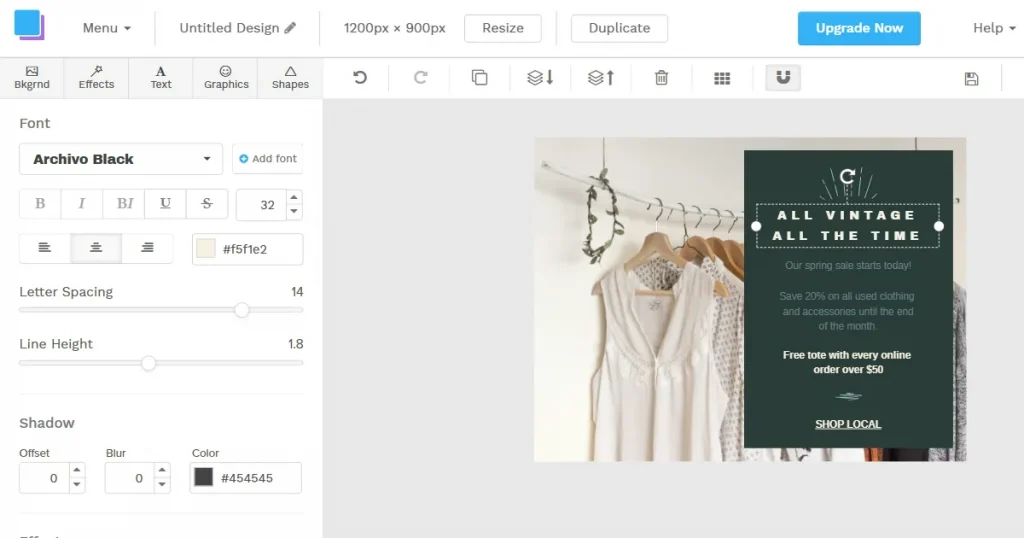
If Kittl or Canva overwhelms you, Snappa is the right tool. It’s a cloud-based design tool built for one thing: speed. Snappa is for non-designers who just need to create social media graphics as fast as possible. It’s the best Kittl alternative for anyone who feels too limited by other platforms.
Here’s the deal with Snappa: The presets feature is a huge time saver. You can start your project with preset image dimensions for platforms like Instagram, YouTube, Facebook, and Twitter, eliminating the need for manual resizing.
| PROS | CONS |
|---|---|
| Speed: Zero learning curve; designed to get a graphic done in under 60 seconds. | Restrictive Free Plan: The 3 downloads/month limit makes the free plan essentially just a demo. |
| Social Presets: Always up-to-date dimensions for every social platform. | Limited Tools: Lacks advanced design features like masking or advanced text effects. |
| Clean UI: No clutter, perfect for non-designers who get overwhelmed easily. |
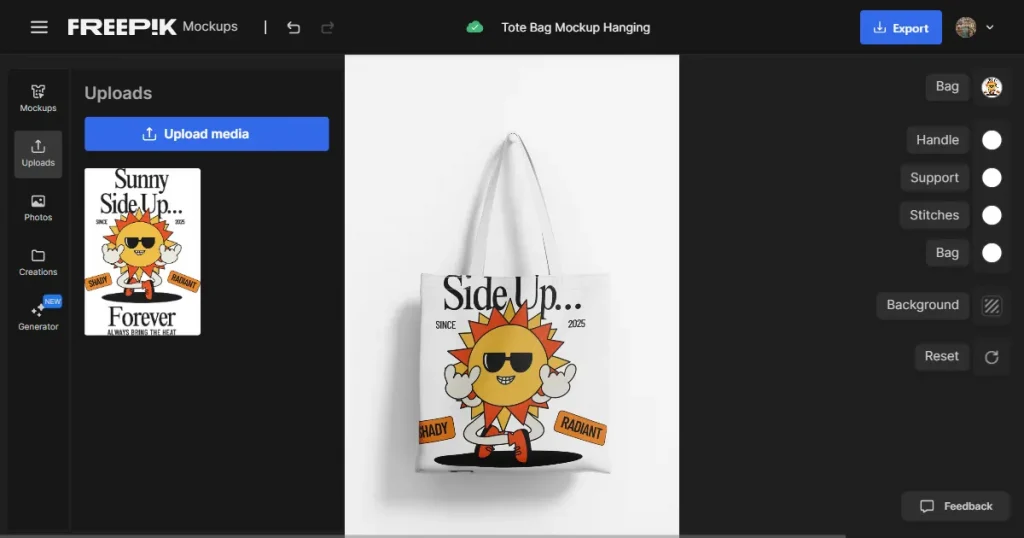
Freepik used to be just a place to get stock photos, but now it’s a full-on AI design suite. Freepik is built for creators who need a vast supply of premium design assets. This is a strong Kittl alternative free option for creators who want both assets and AI tools in one place
My tip: Use this if you can purchase the Premium plan. The free plan is a complete non-starter for any professional work.
| PROS | CONS |
|---|---|
| Asset Volume: 200+ million assets is an unbeatable library size. | Attribution: The free plan requires you to credit the author for every asset used. |
| AI Suite: High-quality upscaler and image generator included. | Mockup Limitations: While it has mockups, they lack the 3D wrapping capabilities of Modor. |
| Value: The entry price ($9/mo) is cheaper than most competitors. |
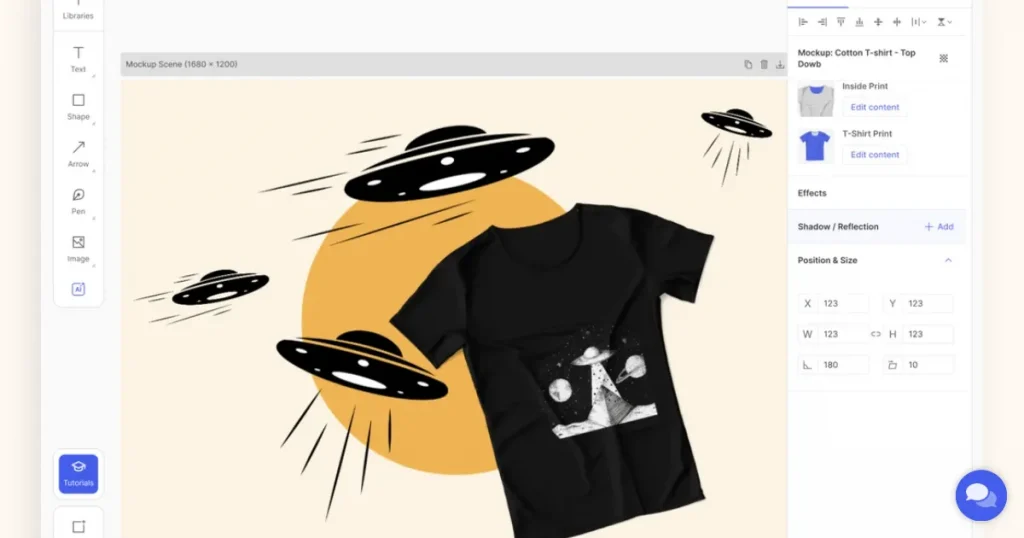
This one is built for a very specific person: the e-commerce seller. If that’s you, this is your Kittl alternative. While Kittl has mockups, Glorify’s entire workflow is dedicated to e-commerce, from start to finish.
My tip for Glorify: Use the Infinite Canvas to plan an entire marketing campaign in one workspace. Also, don’t pay the monthly fee; Glorify is known for its Lifetime Deals. Wait for one of those.
| PROS | CONS |
|---|---|
| E-com Specific: Features like the Annotate Tool are unique and perfect for product sellers. | Price: The monthly cost is higher than average (unless you catch a Lifetime Deal). |
| Infinite Canvas: Great for brainstorming and planning full campaigns in one view. | Learning Curve: The infinite canvas approach takes some time to get used to. |
| Smart Resizing: Easily adapt one product image into multiple ad formats. |
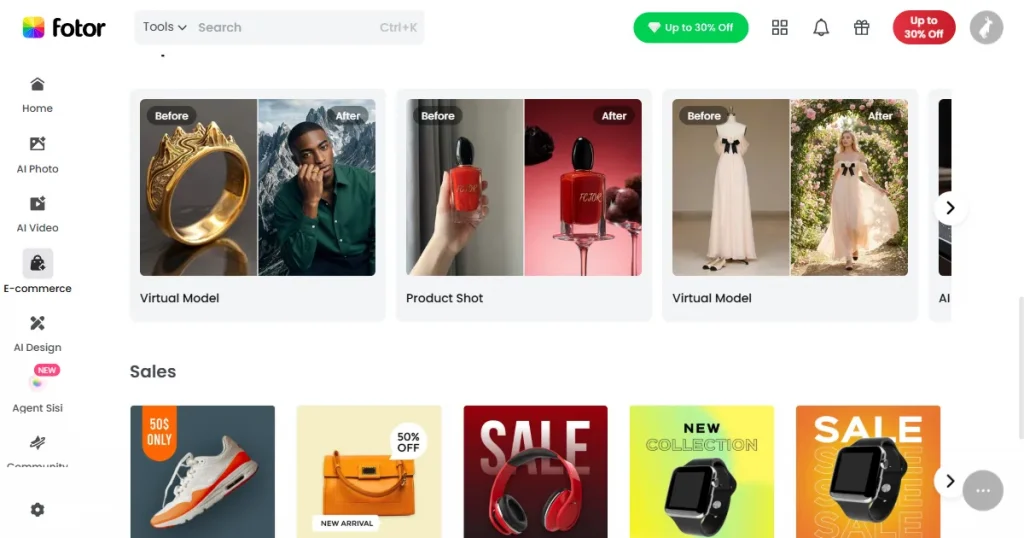
Fotor is a classic photo editor first and a graphic design tool second. Think of it as a photo-fixer. It’s the best Kittl alternative if your primary need is restoring old photos.
My advice: Use Fotor Pro to fix old, blurry, or scanned family photos; its restoration AI is its unique standout feature.
| PROS | CONS |
|---|---|
| Restoration AI: The best tool on this list for fixing and colorizing old, damaged photos. | Not for Layouts: It is primarily a photo editor, not a layout design tool like Canva/Kittl. |
| Cross-Platform: Works seamlessly on mobile apps and desktop. | Watermarks: Many free features export with a watermark. |
| One-Tap Enhance: Instantly fixes lighting and blur issues. |
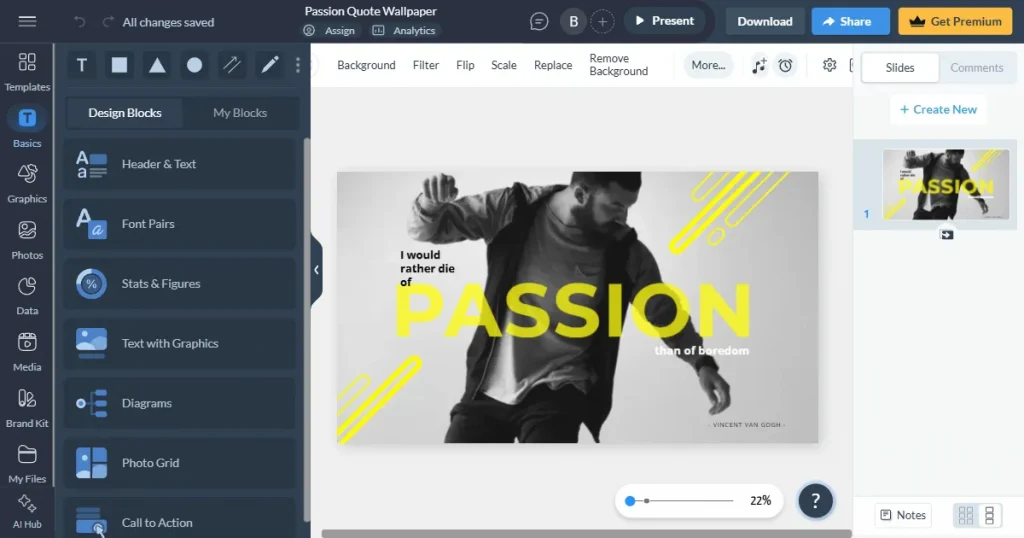
Visme is an enterprise design tool. This isn’t for t-shirts; it’s for reports. It’s an all-in-one platform for businesses, built to create complex, data-rich interactive documents. Think of it as PowerPoint on steroids.
My tip: While Visme is great for interactive features, like pop-ups and hover effects. It’s a total overkill if you’re just trying to make a quick social media post.
| PROS | CONS |
|---|---|
| Data Visualization: The absolute best tool for creating professional charts and infographics. | Overkill: Too complex and expensive for making simple social media memes or posts. |
| Interactivity: Allows for creating clickable, interactive documents and web exports. | Pricey: The Pro plan is significantly more expensive ($59/mo) than other tools. |
| HTML5 Export: You can download presentations as offline websites. |
So, what’s the final verdict after testing all 8 Kittl alternatives? There’s no single best tool. The right Kittl alternative, free or paid, depends on your use case. While I’ve broken down tools for specific tasks like Canva for all-in-one ease or Visme for corporate data. But if you are looking for a Kittl alternative for mockups, the winner is Modor. It delivered the highest quality in its category and offered a value that is simply unmatched.
Kittl’s mockup feature is good, but Modor’s entire platform is a specialist mockup generator. The quality is photo-realistic, the library of 5,000+ templates is massive, and the ability to control shadows, effects, and resolutions (up to 3000x2000px) is professional-grade.
But the value is the real key. Modor offers an incredibly generous free plan that is fully functional for most users, with no watermarks and free commercial use. Even its new paid plan (starting at $15/month) for premium mockups and brand management is a fantastic value for serious e-commerce sellers.
While you might use Kittl for text and Canva for quick social posts, Modor is the Kittl alternative for top-notch mockups. It’s the one tool from this list that every creative, and especially every Kittl user, should be using.
For dedicated, high-quality mockups, Modor is the best alternative. Kittl is good, but Modor is an AI-powered design tool explicitly built for mockups, with 5,000+ templates and more realistic results.
The best free Kittl alternative for mockups is Modor, thanks to its generous free plan with no watermarks and commercial use. The best free Kittl alternative for general design is Canva, which has the most robust and usable free plan on the market.
Short answer: No, not actually. While Kittl alternatives like Adobe Express have powerful AI text effects, nothing perfectly replicates that specific, hands-on control that Kittl is famous for.
This is the perfect design stack approach. Use Kittl (or Canva/Adobe Express) to create your design and export it as a transparent PNG. Then, upload that PNG to Modor to create your entire library of photo-realistic mockups for your store.
This depends on your goal. For the Best Mockups, the winner is Modor. For the Best E-commerce Workflow (including background removal, ad creation, and mockups), the winner is Glorify.