
12 Best Printify Alternatives for Print-on-demand Sellers
Discover 12 best Printify alternatives. Compare Printful & Gelato for better margins & faster global shipping.
Published Jul 14, 2026
10 min
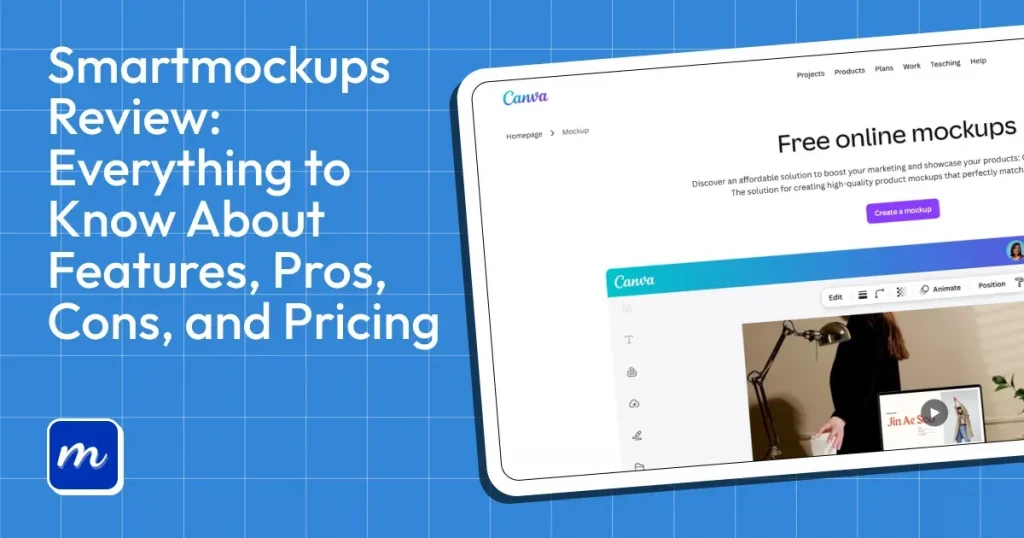
Smartmockups is a browser-based mockup tool that lets you create product mockups quickly without design skills. In 2021, this tool was acquired by Canva and became part of its larger ecosystem.
Its integration with Canva has made it a popular choice among designers, ecommerce sellers, and print-on-demand businesses looking to create mockups quickly. While Smartmockups offers convenience and a large selection of templates, it also has limitations in customization, template variety, and workflow flexibility.
In this Smartmockups review, we’ll examine its features, pricing, strengths, and drawbacks to help you understand where it performs well and where alternatives like Modor may offer a better experience. We’ll also compare both tools side by side so you can determine which mockup generator best fits your needs.
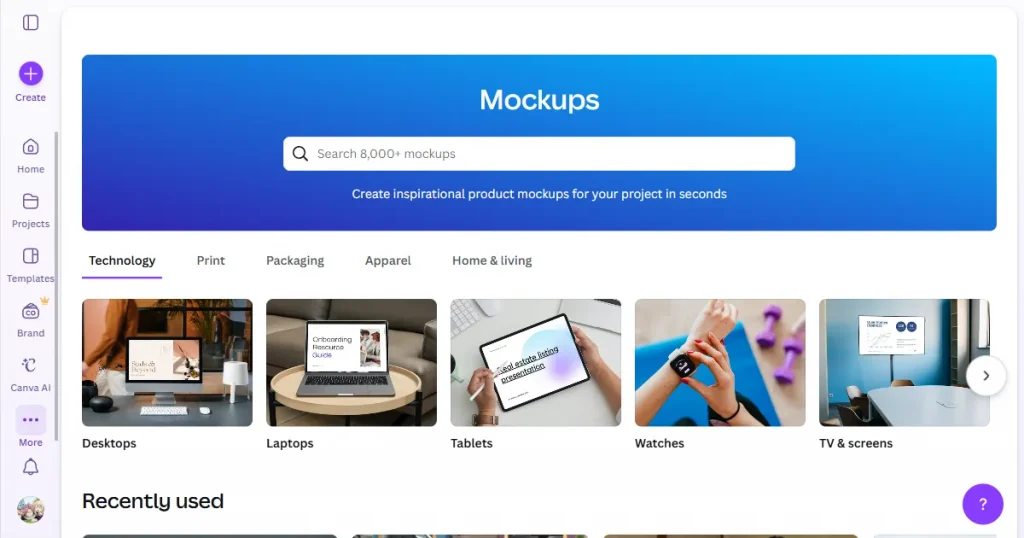
Smartmockups is a browser-based mockup tool that lets you generate mockups across a wide range of categories, including apparel and device mockups, without needing to learn complex design tools like Photoshop.
However, in 2021, Smartmockups was acquired by Canva and became part of its larger design ecosystem. Now, it is no longer called Smartmockups and is called Canva mockups, which is available with a Canva plan.
Let’s start this Smartmockups review by breaking down its features one by one.
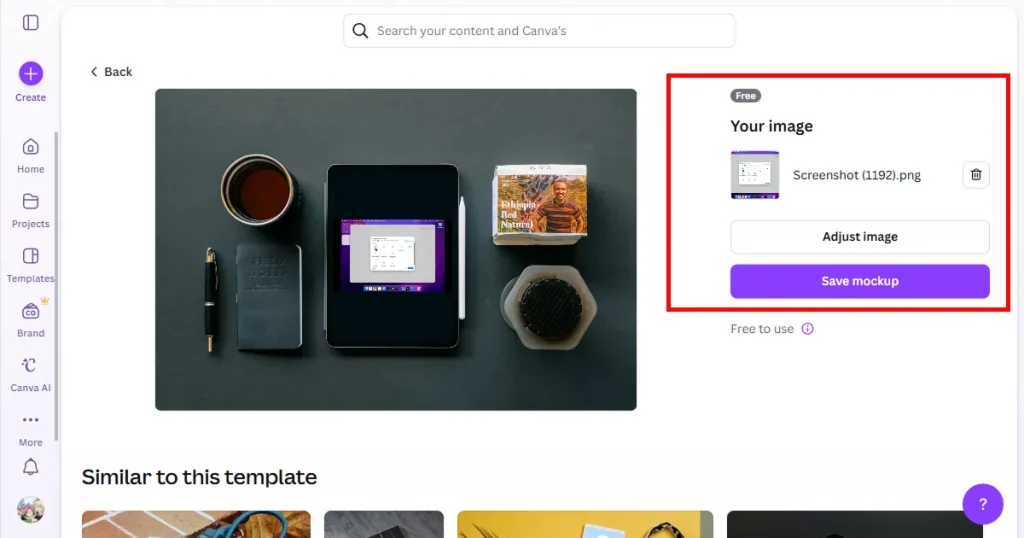
The best part about Smartmockups by Canva is that its workflow is very simple and doesn’t require any design knowledge. All you need to do is select a mockup template, upload your design, adjust its alignment, and your mockup is ready.
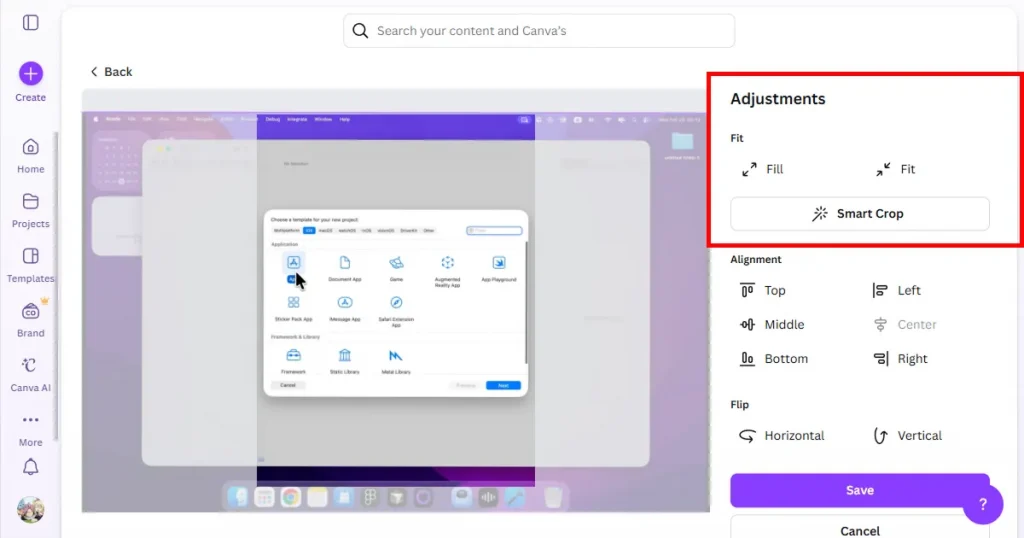
Smartmockups also allows you to edit the design alignment after you upload it to the mockup template. If you want, you can manually adjust the alignment or just use the Smart Crop feature to automatically align the design.
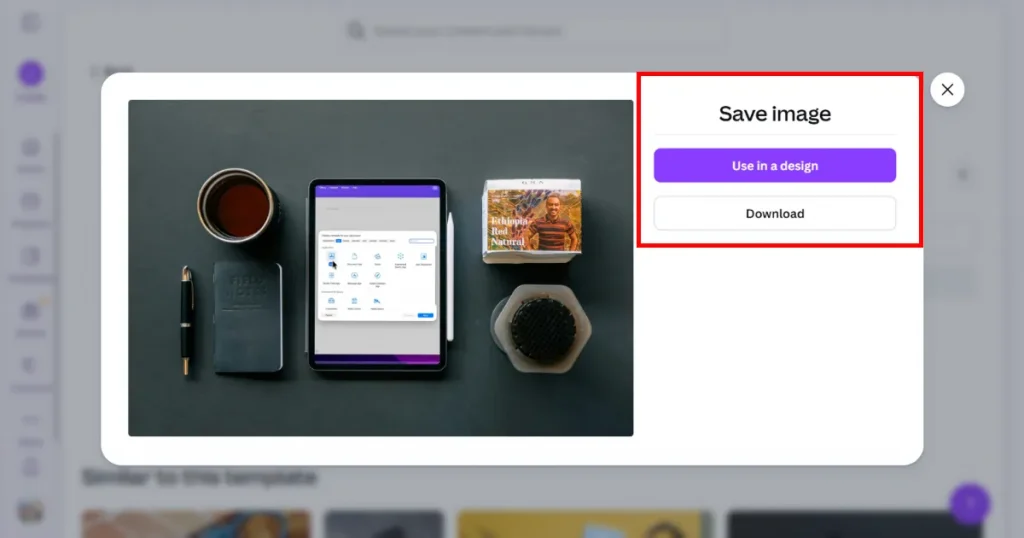
One of Smartmockups standout features is its native integration with Canva. After generating a mockup, you can open it directly in Canva to make further adjustments, add branding elements, include marketing copy, or customize the design using Canva’s editing and AI-powered tools.
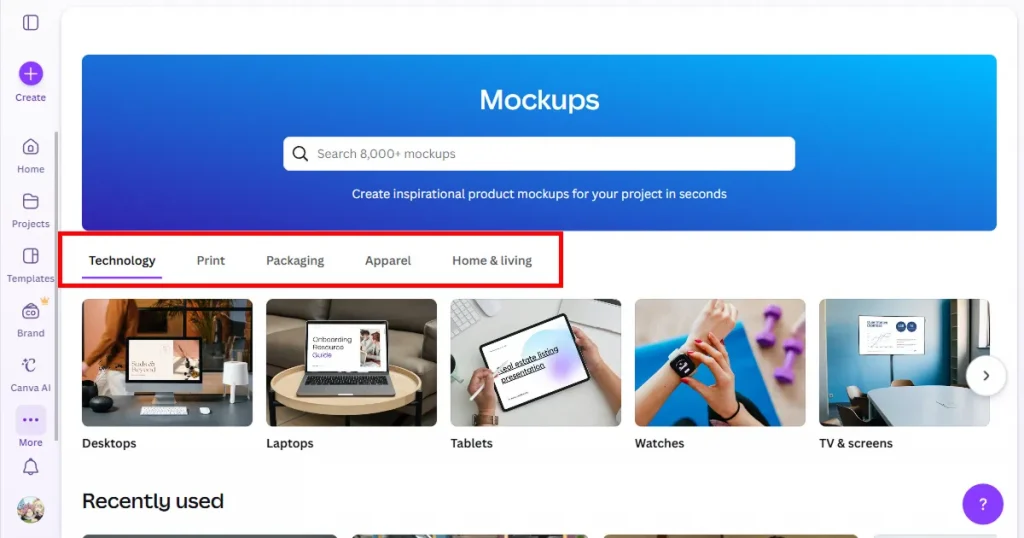
Smartmockups by Canva also has a large library of mockup templates across a wide variety of categories, covering everything from apparel, devices, and prints to packaging.
Before we dive deeper into this Smartmockups review, let’s first talk about why the Modor mockup generator is the best Smartmockups alternative.
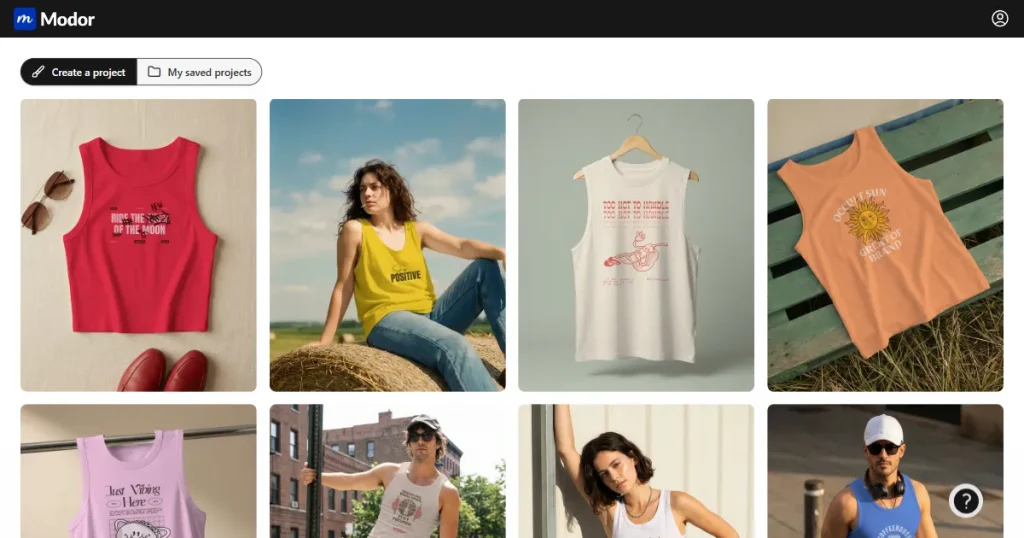
Modor is an AI-powered mockup generator that helps users create realistic product mockups in seconds without using complex design software.
Unlike traditional tools like Adobe Photoshop, Modor focuses on speed and simplicity, allowing creators, POD sellers, and designers to produce high-quality mockups with just a few clicks.
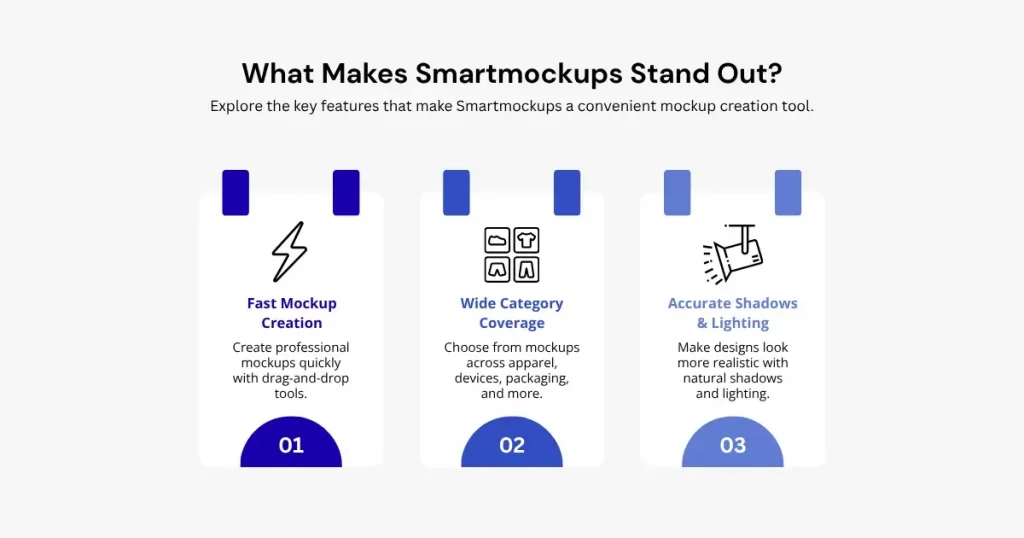
Before moving forward with the Smartmockups review, you should understand what sets Smartmockups apart from the rest.
Due to the simple drag-and-drop workflow of Smartmockups, you can create mockups much faster than using complex design tools like Photoshop or Figma.
Smartmockups offers a wide range of categories, including apparel, devices, packaging, and print, allowing POD sellers or small business owners to create multiple mockups for various products.
Another major advantage of Smartmockups is that it places your designs in the right perspective, with accurate shadows and lighting, making them look like real product images rather than mockups.
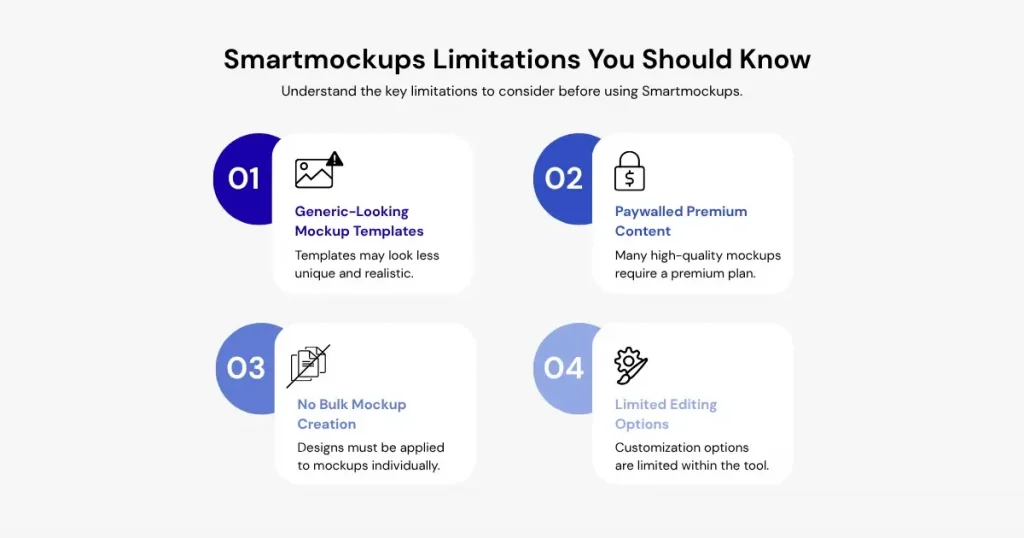
In this Smartmockups review, it’s also important to look beyond the strengths and understand a few limitations that may affect your workflow.
The biggest disadvantage of Smartmockups is that all its mockup templates look very generic and artificial, which doesn’t allow your product to stand out from the rest and reduces customer trust.
Smartmockups free access through Canva gives you only a limited selection of templates, while most of the better-looking mockups are locked behind the premium plan.
If you want to create bulk mockups, you will have to manually apply your designs across different mockup templates. Canva doesn’t let you apply your designs to multiple mockups at once.
If you don’t take your mockups to Canva’s design tool, you don’t get many editing options within the mockup tool. Moreover, you can’t even change the design placement of your mockups, you will be locked into the design placement that Canva provides to you.
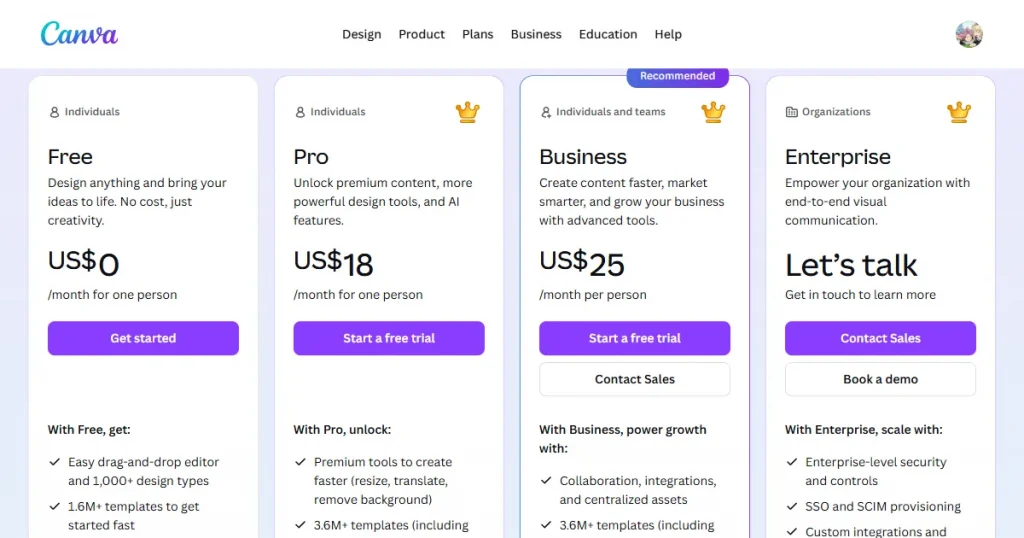
For this Smartmockups review, we also looked at the Smartmockups pricing to determine whether it is value for money. Since Smartmockups is integrated with Canva, you can access the tool with a Canva subscription.
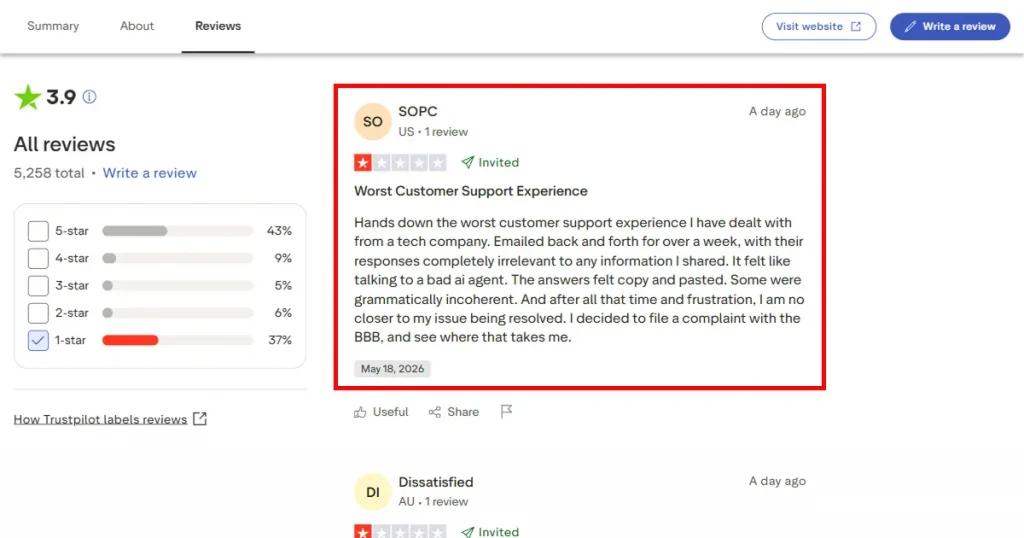
To get a broader perspective, we looked at Smartmockups reviews on Trustpilot. Although many people praise the tool for its simple workflow, wide variety of mockups, and AI integration, we noticed several complaints during our research for this Smartmockups review.
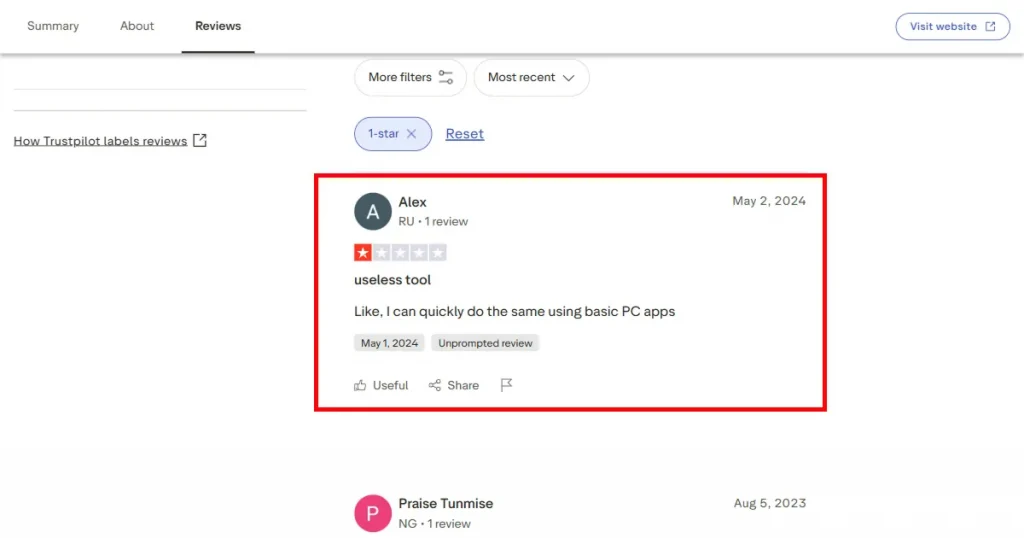
The first and foremost is that the tool is very basic, and anyone can do what Smartmockups does with free tools on their PC. Another major complaint was that the tool has many bugs and glitches, making it very difficult to navigate and create high-quality mockups.
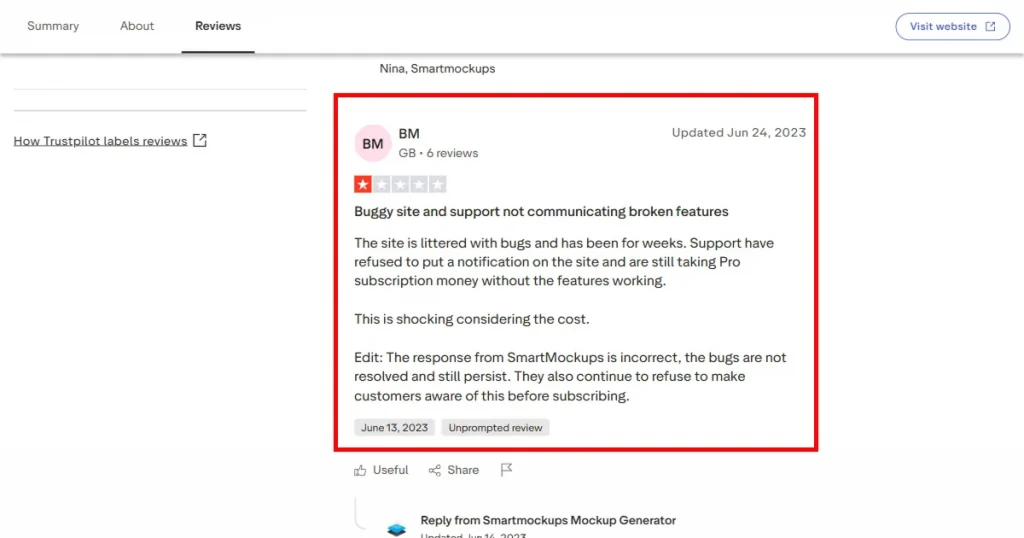
Another weakness of the tool is its poor customer service, where many users feel their issues are not being addressed despite multiple back-and-forths with customer service agents, leading to frustration and a poor customer experience.
In this Smartmockups review, we’ve broken down the key differences between Smartmockups and Modor to help you choose the better mockup generator.
| Features | Smartmockups | Modor |
| Starting Plan | Free version available | Free + premium plans starting at $10/month |
| Export Quality | Basic quality on free exports | High-resolution exports even on free tier |
| Template Variety | Strong collection but many premium locked | Large library with thousands of editable scenes |
| Mockup Style | More generic stock-style templates | More modern and ecommerce-focused visuals |
| AI Capabilities | Basic smart placement tools | AI lighting, shadows, and scene enhancement |
| Editing Flexibility | Limited customization controls | More control over positioning and effects |
| Watermark Policy | No watermark | No watermark |
| Commercial Rights | Included under the Canva license | Commercial use supported |
| Workflow Style | Works best inside the Canva ecosystem | Independent browser-based workflow |
| Bulk Creation | No batch mockup generation | Faster workflow for scaling catalogs |
| Overall Experience | Simple and fast | More flexible and visually polished |
Through this Smartmockups review, it can be concluded that Smartmockups is a basic mockup generator that may feel limiting for users who need more customization options, bulk mockup creation, or access to a larger library of premium templates. Since Smartmockups is part of the Canva ecosystem, it is most valuable to users who already rely on Canva for their design workflow.
For users looking for more flexibility, larger template collections, and bulk export capabilities, Modor is a strong alternative, offering an easy-to-use drag-and-drop editor, 10,000+ mockup templates across 25+ categories, bulk export support, and high-quality, watermark-free exports with commercial licensing, even on the free templates.
Ultimately, the right choice depends on your workflow, budget, and mockup requirements. Smartmockups is a solid option for quick and simple mockup creation, while Modor is better suited for users who want greater control and scalability.
Yes, Smartmockups free plan exists, but you can access only a handful of good-quality mockup templates, as the premium-looking templates are only for pro subscribers.
Yes, Canva bought Smartmockups in 2021 to expand its design and mockup capabilities.
Yes, Smartmockups mockup generator is good for beginners because of its easy workflow, but it won’t help your mockups stand out in a crowded market due to the lack of high-quality templates.
Smartmockups pricing via Canva starts at $18/month and includes access to premium templates, higher quality exports, and advanced AI features.
Yes, Modor is a better alternative to Smartmockups because it helps you create high-quality mockups faster, offers 10,000+ templates across 25+ categories, and includes watermark-free, high-resolution downloads with a commercial license, even for free templates.
Yes, many Smartmockups reviews on Trustpilot mention limitations such as generic mockup quality, poor customer support, and platform glitches, which make it difficult to create mockups with the Smartmockups mockup generator.