


30+ Best iPhone Mockup Templates Worth Trying
Looking for the right iPhone mockup template to fit your brand? Checkout our list of the best iPhone mockup templates worth trying.
Published Jun 26, 2026
8 min
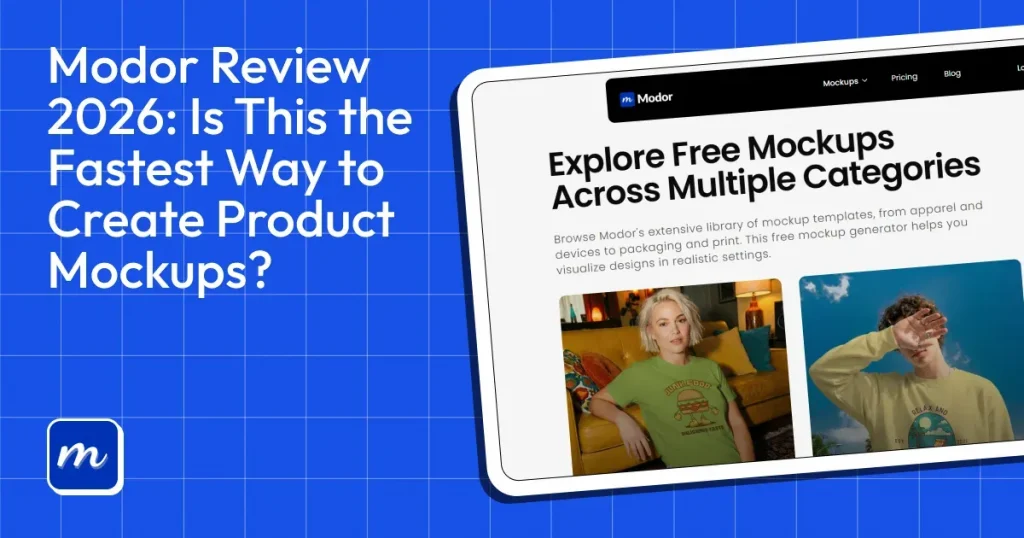
For many startups and creators, traditional mockup workflows can be slow and expensive. Tools like Photoshop often require design knowledge, while manual Figma workflows can take a significant amount of time for even simple mockups.
Modor mockup generator aims to simplify the process by making mockup creation faster and more beginner-friendly while still delivering professional-looking results.
In this Modor review, we tested the platform’s template library, customization features, export quality, pricing, and overall user experience to see whether it’s actually worth using in 2026.
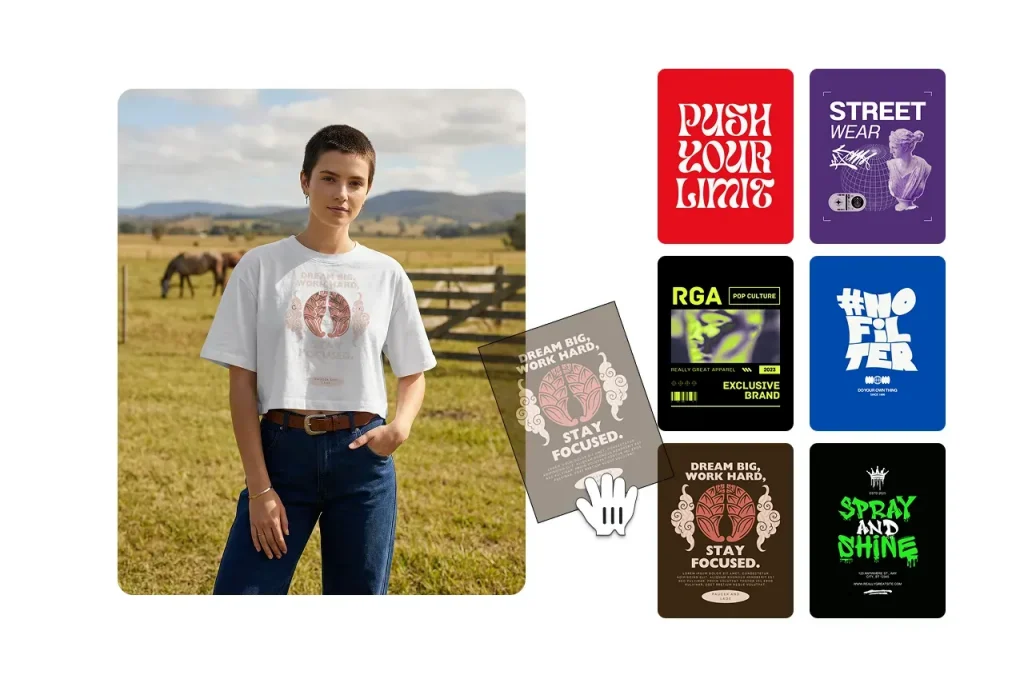
Before we talk about the Modor review, let’s first explore what is Modor mockup generator. Modor is an AI-powered mockup generator that helps creators turn simple designs into realistic product mockups in seconds.
It is mainly used by designers, print-on-demand sellers, and social media creators who want professional-looking mockups without using complex design software.
The platform offers ready-made mockup templates for products like t-shirts, hoodies, posters, packaging, and digital devices. Users can upload their artwork, customize scenes, and instantly generate clean marketing visuals for stores, ads, or social posts.
But what sets Modor apart is its speed and simplicity. Instead of spending hours editing in Photoshop, creators can generate high-quality mockups with just a few clicks, making it useful for fast-moving ecommerce and content workflows.
Before diving deeper into this Modor review, let’s look at the key features of the tool.
Modor features a drag-and-drop editor similar to Canva, making it easy for even beginners to create product mockups without design skills.
Modor’s AI automatically places your designs into mockups with realistic perspective, accurate lighting, and natural-looking shadows, helping every product preview look polished and professional in seconds.
This makes it easier for e-commerce brands and print-on-demand sellers to create visually consistent product mockups that look ready for marketplaces, ads, and social media.
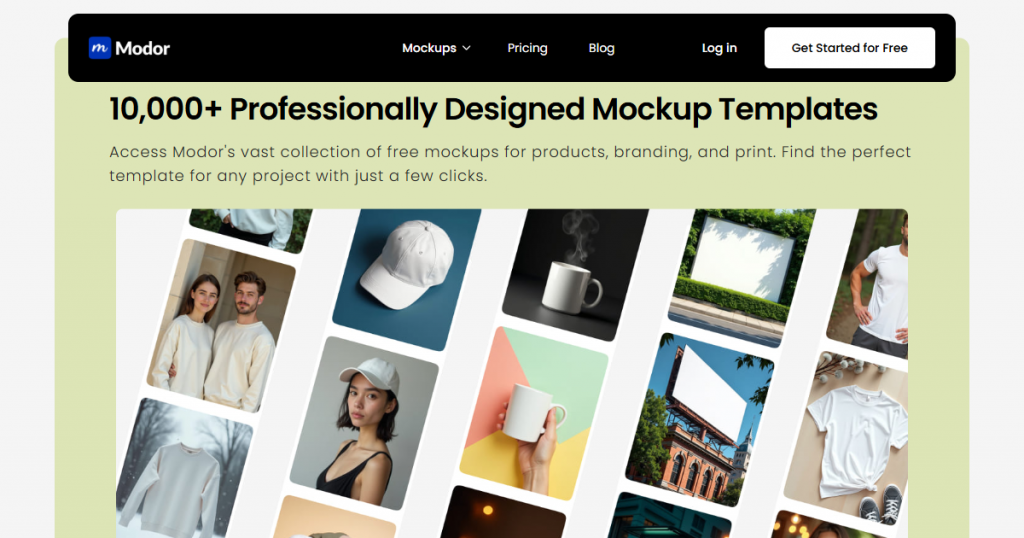
Modor mockup generator has one of the largest template libraries among mockup tools, with over 10,000 templates and more added regularly.
Not only that, the templates are spread across 25+ categories, making it easier for users to find mockups for everything from apparel and accessories to tech products, packaging, and lifestyle scenes.
Modor keeps updating its library with trendy templates following current e-commerce and social media design trends. This helps brands create mockups that feel visually relevant and optimized for today’s online marketplaces.
With Modor, you get a bunch of advanced customization options that you might not find in other mockup tools. You can change the mockup colors, add realistic shadows, and transform the design to wrap it naturally around the product.
Modor mockup generator also supports bulk mockup creation by allowing you to add multiple mockup templates to a single project, edit them simultaneously, and export them together. This is used by high-volume POD sellers to reduce the time and effort required to create mockups.
Most online mockup generators limit your download resolution when on the free plan or include a watermark, but Modor mockup generator allows you to download your mockups watermark-free in the highest quality possible with a commercial license, even when you are on the free plan.
Apart from standard export formats like JPG and PNG, like other online mockup tools, Modor lets you download free PSD mockup templates that you can edit in Photoshop.
Modor clearly states that each mockup created with Modor can be used for commercial purposes, including free mockup templates in its library.
Modor also automatically saves all projects you create to its project library. You can add any number of projects and access them instantly if you need to make any changes to them.
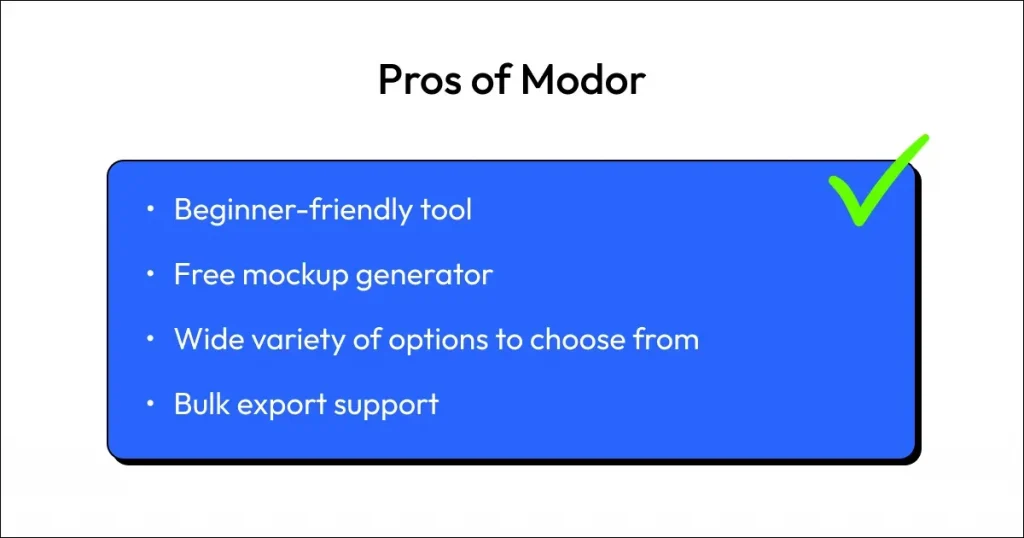
Before talking about pricing and limitations of Modor in this Modor review, let’s first look at some of the biggest advantages of using the tool.
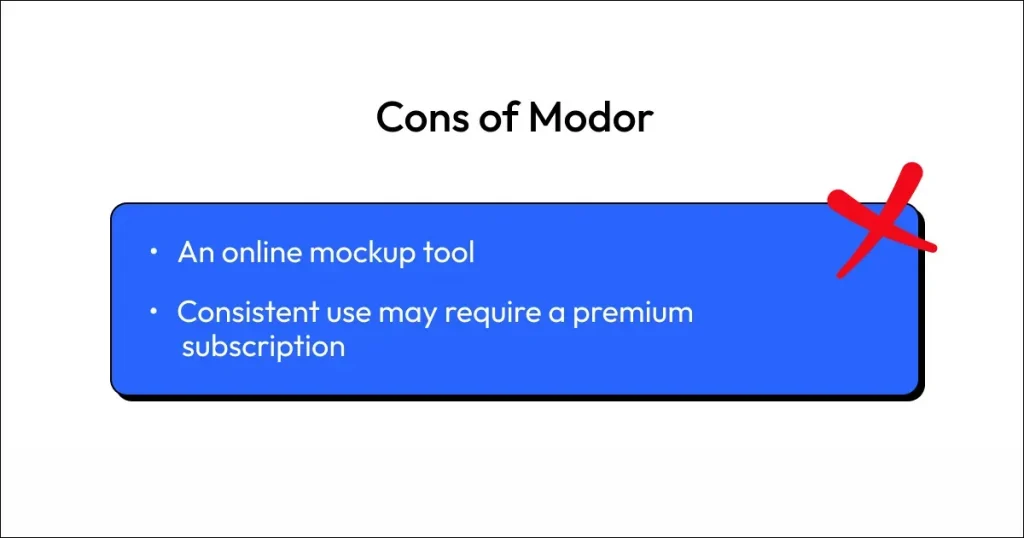
While Modor has many strengths, this Modor review would be incomplete without discussing some of the tool’s limitations.
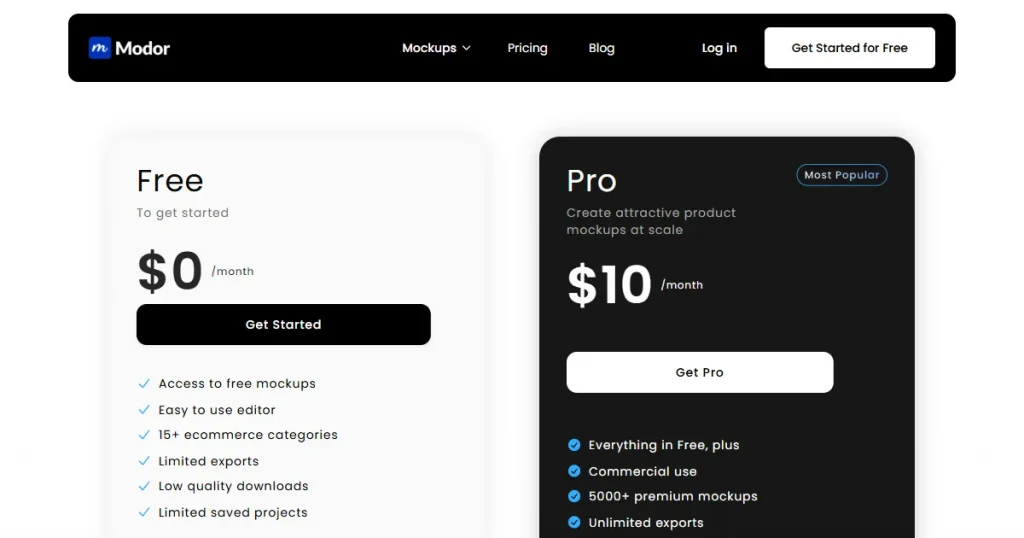
Now that we’ve covered the pros and cons in this Modor review, let’s take a closer look at Modor pricing and whether the tool offers good value for money.
Modor mockup generator is a very simple tool that operates on a freemium model, unlike other mockup tools that confuse users and limit features through tier-based pricing.
Modor is not a completely free mockup generator, but it offers a free plan that includes a limited number of templates. You can use all its features, such as downloading in the highest quality and using the mockup for business purposes.
Modor’s premium pricing starts at $10/month for a monthly subscription, but with a yearly subscription, the tool costs $60 total, i.e., $5/month. Their premium plan unlocks all their mockup templates across all the different categories. You can use and download them in the highest possible quality.
To make this Modor review more useful, let’s compare Modor against other popular mockup generator tools based on pricing, features, and what they are best for.
| Tool | Best For | Free Plan | Starting Price | Key Limitation |
| Modor | Premium quality mockups | Yes | $10/month | Requires a premium subscription to access all templates |
| Mediamodifier | Social media content | Yes | $25/month | No downloads with the free plan |
| Canva | Quick, collaborative design | Yes | $18/month | Generic mockup templates |
| Mr Mockup | PSD mockup templates | Yes | $19/ per bundle | Steep learning curve, expensive |
| Photoshop | Detail-oriented work | Subscription only | $22.99/month | Requires significant expertise, slow workflow |
While researching Modor for this Modor review article, we found a bunch of people talking about Modor on Reddit.
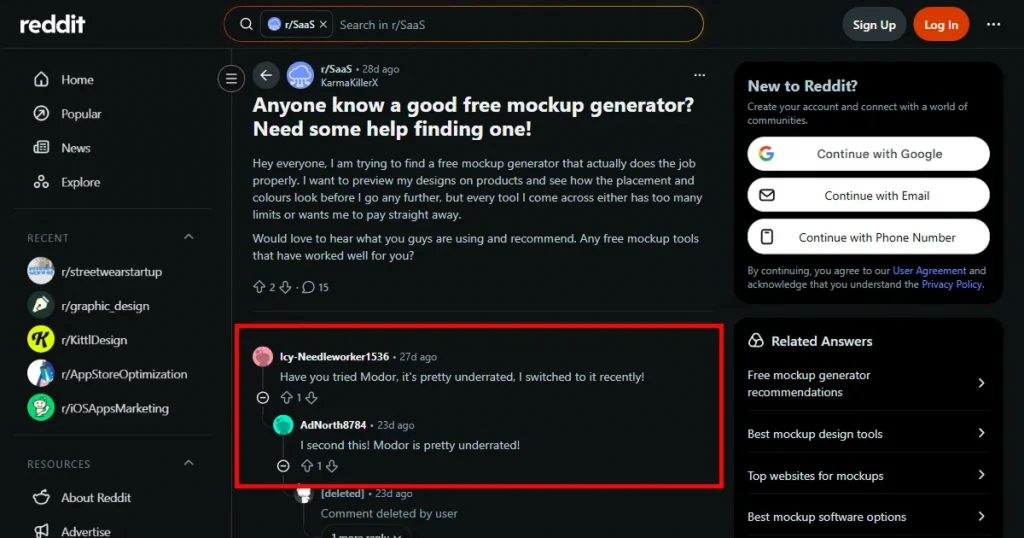
Most of them had to say that the Modor mockup generator is very underrated, as not many people know about it, but it is easy to use by beginners and professional designers alike, and the quality of mockups is really good.
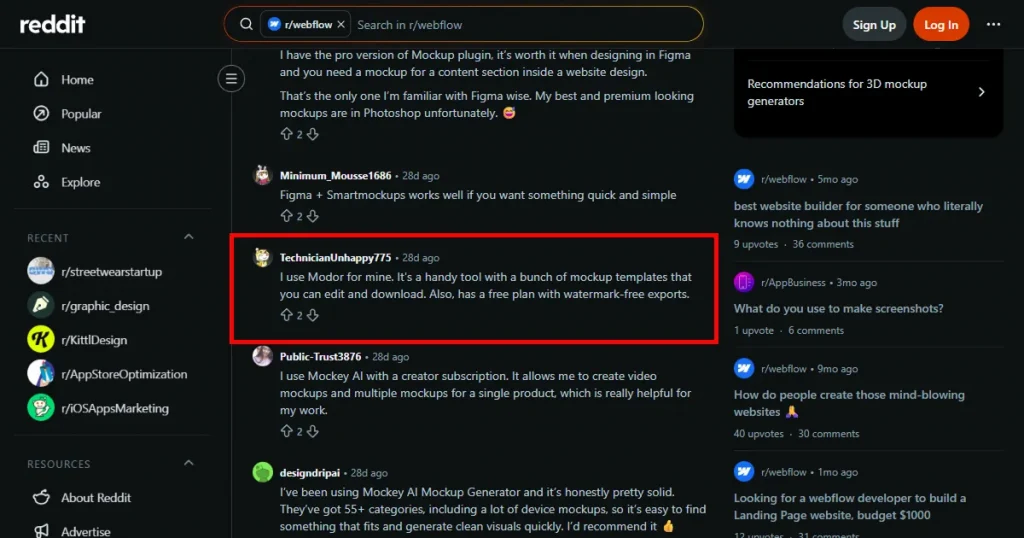
Also, other users who frequently use Modor for their mockups can’t stop talking about its free plan, which lets you download high-quality, watermark-free mockups, while other mockup tools either add a watermark or degrade export quality.
Apart from these, there were a bunch of other comments about their bulk export support, mockup templates that follow current trends, and automatic project saves, which make the mockup creation process smoother.
Most mockup generators either have a steep learning curve or don’t provide good-quality mockup templates.
That’s why Modor is one of the best mockup generator tools, offering an easy-to-use editor, 10,000+ mockup templates to choose from, high-quality watermark-free exports, and a commercial license even with the free templates.
However, before signing up for the tool, we suggest you check out the free templates with your own designs to ensure the quality of the mockups, then make a final decision.
You can visit Modor to find good-quality mockups, as all mockup templates in Modor have professional quality and are easy to use.
Yes, Modor is a free mockup generator. You get a good number of free mockup templates to use, but more extensive use requires a premium subscription.
Modor is the best t-shirt mockup generator because it lets you create high-quality mockups by choosing from thousands of templates, editing them to perfection, and exporting them at the highest possible resolution.
No, Canva is a great design tool, but not the best for mockups, as its mockups look generic and low-quality.
Yes, this Modor review provides pricing comparisons of Modor with other mockup tools. Monthly pricing starts at $10/month, making it more accessible than other mockup generator tools.
Reddit users frequently praise the Modor mockup generator for its watermark-free exports, high-quality mockups, and free PSD mockup templates.


