


30+ Best iPhone Mockup Templates Worth Trying
Looking for the right iPhone mockup template to fit your brand? Checkout our list of the best iPhone mockup templates worth trying.
Published Jun 16, 2026
13 min
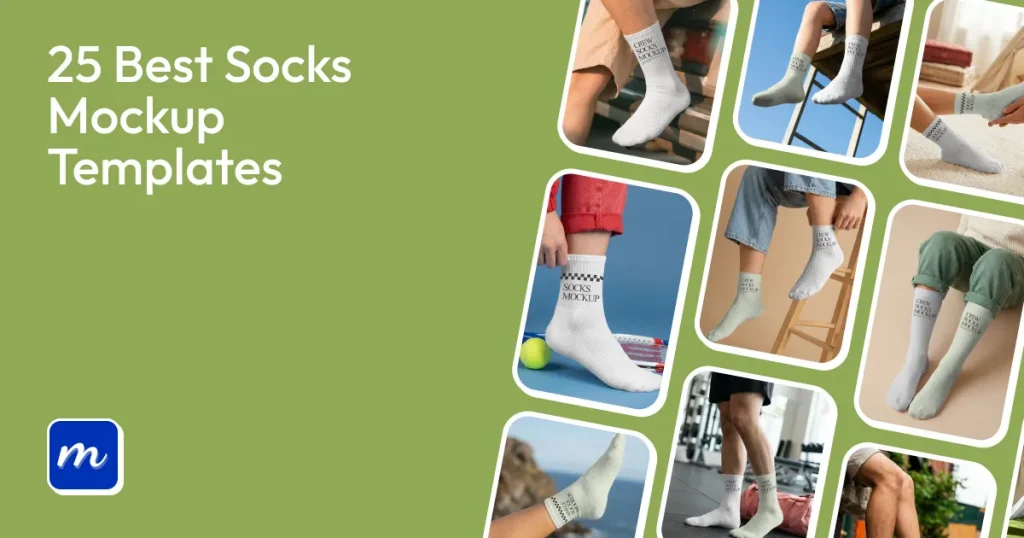
A sock mockup template is a digital preview that shows how a sock design will look after printing. Designers, apparel brands, and print-on-demand businesses use sock mockups to preview logos, patterns, colors, and branding before production.
That’s why Modor is one of the best socks mockup generator, as it allows you to create high-quality, realistic socks mockups by offering you an easy-to-use editor, over 10,000 templates, advanced customization, high-quality, watermark-free exports with a commercial license.
Below are 25 of the best sock mockup templates, including free socks mockups available in Modor, along with a step-by-step guide on how to use them.
Creating sock mockup templates is far more difficult than other apparel mockups for the following reasons.
Here are a few things to focus on to create high-converting socks mockup templates.
Let’s have a look at the best socks mockup templates you can use with Modor.
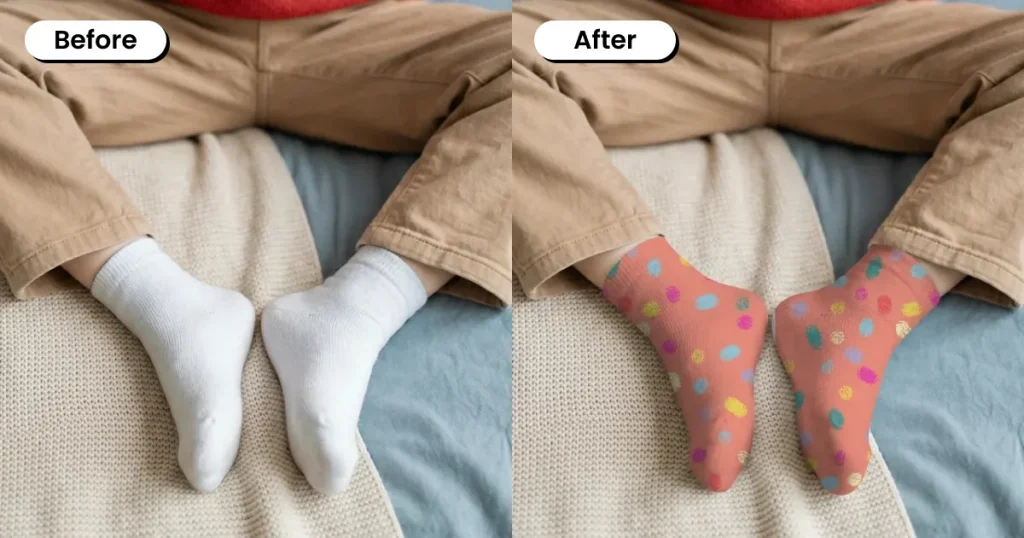
This socks mockup features a cozy indoor setting, making it ideal for showcasing wool socks, winter wear, and comfort-focused designs.
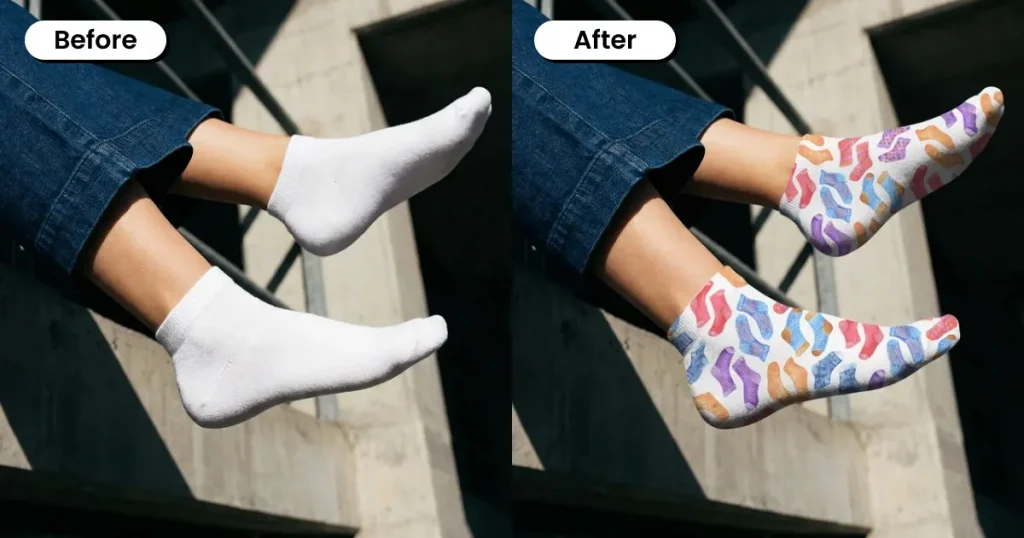
This vibrant socks mockup features a person sitting on the edge of a roof, creating a fun and adventurous vibe that’s perfect for showcasing quirky, colorful designs for casual or youth-focused brands.
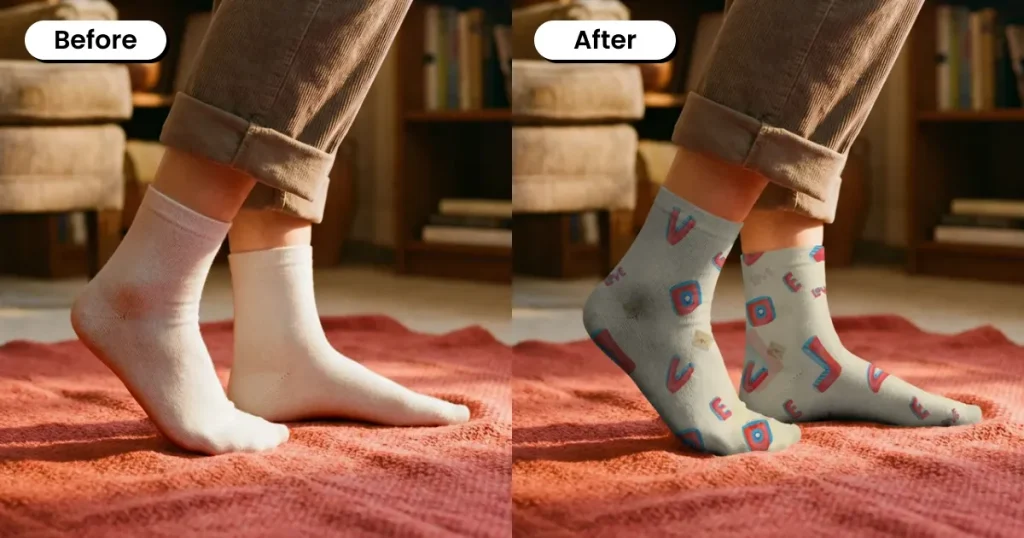
This ankle socks mockup features a cozy indoor lifestyle setting that highlights the natural fit, stretch, and fabric texture of the socks. It works well for showcasing casual wear, comfort-focused designs, and homewear collections.
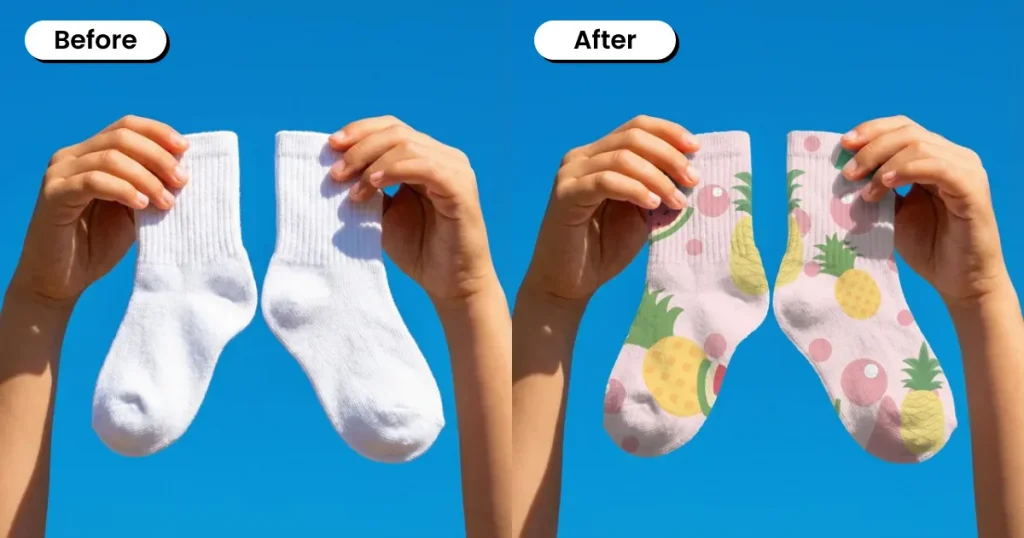
This ankle socks mockup features a clean, flat-lay view against a blue sky background, clearly highlighting design placement, fabric texture, and product details, perfect for eCommerce store listings.
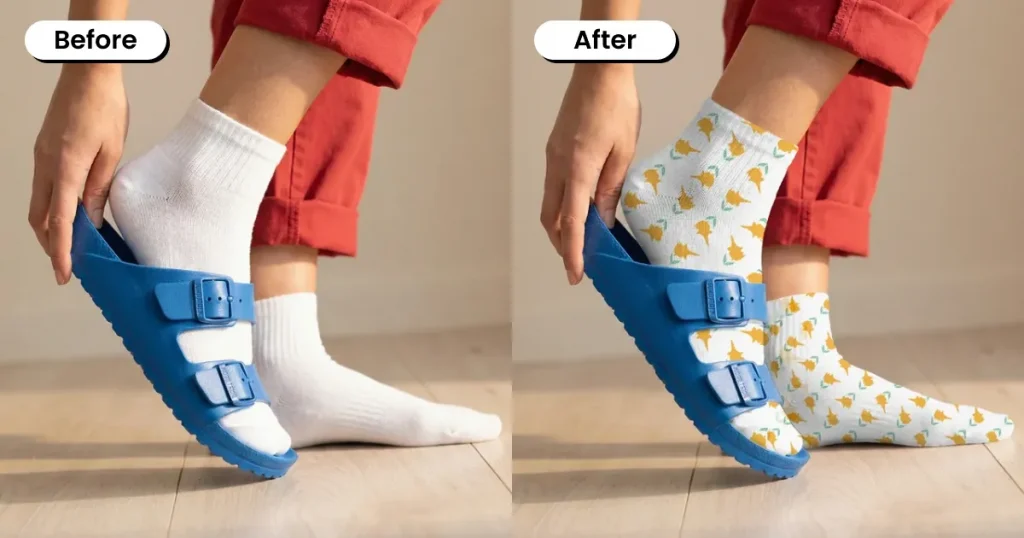
This socks mockup shows the socks styled with footwear, highlighting natural fit, fabric stretch, and everyday wear.
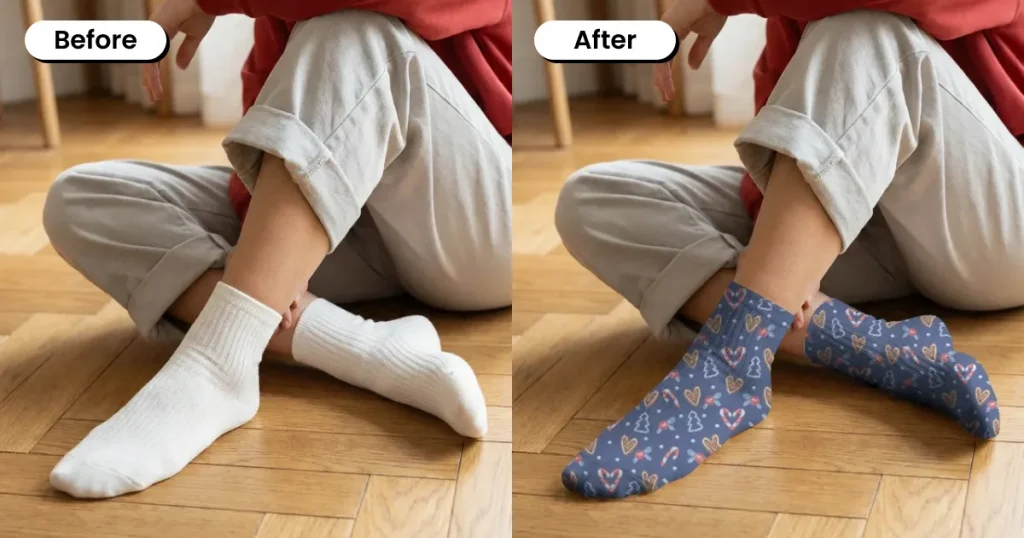
This free socks mockup shows socks in a relaxed seated pose, highlighting natural fabric drape, fit, and subtle stretching on the foot, making it ideal for showcasing comfort in cozy, everyday use scenarios.
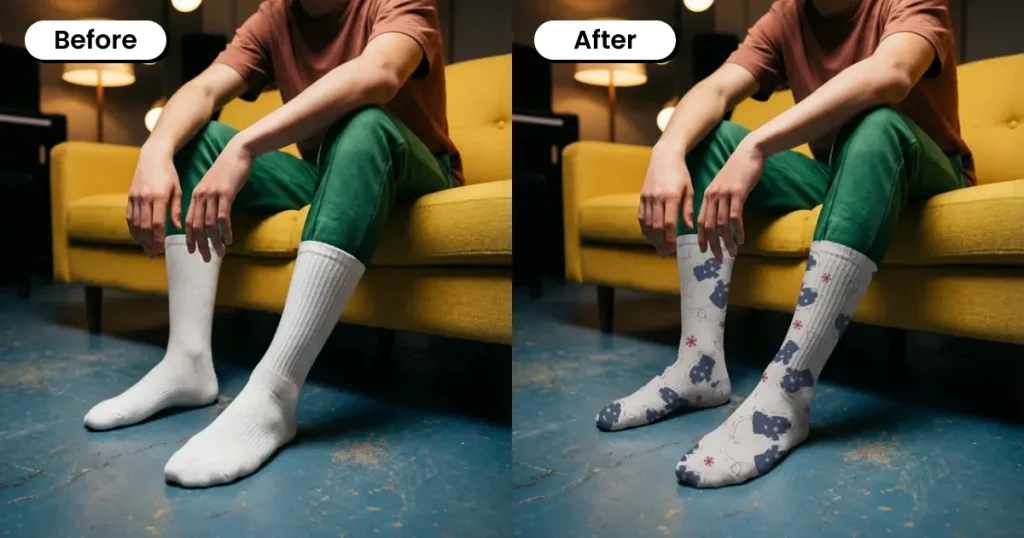
This crew socks mockup captures a relaxed indoor moment, with visible ankle creasing and a natural slouch, giving the design a more lived-in, realistic look.
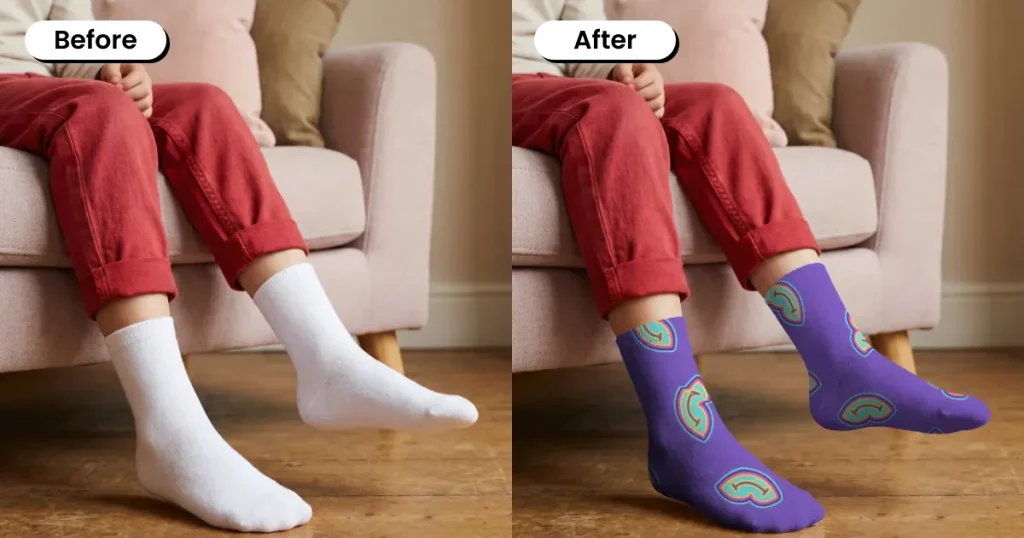
This crew socks mockup features a kid seated indoors, giving a clear side view of the sock design while naturally showcasing fit, stretch, and everyday comfort.
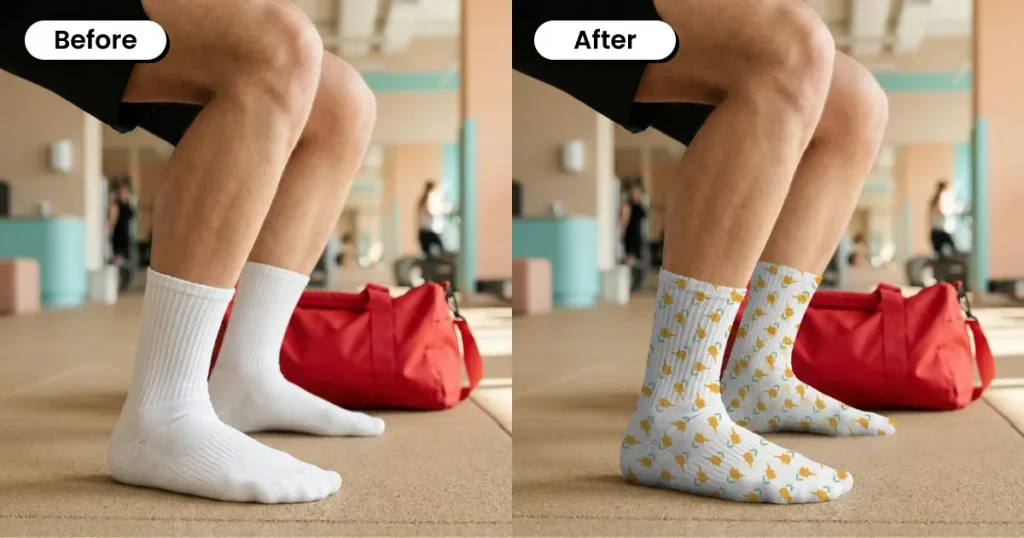
This gym-based free socks mockup adds a performance-focused feel, showing how the design wraps naturally around the foot in an active setting, which works well for athletic brands presenting performance-focused designs.
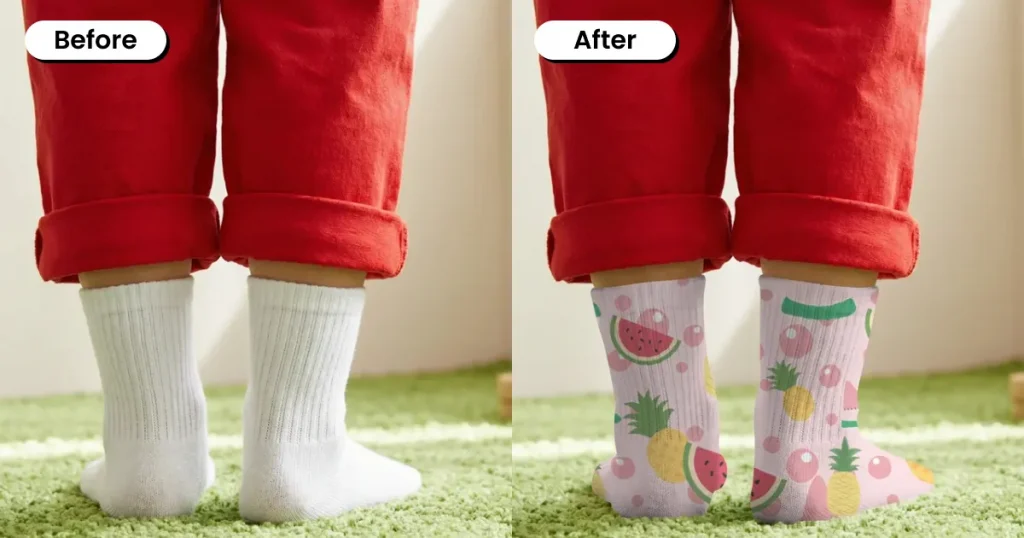
This socks mockup template shows the back view of the socks while worn, highlighting heel fit, fabric stretch, and how full-wrap designs look in real use.
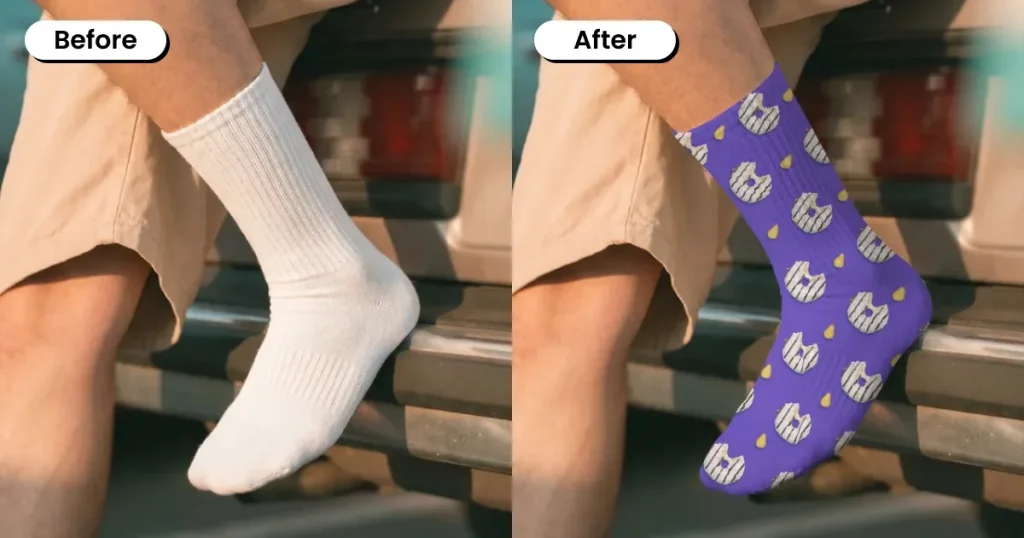
This crew socks mockup offers a clear side profile that highlights length, fit, and how the fabric adapts around the ankle and calf, making it a strong choice for showcasing streetwear-style designs in a relaxed, real-world setting.
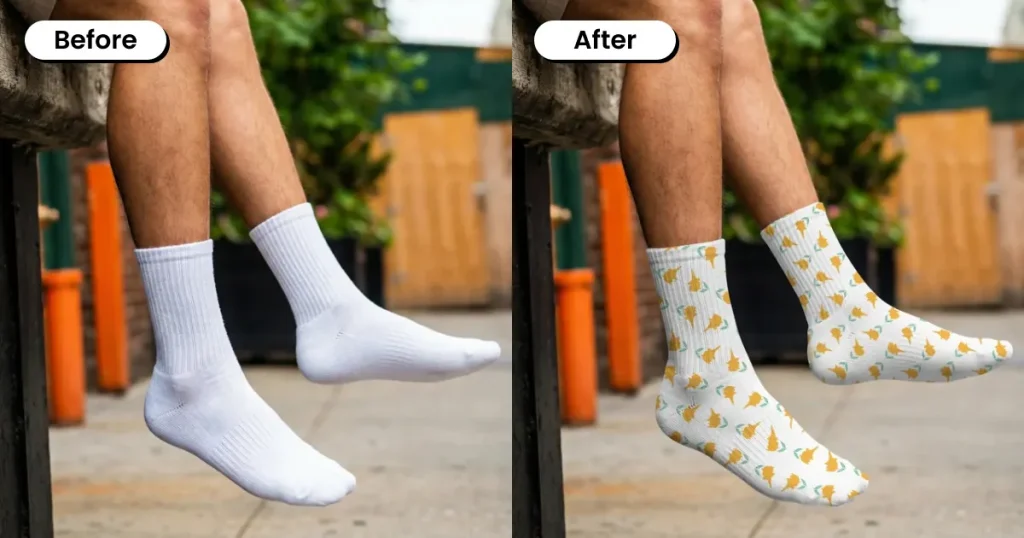
This crew socks mockup template shows a person seated outdoors, highlighting the sock length, relaxed fit, and natural fabric drape, making it a strong choice for streetwear and casual apparel designs.
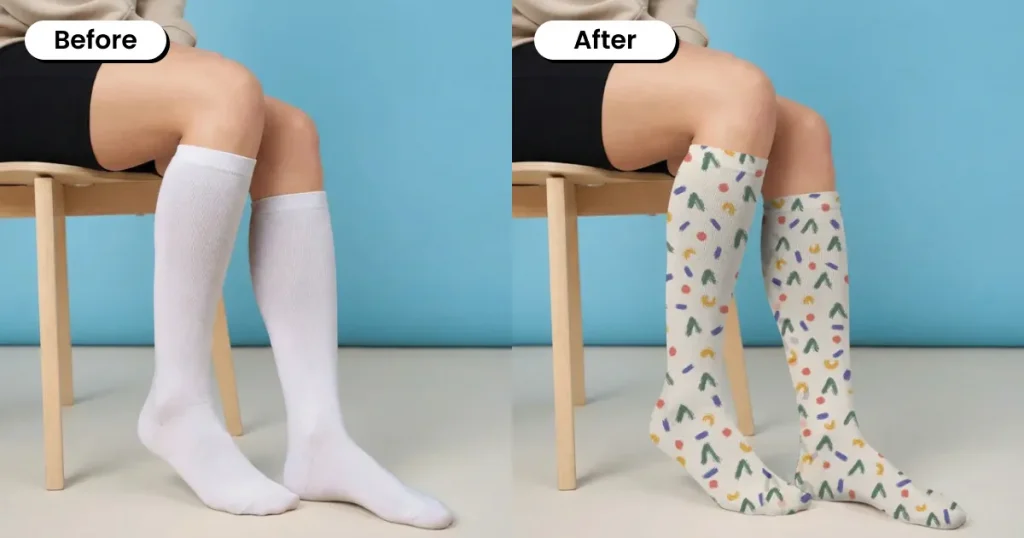
This knee-high socks mockup displays the full length, stretch, and vertical fit of the socks along the calf, making it ideal for showcasing the overall pattern placement in a clean, distraction-free setting.
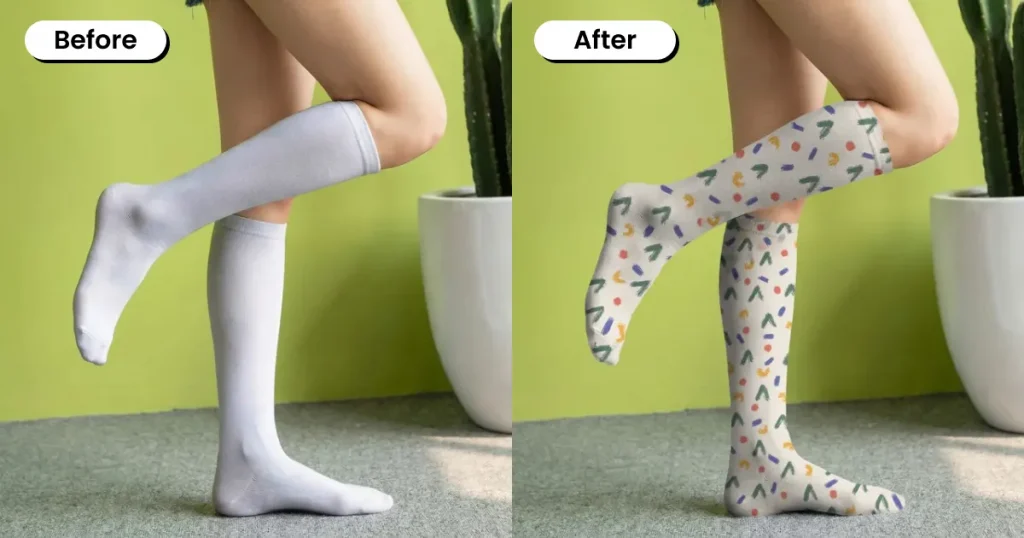
This knee-high socks mockup template showcases how the socks contour along the calf, maintain shape, and display the full pattern from multiple angles, making it a great fit for sock brands targeting bold, everyday styling.
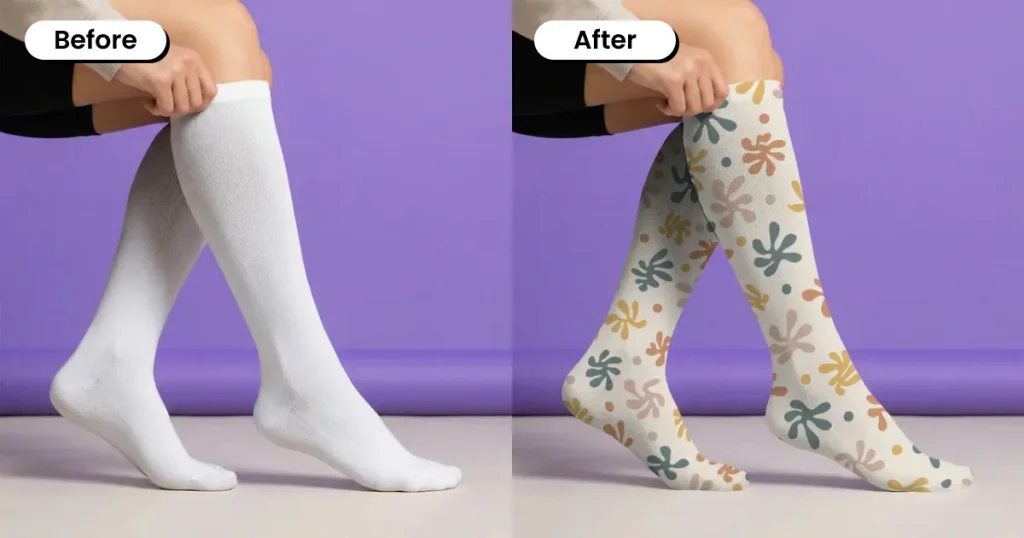
This knee-high socks mockup template shows the person adjusting the sock, highlighting elasticity, grip, and how the fabric stretches along the leg while keeping the design intact.
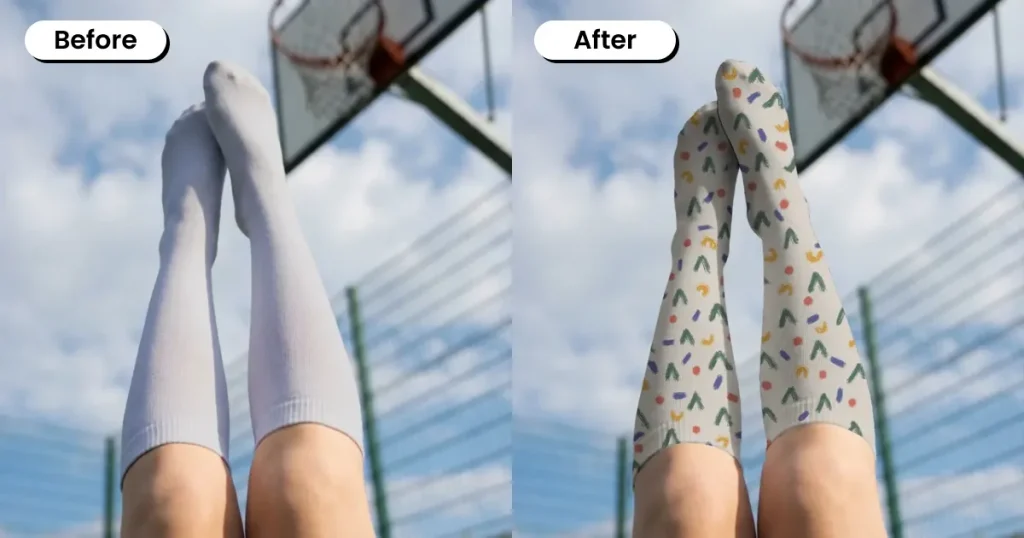
This knee-high socks mockup uses a low-angle pose with raised legs to highlight full-length coverage and wraparound designs, making it ideal for sports and activewear brands.
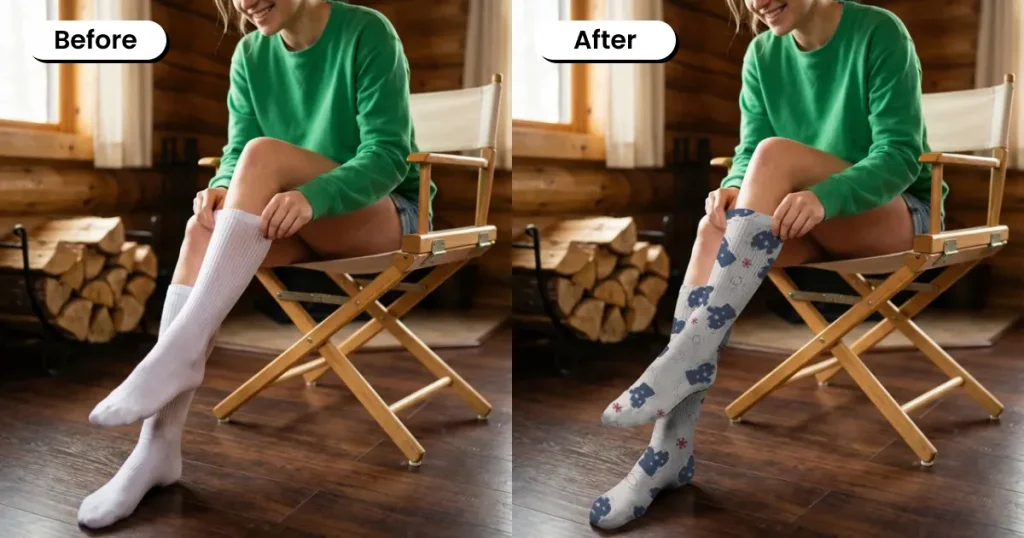
This knee-high socks mockup captures a woman adjusting the sock, showcasing the fabric stretch, snug fit, and natural feel on the leg, making it well-suited for comfort-focused brands.
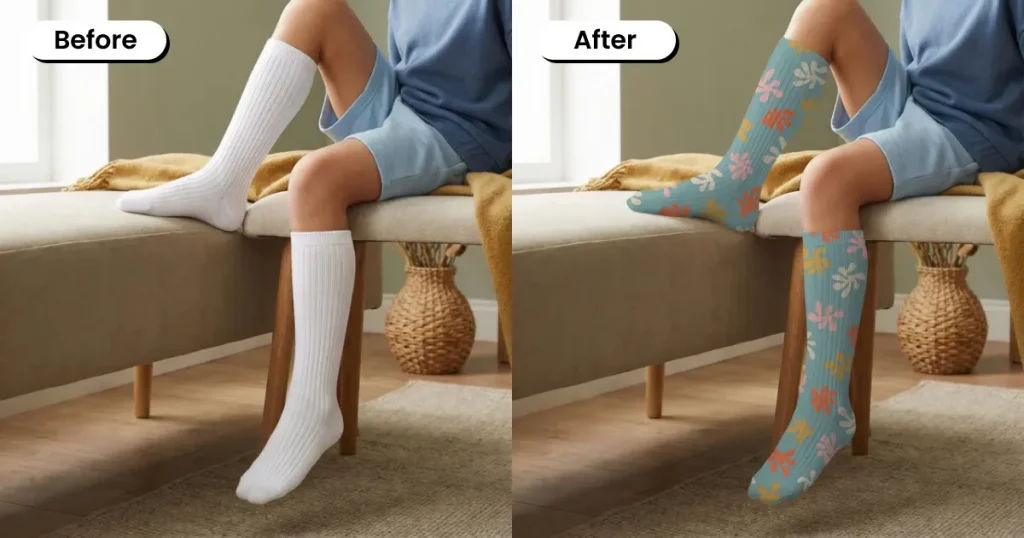
This knee-high socks mockup gives a clear look at length, fit, and how the fabric conforms along the leg while maintaining pattern clarity, making it a great choice for kidswear brands.
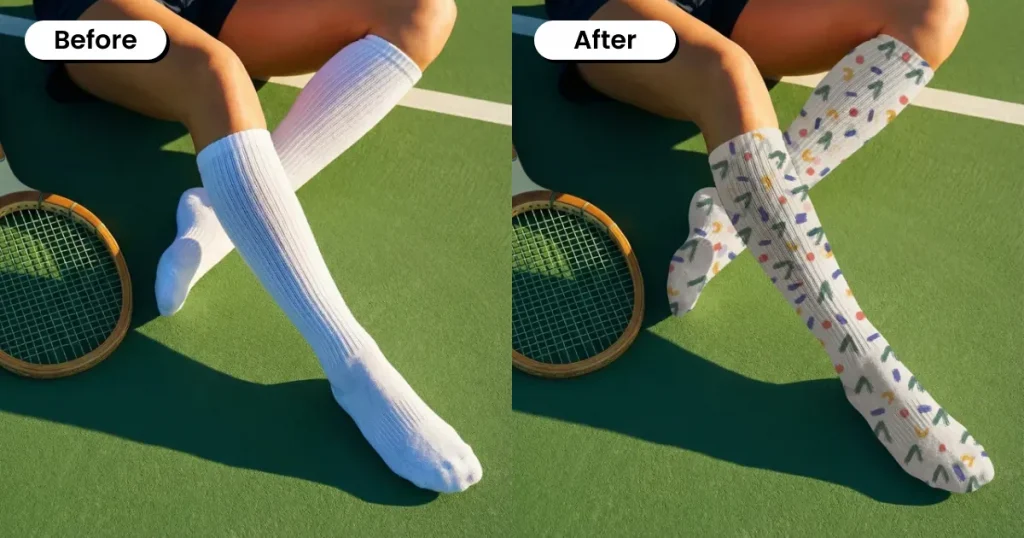
This white socks mockup template shows how the socks flex with movement while keeping the design intact along the leg, making it a strong fit for athleisure brands and activewear collections.
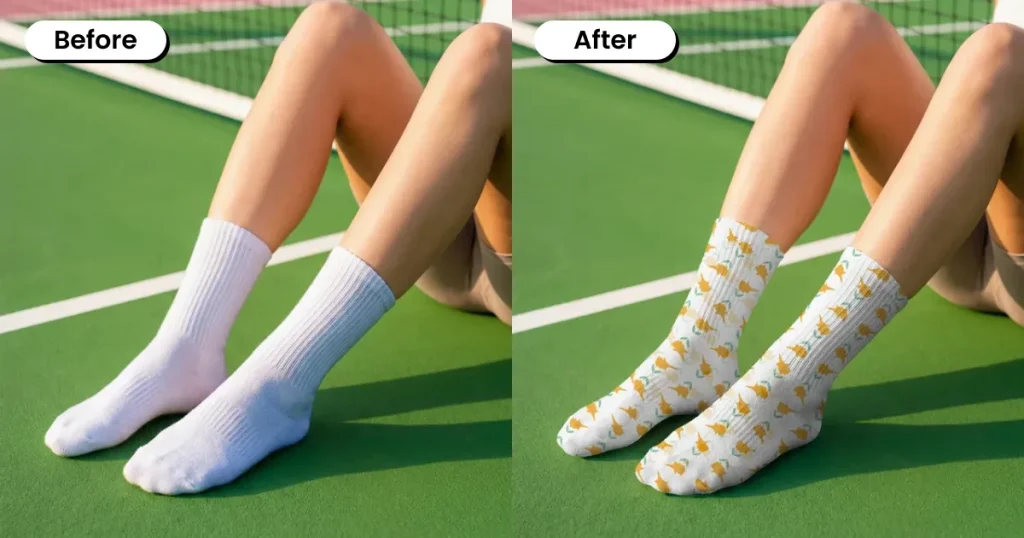
This crew socks mockup showcases ankle fit, ribbing detail, and how the fabric adapts to natural leg positioning, making it a great fit for casual sportswear brands.
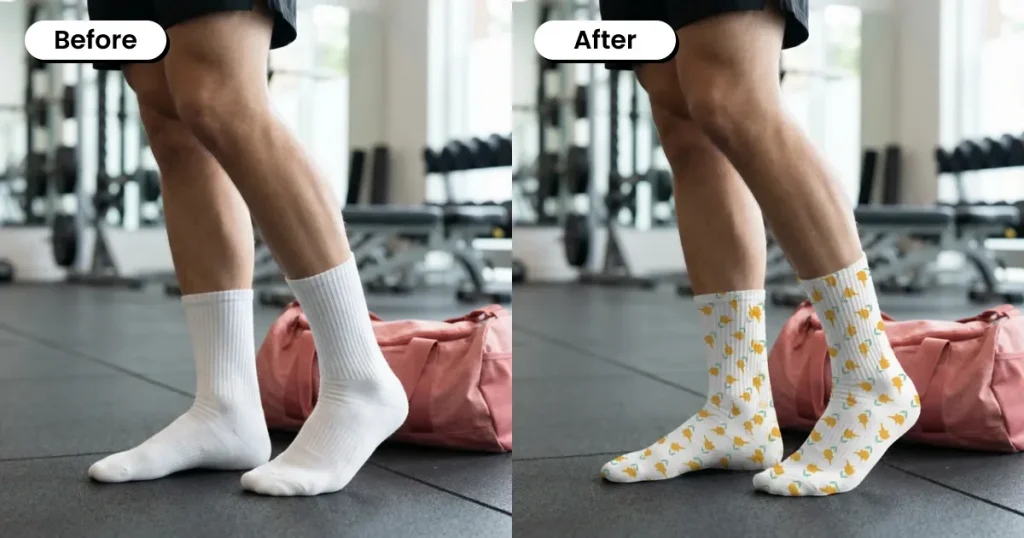
This white socks mockup template features a man in a gym environment, showing the fit, shape retention, and everyday performance of the socks, making it ideal for fitness and activewear brands.
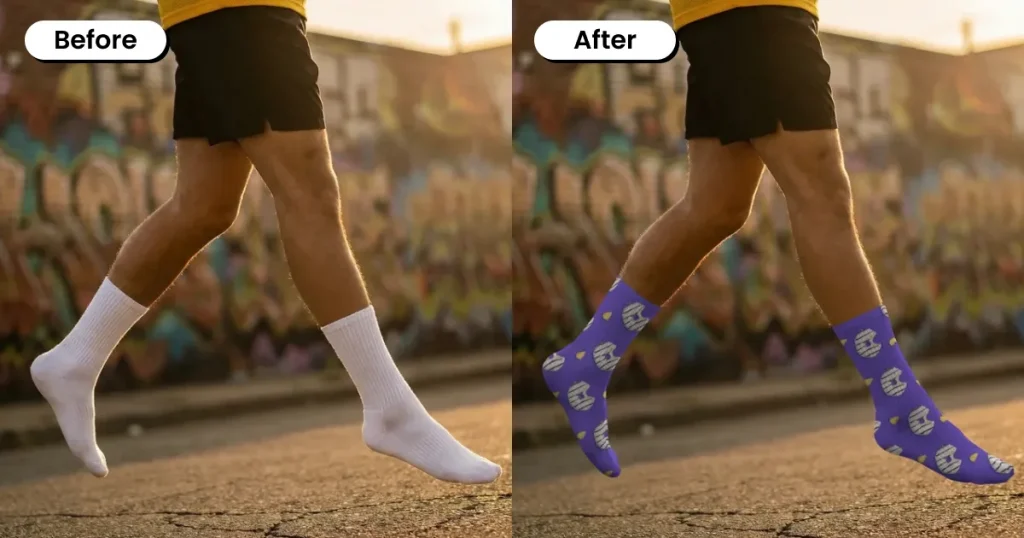
This free socks mockup captures the socks mid-stride, showing how they flex, stay in place, and retain design clarity in motion, making it a great fit for activewear brands and running-focused collections.
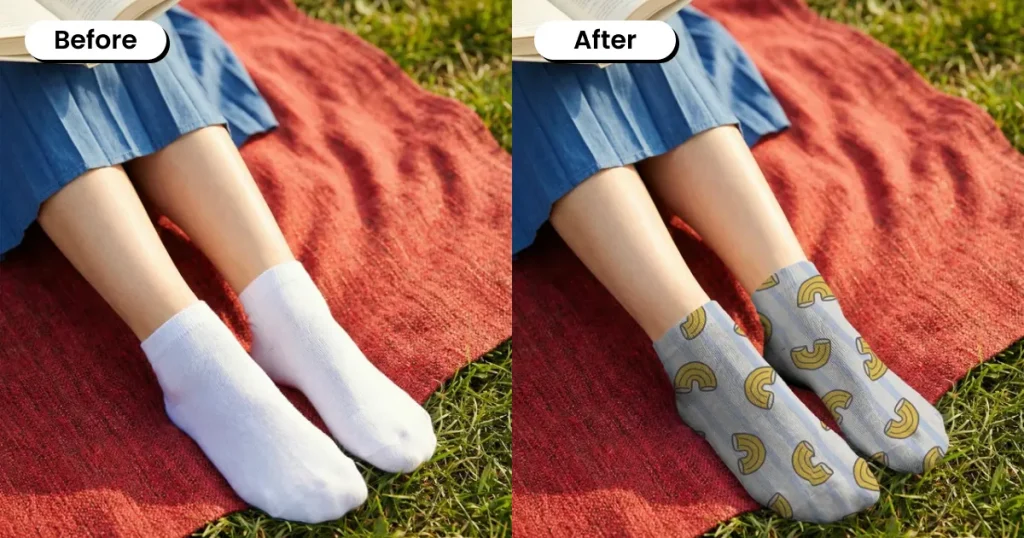
This free socks mockup captures a person wearing socks in a relaxed outdoor setting, showing how the socks sit naturally on the feet with minimal stretch distortion, making it ideal for lifestyle brands and casual everyday wear collections.
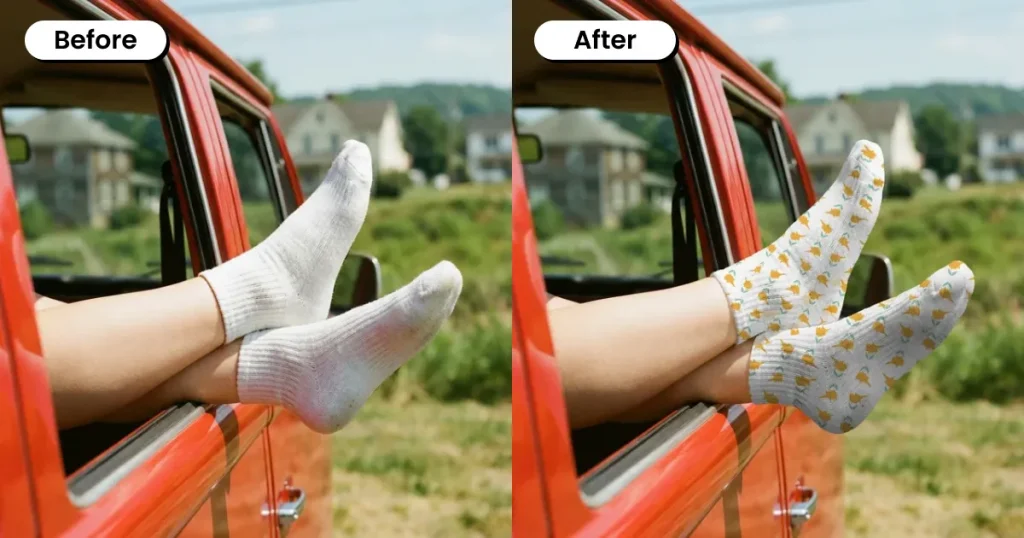
This white socks mockup template shows a person extending their legs out of a car window, offering a clear view of shape, stretch, and side profile in a relaxed position, making it a great fit for travel-inspired brands and summer-focused campaigns.
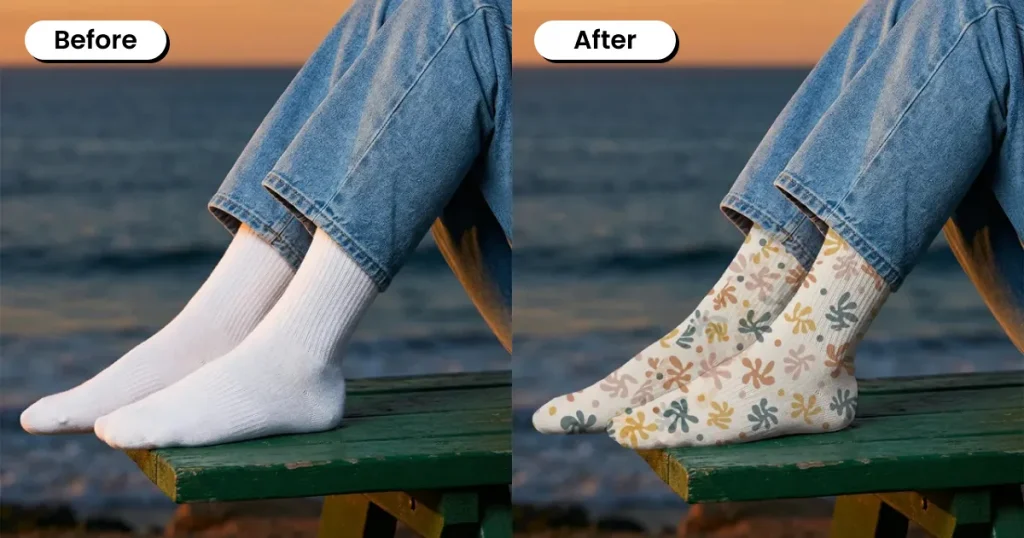
This white socks mockup template features a relaxed seated pose by the ocean, showcasing natural fabric drape, ankle fit, and how the design appears in soft lighting, making it a great choice for lifestyle brands and travel-inspired collections.
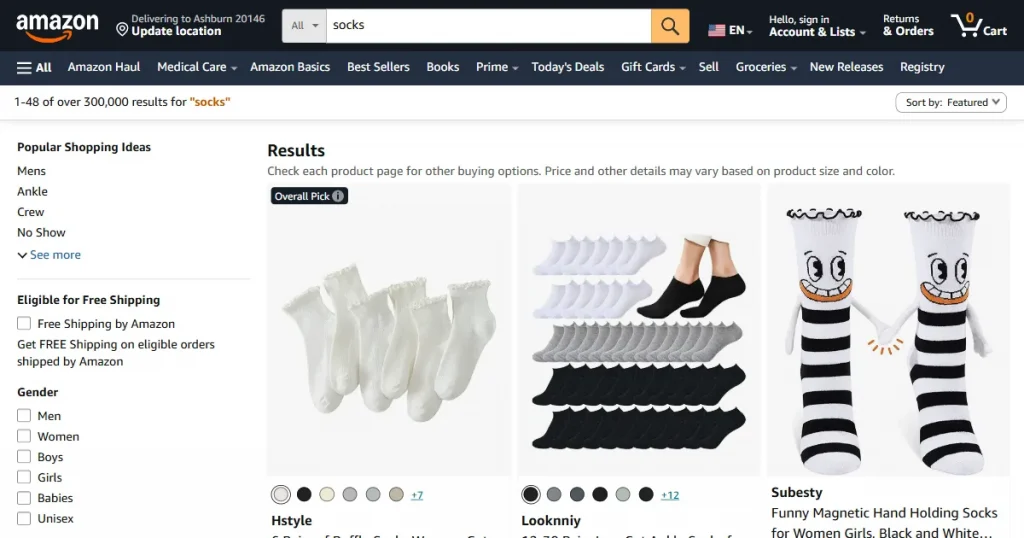
To accurately showcase your sock designs on Amazon, use high-quality mockups that accurately represent the fit, texture, colors, and overall appearance of the socks without visible distortion.
The socks mockup template should also have a white background. Preferably use flat-lay or 3D socks mockups. Lifestyle mockups also work, but make sure they meet Amazon’s requirements.
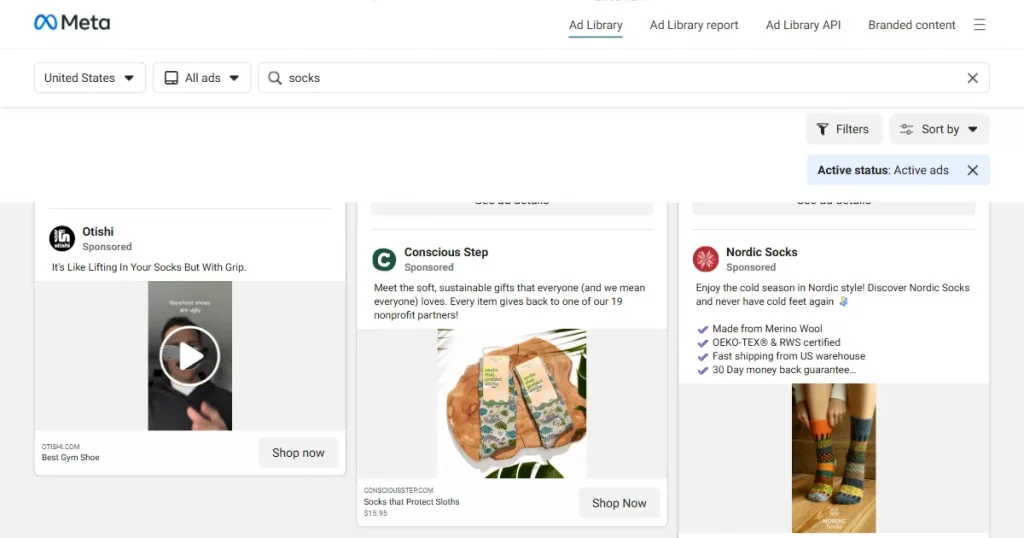
If you want to create social media ads using sock mockup templates, focus on high-quality lifestyle mockups that feel aspirational and relatable.
You would also need to keep in mind that the textures and materials used in the mockups look real and appealing enough to catch people’s attention and stop their scroll.
For print-on-demand store owners, using the correct mockup for each sock type is essential. You cannot use crew socks mockup templates to sell ankle socks, because mismatched visuals can lead to confusion, returns, and loss of customer trust.
Also, focus on showcasing the mockups with accurate lighting, shadows, and angles so the product looks as close to real life as possible and accurately represents fit and design.
Make sure to keep a balanced mix of flatlays, lifestyle shots, and on-model mockups to showcase the socks from multiple perspectives and build buyer confidence.
To create professional-looking socks mockups in Modor, you can follow this exact step-by-step process.
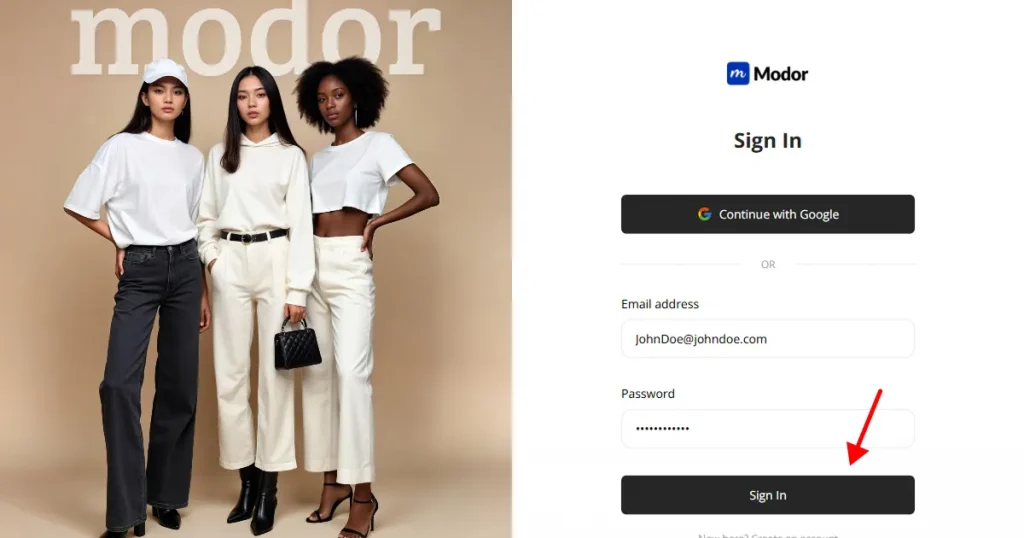
Create an account in Modor using Google login or Email login. Once the account is created, you can log in using the same method.
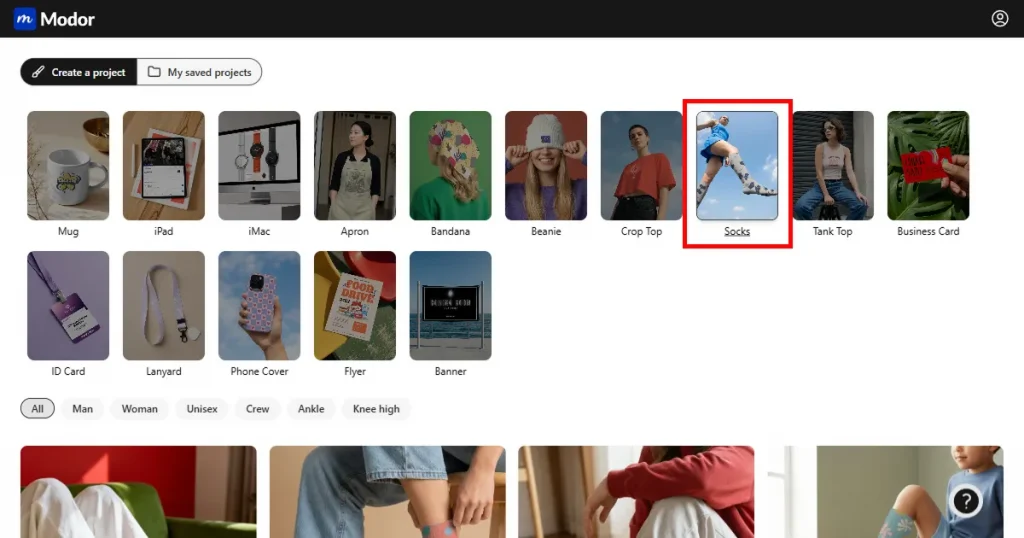
Once inside the tool, navigate through the 25+ mockup categories and select the Socks category.
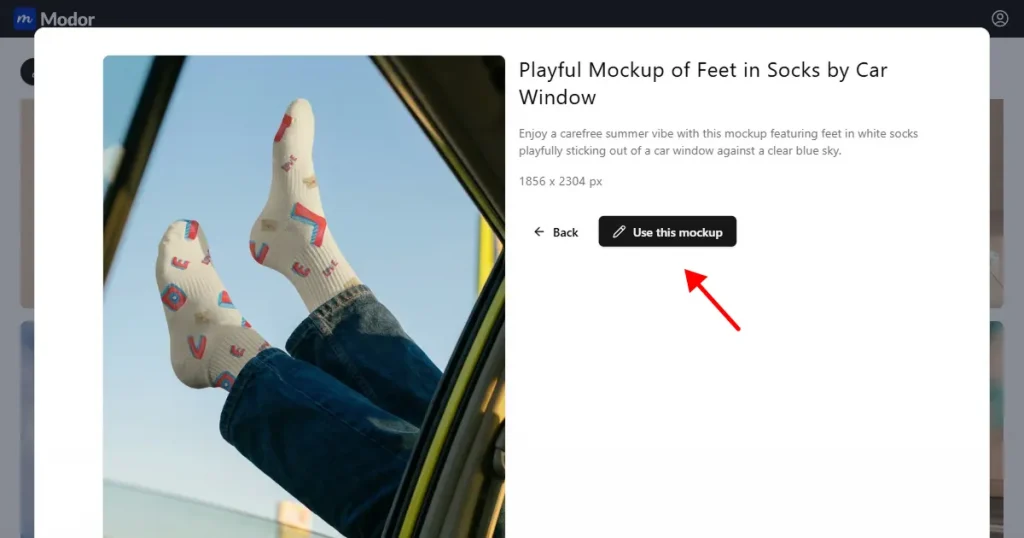
In the template section, you can browse the various sock templates or filter by model or sock type. Then, pick a template that fits your brand and click Use this mockup to start.
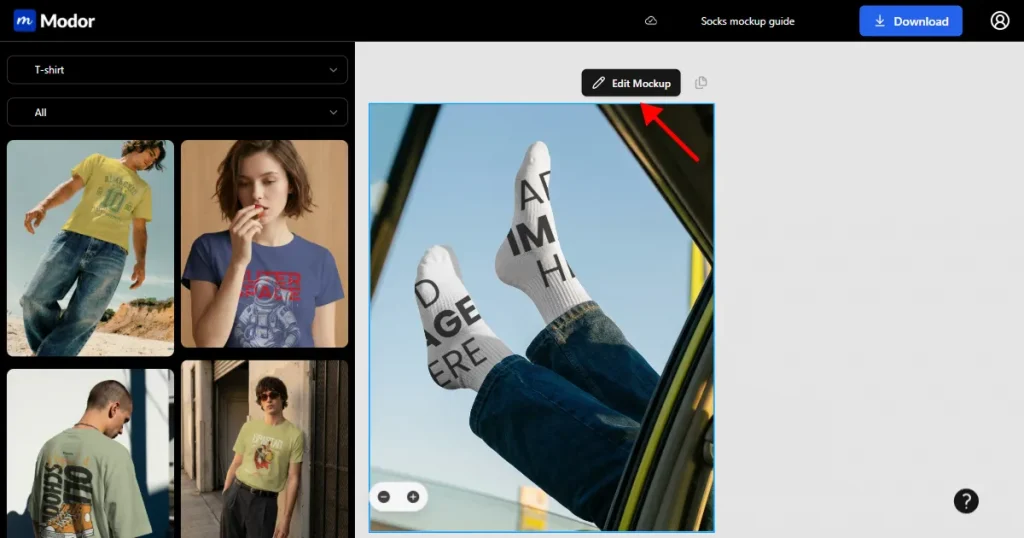
Inside the project, you can click on the Edit mockup button to enter the editing workspace.
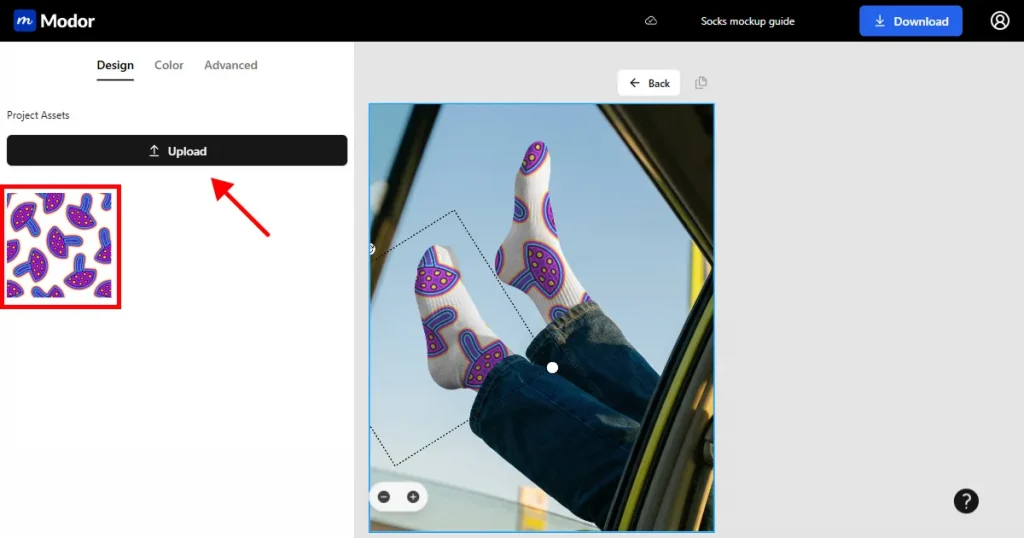
Once inside the workspace, you will find the option to upload your design on the left-hand side. Click Upload, then choose a template from your system to add it to the template.
Modor will automatically place the design on your mockup so it looks real, with no distortions.
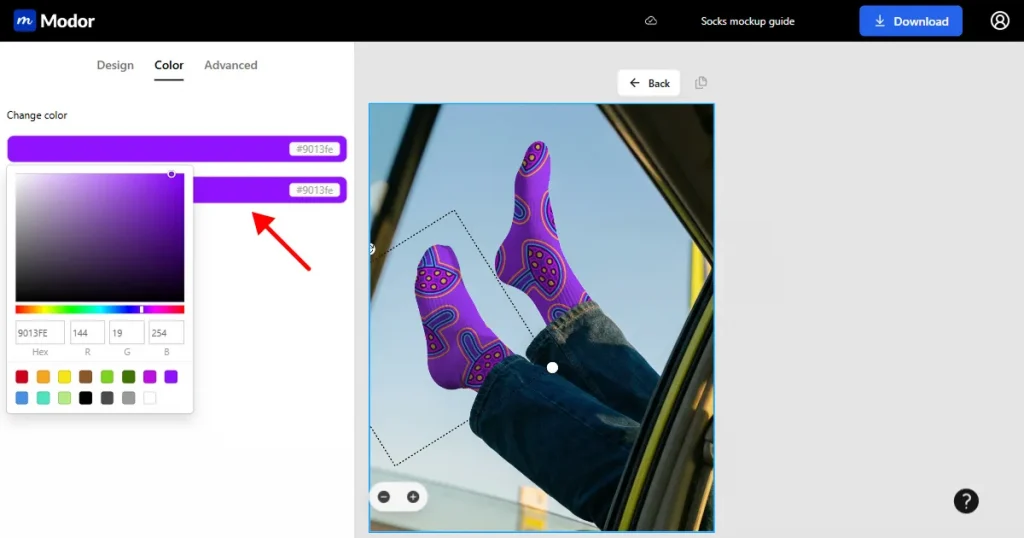
Next, you can change the color of the socks mockup template. To try different colors, click the color tab, then click the change color button to change the color of your sock mockup.
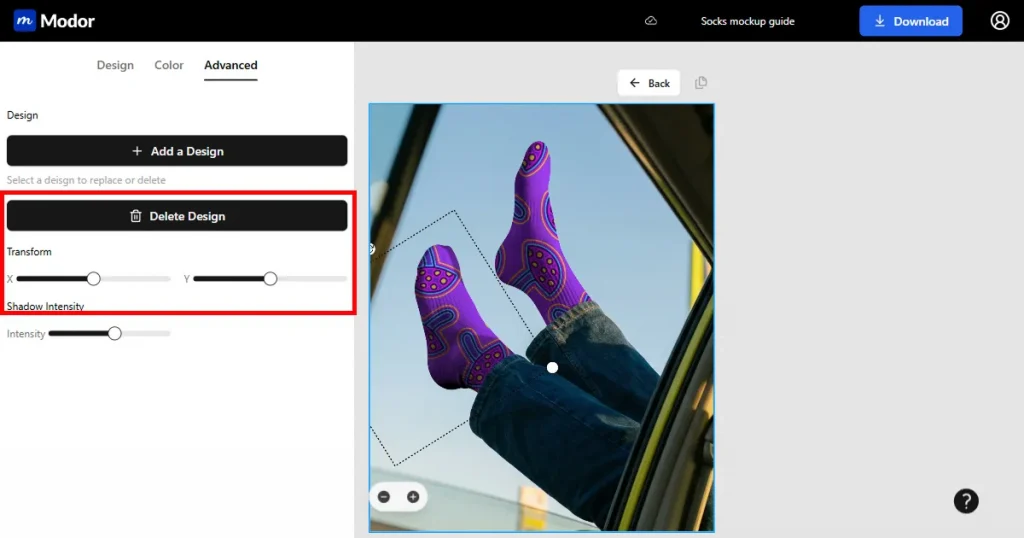
After changing the color, use the advanced transform tools inside the workspace to enhance the realism of your mockup.
You can use the Transform tool to reposition your design however you like, but if you don’t do it correctly, it might cause distortions.
You can also use the Shadow Intensity tool to enhance the mockup’s shadows, making it look like a real image.
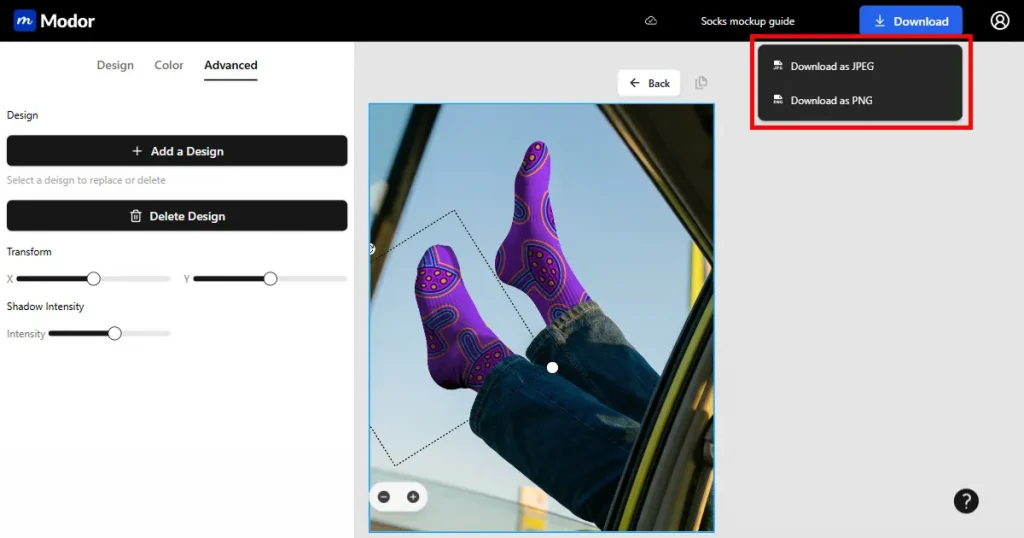
Once done, you can export your mockup at the highest possible quality in JPG or PNG. The final images will be downloaded as a ZIP file. You can extract it and use it in your store.
Socks mockups are tricky, but Modor makes it easy to create socks mockup templates with its drag-and-drop editor, advanced customization options, AI-powered design placement, and high-quality, watermark-free exports, even with the free templates.
So, create an account on Modor and try a few of these templates with your own designs to assess the quality of the sock mockup templates.
Use Modor to make a socks mockup. Choose a template, upload a design, change the color, use advanced customization options, and export.
To make a socks mockup without Photoshop, you need to use online mockup generators like Modor, where you can choose from 10,000+ templates, upload your designs, customize them, and export them in the highest quality possible.
Modor offers a solid range of free socks mockup templates. You can design these templates and download them in high-quality, watermark-free versions, with a built-in commercial license, making them suitable for professional use.
Use white-sock mockups when you want clean, minimal product photos that clearly highlight colorful or detailed designs.
A black sock mockup is harder to design because dark fabric hides details, making lighting, shadows, and contrast harder to balance.
Use a knee-high socks mockup when your design extends up the leg or when you want to showcase styling in outfits rather than just the foot area.


