



MockUPhone Review: Is it Actually Worth It?
MockUPhone is a completely free, browser-based mockup generator that lets you create mockups for various devices. However, the tool has […]
Published May 8, 2026
16 min
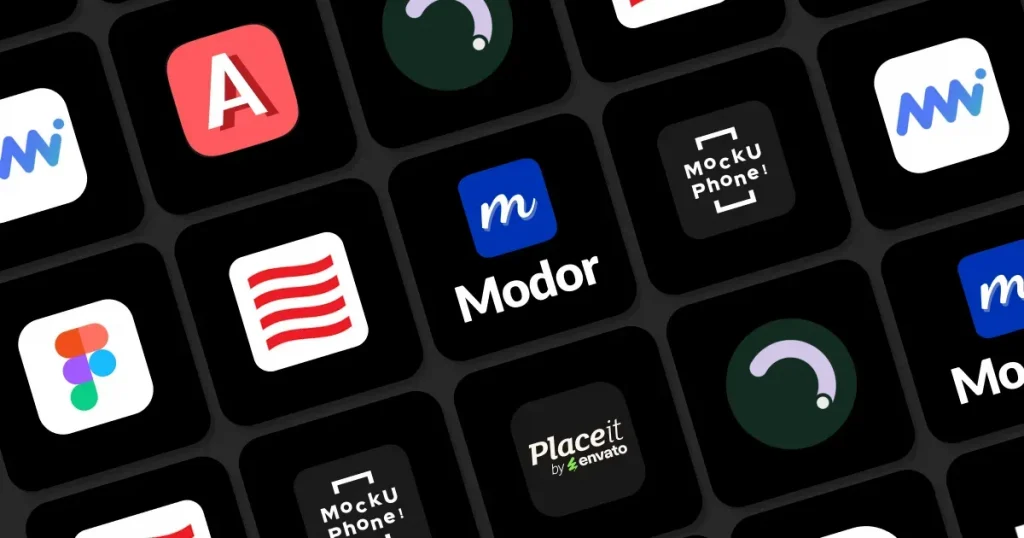
iPhone mockup generator tools are platforms that allow users to place raw app screenshots or web designs inside realistic iPhone frames for presentations and marketing. Some of the best free iPhone mockup generators are Modor, AppLaunchpad, MockUPhone, and Figma.
But most of these free iPhone mockup generators come with generic templates, low-quality exports, or watermarked exports. That’s why Modor stands out as one of the best free iPhone mockup generators, as it not only provides you with free iPhone mockup templates, but you can also download them in the highest quality possible and even use them for commercial purposes.
Apart from Modor, we will cover 8 of the best free iPhone mockup generators evaluated on ease of use, export quality, commercial use rights, and more.
To find the best free iPhone mockup generator, we used these parameters.
Here’s a quick comparison of the best free iPhone mockup generators to help you decide at a glance.
| Tool | Best For | Free Plan | Watermark Free | Pricing |
| Modor | All mockup needs | Yes | Yes | $10/month |
| MockUPhone | Quick one-click iPhone mockups | Yes | Yes | Free |
| AppLaunchpad | App launch campaigns | Yes | Yes | $29/month |
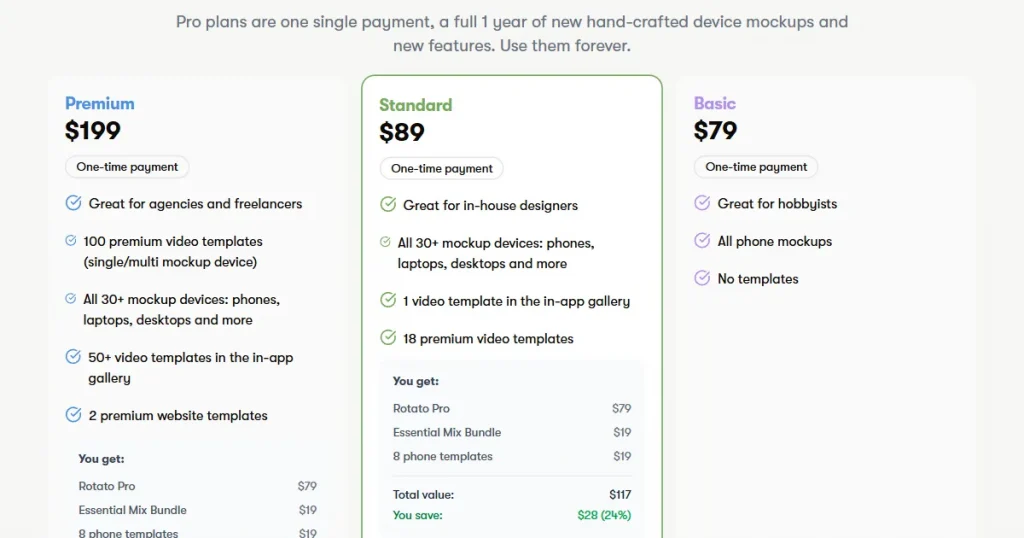
| Rotato | 3D animated app mockup render | Yes | No | $79 one-time |
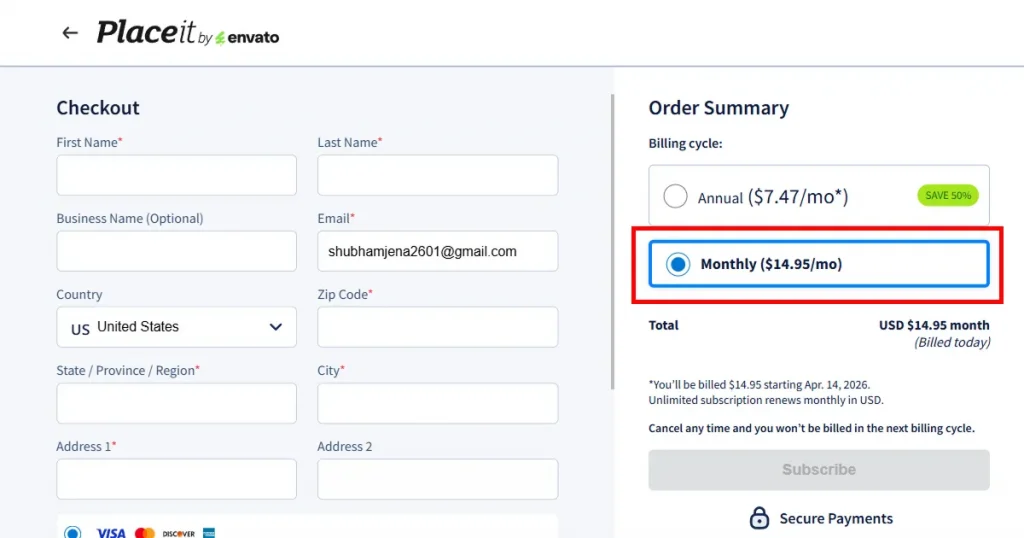
| Placeit | Lifestyle scene iPhone mockup | Yes | Yes | $14.95/month |
| Mr Mockup | Premium PSD iPhone mockup templates | Yes | Yes | Bundle starts at $19 |
| Mockup World | Curated PSD iPhone mockup library | Yes | Yes | Free |
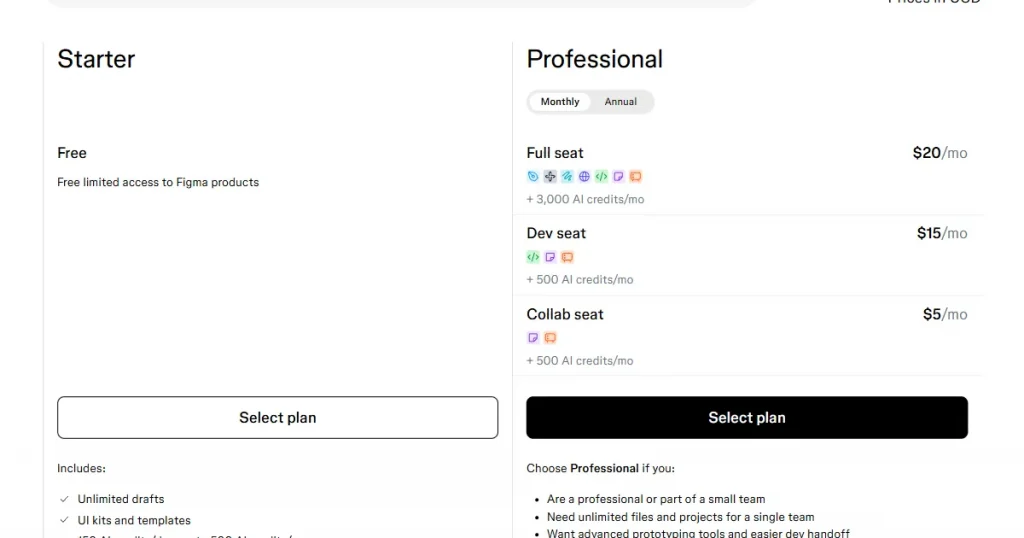
| Figma | Streamlining team workflows | Yes | Yes | $20 |
Now that we’ve seen what each mockup tool offers at a glance, let’s look at the best free iPhone mockup generators in more detail.
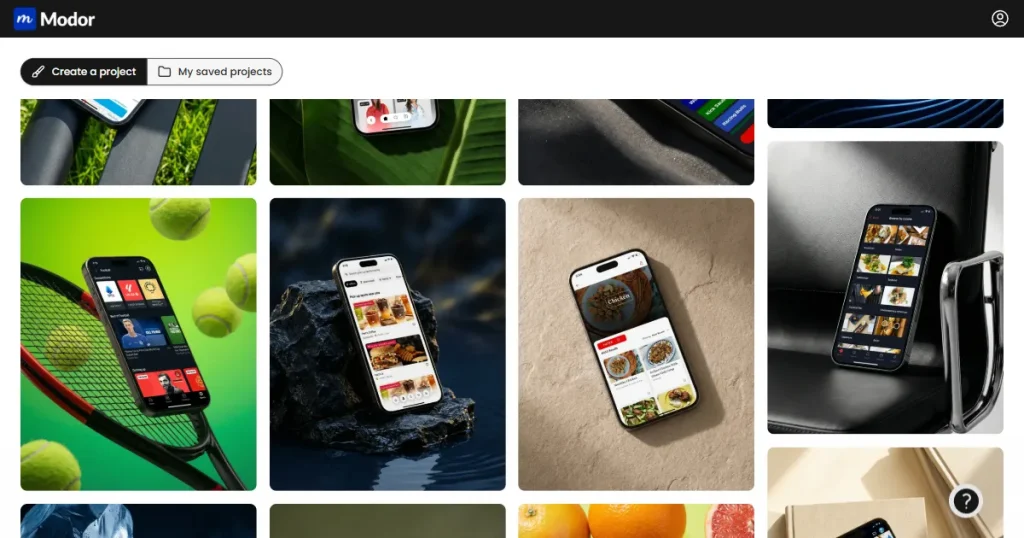
What is Modor?
Modor is a browser-based AI-powered mockup generator designed to help marketers, e-commerce businesses, and designers create professional-level product presentations without any design skills.
Key Features
Pros and Cons
| Pros | Cons |
| Beginner-friendly with a drag-and-drop editor | Premium templates require a subscription |
| 10,000+ templates across 20 categories | |
| Supports handheld and 3D device mockups | |
| Brand kit support to keep your branding consistent | |
| Supports the latest iPhone models like iPhone 17 Pro Max |
Best for: E-commerce sellers, print-on-demand sellers, and marketing teams needing fast professional results without any design skills
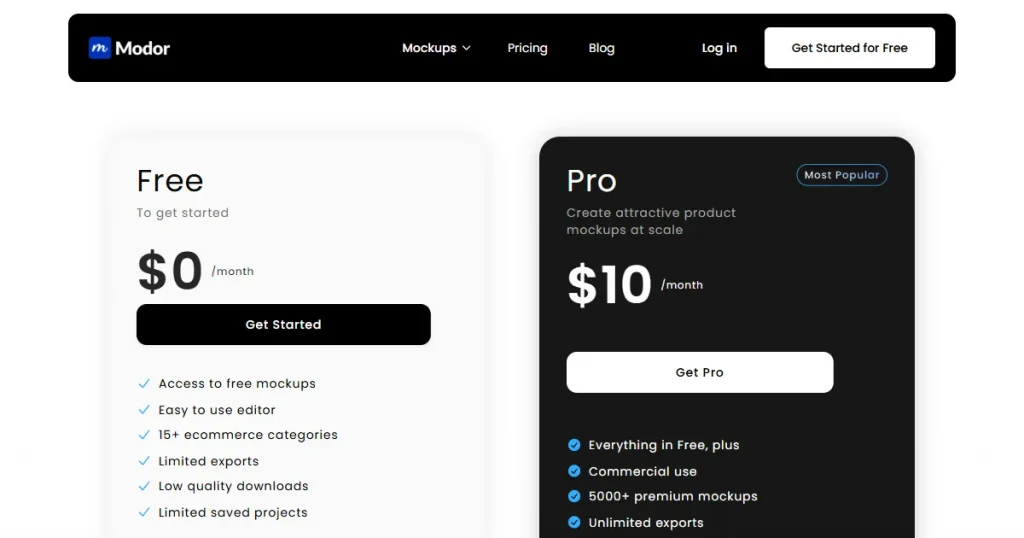
Pricing: Free plan available, and Premium starts with $10/month
Verdict
If you need high-quality, professional, store-ready iPhone mockups quickly, without having to learn complex design tools, then Modor is one of the best free iPhone mockup generators for you.
What is MockUPhone?
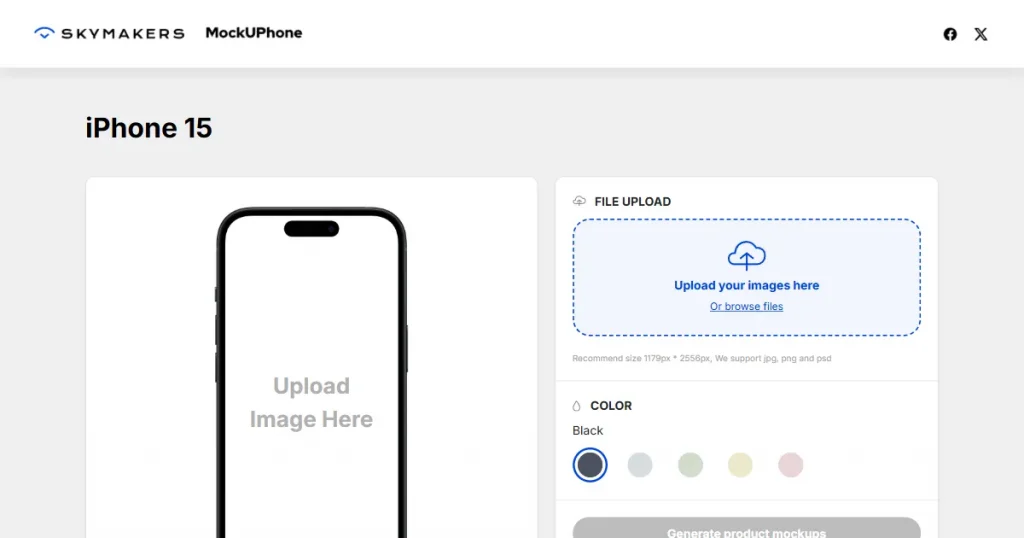
MockUPhone is one of the best free iPhone mockup generators for speed and simplicity. It requires no account creation and instantly generates an iPhone mockup in minimal steps.
Key features
Pros and Cons
| Pros | Cons |
| Completely free. Fast mockup generation. | Basic mockup generation, no lifestyle or scene mockups |
| Simple, select, upload, and export workflow | No customization allowed |
| High-quality exports | No brand kit or text allowed |
| Free to use for commercial purposes | Not suitable for product mockups as it lacks quality |
Best for: Marketers and app designers who need simple iPhone mockups fast.
Pricing: Free
Verdict
MockUPhone offers only generic and plain iPhone mockups, making it unsuitable for paid campaigns or social media promotions. However, it can be used for A/B testing or low-stakes presentations.
What is AppLaunchpad?
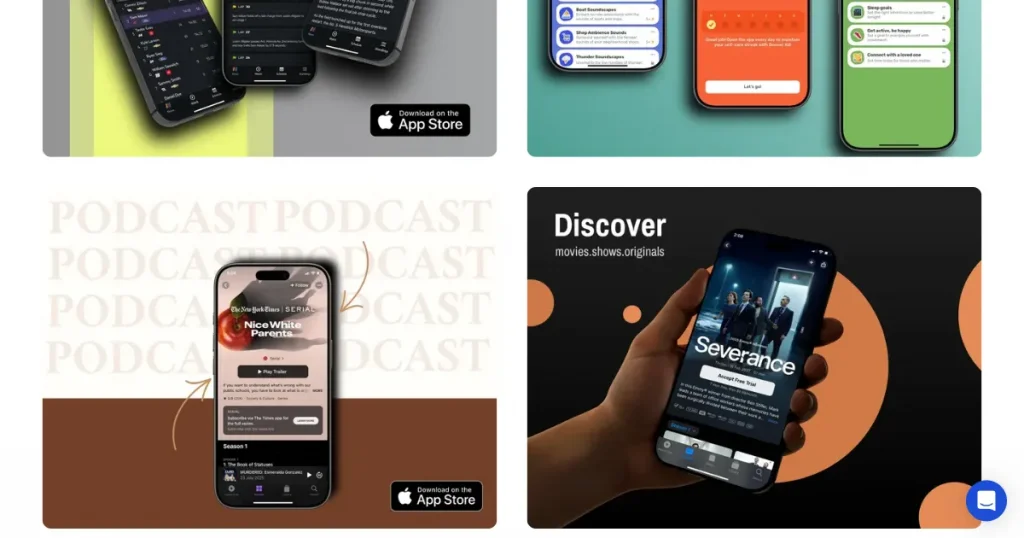
AppLaunchpad is a browser-based app screenshot generator that enables you to create clean, professional screenshots for the App Store and Play Store. They also have a built-in mockup generator that lets you showcase how your app’s interface would look on real devices.
Key Features
Pros and Cons
| Pros | Cons |
| Drag and drop editor | Advanced features require a paid plan |
| Massive library with over 500+ dedicated iPhone mockup templates | No PSD download support |
| Brand kit support | |
| AI translations with 80+ languages supported |
Best for: App developers and indie makers creating marketing materials and App Store listings
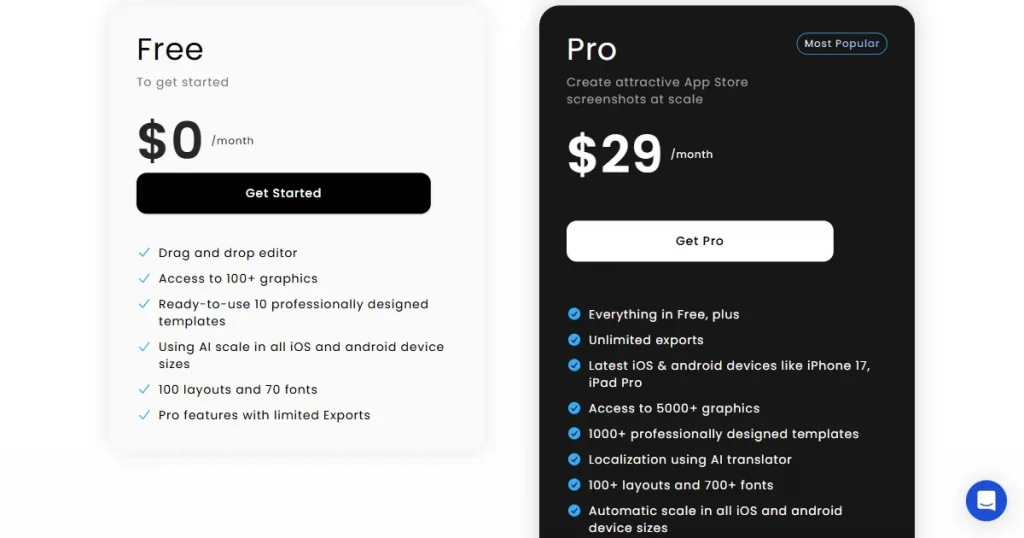
Pricing: Free plan available and Premium starts at $29/month
Verdict
If you are planning to launch your own app and want to keep your branding consistent, AppLaunchpad is the best free iPhone mockup generator for that use case. It lets you create iPhone mockups to visualize your app’s UI in real-life settings and can also help you create ASO-focused screenshots to boost your app’s downloads.
What is Rotato?
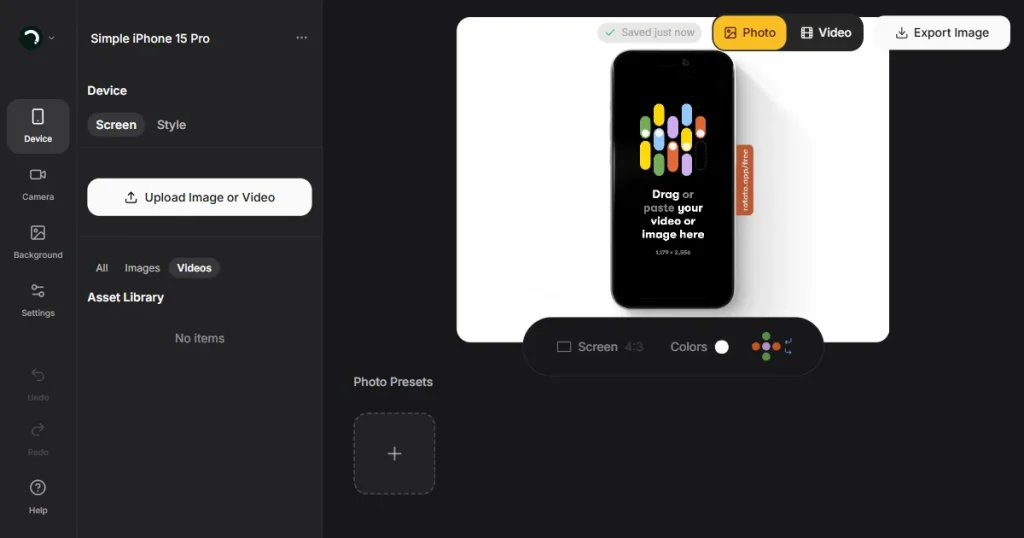
Rotato is a macOS application that lets you place screenshots or screen recordings into photorealistic 3D device frames. You can then export your designs as high-quality images or 4K videos for marketing and presentations.
Key Features
Pros and Cons
| Pros | Cons |
| Beginner-friendly tool | Lacks the latest iPhone model |
| Export any iPhone from multiple angles in complete 3D | Free plan exports with a watermark, making it unsuitable for use in projects |
| Generate professional animated iPhone mockups | Limited library with only 67 iPhone mockup templates |
| Deeply customizable. Change background, shadows, image depth, device colors, and much more. |
Best for: Professional designers and marketing teams who need high-quality 3D animated iPhone mockups.
Pricing: Free to use, and PRO starts at a $79 one-time fee
Verdict
Using Rotato only makes sense when your workflow revolves around creating professional-grade 3D animations and presentations. Otherwise, it is a pretty expensive tool with a very limited free plan.
What is Placeit?
Placeit by Envato is an all-in-one online design platform that lets anyone create professional branding and marketing assets without needing complex software.
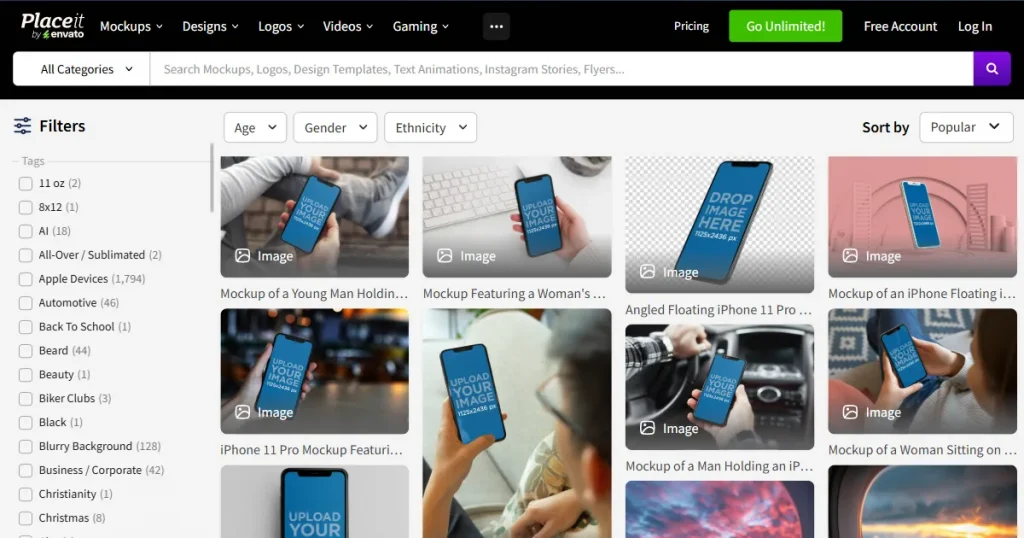
It is also a reliable free online iPhone mockup generator that lets you create and download mockups directly from your browser without installing any software.
Key features
Pros and Cons
| Pros | Cons |
| Commercial use is included even within the free plan | Generic quality templates. Nothing stands out. |
| Supports video, 3D, and handheld mockups | Does not support brand kit |
| Regularly updated with new templates | No repositioning allowed outside template zones |
| Watermark-free downloads on selected iPhone mockup templates |
Best for: Marketers, agencies, and freelancers who need occasional high-quality lifestyle mockups
Pricing: Free templates available with premium starting at $14.95/month
Verdict
Placeit is not the best free iPhone mockup generator available. Its free plan has a very limited selection of iPhone mockup templates. Even if you upgrade to their paid plan, the templates are generic and don’t stand out.
What is Mr. Mockup?
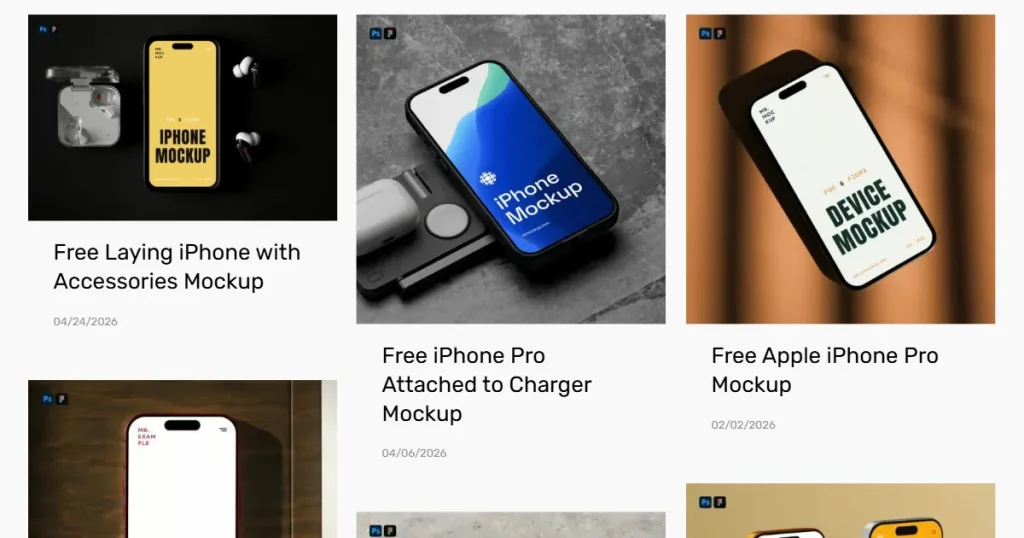
Mr. Mockup is a free iPhone mockup website that offers high-quality, professional PSD mockup templates to help designers showcase their work realistically. It offers a curated collection of both free and premium assets, ranging from stationery to clothing and digital devices.
Key features
Pros and Cons
| Pros | Cons |
| A large variety of free iPhone mockup templates covering various iPhone models, as well as lifestyle scenes | Steep learning curve |
| High-resolution 300 DPI iPhone mockups | Premium bundles are expensive |
| Commercial license included | Smaller iPhone mockup library compared to other dedicated tools |
| Pay once for lifetime access and skip the recurring fees |
Best for: UI/UX designers, professional photographers, and agencies showcasing digital products on Apple devices.
Pricing: Free assets available and Premium assets starting at $19 a bundle
Verdict
If you are a Photoshop pro and want only the highest-quality iPhone mockup assets for client work or print campaigns, then Mr. Mockup might be the best free iPhone mockup website for you.
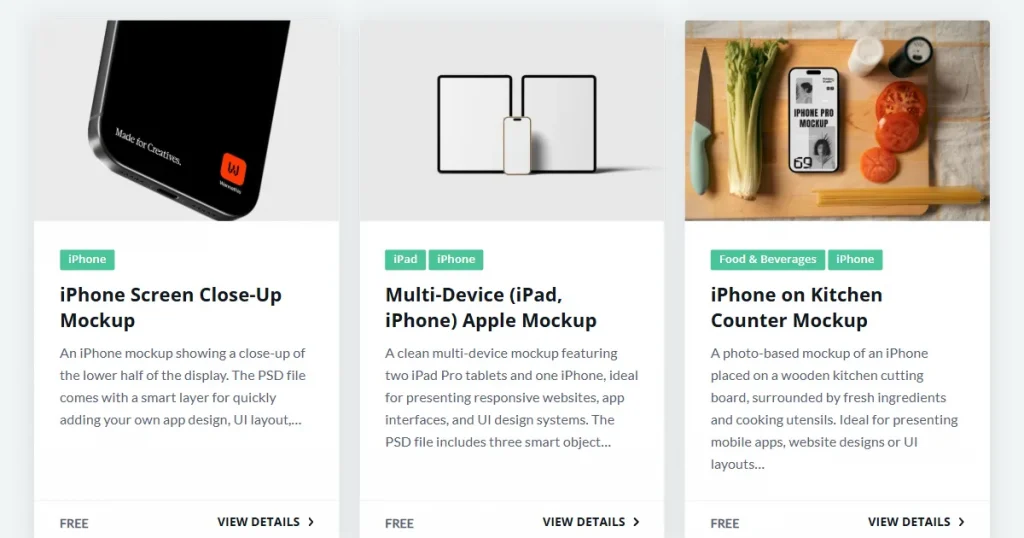
What is Mockup World?
Mockup World is a massive online directory that finds and organizes the best free mockup templates from all over the internet. Instead of making the mockups itself, it acts like a search engine for designers, linking you to high-quality files.
Key features
Pros and Cons
| Pros | Cons |
| High-quality iPhone PSD files available | Requires Photoshop knowledge |
| Completely free resource | Manual checking of the license terms is required before using |
| Covers a wide variety of iPhone models, including the iPhone 17 | |
Best for: Professional designers with Photoshop access who need full creative control and customization over their iPhone mockups.
Pricing: Free
Verdict
Mockup World is the best free iPhone mockup generator if you’re already using Photoshop. It has a huge variety of iPhone mockup templates. However, just remember to check the individual license for each one before using it for commercial purposes.
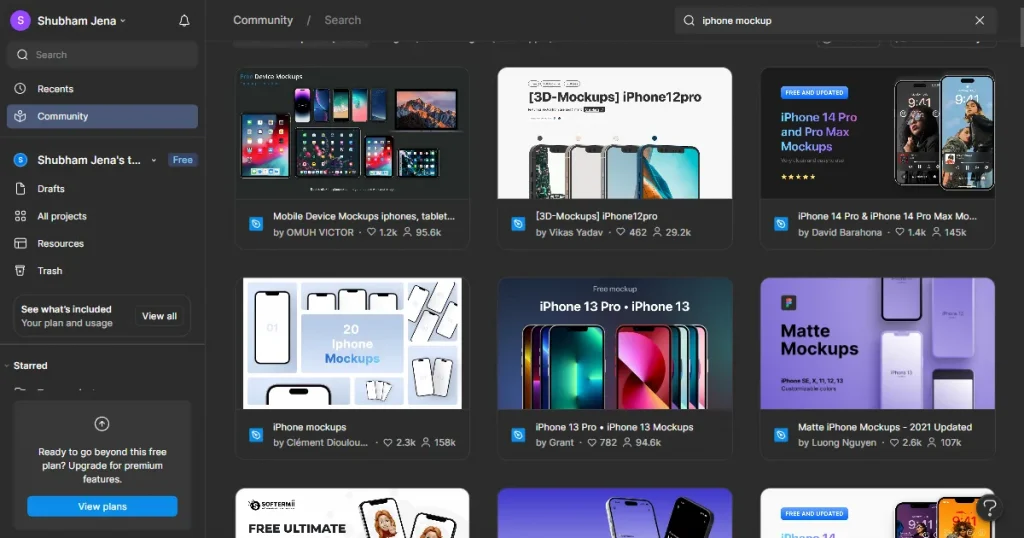
What is Figma?
Figma is a popular cloud-based design tool used by teams for collaborative work. While it’s not the best free iPhone mockup generator tool, its huge ecosystem of plugins and community templates makes it a surprisingly strong and flexible option.
Key Features
Pros and Cons
| Pros | Cons |
| Free plan available | Steeper learning curve for non-designers |
| An ever-expanding library of free iPhone mockup community templates | Mockup capability depends on plugins, not built-in |
| Real-time collaboration with fellow designers | Template quality varies significantly across contributors |
| Layer-based editing with full customization |
Best for: UI/UX designers and product teams who already use Figma and want to keep their mockup workflow within the same design platform.
Pricing: Free plan available with Premium starting at $20/month
Verdict
Figma has a very steep learning curve, which is not ideal for beginners. So, the only reason you should use Figma for designing an iPhone mockup is if your team already uses it for UI design and wants to avoid switching between tools.
The best free iPhone mockup generators cover most basic needs, but here are clear signs you need to upgrade to a paid version.
We’ve covered the best free iPhone mockup generators in detail, but they usually come with some compromises. MockUPhone offers only generic templates. Rotato adds watermarks on the free plan. And Mr. Mockup requires Photoshop skills.
That’s why upgrading to a paid plan removes the hassle. So, the real question is which iPhone mockup tool should you choose? Here are our top recommendations.
With that said, always test any tool before committing and choose the one that best fits your workflow. Because the right mockup communicates your product’s value at a glance.
The best free iPhone mockup generator depends on your specific use case. If you need something fast and free, you can try Modor and MockUPhone.
Most of the tools on this list are for commercial use, but it’s best to check each tool’s licensing terms. Modor, however, offers clear commercial licensing, making it a reliable choice for sellers and businesses.
Among the free iPhone mockup websites on this list, Modor provides 2000+ iPhone mockup templates. However, not all of them are free, but there are enough free templates for you to work with.
Yes. Tools like Modor and MockUPhone let you create iPhone mockups without design skills, thanks to dedicated libraries of professionally created templates. You can customize them using their drag-and-drop editor.
Tools like Modor and AppLaunchpad are a few online iPhone mockup generators that run entirely in your browser. Although they are completely free, you will have enough free templates to experiment with.


