
30+ Best iPhone Mockup Templates Worth Trying
Looking for the right iPhone mockup template to fit your brand? Checkout our list of the best iPhone mockup templates worth trying.
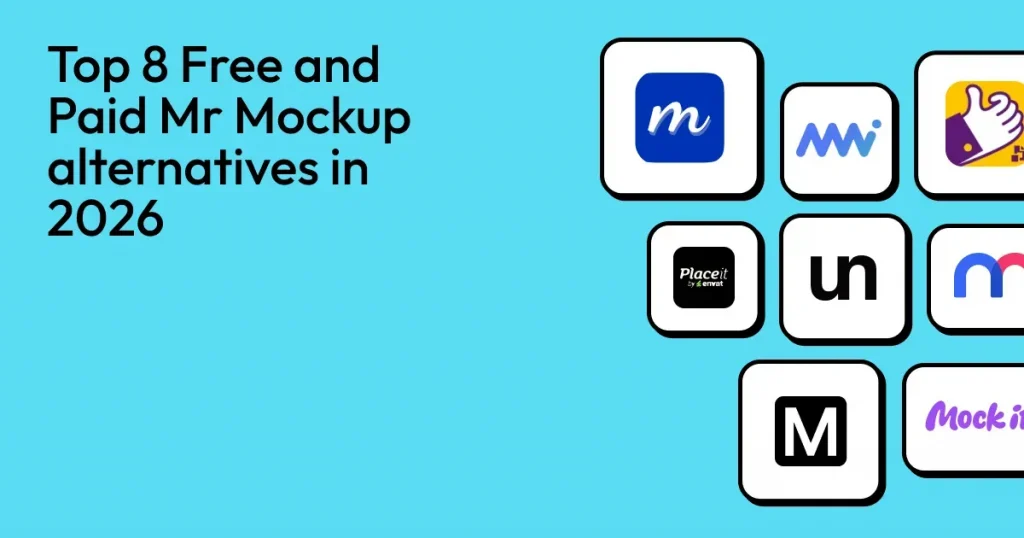
If you look for the best Mr. Mockup alternatives, you will find free PSD mockup websites like MockupWorld and Good Mockups or online mockup generators like Modor or Placeit.
But the best Mr. Mockup alternative is Modor, as it allows you to create high-quality professional mockups across 20+ categories without the need to have any Photoshop skills or pay for expensive PSD mockups.
But not only Modor, in this guide, we will also explore 8 Mr. Mockup alternatives, including free alternative to Mr. Mockup and best online mockup generators, evaluated on their ease of use, template quality, customization options, and much more.
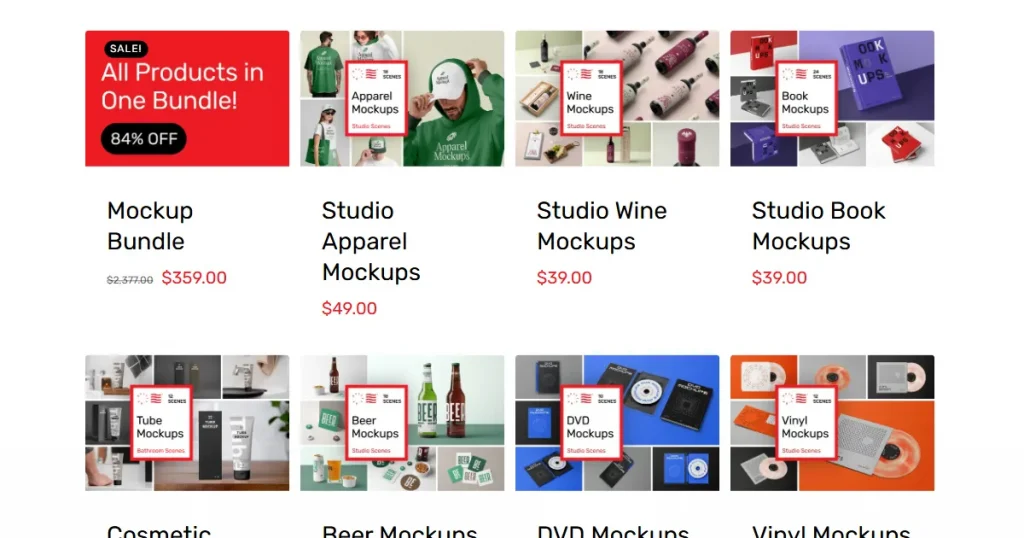
Mr. Mockup is a premium, curated platform that provides high-quality PSD mockup templates for branding, packaging, and print design.
The primary limitation of Mr. Mockup is that you need to know how to create mockups in Photoshop or equivalent software. This makes it unsuitable for beginners.
Also, most of its premium templates are extremely expensive, starting at $19 a bundle, making it difficult for designers on a tight budget to access them.
These two limitations are enough to prompt people to look for Mr. Mockup alternatives that eliminate the dependency on Photoshop and offer sensible pricing.
While analyzing these Mr. Mockup alternatives, I kept these questions in mind.
| Tools | Best For | Pricing |
| Modor | AI-powered mockups at scale | $10/month |
| MockupWorld | Free PSD templates | Free |
| Good Mockups | High-quality free PSDs mockups | Free |
| Placeit | Multi-category mockups | $14.95/month |
| Unblast | Free design assets | Free |
| Minimal Mockups | Minimalist mockups | Free |
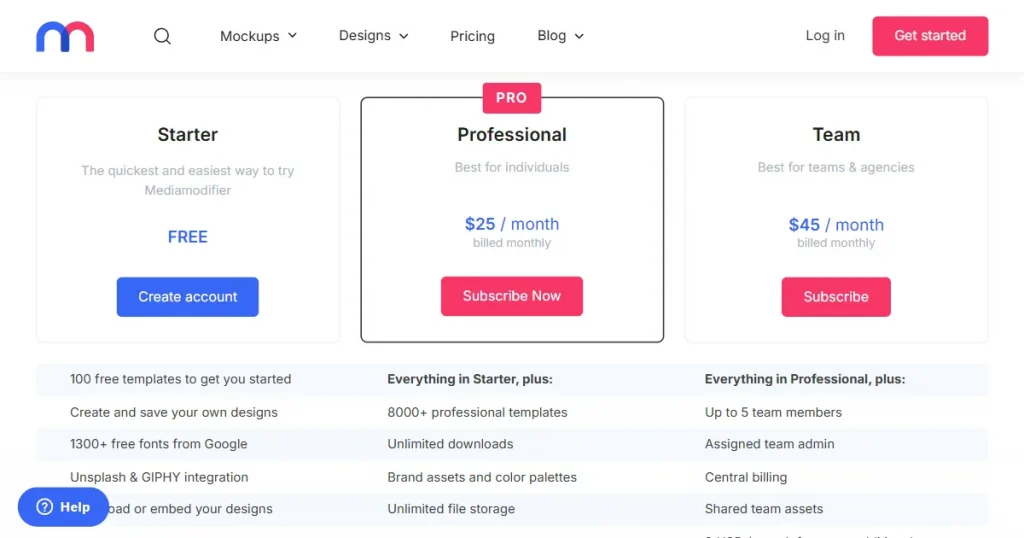
| Mediamodifier | Fast edits with advanced Photoshop refinement | $25/month |
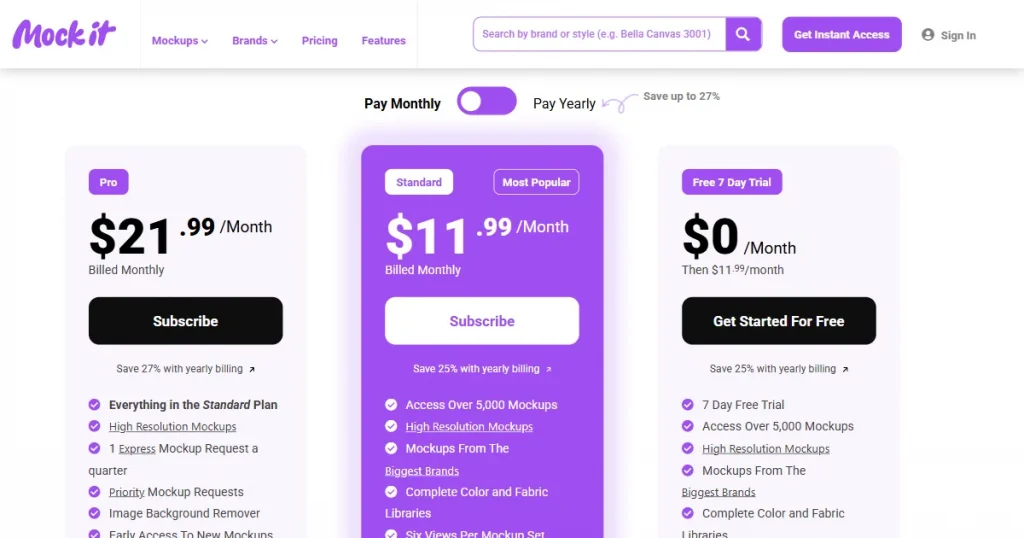
| Mock it | Print-on-demand apparel mockups | $11.99/month |
Now that we’ve seen what each mockup tool offers at a glance, let’s look at each one in more detail.
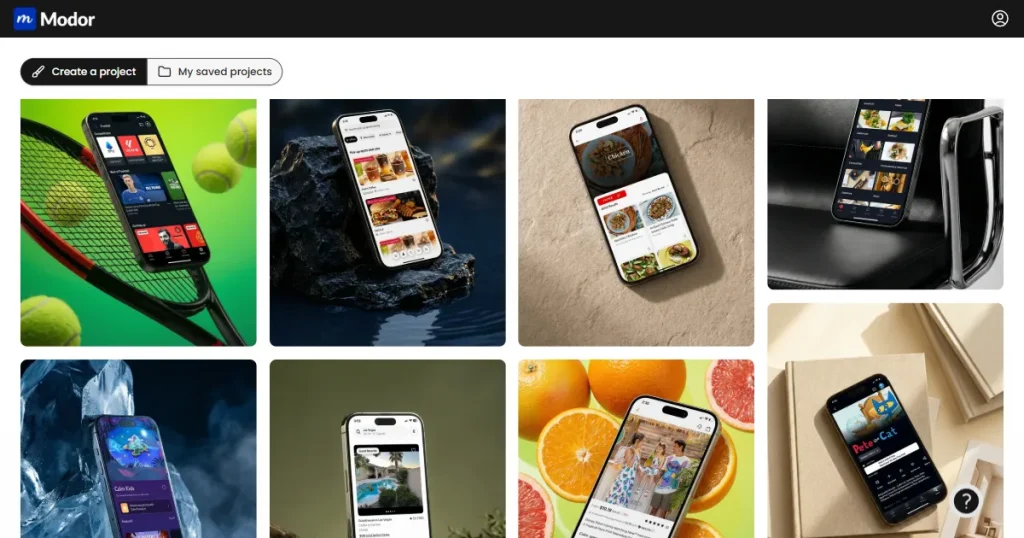
About Modor
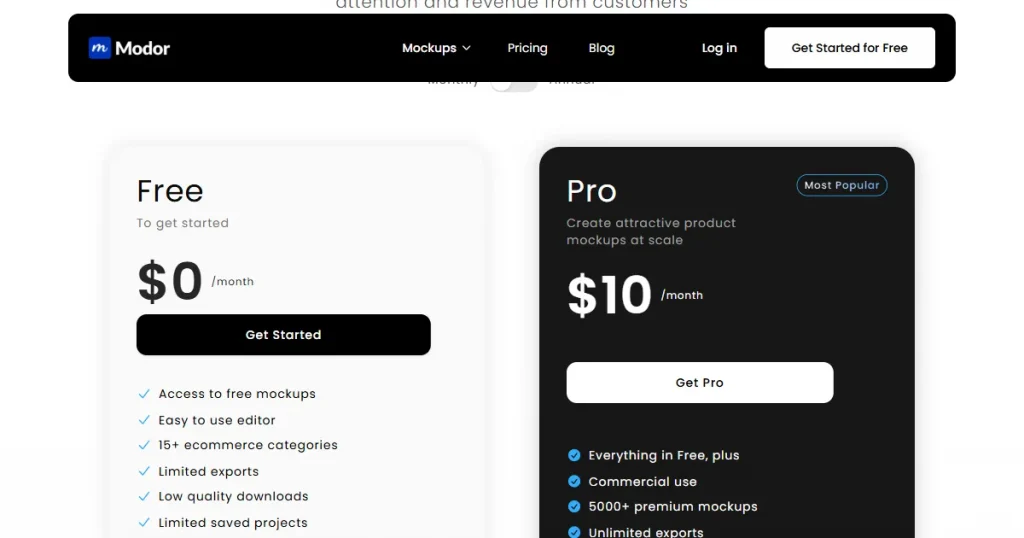
Modor is an AI-powered mockup tool that runs in your browser, making it easy for marketers, e-commerce sellers, and designers to create professional product mockups without needing any design experience.
Key Features
Pros and Cons
| Pros | Cons |
| Beginner-friendly with a drag-and-drop editor | Premium templates require a subscription |
| 10,000+ templates across 20 categories | |
| Commercial license included | |
| Brand kit support to keep your branding consistent | |
| The template library is regularly updated, so you always find what’s trending in the design space | |
| Supports PSD mockup exports |
Pricing: $10/month
What I noticed?
From my experience, Modor feels like the most beginner-friendly mockup tool. But at the same time, its results are so good that you can’t tell whether it was made by a beginner or a professional. Moreover, you get a wide variety of high-quality free PSD mockups, making it one of the best free alternative to Mr Mockup.
About Mockup World
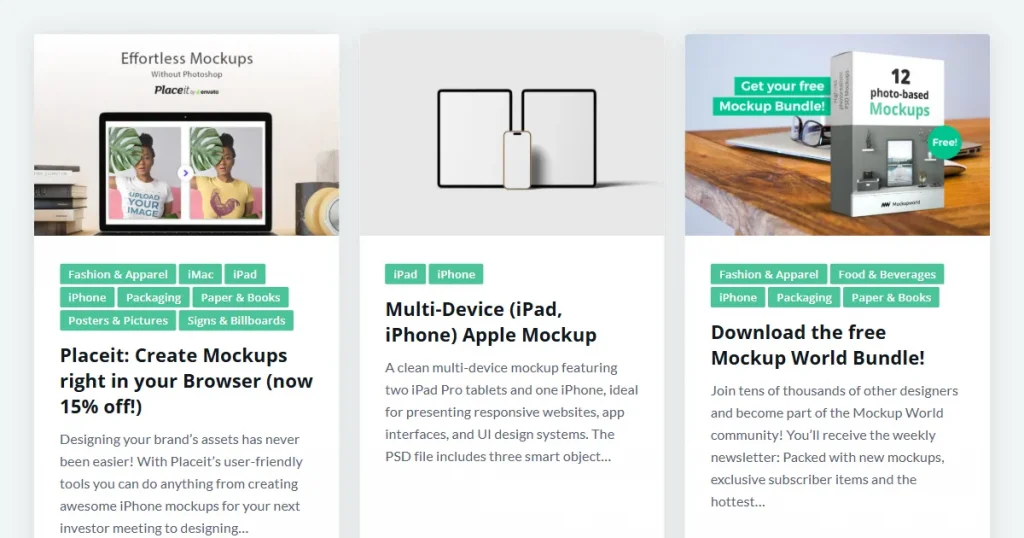
Mockup World is the ultimate search engine for PSD mockups. Rather than creating original PSD mockups, it organizes the internet’s top free PSD mockup templates into one searchable directory, connecting you directly to high-quality PSD files.
Key Features
Pros and Cons
| Pros | Cons |
| High-quality iPhone PSD files available | Requires Photoshop knowledge |
| Completely free resource | Manual checking of the license terms is required before using |
| Covers a wide variety of mockup categories | Risk of malware attack as it links back to external websites |
Pricing: Free
What I noticed?
Although Mockup World is a pretty good resource, it is not the best Mr. Mockup alternative in this list. The download process is a hassle. You have to create accounts on multiple websites and manually double-check the commercial license for each file before using them. It’s better to just use an online mockup generator tool.
About Good Mockups
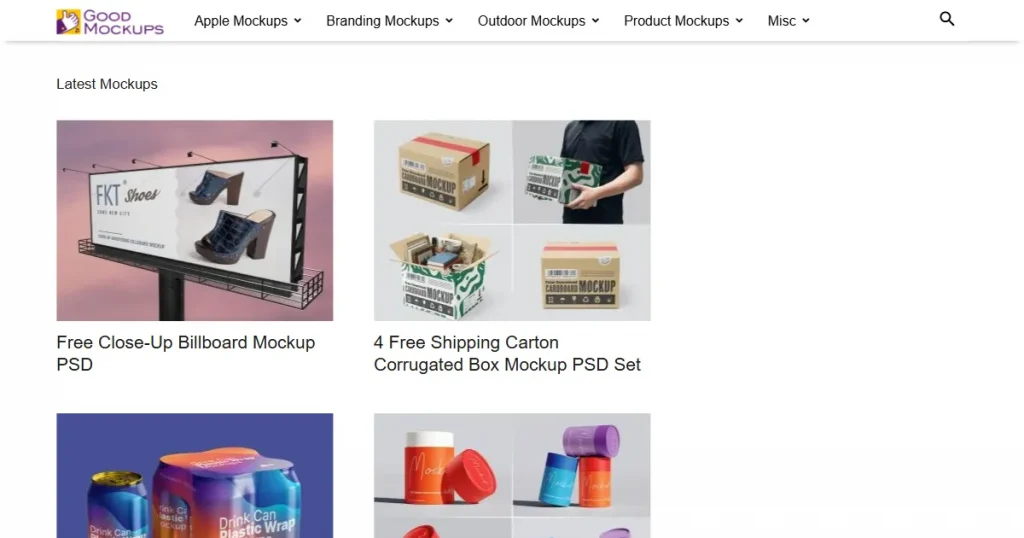
Similar to MockupWorld, Good Mockups is a hand-picked collection of high-quality PSD mockup files. It features a mix of original mockup templates created by their team and curated mockups from top designers, all subject to strict quality controls. This means you get only the best free PSD mockup templates from the world’s best designers.
Key Features
Pros and Cons
| Pros | Cons |
| High-quality curated mockups | Requires Photoshop skills |
| Completely free resources | Limited customization options |
| Wide variety of categories | No built-in editor |
| Clean and modern aesthetic | Inconsistent licensing across mockups |
| Smart object PSD support | Not ideal for quick workflows |
Pricing: Free. But you need to manually check the licensing for each PSD file.
What I noticed?
Good Mockups is one of the best free alternative to Mr. Mockup. While the quality of their PSDs is much higher, the download process is still annoying. You have to jump between different websites and sign up for multiple accounts just to get what you need.
About Placeit
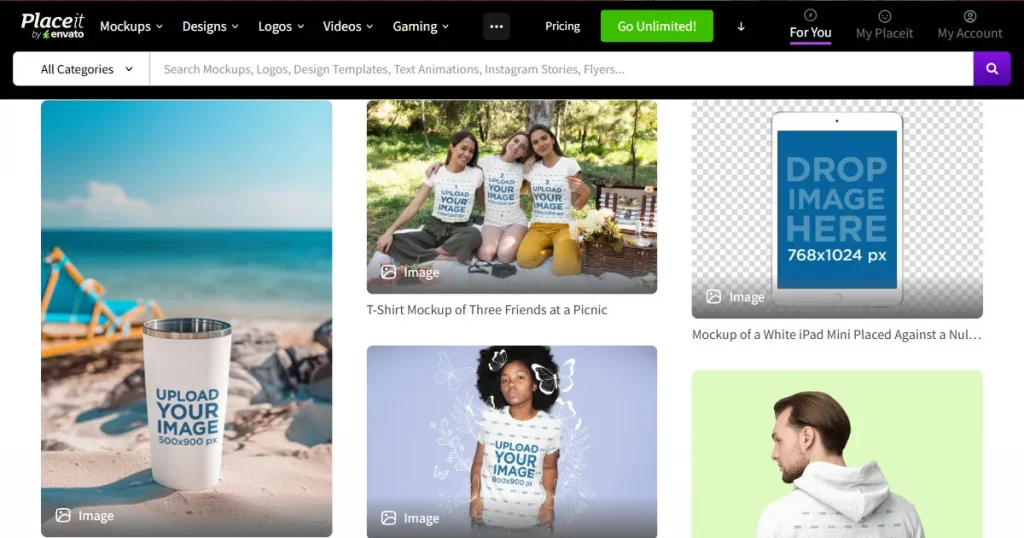
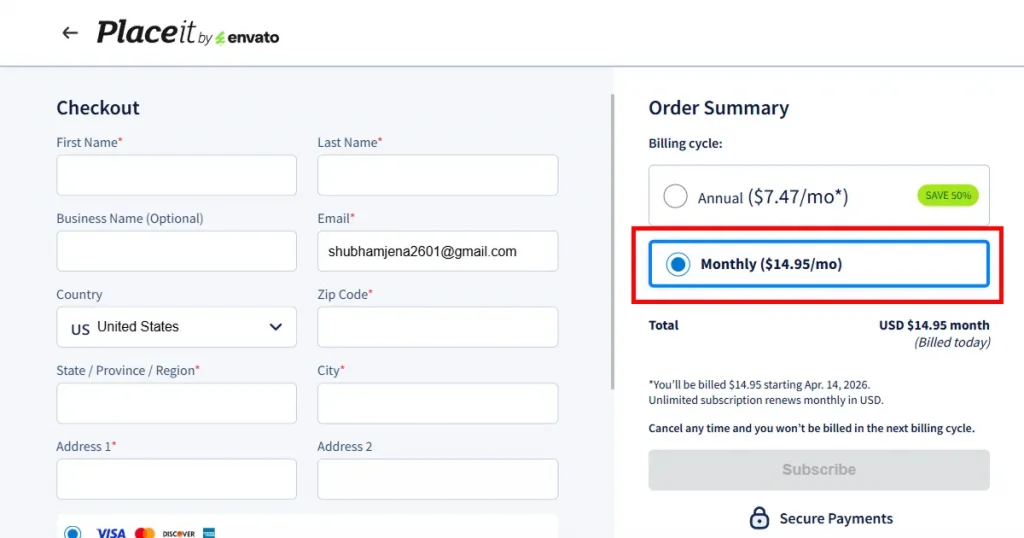
Placeit by Envato is an all-in-one design tool for making professional mockups. It has a massive library of mockup templates that you can drop your designs onto, including clothing, tech devices, and banners. It handles all the technical work for you, so you get a finished, high-quality image in minutes.
Key Features
Pros and Cons
| Pros | Cons |
| Commercial use is included even within the free plan | Generic quality templates. Nothing stands out. |
| Supports a wide variety of categories | Does not support brand kit |
| Regularly updated with new mockups | Does not allow repositioning outside template zones |
| Watermark-free downloads on selected mockup templates |
Pricing: $14.95/month
What I noticed?
While Placeit is easy to use, its free library is very small. Also, a lot of the paid templates feel a bit generic, so it’s hard to find something that will help you differentiate your mockup from everyone else’s. If you are looking for Placeit alternatives, you should consider Modor.
About Unblast
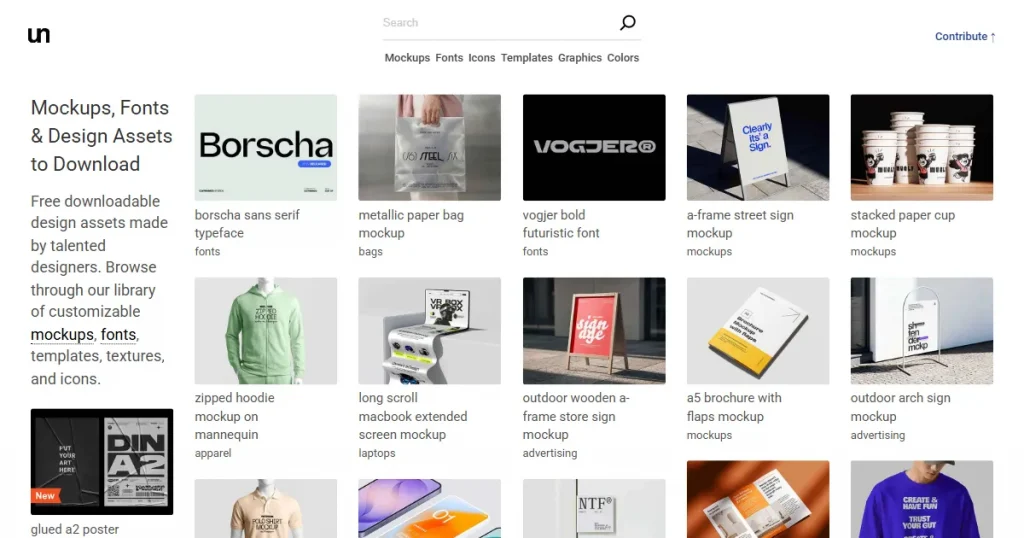
Unblast is yet another free PSD mockup website, but unlike MockupWorld or Good Mockups, it doesn’t just specialize in PSD mockups. It curates the best graphic assets available online, including fonts, illustrations, icons, 3D models, and mockups.
Key Features
Pros and Cons
| Pros | Cons |
| Wide variety of resources, including mockups, fonts, icons, and templates | Quality can vary across different mockups |
| Regular updates with new assets and categories | Most files require Photoshop or design tools |
| Covers multiple use cases like branding, packaging, and devices | Licensing differs per asset and needs manual verification |
| Useful for designers looking for quick, free resources | Risk of malware, as links redirect to external sources for download |
Pricing: Free
What I noticed?
If you are a designer, Unblast is not only a great Mr. Mockup alternative but also solves all your creative needs in one place. But just like other curated resources, it also links you to an external website, which significantly increases the risk of malware, and you also have to sign up on most websites to download their free resources.
About Minimal Mockups
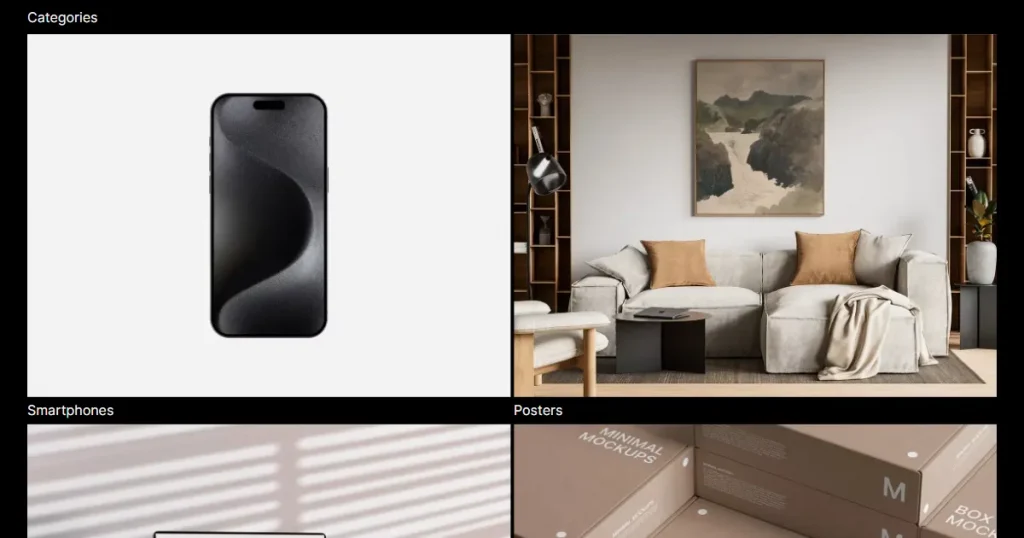
If you are obsessed with minimalist looks, then Minimal Mockups is the perfect free PSD mockup website for you. It offers a curated selection of free PSD mockup templates across various categories, showcasing your work in a clear, distraction-free manner.
Key Features
Pros and Cons
| Pros | Cons |
| Stronger focus on Apple device mockups | Small collection of PSD mockup templates |
| High-quality PSD files | Requires Photoshop design knowledge |
| Consistent visual style across templates | Relatively new platform. Trust issues. |
| Commercial license included |
Pricing: Free. But again, you will need to check the licensing of each PSD mockup file individually.
What I noticed?
If you’re looking for clean, professional designs, this site is a goldmine. It’s much safer than other sites that redirect you to external sites. The only downside is that it’s a newer platform, so there aren’t many templates to choose from yet.
About Mediamodifier
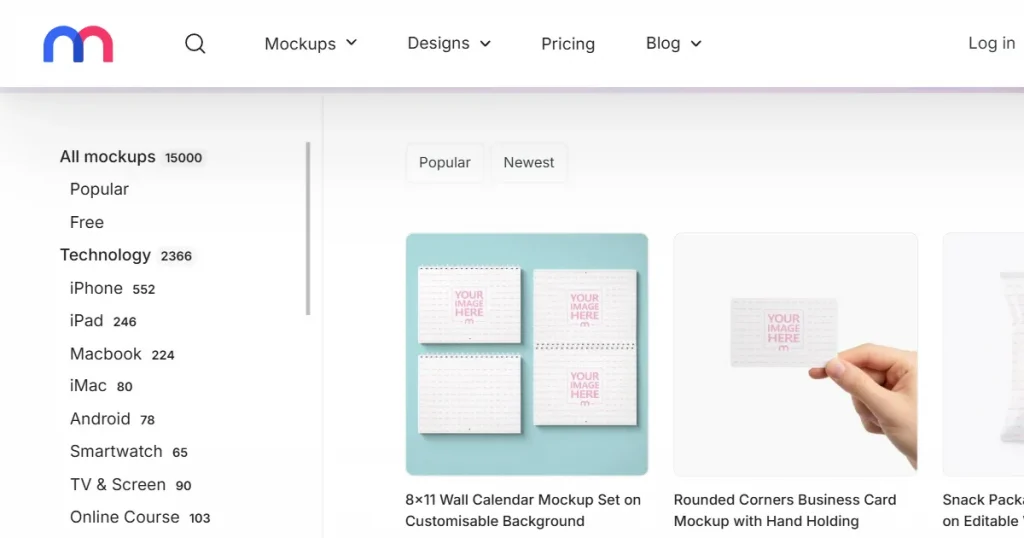
Mediamodifier is an online mockup generator and design tool that lets you create, customize, and export mockups using ready-made templates without needing advanced design skills.
Key Features
Pros and Cons
| Pros | Cons |
| Suitable for beginners with no design experience | No downloads available on the free plan |
| Supports customization like colors, text, shadows, and positioning | Limited flexibility compared to professional design tools |
| PSD files available for further customization | Smaller template library |
| Multi-device support, you can use it on a laptop, tablet, as well as phones | Generic-looking templates. Nothing stands out |
Pricing: $25/month
What I noticed?
Mediamodifier is one of the best tools out there, offering the flexibility of a drag-and-drop editor and the customization capabilities of Photoshop. But the biggest problem with this Mr. Mockup alternative is that its templates look like everyone else’s, so your product can’t stand out in the market.
About Mock it
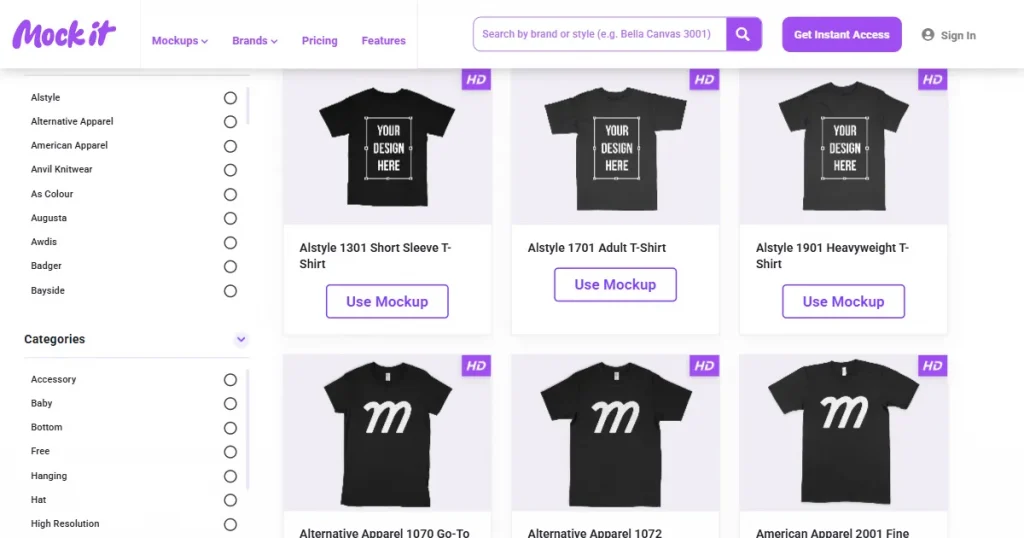
Mock it is a powerful mockup generator designed specifically for the needs of print-on-demand sellers. It offers a massive selection of apparel and allows you to showcase your designs on mockup templates from top brands like Nike, Gildan, and Bella + Canvas.
Key Features
Pros and Cons
| Pros | Cons |
| Goldmine for POD sellers with a variety of clothing brand options | Need a paid plan to download mockups |
| Huge library of mockup templates | Only apparel mockups available |
| Create your own assets with AI | Export resolution is not high, limited to 1500X1500 |
| Beginner friendly |
Pricing: $11.99/month
What I noticed?
With a wide variety of apparel and lifelike texture controls, Mock It shows you exactly how your designs will look in the real world. If you’re a POD seller shipping multiple styles daily, this is the most reliable tool for your store.
Choosing the right Mr. Mockup alternative completely depends on the specific problem you are facing. If you are a designer who is well-versed with tools like Photoshop but looking for free PSD mockup templates, then tools like Good Mockups or Unblast are the best option for you.
However, if you are a complete beginner and looking to create high-quality mockups at the level Mr. Mockup offers, then Modor is your best bet. It offers 10,000+ templates across 20 categories, and none of them look generic.
That being said, the right mockup generator depends on your needs and specific use cases. So, test all of these tools against your designs, and you will find what works best for you.
Yes. Tools like MockupWorld, Good Mockups, and Unblast offer completely free mockups, but they require Photoshop knowledge.
Modor stands out as the best free alternative to Mr Mockup, as it offers a wide range of free PSD mockup templates with editable layers you don’t even need to sign up to the platform to download the PSD files.
Modor and Placeit are the best choices for beginners since they offer drag-and-drop editors and require no design experience.
Most free PSD mockup templates support commercial use, but you should always check each mockup’s license, especially on free platforms. But tools like Modor make this straightforward with built-in licensing, which means you can use mockups generated with Modor for commercial purposes.
Most free PSD mockup websites support high-resolution export, but you have to check each one yourself to make sure.