




Top 9 Mockuuups Studio Alternatives
9 Best Mockuuups Studio Alternatives: Detailed comparison and analysis.
An iPad mockup tool is a simple mockup tool that lets you place your app or design onto an iPad screen. It helps you show how your app will look in real life, without design skills. Some of the best iPad mockup tools include Modor, Canva, Placeit, and Mockuuups Studio, as they allow you to quickly place your app UI screenshots on device frames.
However, finding the best iPad mockup tool isn’t easy. With so many options available, from free online iPad mockup tools like Modor and free iPad mockup PSD tools like MockupWorld, it’s extremely difficult to choose one.
Among these tools, Modor stands out as the best iPad mockup tool, letting you create high-quality mockups quickly without relying on Photoshop or other complex tools. It provides thousands of iPad mockup templates, an easy-to-use drag-and-drop editor, and advanced customization options.
That being said, let’s compare 11 of the best iPad mockup tools, evaluated on export quality, commercial licensing, device coverage, and more, so you can make the right choice.
| iPad Mockup Tool | Best For | Free Plan | Starting Price |
| Modor | E-commerce sellers and marketers | Available | $10/month |
| Mockey AI | Social media creators | Available | $19/month |
| Placeit | Marketers, agencies | Available | $14.95/month |
| Artboard Studio | Design teams | Available | $19/month |
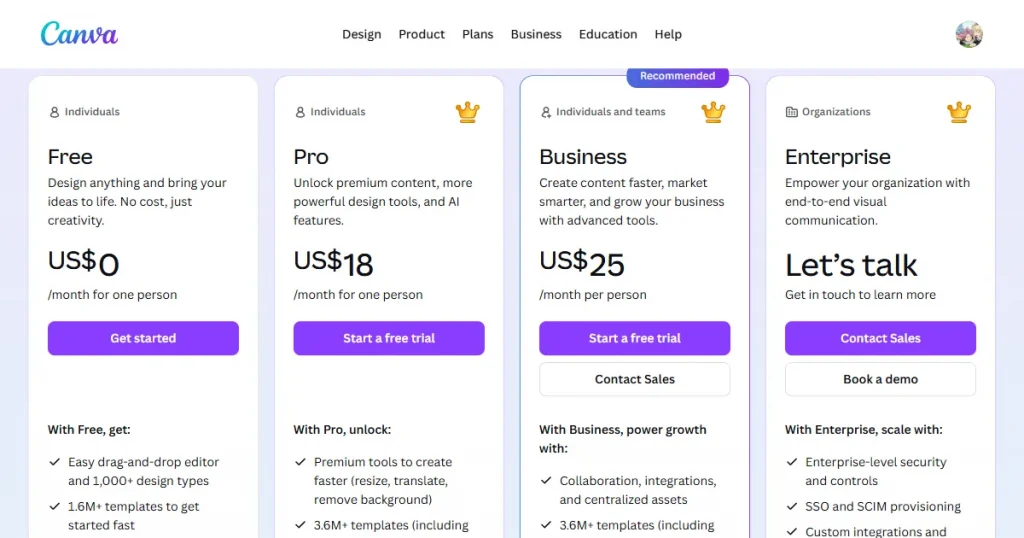
| Canva | Non-designers | Available | $18/month |
| MockupBro | Beginners | Available | Free |
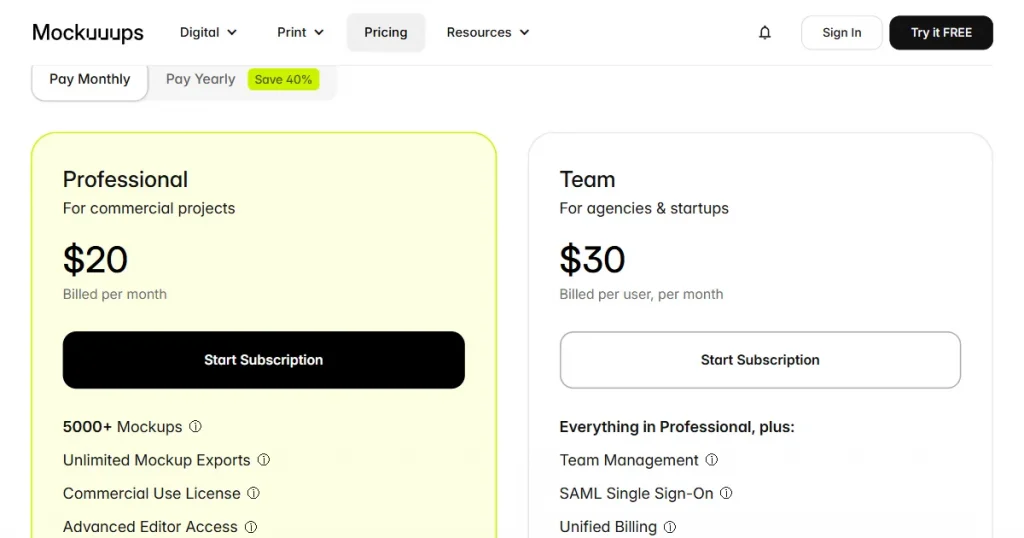
| Mockuuups Studio | Offline-focused workflow | No | $20/month |
| Mr Mockup | Premium-focused users | Available | Pay per asset starting at $19 a bundle |
| MockupWorld | Photoshop users | Available | Free |
| Mockuptree | Professional designers | Available | Free |
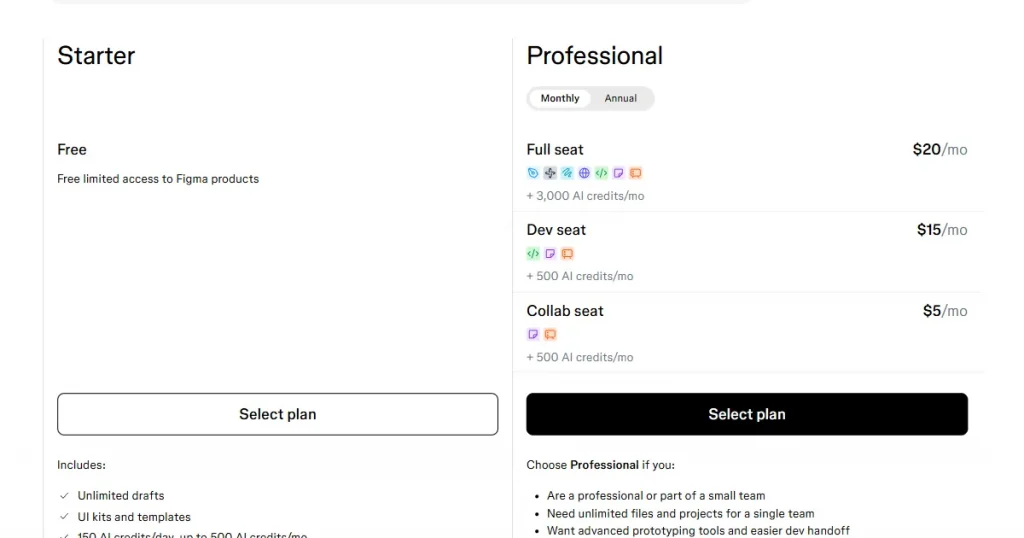
| Figma | UI/UX Teams | Available | $20/month |
Now that we’ve seen what each mockup tool offers at a glance, let’s look at each one in more detail.
What is Modor?
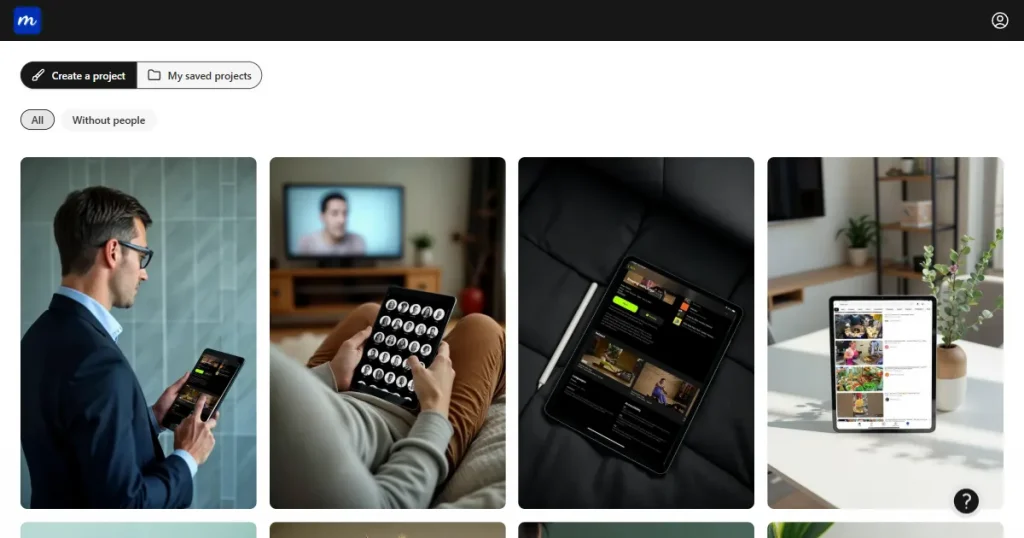
Modor is an easy-to-use, web-based free iPad mockup generator that helps you turn your designs into realistic product visuals without needing any design skills.
It lets users quickly create mockups by applying their designs to templates, with automatic handling of placement, scaling, and lighting.
Key Features
Pros and Cons
| Pros | Cons |
| Free plan available | Premium templates require a subscription |
| Beginner-friendly | |
| 10,000+ mockup templates | |
| Commercial use allowed |
Best for: App developers, indie founders, and marketing teams needing fast professional results without any design skills.
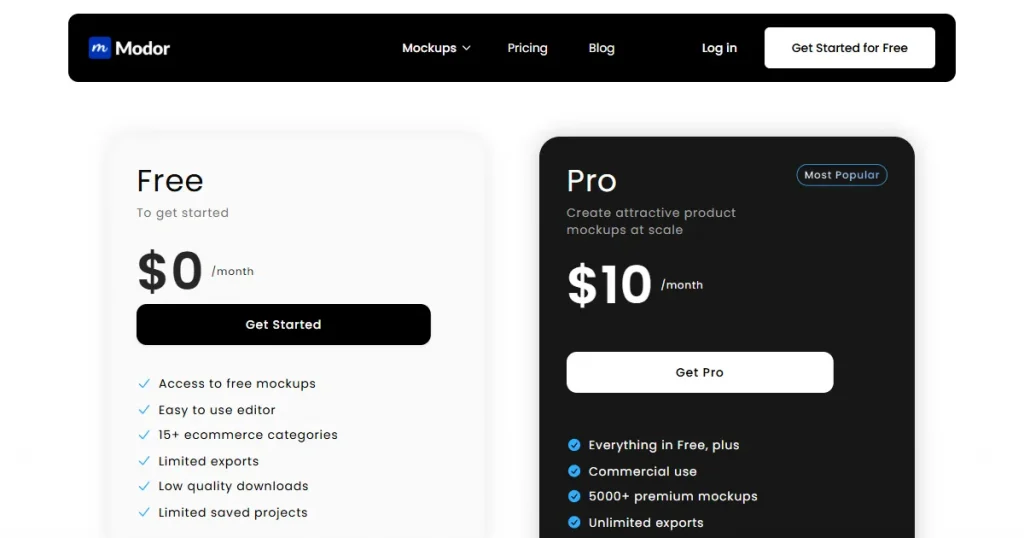
Pricing: $10/month
Verdict
If you want ready-made iPad mockups quickly, optimized for everything from social media to app presentations, Modor is one of the best iPad mockup tools for non-designers.
What is Placeit?
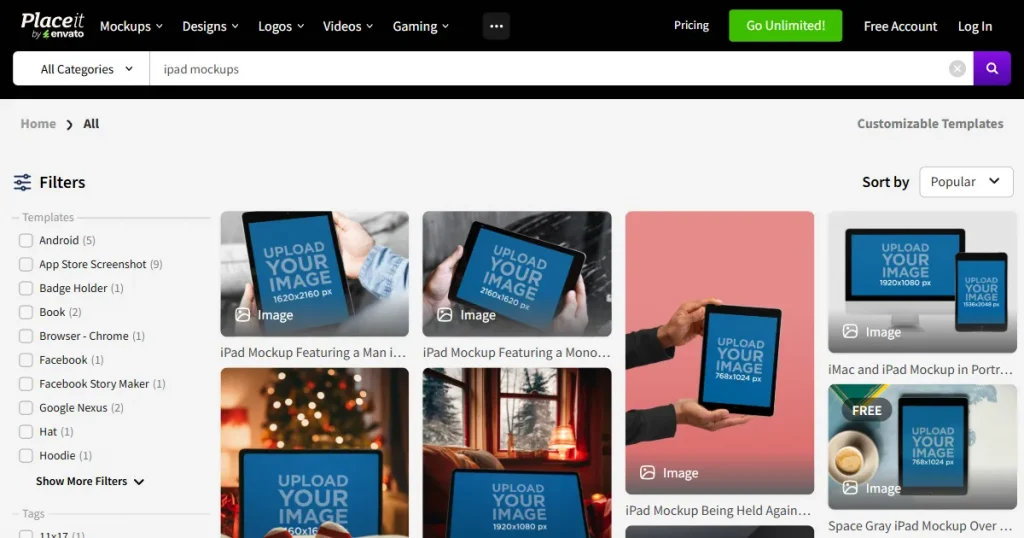
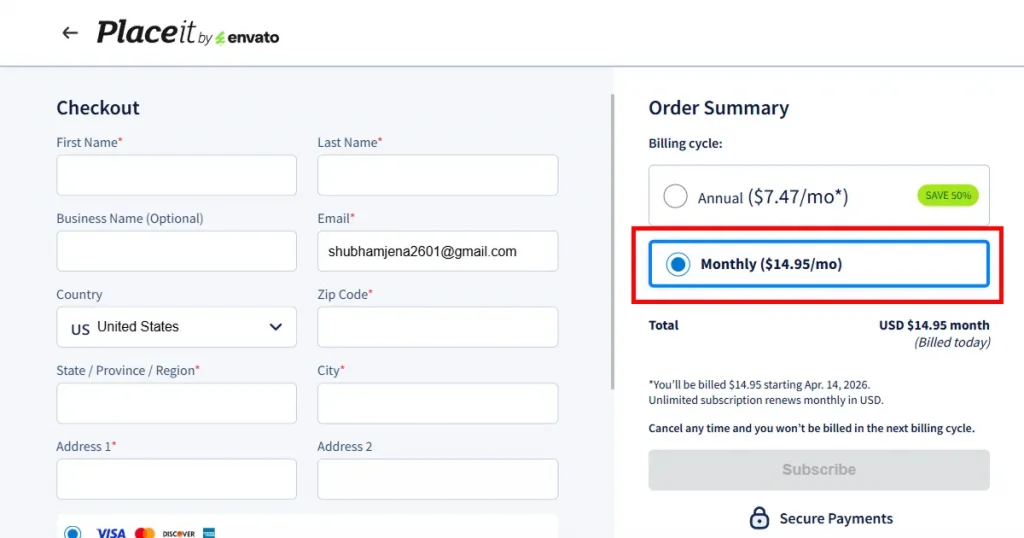
Placeit is a free iPad mockup generator owned by Envato that lets users create high-quality static, 3D, and video mockups across 4 different categories, including apparel, digital, print on demand, and promotional.
Key Features
Pros and Cons
| Pros | Cons |
| Watermark-free downloads on selected templates | Most templates require a paid plan |
| Commercial use is included within the free plan | No brand kit support, so you cannot save and reuse brand assets like colors, fonts, and logos. |
| Video mockups available | Customization is limited, like no repositioning outside template zones or use of advanced effects |
| Regular new templates | Templates are very generic and don’t really stand out |
Best for: Marketers, agencies, and freelancers who need occasional high-quality lifestyle mockups.
Pricing: $14.95/month
Verdict
Placeit makes sense if you create multiple mockups daily for products, digital content, or apparel. But if you only need the best iPad mockup tools, it might not be the best fit for you.
What is Artboard Studio?
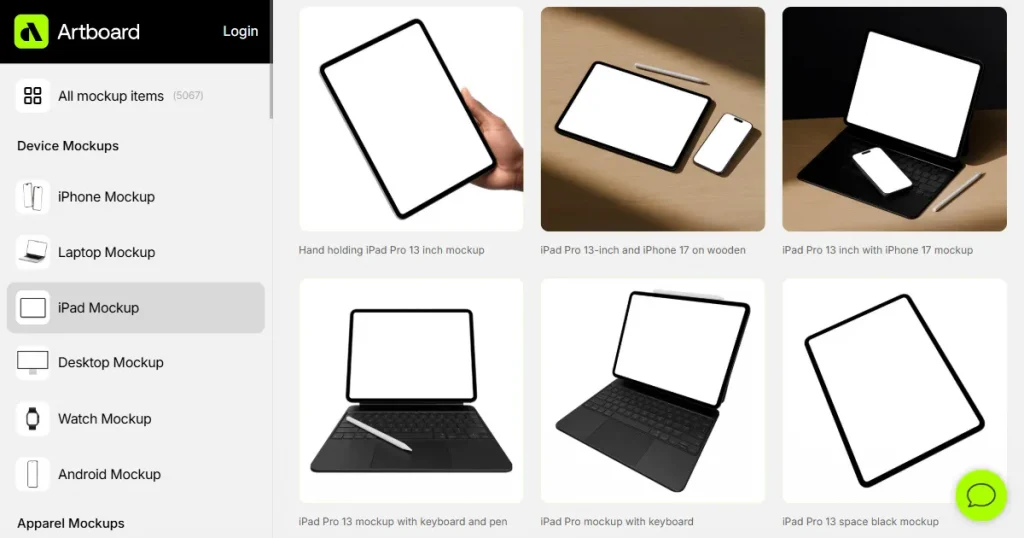
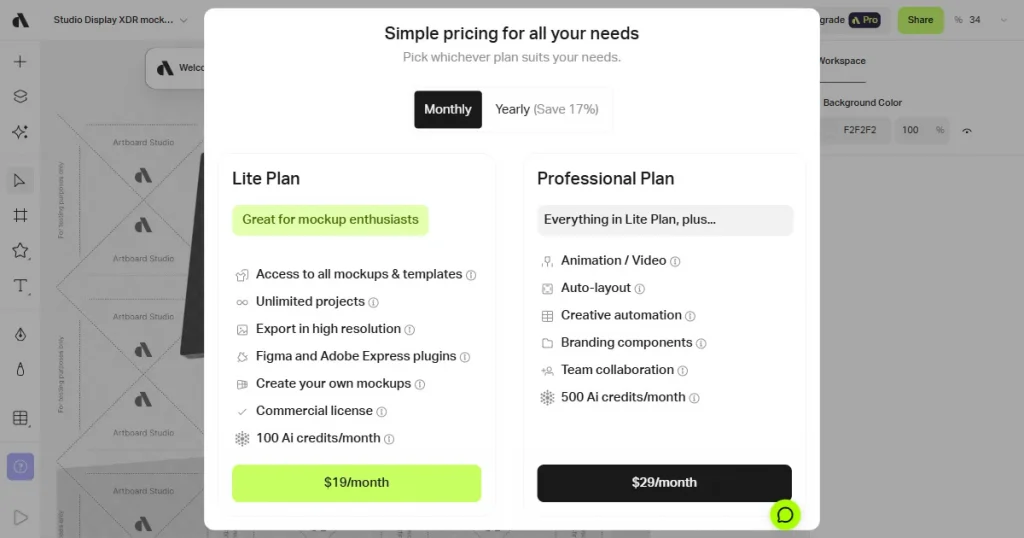
Artboard Studio is a browser-based design and mockup platform that offers layer-based editing and stands out among the best mockup tools for advanced customization and integrations with tools like Figma and Adobe Express.
Key Features
Pros and Cons
| Pros | Cons |
| Deep customization control | Free tier is heavily restricted |
| Figma integration | Steep learning curve |
| Collaboration features available | Complex UX |
| Supports animated and video mockups |
Best for: Professional designers and design teams who need precise control and collaboration.
Pricing: $19/month
Verdict
You can choose Artboard Studio when quality matters more than speed. If you’re on a deadline, the learning curve alone could cost you more time than the tool saves. Also, you can use its Figma plugin to create iPad mockups quickly within your existing workflow.
What is Canva?
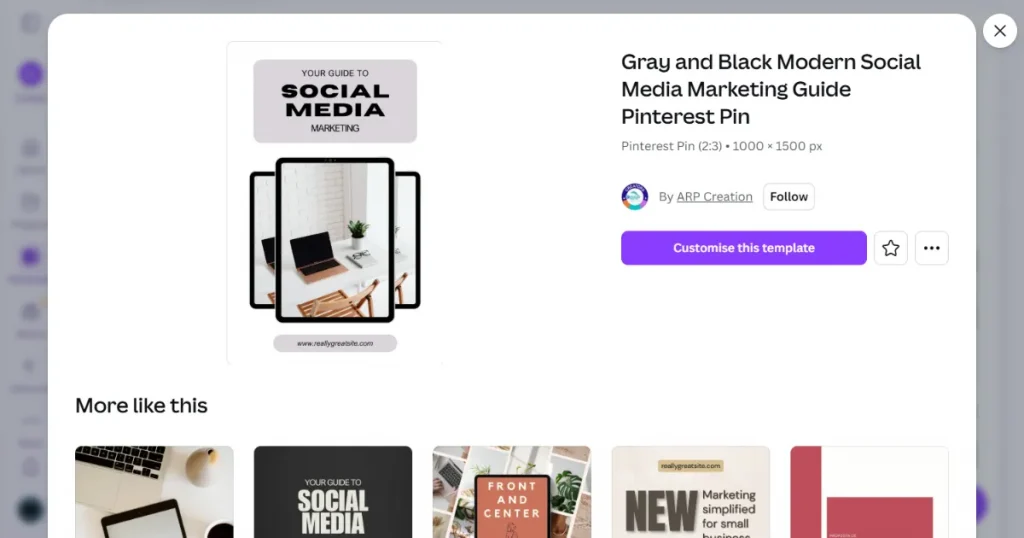
Canva is an all-in-one design platform created especially to bridge the gap between professional graphic designers and beginners with little to no design experience.
Although it is not a dedicated iPad mockup generator, Canva offers a built-in mockup feature with a wide range of iPad templates within its broader design ecosystem.
Key Features
Pros and Cons
| Pros | Cons |
| All-in-one design platform | Not a dedicated iPad mockup tool. Customization is limited compared to specialized tools |
| Free plan available | No repositioning outside template zones |
| Ideal for non-designers, because of its drag-and-drop editing system | Most mockup templates feel repetitive |
| 1 million+ mockup templates available |
Best for: Marketers, content creators, and non-designers who already use Canva for broader design work
Pricing: $18/month
Verdict
When iPad mockups are a part of a larger design project, using Canva for mockup creation makes sense. As a standalone tool, it’s too limiting.
What is MockupBro?
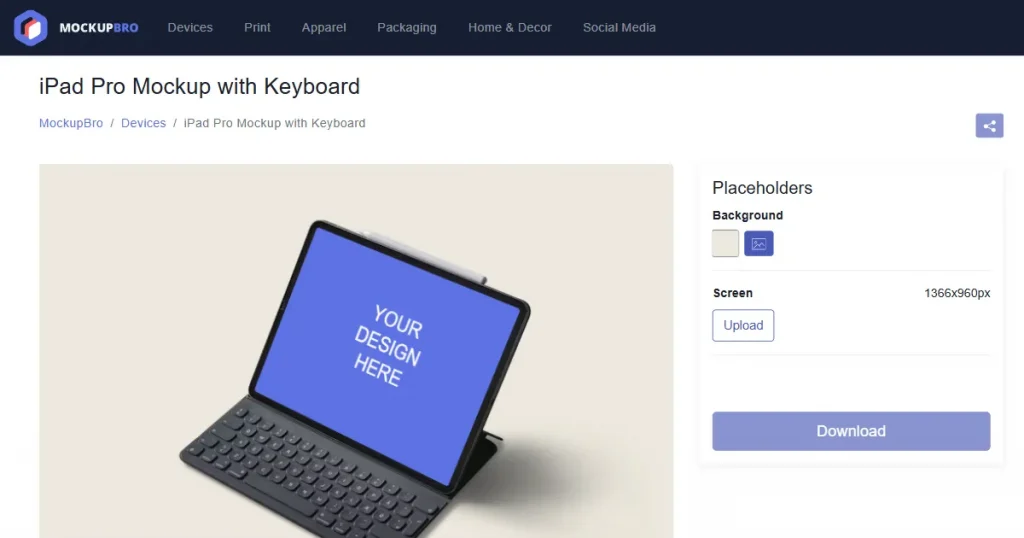
MockupBro is one of the most frictionless free iPad mockup generators available, with no account or subscription required and no watermarks on standard exports. You simply pick a template, upload your design, and download your mockup in seconds.
Key Features
Pros and Cons
| Pros | Cons |
| Completely free, no sign-up needed | Basic templates. No variety. |
| Fast and simple with no watermarks | Not ideal for professional iPad mockups |
| Wide range of mockup categories | Limited design customization features |
| Allows high-quality exports | Smaller iPad mockup library compared to other alternatives |
Best for: Students, beginners, and anyone looking for a free solution for quick mockup generation.
Pricing: Free
Verdict
MockupBro offers only basic templates, making it unsuitable for business or social media use. The only use we can think of is for internal previews, where quality isn’t a priority.
What is Mockuuups Studio?
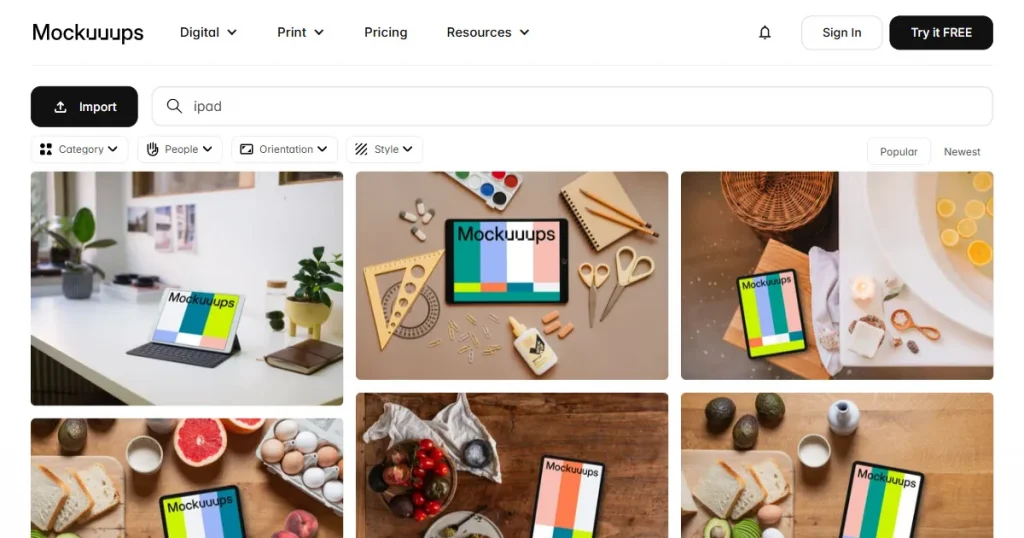
Mockuuups Studio is a dedicated device mockup generator built specifically for iPad, iPhone, MacBook, and other device visuals. Available as a desktop app for both Mac and Windows, and a Figma plugin, it’s one of the few iPad mockup tools that work offline.
Key Features
Pros and Cons
| Pros | Cons |
| Built specifically for device mockups | Paywall restricts real value |
| High-quality exports | Steep learning curve |
| Commercial license on Pro plan | Template dependency lacks uniqueness |
| Figma plugin integration for seamless workflow | Limited animation or interactive mockup capabilities |
Best for: Developers and designers who prefer desktop tools and offline workflows.
Pricing: $20/month
Verdict
Mockuuups Studio is a great tool if you prefer offline workflows, but it falls short compared to the best iPad mockup tools available. Moreover, its free plan is severely limited and cannot be used to create anything substantial.
What is Mr. Mockup?
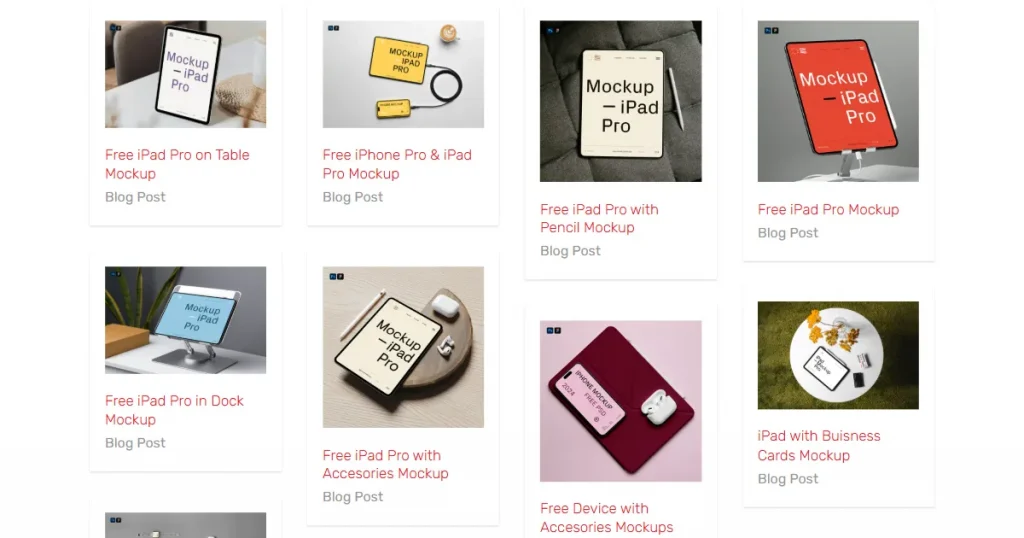
Mr. Mockup offers free and premium PSD mockups across a wide variety of categories, including iPads, iPhones, MacBooks, packaging, apparel, and more.
Its standout feature is high-quality, scene-based mockups that let you visualize devices in real-life settings, making your designs look more realistic.
This focus on quality makes it a strong contender among the best iPad mockup tools, especially for designers who prefer working with PSD files.
Key Features
Pros and Cons
| Pros | Cons |
| Free to download mockups available | Requires Photoshop to edit, which makes it not ideal for beginners |
| Premium aesthetic-looking mockups | Smaller iPad mockup library compared to other dedicated tools |
| Regular new additions | |
| Guided PDF guide included to simplify workflow |
Best for: UI/UX designers, app developers, and agencies showcasing digital products on Apple devices.
Pricing: Free assets as well as Premium assets starting at $19 a bundle
Verdict
If you’re comfortable with Photoshop and want high-end visuals, Mr. Mockup is easily one of the best iPad mockup tools for finding premium-quality designs, including the occasional free iPad mockup PSD to get started.
What is Mockup World?
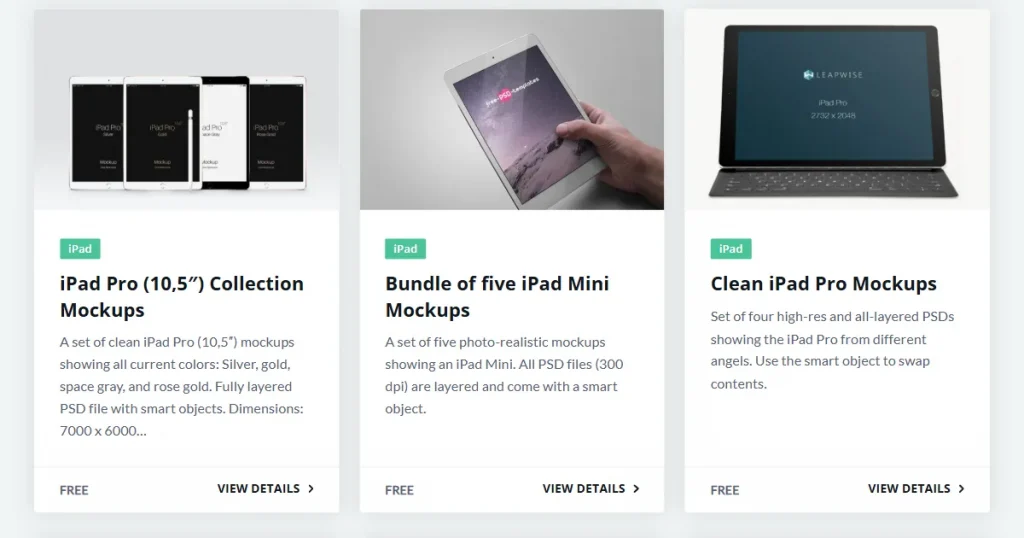
Mockup World is not a mockup tool or marketplace, but a curated collection of free PSD mockups sourced from across the internet that typically require a working knowledge of tools like Adobe Photoshop to use effectively.
Key Features
Pros and Cons
| Pros | Cons |
| Free resource | Requires Photoshop for editing |
| A wide variety of iPad mockup styles | Manual checking of the license terms is required before using |
| High-quality PSD files | It redirects to third-party sites, which can contain malware |
| Easy browsing and discovery of iPad mockups | Inconsistent quality and styles across mockup templates |
Best for: Professional designers with Photoshop access who need full creative control over their mockups.
Pricing: Free
Verdict
Mockup World is a good starting point for designers looking for free iPad mockup PSD files. However, it is not the best iPad mockup tool available in the market, as it simply curates content and redirects users to third-party sites with inconsistent quality and unclear licensing.
What is Mockuptree?
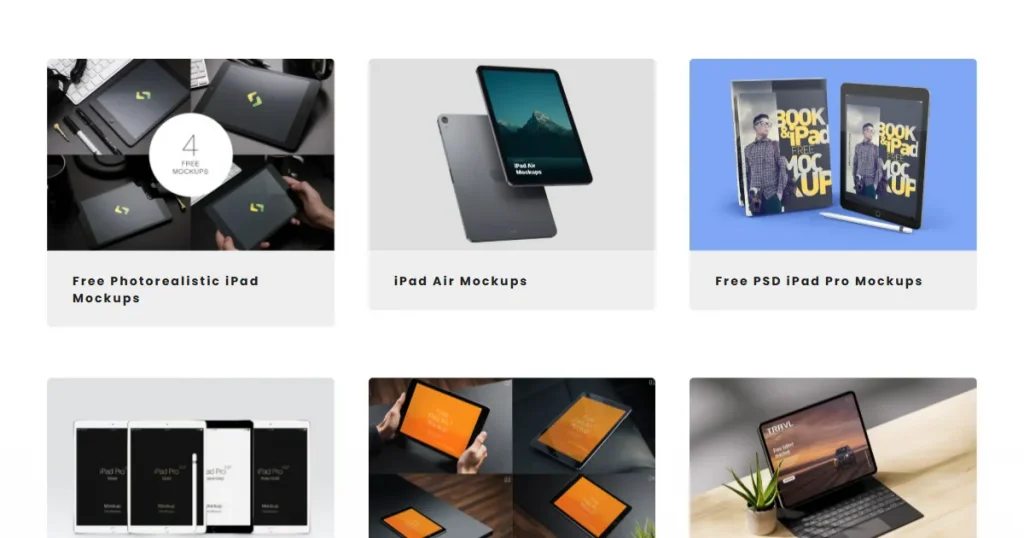
Mockuptree is a curated resource hub that offers free iPad mockup PSD files with smart-object layers across a wide range of mockup categories, including product, devices, and branding.
Key Features
Pros and Cons
| Pros | Cons |
| Completely free to use resource | Software dependency and a high learning curve make it not ideal for beginners |
| High-quality PSD files | Requires manual verification of the licensing terms of each file one downloads |
| Supports watermark-free exports | |
| Covers multiple iPad models |
Best for: Professional designers and developers with Photoshop access who need high-quality, customizable PSD iPad mockups for client presentations or marketing materials.
Pricing: Free
Verdict
Similar to Mockup World, Mockuptree is an aggregation site but with a much wider range of iPad mockups, making it a perfect pick for pro designers.
What is Figma?
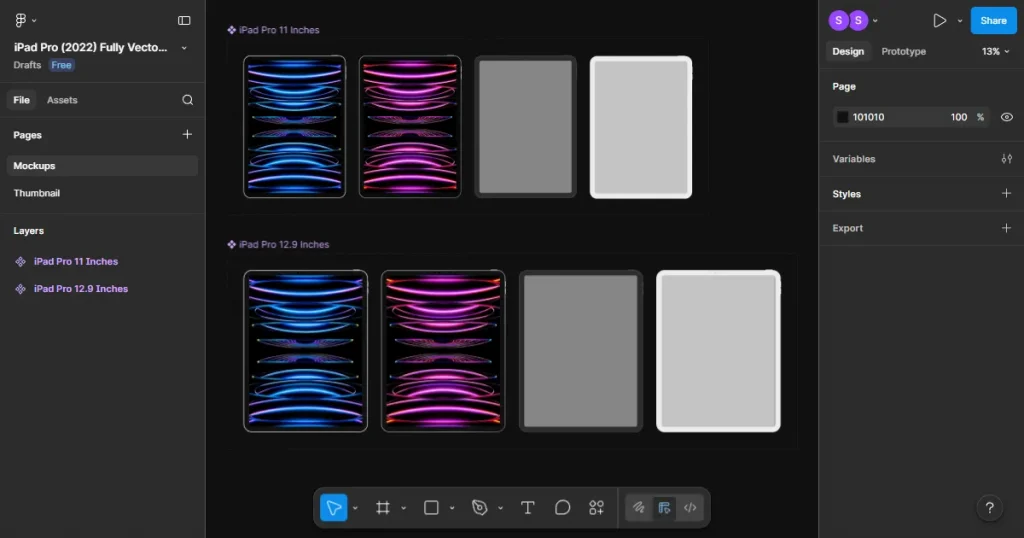
Figma is a popular cloud-based design tool used by teams to work together. While it is not a dedicated iPad mockup tool, its growing ecosystem of plugins and community templates makes it a capable option.
Key Features
Pros and Cons
| Pros | Cons |
| Real-time collaboration | Steeper learning curve for non-designers |
| Extensive plugin ecosystem | Mockup capability depends on plugins, not built-in |
| Free plan available | Overkill for simple mockup needs |
| Works seamlessly across devices (iPad, Mac, Web) | Requires a subscription for advanced features |
Best for: UI/UX designers and product teams who already use Figma and want to keep their mockup workflow within the same platform.
Pricing: $20/month
Verdict
Using Figma only for iPad mockups doesn’t make much sense, as it is not the best iPad mockup tool, but if your team already uses it for UI design, you can find templates in the community and keep everything in one place.
What is Mockey AI?
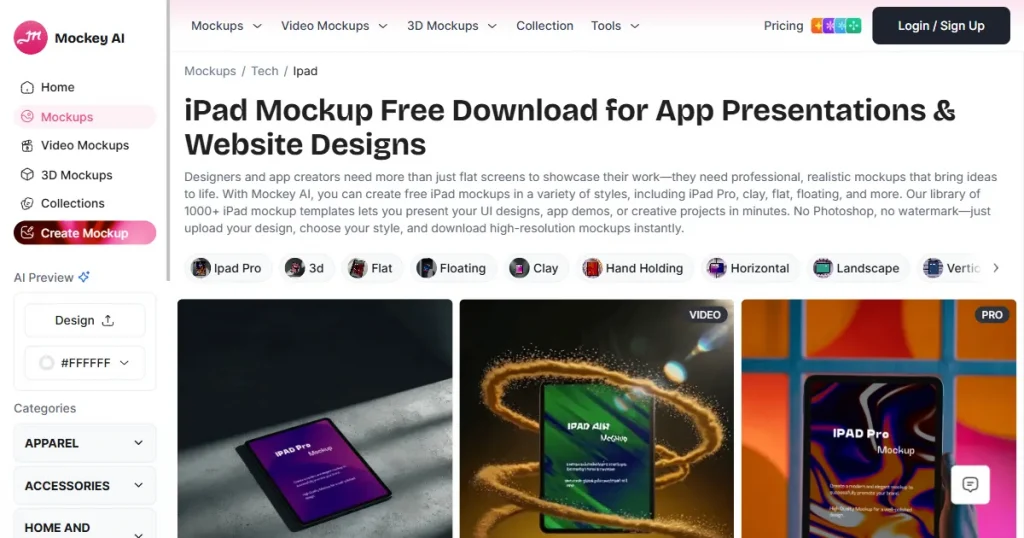
Mockey AI is a free online iPad mockup tool that helps you create realistic product mockups using ready-made templates and simple editing tools, with no design expertise required.
Key Features
Pros and Cons
| Pros | Cons |
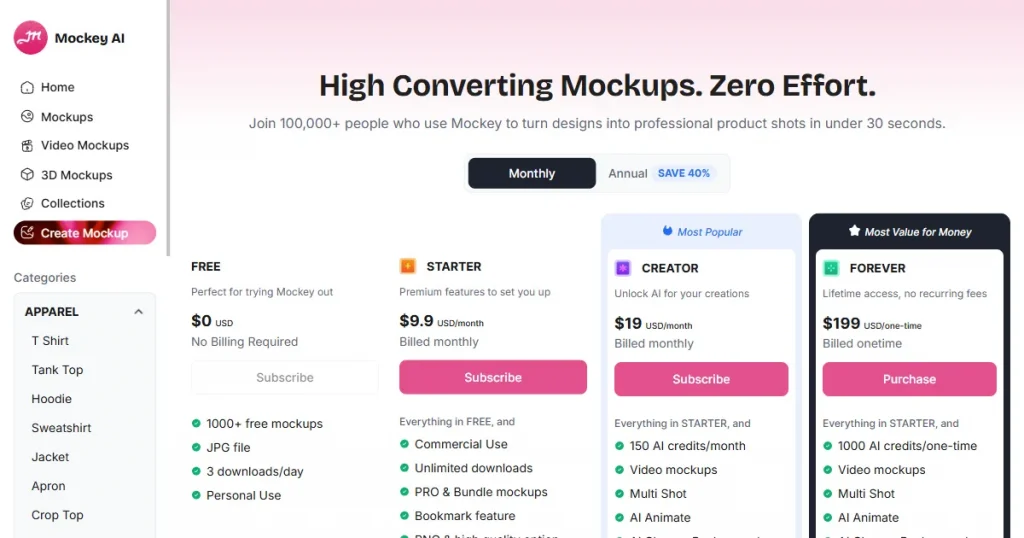
| Dedicated library of iPad mockup templates | Free plan caps resolution size to 400X500 and does not support the PNG format |
| Free plan available | Free plan limits downloads to only 3 per day |
| Lifestyle and studio mockup styles | Limited customization. You cannot change the background, positioning, or scaling of your artwork. |
| Beginner-friendly with a drag-and-drop editor |
Best for: Social media marketers, content creators, and designers needing diverse template styles.
Pricing: $19/month
Verdict
If you want to create lifestyle iPad mockups in real-world settings, especially for social media posts, this is the right tool for you. However, you will need to upgrade to their Pro plan, as their free plan is not usable.
This list consists of a wide variety of tools. However, there is always a tradeoff. Free tools sacrifice quality, and premium results come with a steep learning curve or a price tag.
And Modor strikes a perfect balance between these two extremes. Its AI-assisted smart placement, drag-and-drop editor, and high-quality iPad mockup template library make it beginner-friendly without compromising on output quality.
That being said, the best iPad mockup tool for you is the one that fits your design style and workflow. Most tools on this list offer free plans, so test two or three against your own designs before committing to anything.
The best iPad mockup tool depends on your design needs. If you are a beginner, Modor is one of the easiest options to get started with.
Yes, MockupBro and Modor offer free mockup creation without watermarks.
Both MockupWorld and Mr. Mockup offer the best iPad mockup PSD files, but for commercial use, you have to check each file’s commercial license individually.
Yes, you can create iPad mockups without any design skills by using tools like Modor, MockupBro, or Mockey AI.
Yes! Modor is an online iPad mockup tool that supports high-resolution exports in both JPEG and PNG formats, even in its free plan.


