


12 Best Printify Alternatives for Print-on-demand Sellers
Discover 12 best Printify alternatives. Compare Printful & Gelato for better margins & faster global shipping.
Published Apr 28, 2026
11 min
Mediamodifier is an online mockup tool that lets you create product images in a matter of minutes, but its generic templates, fixed canvas sizes, limited customization, restricted free tier, and confusing free plan hamper real use and impact conversion rates.
That’s where Modor becomes a better choice with features like 10,000+ premium templates, bulk export support, and watermark-free downloads with a commercial license, offering better quality and scalability.
This leads to one key question, is Mediamodifier worth it? To answer that, let’s dive into this Mediamodifier review, where we break down its features, pricing, pros, cons, and better alternatives.
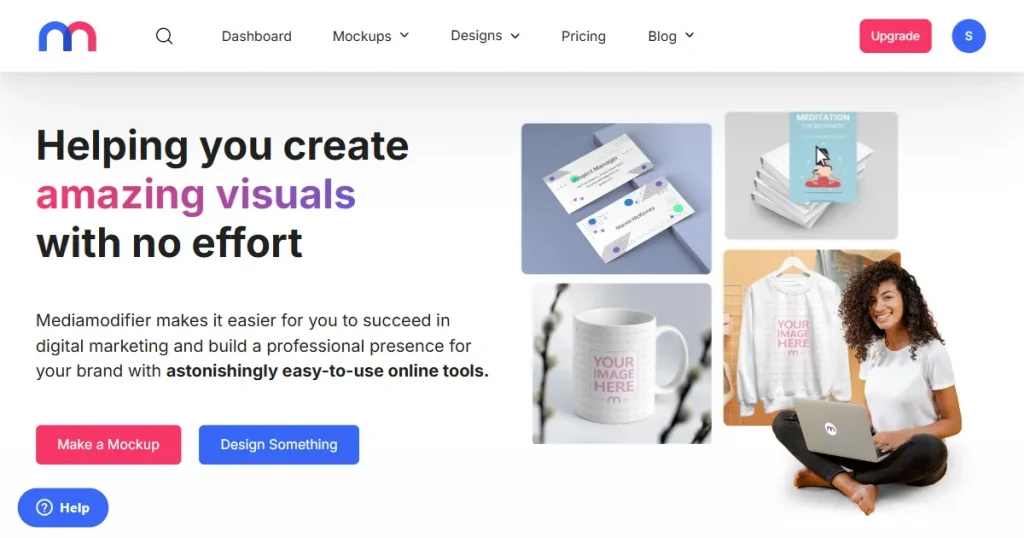
Mediamodifier is a browser-based mockup creation tool. It lets you create professional product mockups, social media visuals, and marketing materials in just minutes.
It provides a large number of mockup templates across a wide range of categories, including apparel, technology, print, and marketing.
Apart from a mockup tool, Mediamodifier also includes a design maker, an image editor, and a vector illustration creator.
These tools integrate with the mockup editor, making it easier to create professional product mockups without relying on photoshoots or complex design tools.
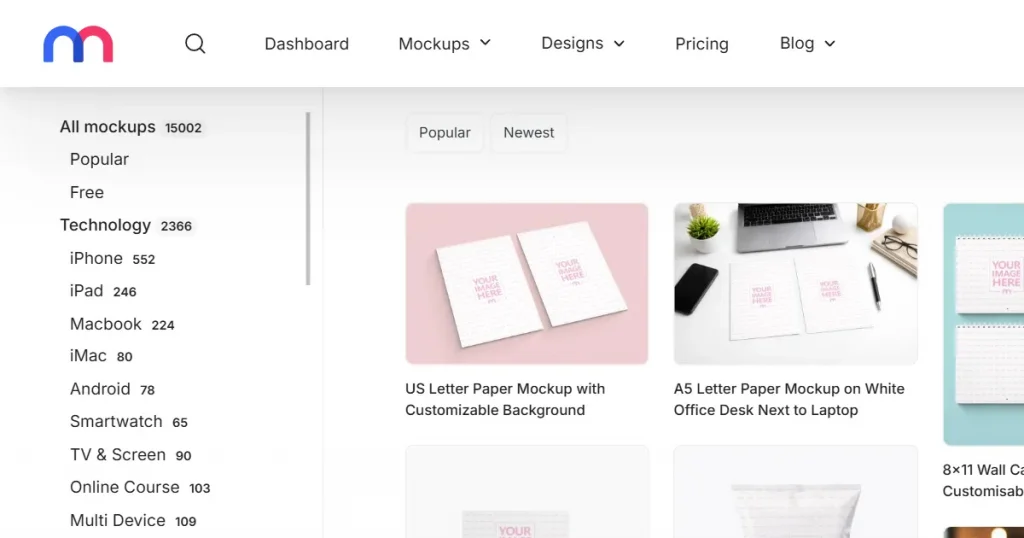
Before we dive deeper into this Mediamodifier review, let’s take a look at the kind of users Mediamodifier is designed for.
E-commerce sellers
E-commerce sellers who sell on marketplaces like Etsy or Amazon primarily need mockups for two purposes. The first is to validate a product idea before it goes into production.
The second, but most important, use case for mockups is to showcase products realistically within their store without an expensive Photoshoot. So, the customers can see exactly how the product would look in a realistic way before making a purchase.
Mediamodifier helps sellers test variations fast, update listings easily, and maintain consistent branding across platforms.
Content Creators and Bloggers
Content creators and bloggers who are just starting out often lack the time, budget, or skills to create high-quality product images for social media.
That’s where Mediamodifier helps them create product visuals that can be used in place of real product images.
For example, instead of photographing real books, bookstagrammers can use book mockup templates to create realistic images from book covers and share them on social media.
Print on Demand Businesses
For print-on-demand sellers, creating mockups is essential for conversion. Without physical inventory, it is difficult to showcase how their products would look in a real-life setting, which can reduce customer trust and buying confidence.
For example, a Shopify store owner can upload their t-shirt design to a mockup that shows a model wearing it in a realistic, real-life setting. This helps customers understand fit, style, and usage, which reduces hesitation and returns.
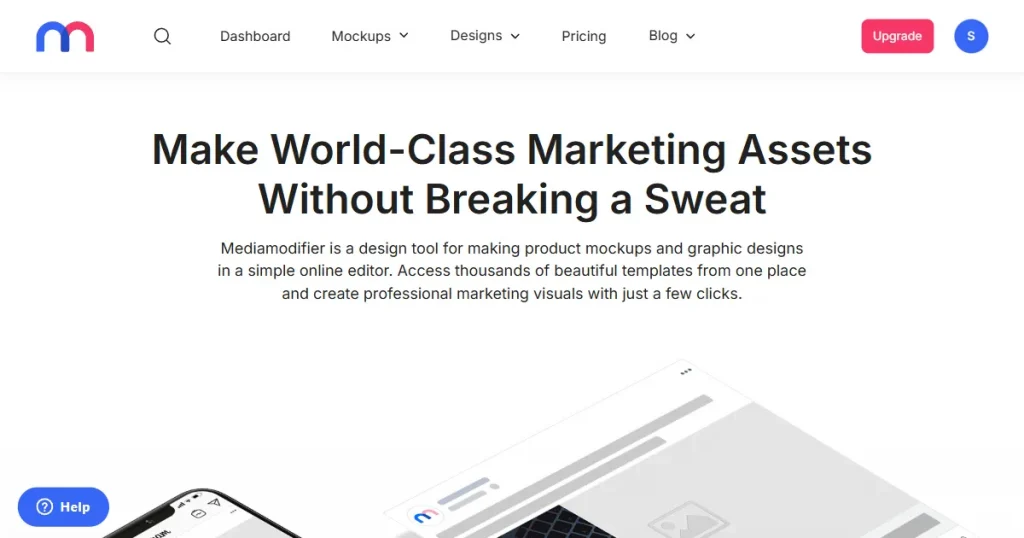
Let’s start this Mediamodifier review by discussing the tool’s features.
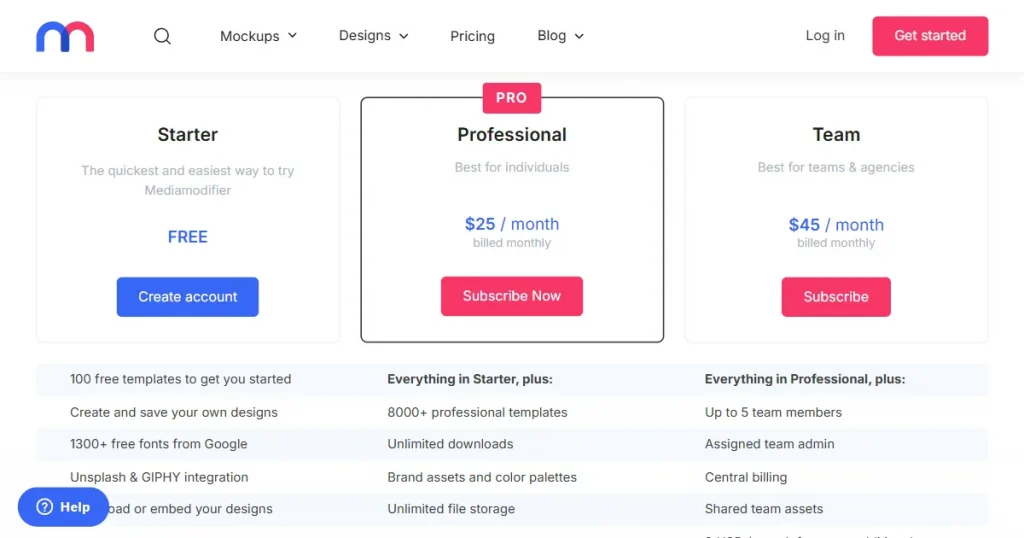
We also checked Trustpilot for Mediamodifier reviews, and most highlight unclear pricing. Instead of marketing their tool as paid, they market Mediamodifier as having a free plan.
However, when you go to use the tool, you will not find any free templates. That is because they don’t provide you with the clarity that other tools do, where you can clearly see tags like premium or free on their templates.
Apart from an unclear Mediamodifier free plan, their premium tier, called the Professional plan, starts at $25/month. With this, you get access to all their premium templates, unlimited downloads, brand assets and color palettes, unlimited file storage, and organize your work into projects.
Additionally, they also offer a team plan limited to five members, starting at $45/month, with additional users costing $9 per member.
To get a clear picture of Mediamodifier review, it’s important to look at both its strengths and its limitations.
After examining the pros and cons in this Mediamodifier review, it’s time to explore some better alternatives to the platform.
| Feature | Mediamodifier | Modor | Dynamic Mockups | MockupBro |
| Templates | Generic Templates | Professional Templates | AI-Generated Templates | Generic Templates |
| Ease of Use | Beginner Friendly | Beginner Friendly | Intermediate Level | Beginner Friendly |
| Watermark-Free | Yes (only paid) | Yes | Yes | Yes |
| Batch Processing | No | Yes | Yes | No |
| Starting Price | $25/month | $10/month | $19/month | Free |
| Best For | Product Visualization | Store Listings and Social Media Ads | For Creating Multiple Mockups a Day | Product Visualization |
Now that we have seen how these tools look at a glance, let us look at these Mediamodifier alternatives in detail.
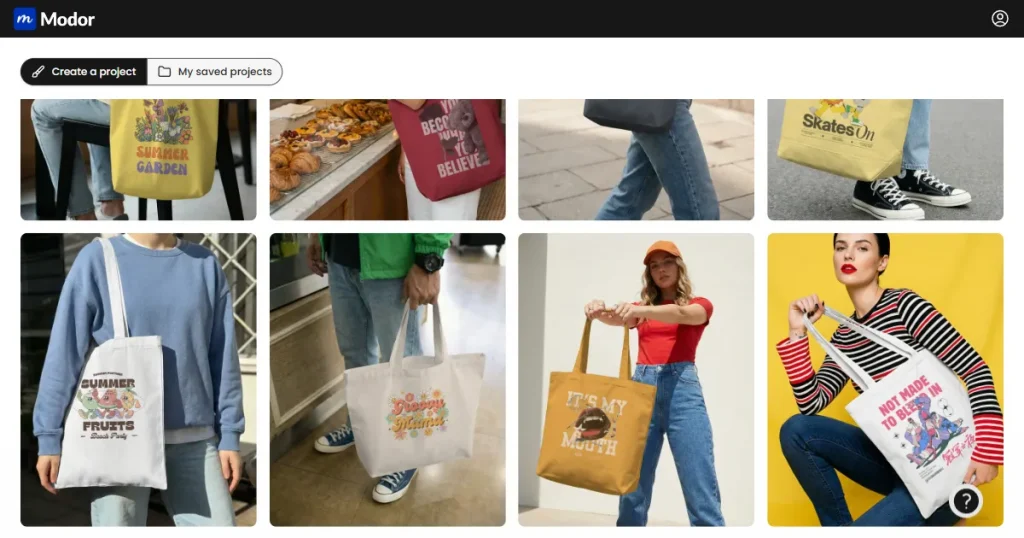
Modor is an AI-powered web-based mockup generator specializing in high-quality product mockups for platforms like Etsy, Shopify, and Social Media.
It allows users to choose from 10,000+ mockup templates across 20+ categories, including t-shirt, iPhone, hoodie, and billboard mockups. And create high-quality mockups by simply uploading their design, customizing it, and exporting it.
Apart from its template quality and variety, Modor also supports bulk exports, allows high-resolution downloads, and includes commercial licensing, even with its free templates.
Similar to Mediamodifier, Modor also supports PSD mockup downloads alongside JPG and PNG formats. This allows designers to further customize the mockups according to their needs.
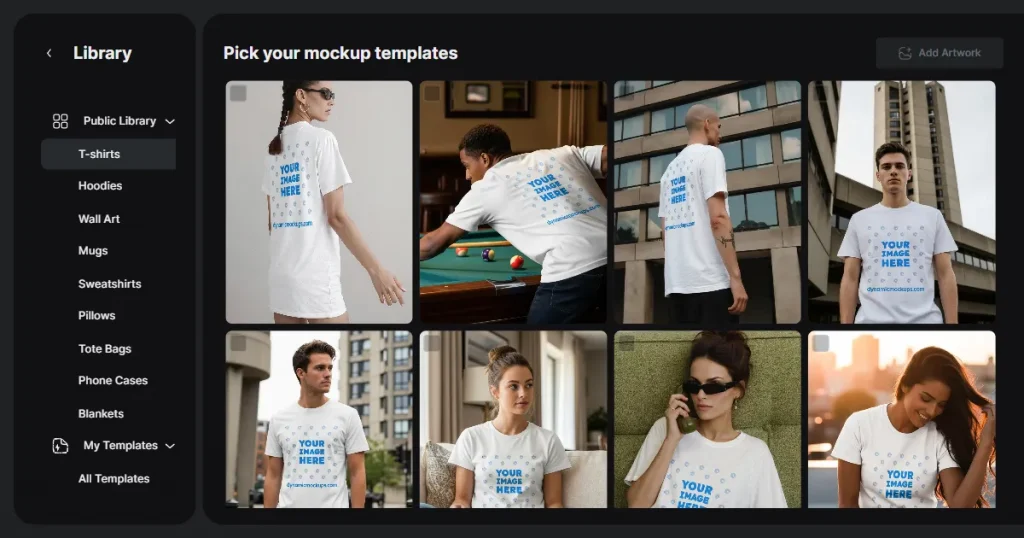
Dynamic Mockups is also an online mockup tool, with a stronger focus on bulk mockup creation. It is designed for sellers who need to generate and publish large volumes of product visuals across platforms such as Shopify and Etsy.
The platform lets you create unique mockups with AI using text prompts. Moreover, in case you have a PSD mockup file but don’t know how to use Photoshop, you can upload the PSD file to Dynamic Mockups and use it to create your mockup image.
However, Dynamic Mockups relies too heavily on AI-generated templates. When these templates are used for product listings or social media ads, they may appear less authentic, reducing customer trust and lowering conversion rates.
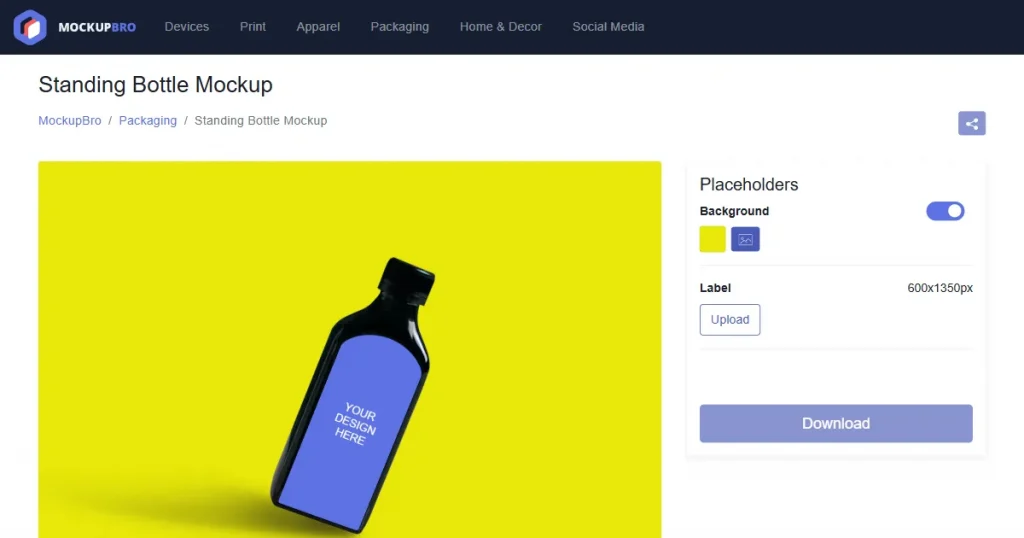
MockupBro is a simple, browser-based mockup generator that lets you create product mockups quickly without signing up or providing any personal information.
It follows a straightforward workflow where you choose a template, upload your design, and download a high-quality mockup.
Despite being free to use, it supports a variety of mockup categories, including apparel, devices, packaging, and business assets, making it useful for basic ecommerce and content needs.
While it is free and accessible, it also has clear limitations, such as a lack of advanced customization options and generic-looking templates that don’t meet the standards for strong branding or high-converting product images.
As we discussed in this Mediamodifier review, Mediamodifier looks like a pretty useful tool, but once you subscribe to the paid plan, you will realize it lacks a good selection of mockup templates.
Mediamodifier alternatives like Dynamic Mockups and MockupBro also have significant restrictions. Dynamic Mockups frequently uses AI-generated templates, which appear less real and lower customer trust, whereas MockupBro’s templates tend to be generic and lack uniqueness.
That’s why Modor is the best Mediamodifier alternative, offering everything Mediamodifier does but in a better way. It includes 10,000+ mockup templates, bulk export support, PSD downloads, and watermark-free exports with a commercial license, even on free templates.
Moreover, it offers very clear pricing at $10/month to access all its premium templates and features. In case you want to try the tool before moving to a paid subscription, you also have a bunch of free templates to play with to determine if it’s the right choice for you.
In this Mediamodifier review, we discussed the tool’s features, pros, and cons, including a lack of unique, high-quality templates and an unclear pricing structure that forces users to pay before downloading a mockup.
That’s why Modor stands out as one of the best online mockup tools, offering over 10,000 studio-quality templates, a beginner-friendly drag-and-drop editor, bulk export support, advanced customization, watermark-free downloads, and a commercial license with every export.
That being said, the best online mockup generator depends on your specific use case. We suggest you test each tool against your real designs before making a purchase decision.
Mediamodifier is used to create product mockups that can be used across platforms such as print-on-demand stores, ecommerce websites, social media ads, and landing pages.
No, Mediamodifier is not free to use. While it claims to offer free templates, it doesn’t clearly label them, so you will have to try a lot of different templates to find a few free ones, which isn’t worth the effort. Hence, it’s better to label it as a premium tool.
Mediamodifier has two premium plans. The Professional plan costs $25/month, and the Team plan costs $45/month.
No, Mediamodifier does not add watermarks to its free templates, and it does not clearly indicate which templates are available for free use.
Modor is the best Mediamodifier alternative, offering an easy-to-use drag-and-drop editor, bulk mockup support, watermark-free exports, a commercial license for free templates, and PSD mockup downloads.
No, Mediamodifier primarily offers generic-looking templates that lack strong visual differentiation. Using them for e-commerce listings can make your products blend in with competitors, potentially reducing conversions and overall sales.
The biggest issues covered in this Mediamodifier review include generic-looking templates, limited access through the free plan, occasional glitches, restricted downloads, and relatively high pricing for the quality offered.


