
How to Create a Sweatshirt Mockup with Modor
How to Create a Sweatshirt Mockup with Modor
Learn how to create realistic sweatshirt mockups using Modor and showcase your designs with studio-quality visuals that boost trust, clarity, and sales.
Introduction
Sweatshirt mockups have quickly become the backbone of online apparel sales because shoppers depend on visuals that feel close to real life. A single mockup can show how the fabric folds, design blends, and how the final product might look on them, which gives buyers a sense of trust.
Competition is at an all-time high in every clothing niche. Creators who use sweatshirt mockups benefit from presenting their brand with a cleaner, more professional identity. Modor is an online mockup generator that makes this process smoother by offering realistic templates and an easy-to-use editor made for total beginners.
By the end of this blog, you’ll know exactly how to build stunning sweatshirt mockups in Modor and what makes them essential for a successful apparel brand.
Key Takeaways
Higher engagement: Strong sweatshirt mockups help customers understand the look and fit, thereby building trust in your product.
Easy to use: Modor is a beginner-friendly tool for creating detailed sweatshirt mockups without advanced skills.
Visual influence: Lighting, background tones, and fabric texture shape customer’s reactions to a product.
Fewer errors: Avoid stretched designs or blurry prints, as they can instantly damage credibility.
Match trends: Oversized fits, vintage themes, minimalist looks, and expressive styles dominate 2025.
More variety: Using multiple sweatshirt mockups for each product helps attract a broader range of shoppers.
Sweatshirt Mockups: Overview, Essentials, and Design Inspiration
What are Sweatshirt Mockups
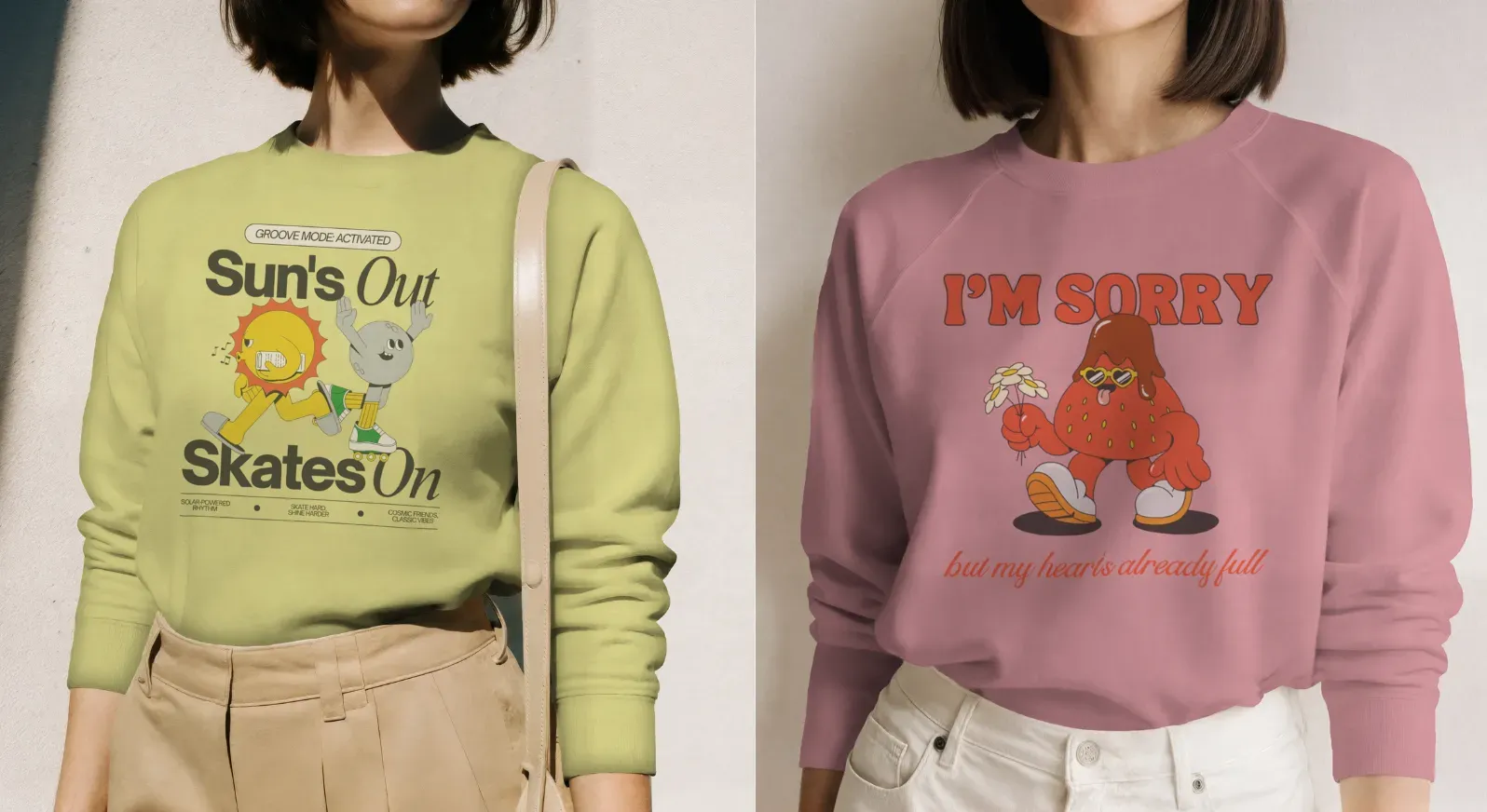
Sweatshirt mockups are digital visuals that show how your design appears on a realistic sweatshirt without needing a physical sample. These visuals show color depth, natural folds, stitching, and overall design placement so each sweatshirt design feels real before production.
Why do you need mockups for the Sweatshirt
Follow the steps below to understand why sweatshirt mockups are essential and how they help both beginners and experienced sellers communicate quality.
Reduce hesitation: Shoppers want clarity before making a purchase. Sweatshirt mockups show natural folds and design placement, giving them a better sense of the final look and reducing confusion.
Improve testing: You can try several color options and sweatshirt design ideas without printing anything. This helps creators experiment freely while saving time on production.
Higher conversions: Platforms like Etsy and Shopify reward strong visuals. Better sweatshirt mockups lead to stronger thumbnails, which in turn improve click rates and overall engagement.
Professional use: Designers and agencies rely on sweatshirt mockups for proposals, catalogs, and brand guides. Realistic previews make presentations more effective.
Fewer mistakes: Sweatshirt mockups highlight misaligned graphics or oversized prints early, which prevents printing issues later. This helps reduce returns and production waste.
Fast catalog building: You can create multiple variations and design sets in minutes, enabling faster product launches and seasonal updates.
Top tools to create Sweatshirt Mockups
Modor
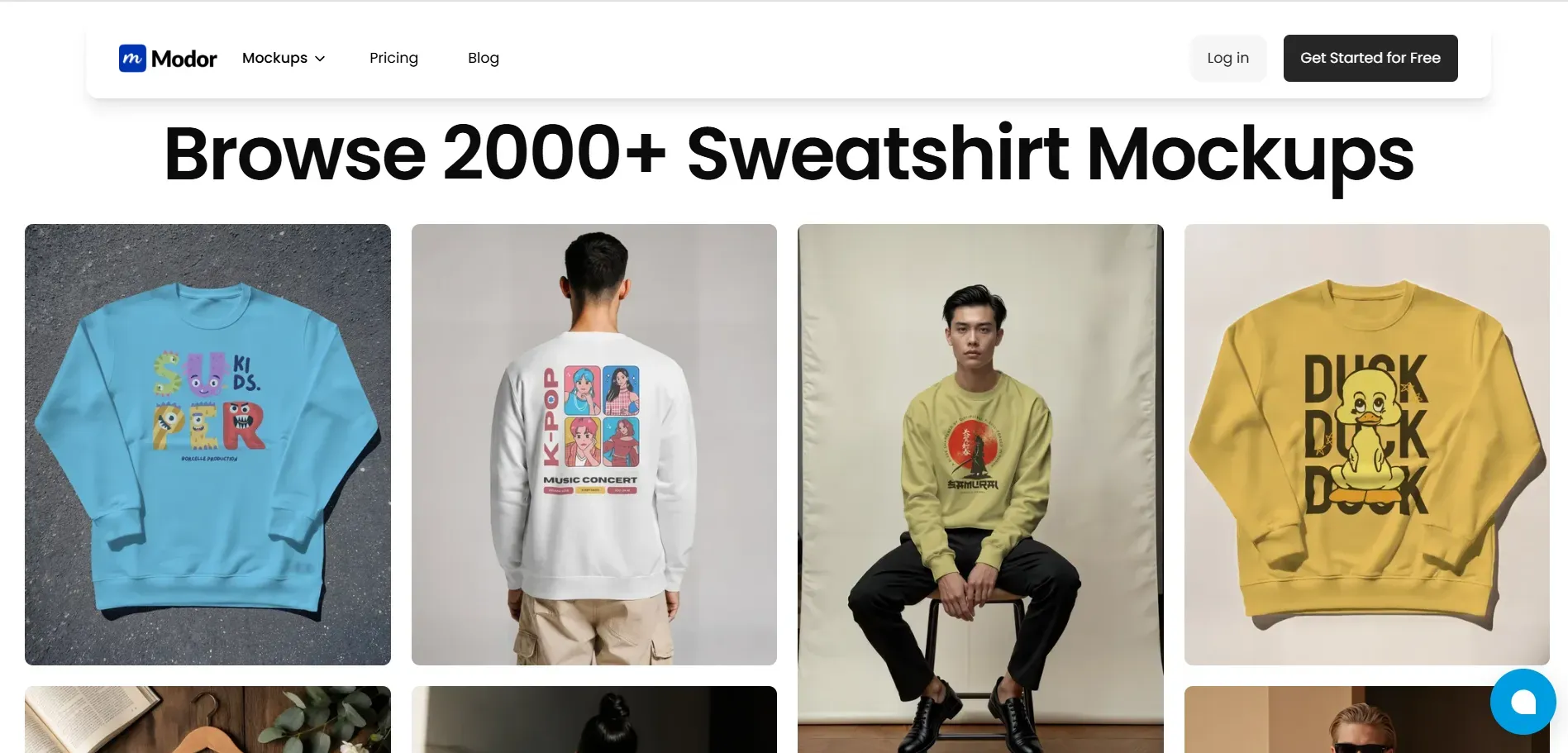
Modor focuses entirely on hyper-realistic quality. The templates use natural lighting, accurate fabric, and inclusive models to help creators generate consistent sweatshirt mockups for e-commerce and marketing. Modor also offers smooth cloud saving and detailed controls tailored for every sweatshirt design.
Canva
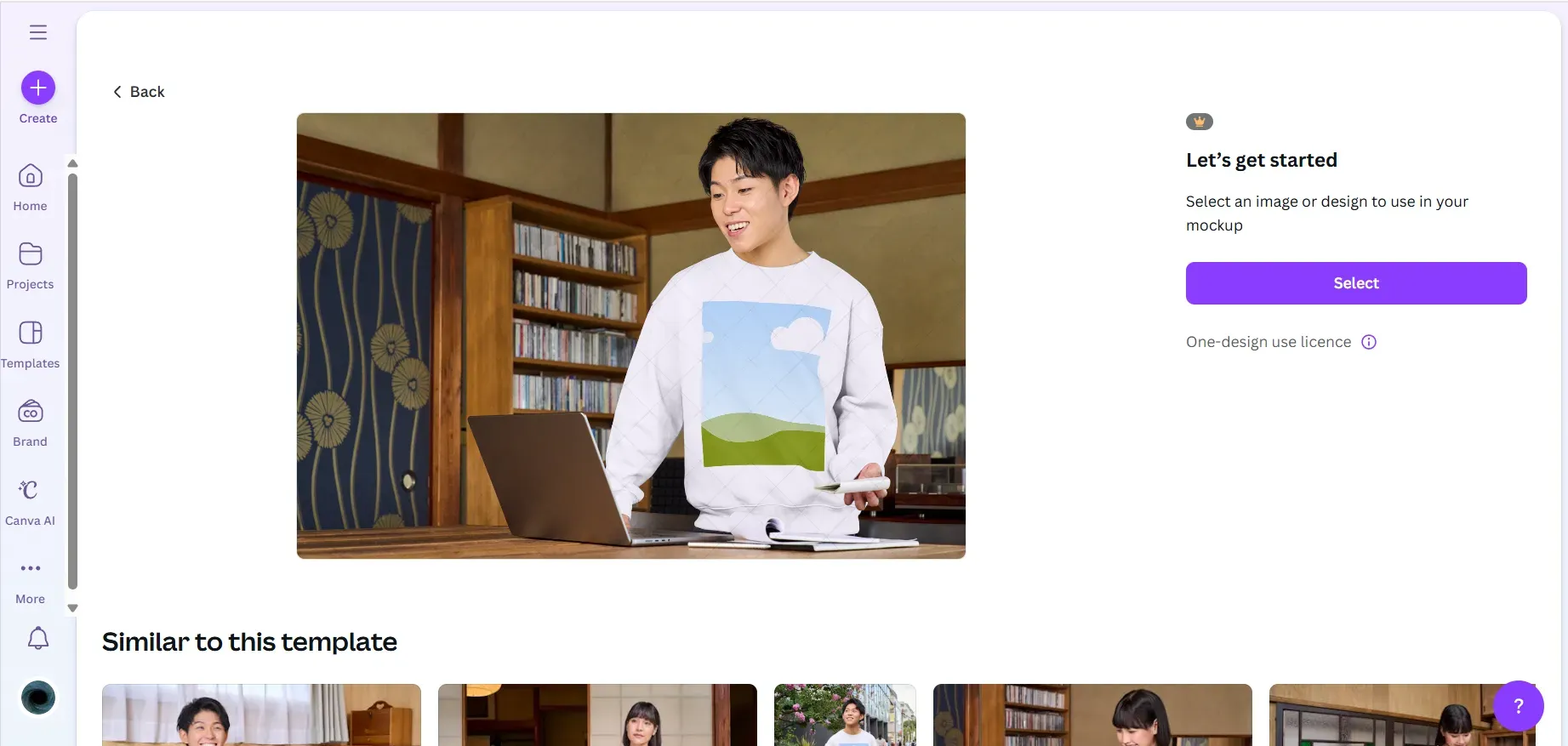
Canva works well for quick aesthetic scenes, but the quality is lacking. Sweatshirt mockups sometimes feel flat due to basic shadows and fewer fabric details, making them less useful for professional product listings.
Adobe Photoshop
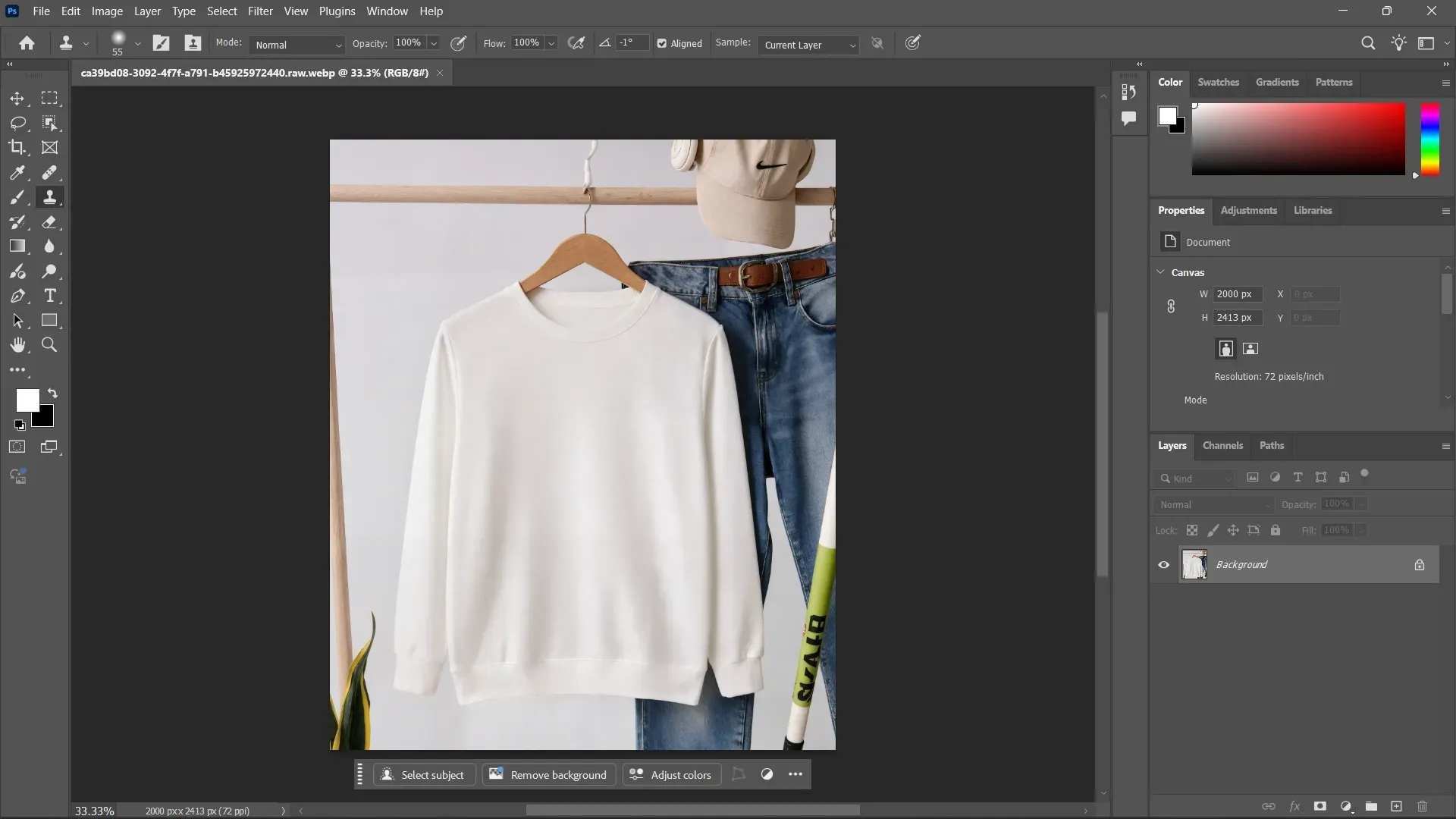
Photoshop offers complete creative freedom and advanced layer control, but demands experience and time. Many users find the setup slow when creating simple sweatshirt mockups.
Artboard Studio
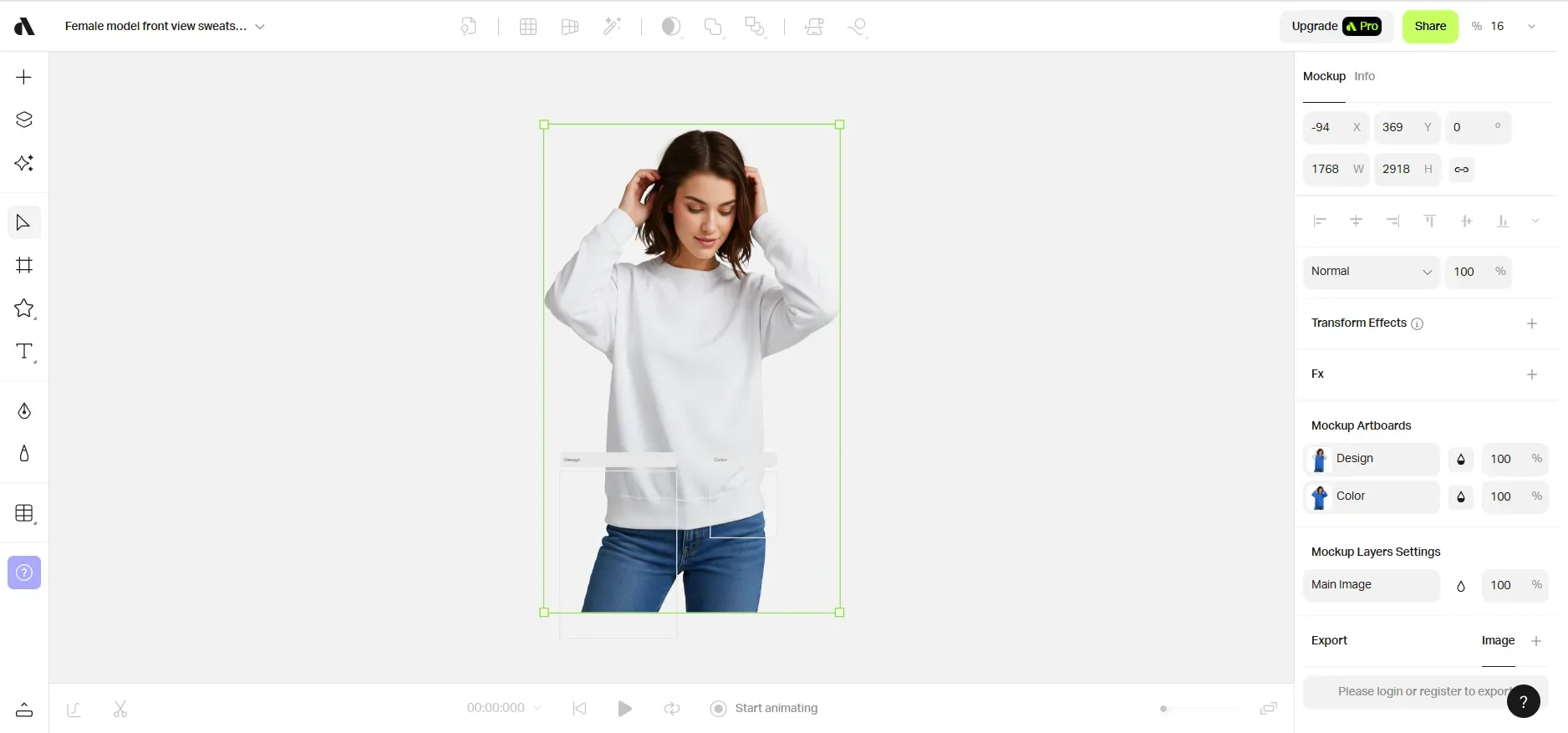
Artboard Studio produces striking lifestyle visuals with cinematic lighting, but requires stronger hardware. Some scenes feel heavily stylized, which can shift focus away from the sweatshirt design itself.
Renderforest
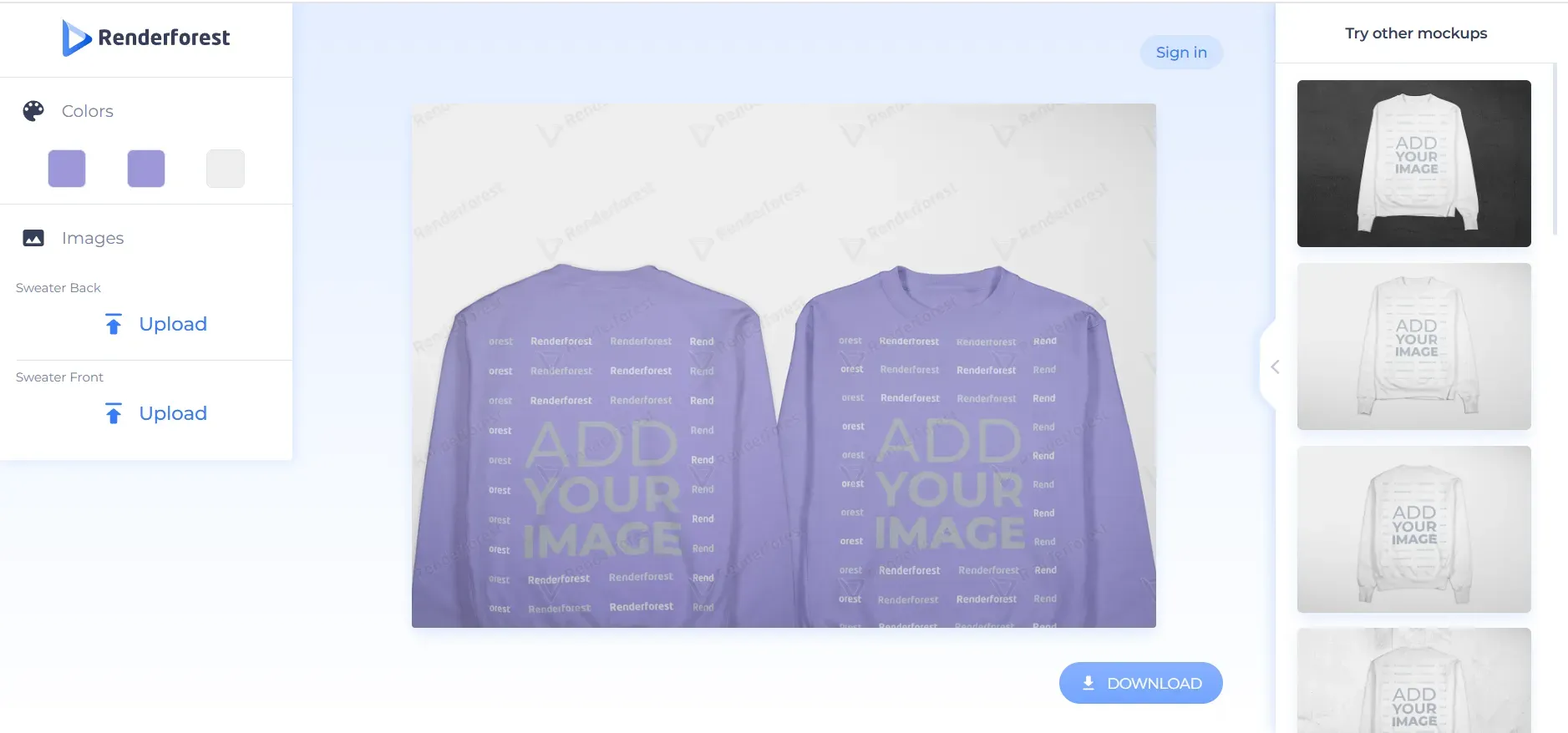
Renderforest offers simple mockups, but templates are limited. Sweatshirt mockups may not accurately reflect detailed fabric curves, reducing realism and consistency for brand-focused creators.
Create Sweatshirt Mockups with Modor: Step-by-step
Step 1: Visit Modor.io and choose your preferred sign-up method. Email works fine, but Google sign-up makes it easier to sync your designs across different devices.
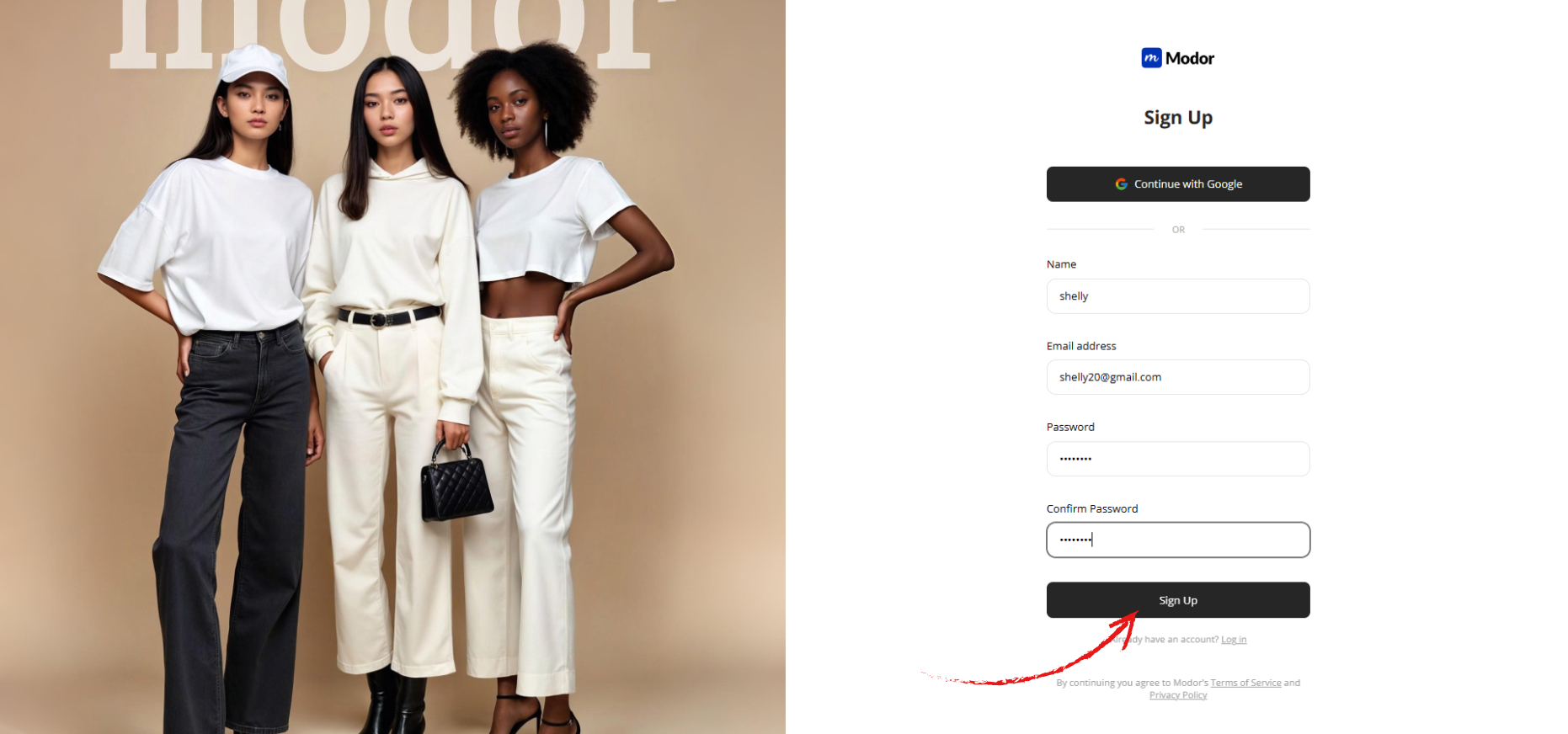
Inside the dashboard, the interface guides you clearly. You will see recent templates, suggested styles, and tutorial prompts. Everything is laid out to help beginners create sweatshirt mockups.
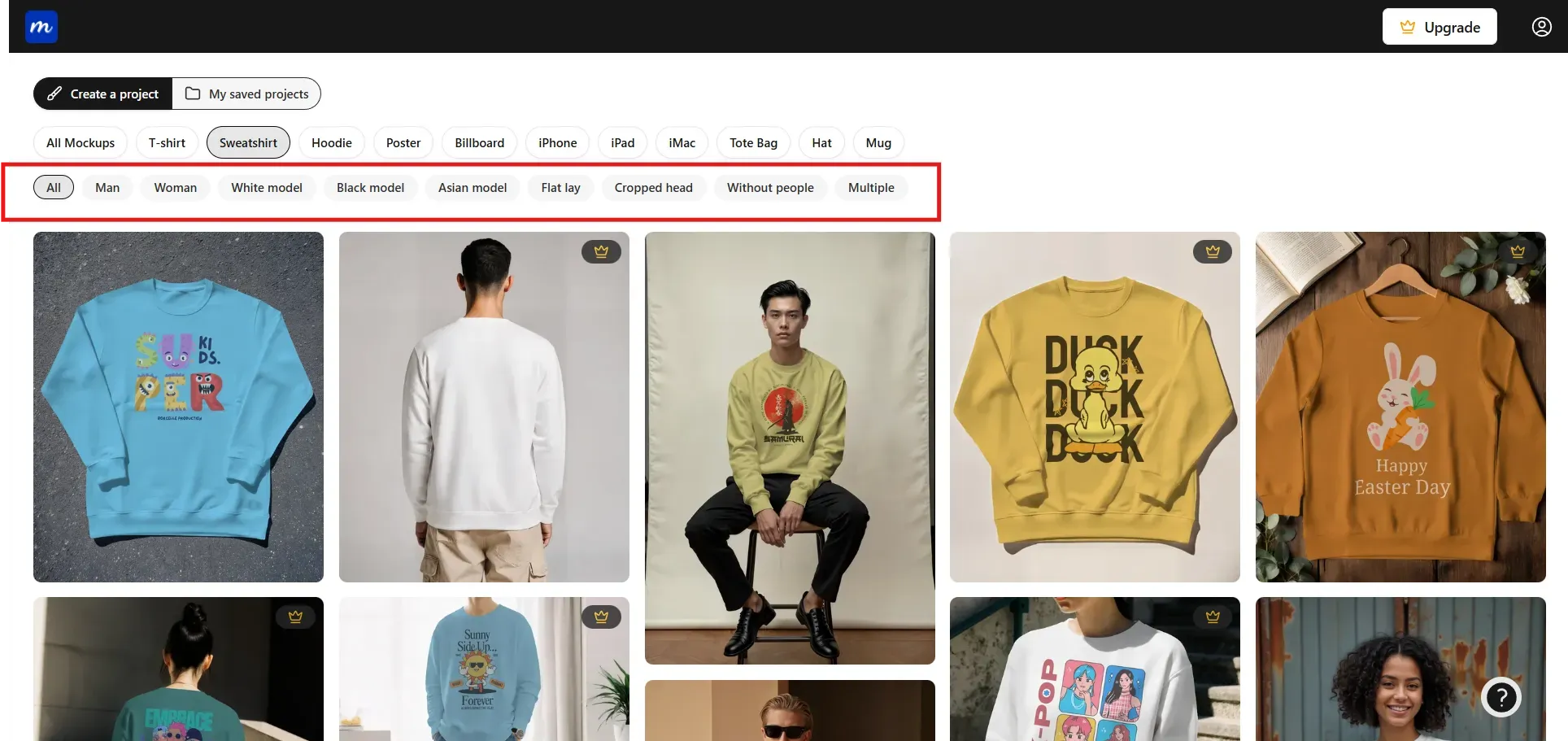
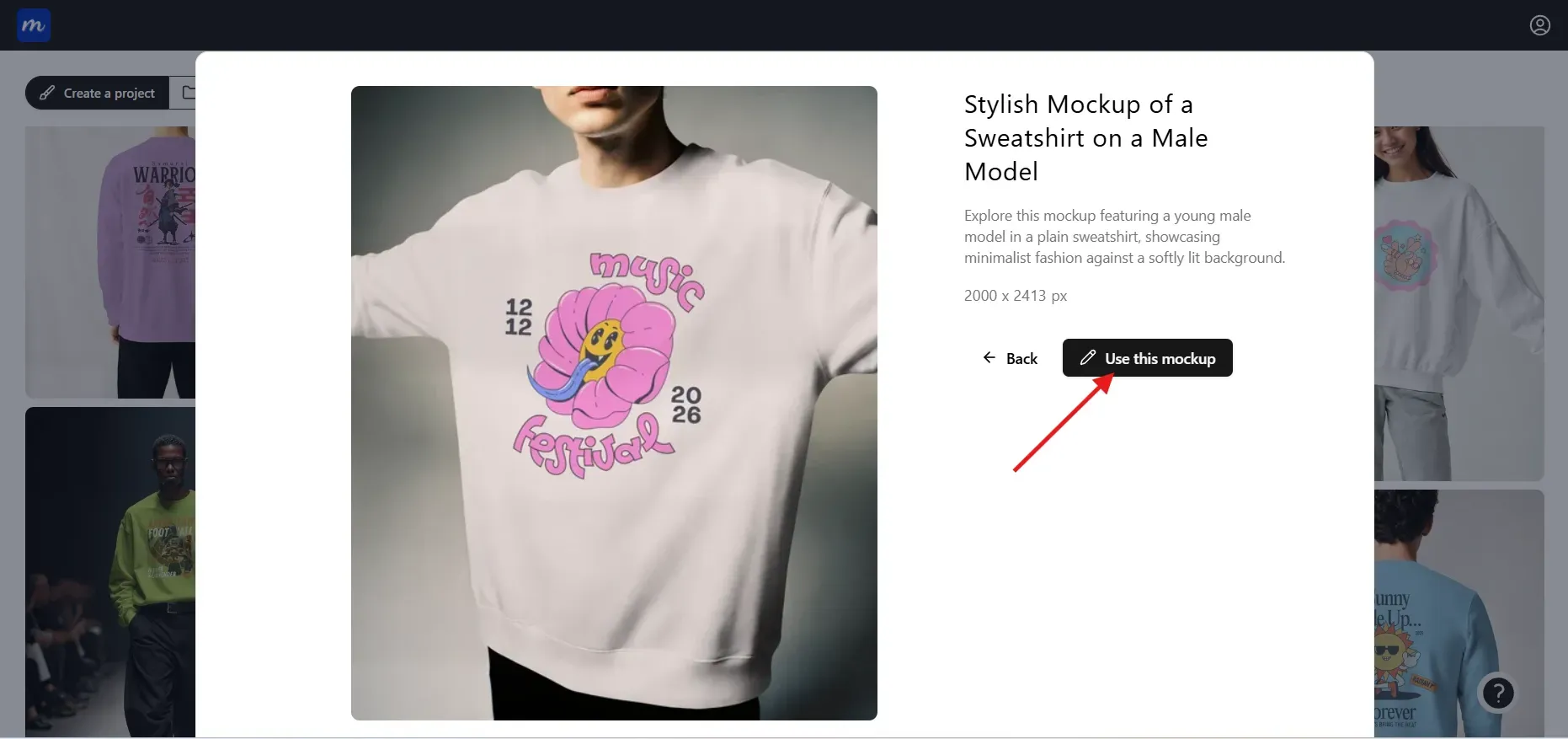
Step 2: Choose the Sweatshirt category from a wide range of mockup options, then browse the available templates. You can filter by model type (Asian, White, Black, etc.), background, gender (men or women), and style (flat lay, multiple, etc.). Click on Use this Mockup to open the editor.
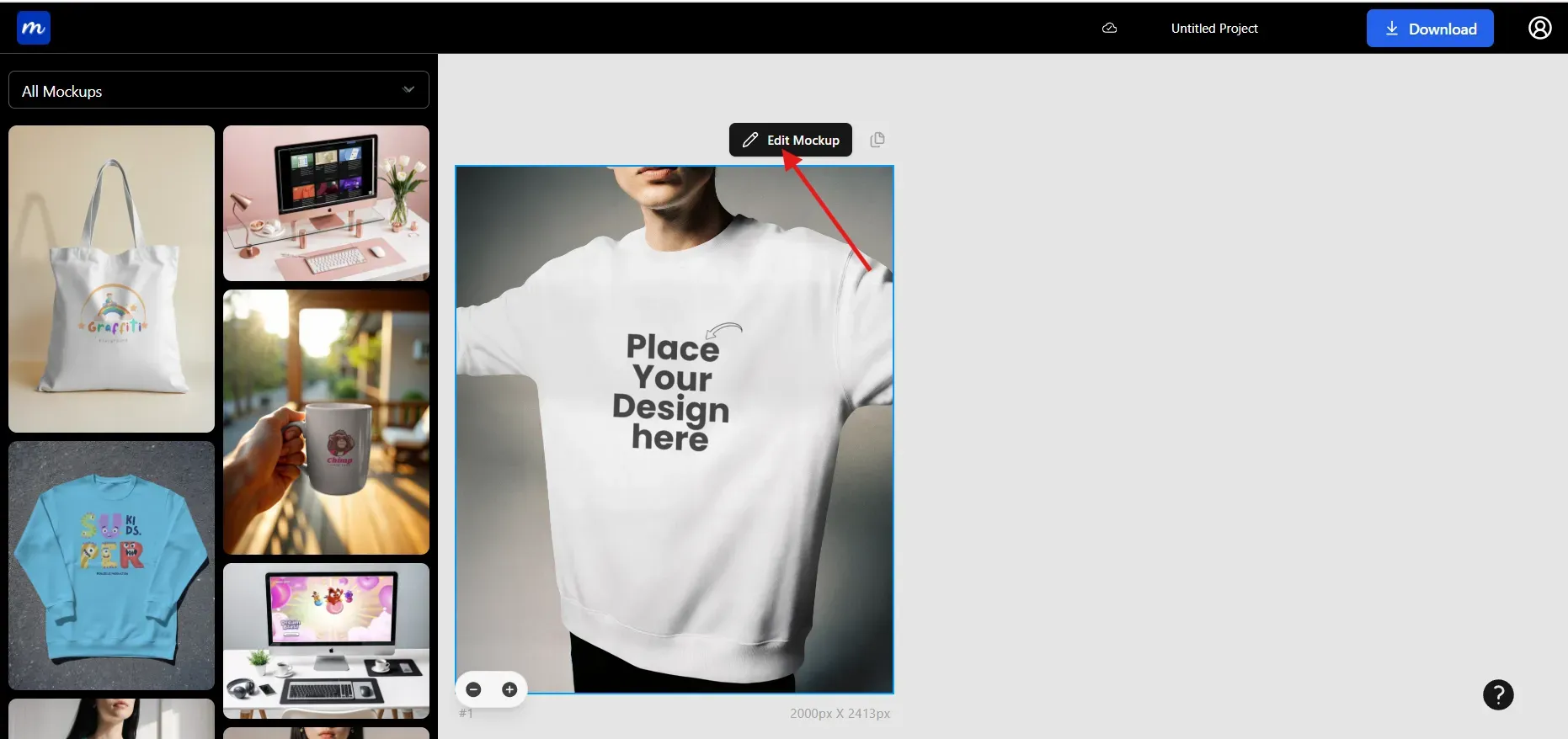
Step 3: Click on Edit Mockup to unlock editing toolkit.
Step 4: Upload a high-resolution, transparent PNG or SVG file. Modor reads clean edges well, which helps fabric folds blend naturally with the design.
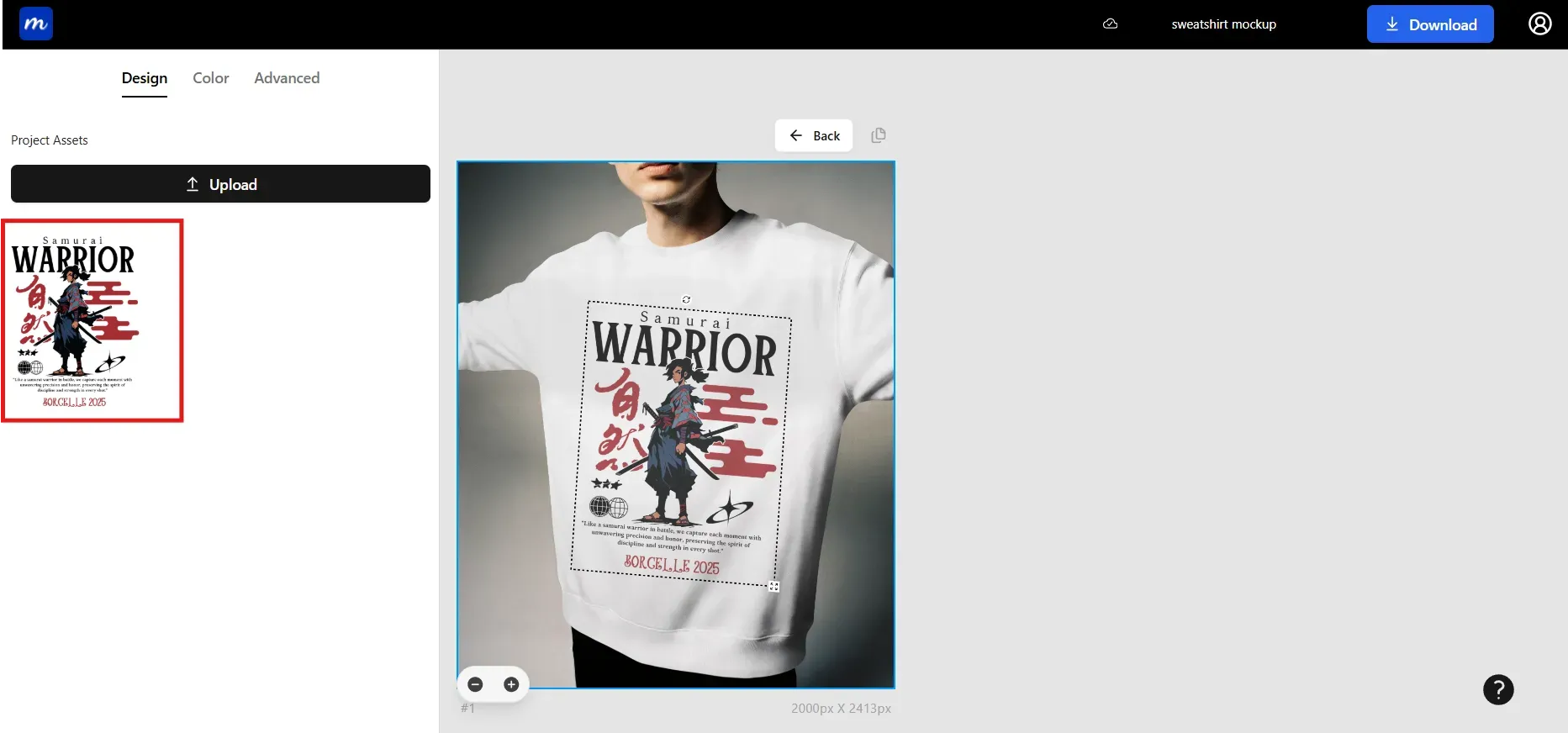
You can resize, rotate, or reposition the design. You can also add multiple designs for sleeve details or back prints.
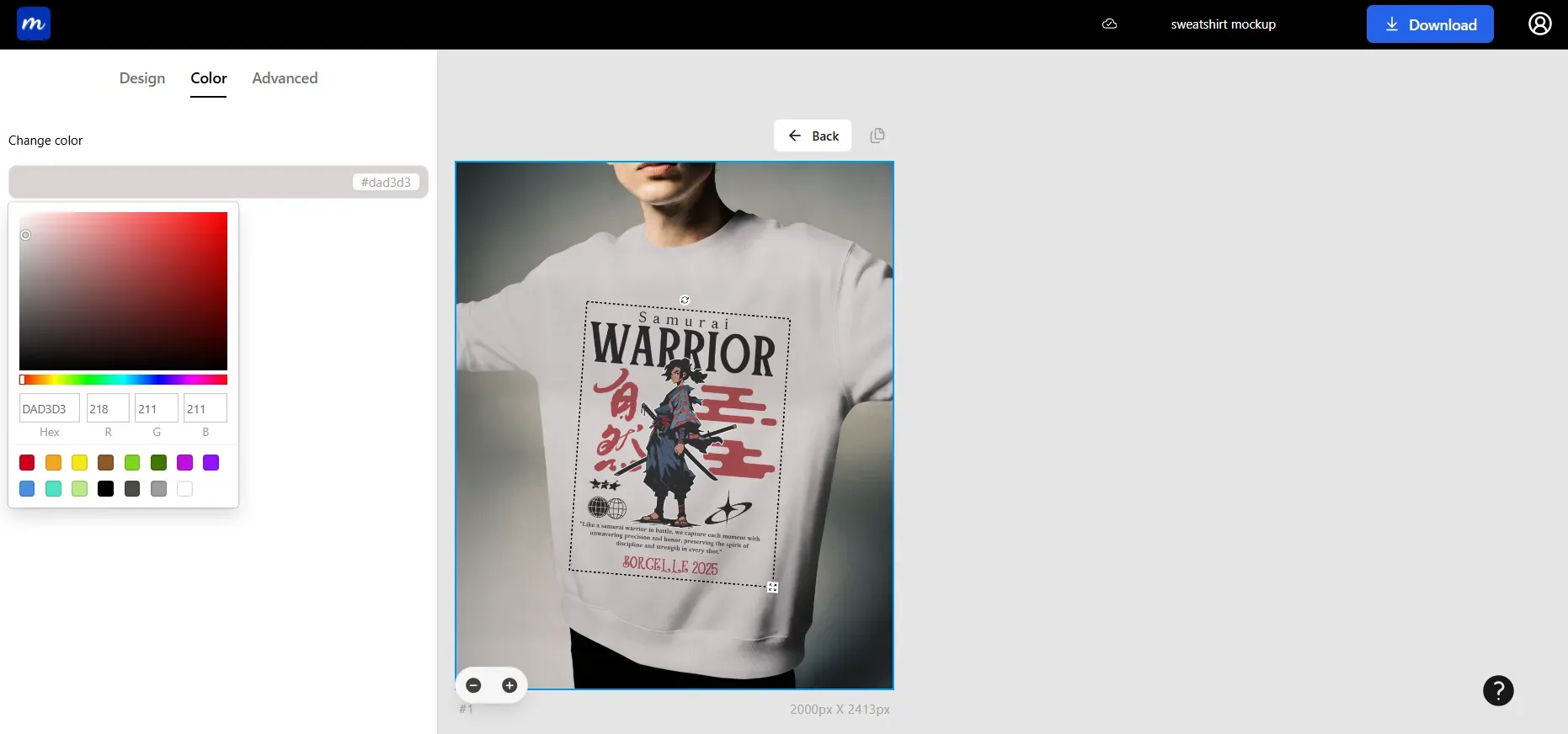
Step 5: Use the color picker to adjust the sweatshirt colors. You can also enter color values in Hex or RGB to match your brand palette or mimic real physical stock.
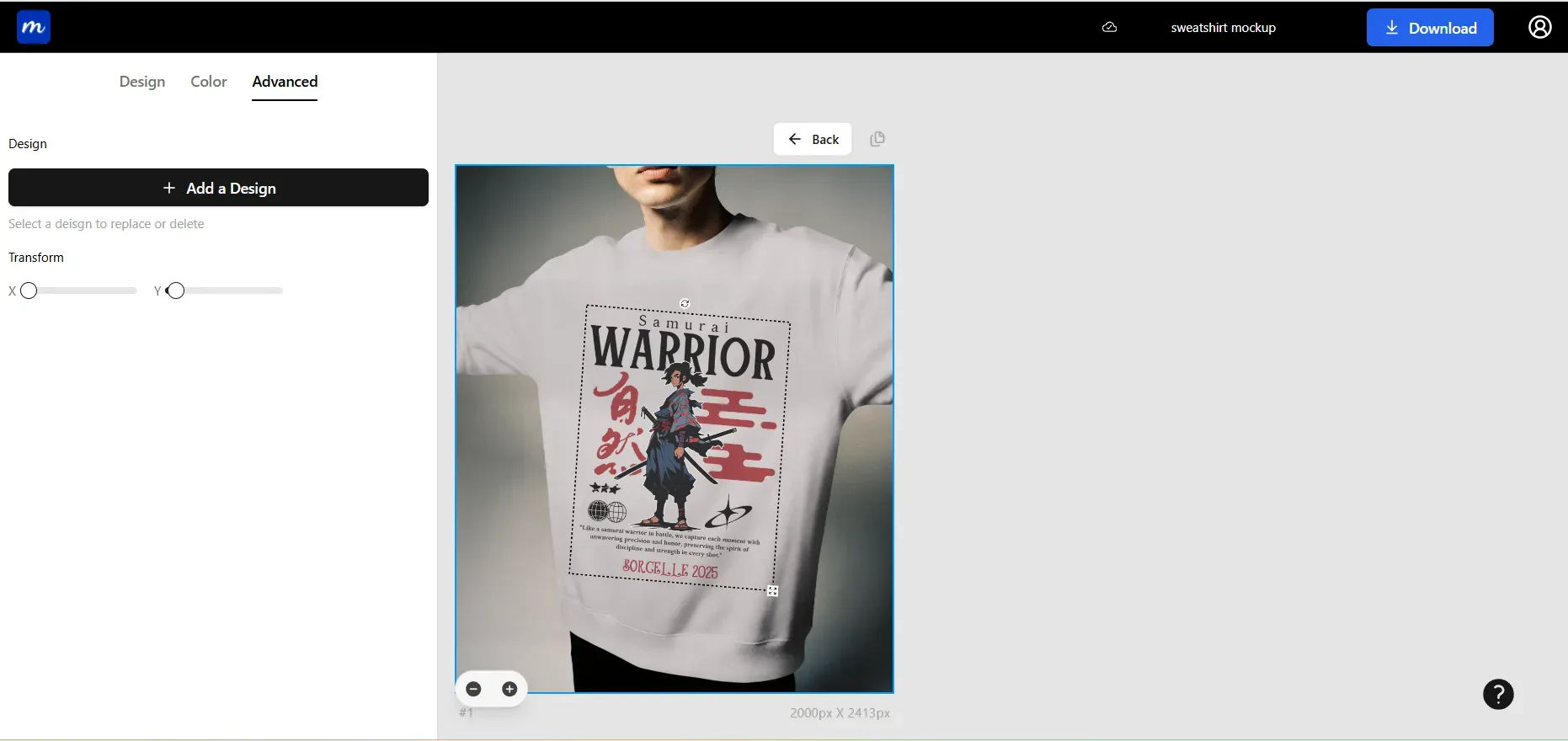
Step 6: The Transform option helps your design blend seamlessly onto the sweatshirt, giving mockups more depth and realism.
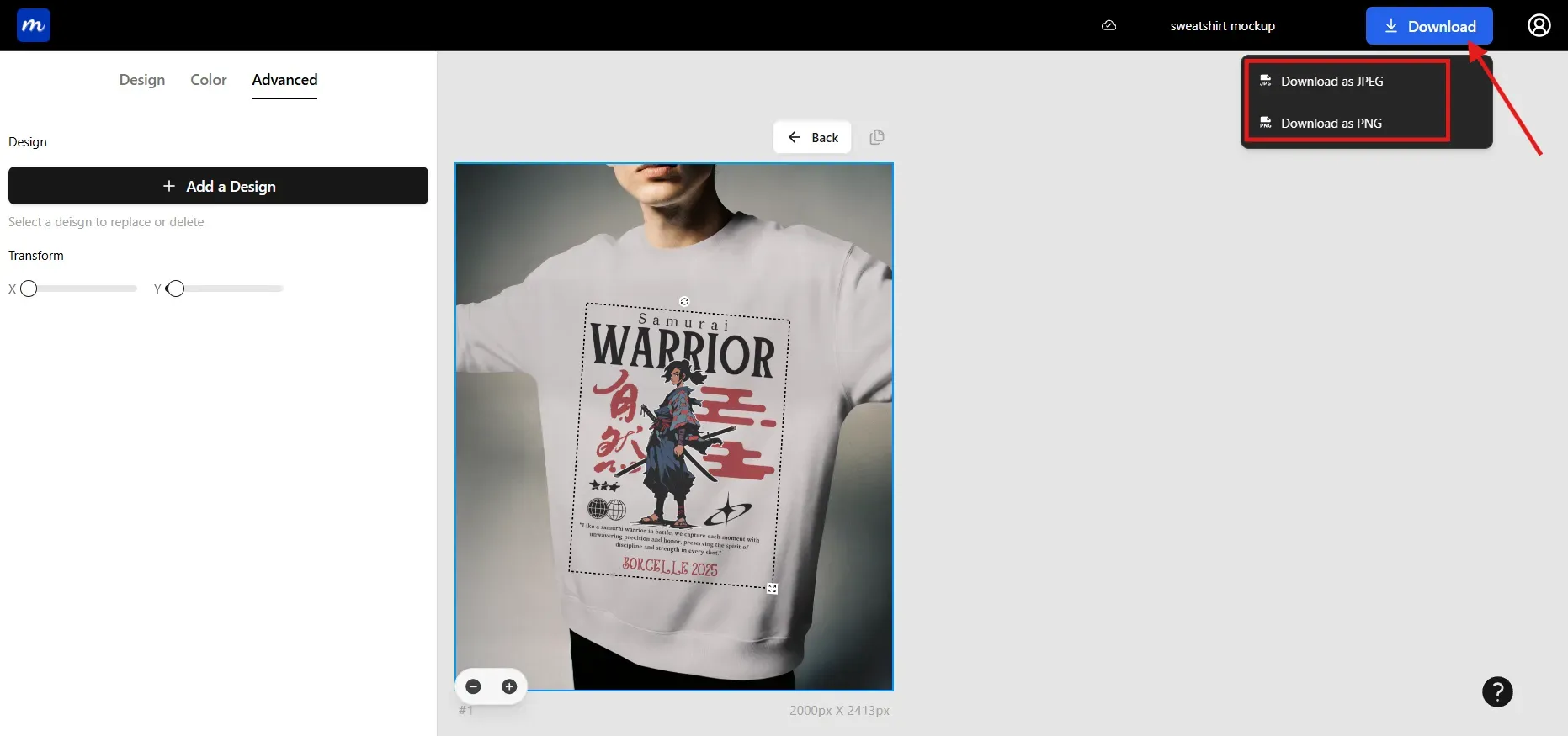
Step 7: After all edits, download your mockup in JPG or PNG. JPG loads quickly on e-commerce sites, while PNG preserves transparency for layered designs.
Expert Tips to Make Your Sweatshirt Mockup Stand Out
Use these tips to make your sweatshirt mockups look more polished and to help each sweatshirt design feel professional across online platforms.
Use high-resolution designs: Use designs between 2500 and 3000 pixels to maintain sharp details. Lower-resolution graphics create blurriness, undermining trust and affecting the professional finish of sweatshirt mockups.
Match brand tone: Choose styles and templates that reflect your brand personality. Modern brands prefer softer compositions while streetwear styles benefit from confident expressions and bold presentation.
Balance lighting: Ensure shadows do not overpower the design. Balanced lighting helps the sweatshirt design stand out clearly and keeps colors consistent across all sweatshirt mockups.
Avoid seam errors: Give the seams some breathing room when placing your design. Anything too close to the neckline or sleeves can distort the design.
Keep consistent theme: Use the same background and color tone across your sweatshirt mockups. A consistent theme increases recognition and strengthens brand identity.
Optimize for mobile: Check how your sweatshirt design looks on phones, since most shoppers browse on mobile devices. Clarity on small screens increases conversion.
Popular Sweatshirt Designs Trending in 2025
Oversized fits
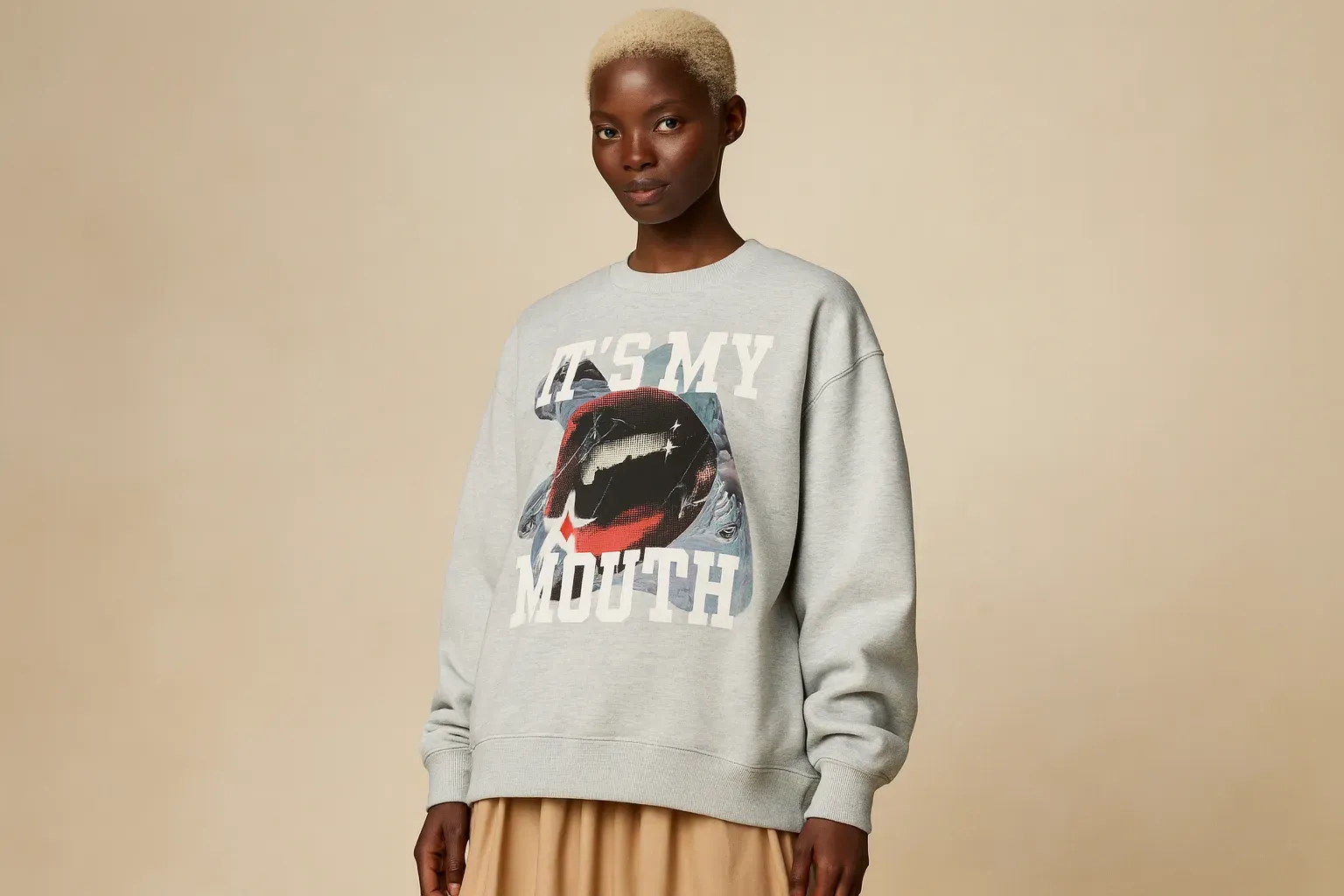
Oversized fits bring a laid-back streetwear feel, blending comfort with expressive graphics. The style emphasizes relaxed silhouettes and appeals strongly to young shoppers who enjoy bold design.
Use case: Oversized fits attract customers who want a standout design with modern visuals. Oversized fits work well in lifestyle-focused sweatshirt mockups where models are visible.
Vintage athletic styles
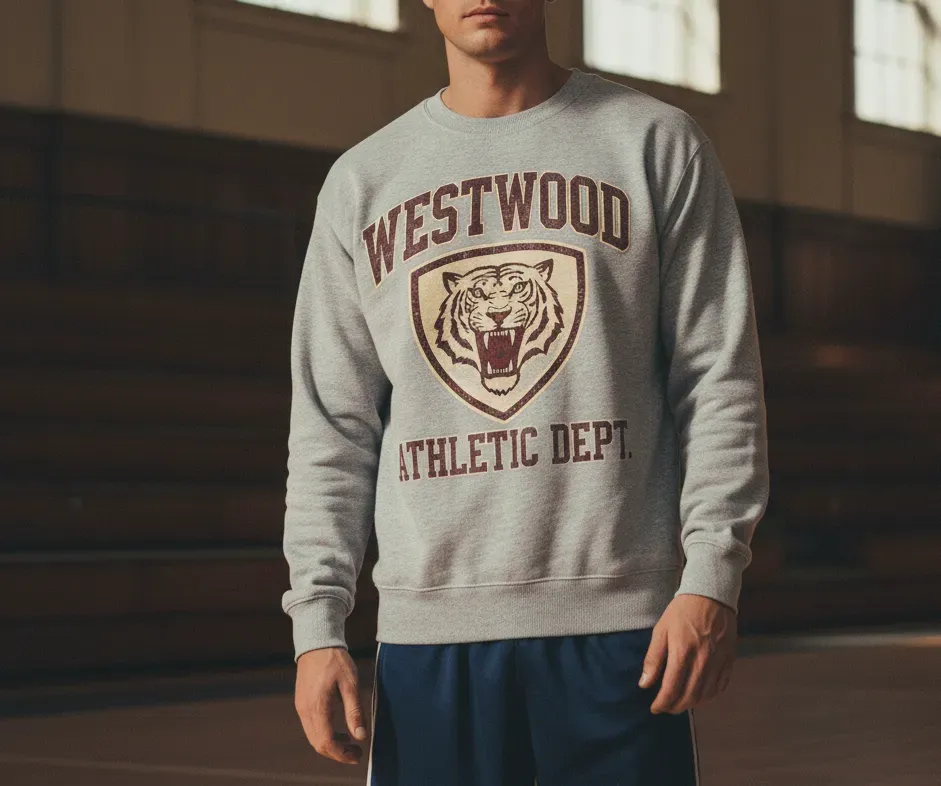
Vintage athletic styles lean into retro badges, varsity sweatshirts, and warm, washed tones that feel nostalgic. The vibe recalls classic sportswear and gives each sweatshirt design a timeless look.
Use case: These designs appeal to customers who enjoy older college-inspired themes and work well in sweatshirt mockups with muted or warm backgrounds.
Graphic prints
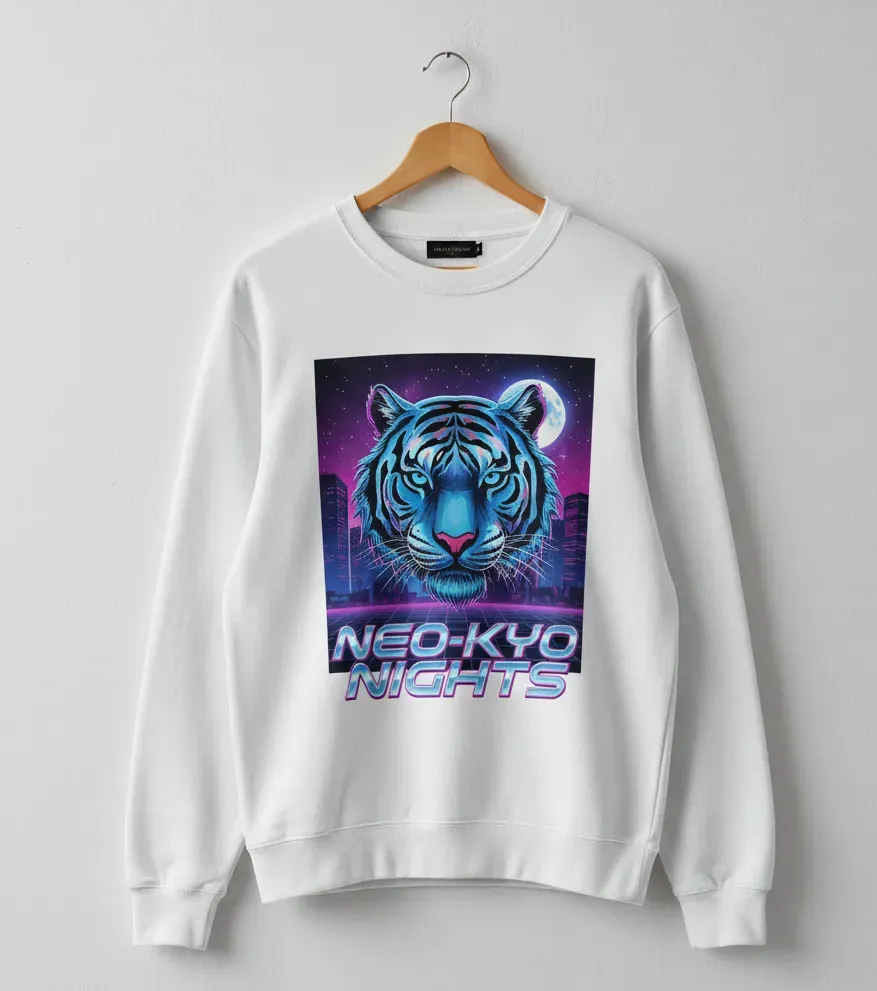
Graphic prints capture expressive energy with designs inspired by pop culture, abstract styles, or playful illustrations. They bring a strong personality to each sweatshirt design and remain a significant trend among younger audiences.
Use case: These prints perform best in clean studio sweatshirt mockups where the artwork becomes the primary focus without visual distractions.
Gothic revival aesthetic
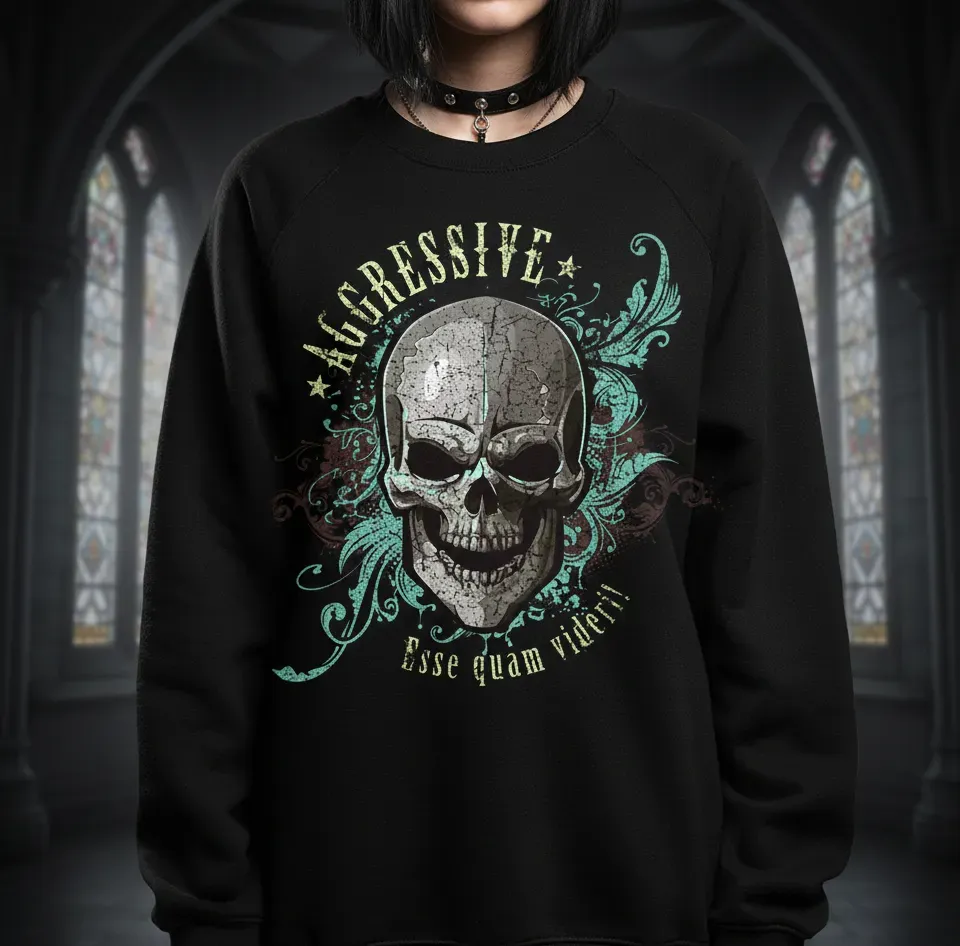
Gothic themes use bold lettering, darker palettes, and expressive motifs to create an intense visual. This design direction carries a strong alternative identity that stands out on darker sweatshirts.
Use case: These styles look strongest in sweatshirt mockups with low-toned settings that enhance the dramatic artwork.
Tie Dye sweatshirt
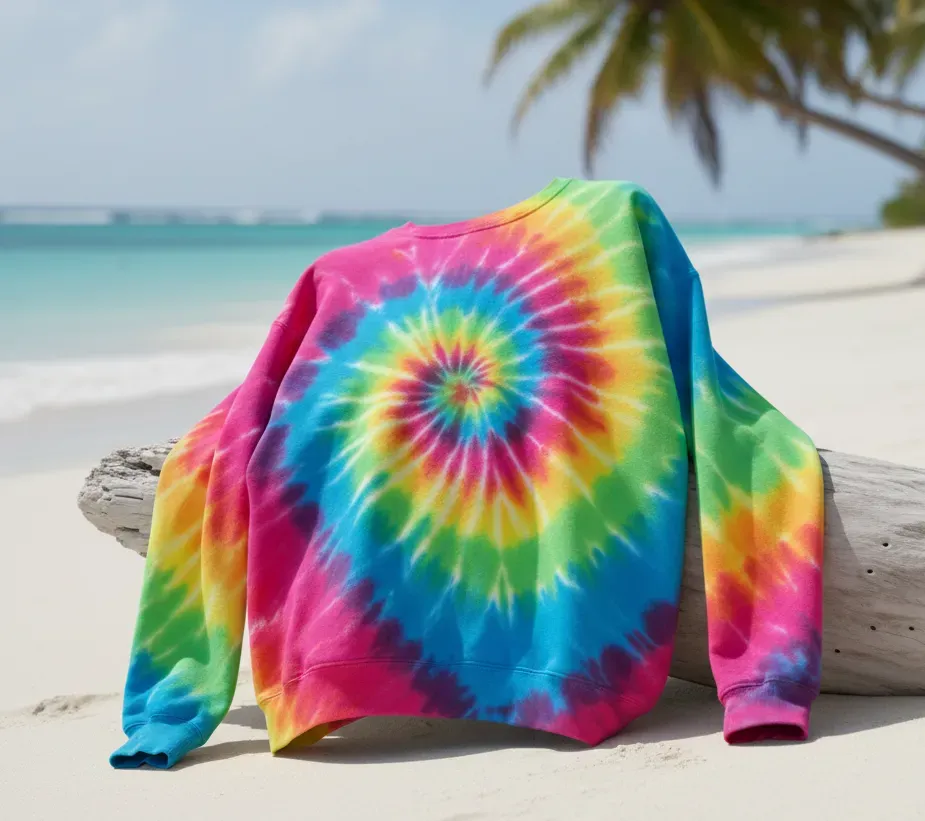
Tie dye blends, brush aesthetic, and soft gradients that feel artistic and free-spirited. This design remains popular for its colorful, playful mood across youth-focused niches.
Use case: These pieces work well in sweatshirt mockups, lit softly so the gradients appear smooth and natural.
Minimalist aesthetic
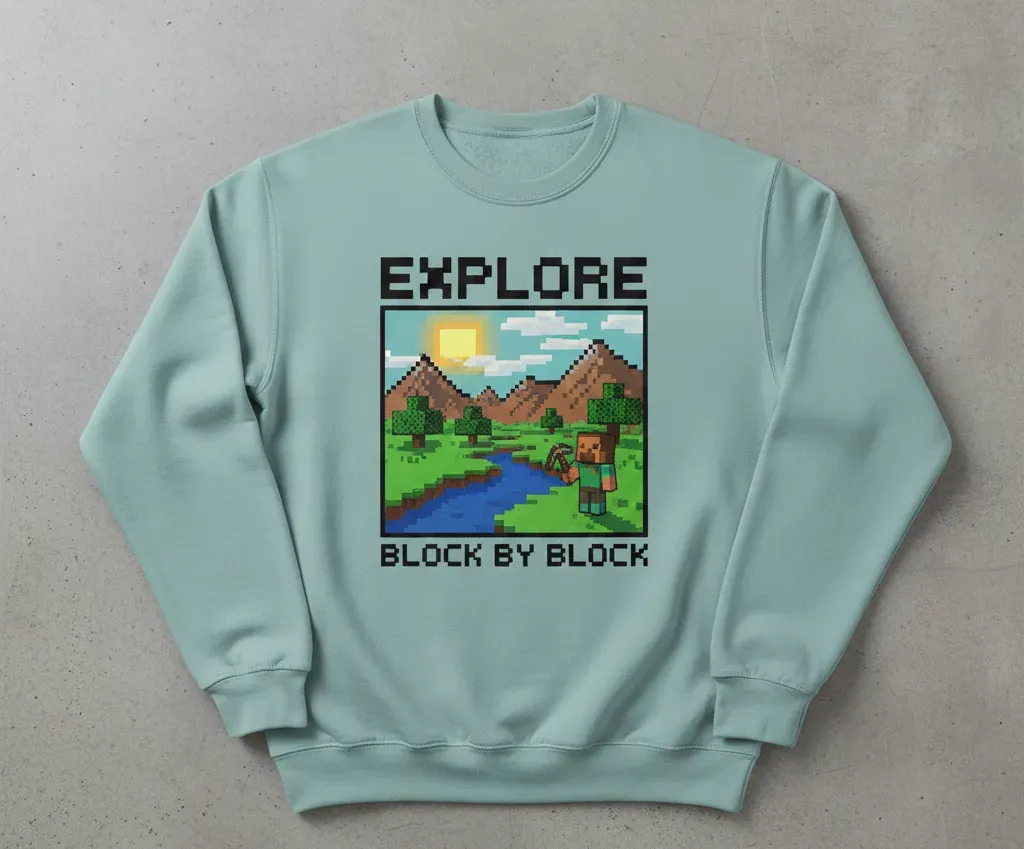
Minimalist designs keep things clean with small placements and calm tones that reflect modern simplicity. This style suits lifestyle brands that focus on subtle messaging and premium identity.
Use case: Minimalist designs work best in studio-based sweatshirt mockups where neutral backgrounds highlight the soft detail.
Choose Modor for high-quality Sweatshirt Mockups
Everything in this guide comes down to one simple idea. When people shop online, they believe what they see. If your sweatshirt design looks clear and real, it works. If it seems confusing, it fails. Sweatshirt mockups are the middle ground that turn a design into something people actually imagine wearing.
If you’re here, chances are you have a sweatshirt design sitting somewhere on your computer. Modor takes that idea out of and brings it into the present, where creators move fast and publish faster.
FAQs
1. How can I use a sweatshirt mockup for commercial projects?
Yes, definitely. Export your finalised mockup from Modor in high-resolution JPG or PNG format. For e-commerce, JPG is a better option as it loads faster and doesn’t lose quality. Make sure to keep the correct aspect ratio for Amazon, Shopify, or Etsy. Upload your product image along with a keyword-optimized title and description for better visibility.
2. How to create a Sweatshirt Mockup on Modor for free?
You can create a sweatshirt mockup on Modor for free by choosing available templates and uploading your design for basic editing. The free plan allows testing, color changes, and simple adjustments. You can upgrade if you need higher resolution exports or expanded template access.
3. What are some of the best Sweatshirt Mockup generators?
Modor, Canva, Artboard Studio, and Renderforest all offer tools for creating sweatshirt mockups. Each one serves different needs depending on experience and style. Modor is preferred for those who want high realism without deep editing knowledge.
4. What are some common mistakes in Sweatshirt Mockup?
Common mistakes include blurry designs, incorrect placement, unbalanced lighting, and color mismatch between print and mockups. These issues reduce clarity and create uncertainty for buyers. Using accurate colors and a clear design helps avoid such problems.
5. What are some Industry Standards for creating a highly realistic Sweatshirt Mockup?
The industry standard is basically using high-resolution design, natural shadows, careful alignment, and consistent lighting across all sweatshirt mockups. Designers also check previews on multiple screens for accuracy. These steps help ensure the sweatshirt design looks true to its final printed form.
Related Blog