30 Best Poster Mockup Templates for Design…
Discover 30 powerful poster mockups to boost presentations. Create realistic poster design mockups in minutes with Modor's AI tools.
Published Dec 10, 2025
Create hat mockups with Modor using easy steps and design tips. Learn the best styles and tools to make a clean and professional hat mockup.
11 min
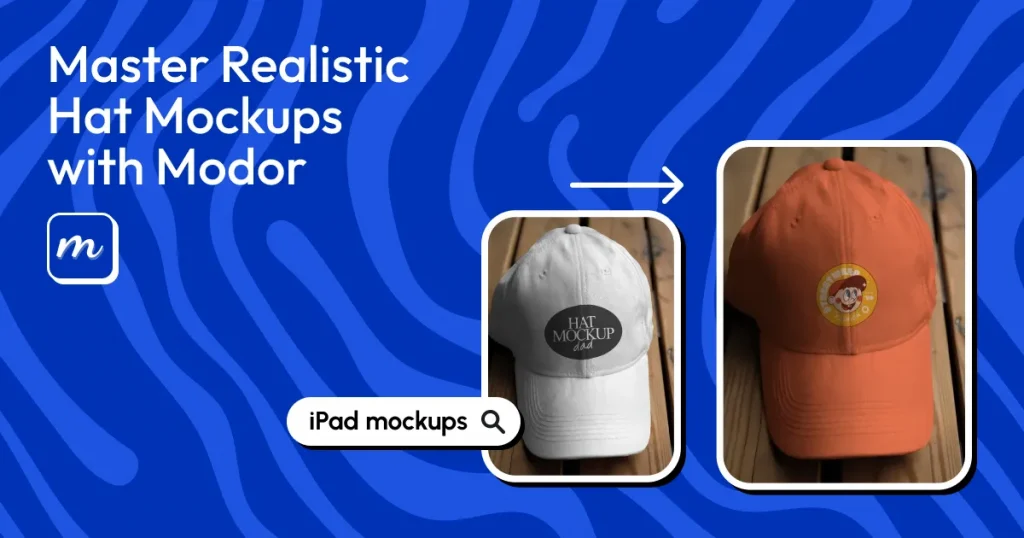
Hat mockups are digital templates that let you place logos, text, or artwork onto a hat. However, many basic mockup generator tools fail to show fabric texture, lighting, and proper design placement, which makes product mockups look less appealing.
Modor hat mockup generator solves this by using AI to create hat mockups that blend your design directly onto the hat’s surface, delivering professional, ready-to-publish mockups. You can also explore styles such as baseball hat and black hat mockups, among others.
In this article, we will walk you through everything you need to know about creating mockups for hats, from best practices to simple workflows, all in one simple guide.
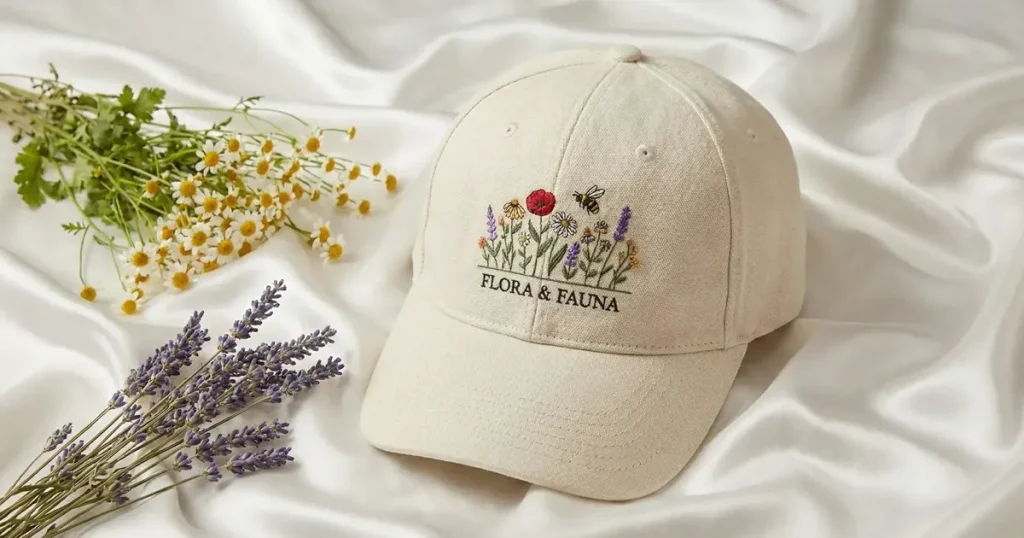
A hat mockup is a digital preview that places your hat design on a realistic background, allowing you to see how the lighting, texture, and placement will look before printing. It is used in e-commerce listings, POD previews, branding decks, and social media to show how the final product might look.
Below are a few tips to create hat mockups that support your brand identity.
Before leaing about how to create hat mockups using Modor, let’s have a look at the different ways you can create hat mockups.
Design software allows you to manually edit images and place your design onto blank hat templates to create your own mockup of hat visuals, whether it’s a baseball hat mockup, a black hat mockup, or other styles.
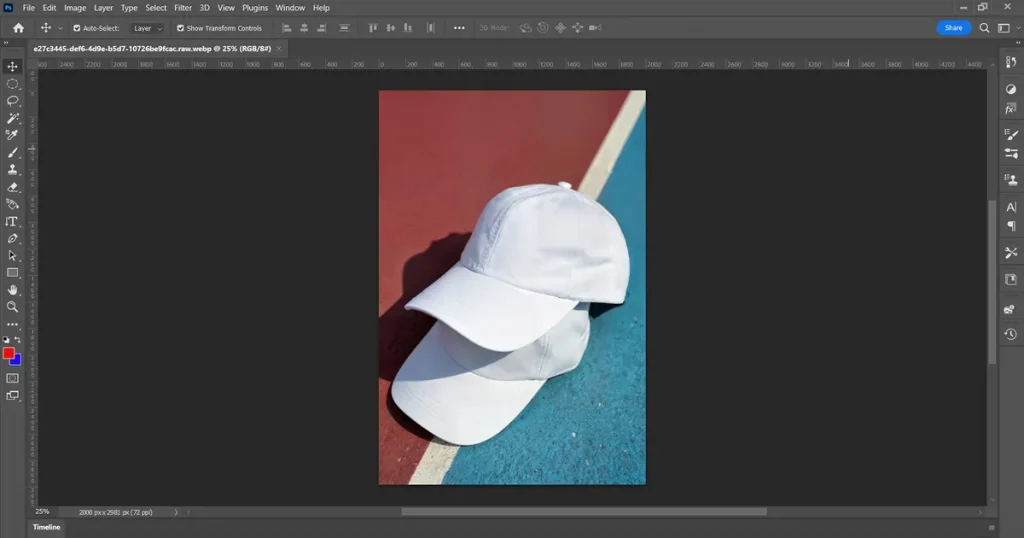
Photoshop is a professional tool that offers complete control over shadows, textures, and layer editing, making it ideal for custom mockups. Users can adjust fabric curves and add realistic effects that mimic embroidery or printed surfaces. The limitation is that it demands experience and requires more time than automated tools.
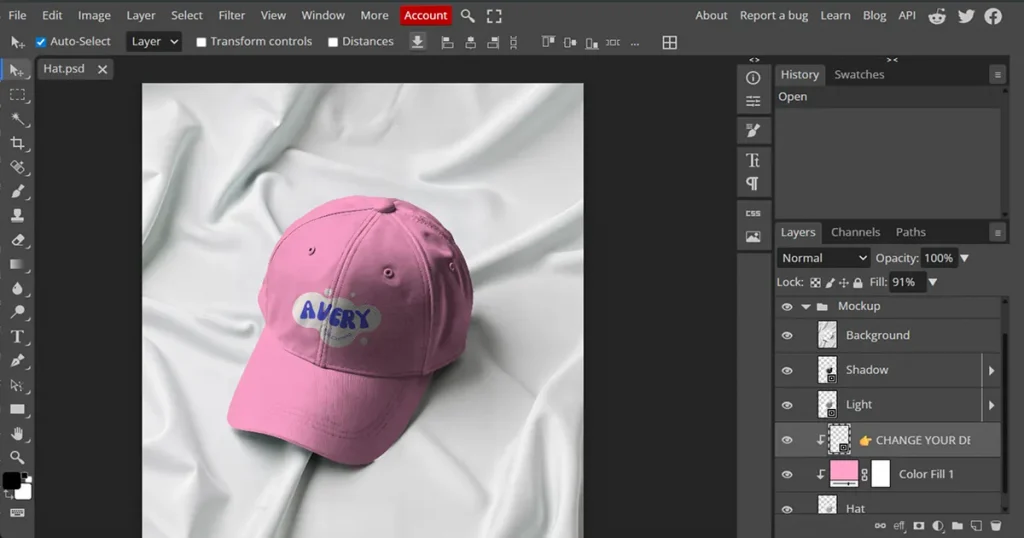
Photopea is an online editor similar to Photoshop that supports layered PSD files and is accessible directly from a browser. It is convenient for quick edits or lightweight hat mockups when you need portability. Limitations include more processing time for large files, and realism depends on your skills.
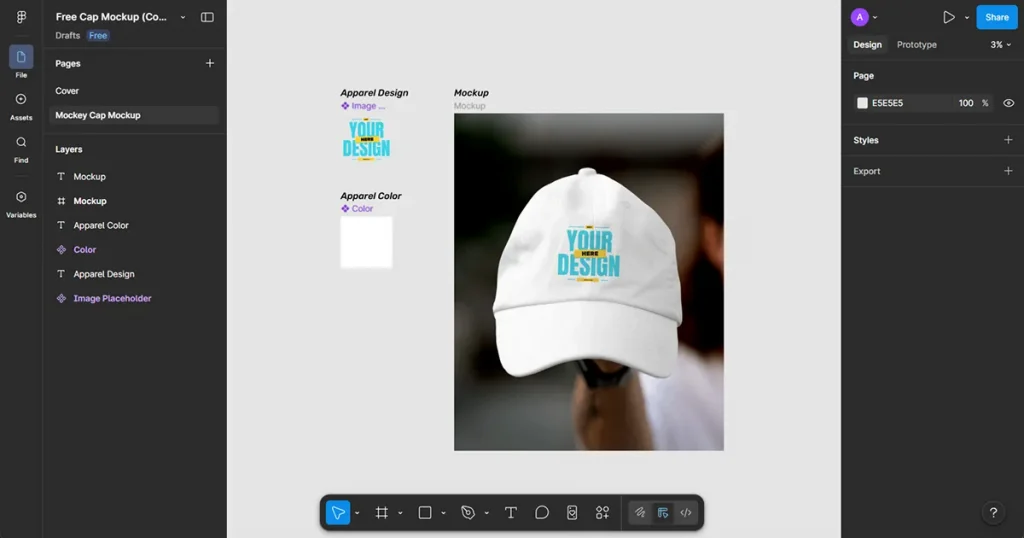
Figma works well for layout previews and helps you quickly visualize a basic hat design. It’s a renowned tool known for its high-quality mockups. The only limitation is that it does not create realistic shadows or texture blending, which diminishes the final output’s realism.
Mockup generators produce automatic, realistic results by blending your design with textures, folds, and lighting without manual editing, making them useful for quick, free hat mockup creation.
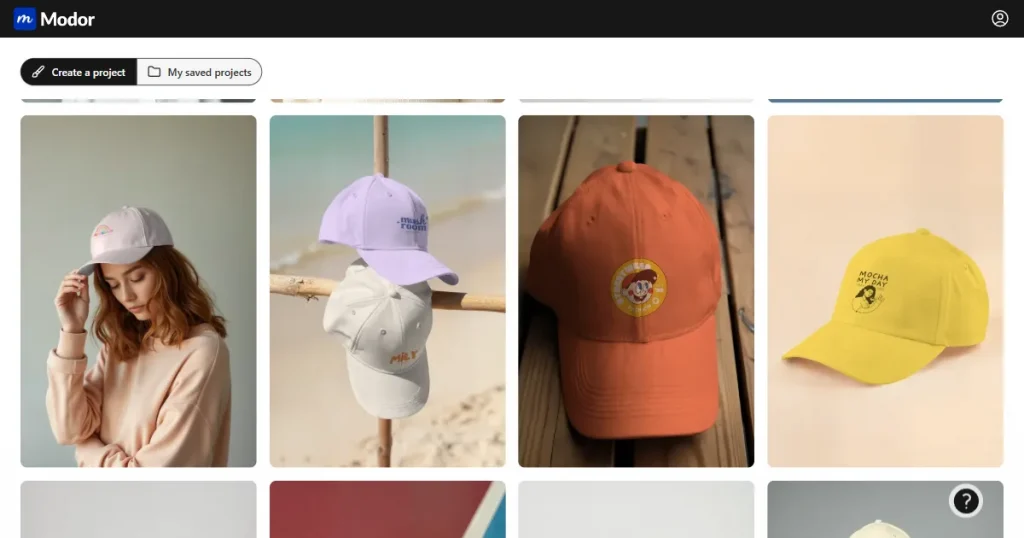
Modor is an AI-powered mockup tool that blends your artwork into the fabric surface instantly. Modor offers more than 5,000 trendy hat mockup templates across multiple categories. It keeps the process simple and allows beginners to create hat mockups in seconds without compromising quality.
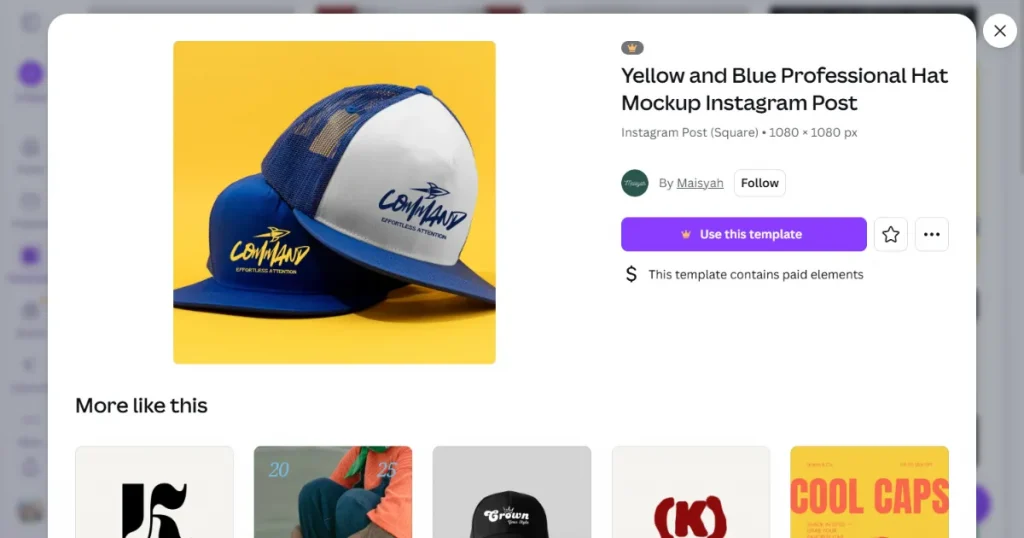
Canva is an easy-to-use tool, ideal for quick previews when you need a clean presentation of your hat design. It supports basic mockups and works well for social media posts where fast turnaround is essential. The limitation is that the textures appear flatter and less realistic, reducing overall quality.
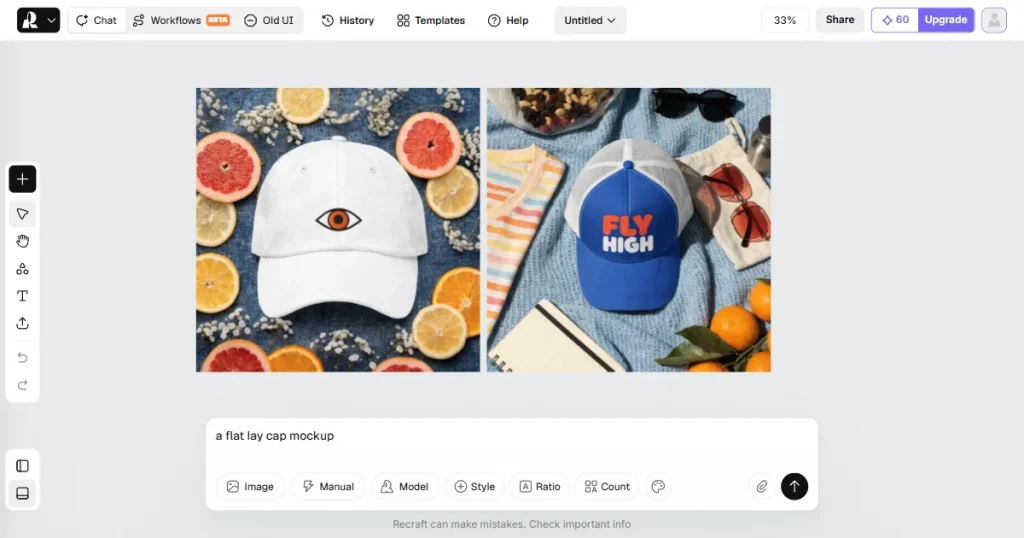
Recraft offers image-enhancing tools to refine the design before importing it into a mockup tool. It helps add crispness to your hat design before creating a mockup. The limitation is that it does not create hat mockups itself and functions only as an enhancement step.
POD platforms offer print-on-demand services that let you upload your design and preview how it will appear on hats before publishing products to your store.
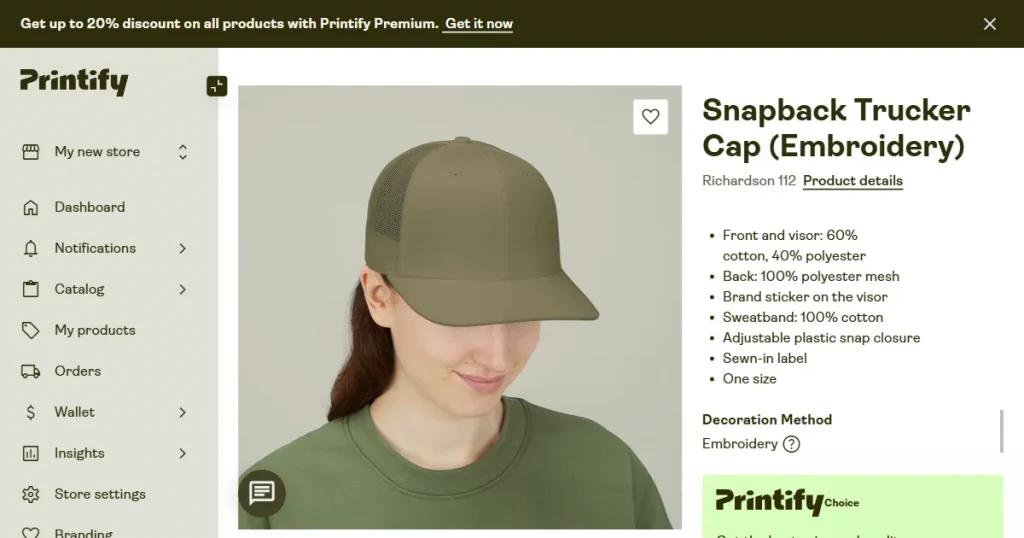
Printify lets you see your hat design on different hat models inside the product editor. This helps you set up your store faster and check your design before posting it. The mockups are very basic and do not show hats in realistic or creative scenes.
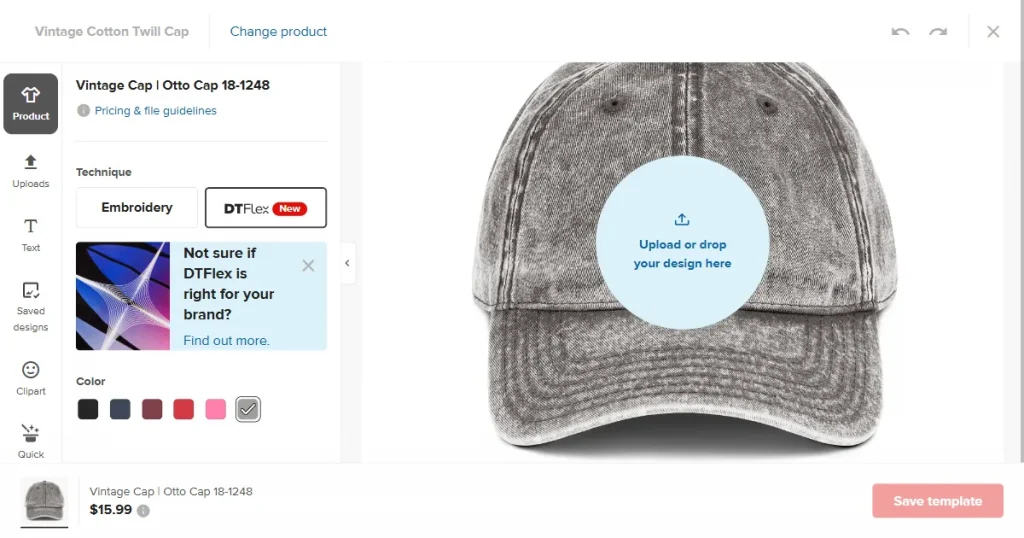
Printful gives you clean studio previews that help you see your design clearly on the hat. It helps check placement and colors before adding the item to your store. One downside is that the mockups look plain and lack creative backgrounds, limiting their use in promotions.
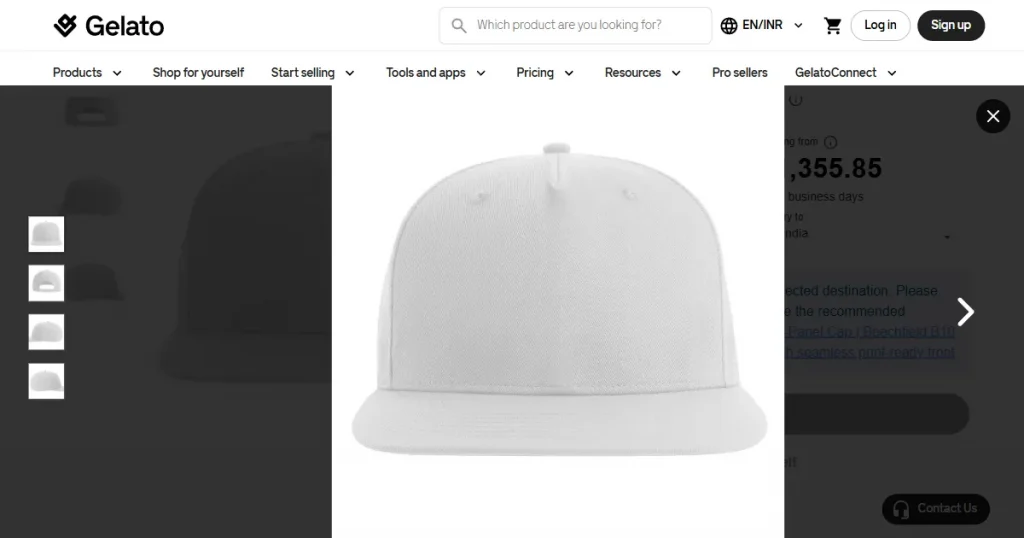
Gelato gives POD sellers a simple way to upload artwork and see how it appears on different hat styles. It supports fast product setup and works well for sellers who want to scale. The mockup templates are limited and show only a few angles, limiting creative ideas.
Now, let’s have a look at the step-by-step guide to create hat mockups using Modor.
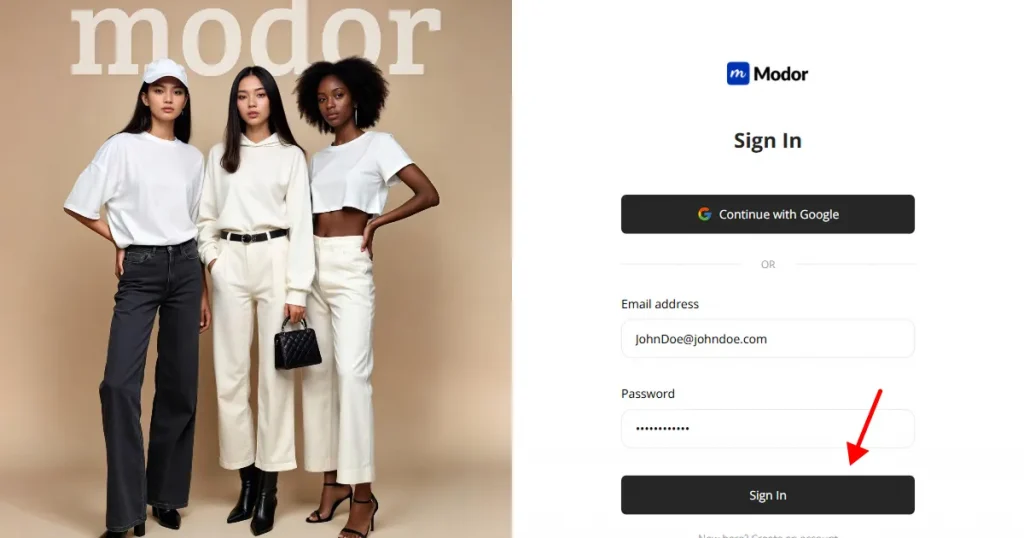
Step 1: Create an account on Modor using Google or email. Google login is the fastest way to start, and it keeps your projects synced. If you already have an account, you can sign in right away.
Step 2: Select the hat mockup category from among other categories, such as t-shirts, hoodies, and tote bags.
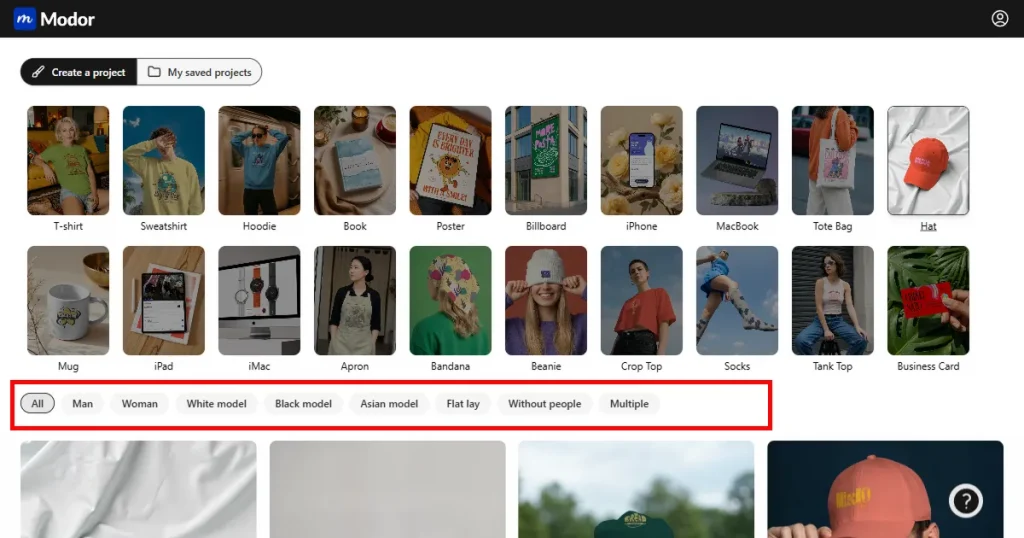
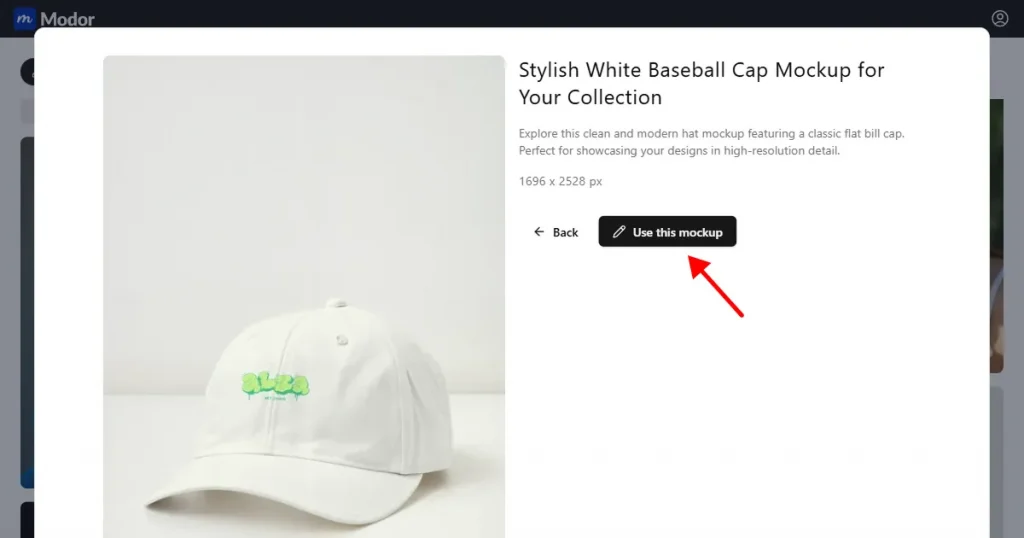
Step 3: Use the filters to narrow your search by gender, model type, or scene style. You can choose flat lay model shots or clean studio looks. Pick a template that fits your brand and click Use this mockup to open it in the editor, including options like a baseball hat mockup or a black hat mockup.
Step 4: Click Edit mockup to unlock editing options, then upload your hat design as a transparent PNG for best results.
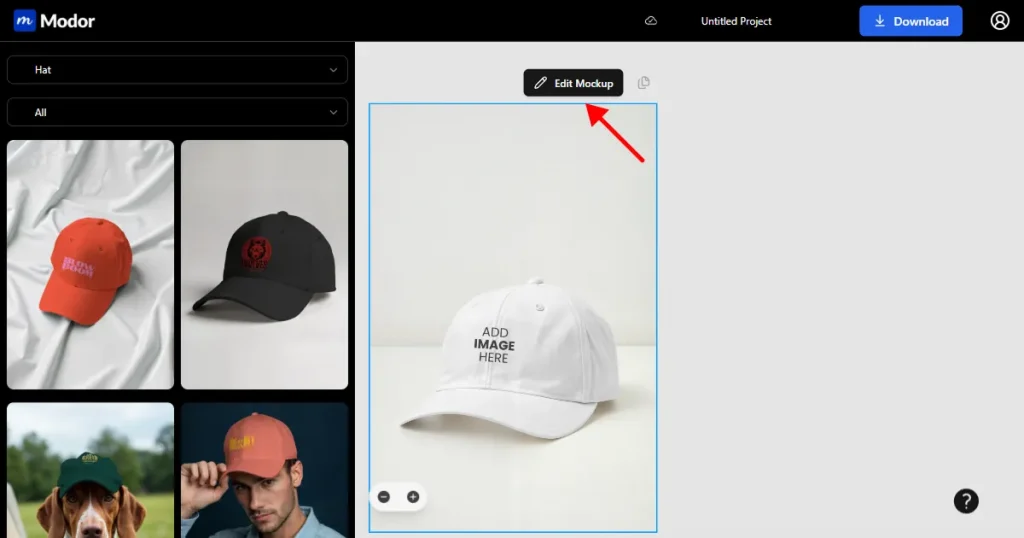
Step 5: Modor auto-fits your design onto the hat surface, blending with the fabric and behaving naturally in the scene.
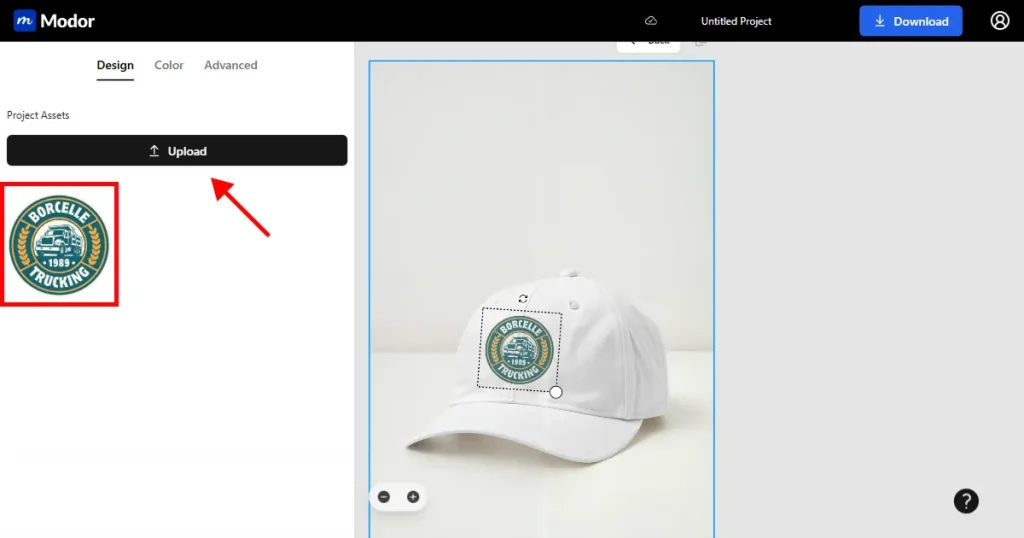
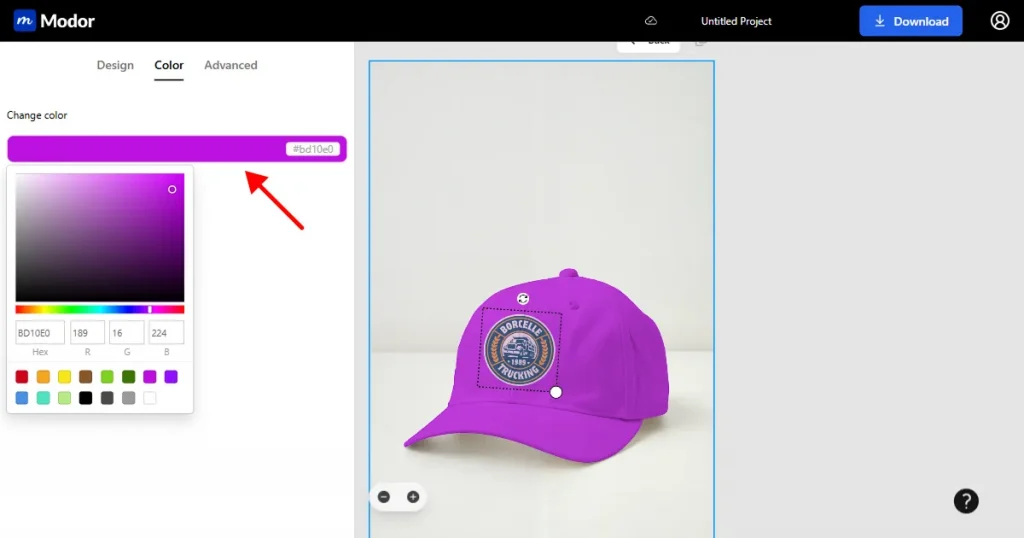
Step 6: Adjust the hat color using the color picker, hex codes, or RGB values to explore different versions.
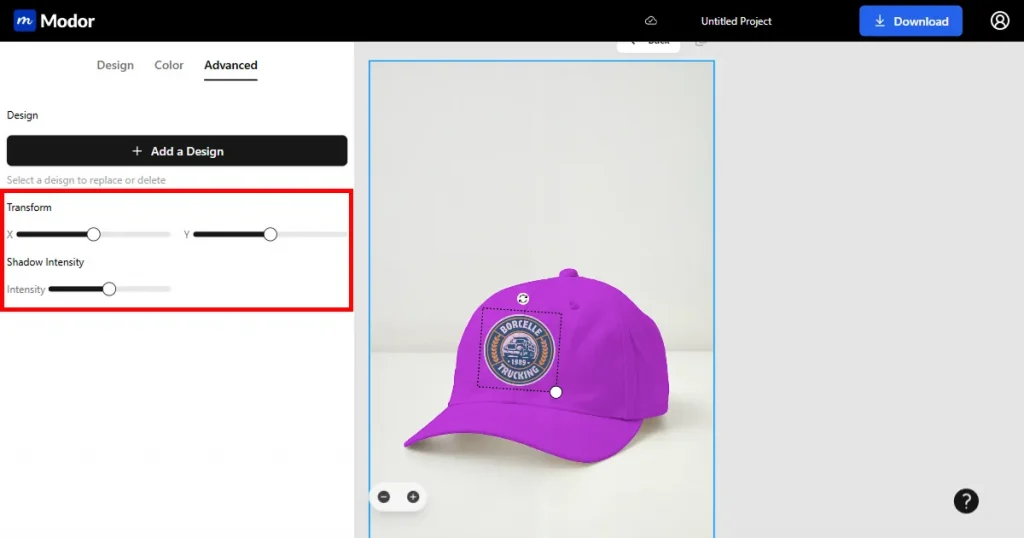
Step 7: Use Transform X or Y to refine placement and ensure your hat design looks balanced from every angle.
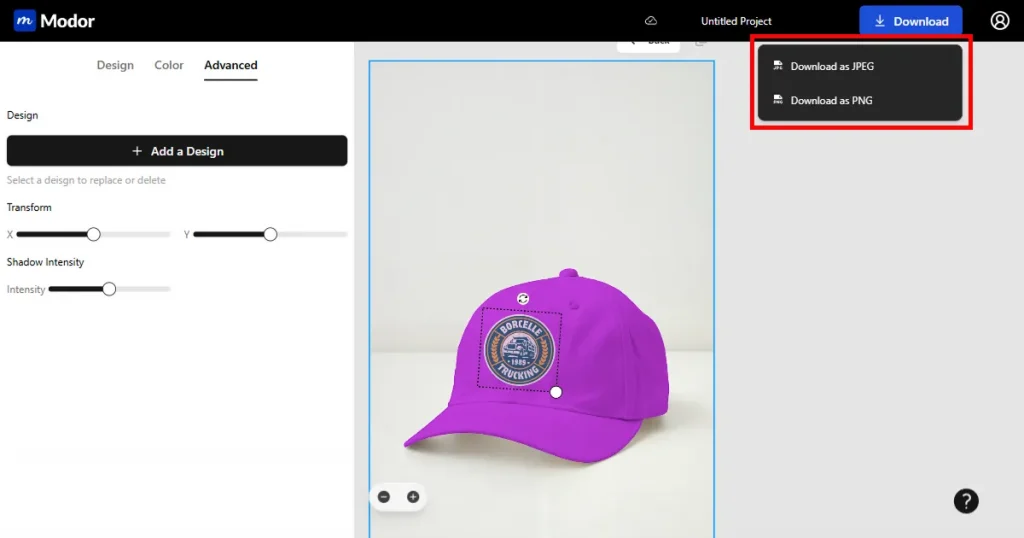
Step 8: After all edits, name your project to keep everything organized, then download your final mockup of the hat visuals as a JPG or PNG.
Now, that we have discussed the process of how to create hat mockups using Modor, let’s have a look at how to choose the right hat mockup style for your brand.
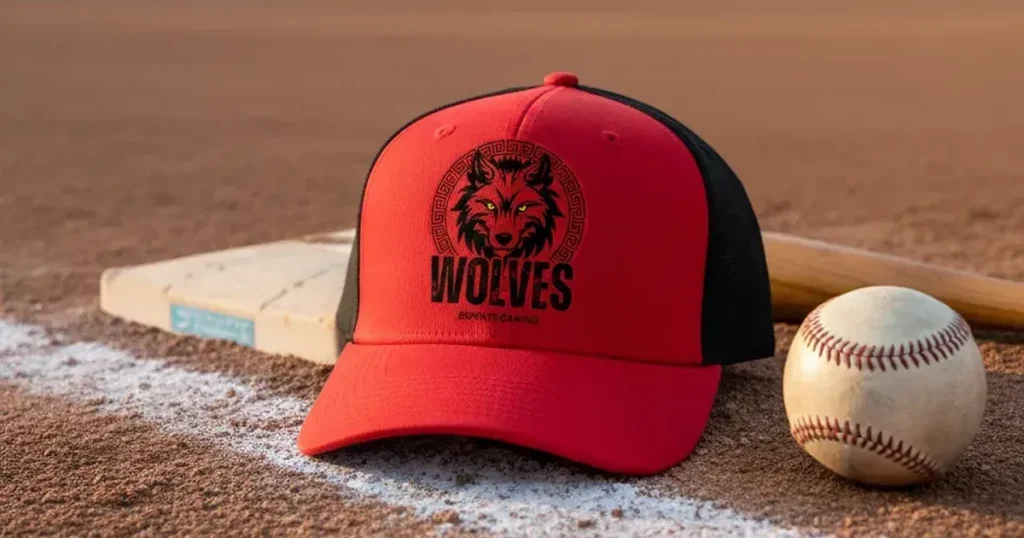
A baseball cap mockup features a firm front area that works well for bold, centered designs. It gives a sporty feel and makes logos easy to read.
Use case: Sports shops, merch creators, and college-themed brands.
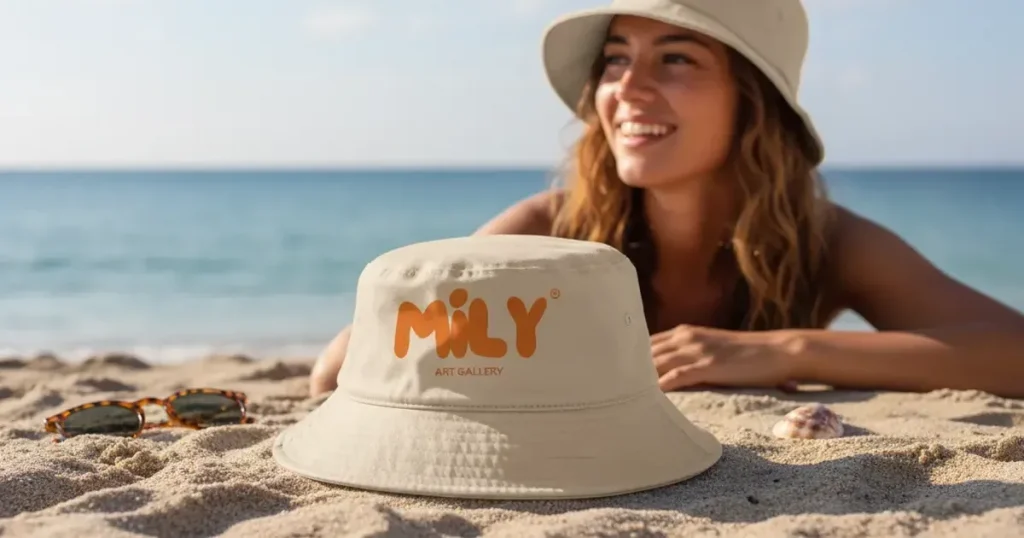
A bucket hat mockup wraps the artwork around a soft, rounded surface, which makes it ideal for all-over prints and expressive patterns.
Use case: Summer collections, outdoor-inspired fashion, and beachwear brands.
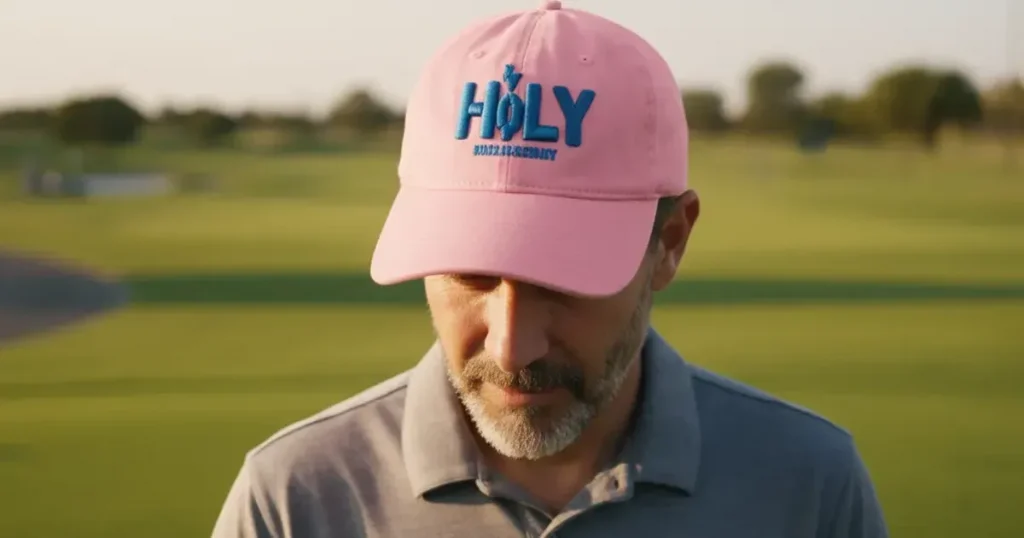
A dad hat mockup has a relaxed fit that suits simple logos and light embroidery. It feels casual and friendly.
Use case: Lifestyle creators, craft sellers, and retro-styled brands.
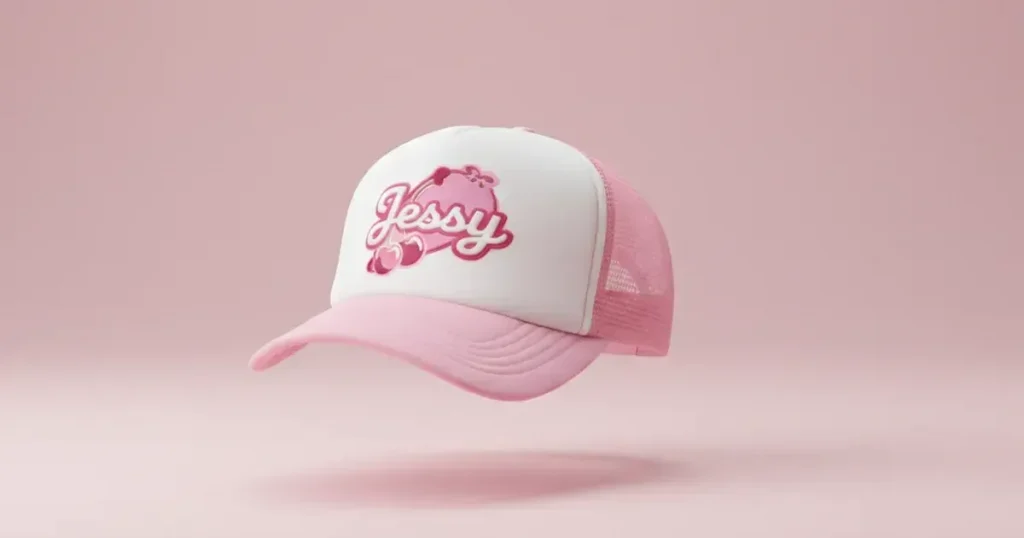
A trucker cap mockup highlights mesh panels and a structured front panel, making it well-suited to rugged themes and bold typography.
Use case: Outdoor brands, fishing gear sellers, and Americana-inspired shops.
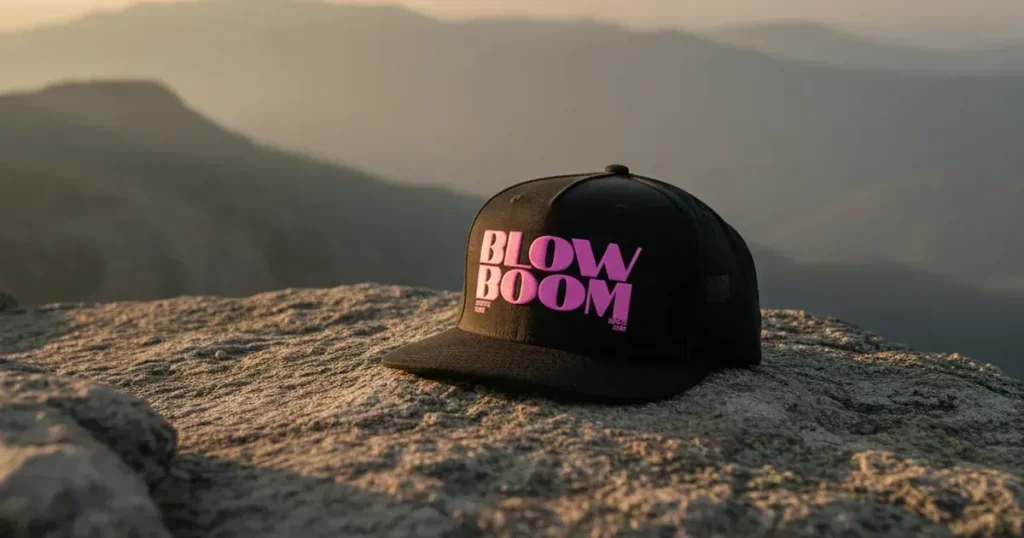
A snapback cap mockup features a flat brim and a sturdy structure, making it well-suited for bold logos and streetwear designs.
Use case: Skate shops, urban fashion labels, and hip-hop-inspired brands.
| Feature | AI Mockup Generators | Photoshop |
|---|---|---|
| Ease of Use | Very easy for beginners and quick to learn | Harder to learn and takes more time |
| Speed | Creates a mockup in seconds | Takes longer because edits are manual |
| Realism | Auto blends shadows and textures for natural results | Can create very realistic results with skill |
| Control | Limited manual control, but very fast | Complete control over every detail |
| Template Variety | Extensive library of ready-made hat mockups | Depends on downloading PSD templates |
| Best For | Sellers who want fast and clean hat mockups | Designers who need deep editing options |
| Time Needed | Very little time | More time and effort |
| Skill Needed | No design skill needed | Design experience required |
Hat mockups give creators the space to explore new ideas without printing samples, saving time and costs during early development. A realistic mockup of hat designs also builds trust among buyers who want to see exactly how their purchase will look. Modor supports beginners and professionals by blending hat design artwork with natural shadows and textures, making the process of creating hat mockups smooth and fast.
Choosing the right mockup style and following best practices ensures your hat design looks polished and true to your brand vision. Lastly, keep exploring best hat mockup templates and styles to discover what works best for your products since strong visuals play a significant role in shaping customer perception.
The easiest way to create hat mockups for free is with Modor, which instantly applies your design to the hat surface and requires no design skills. You can produce polished hat design mockups in seconds, making Modor ideal for fast workflows.
Yes, you do because shoppers depend on clear visuals before they buy. A mockup of hat listings also lowers return rates since buyers understand what they will receive.
Yes, as long as they accept high-resolution, clean images for product previews. Your hat mockup should match the printable area and stay sharp so customers receive an accurate representation of the final product.
You can browse Pinterest, Dribbble, Behance, or social brand pages to discover ideas for your hat design. Modor also offers an extensive library of trending templates to help you further in the design process.
POD platforms are suitable for quick previews when you only need a basic view of your hat design before publishing. They are not ideal to create hat mockups, especially for marketing purposes, as they lack the advanced lighting and texture realism that a dedicated mockup tool provides.
A baseball hat mockup works best with a clear front-facing or slightly angled view that keeps the structured front panel visible. It is ideal for showcasing centered logos, embroidery, and bold graphics for sports and lifestyle brands.
To make a black hat mockup look realistic, use natural lighting, subtle shadows, and visible fabric texture so the design does not appear flat. Modor also lets you adjust the hat color and design placement for a more natural finish.
You can find a free hat mockup on Modor, which offers a variety of templates for testing different hat designs and styles. You can upload your artwork, customize the mockup, and download the finished visual.