


12 Best Mediamodifier Alternatives for Your Mockups in 2026
Discover the 12 best Mediamodifier alternatives for 2026. Explore AI-powered mockup tools like Modor.
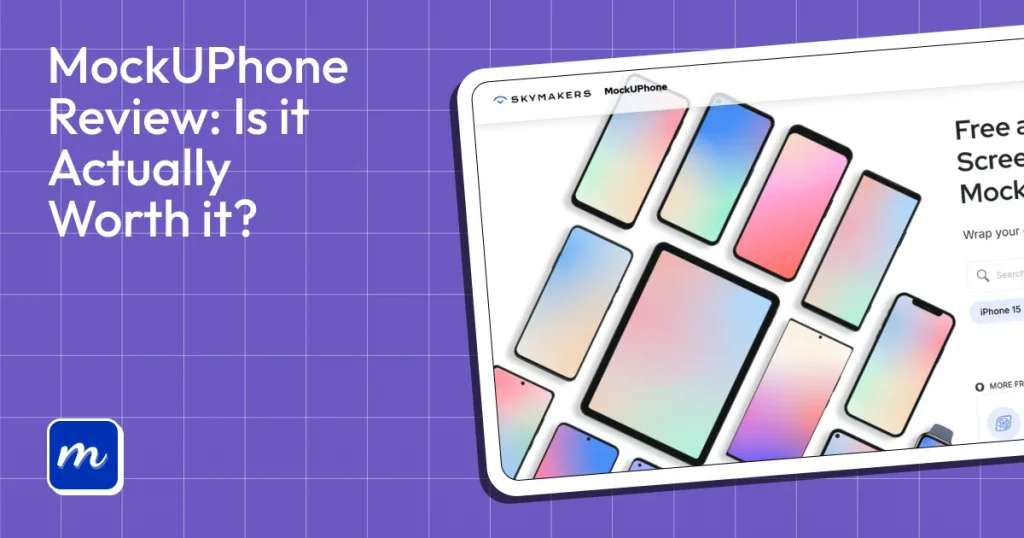
MockUPhone is a completely free, browser-based mockup generator that lets you create mockups for various devices. However, the tool has a limited variety of templates, doesn’t offer advanced editing capabilities, and produces generic results.
In this MockUPhone review, we will break down the problems the MockUPhone mockup generator solves, where it excels and where it falls short, and introduce a MockUPhone alternative that offers only premium-quality templates to make your mockups look unique and visually appealing.
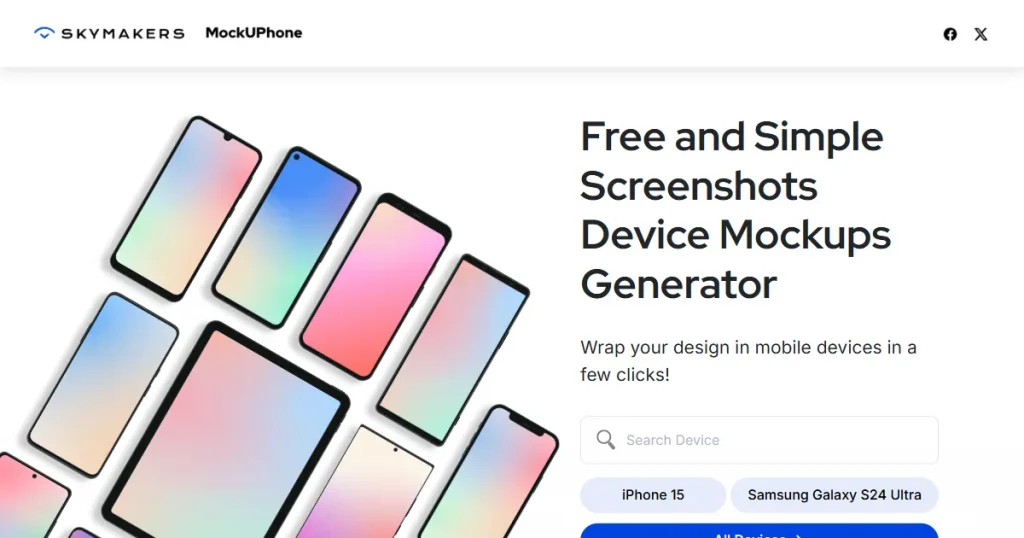
MockUPhone is a free, web-based tool that lets you create device mockups quickly without learning any complex software like Photoshop. It supports a wide variety of devices like phones, tablets, laptops, TVs, and wearables.
The best part is that you don’t need to create an account or go through any extra steps to generate mockups. All you have to do is select a template, upload your design, and download the mockup.
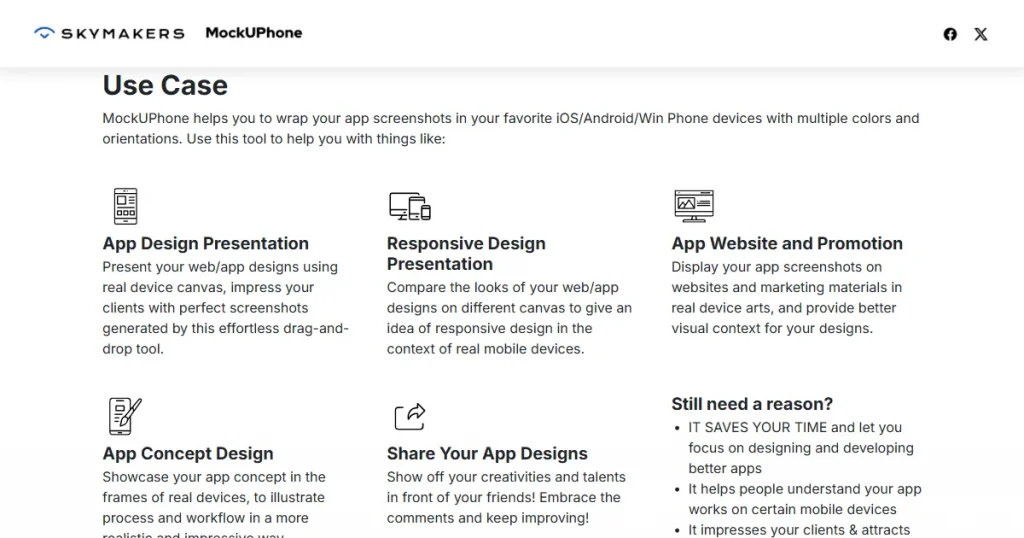
Before we dive deeper into this MockUPhone review, let’s learn the exact problem that MockUPhone solves.
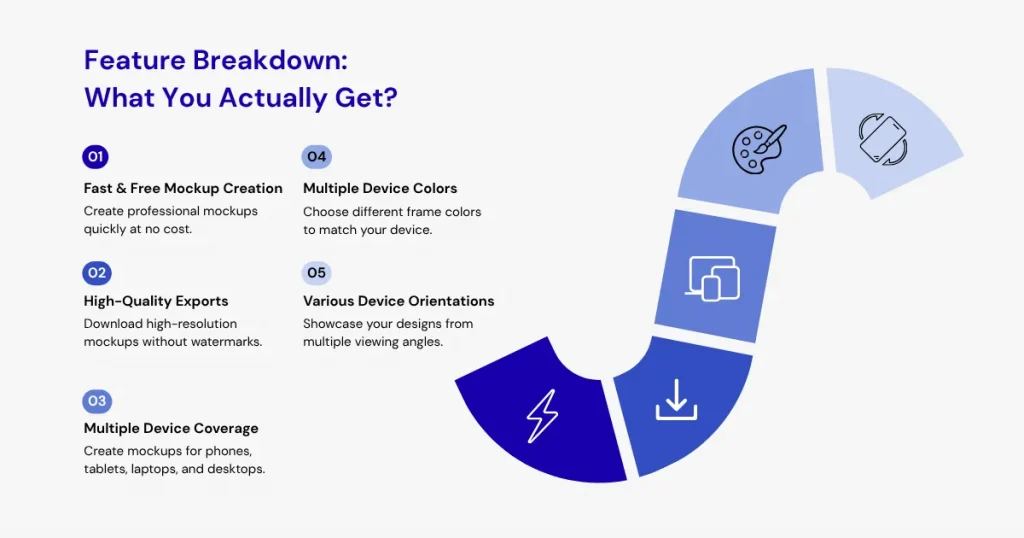
To help you decide whether it’s worth using, this MockUPhone review takes a closer look at the features you get with the platform.
MockUPhone is a free tool that makes creating device mockups quick and extremely easy, which is one of the biggest reasons behind its popularity. Instead of using complicated design software, you can simply choose a MockUPhone free template, upload your screenshot, and generate a professional-looking mockup within seconds.
Unlike other mockup tools that limit download resolution or add watermarks to their exports, MockUPhone lets you download your device mockups at the highest possible quality, without any watermarks.
In addition to supporting multiple device categories, including phones, laptops, tablets, and desktops, MockUPhone also includes frames from popular brands such as Apple, Samsung, Nokia, Dell, and Microsoft. This helps you create mockups that closely match the actual devices your audience uses, making your presentations look more realistic and professional.
MockUPhone also lets you control the appearance of your device frames, offering multiple color options for many devices. For example, when creating an iPhone 15 mockup, you can choose from colors such as Black, Blue, Green, or Pink to match the exact version of the device your audience uses.
Another major advantage of using MockUPhone we noticed during this MockUPhone review is that you can download the device mockup in multiple orientations, such as horizontal, portrait, or multi-angled, allowing you to showcase your product from multiple perspectives.
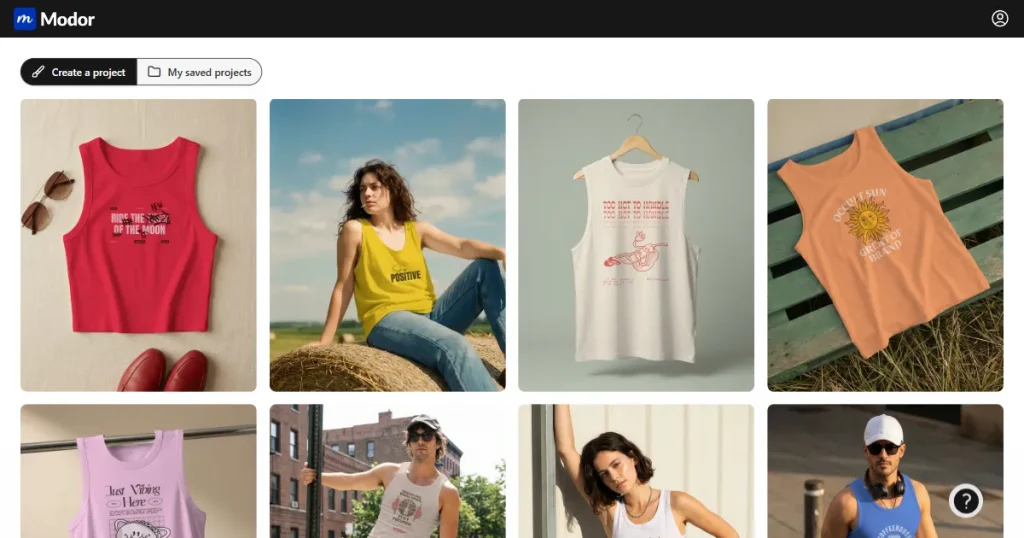
Modor is an AI-powered browser-based mockup tool similar to MockUPhone mockup generator, but without its limitations. Modor is designed for both beginners and professional designers who want to create professional-looking product mockups.
The tool offers an easy-to-use drag-and-drop editor, 10,000+ mockup templates across 25+ categories, bulk export support, and high-quality, watermark-free downloads with a commercial license, even with the free plan.
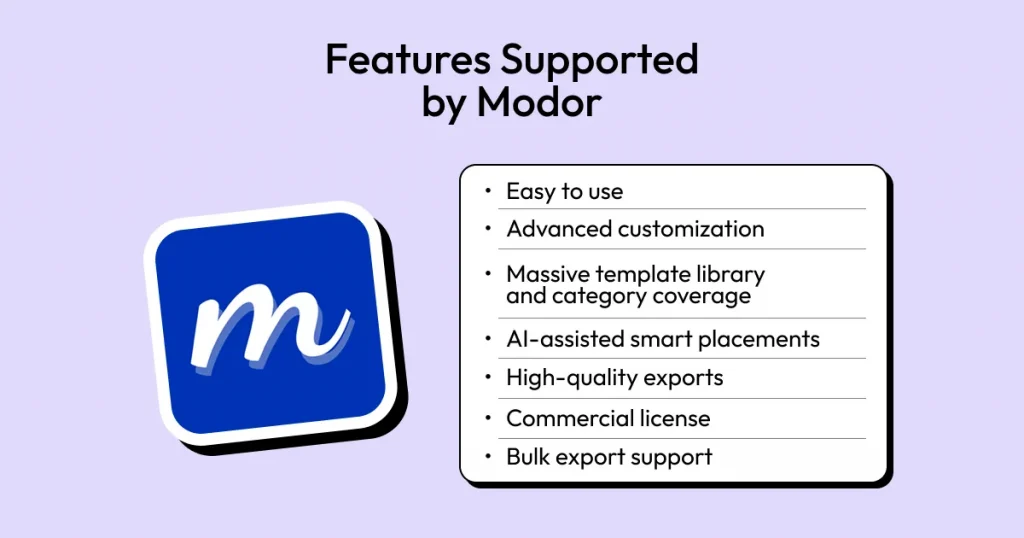
For a more comprehensive MockUPhone review, we need to look at the key features supported by Modor, so you can compare which mockup tool is best for you.
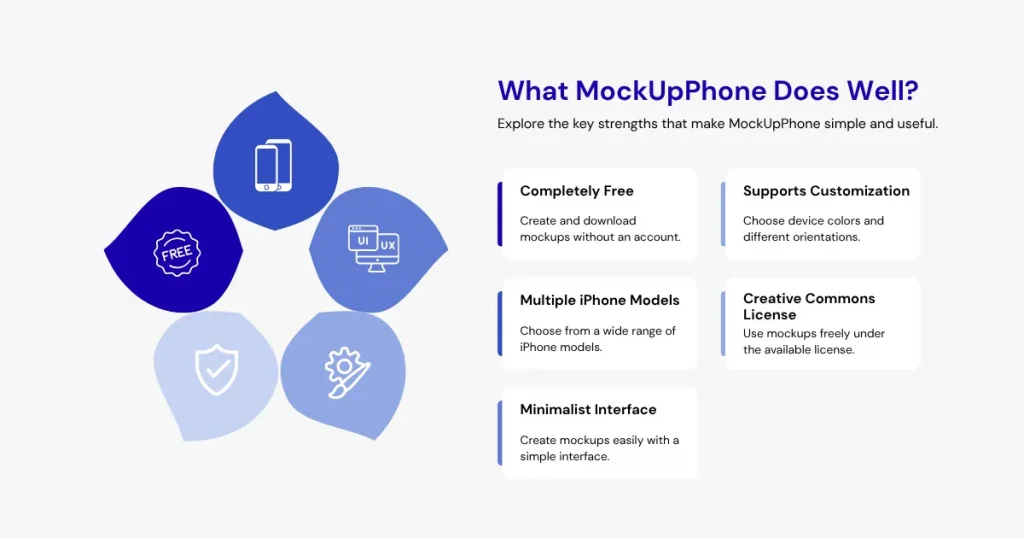
Before looking at its limitations, this MockUPhone review explores the strengths that make the platform appealing to beginners
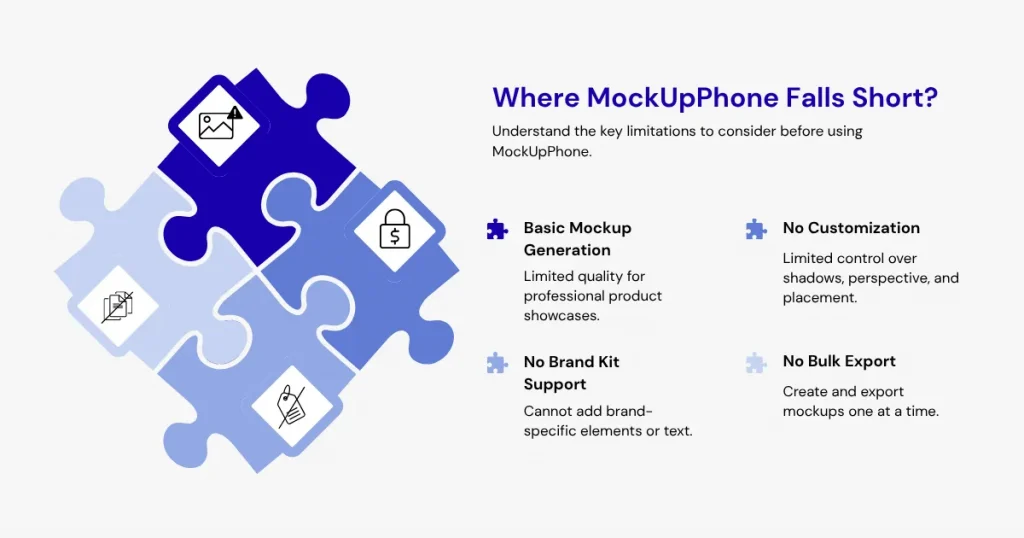
While MockUPhone does a few things well, this MockUPhone review also uncovered several areas where the platform feels limited compared to other mockup tools.
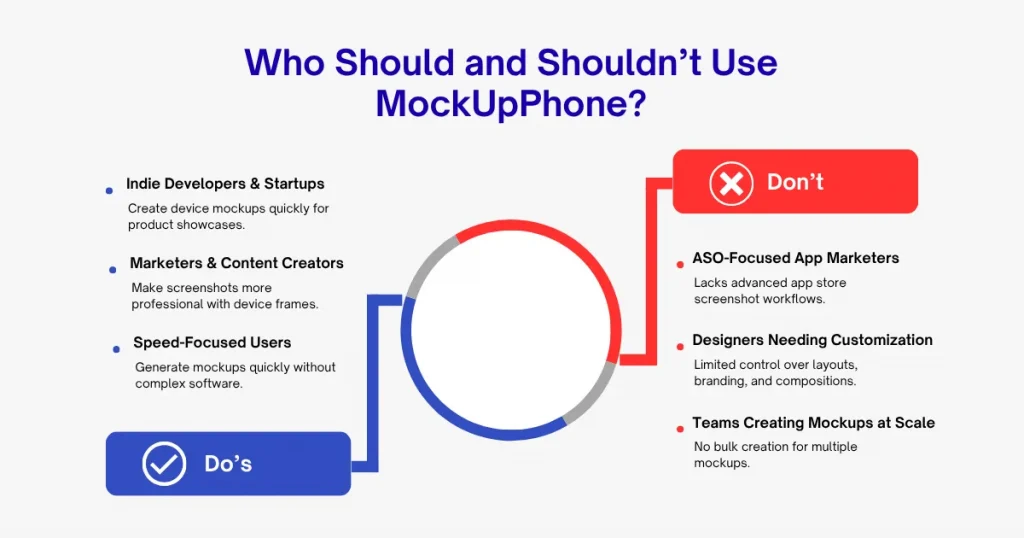
To get a better idea if MockUPhone is worth it, this MockUPhone review also explores who should use this tool and who shouldn’t.
Before we conclude this MockUPhone review, let’s look at a comparison of MockUPhone with Modor to get a better understanding of which mockup tool is best suited for your needs.
| Feature | MockUPhone | Modor |
| Primary Purpose | Device mockups for apps, websites, and screenshots | Full mockup generator for devices, apparel, print products, packaging, and branding assets |
| Device Mockups | iPhone, iPad, Android, TV mockups | iPhone, iPad, MacBook, iMac, and other device mockups |
| Product Mockups | Not supported | T-shirts, hoodies, mugs, tote bags, posters, business cards, and more |
| Template Library | Limited device-focused templates | 10,000+ mockup templates across multiple categories |
| Customization Options | Basic screenshot placement inside device frames | Advanced editing with background, colors, shadows, and positioning |
| Free Plan | Completely free | Free plan available |
| Best For | Developers, startups, consultants, and bloggers needing quick device mockups | Ecommerce sellers, POD businesses, marketers, agencies, and designers needing diverse mockup types |
In this MockUPhone review, we conclude that the MockUPhone mockup generator is a good tool for basic mockup creation, but it lacks the quality and finesse to serve as product images for branding purposes.
This makes Modor the best MockUPhone alternative, as it offers everything MockUPhone does, but does so better. It offers a massive template library of 10,000+ mockup templates, bulk export support, watermark-free high-quality exports with a commercial license, and more.
MockUPhone is a free web-based tool that helps users create realistic device mockups by placing screenshots inside smartphone, tablet, laptop, and desktop frames.
Modor is one of the best MockUPhone alternatives for iPhone mockups, offering more templates, customization options, and design flexibility.
Yes, MockUPhone is free to use, including for commercial projects and marketing materials.
The MockUPhone mockup generator is excellent for quickly creating simple device mockups, but it lacks the advanced customization features of dedicated mockup platforms.
Yes, this MockUPhone review recommends it for beginners because it is free, easy to use, and requires no design experience.