

30+ Best iPhone Mockup Templates Worth Trying
Looking for the right iPhone mockup template to fit your brand? Checkout our list of the best iPhone mockup templates worth trying.
Published Jul 7, 2026
10 min
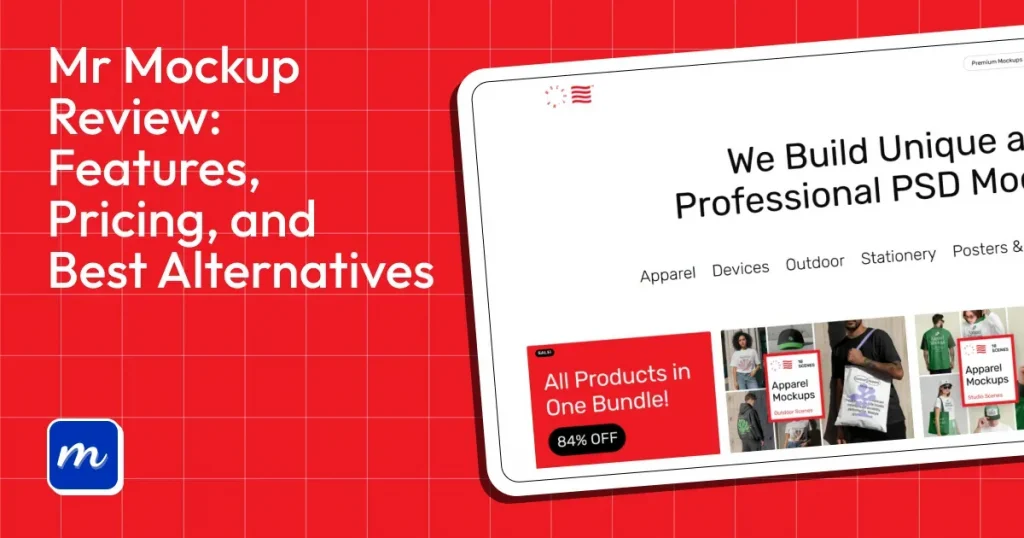
Mr Mockup is one of the best PSD mockup template websites, offering a wide variety of categories and high-quality templates. But the platform requires you to have Photoshop skills, and most high-quality templates are expensive.
That’s why Modor stands out as the best Mr Mockup alternative, offering an easy-to-use online drag-and-drop editor, 10,000+ mockup templates, bulk mockup creation, and free PSD mockup templates.
With these differences in mind, this Mr Mockup review will break down its features, pricing, free templates, pros and cons, and whether it’s still the right choice for creating professional product mockups in 2026.
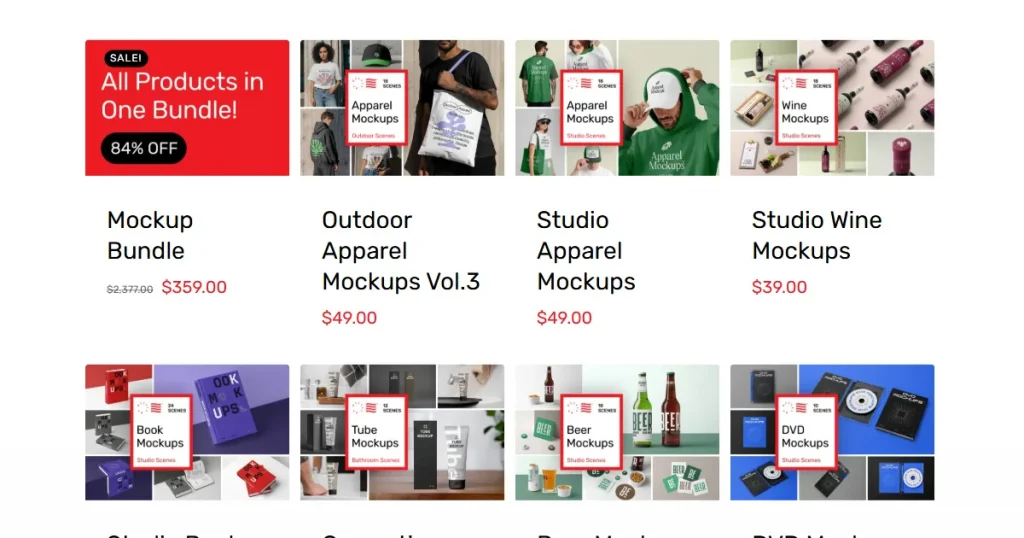
Mr Mockup is an online resource and platform offering premium PSD mockup templates across categories such as apparel, packaging, devices, and more.
The platform is primarily used by professional graphic designers well-versed in Photoshop and other design tools to create premium-quality product mockups.
The best part is, despite being a paid platform offering mockups in bundles at a premium price, there’s a solid collection of free Mr Mockup templates across all categories.
Before we dive deeper into this Mr Mockup review, let’s understand who should use Mr Mockup.
To better understand the value Mr Mockup offers, this Mr Mockup review takes a closer look at its most important features.
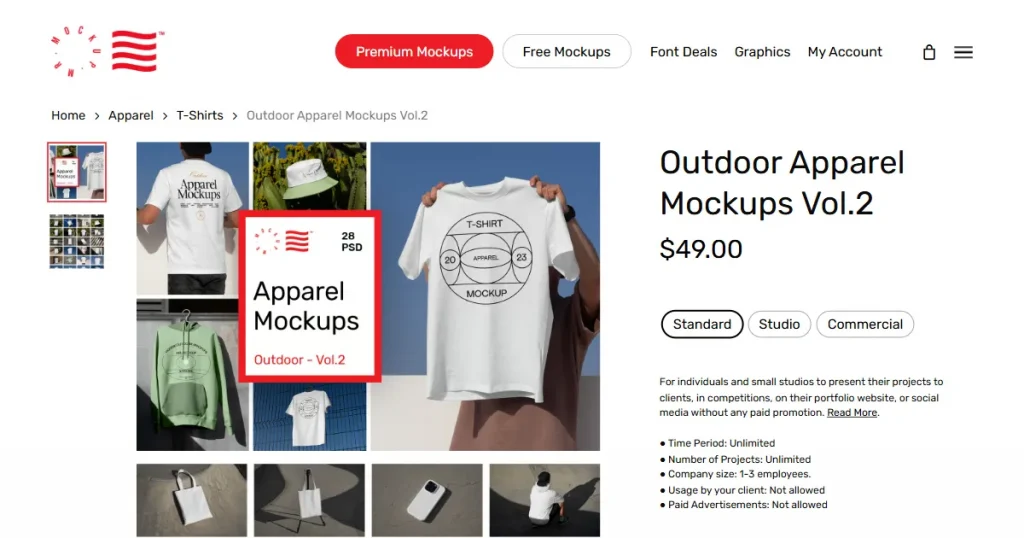
During this Mr Mockup review, we found the platform’s mockup templates to be among the best in the market. The templates feature realistic lighting, shadows, textures, and product details that closely resemble professional product photography, helping designs look more polished and credible.
Because the templates are delivered as layered PSD files with smart object support, designers can easily insert their artwork and further customize elements such as shadows, reflections, and effects in Photoshop. This level of control makes Mr Mockup a strong choice for creating realistic, professional-quality product presentations.
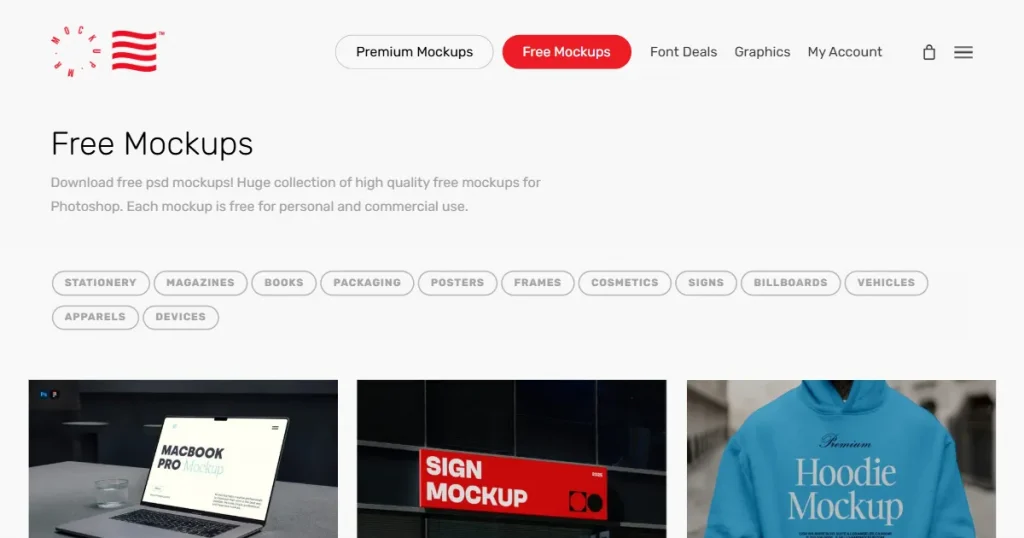
Mr Mockup also provides premium-quality PSD mockup templates across a wide range of categories, including apparel, packaging, devices, posters, books, and more.
Not only mockup templates, but Mr Mockup also has a good collection of premium design resources, graphics, and fonts that can be used by professionals to make their design look unique and stand out from the crowd.
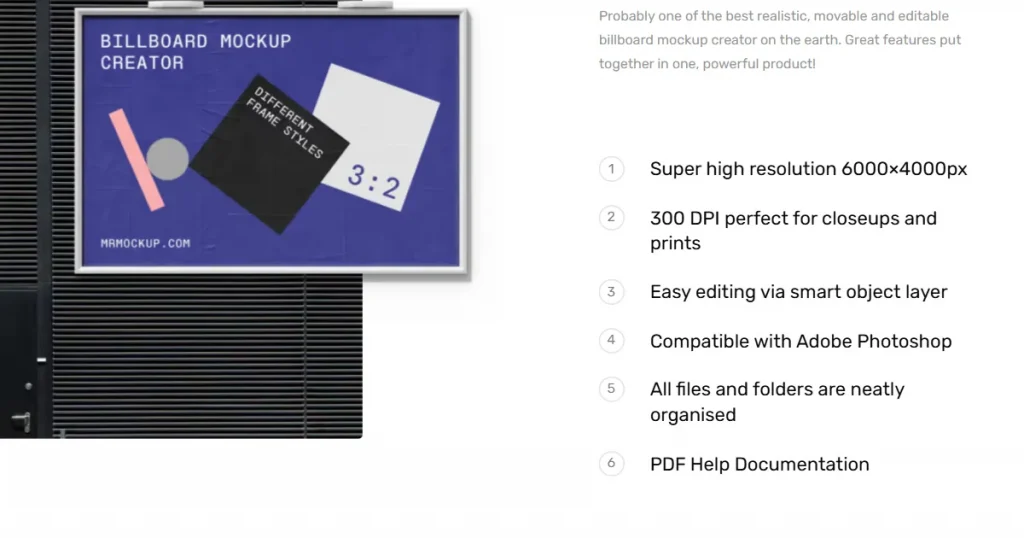
Another big advantage we discovered during this Mr Mockup review is that all of Mr Mockup’s templates are delivered at 300 DPI, which helps preserve sharp details, realistic textures, and clean typography even in large-format designs.
This is especially useful for designers working on packaging, posters, books, business cards, and apparel presentations, where print quality matters just as much as on-screen appearance.
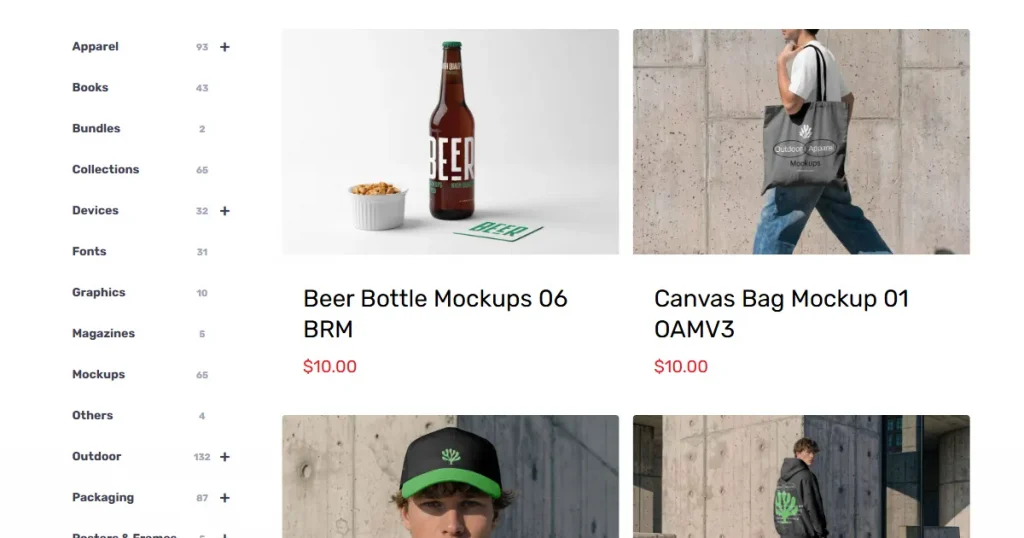
Mr Mockup does not limit its template library to flat-lay mockups. They provide a wide variety of scenes and lifestyle mockups, allowing designers and POD sellers to mix and match them to test what works best for their store.
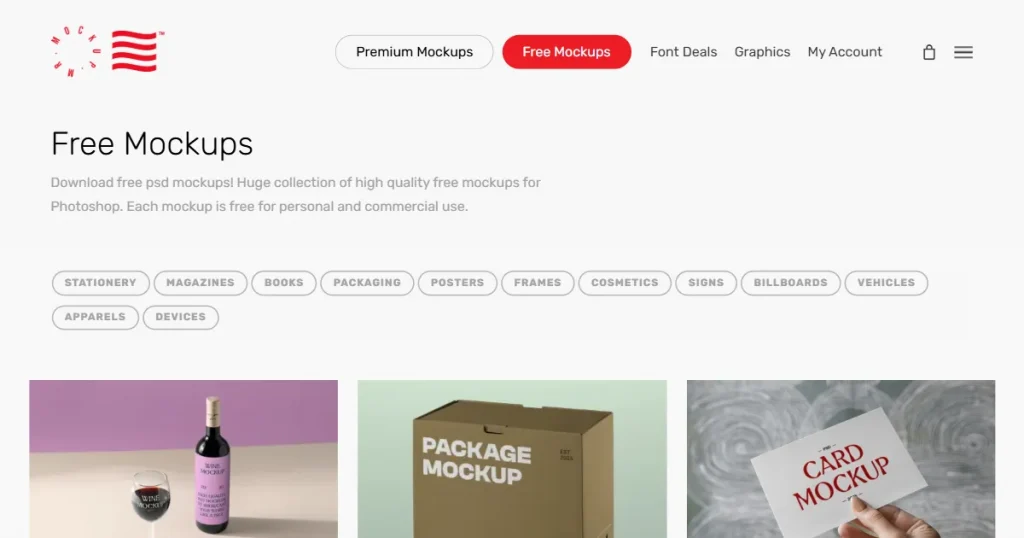
Even though Mr Mockup is mainly known for its premium-quality PSD mockup templates, there is a solid collection of Mr Mockup free PSD mockup templates that anyone can use without spending money.
These free Mr Mockup templates maintain the same realistic style and high-resolution quality that Mr Mockup is known for, making them ideal for portfolios, client presentations, social media branding, packaging previews, and product showcases.
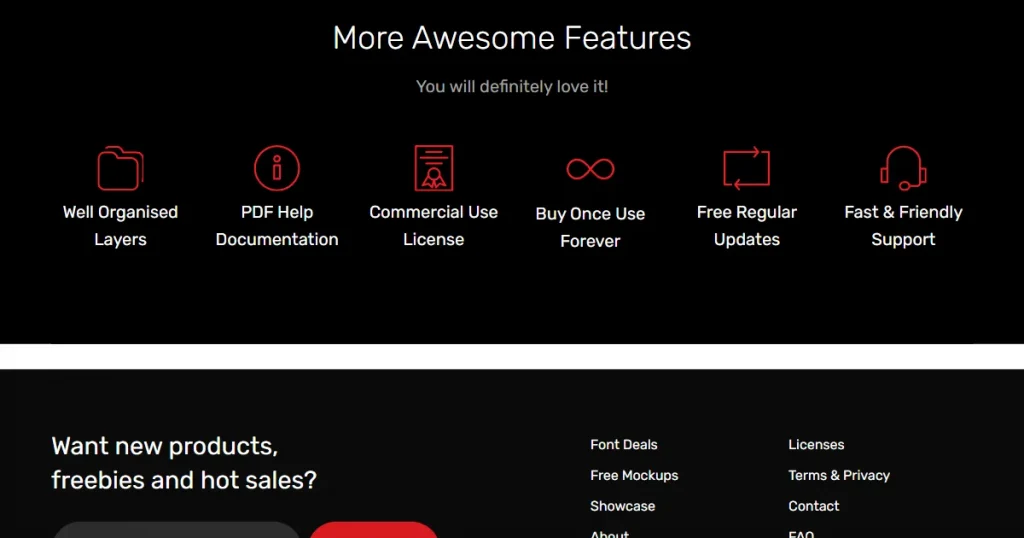
All mockup templates available on Mr Mockup, including the Mr Mockup free templates, come with a commercial license, which means they can be legally used in client projects, advertisements, social media content, online stores, and other business-related work.
Another thing worth mentioning in this Mr Mockup review is that the platform clearly outlines its licensing terms, making it easier for designers to understand how the templates can be used commercially.
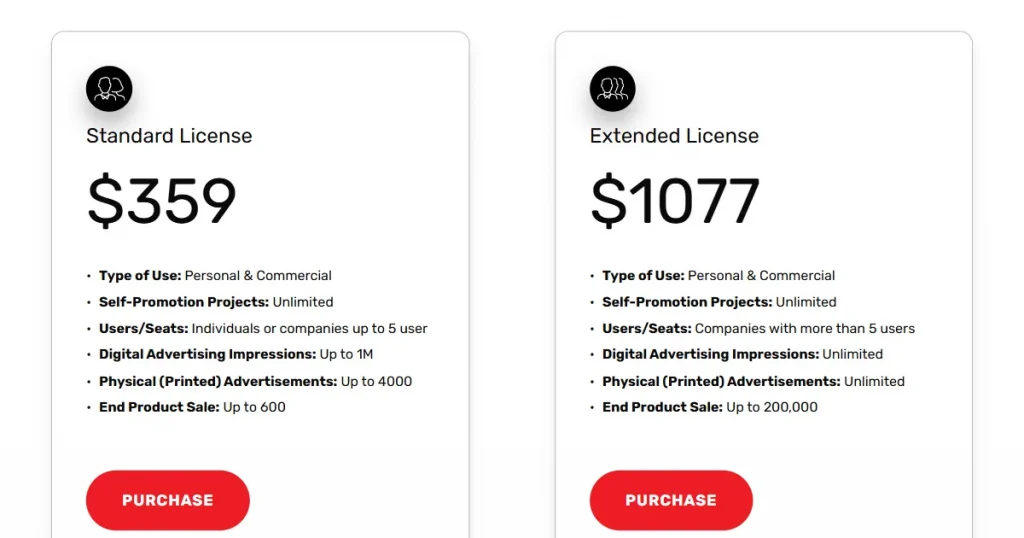
The premium PSD mockup templates are not available for purchase individually. If you want mockup templates for a specific category, you will need to buy them in bundles, and each bundle can include many templates. You have to manually check each bundle for what it provides.
The premium bundles start at $10/bundle, but each bundle is priced differently, so you will have to manually check each bundle category for its price. If you want all its bundles at once, you will only pay $359.
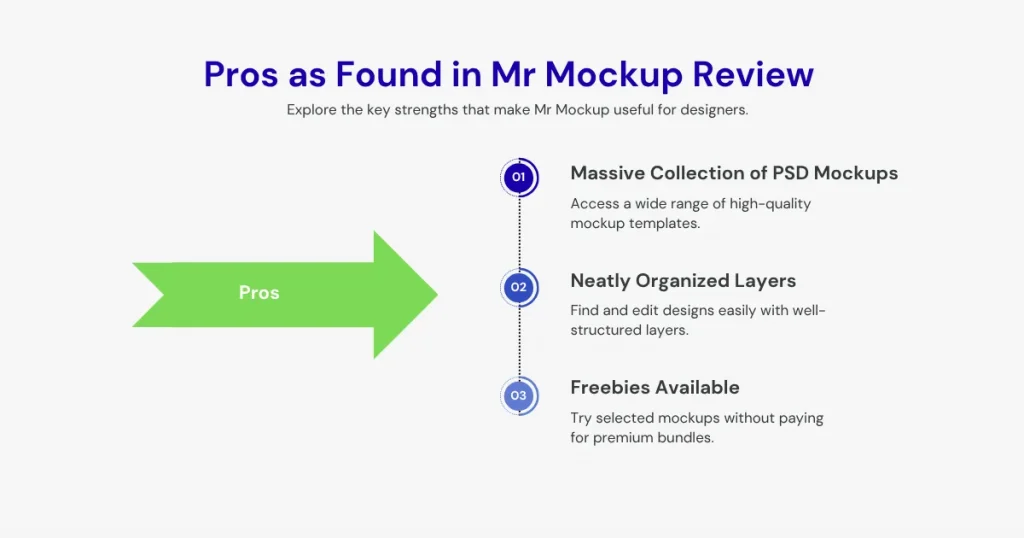
After exploring its features, let’s look at the advantages that stood out during this Mr Mockup review.
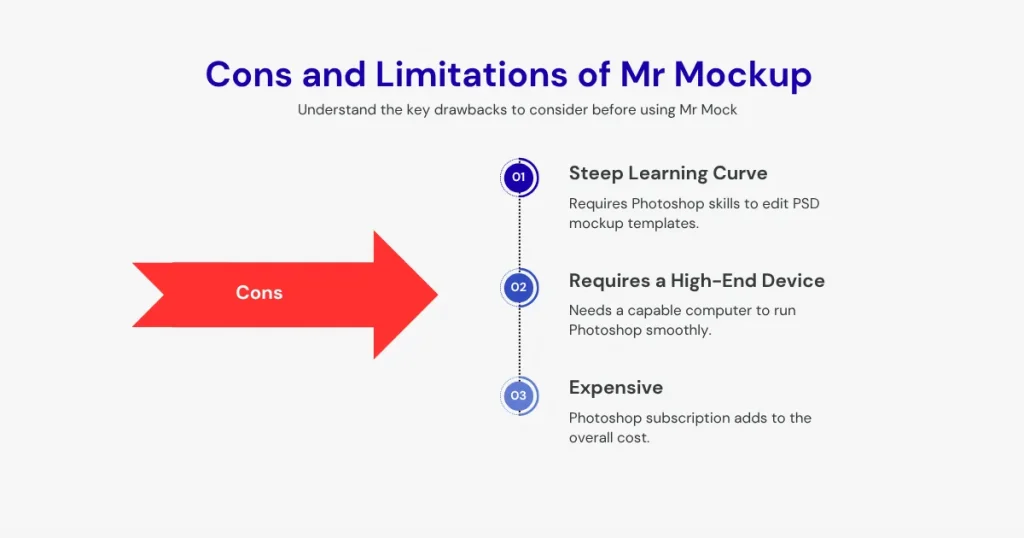
To provide a balanced Mr Mockup review, it’s important to look at the areas where the platform may fall short for some users.
This Mr Mockup review is incomplete without discussing a few Mr Mockup alternatives that will help you create better product mockups.
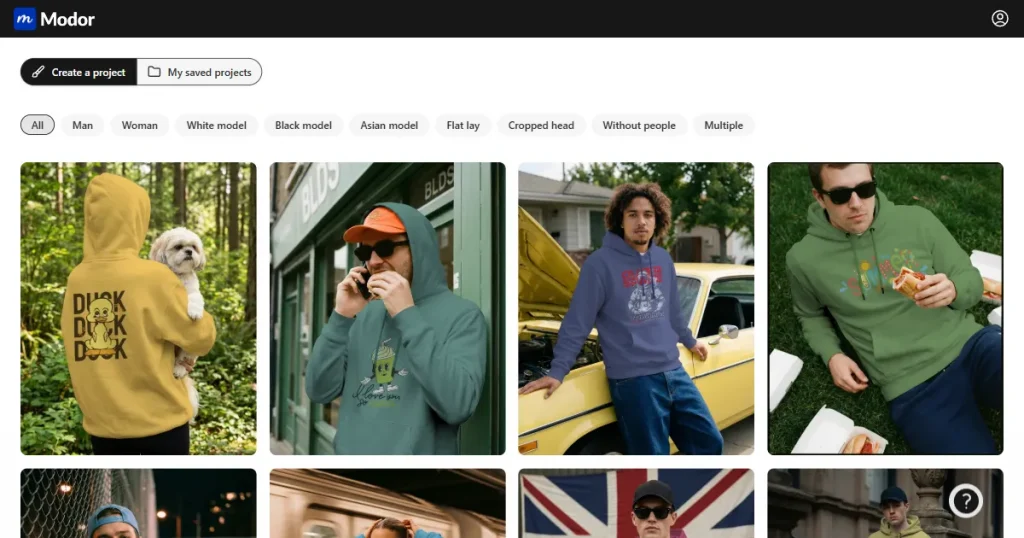
Modor is a powerful AI-powered mockup generator built for e-commerce and print-on-demand sellers. With over 10,000 templates and an easy drag-and-drop workflow, it helps users create professional mockups quickly without spending hours editing PSD files in Photoshop.
Pro: The biggest advantage of Modor is its ease of use. All you need to do is upload your designs, and they will automatically be placed with the correct perspective, lighting, and details. Since it’s completely online, you don’t need to download any additional software to use it.
Comparison with Mr Mockup:
Compared with Mr Mockup, Modor’s template quality is the same. However, because it is easy to use without additional software, Modor stands out as a better Mr Mockup alternative.
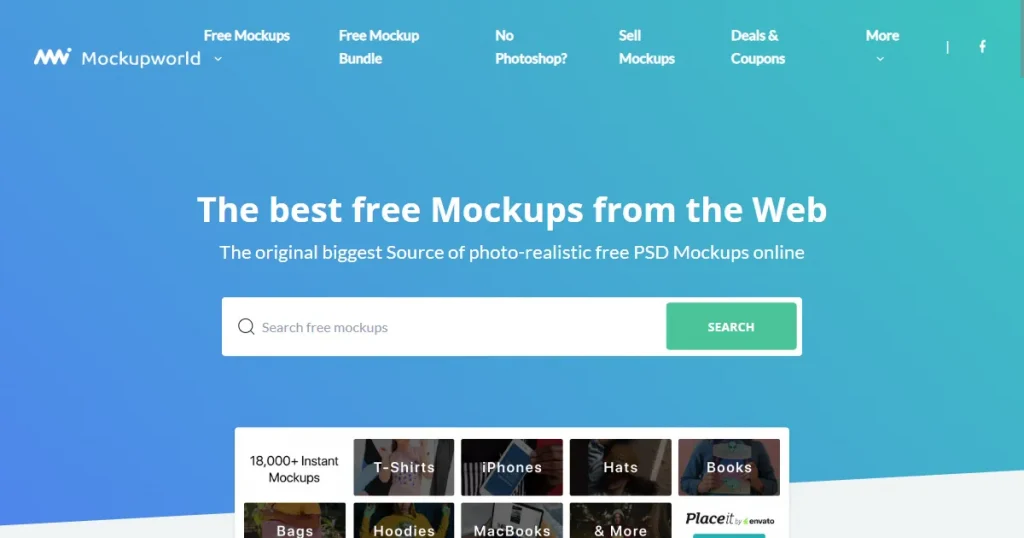
Mockupworld is a website that collects PSD mockup templates across the internet and serves as a search engine for them.
Instead of creating its own PSD mockups, it compiles some of the best free PSD mockup templates from across the internet into a single searchable library.
Pro: The biggest advantage is that, unlike Mr Mockup, which can become inaccessible for beginners because of the expensive pricing of mockup templates, Mockupworld is a completely free resource where you can download all its templates for free without paying any money.
Comparison with Mr Mockup:
While Mr Mockup specializes in premium-quality templates, Mockupworld provides templates of all quality levels. Using Mockupworld for your store listings can result in inconsistent product mockup quality.
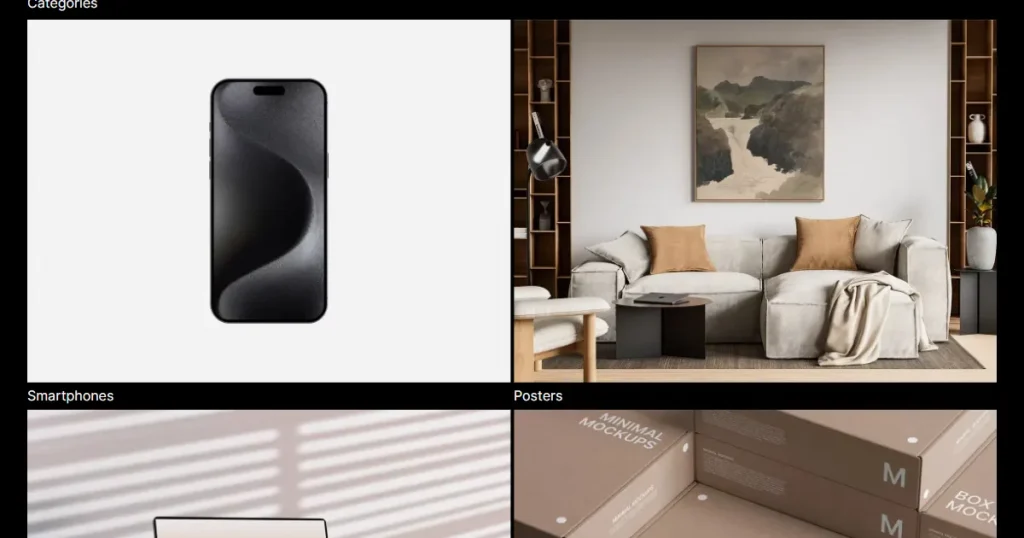
Minimal Mockups is a platform that offers clean, high-quality PSD mockups with a minimalist design, ideal for showcasing branding and digital designs in a simple, distraction-free way.
Pro: Minimal Mockups has a clear focus on minimalist design PSD mockup templates, making it the perfect source for designers and POD sellers looking for this exact aesthetic.
Comparison with Mr Mockup:
While Mr Mockup also provides a good collection of minimalist PSD mockup templates, Minimal Mockup does it better by focusing on a single aesthetic and offering no variety. Moreover, Minimal Mockups is completely free to use, making it one of the best free PSD mockup sites online.
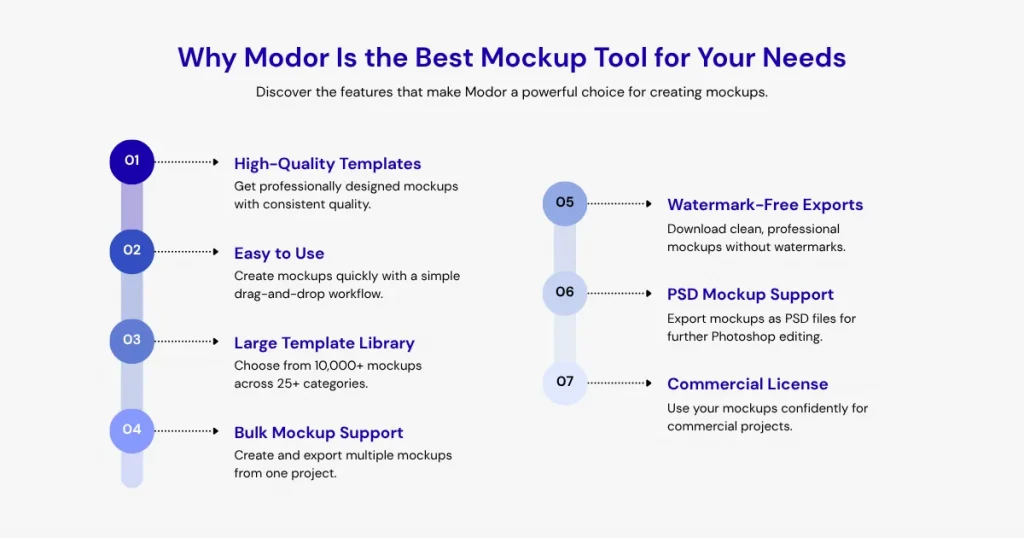
Here are a few reasons you should use Modor to create product mockups.
Through this Mr Mockup review, we can conclude that Mr Mockup is one of the best PSD mockup template websites available, given that you are already proficient with Photoshop and don’t mind spending a lot of time creating mockups. However, if you value fast mockup creation without losing quality, go for Modor.
Modor is one of the best mockup generators that offers an easy-to-use editor, 10,000+ templates across 25+ categories, bulk export support, and watermark-free exports with a commercial license, even with the free templates.
Mr Mockup is used for creating realistic branding, packaging, apparel, and device presentation mockups.
Yes, Mr Mockup is generally safe if you download files directly from its official website.
You can find free PSD mockup templates on Mr Mockup, Mockupworld, Modor, and Minimal Mockups.
Yes, Mr Mockup offers both free PSD mockup templates and premium paid collections.
Modor is the best Mr Mockup alternative, as it allows you to create high-quality mockups with an easy drag-and-drop workflow, 10,000+ templates, bulk export support, watermark-free exports, and a commercial license for all its templates.
This Mr Mockup Review reveals that the platform offers high-quality PSD mockup templates with realistic visuals and commercial licensing, making it a strong choice for professional designers, although its reliance on Photoshop may not suit beginners.