


30+ Best iPhone Mockup Templates Worth Trying
Looking for the right iPhone mockup template to fit your brand? Checkout our list of the best iPhone mockup templates worth trying.
Business cards are often your brand’s first impression, and if you want to make that impression last, you need to create business card mockups with Modor. The process is very simple, just select a template, upload your design, customize it, and export.
Modor is the best business card mockup generator because it offers a wide variety of mockup templates across various styles, an easy-to-use editor, bulk mockup creation, and high-quality, watermark-free exports, even with free business card mockups.
That being said, let’s dive deep into the exact process of how to create business card mockups with Modor, along with some expert tips on how to make your business card mockup stand out.
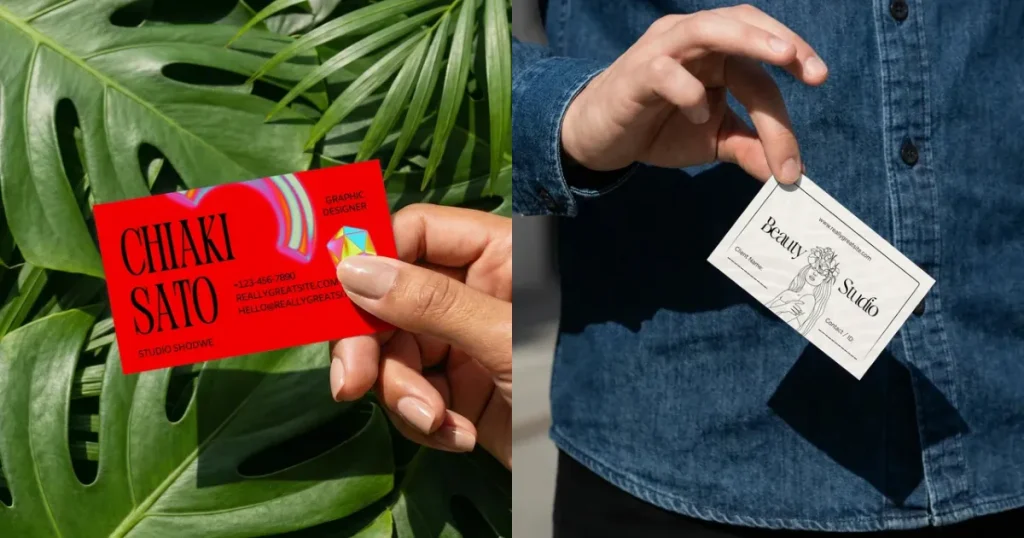
A business card mockup is a visual representation of how your business card should look in the real world before printing
For many clients, your business card is the first thing they see. If it looks careless or poorly designed, it can hurt how they judge your business.
That’s why mockups matter. They help freelancers, small businesses, and startups present a clean, professional look and make a stronger first impression, sometimes enough to tip a client in your favor.
A business card mockup serves the following functions.
If you want to create professional-looking business card mockups, then you can use these tools.
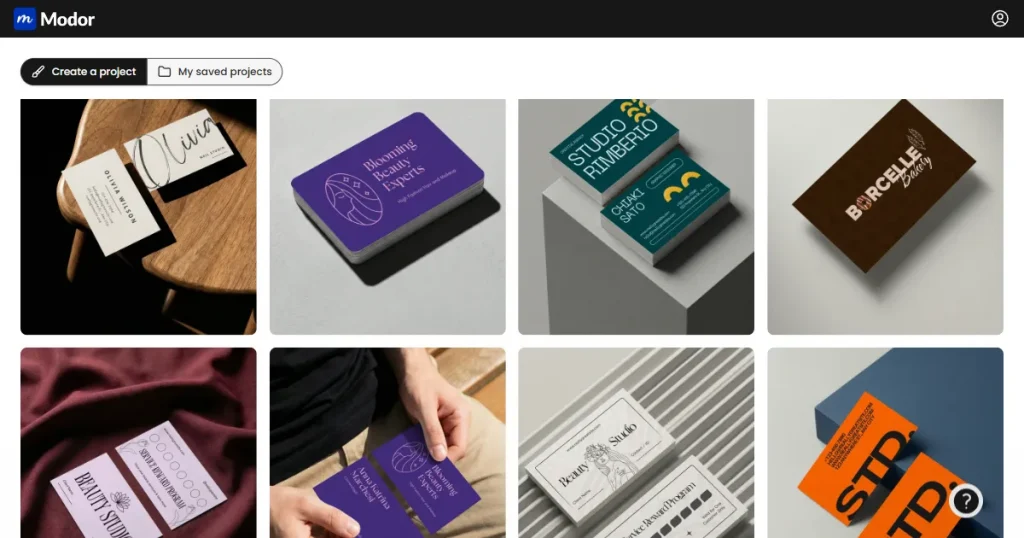
Modor is an AI-powered online mockup generator with an easy-to-use drag-and-drop editor, over 10,000 mockup templates across 25+ categories, bulk mockup support, high-quality, watermark-free exports, and free PSD downloads.
It is the best business card mockup generator, offering a wide variety of templates across styles such as flat lay, lifestyle, handheld, and stacked mockups.
Beyond these features, it offers a commercial license on the free plan as well. Moreover, new business card mockup templates are added to its library regularly to keep up with the latest business card style trends.
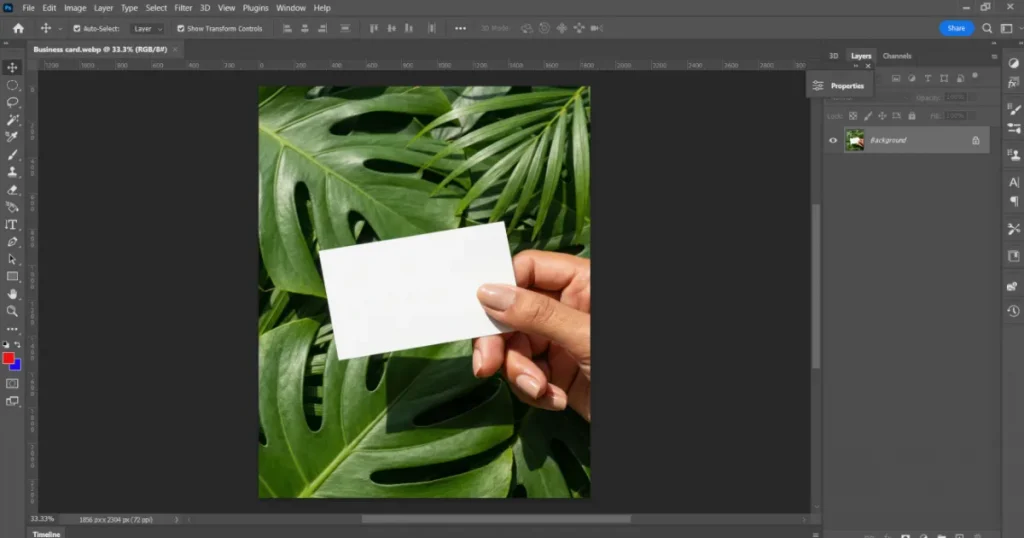
Photoshop has always been the go-to tool for creating product mockups, including business card mockups. There are two ways to create business card mockups in Photoshop.
The first is to start from scratch, create a 3D layout, use Firefly to generate a background, and then place your designs as smart objects. It takes time and usually needs solid design skills and patience.
However, the second method is a bit easier. Here, you need to download a business card mockup PSD file, import it into Photoshop, and place your designs in the correct perspective, lighting, and shadows. This process is also manual, time-consuming, and requires design skills.
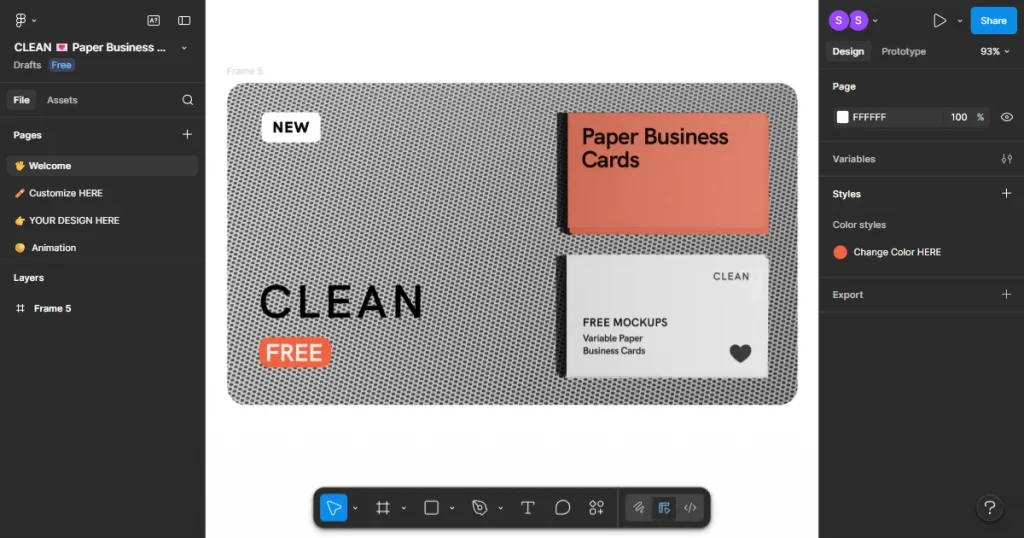
Figma is a collaborative design tool used by designers to work together for teams in a single workspace. Over time, it has also become a practical option for creating business card mockups, thanks to its wide range of community plugins and ready-made templates.
In Figma, you can build a business card mockup from scratch, but it’s easier to use a template and locate the frame or layer where the card design goes.
Replace that layer with your own design, adjust alignment, shadows, and perspective if needed, and once everything looks right, you will have a ready-to-post mockup.
However, this process also takes time, and since templates are created by individual users, their quality is inconsistent. So, if you are looking for consistent branding and only high-quality templates, then Figma is not the right tool for you.
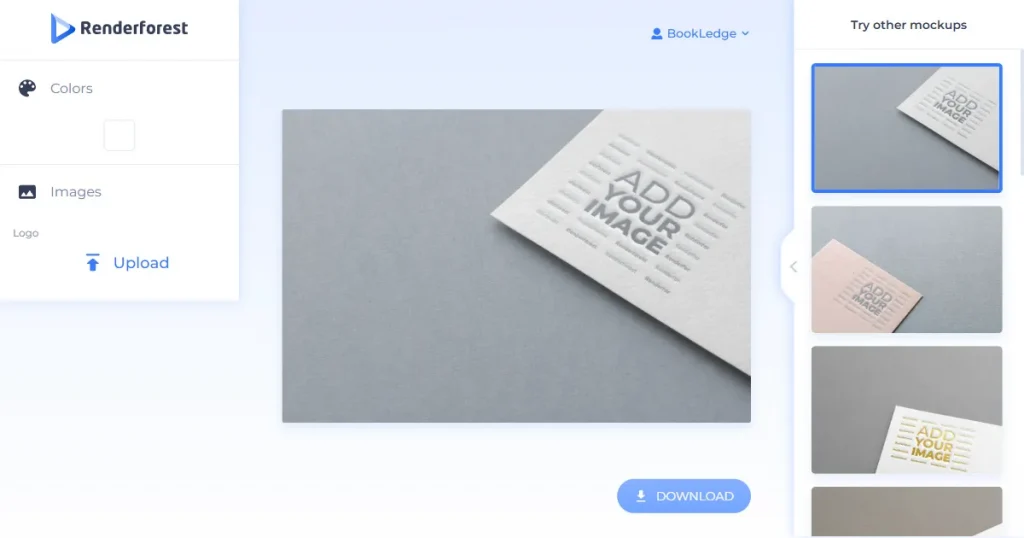
Renderforest is an all-in-one design platform that operates entirely online and offers a mockup generator, website builder, logo maker, and video creation tool.
However, since it is not a dedicated mockup tool, only a limited number of business card mockup templates are available, and most are quite generic.
In the mockup editor, advanced customization options such as adjusting shadows, changing backgrounds, or fine-tuning visual details are not available.
Additionally, designs are restricted to fixed positions, as repositioning beyond the predefined mockup area is not allowed. Due to these limitations, it cannot be considered a good business card mockup generator.
Now that we have covered what a business card mockup is, let us explore how to create business card mockups with Modor.
Step 1: Create an Account and Log In
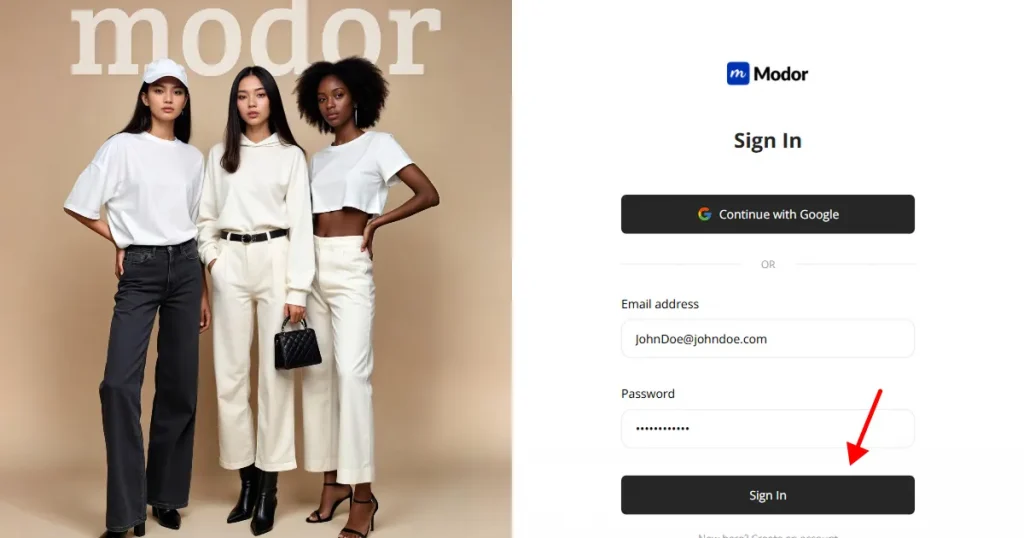
First, create an account with Modor by entering your name, email, and password. For faster access, sign up with the Gmail method.
Step 2: Navigate to the Business Card category
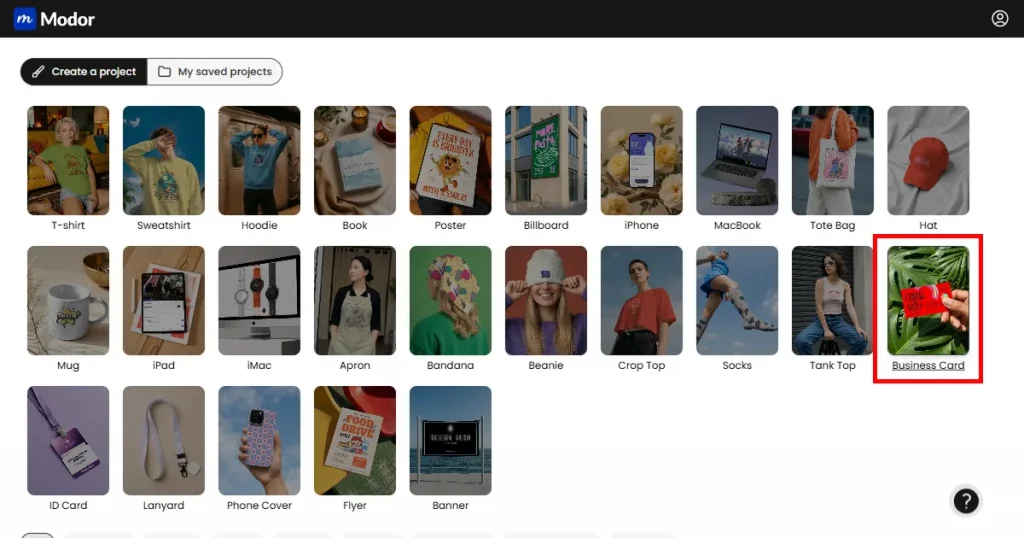
Inside the tool, you’ll see thousands of templates across 25+ categories. To create business card mockups, go to the Business Card category to find relevant templates.
Step 3: Select a Business Card Template
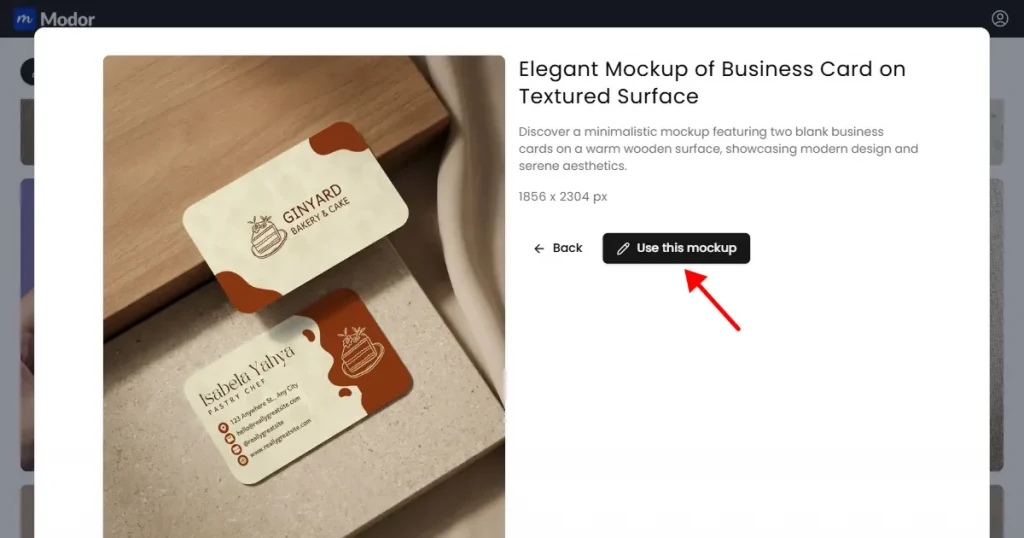
Now, you can see a bunch of high-quality templates. So, select a template that aligns with your branding, then click the image to expand it. Once the mockup template expands, you can click the Use this mockup button to start editing it.
Step 4: Upload your Business Card Design
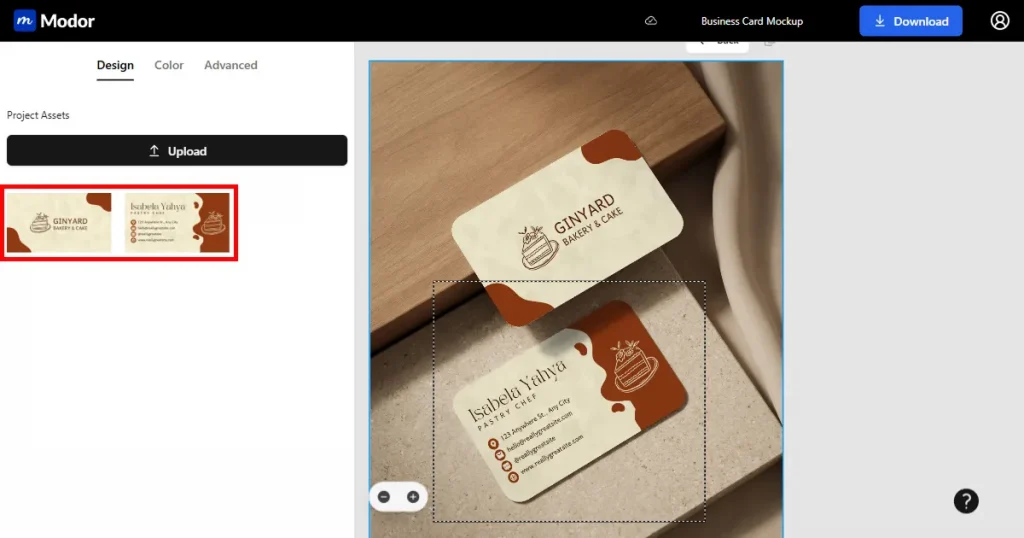
In the editor, click Upload on the left and add your design. Modor’s AI will place it with the right perspective, lighting, and depth.
Step 5: Use Advanced Customization Tools
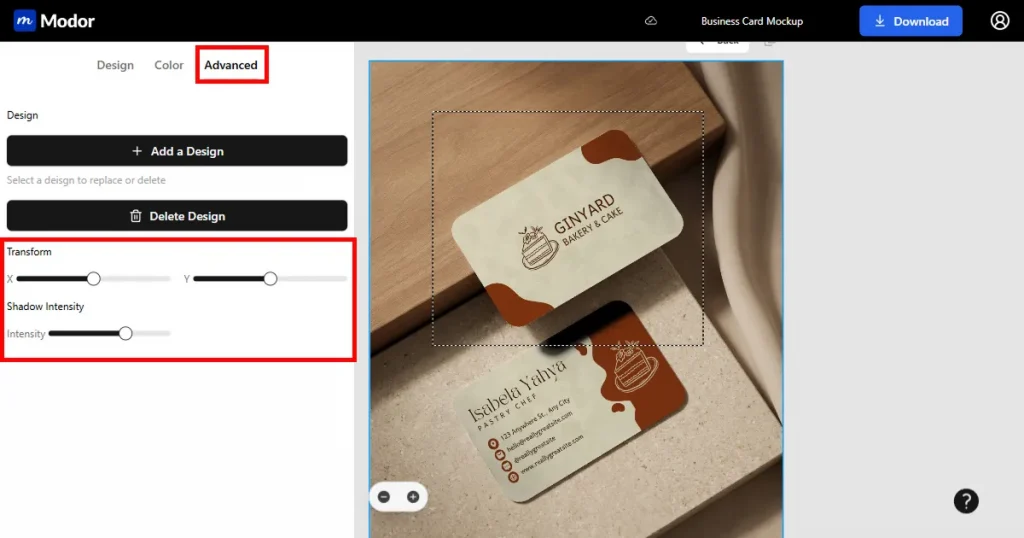
If you need to edit it further, use the Advanced customization tool by clicking the Advanced button next to the color tool. Within the advanced customization dashboard, you will find 2 options.
The first is the Transform tool, which lets you reposition the design to align with other elements, making it look more realistic.
The second is the Shadow Intensity tool, which lets you add realistic-looking shadows that give your mockup depth, making it look like a real image.
Step 6: Create Multiple Mockups at Once
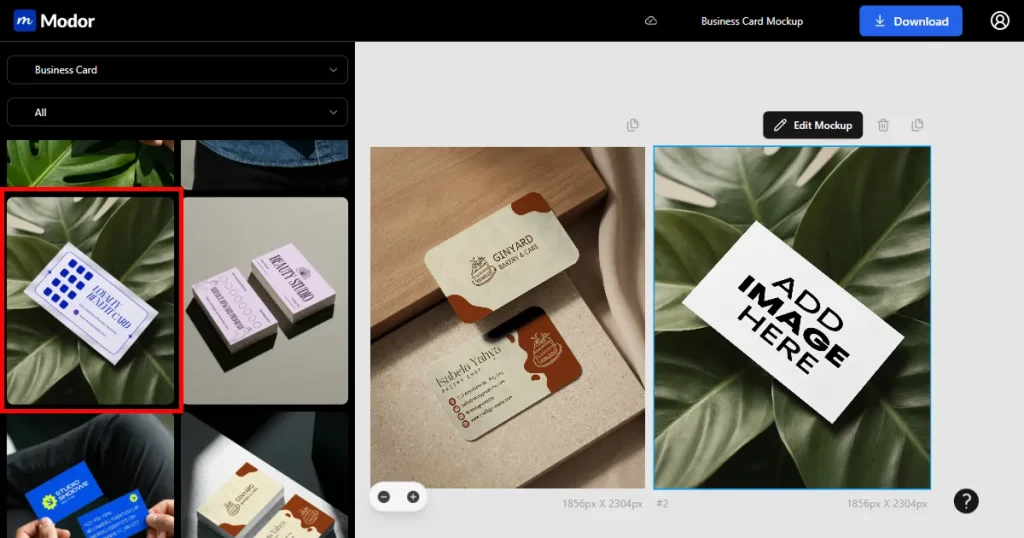
If you are testing multiple designs or creating multiple business card mockups for different brands, Modor also supports bulk mockup creation.
To add another mockup template to the project, navigate to the left-hand side, use the category drop-down to select the Business Card category, and you will be able to see all the business card mockup templates.
Now, add a template that you want to use, and it will be automatically added to the project. Now, you can follow the sample process to add your designs to this mockup.
Step 7: Export
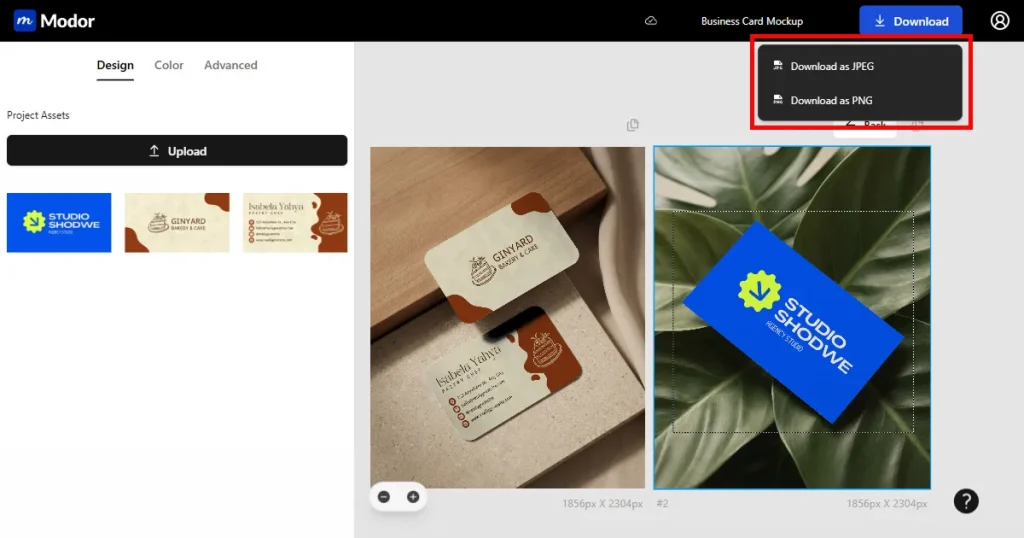
Once you have created all the business card mockups you need, you can download them by clicking the Download button at the top right corner, where you can choose between JPG and PNG.
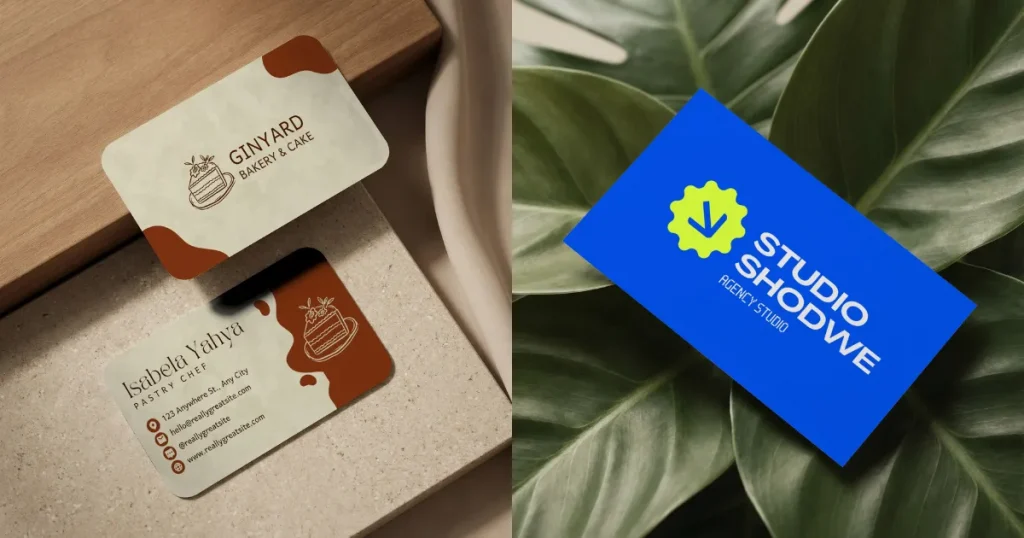
Your mockups will be exported to a ZIP file, and you can extract them for use. Here’s what the final mockups would look like.
Here are a few things to keep in mind when you create business card mockups.
Business cards are more than a way to share your contact information, they are your brand’s first impression, which carries forward into subsequent interactions. That’s why creating professional, high-quality business cards is necessary for your business to stand out.
And Modor makes it very easy to use, as it is the best business card mockup generator, offering high-quality templates across a variety of scenes, an easy-to-use drag-and-drop editor, bulk mockup support, and high-quality, watermark-free downloads even on the free templates.
That being said, the best business card mockup generator depends on your specific needs, so try Modor yourself with your own designs before making a final choice.
A business card is a small printed card that shares your contact and business details. It is mainly used for networking and professional introductions. It also helps shape the very first impression of your business in your client’s minds.
Yes, there are free business card mockup templates available in Modor that you can use to create professional-looking business cards for your business.
Use Modor, upload your business card design, and Modor will handle the lighting and shadows. Customize the depth and positioning, and export.
To create a business card mockup in Photoshop, use a free business card mockup PSD file, place your designs into the smart object, and customize the shadows and lighting to make it even more realistic.
You can find free business card mockup PSD files on PSD resource sites, and Modor also provides them for download in PSD format.
Modor stands out as a business card mockup generator with a wide range of high-quality templates. It offers an easy editor, advanced customization, bulk export, and watermark-free downloads.