


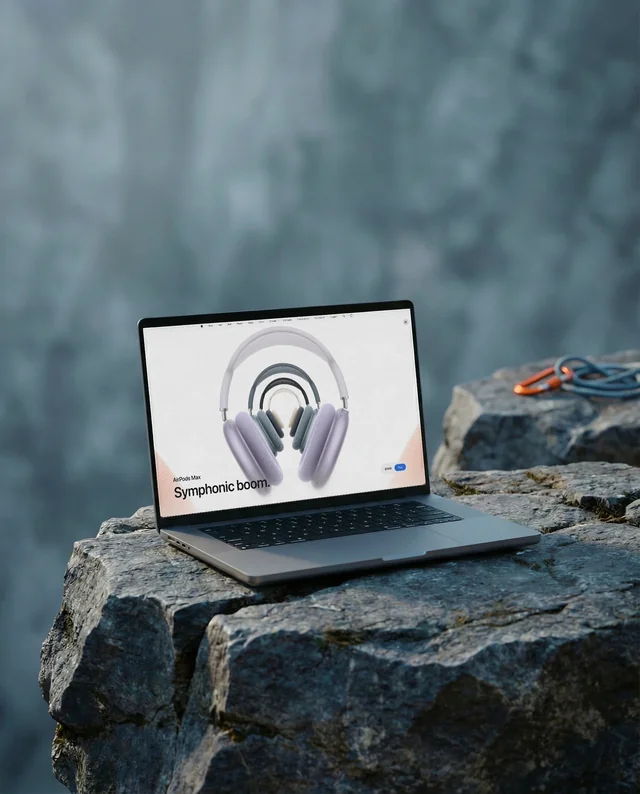
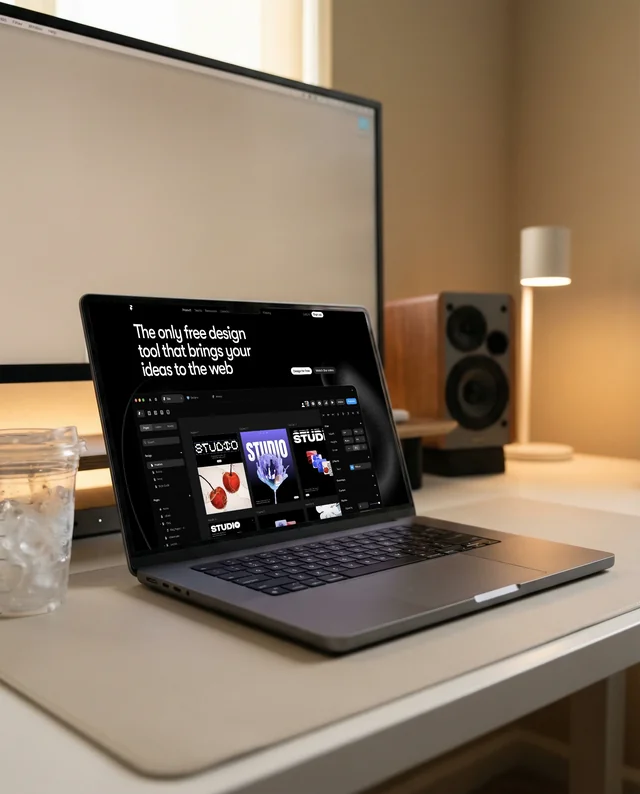
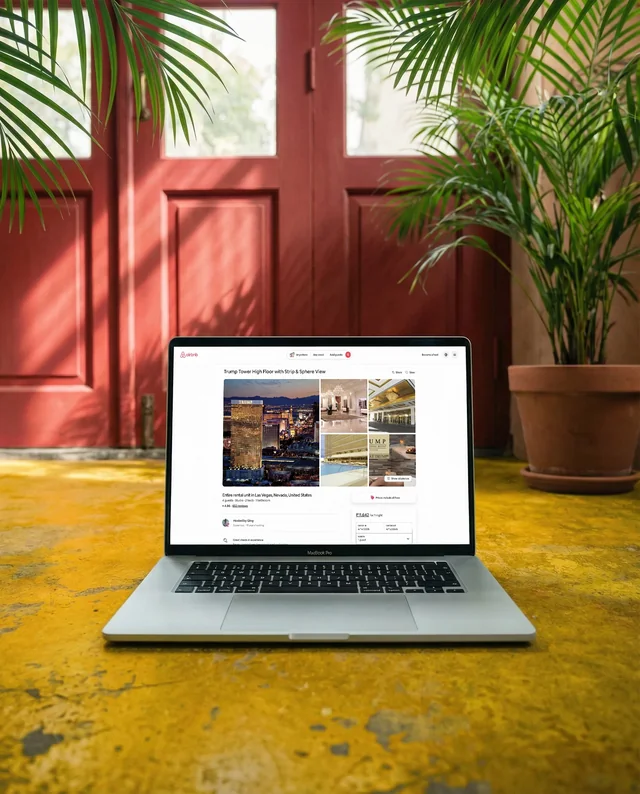
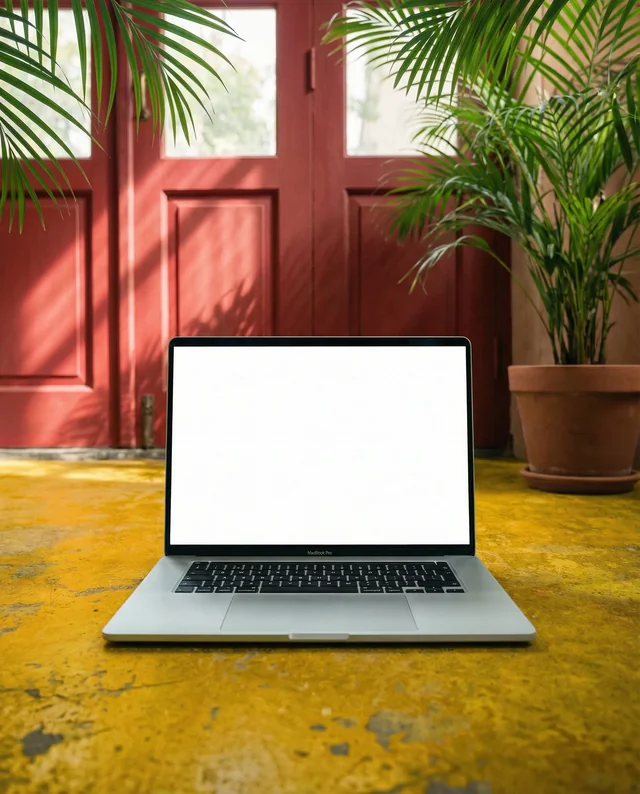
iPhone MacBook Mockups
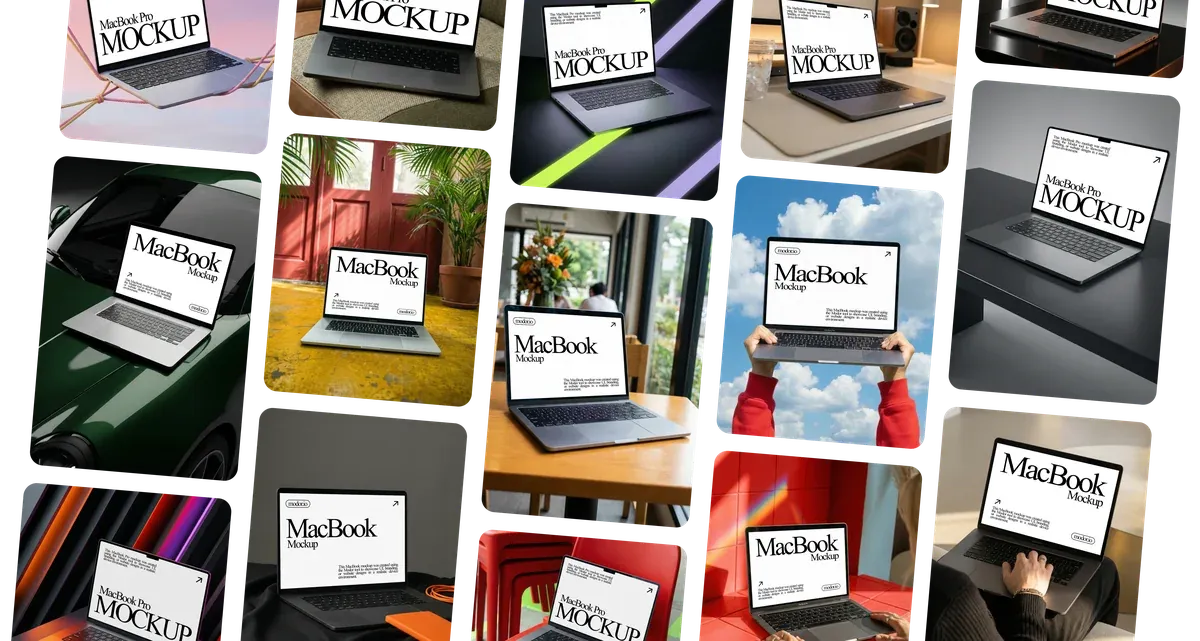
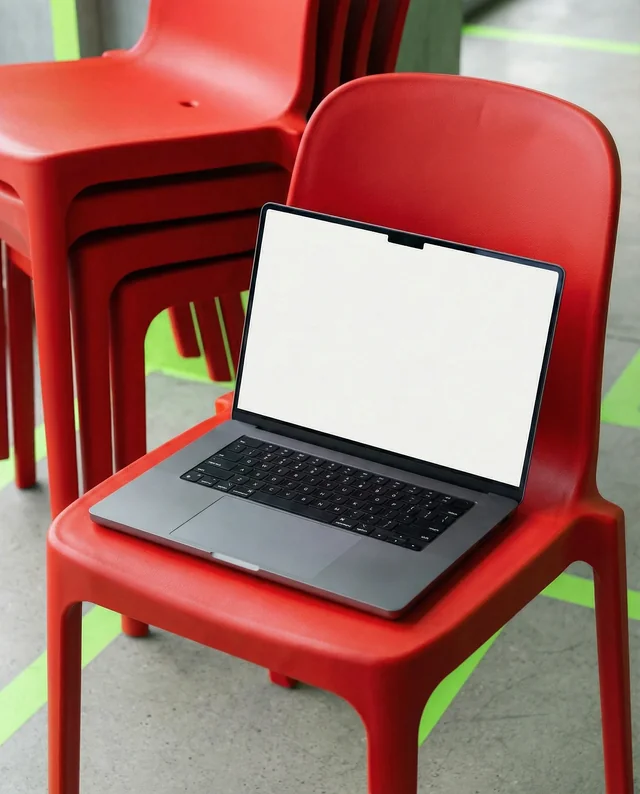
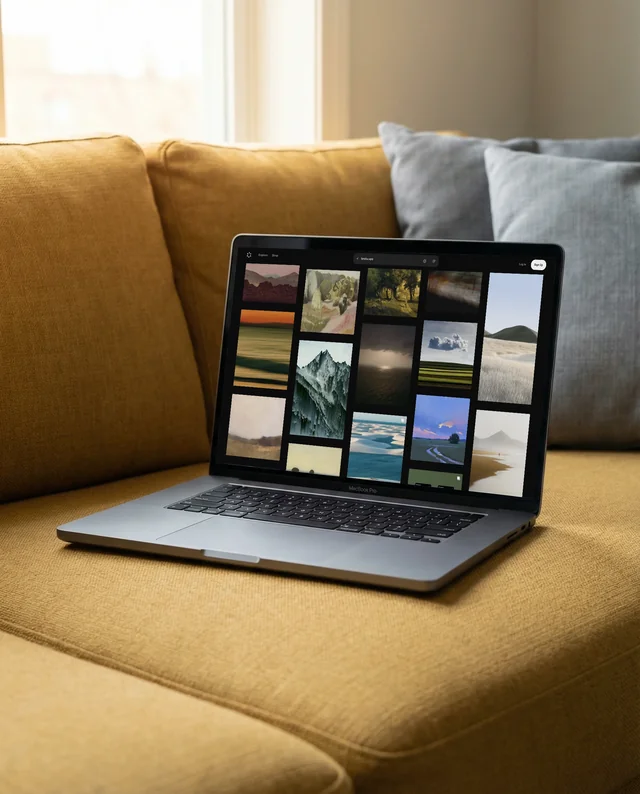
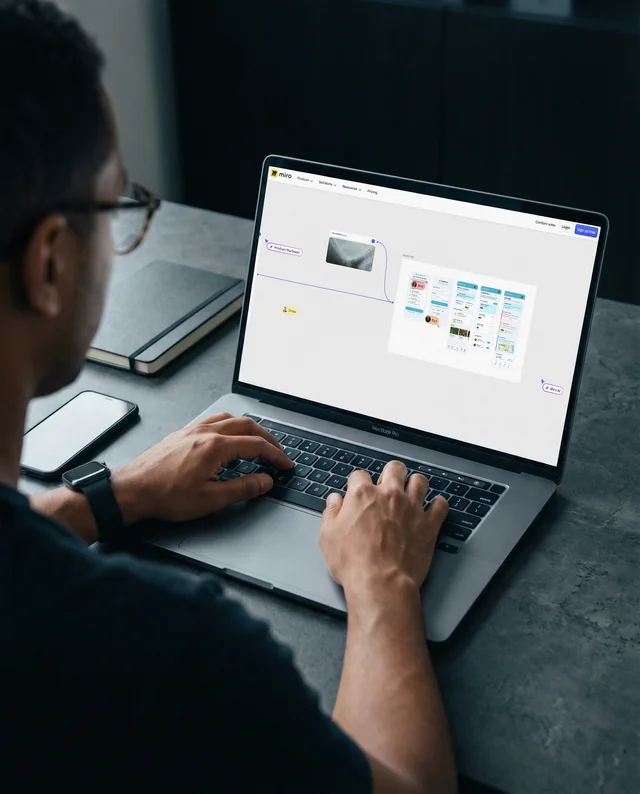
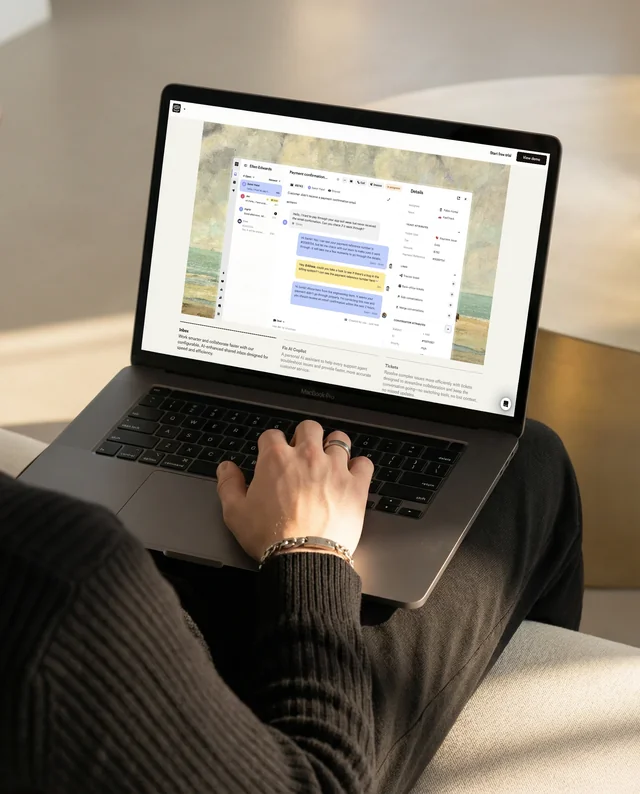
Create combined iPhone MacBook mockups that showcase responsive designs across multiple Apple devices. Our MacBook mockup generator helps you present websites and apps in a cohesive ecosystem view with accurate proportions and screen clarity.
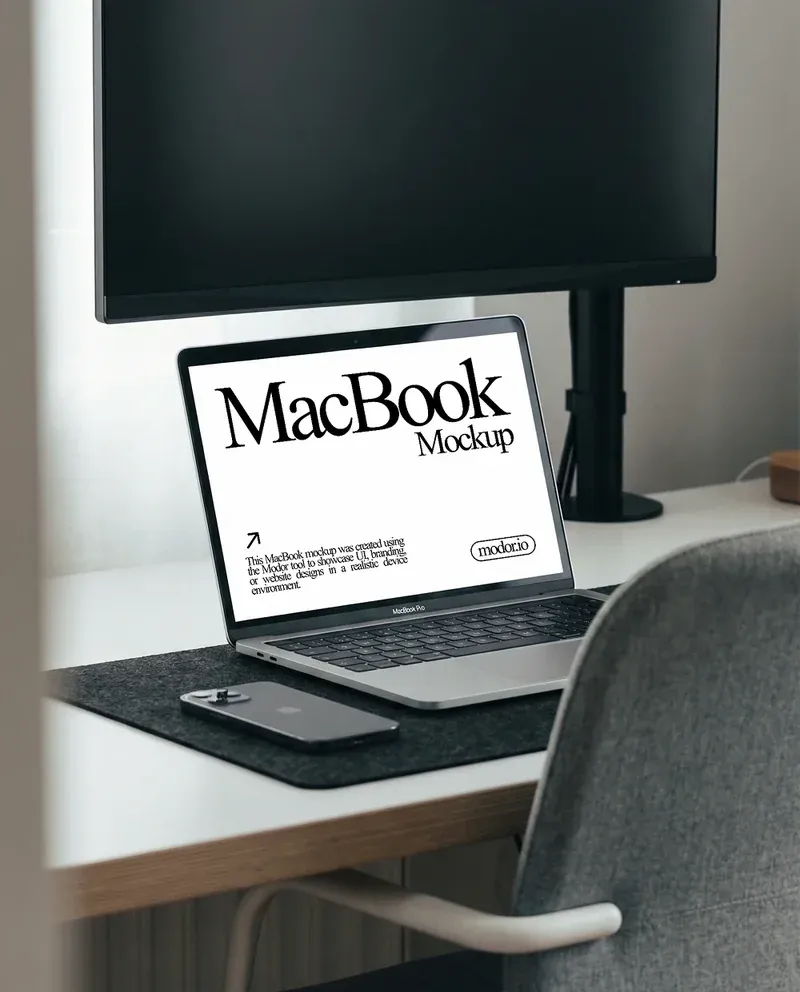
Animated MacBook Mockups
Present interfaces with motion using animated MacBook mockups designed to highlight interactions and user flows. This MacBook mockup tool allows you to display transitions, scrolling, and dynamic content in a realistic laptop environment.
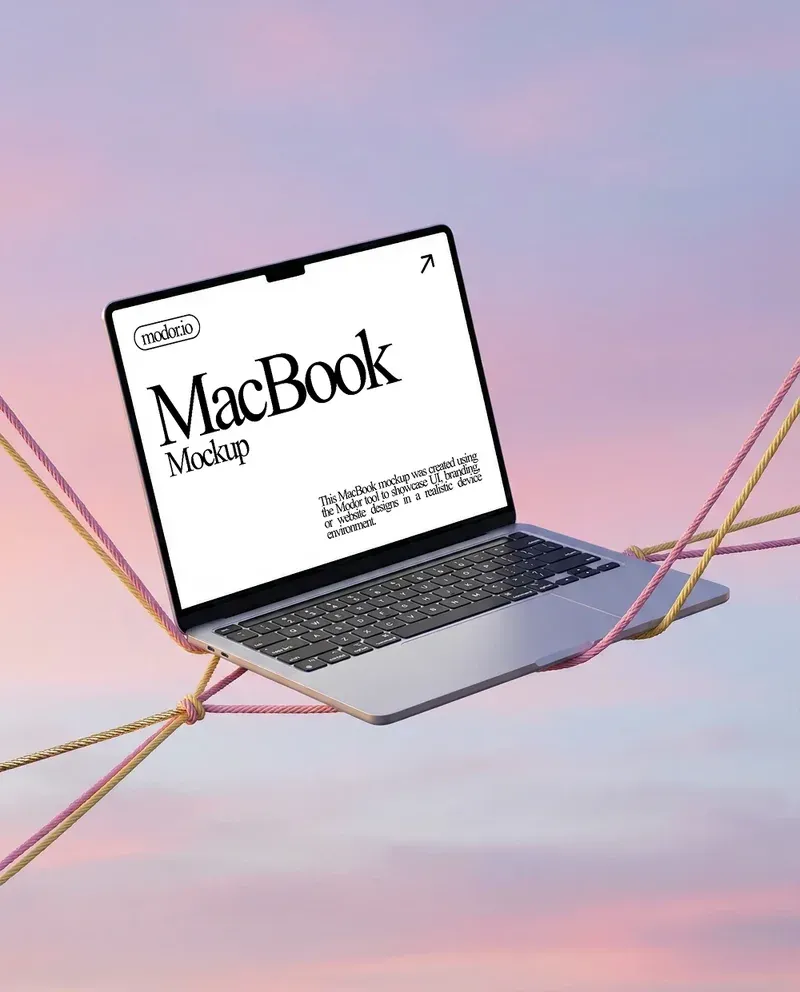
MacBook Screen Mockups
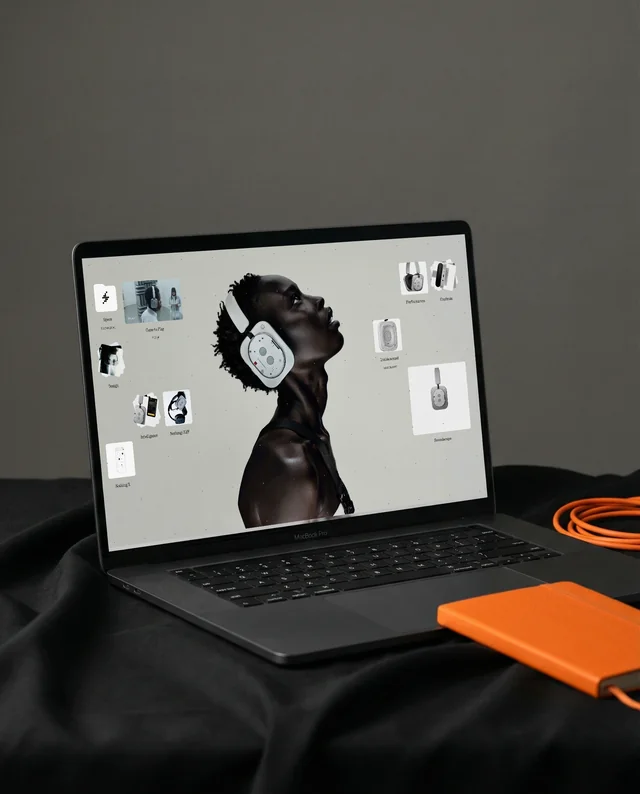
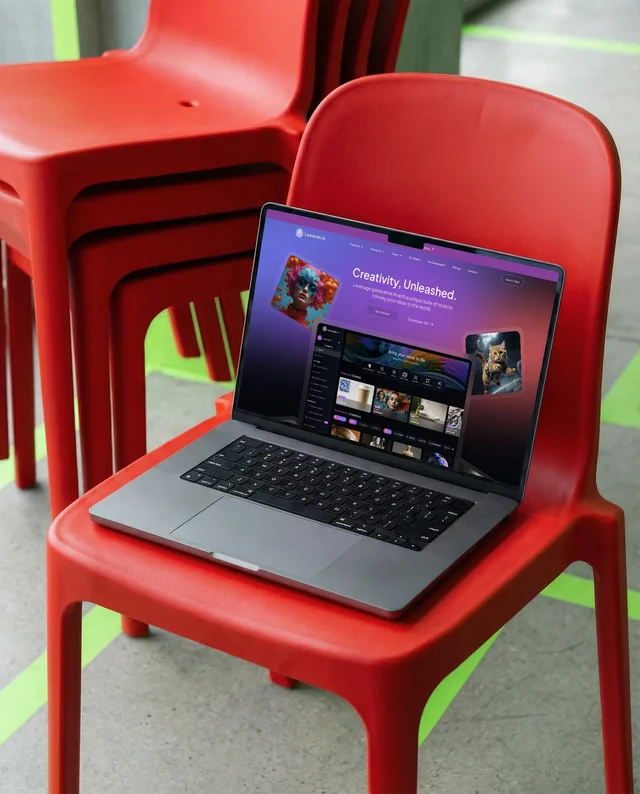
Showcase your work with focused MacBook screen mockups that emphasize clarity and detail. Our MacBook mockup generator lets you place websites, dashboards, or apps onto realistic screens with balanced lighting and perspective.
Steps to use MacBook Mockup Generator
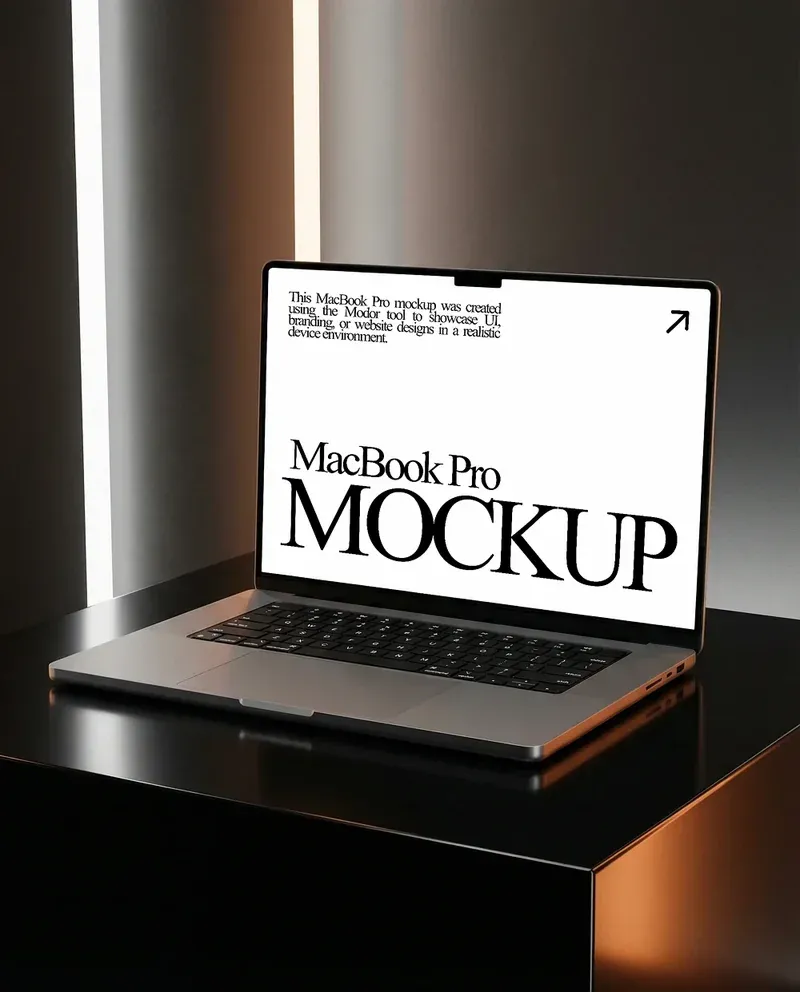
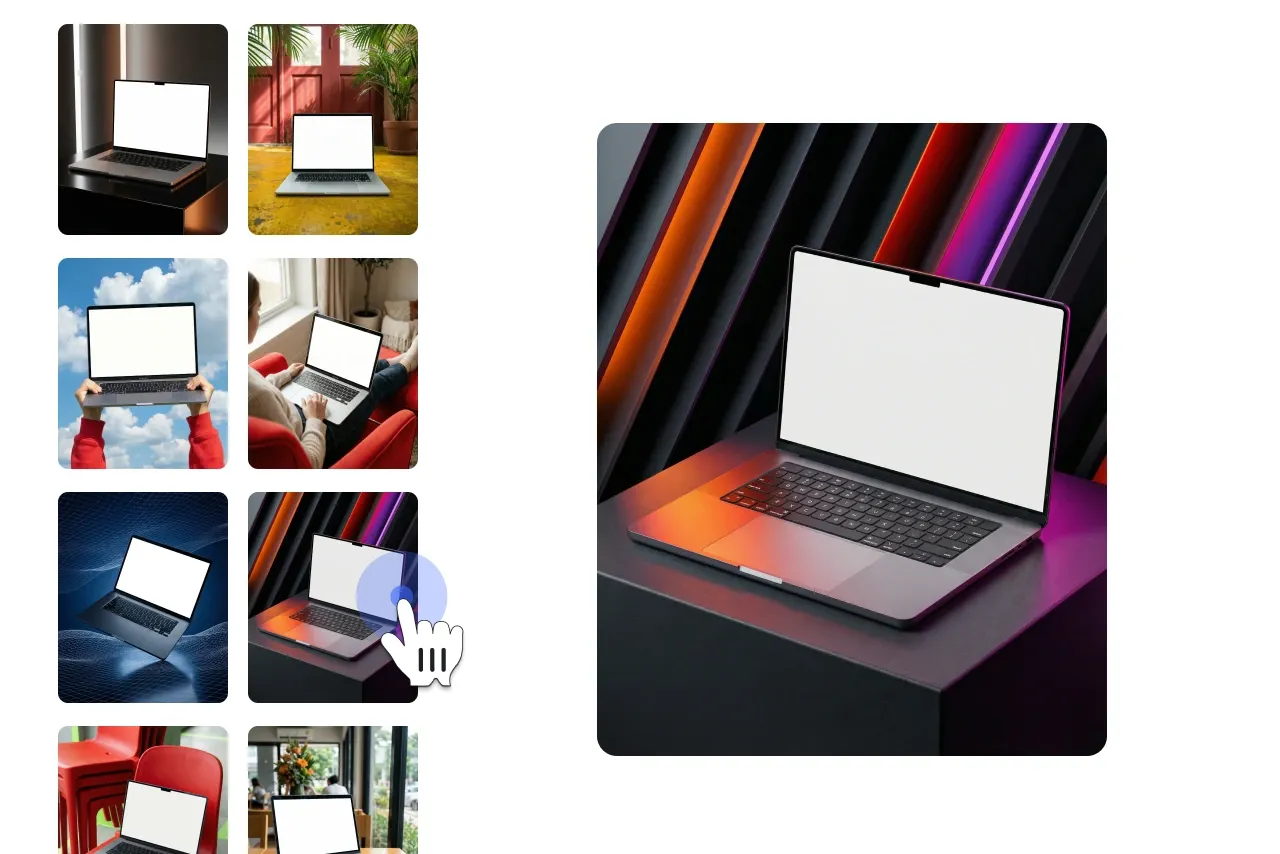
Select a MacBook Mockup Template
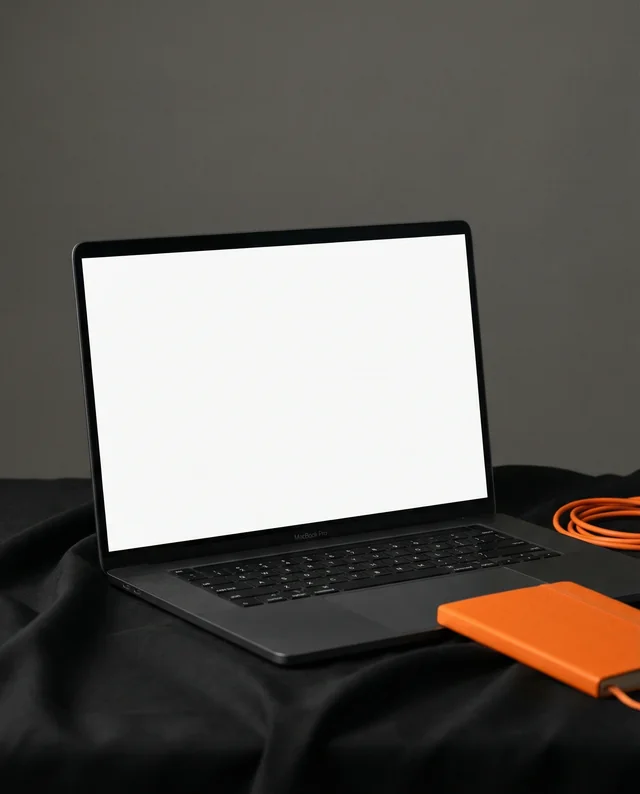
Explore a curated range of MacBook mockup templates. Choose from various angles, finishes, and layouts that best suit your design presentation.
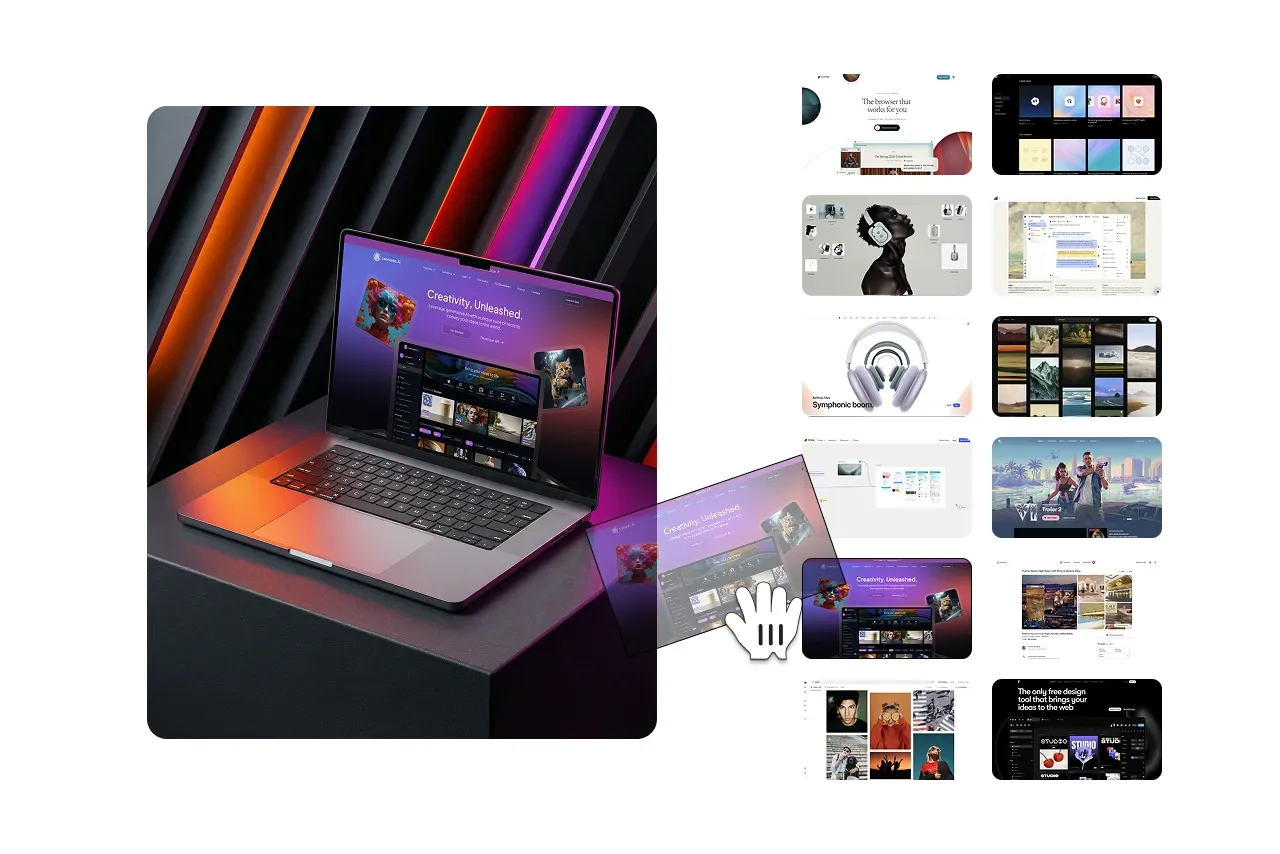
Add Your MacBook Design
Upload your screen design, logo, or visual content. Use Modor’s intuitive editor to place your design accurately within the MacBook mockup.
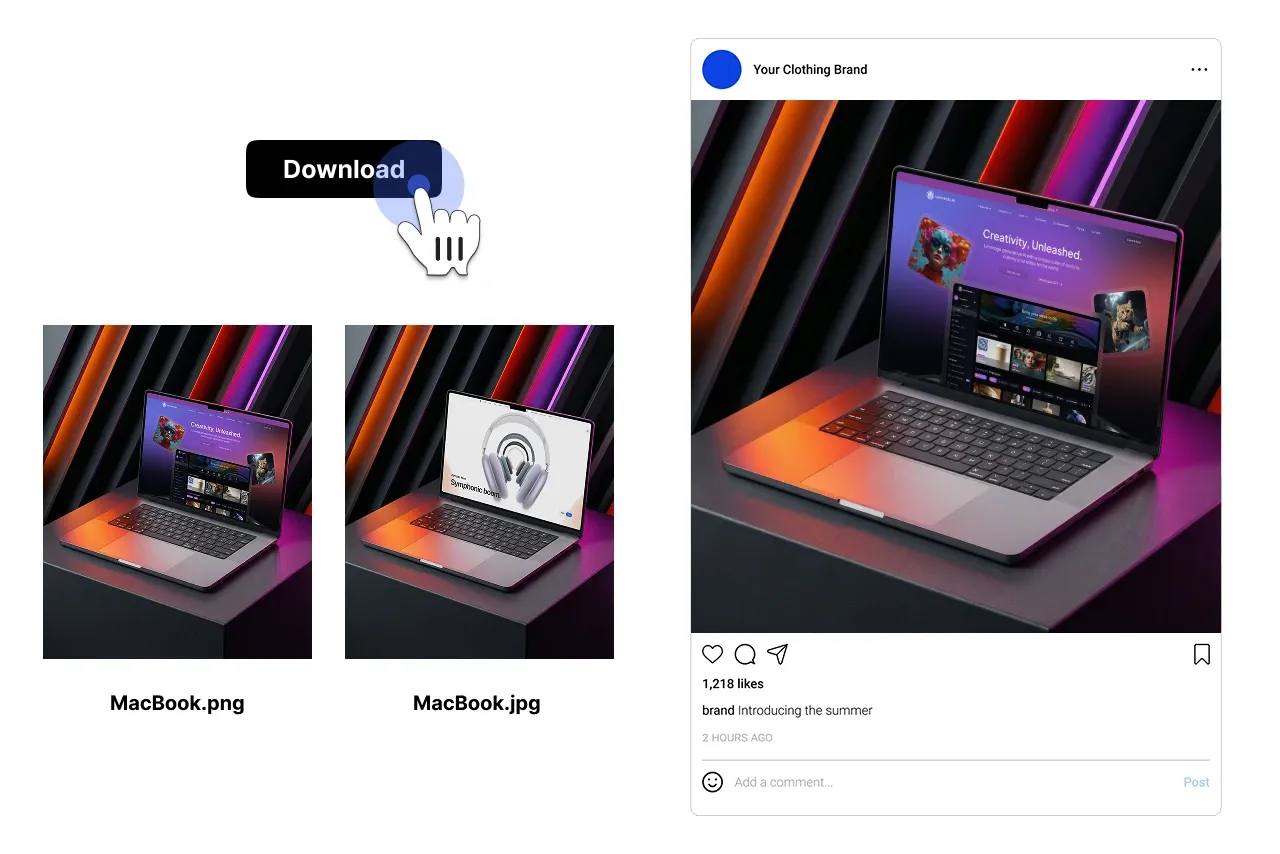
Export or Share Your MacBook Mockup
Download your MacBook mockup in high resolution or share it directly with clients, teams, or online platforms for presentations and previews.
Explore Free Mockups Across Multiple Categories
Browse Modor's extensive library of mockup templates, from apparel and devices to packaging and print. This free mockup generator helps you visualize designs in realistic settings.







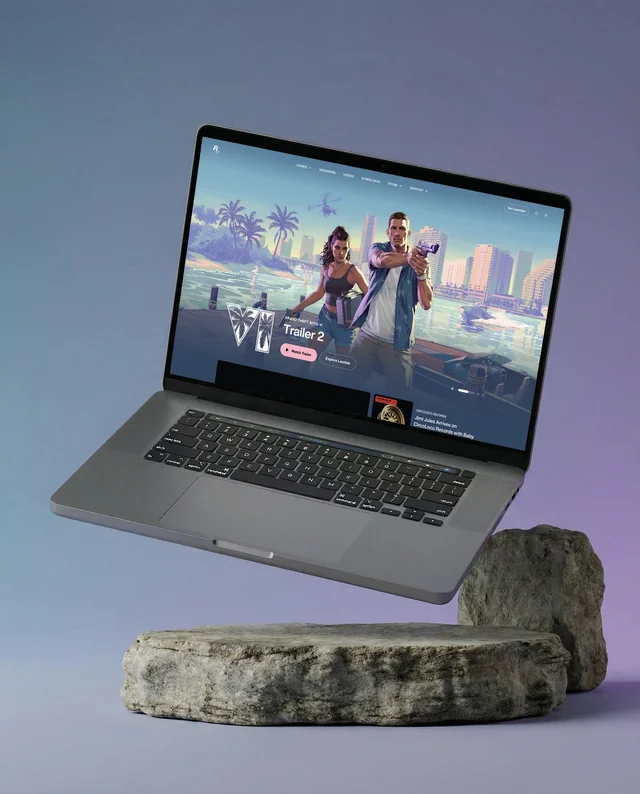










Explore other Mockups
FAQs
What is a MacBook mockup generator?
A MacBook mockup generator is an online tool that helps you place your designs on realistic MacBook devices to create professional visual previews.
Is Modor’s MacBook mockup generator free to use?
Yes, Modor offers a free MacBook mockup generator that allows you to create high-quality mockups without upfront cost.
What can I create with a MacBook mockup?
You can create MacBook mockups for websites, web apps, software interfaces, dashboards, and product presentations.
Do I need design experience to use the MacBook mockup generator?
No, Modor’s MacBook mockup generator is designed for ease of use and works well for beginners and professionals alike.
Can I upload my own MacBook screen design?
Yes, you can upload your own screen designs, visuals, or layouts and place them accurately within the MacBook mockup.
Are the MacBook mockups realistic?
Modor provides modern and realistic MacBook mockups with accurate device proportions, lighting, and perspectives.
Can I customize the MacBook mockup?
Yes, you can adjust placement, scale, orientation, backgrounds, and visual effects to suit your mockup requirements.
In which formats can I download my MacBook mockup?
You can download your MacBook mockup as a high-resolution image suitable for websites, presentations, and marketing materials.
Who should use Modor’s MacBook mockup generator?
The tool is ideal for designers, developers, startups, agencies, and product teams looking to showcase MacBook-based designs professionally.