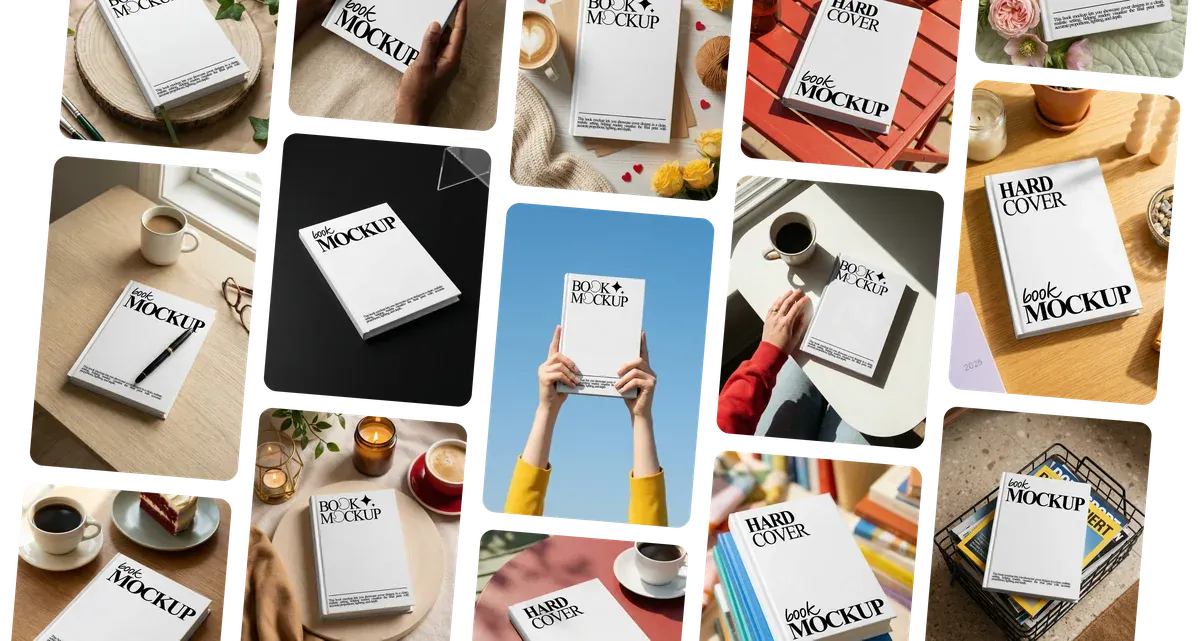





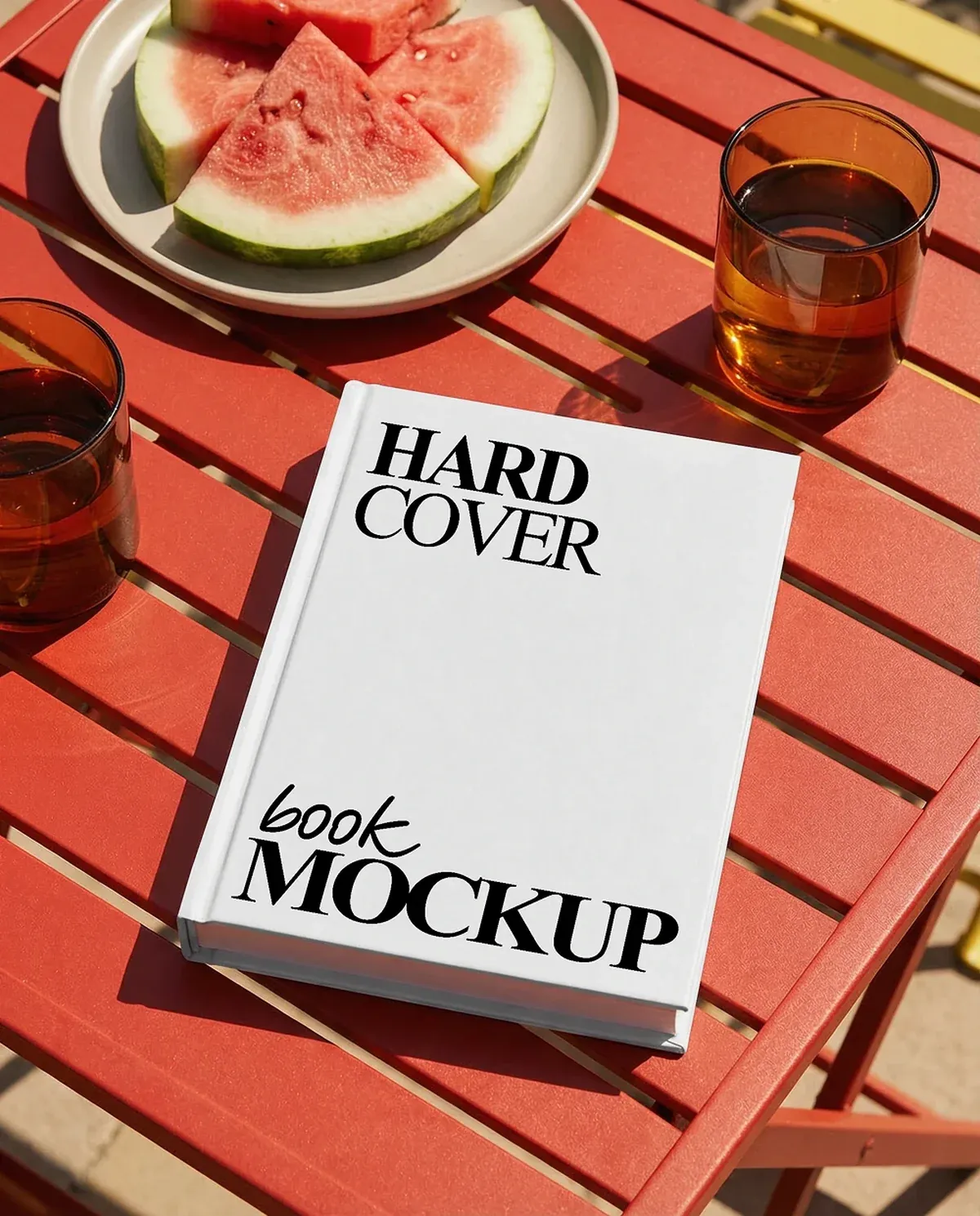
Hard Cover Book Mockups
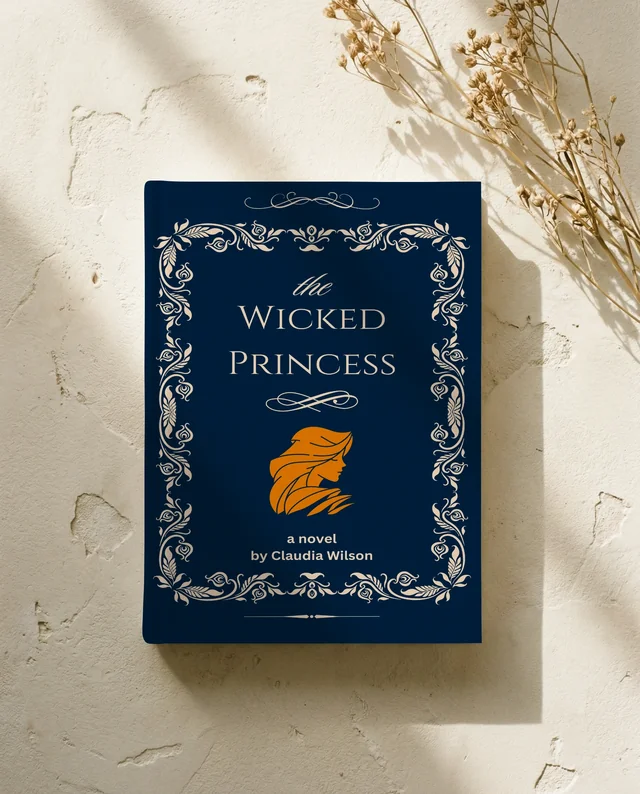
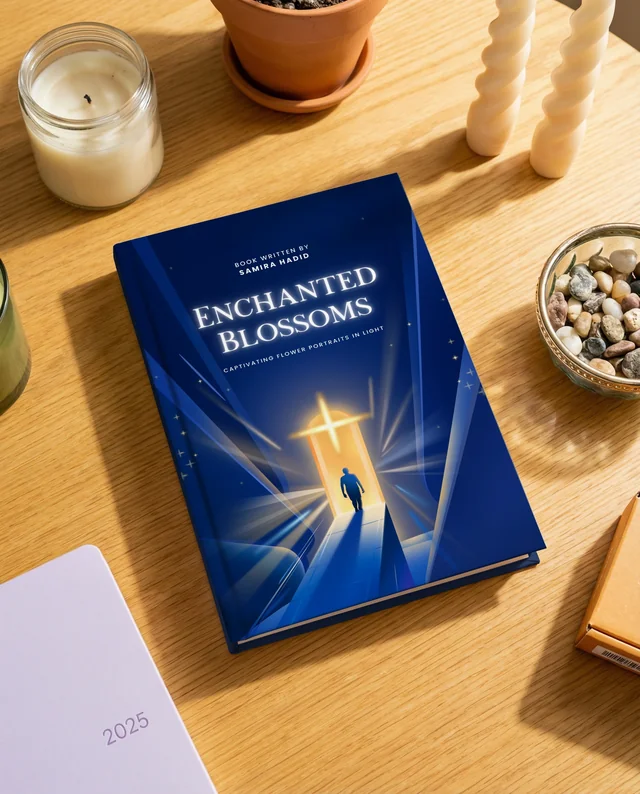
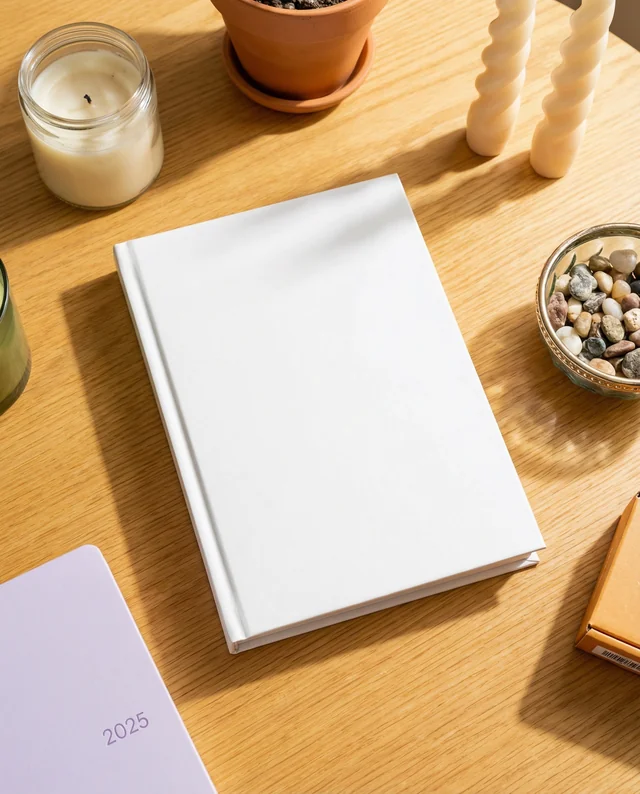
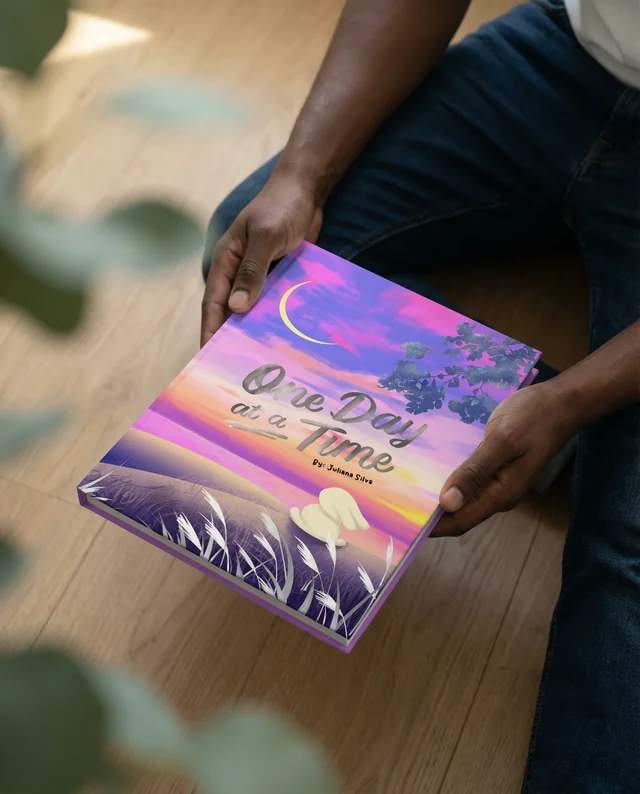
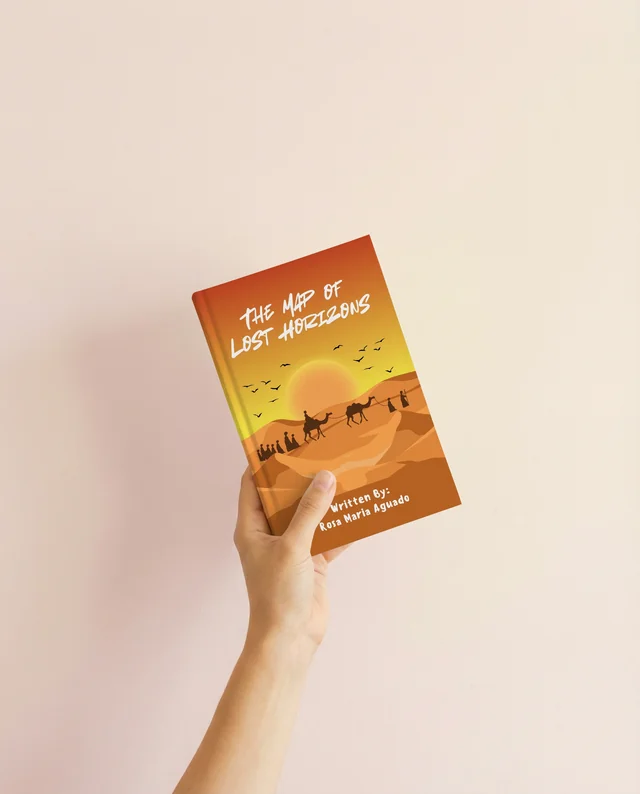
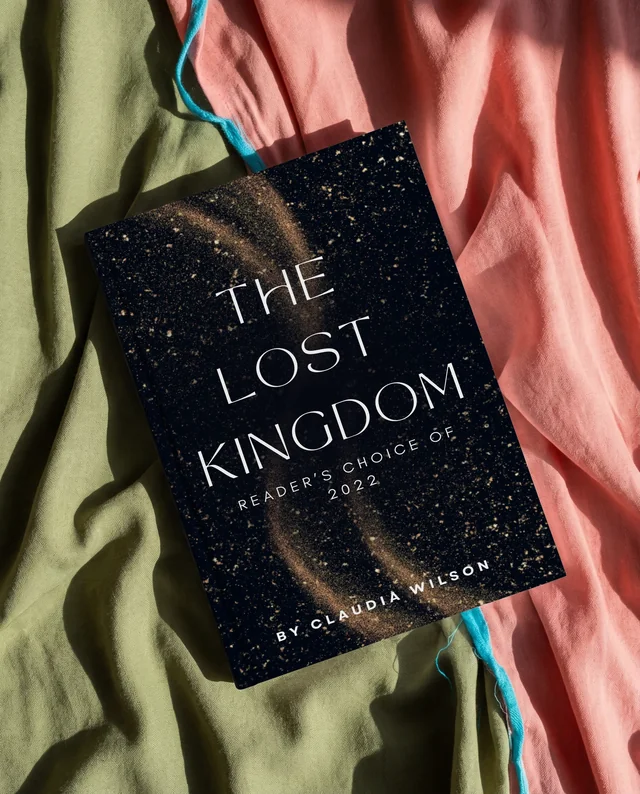
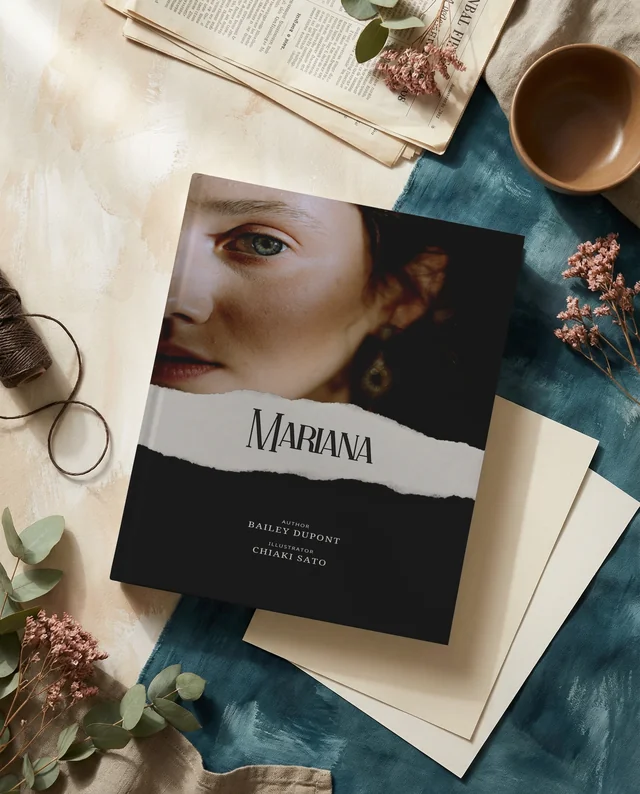
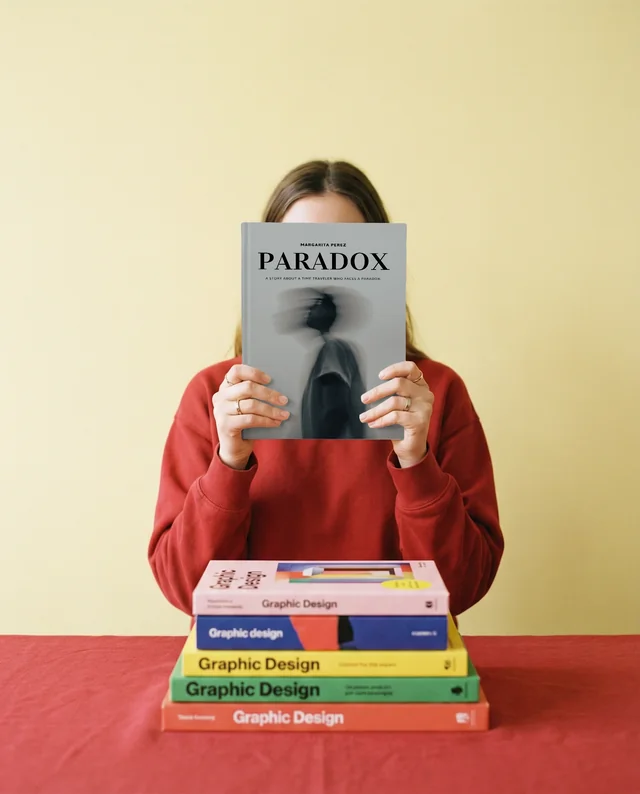
Create professional hard cover book mockups that highlight texture, spine depth, and realistic lighting. This free mockup generator helps authors, publishers, and designers preview book covers in a polished, print-ready format. Ideal for marketing materials and client presentations, the tool ensures accurate proportions while keeping the focus on the book design.
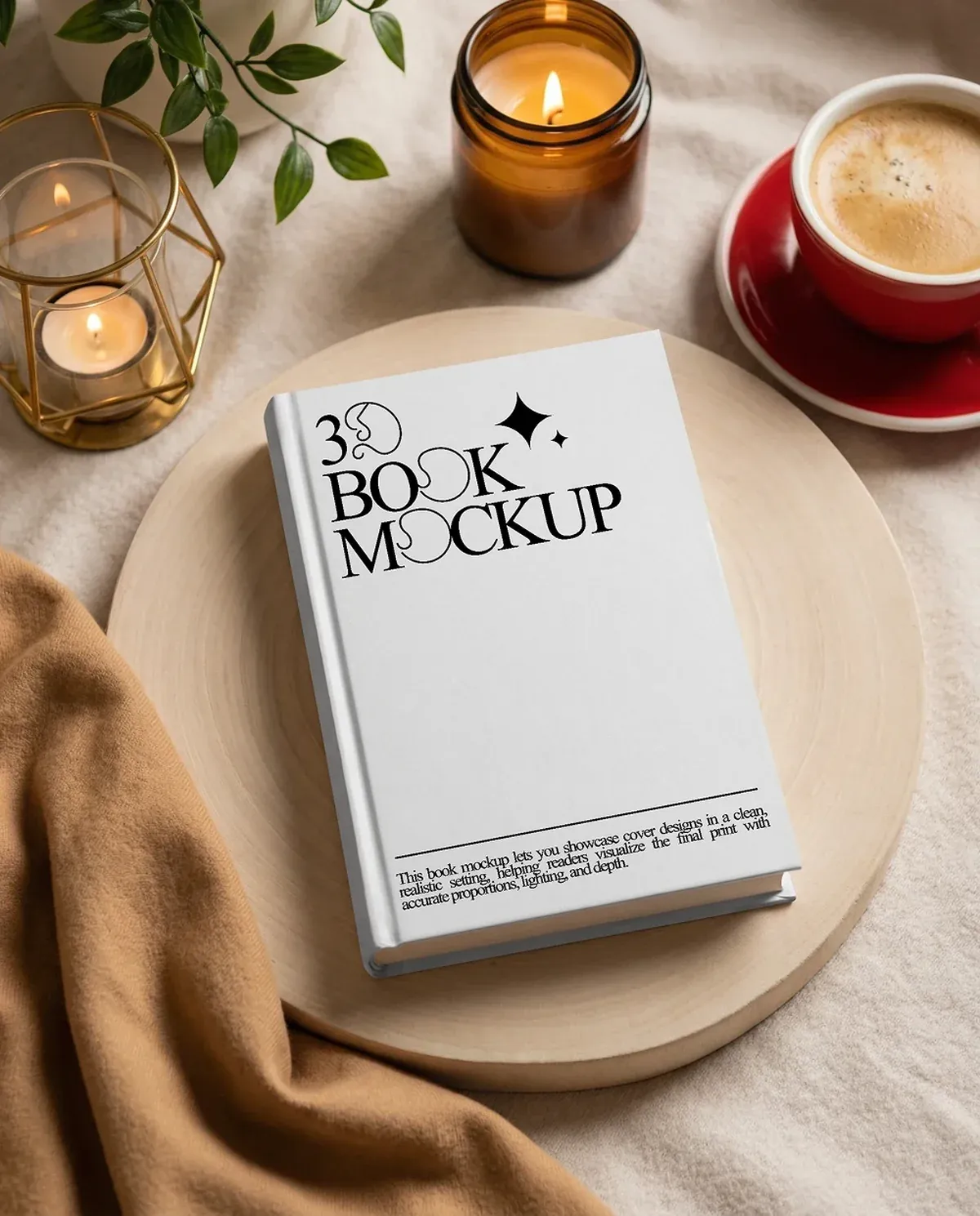
3D Book Mockups
Visualize your design with realistic 3D book mockups that add depth and perspective to book presentations. The free book mockup generator allows you to showcase covers from multiple angles, making it suitable for promotional assets, portfolios, and online listings.
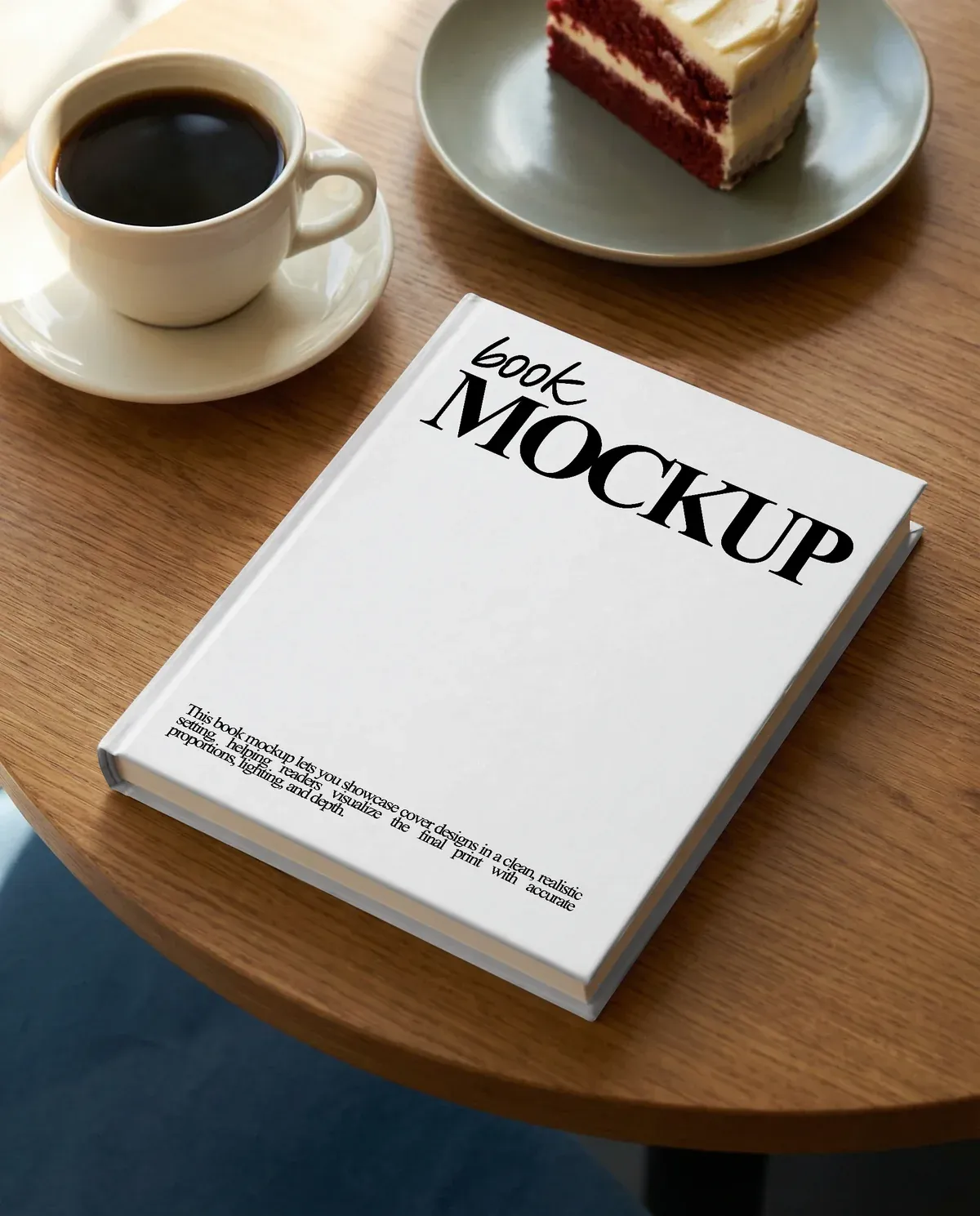
eBook Mockups
Present digital covers clearly using clean and modern eBook mockups optimized for online platforms. This free mockup option helps authors and marketers preview book designs on screens commonly used for reading.
Steps to use Book Mockup Generator
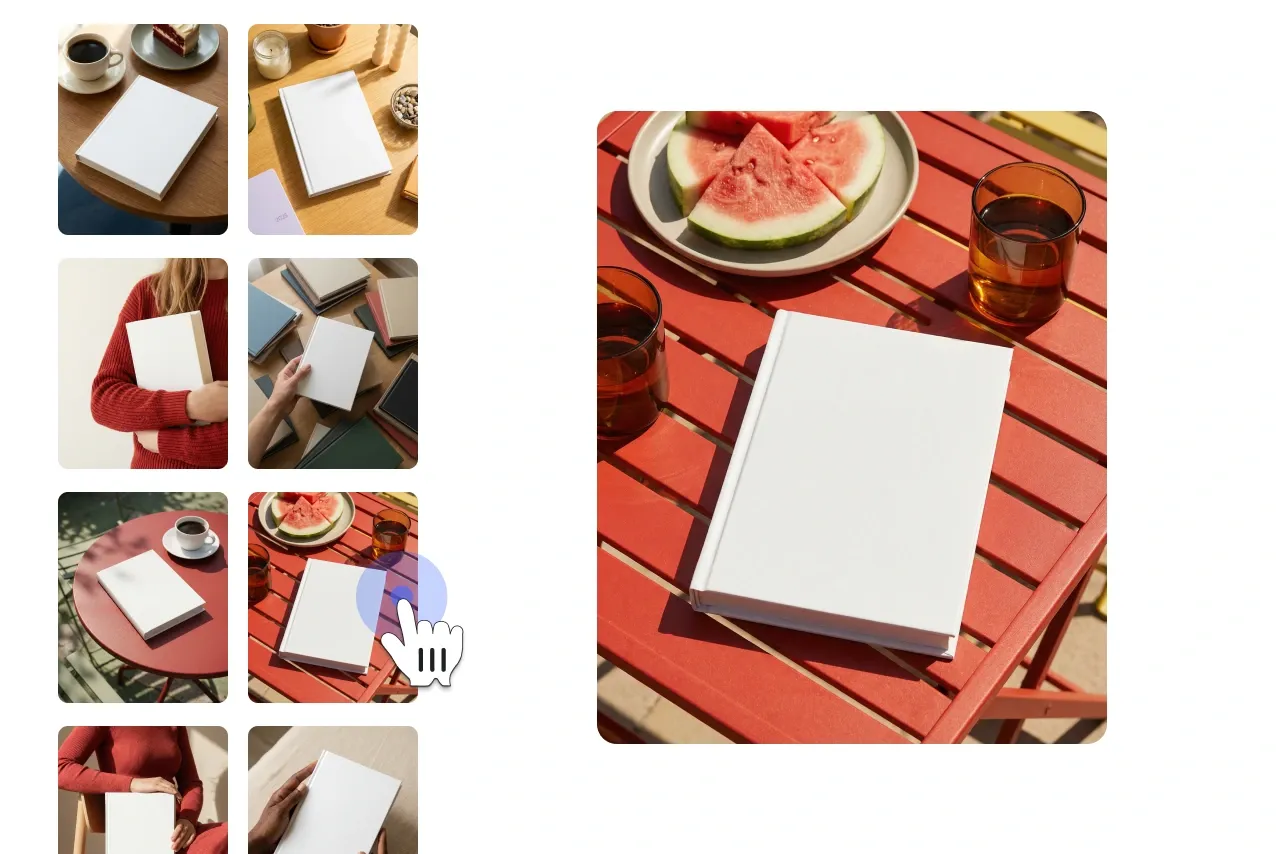
Select a Book Mockup Template
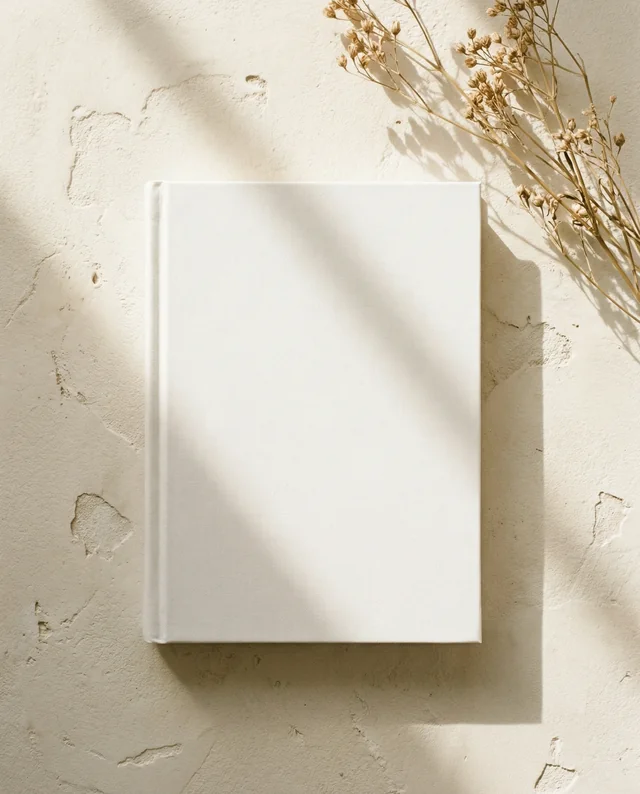
Explore a diverse range of book mockup templates. Choose from various styles, layouts, and formats to align with your design vision.
Upload Your Book Cover Design
Seamlessly upload your book cover artwork or text. Use Modor’s intuitive drag-and-drop tool to position your design precisely on the mockup.
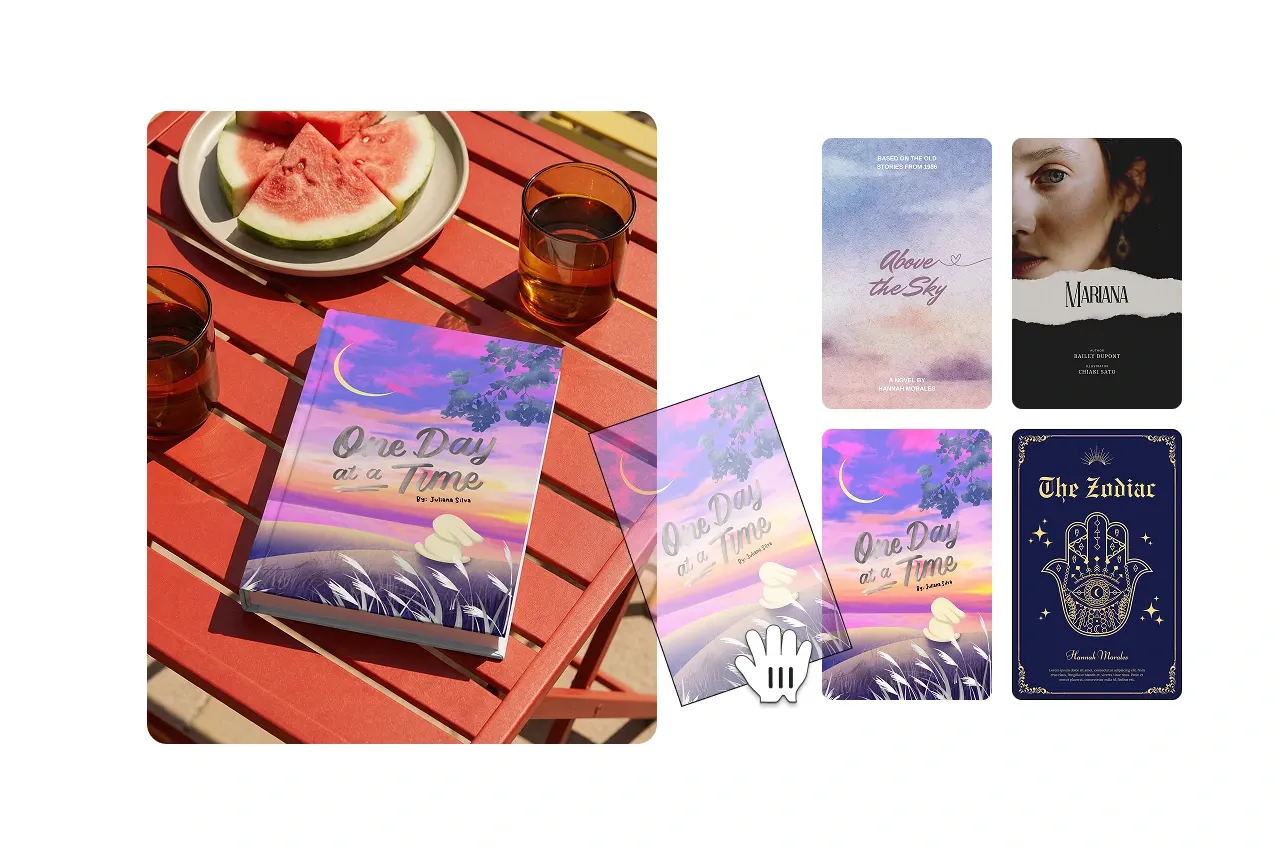
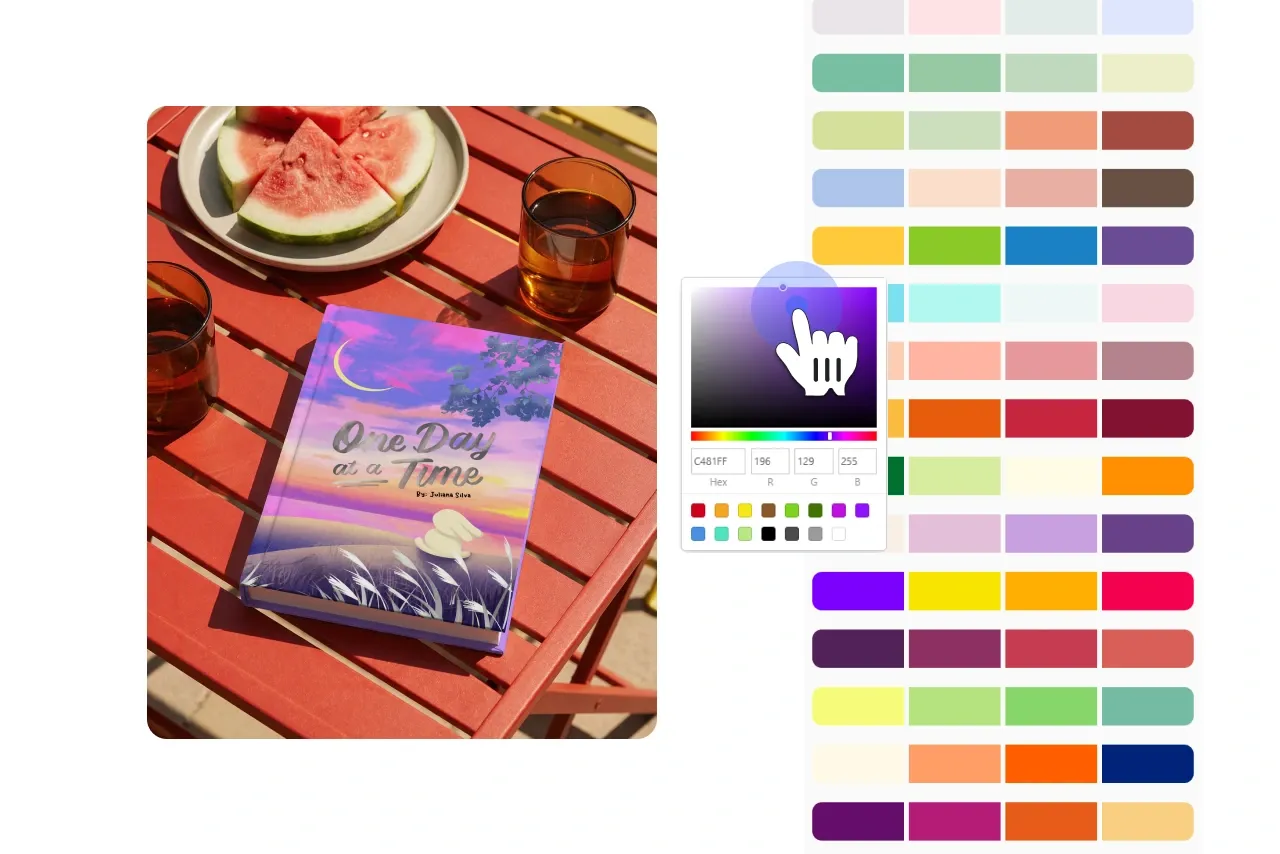
Customize Your Book Mockup
Fine-tune the size, placement, and orientation of your design. Enhance your mockup with professional touches like shadows, backgrounds, and color adjustments.
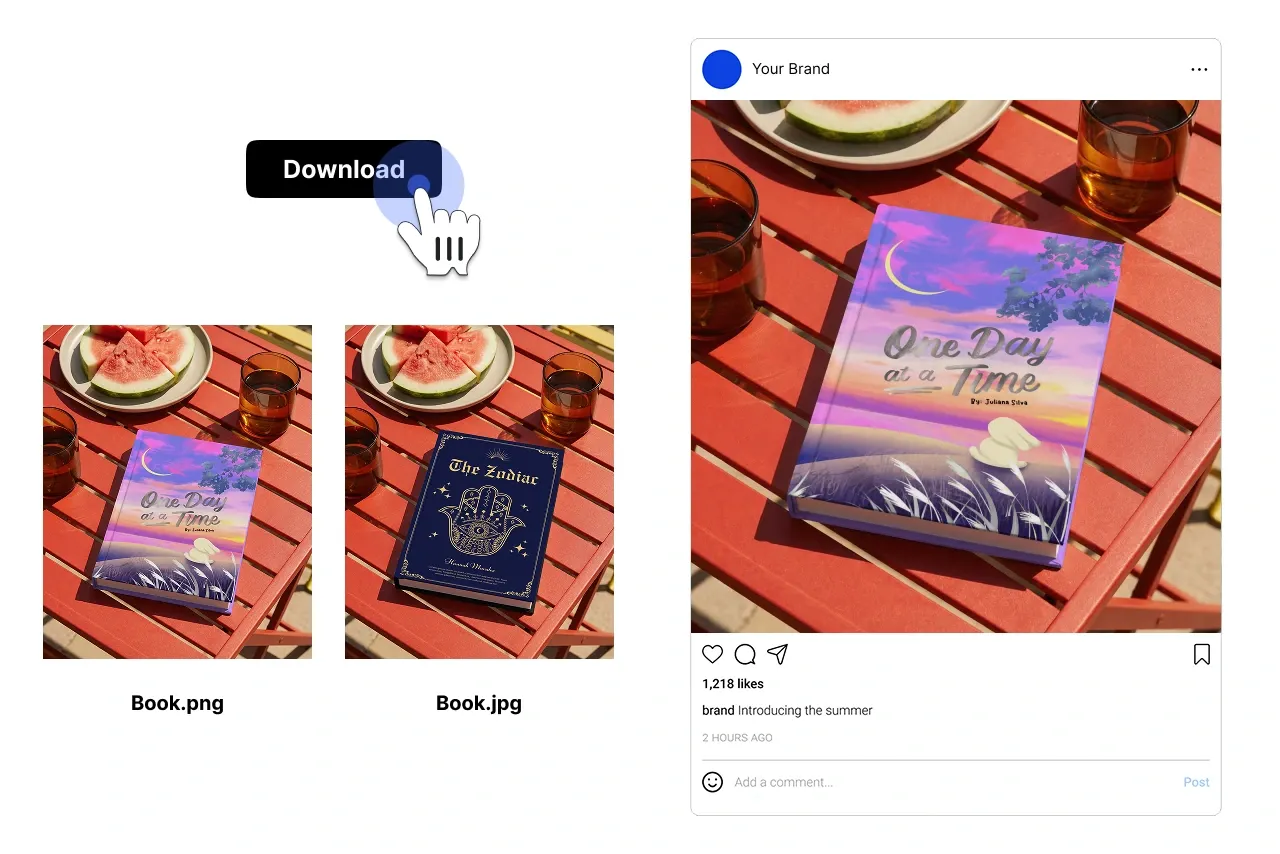
Download or Share Your Book Mockup
Export your book mockup as a high-resolution image or share it directly with clients or on social platforms. Ideal for presenting your book designs or marketing your publication.
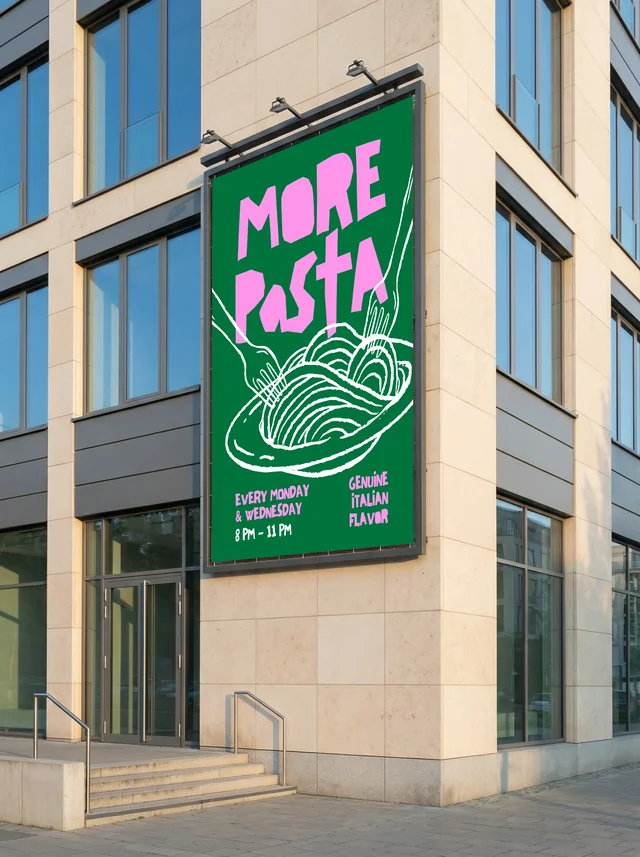
Explore Free Mockups Across Multiple Categories
Browse Modor's extensive library of mockup templates, from apparel and devices to packaging and print. This free mockup generator helps you visualize designs in realistic settings.





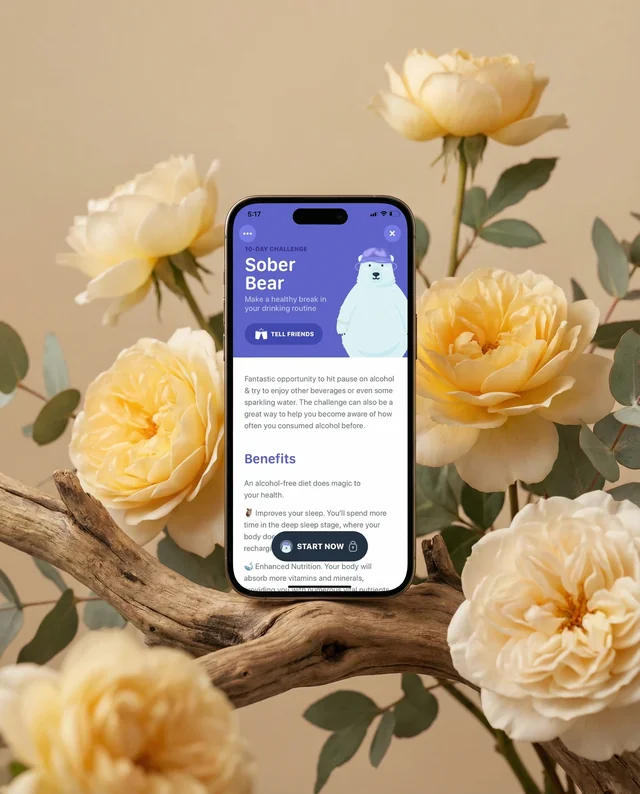
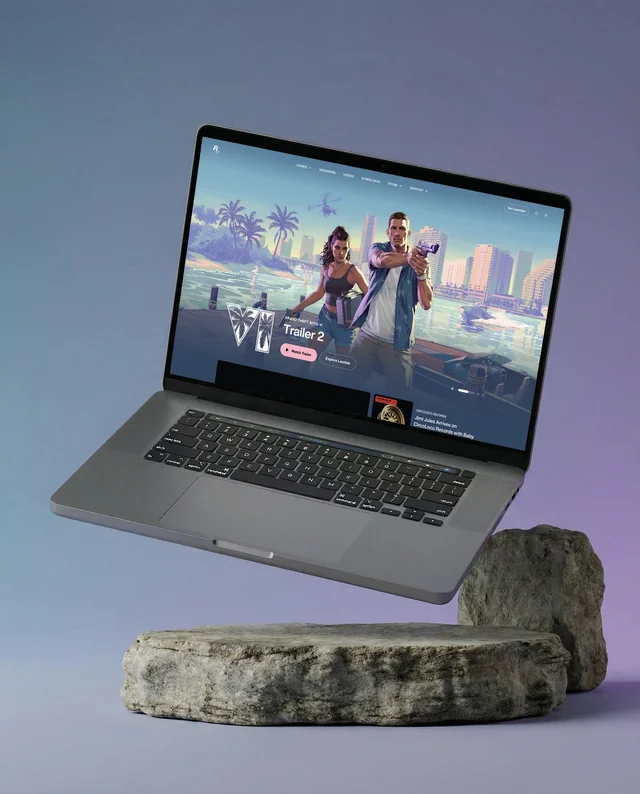

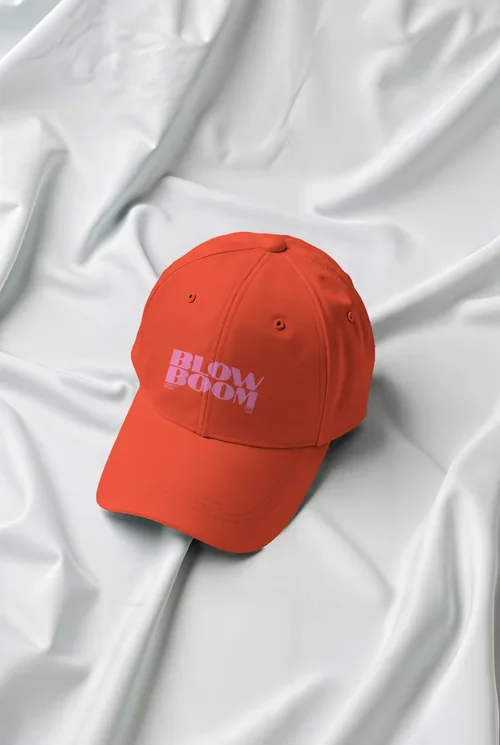

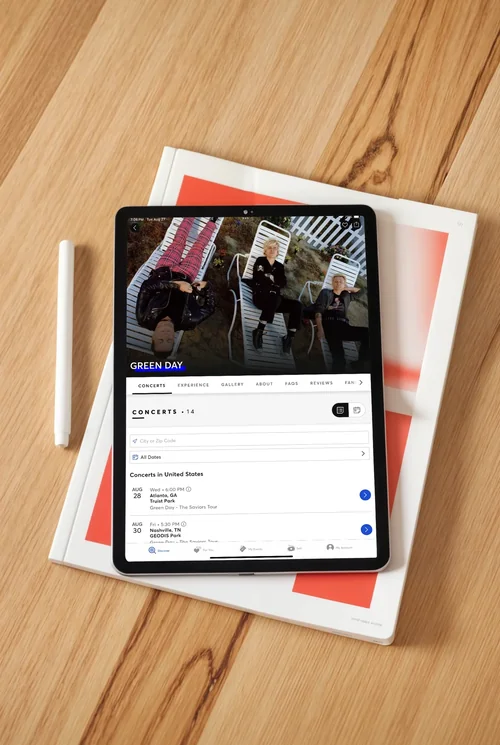




Explore other Mockups
FAQs
What is Modor’s book mockup generator?
Modor’s book mockup generator is a free online tool that allows you to create professional book mockups by customizing templates with your designs.
Is the book mockup generator free to use?
Yes, Modor offers a free book mockup generator with access to a wide range of templates and customization options.
Can I use Modor for commercial purposes?
Yes, the book mockups created with Modor can be used for both personal and commercial projects, including marketing and presentations.
What file formats are supported for uploading designs?
Modor supports common file formats such as JPEG, PNG, and PDF for uploading your book cover designs.
Are the mockups high resolution?
Yes, all book mockups generated with Modor are available in high resolution, ensuring professional-quality results.
Can I resize mockups for social media platforms?
Yes, Modor allows you to resize book mockups to fit various social media platforms, including Instagram, Facebook, and Pinterest.
Do I need design experience to use the tool?
No, Modor’s book mockup generator is designed to be user-friendly, with an intuitive drag-and-drop interface suitable for all skill levels.
Can I customize backgrounds and effects?
Yes, Modor provides options to customize backgrounds, shadows, and other effects to enhance the professionalism of your book mockups.