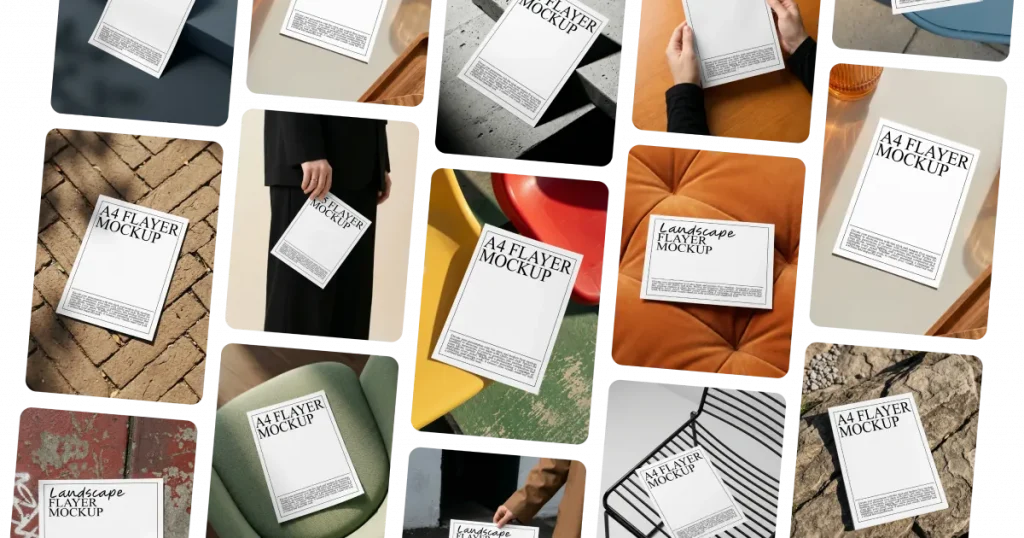


Complete Size and Orientation Coverage
Modor offers A4 flyer mockups, A5 flyer mockups, landscape flyer mockups, and portrait variations. Whatever your distribution format, our flyer mockup generator has a template ready for you.
Discover over 2,000 ready-to-use flyer mockup templates crafted by professional designers. From A4 flyer mockups to landscape flyer mockups, our flyer mockup generator makes every design shine.
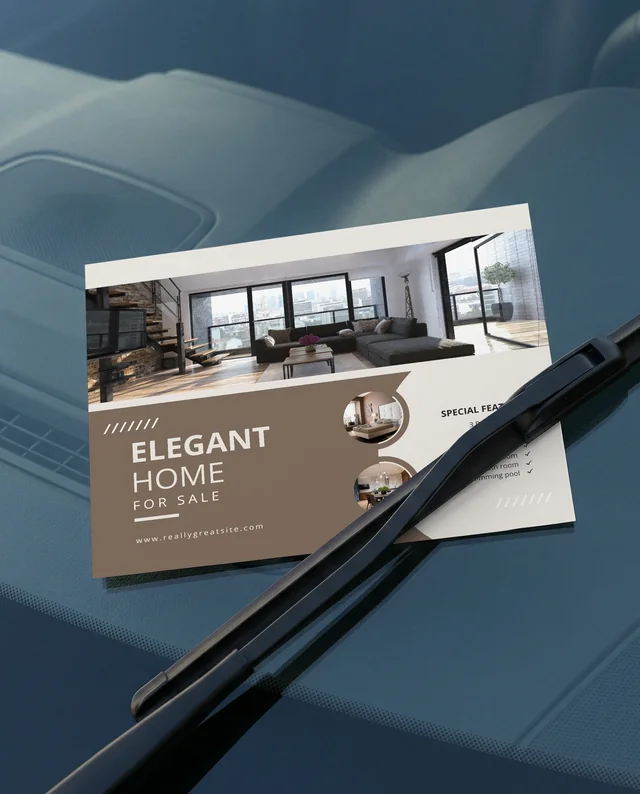

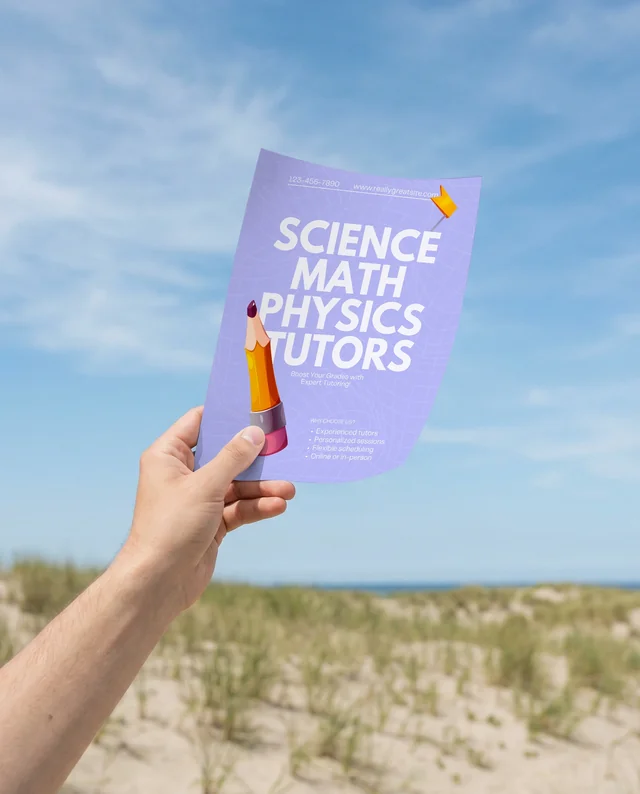





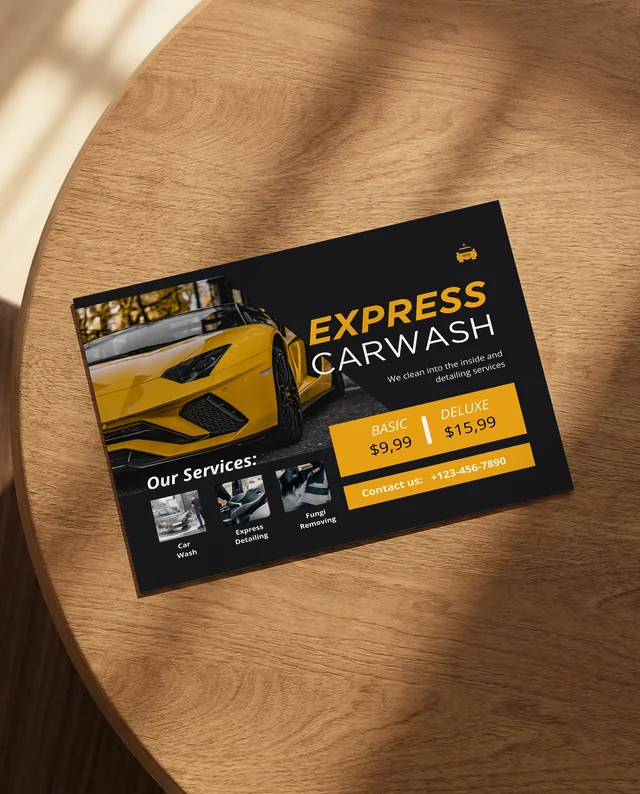




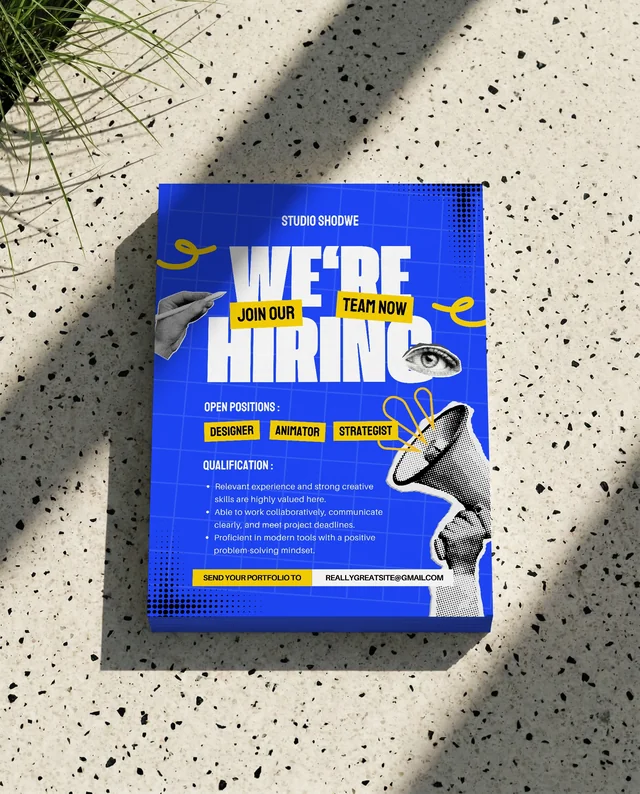

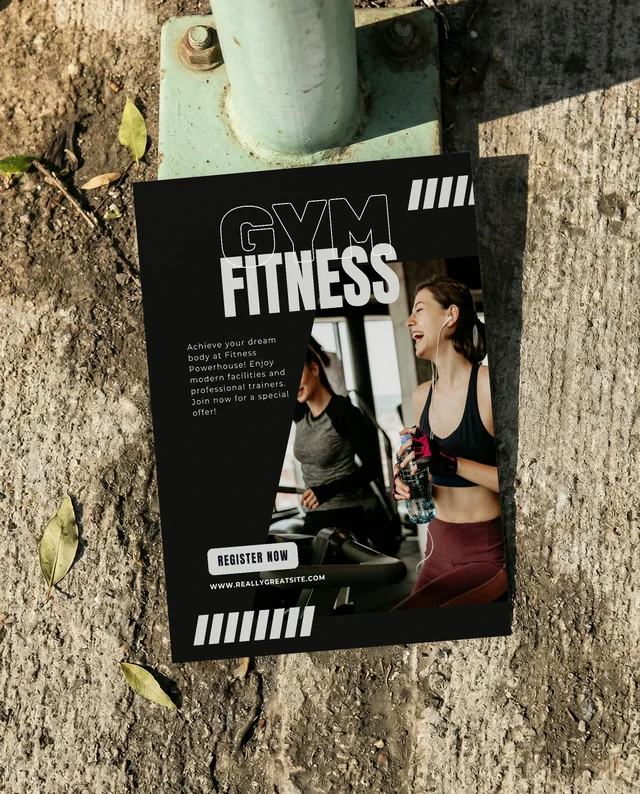
Showcase your content on the world’s most popular flyer size. A4 flyer mockups give you ample space for detailed graphics and text. Customize, reposition, and generate high-quality outputs using our flyer mockup generator in seconds.

Highlight compact, easy-to-distribute designs with A5 flyer mockups. Perfect for menus, event handouts, or mini portfolios. Our flyer mockup generator lets you tweak colors, adjust shadows, and download free mockups without watermarks.

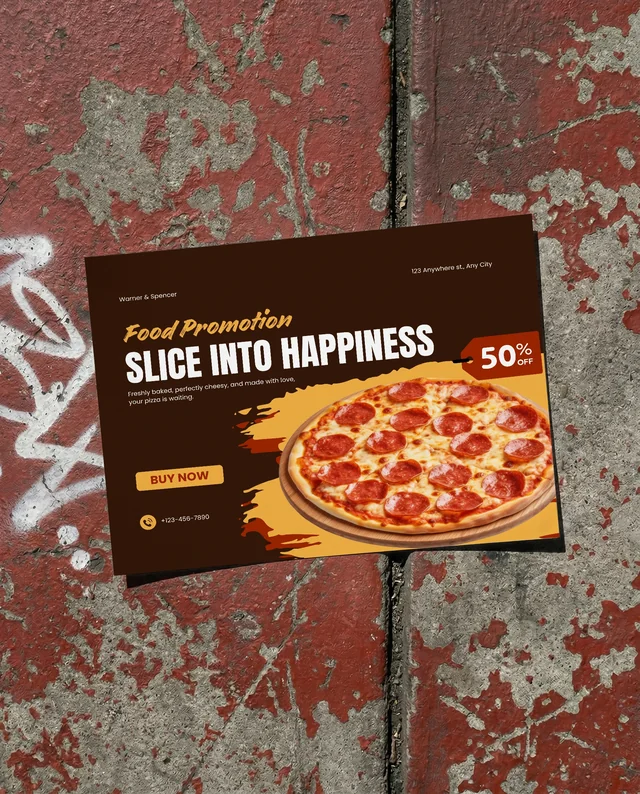
Go wide with landscape flyer mockups, perfect for event announcements, real estate listings, or product launches. Use our flyer mockup templates to place your artwork horizontally and export realistic visuals in JPEG or PNG formats.

Present your flyer designs as bi-fold mockups with our flyer mockup generator. Select a template, upload and add your design, make quick edits, and download realistic mockups ready for print or digital use.

Click on the Flyer category and select a size and orientation, including A4, A5, landscape, or portrait, that matches your target audience.

Drag and drop your flyer design onto the template. Position it accurately using our alignment helpers. Watch the preview update in real time.

Save the final image as a high-resolution PNG or JPG. Perfect for email pitches, social media teasers, or print shop approvals.

15K
Users use Modor
500K
Images downloaded
10K
Assets, fonts, graphics
Browse Modor's extensive library of mockup templates, from apparel and devices to packaging and print. This free mockup generator helps you visualize designs in realistic settings.
Modor offers A4 flyer mockups, A5 flyer mockups, landscape flyer mockups, and portrait variations. Whatever your distribution format, our flyer mockup generator has a template ready for you.
No menus, no confusion. Upload your design, drop it onto the canvas, and see results instantly. Our flyer mockup generator is built for speed and simplicity, even first-timers feel like pros.
Export unlimited flyer mockups at no charge. Choose PNG for transparent overlays or JPG for quick sharing. All exports are watermark-free and print-ready.
It’s an online tool that overlays your artwork onto realistic flyer scenes. Modor’s flyer mockup generator creates lifelike previews without needing Photoshop or design skills.
Modor offers A4 flyer mockups, A5 flyer mockups, landscape flyer mockups, and bi-folded flyers. All are fully customizable, and free to download.
A4 (210 x 297 mm) is standard letter size, great for detailed brochures. A5 (148 x 210 mm) is half that, perfect for handouts, and Modor supports both.
Yes, Modor’s free flyer mockup generator delivers watermark-free exports every time. Perfect for client presentations and online stores.
Single page, folded (bi-fold/tri-fold), stacked, handheld, and wall display. Modor covers all popular flyer mockup styles.
Absolutely. All exports on Modor are clean and professional with no watermarks.
No. Forget complicated layers and smart objects. Modor’s flyer mockup generator works entirely online, just upload and export.
Definitely. Use them for Instagram posts, Facebook ads, or Pinterest pins. A good flyer mockup generator increases engagement and clicks.
Creating a flyer mockup helps you check the design, layout, colors, and text in a real-world setting before printing, so you can fix issues early and avoid costly mistakes.