
Poster Mockups Made Easy with Modor: Detailed Guide
Poster Mockups Made Easy with Modor: Detailed Guide
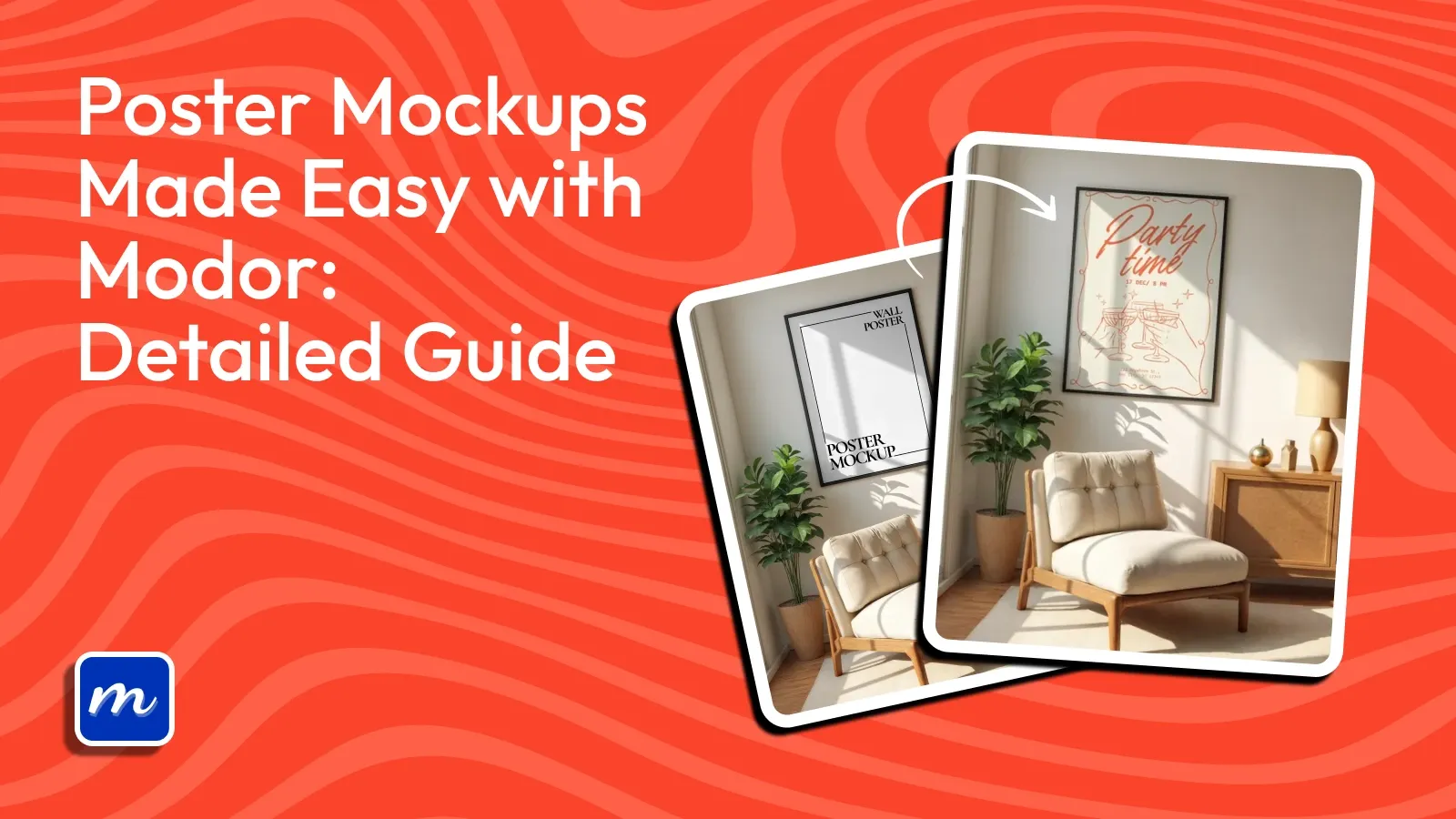
Learn how to create realistic Poster mockups using Modor with easy steps, expert tips, common mistakes, and latest mockup styles for 2025.

Introduction
The way posters are presented online has changed completely. Users now expect visuals that feel polished and realistic, and Poster mockups have become the easiest way to meet this expectation. Creators using strong visuals experience higher engagement and better conversions, as customers can imagine the end result easily.
Tools like Modor have made this process easier. Instead of spending hours manually creating scenes, Modor helps you generate clean, professional results in just a few steps.
This guide walks you through everything you need to know about Poster mockups, from expert techniques to a full tutorial and a breakdown of trending styles for this year.
Key Takeaways
Quick creation: Modor helps generate Poster mockups in minutes with high accuracy.
Pick a tool carefully: The tool you pick will control your whole mockup workflow. Learn which tools work best and what limitations they carry to save time and errors.
Scene selection matters: Choosing the right scene has a major impact on your Poster mockups. The background, lighting, and environment all influence customer reactions and overall visual appeal.
Avoid errors: Understand mistakes that commonly reduce the quality and conversions of poster mockups.
2026 Trend insights: Explore 2026 mockup trends and how you can use the mockup styles.
Poster Mockups Overview: Expert Tips and Top Tools
What is a Poster Mockup?
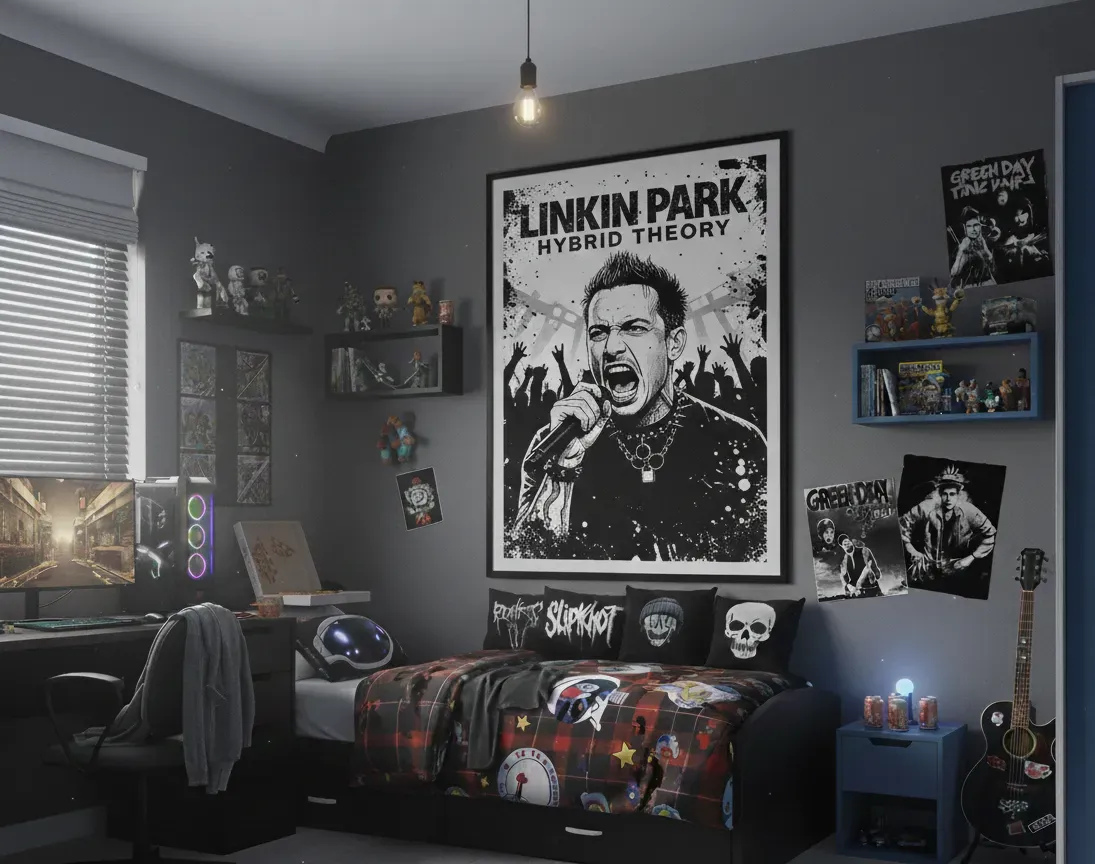
A Poster mockup represents your artwork inside a real environment. Your poster may appear inside a bedroom, an office, an art gallery, or on a street wall. The goal is simple. It helps viewers visualize the Poster design in real life, reducing uncertainty and increasing buyer confidence.
Poster mockups are commonly used in online stores, portfolio projects, client presentations, and print-on-demand platforms.
Top tools to create Poster Mockups
Modor
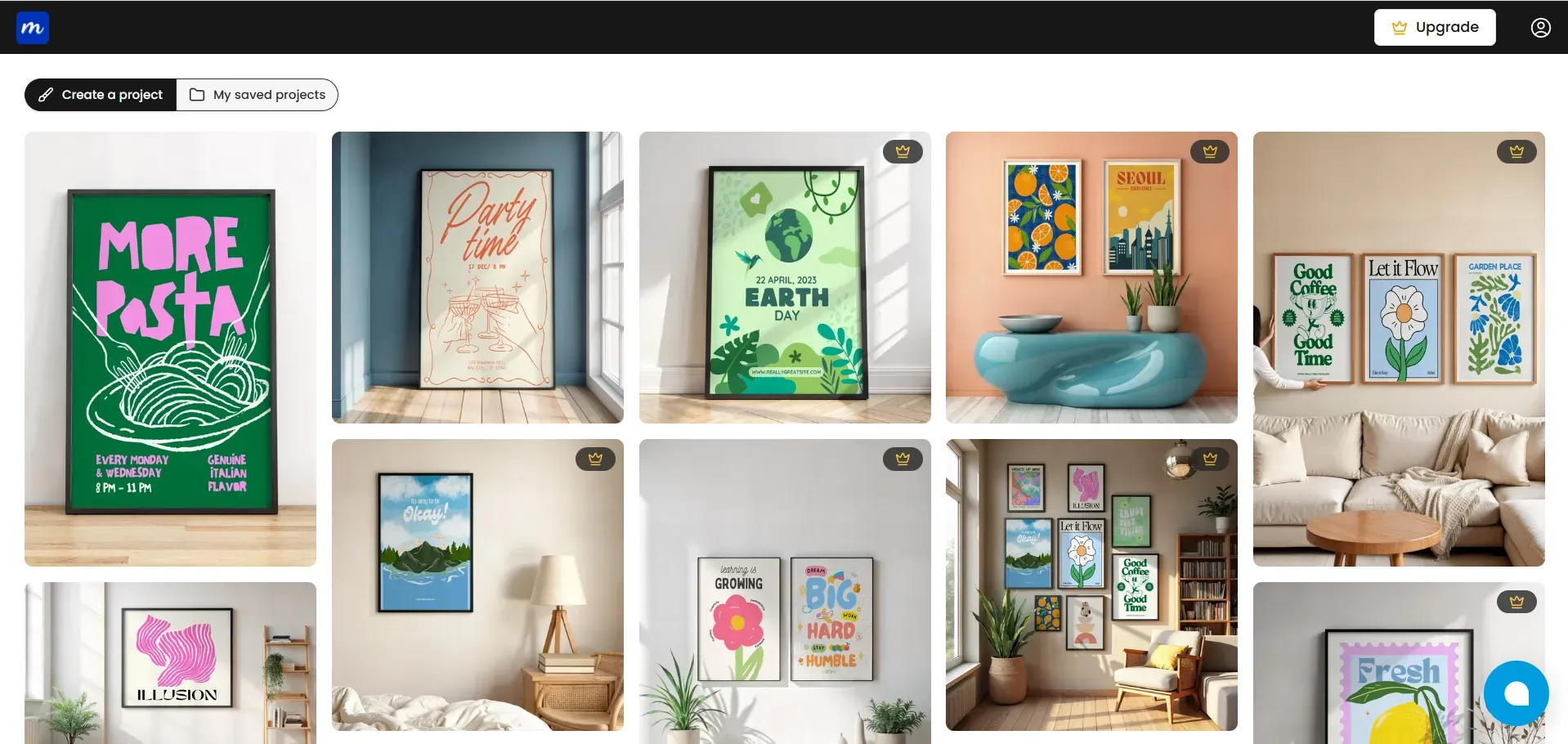
Modor uses smart AI to place your design precisely in the frame and seamlessly blend it into the scene. You can explore various template styles for both indoor and outdoor settings. The tool is simple to use and delivers smooth, reliable results for beginners and professionals alike.
Mr. Mockup
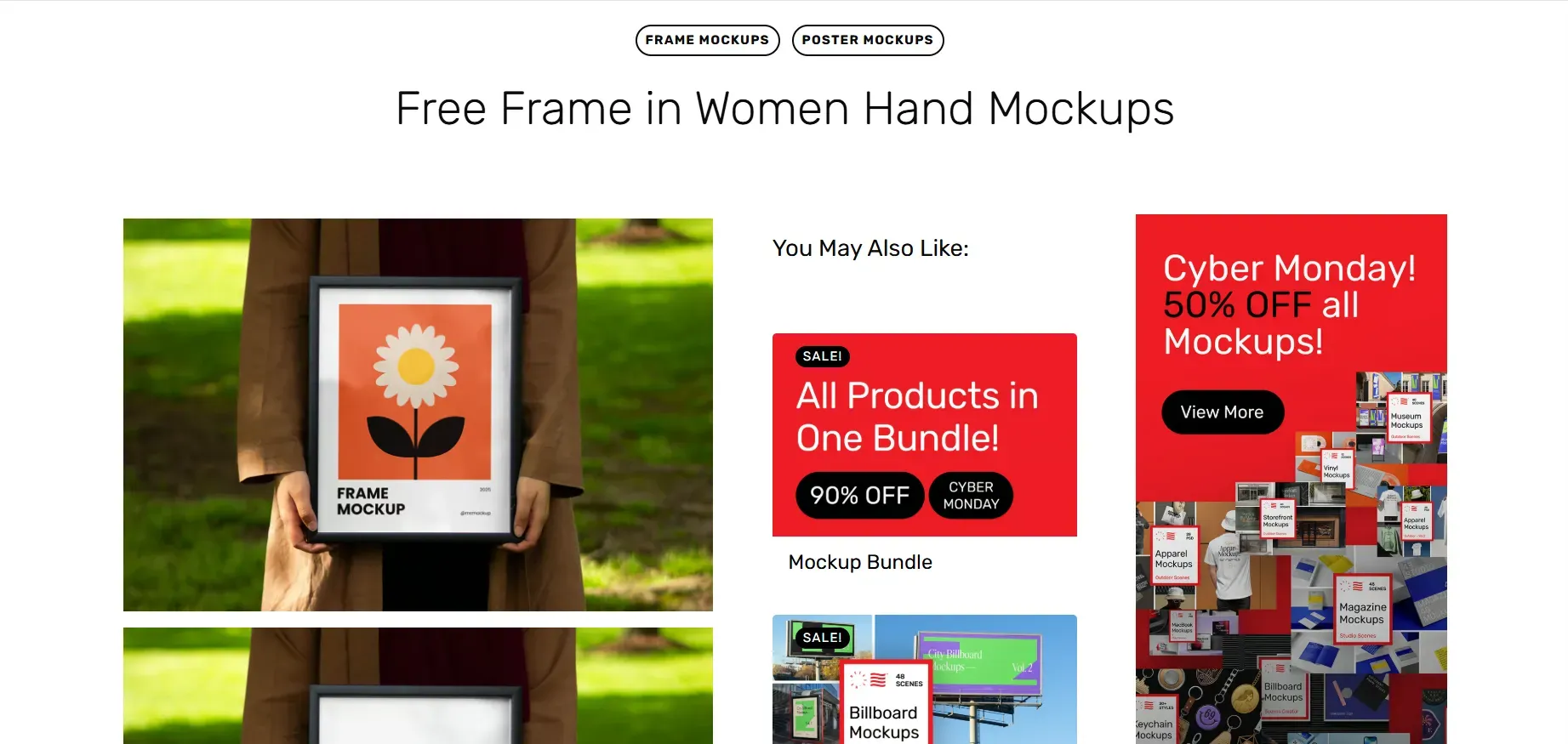
Mr. Mockup offers premium scene-based PSD templates. The tool works well for branding agencies that want refined visuals. However, most templates require payment, and beginners might struggle because editing PSD files is needed.
Each poster mockup on this platform offers limited variations, and PSD mockups require external software for customization.
Photoshop
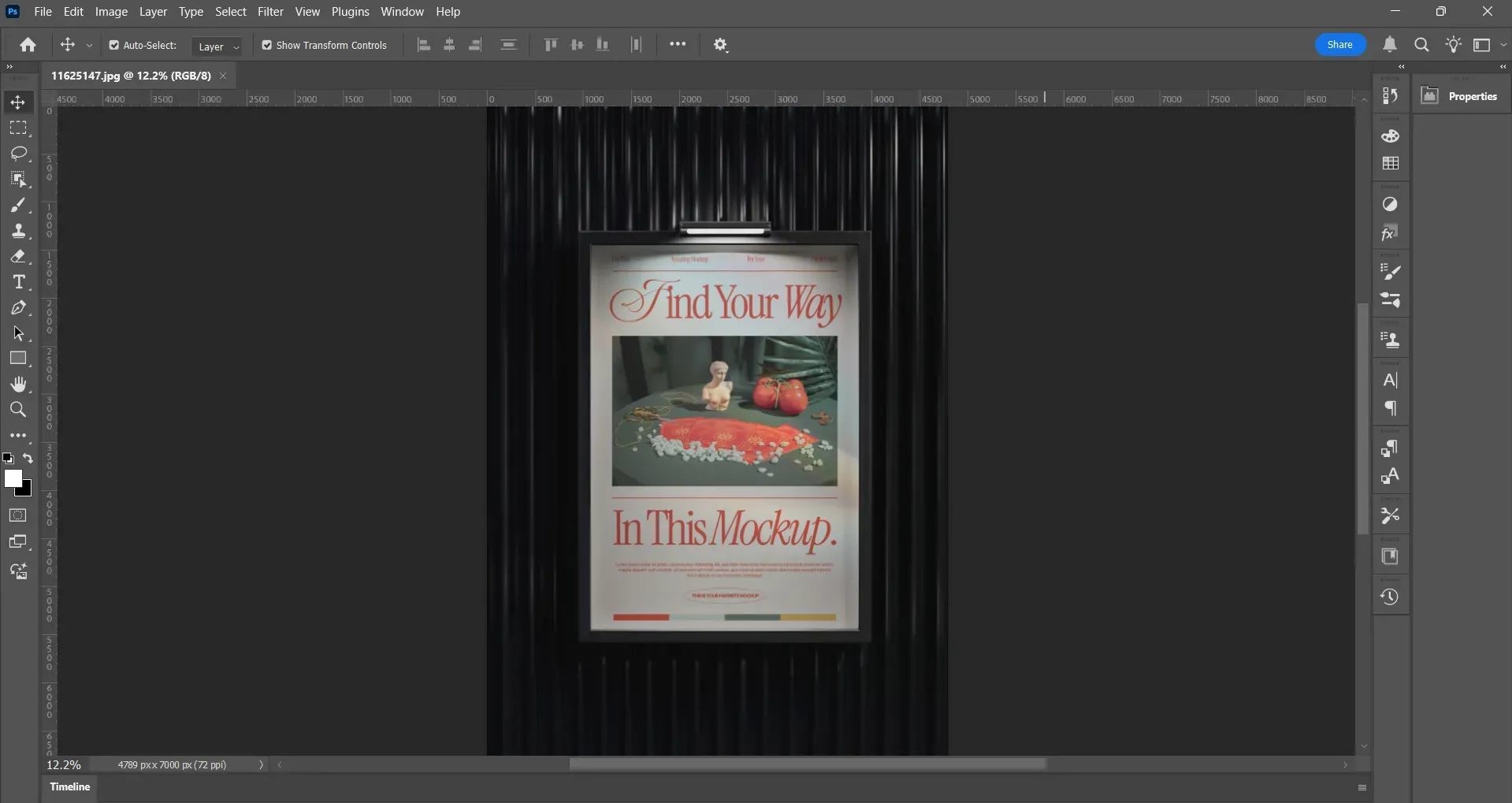
Photoshop remains a powerful choice due to its complete control over shadows, layers, and texture blending. It is used widely for commercial Poster design projects where precision matters.
The only downside is that Photoshop takes more time to master. It requires a paid subscription and is not suitable for fast workflows. Creating multiple Poster mockups can become slow and demanding, which is why many creators prefer a Poster mockup tool designed specifically for speed.
Artboard Studio
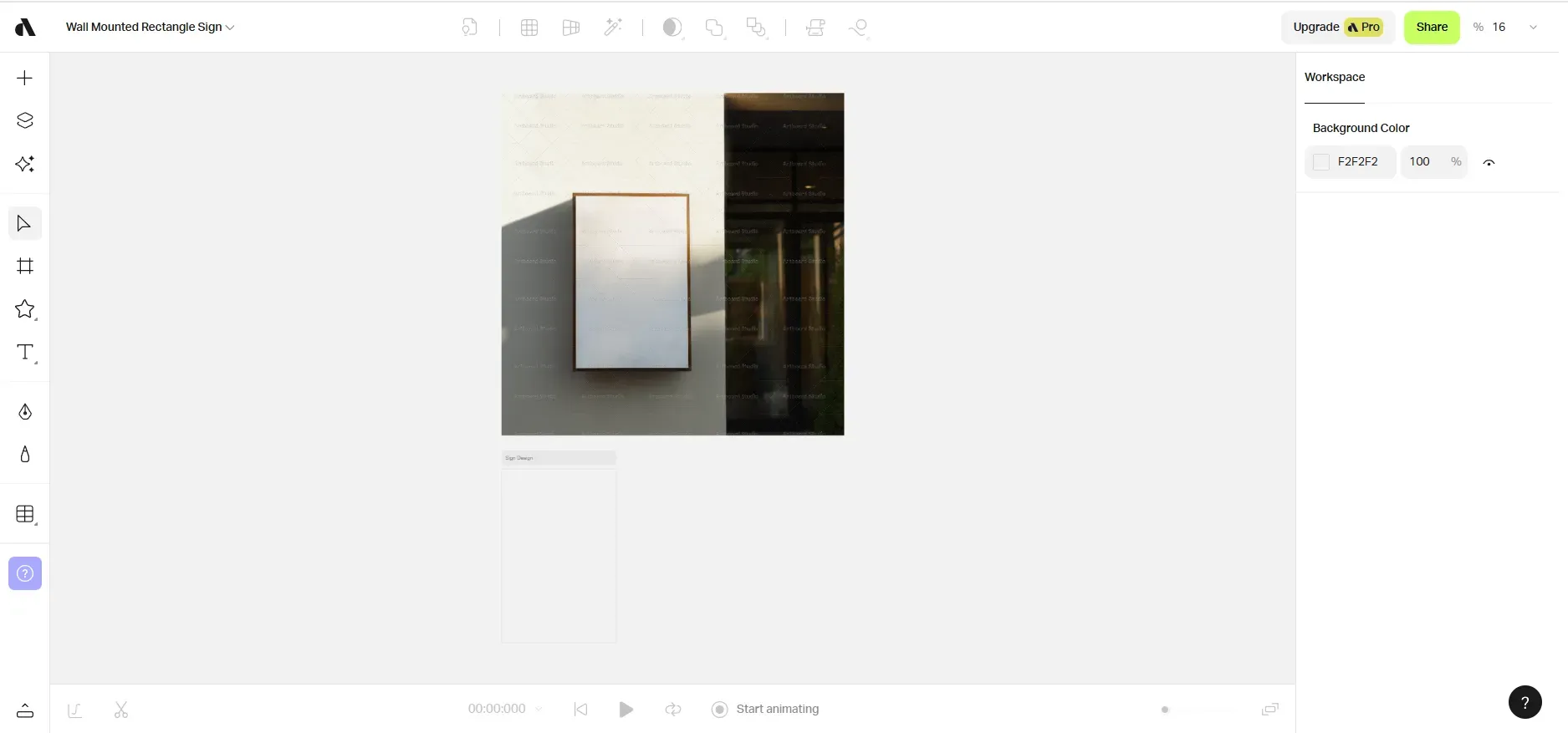
Artboard Studio is a web-based mockup generator with animations and layered scenes. It has a vast template library, which is helpful for creators and brand designers.
The downside is that the tool can feel overwhelming when too many layers are added. Export quality depends on correct settings, and many advanced features require a Pro plan.
Mockup Generators vs Photoshop: Which is better for Poster Mockups
Most people either choose design softwares like Photoshop or Mockup generators to make poster mockups. We have assembled a table of all key differences between Photoshop and mockup generators, so you can decide which one is right for you.
| Feature | Mockup Generators | Photoshop |
|---|---|---|
| Skill Level | Beginner-friendly and easy to learn | Requires intermediate or advanced skills |
| Speed | Fast results in minutes | Slow because of manual editing |
| Scene Variety | An extensive library of ready-made templates | Depends on imported PSD mockups |
| Realism | High realism with automatic lighting and shadows | Highest realism but fully manual |
| Customization | Limited to template controls | Full creative control |
| Workflow Convenience | Simple drag and drop experience | Complex multi-layer editing |
| Cost | Mostly free or low cost | Paid subscription |
| Best For | Quick Poster mockups and bulk creation | Detailed Poster design work and custom scenes |
Expert tips to make your Poster Mockups stand out
Below are a few expert tips for creating hyper-realistic Poster mockups and improving the overall impact of your Poster design.
Use high-resolution files: Always upload your design at 300 or higher DPI, and at least 3500 px. Low-resolution design hides details, reducing the premium feel of the mockups.
Match tone with the Background: Use a Poster design that fits the Background aesthetic. Minimal indoor backgrounds work better for soft themes, and bold graphics look stronger in urban or outdoor backgrounds.
Color consistency: Ensure that the lighting effects do not overpower or distort your design. Doing this maintains color accuracy, which is a key factor for buyers.
Add natural texture: A gentle grain or paper finish helps avoid the overly digital look. This way, the mockup looks more real as subtle surface texture adds depth.
Add Realistic shadows: Indoor backgrounds often need soft shadows, while outdoor frames require stronger, more directional shadows. Use shadows naturally in your mockups to make them look more authentic.
Avoid clutter: Props should support the Poster design without competing for attention. A clean Mockup keeps all the focus on the poster design.
Run A/B tests: Try both framed and unframed versions of the mockup. Many audiences prefer framed visuals for minimalist art, whereas bold graphics stand out without frames.
Respect proportions: Match your poster design with the correct frame ratio. Stretching the design can cause noticeable distortions, which instantly reduce trust.
Check mobile previews: A mockup for a poster may look bright on a desktop but dull on phones, so always check final results on multiple screens.
Create Poster Mockups on Modor: Quick Tutorial
Step 1: Sign up on Modor.io using Google or email. Most users choose Google because it offers instant setup and a smooth onboarding. If you already have an account, log in with your saved credentials and move to the main dashboard.
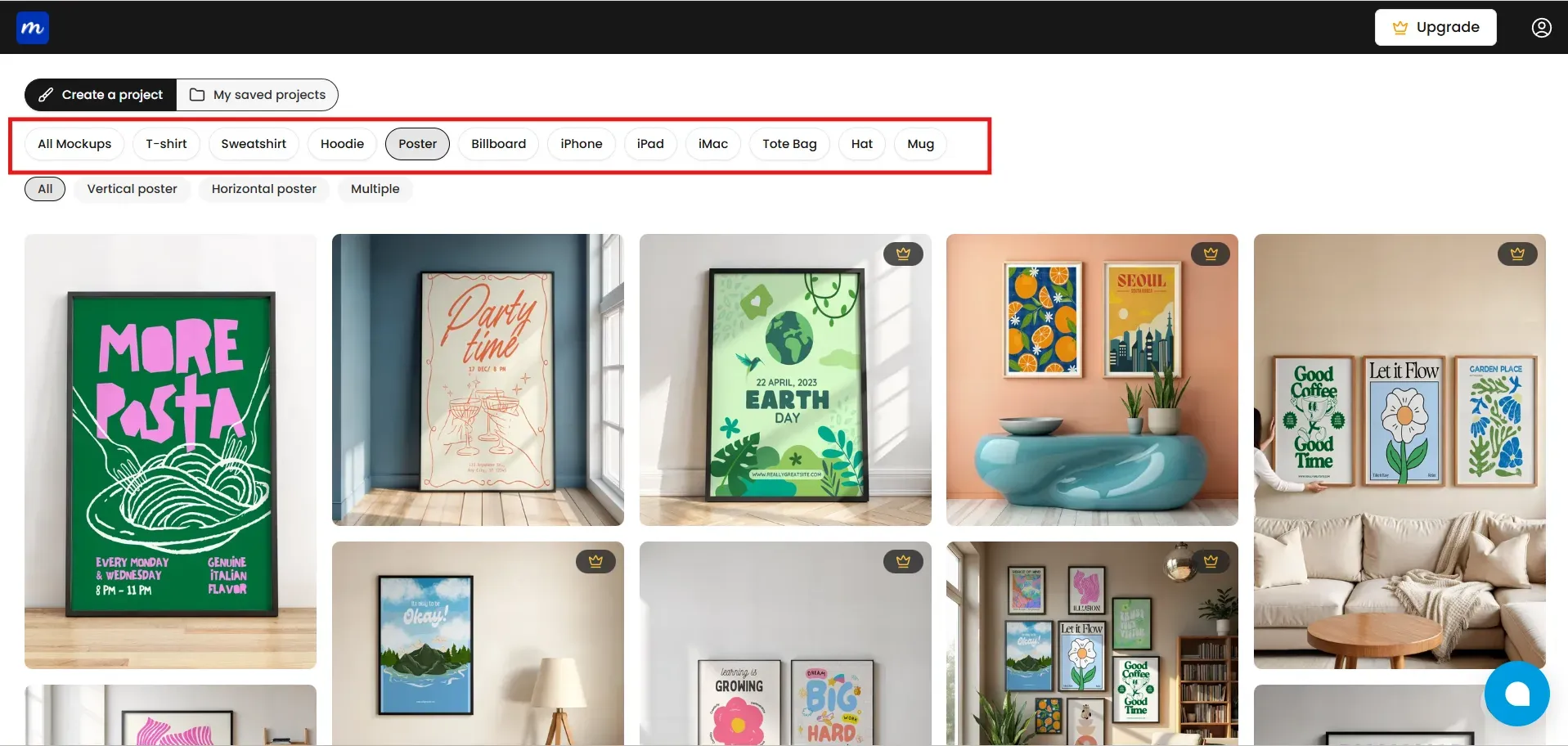
Step 2: Select the Poster category from the available options, such as t-shirt, hoodie, billboard, etc. Filter out further using vertical or horizontal orientation and different style groups such as minimal, lifestyle, multiple, or framed.
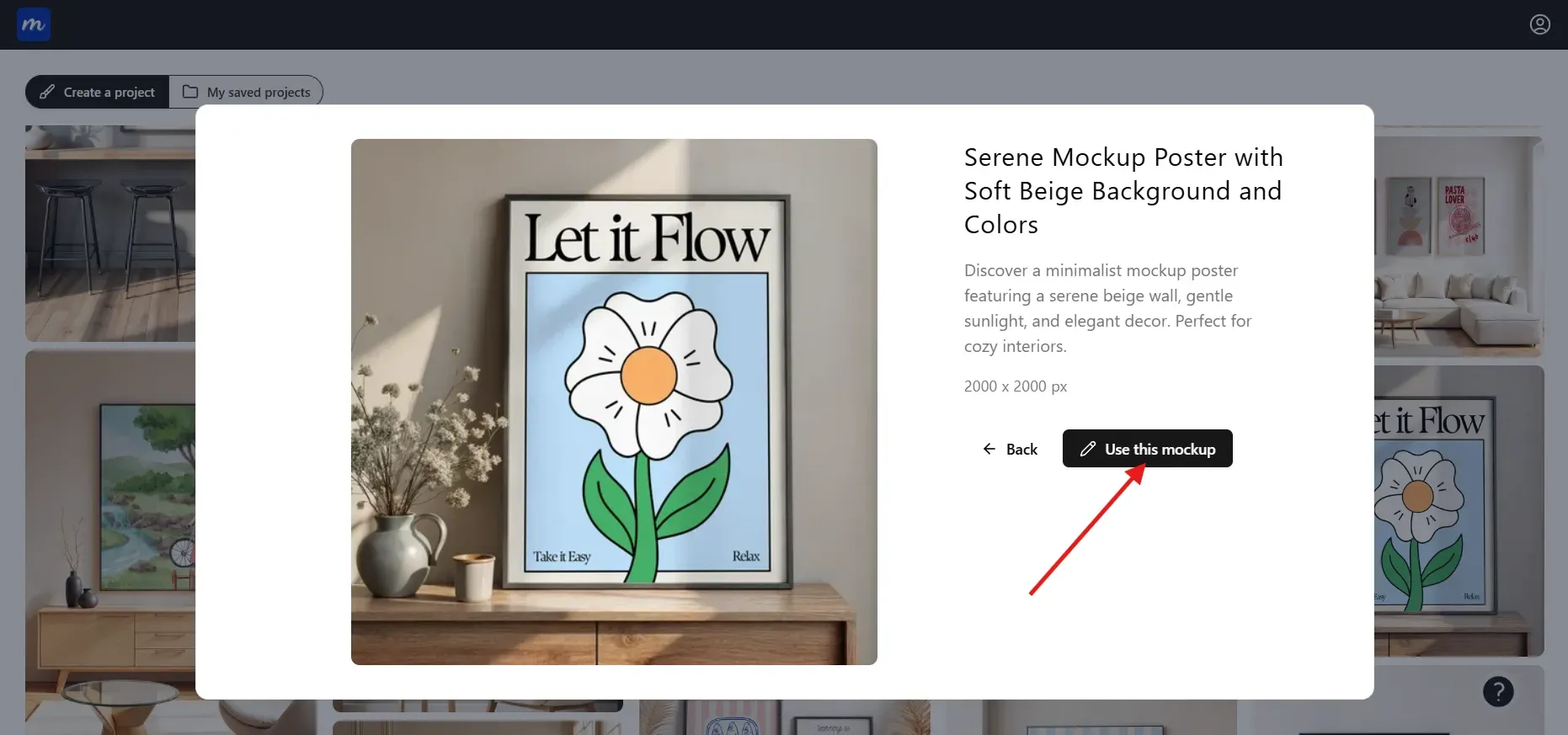
Step 3: After selecting a template, click on Use This Mockup, and the editor will load the scene.
Step 4: Once inside the editor, click on Edit Mockup to unlock editing features.
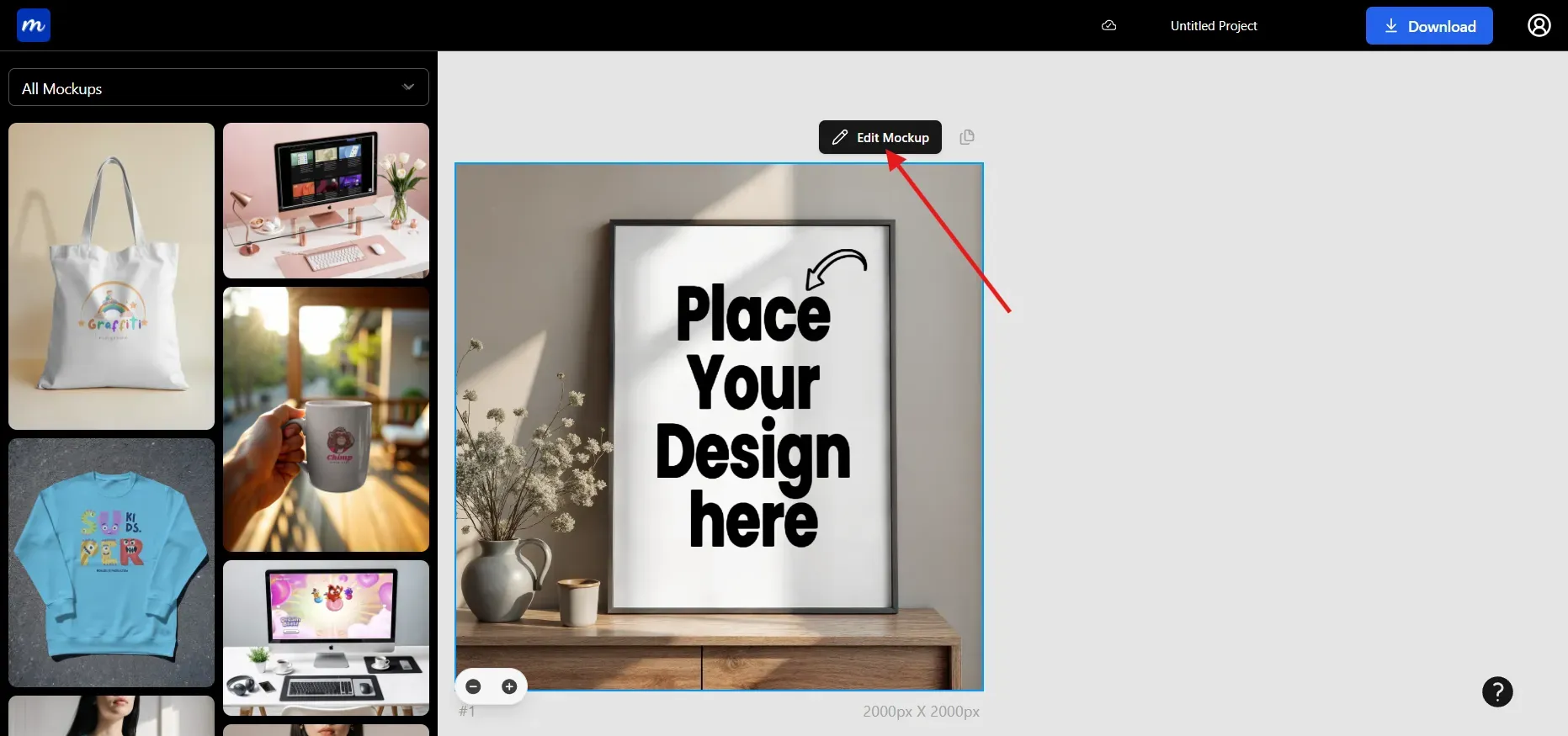
Step 5: Upload your Poster design and place it in the provided slot.
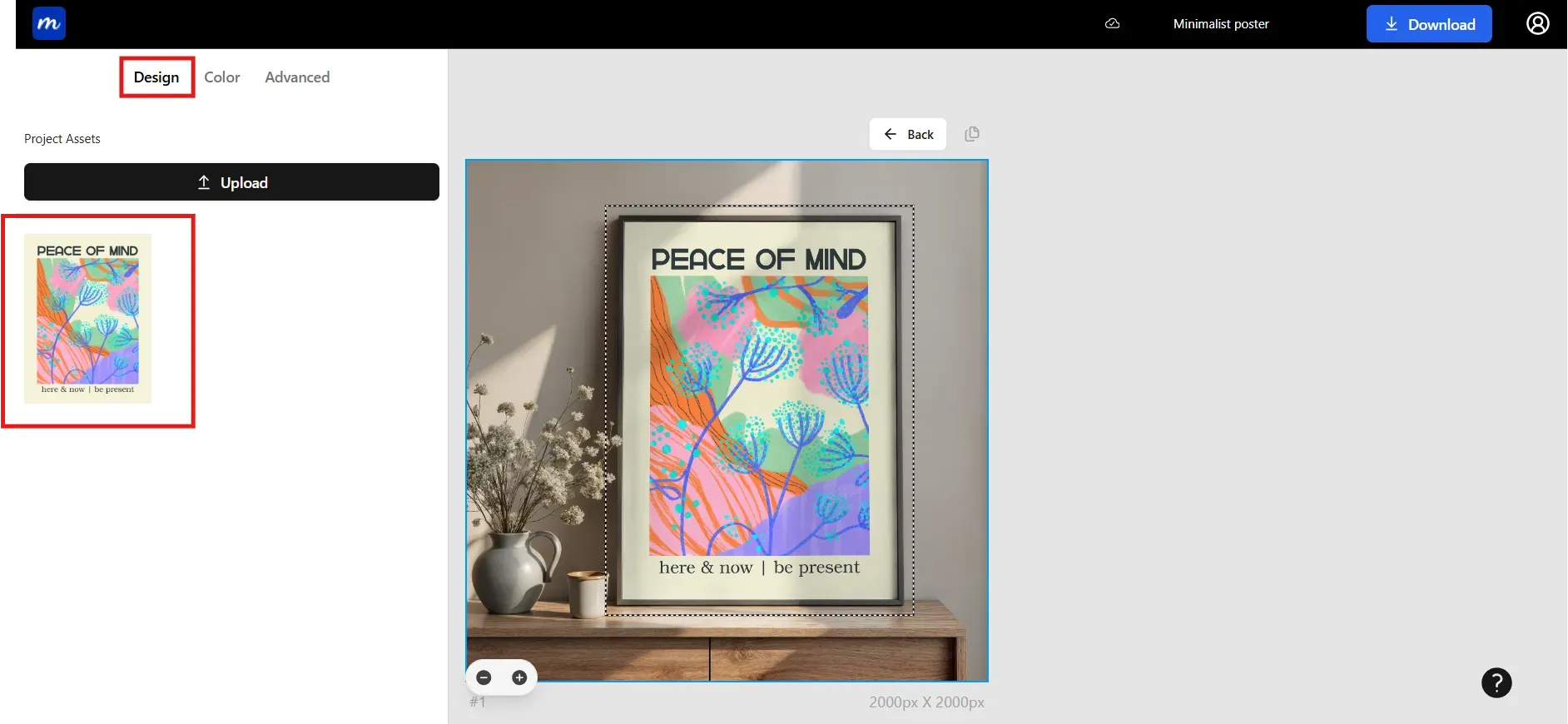
Step 6: When the mockup for the poster looks ready, download it as a JPG or PNG. PNG works well for sharp edges and transparent layouts, while JPG is better for smaller file sizes.
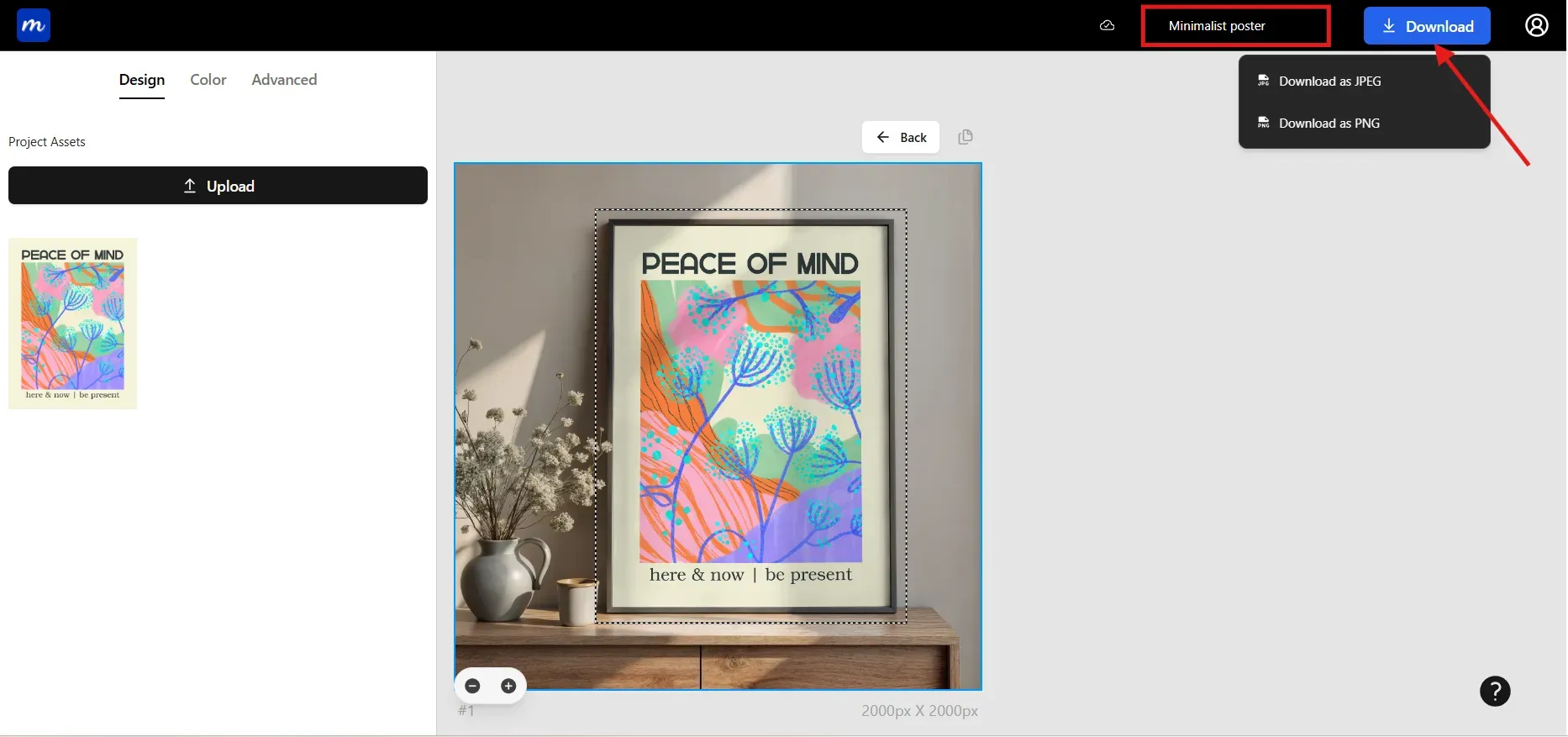
Note: Before downloading, don’t forget to give a name to your project. This helps later when you need to go back to an old project.
Common Mistakes to Avoid
Below are common mistakes that reduce the quality of Poster mockups. Avoiding these can drastically improve your overall output.
Using low-resolution designs: Don’t use screenshots or compressed files, as they lower the quality of Poster mockups. High resolution is essential to maintain clarity.
Lighting mismatch: A Poster design with warm tones may look out of place in a cold-lit scene. Always match the aesthetic and lighting for better visual appeal.
Wrong proportions: Stretching your design to fill a frame can create distorted mockups. Use the correct ratios for every mockup for the poster.
Overcrowded Background: Too many decorative elements take all attention away from the design. Poster mockups work best when props feel subtle and intentional.
Avoid Over-editing: Harsh filters or heavy color grading make the Poster design look inconsistent. Keep edits soft and natural.
Repetitive templates: Using the same Poster mockup template repeatedly across listings gives a hint of low variety to buyers. Switch the templates regularly.
Ignoring edges: Blurred edges can make the poster appear detached from the frame. Sharp edges enhance credibility. Make sure to check your edges before exporting the mockup.
Low-quality exports: Always use the maximum available export settings to preserve detail and color accuracy.
Trending Poster Mockups in 2026
Minimalist Interior Poster Mockups
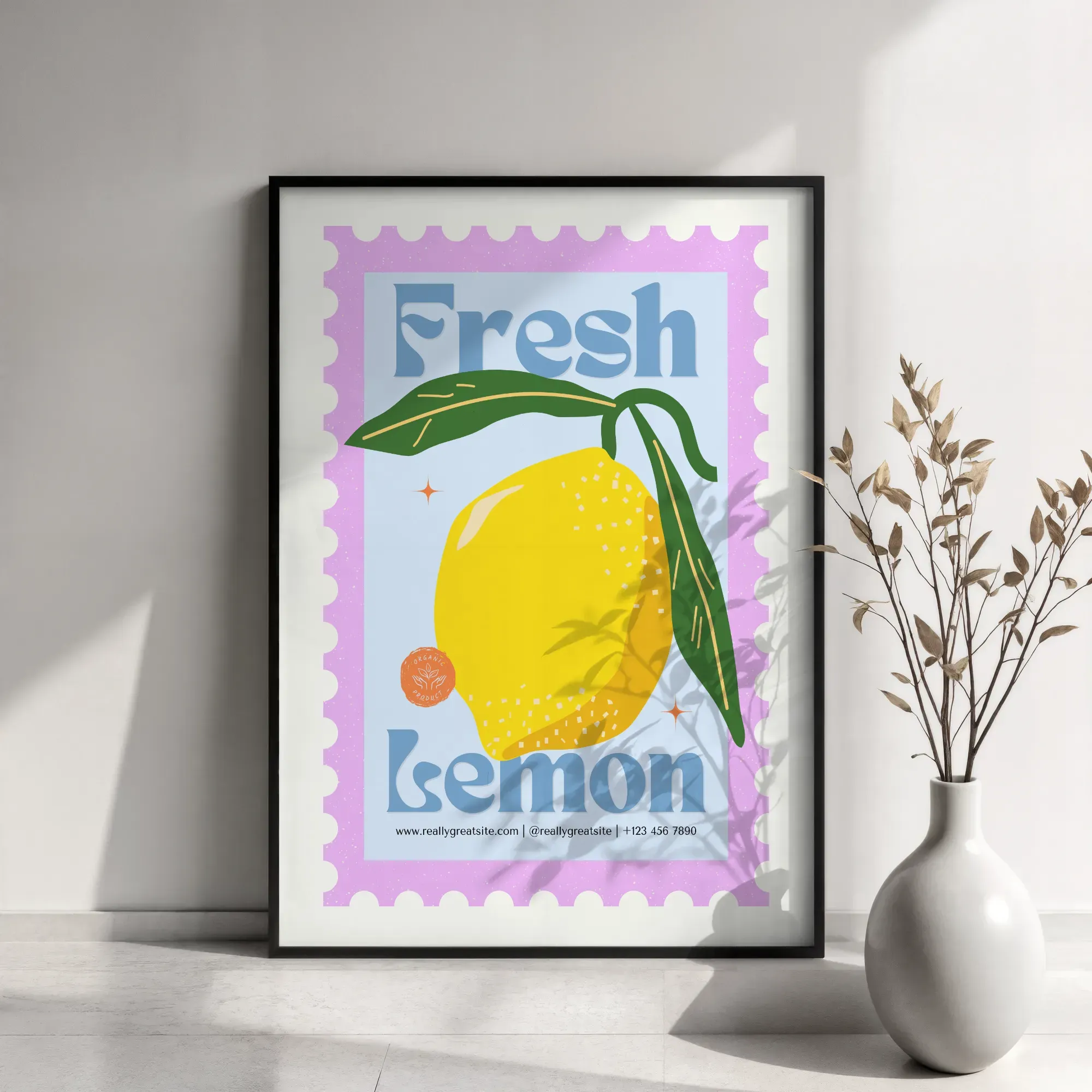
Minimalist interior Poster mockups feature clean rooms, soft light, and neutral colors. They highlight the Poster design without distractions and are often associated with modern home decor.
Use-case: These scenes work best for typography, art, and calm aesthetic designs.
Urban and Outdoor Poster Mockups
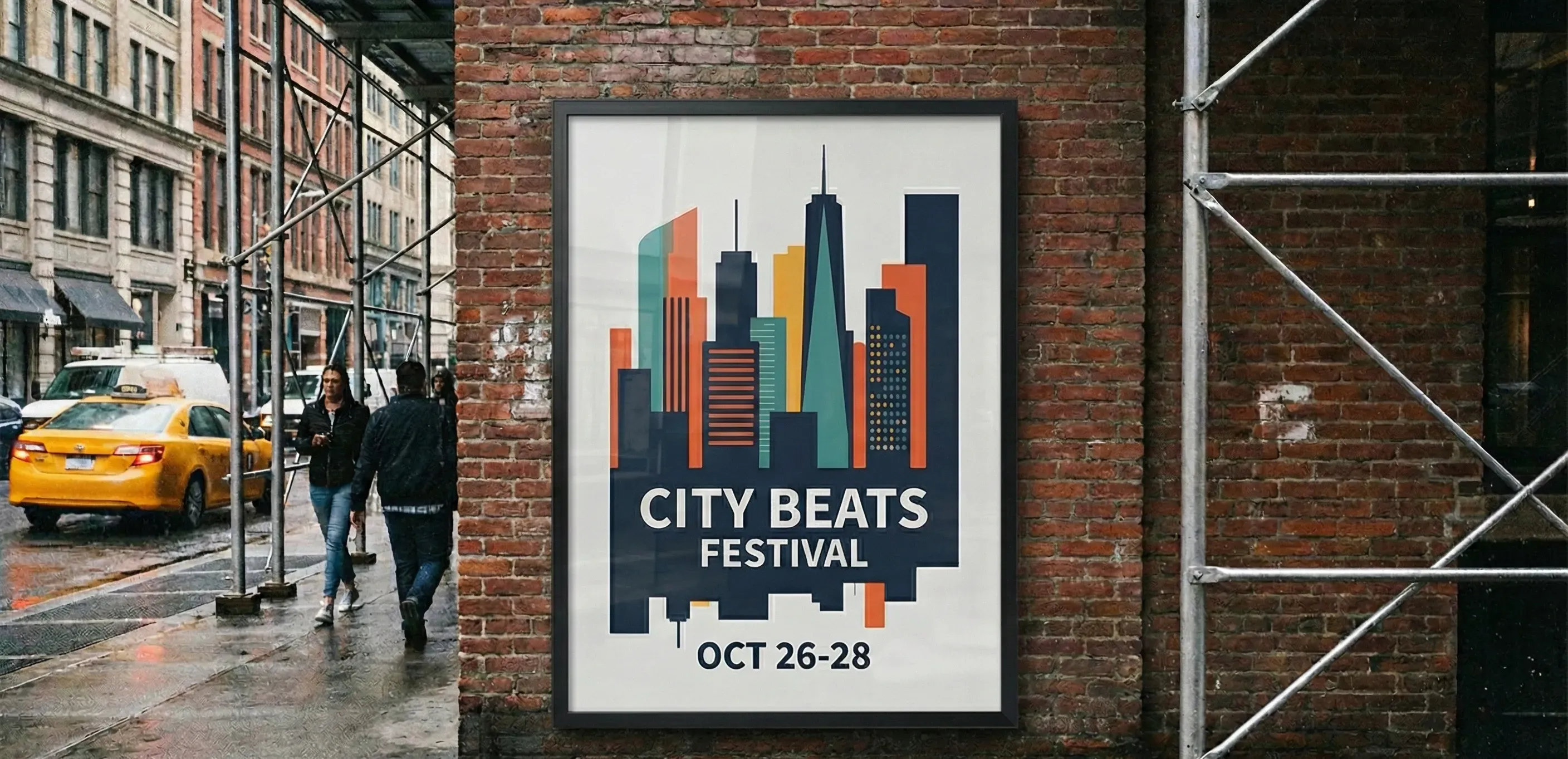
Urban and outdoor poster mockups include brick walls, subway panels, city boards, and realistic street settings. These Poster mockups feel bold and modern.
Use-case: Ideal for music events, streetwear visuals, movie promotions, and posters with strong graphic elements.
Gallery-style Poster Mockups
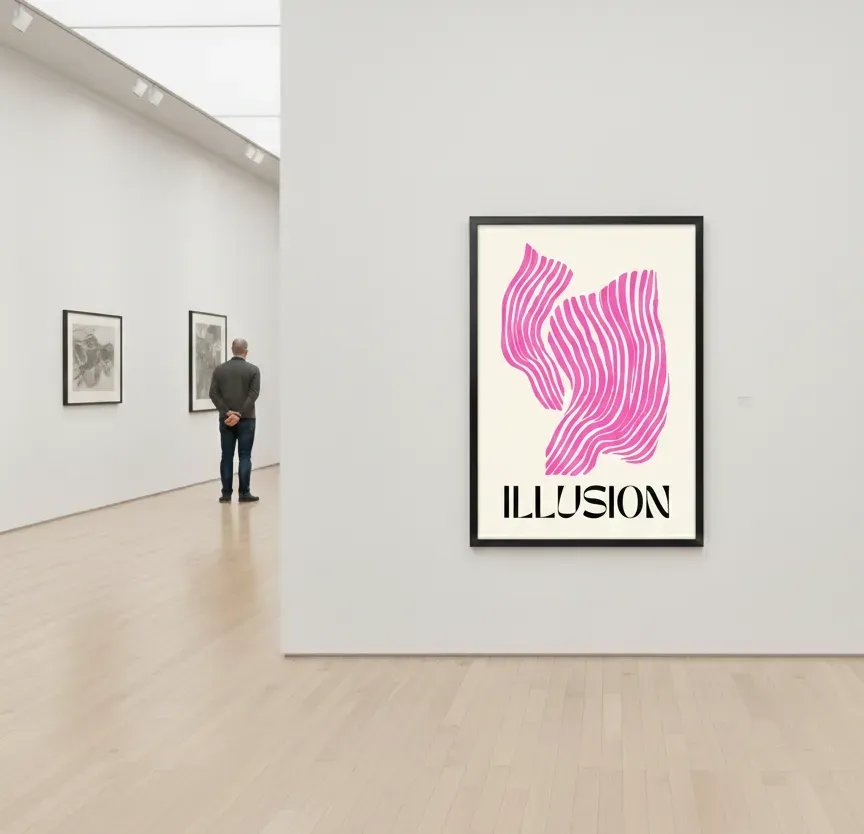
Gallery-style poster mockups feature premium frames and soft spotlighting, creating a high-end atmosphere. These Poster mockups resemble curated art displays.
Use-case: Ideal for photographers, fine art sellers, or premium Poster design collections.
Lifestyle Poster Mockups
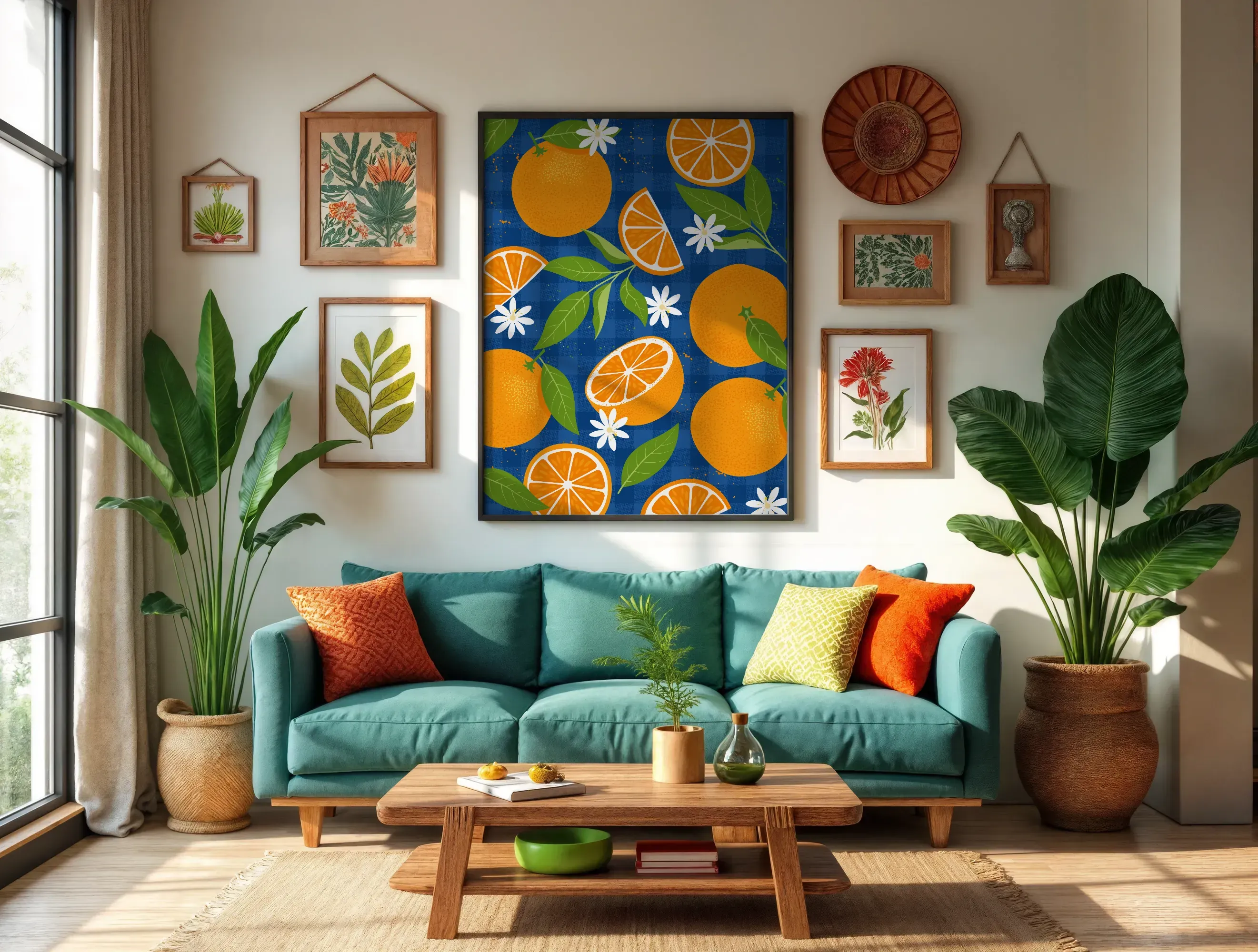
Lifestyle poster mockups show posters in real-world settings such as living rooms, offices, or cafes. They help buyers imagine how the artwork fits into everyday life.
Use-case: Perfect for Etsy sellers and home decor brands seeking relatable, warm scenes.
Studio Flat-lay Poster Mockups
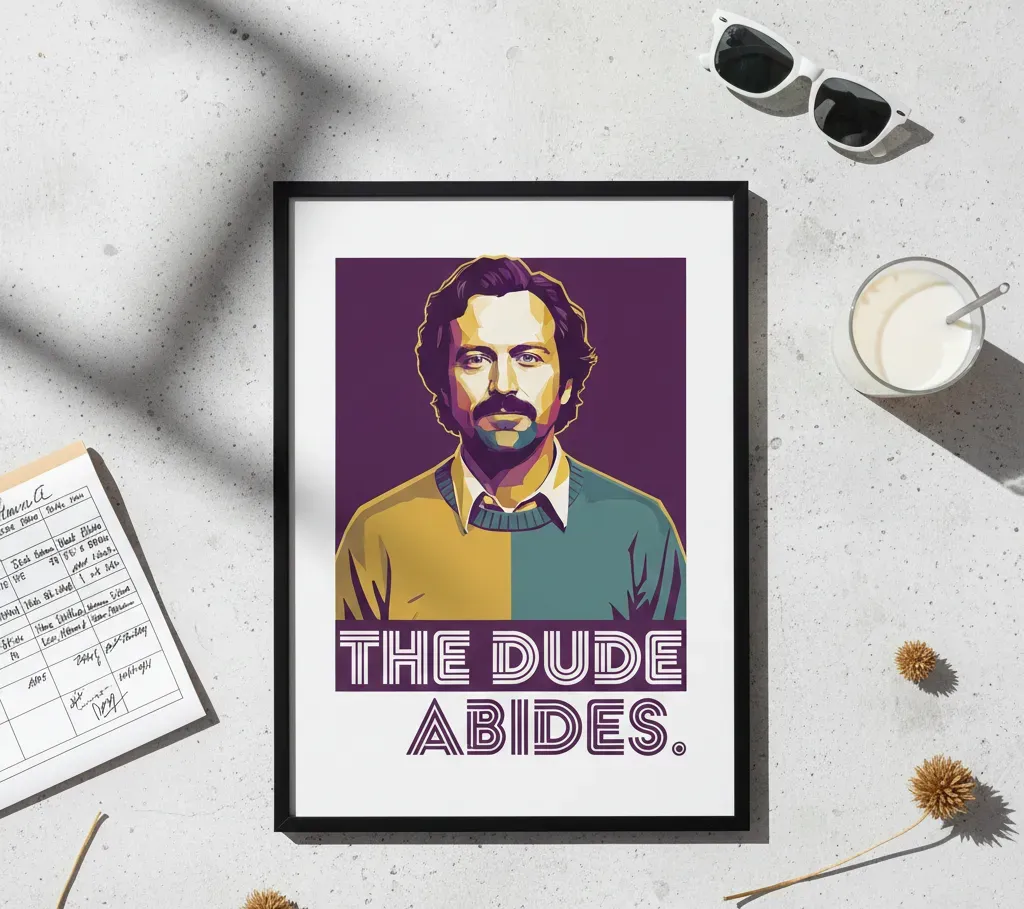
Studio flat lay poster mockups show posters placed on plain surfaces with minimal elements. They create a clean and professional look while keeping the Poster design in focus.
Use-case: They work well for branding presentations, portfolios, design agencies, and print-ready previews.
Final Thoughts
Modor is a reliable choice for creating Poster mockups because it works quickly while still giving you clean results. Try different scenes, colors, and switch between frame styles to see what fits your artwork best. Each small change teaches you what your audience likes and helps you improve your creative flow.
FAQs
1. What is the best poster mockup generator?
Modor is the best tool for both beginners and experienced creators, giving you a fast workflow and multiple templates to choose from. The realistic rendering makes your Poster mockups look clean and photo-realistic across different scenes.
2. What is the ideal resolution for poster mockups?
A high-resolution file is always recommended, especially around 300 DPI or at least 3500 pixels on the longest side, which keeps your Poster design sharp.
3. Where can I find free poster mockup templates?
You can explore Modor’s free templates along with platforms like PixelBuddha, Unblast, and Mockups Design, which offer free versions suitable for creating a mockup for a poster in different styles.
4. How to create a poster mockup without Photoshop?
You can use Modor as a Poster mockup tool, as it removes the need for complex editing. You can create a poster mockup in a few simple steps with natural lighting and easy placement without much effort.
5. Is Photoshop good for creating poster mockups?
Photoshop offers great control for Poster design, but it takes time to learn and doesn't match the speed of a dedicated Poster mockup tool, which is why many creators choose Modor for everyday Poster mockups.
Related Blog