
A Simple Guide to Making Mug Mockups on Modor
A Simple Guide to Making Mug Mockups on Modor
Learn how to create mug mockups on Modor with simple steps, pro tips, and 2025 trends.
The Science Behind Realistic Mug Visuals
The modern world has a crazy obsession with digital visuals. No matter how good your product is, if you fail to showcase it properly, people will turn their backs. Realism is the key factor deciding the future of your mockups.
Creating realistic mug mockups starts with understanding how light behaves on a curved ceramic surface. Every highlight and reflection plays a role in shaping the final look of a mockup of mug. When light wraps around the mug, it changes the brightness and tone at different angles, directly influencing how the design appears to the viewer.
These small shifts are what make mug mockups feel convincing and help buyers trust what they see. Modor excels at this because it applies natural lighting and automatically adjusts artwork, so creators do not need editing knowledge to produce a clean mug mockup. Today, in this blog, we are going to cover all you need to know before creating your own mug mockups.
Quick highlights
You can create a mug mockup in Modor in just a few minutes, thanks to its simple, guided workflow.
A clean process helps every project flow more smoothly, usually starting with design, then upload, placement, styling, export, and a final check.
Using 300 DPI PNG files with an RGB color profile keeps your mug mockups sharp and consistent across screens.
Lifestyle scenes often perform better than plain studio setups because buyers connect more with familiar, real settings.
The most popular mug mockups this year include minimal layouts, artistic designs, textured ceramics, personalized themes, and pop culture-inspired styles.
What is a Mug Mockup
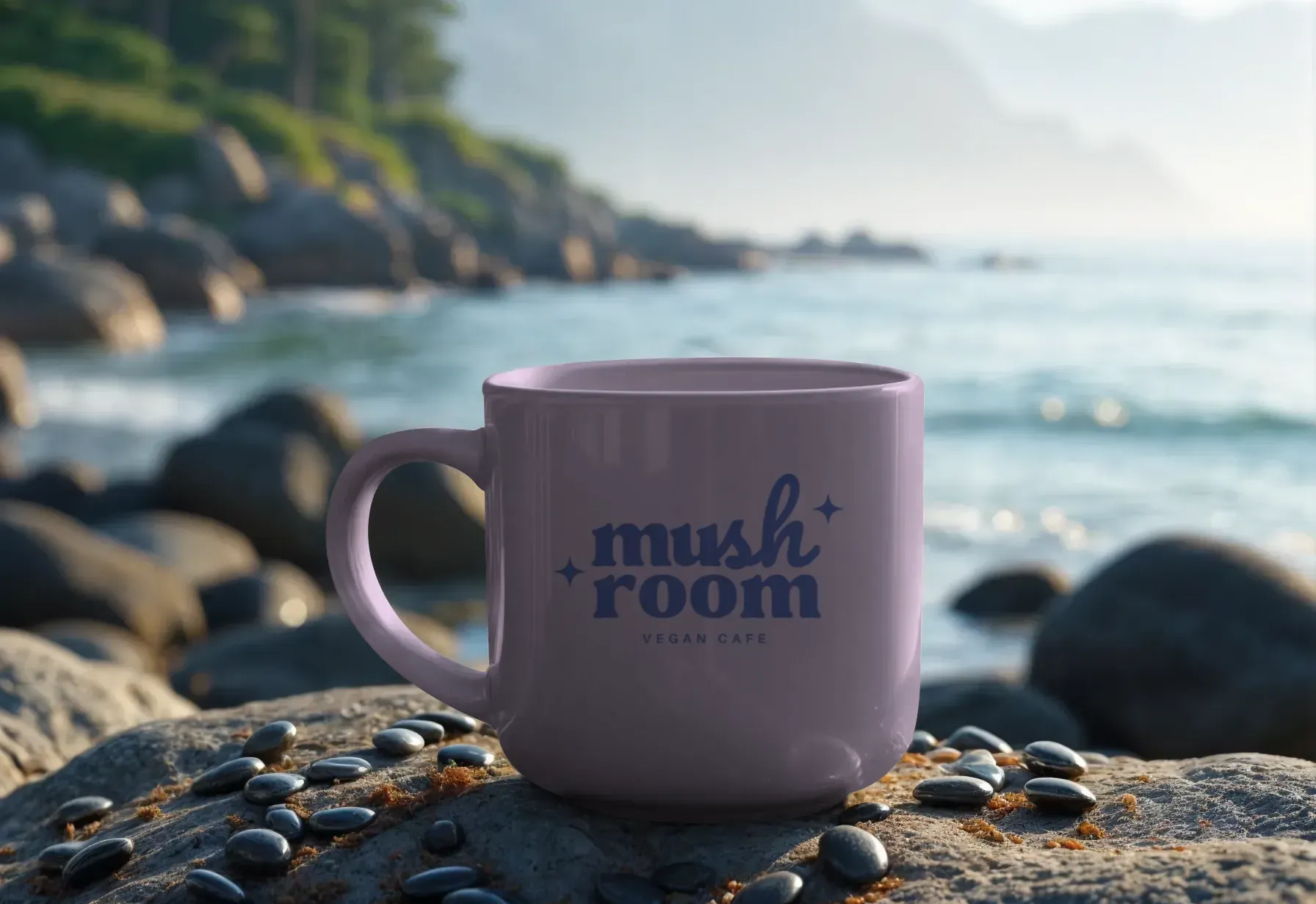
A mug mockup is a digital preview that shows how your mug design will appear on a real ceramic mug. This allows you to test alignment, clarity, and color accuracy without creating a physical product. Mug mockups enable faster decision-making for POD sellers and designers by providing a realistic view of the final product before printing.
Top Mockup Generators to Create Mug Mockups
Modor
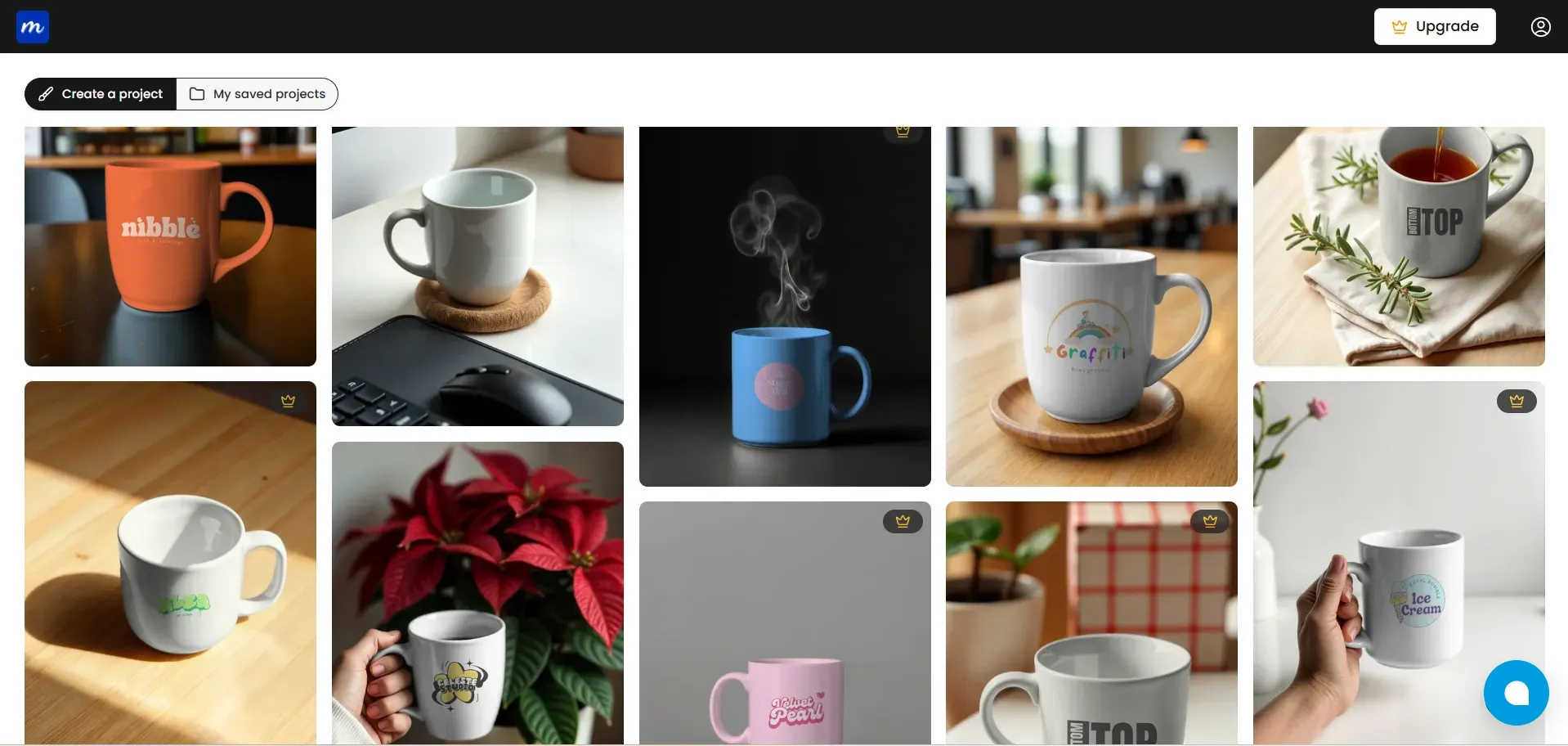
Modor offers smooth curvature control, natural lighting, and easy design placement, helping you create mug mockups with a realistic finish. Modor loads quickly and offers various styles, making the process friendly for beginners and experts alike who want clear, consistent results.
Canva
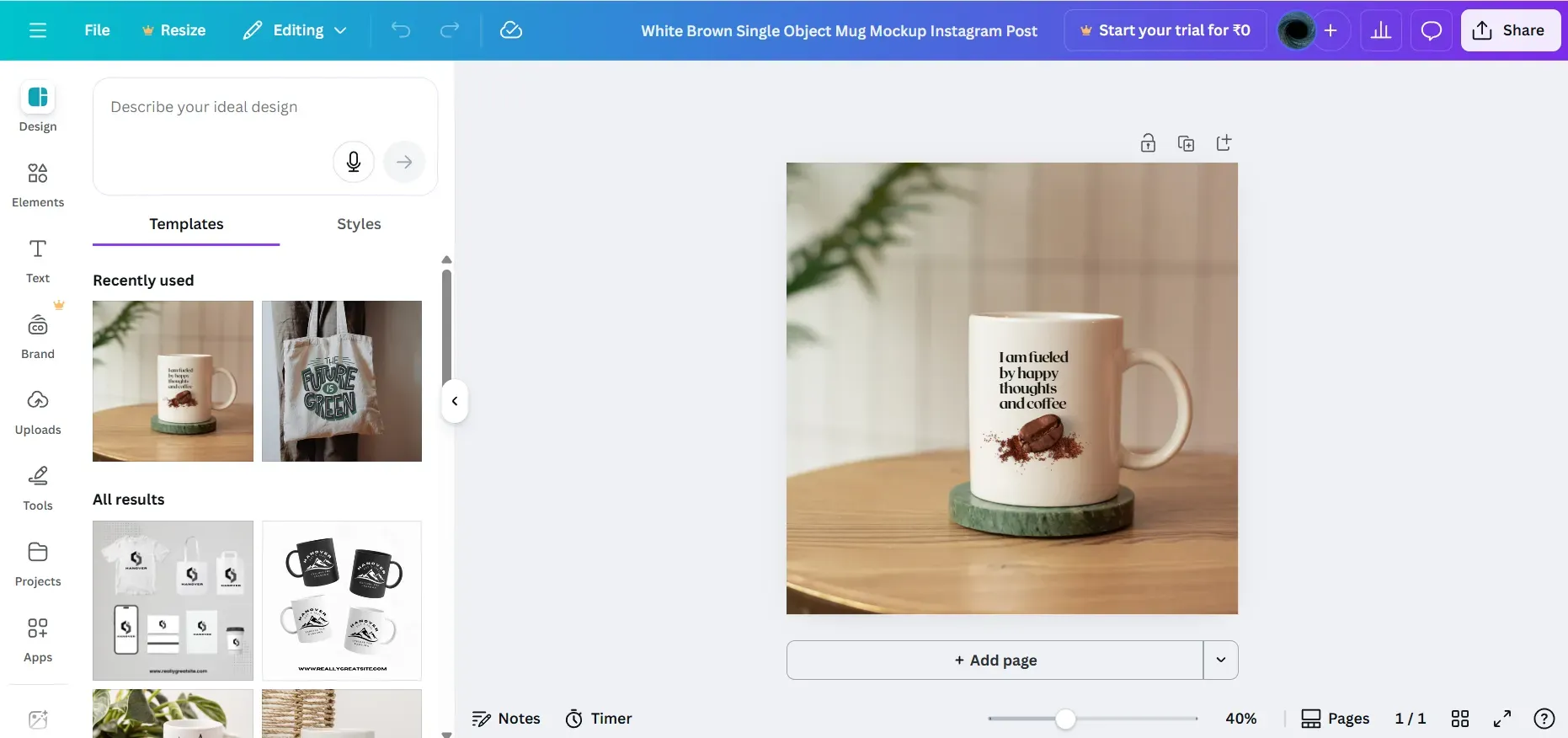
Canva supports quick creation of basic mug mockups with a drag-and-drop setup. It works well for simple studio displays. The challenge is that the lighting does not always look realistic, which makes the mockup of mug feel slightly flat in professional product listings.
Photoshop
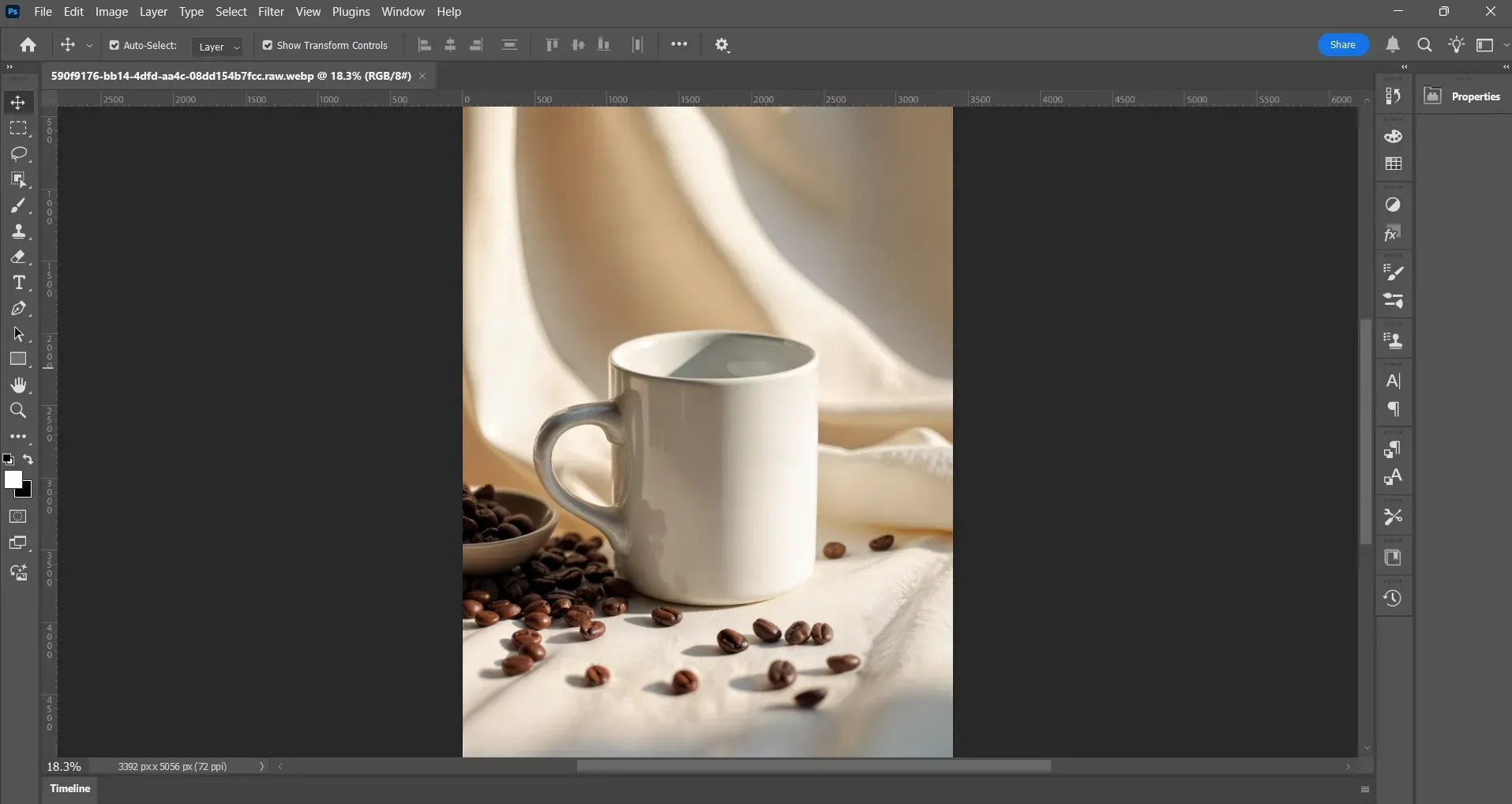
Photoshop is a powerful mockup tool for users who want complete control of lighting and shadows. You can adjust reflections and add custom scenes when building mug mockups. The downside is the steep learning curve and the time required to create a mug mockup from scratch.
Kittl
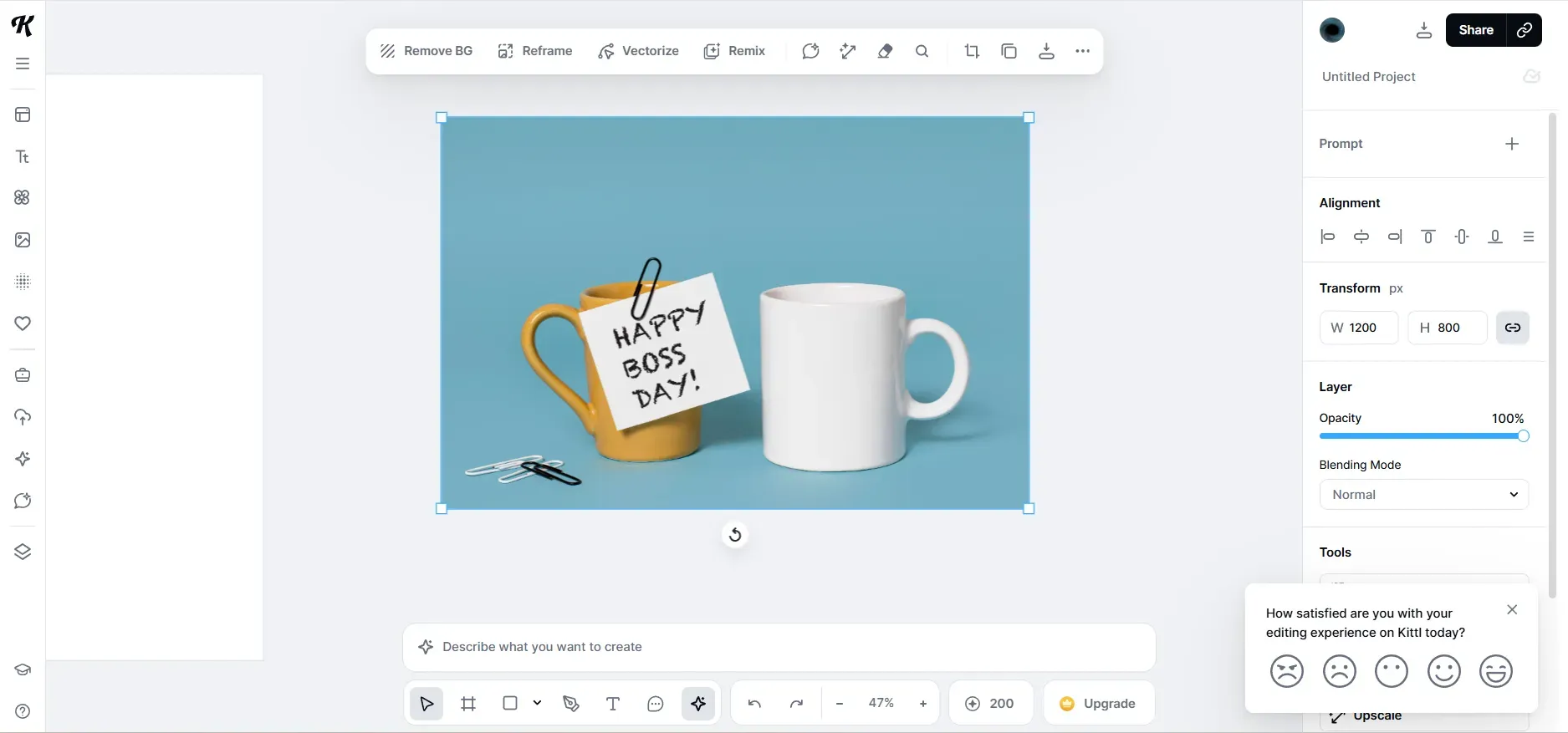
Kittl allows illustrators to design and create mug mockups in the same workspace. It supports creative designs and clean ceramic placements. The limitation is that the mockup library is smaller than tools explicitly built for mug mockups.
Create Mug Mockups That Stop the Scroll
Shoppers scroll fast, and your mug mockups need to catch their attention in a few seconds. A mug mockup stands out most when the lighting feels natural, and the scene feels familiar. A kitchen counter, a morning desk, or a warm reading corner can instantly tell a story about the mug.
Getting Started: Create a Design
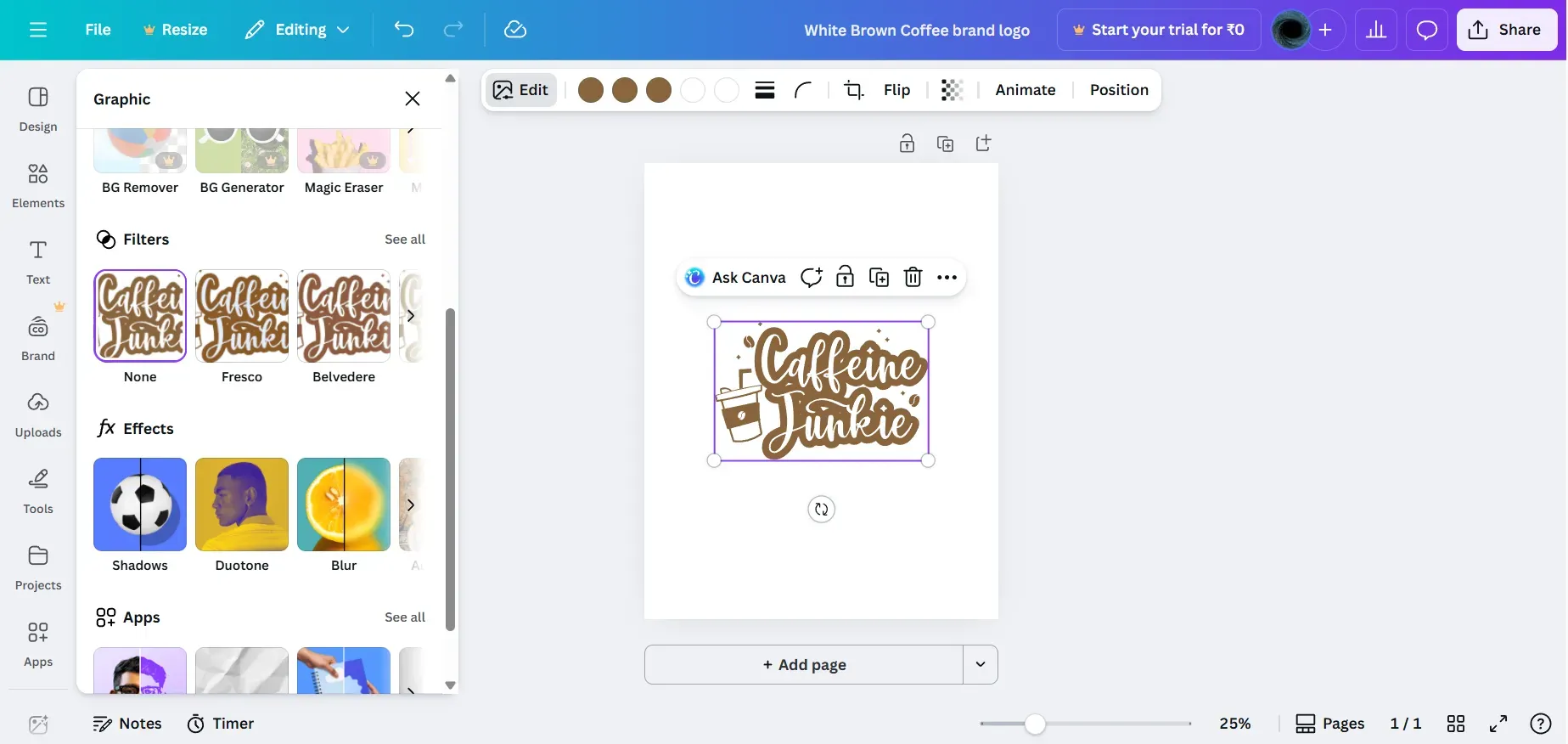
Every mug design begins with clean artwork that can hold its shape on curved ceramic. You can create this using Kittl, Illustrator, Canva, Procreate, Photoshop, or Figma. Export your artwork as a transparent 300 DPI PNG so your mug mockups look crisp in all sizes.
Design Inspiration can come from Pinterest, Behance, Dribbble, Etsy, or Instagram. These platforms show what is trending and what buyers respond to. Avoid thin lines and overly detailed designs, as they stretch more visibly along the mug curve. High contrast always helps your mug mockup stay readable on any screen.
Create Photo-Realistic Mug Mockups on Modor: Quick Tutorial
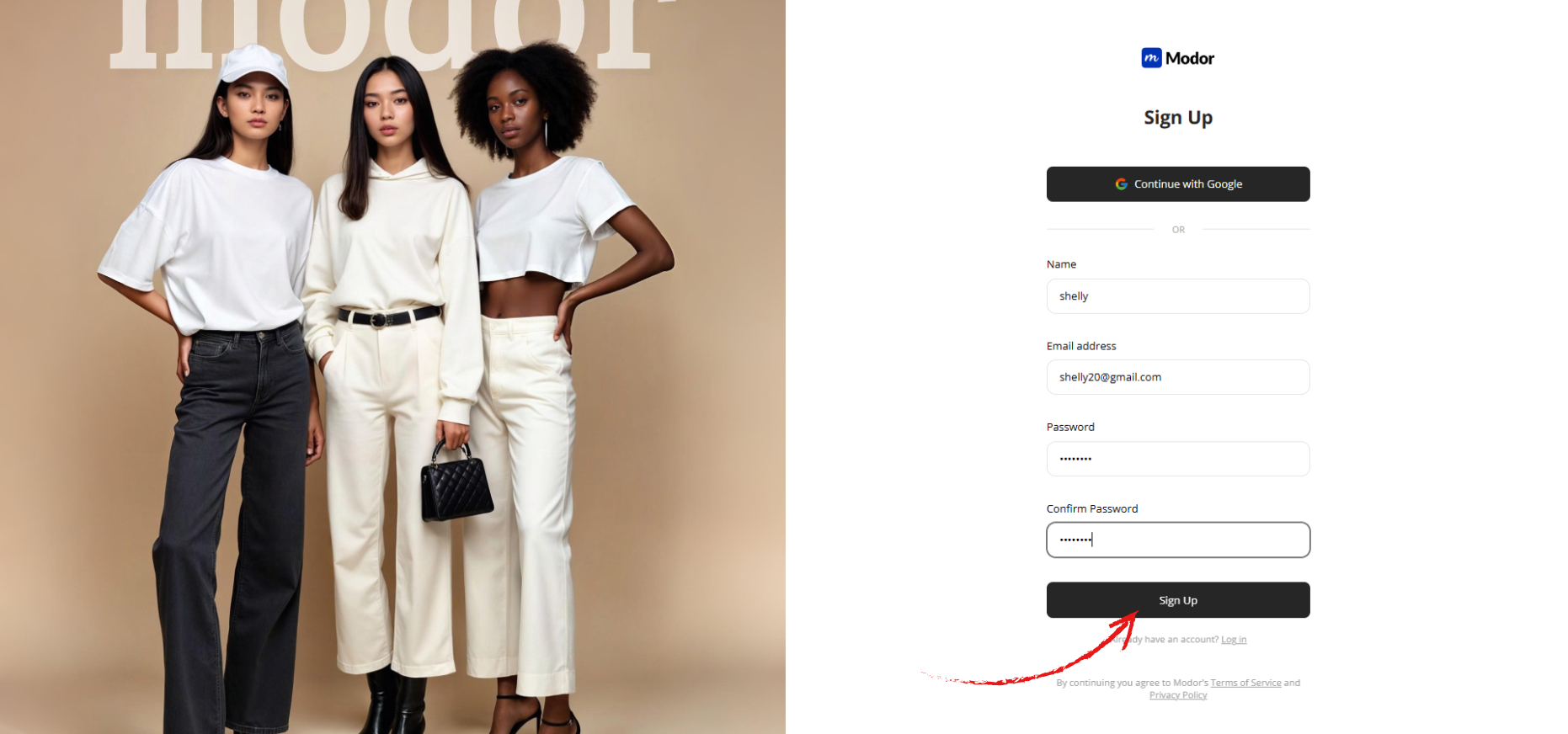
Step 1: Sign up on Modor using Google or email, and Google is often faster and easier. If you already have an account, log in with your saved credentials to explore the dashboard.
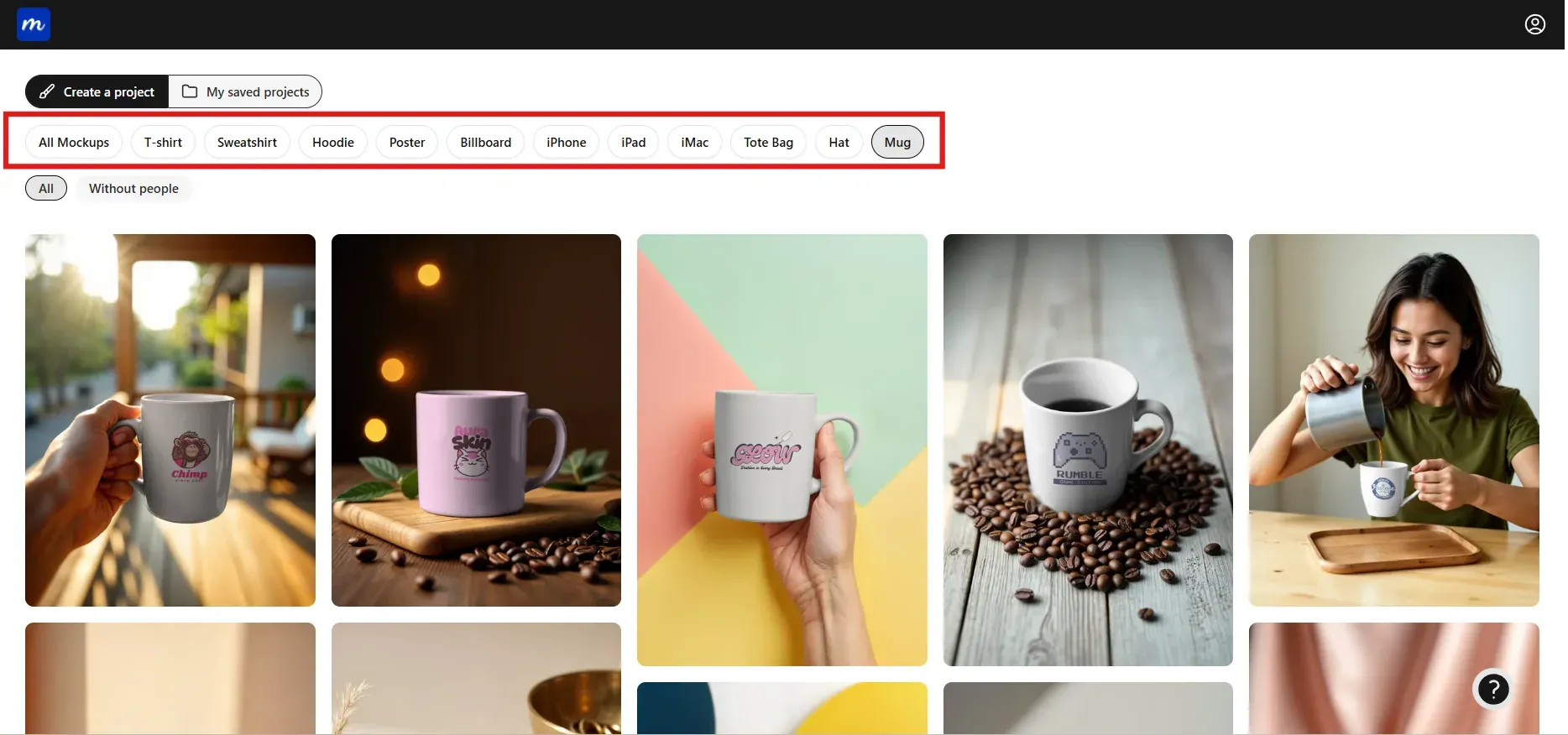
Step 2: Open the dashboard and choose the Mug category from options such as t-shirts, hoodies, iPhones, posters, and more.
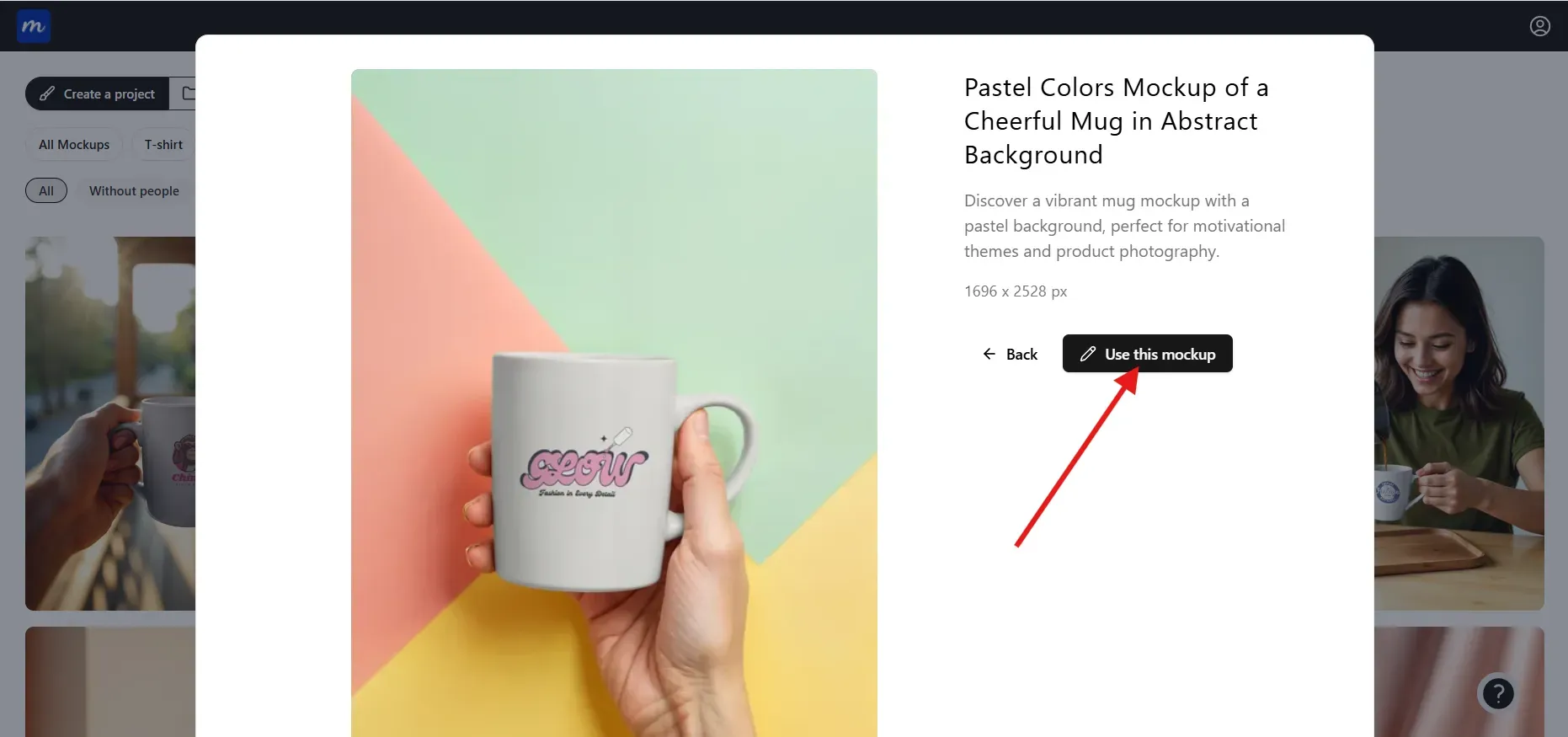
Step 3: Pick a mug template that matches your brand mood, whether minimal, lifestyle-inspired, textured, or studio-styled. Once you have picked a template, click on Use this mockup to begin editing.
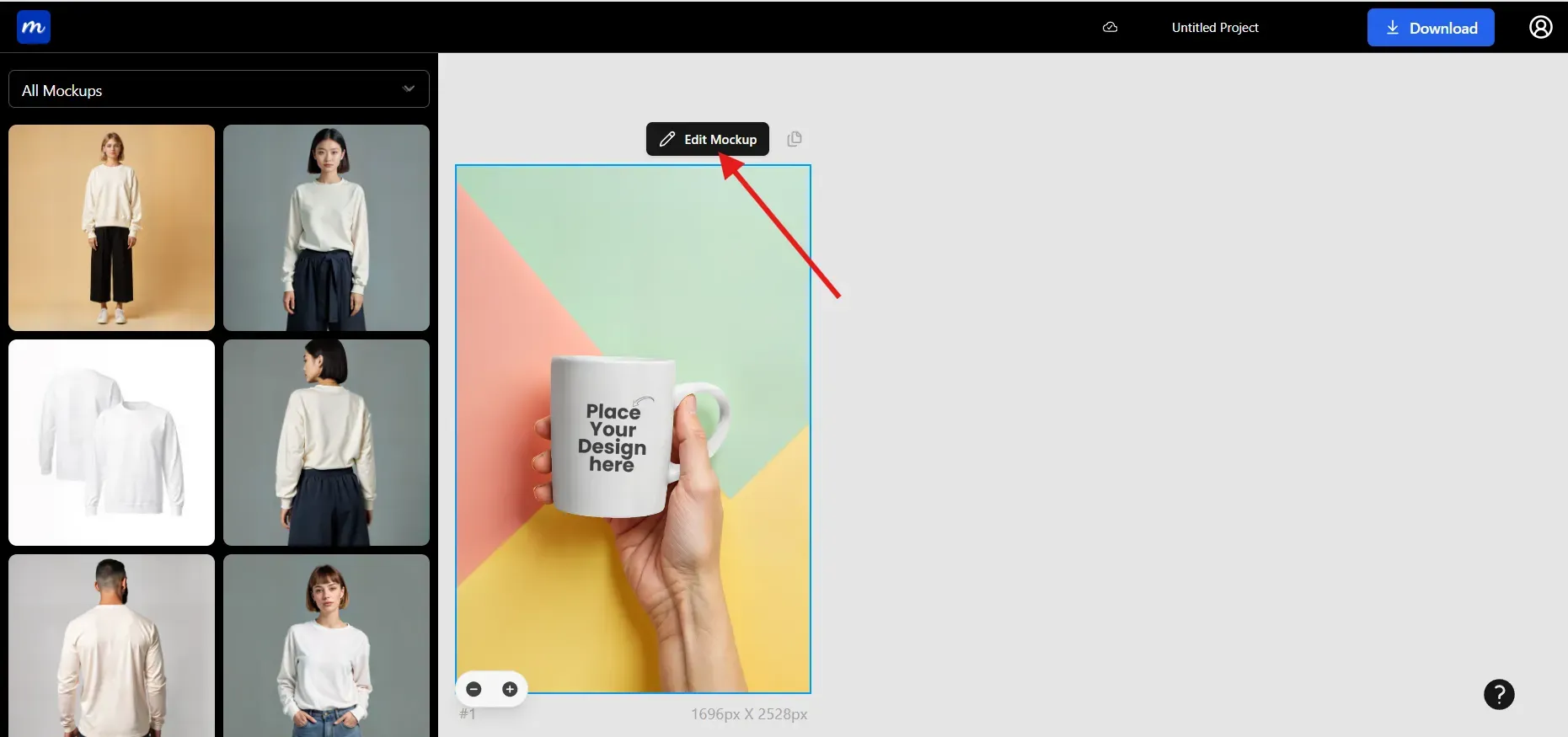
Step 4: Once in the editor, click on Edit mockup to unlock the editing toolkit
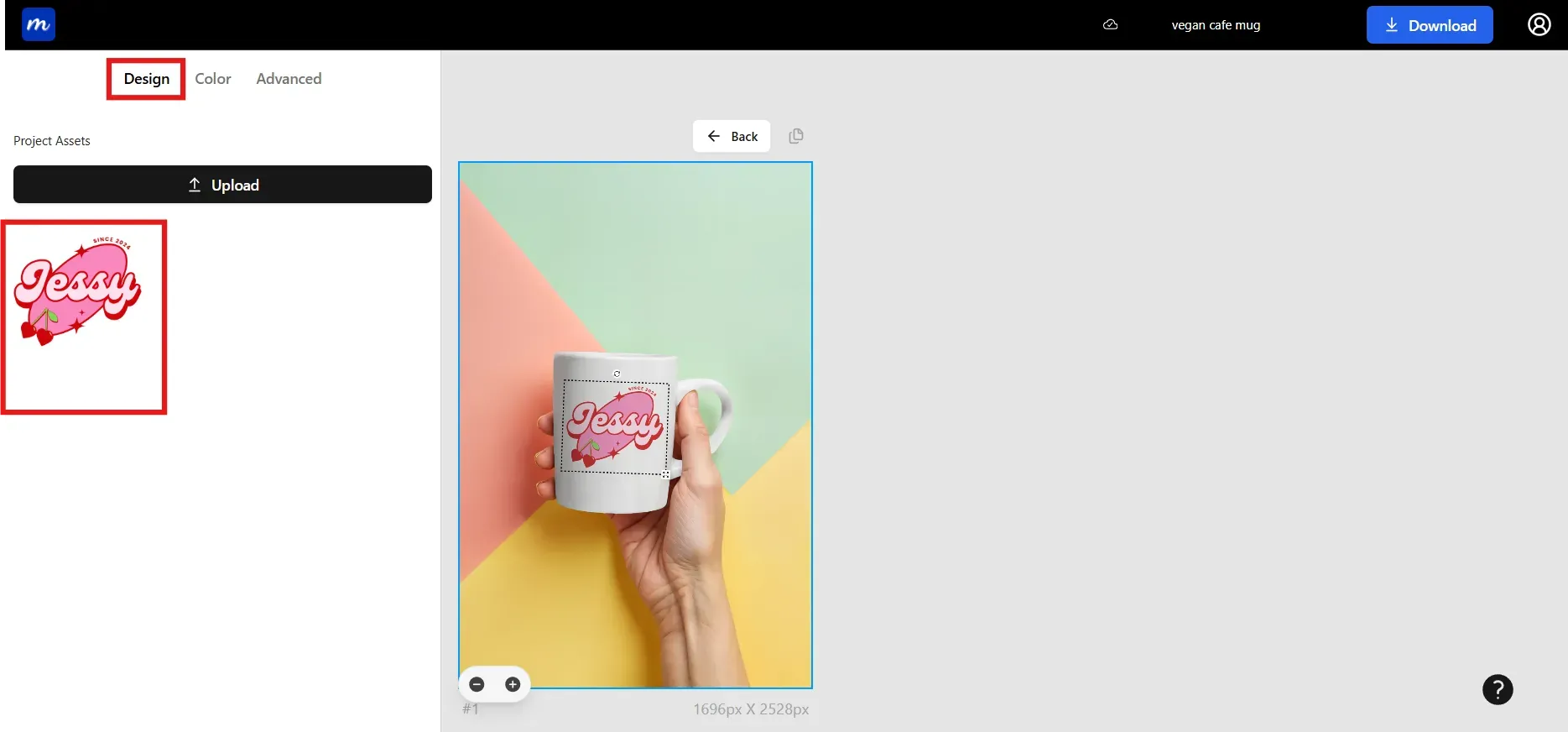
Step 5: Upload your mug design and place it neatly inside the mug layout area. Uploading your design in transparent PNG ensures color accuracy and blends smoothly with the mockup.
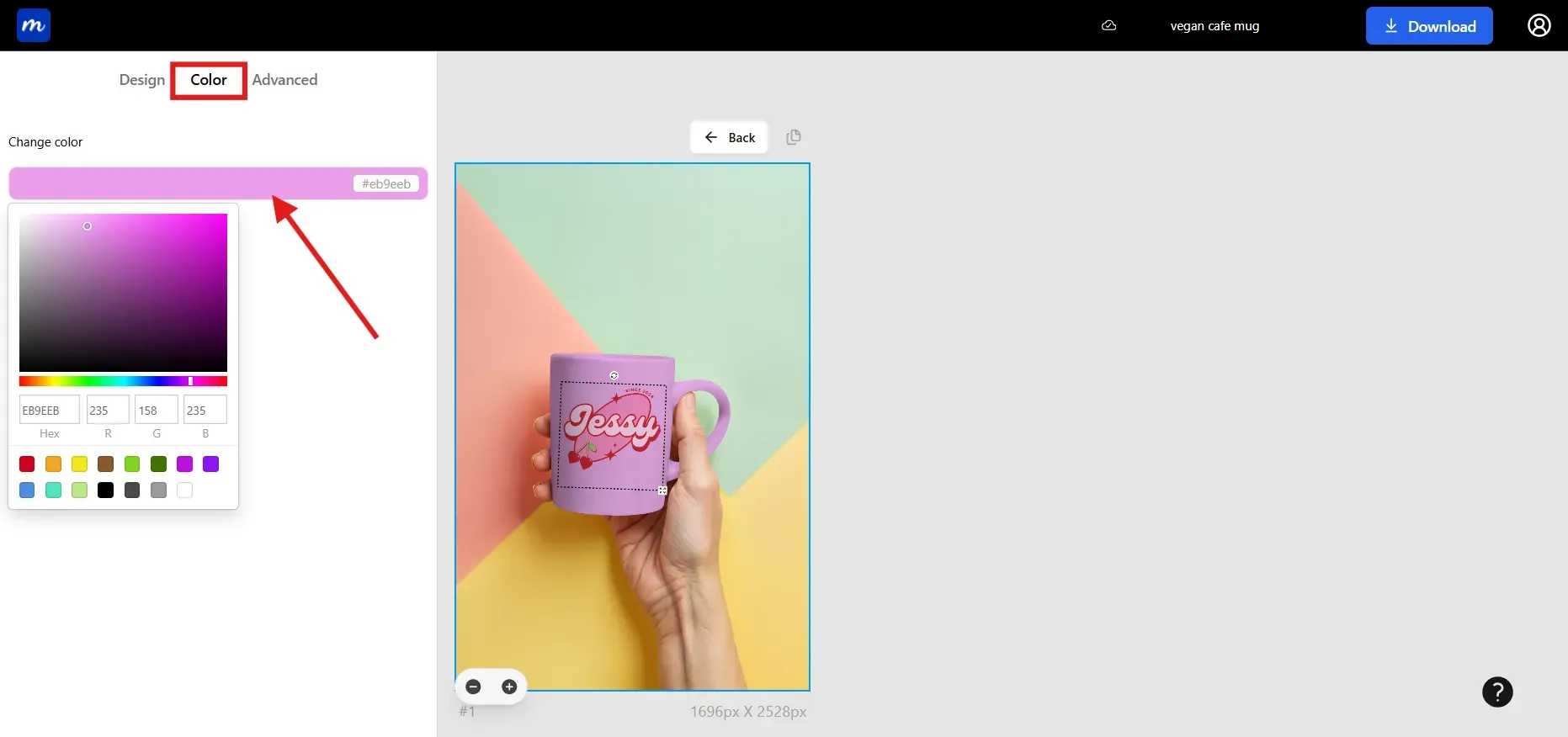
Step 6: Adjust the colors in the mockup using the color picker or by entering hex or RGB values. Hex code and RGB values are better if you want to use brand colors.
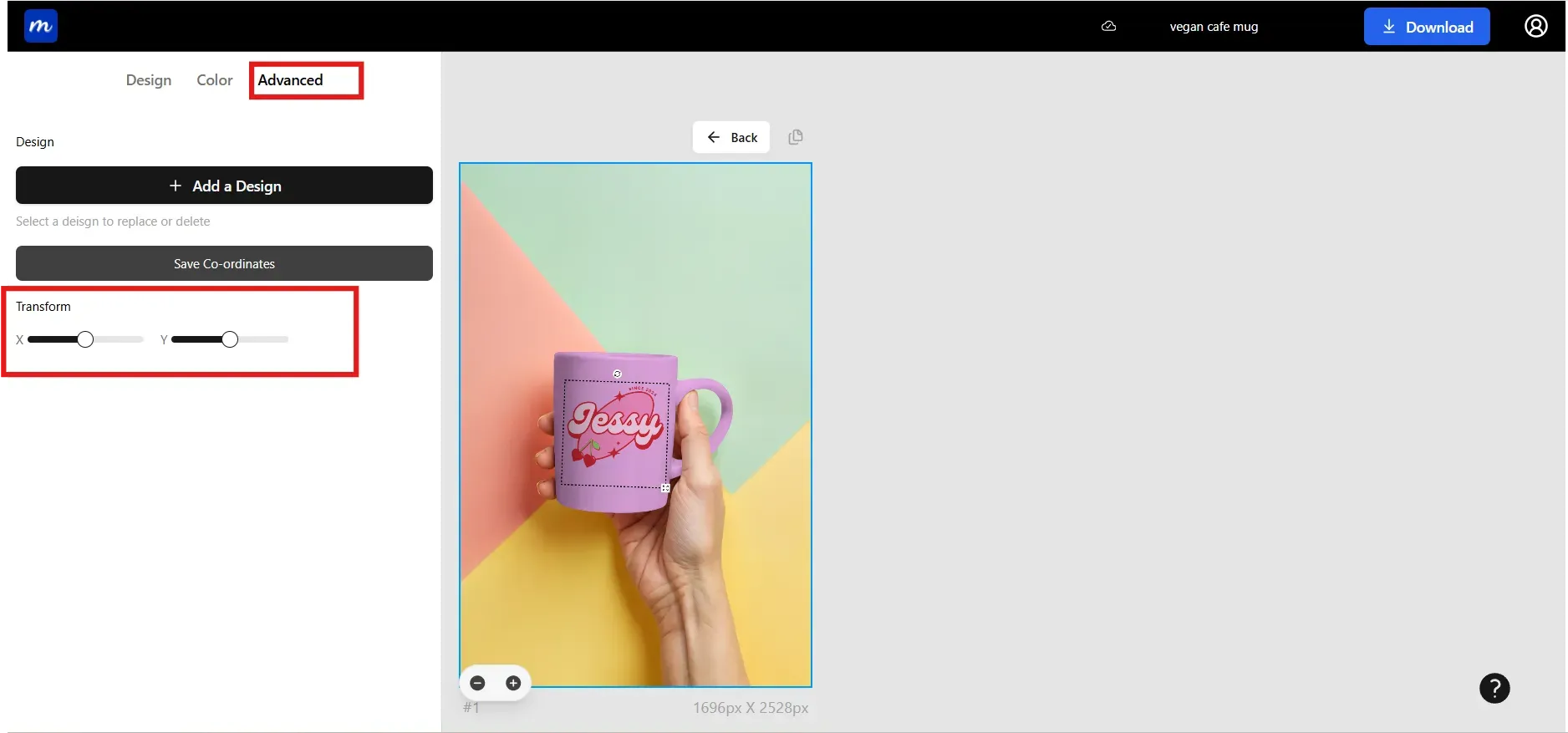
Step 7: Use Transform X and Y to align the artwork naturally around the mug curve.
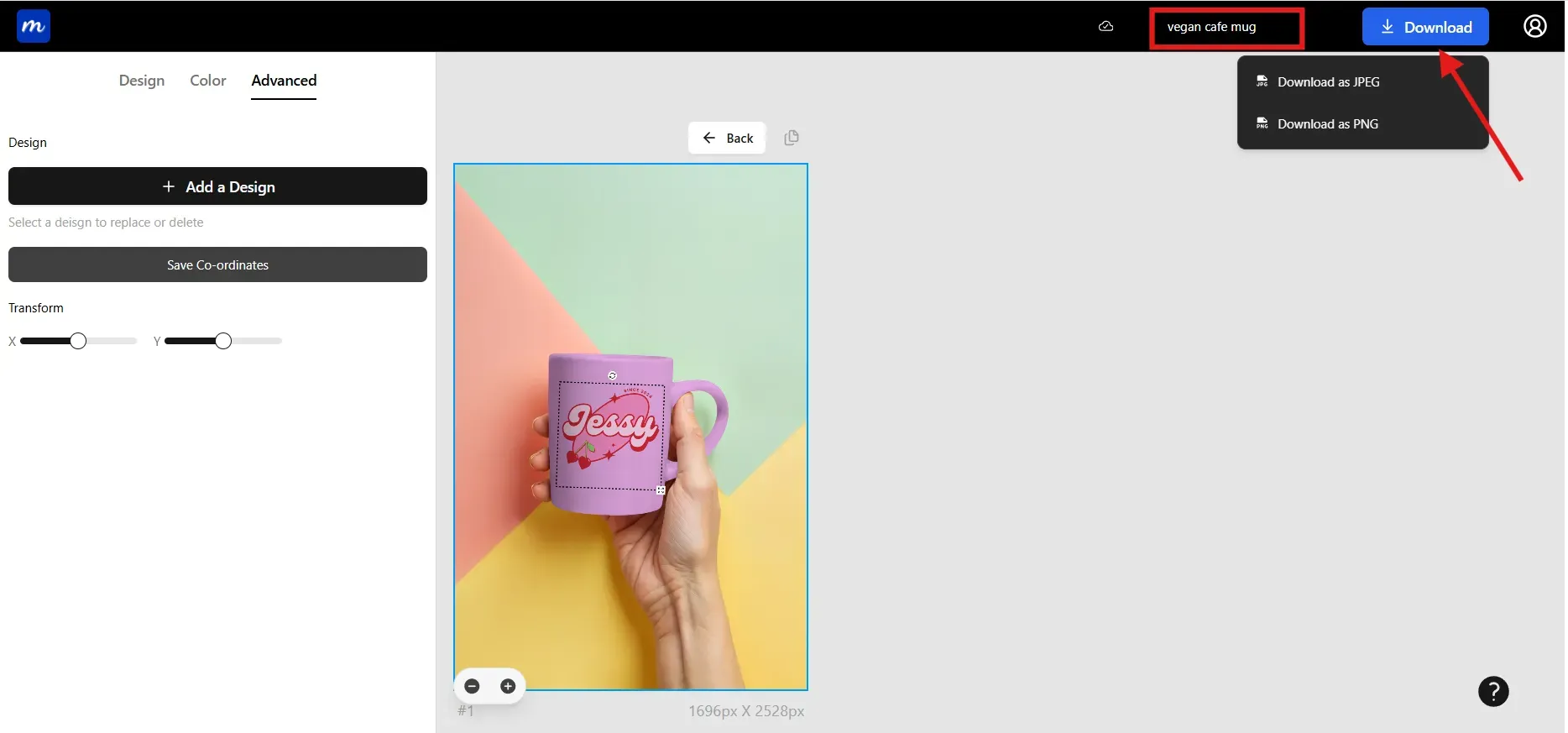
Step 8: Give a name to your project so you can revisit and refine it later. Download your mug mockups in high-resolution JPG or PNG for your store or ads. JPG works best for e-commerce listings, while PNG preserves great detail in your mockups.
Test Mug Mockups Before Publishing
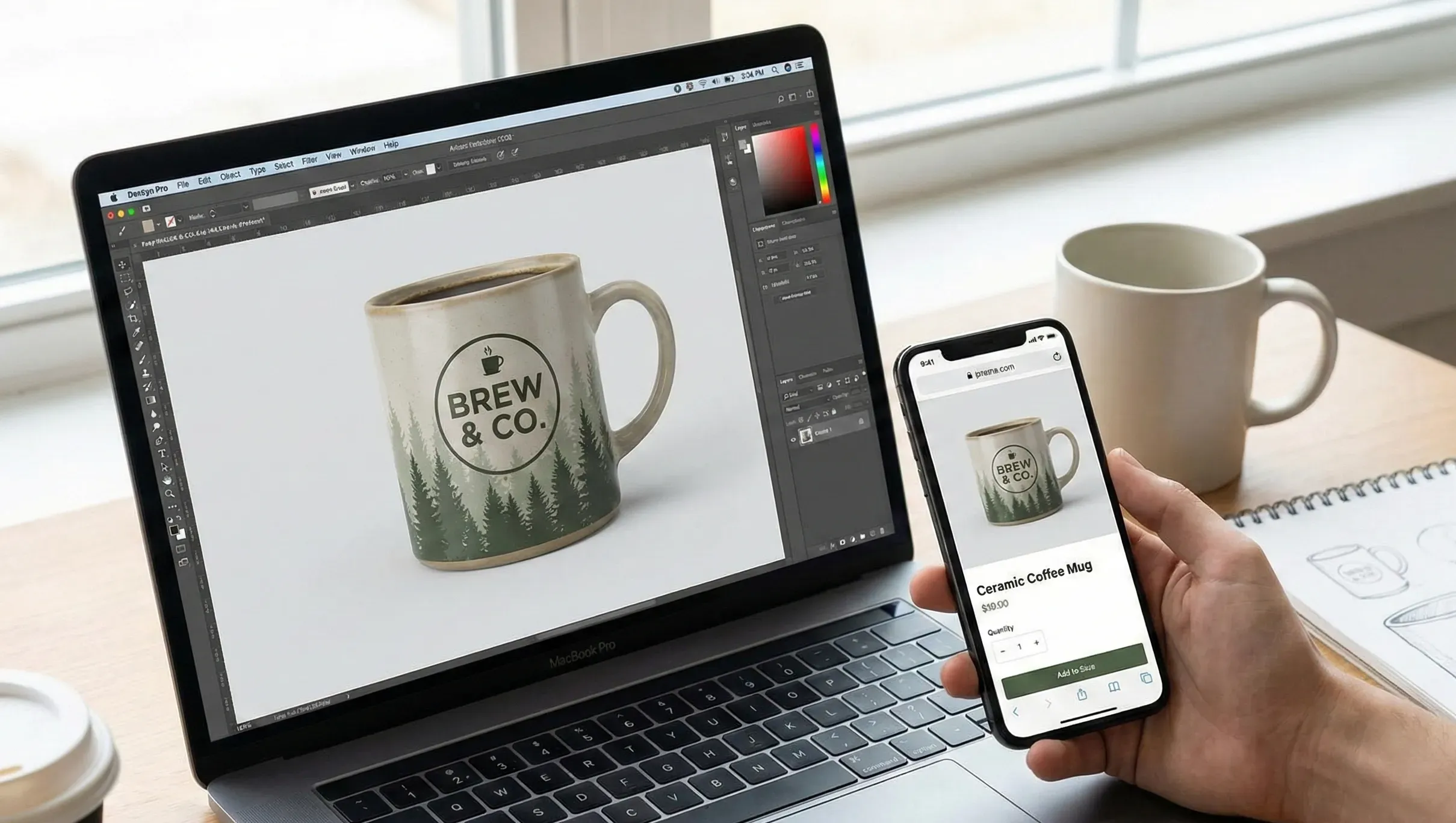
Testing your mug mockups before publishing saves time and prevents common issues that lower conversions. Make sure your mug mockup passes the checks below.
Mobile clarity: Ensure the design remains readable and stable on small screens.
Finish comparison: Compare matte and glossy finishes to see which presents the mug design better.
Honest audience feedback: Share a preview with a small group of users to gather honest impressions.
Visual A/B test: Compare lifestyle mockups and studio style mockups to see which brings more engagement.
Color accuracy: Confirm colors appear balanced and do not shift in different lighting styles.
Why Mug Mockups Fail on Marketplace Listing
Many creators experience mug mockups failing on marketplaces, as shoppers can catch minor mistakes you missed. When a mockup of a mug fails, it can lower clicks, reduce conversions, and create confusion among the buyers. Here are some of the biggest culprits behind poor mug mockups.
Low-resolution images: Blurry mug mockups reduce trust because the artwork looks unclear.
Incorrect alignment: Off-center designs make the mug mockup appear unprofessional.
Distracting backgrounds: Busy scenes hide the mug and make it hard to focus on the design.
Unrealistic lighting: Shadows that do not sit well with the scene lower realism.
Color distortion: Oversaturated colors compress poorly, altering how the mug design appears.
Inconsistent styles: Mixed backgrounds or lighting confuse buyers and reduce conversions.
Mug Mockup Trends You Can’t Miss in 2025
Minimal Mug Mockups
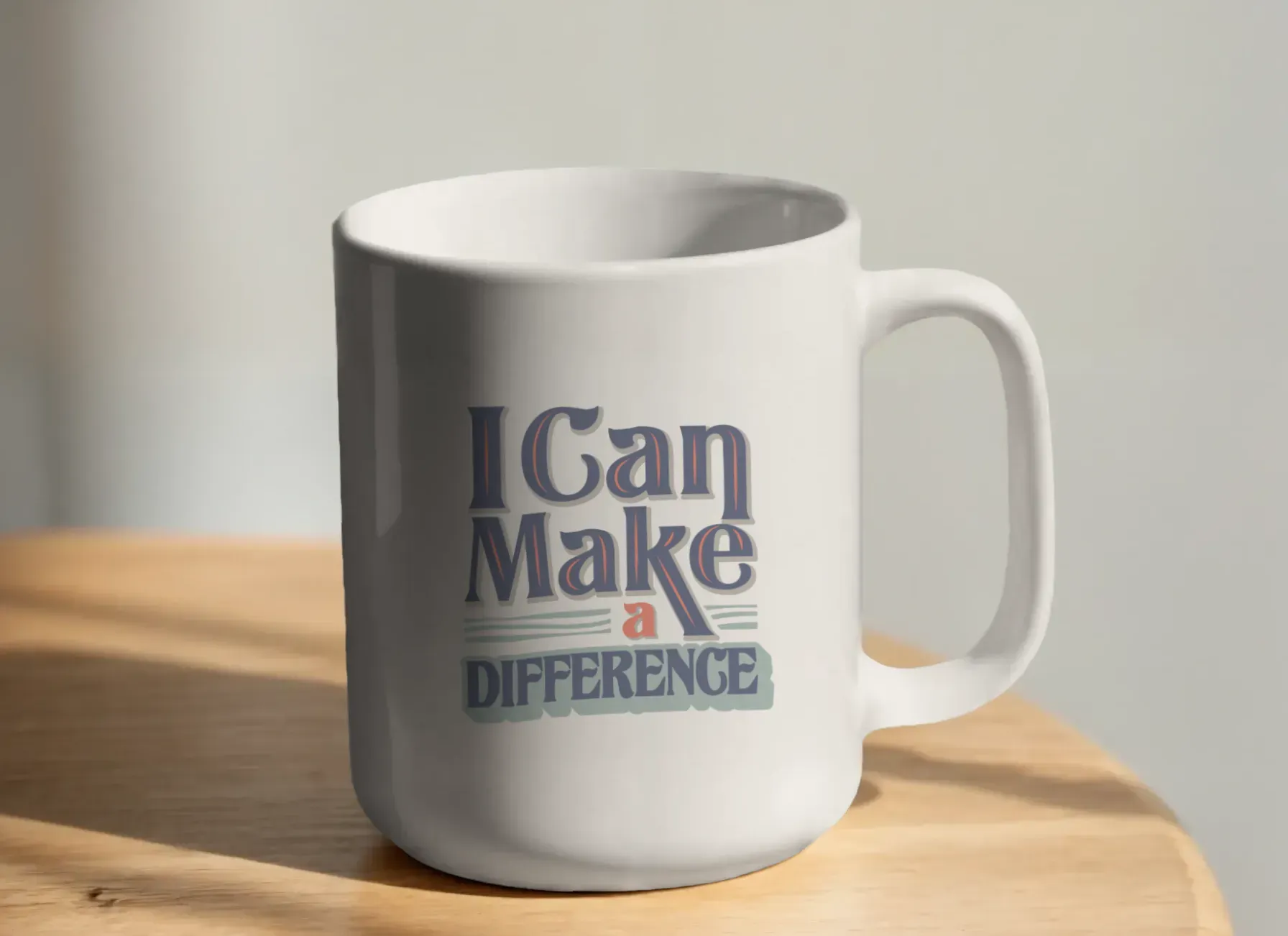
Minimal mug mockups use soft lighting and clean backdrops that keep the focus on the mug design. This style removes distractions and highlights the mug's simplicity. Use case for minimal mug mockups: Ideal for modern brands and typography-based designs that require a clean, calm presentation.
Personalized and Photo Mug Mockups
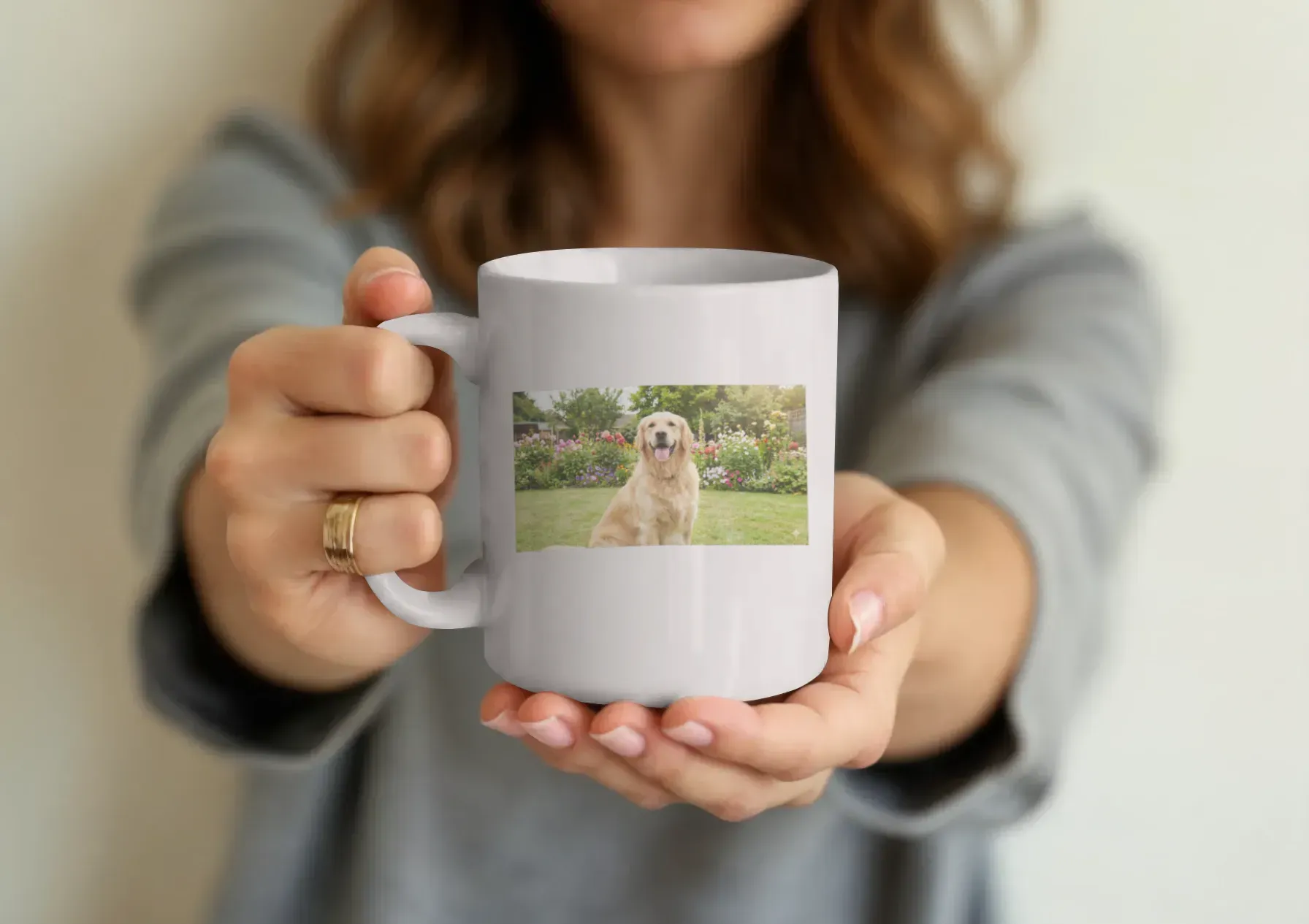
These mug mockups feature names, pet photos, portraits, or simple memento-style layouts. They make the mug design feel sentimental and thoughtful. Use case for personalized mug mockups: Perfect for gift shops and seasonal sellers who attract buyers looking for meaningful items.
Artistic Mug Mockups
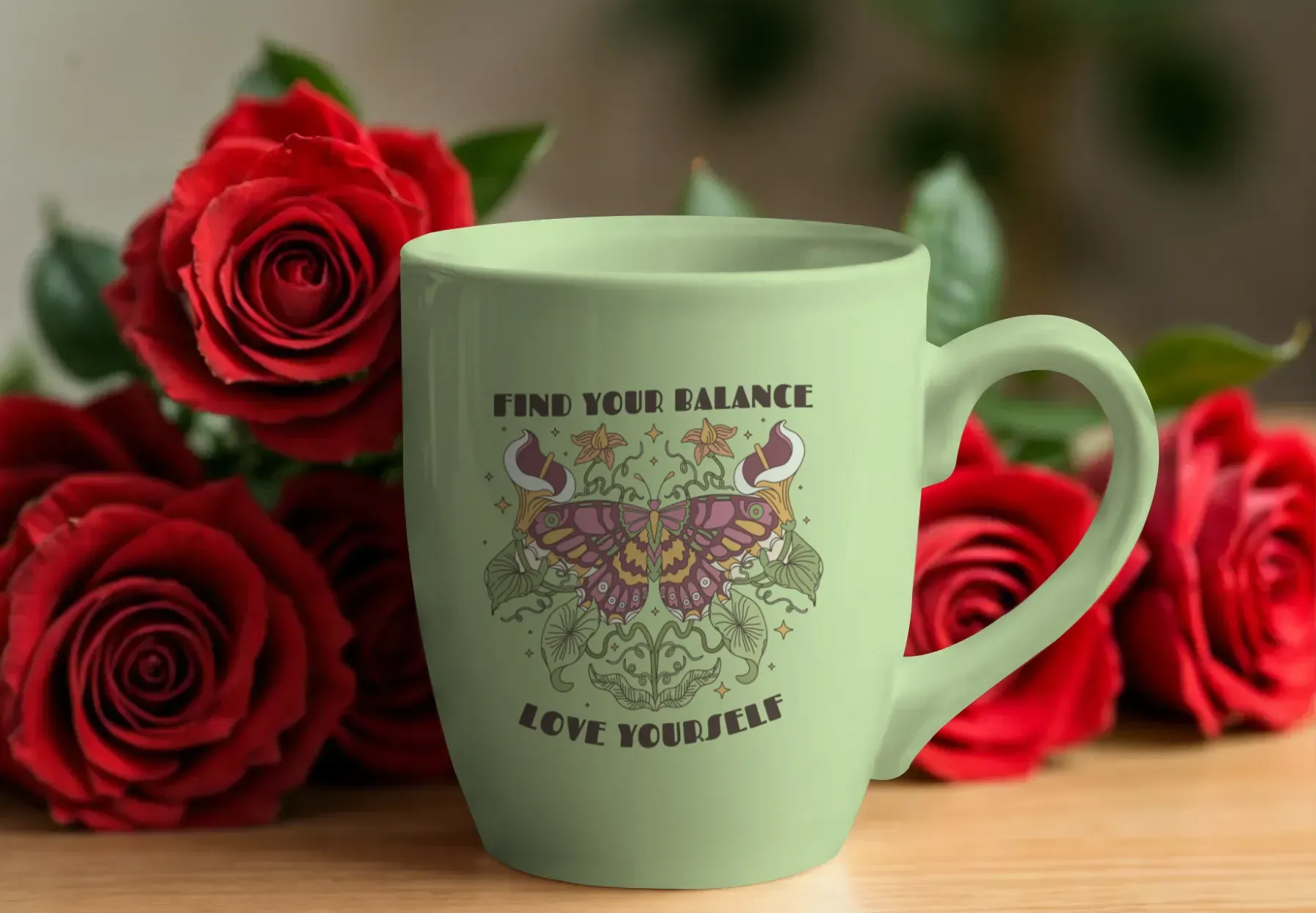
Artistic mug mockups display illustrated scenes, boho patterns, colorful textures, or stylized art. They create a more expressive display of the mug design. Use case for artistic mug mockups: Great for creative brands, illustrators, and digital artists selling their artwork as products.
Textured Mug Mockups
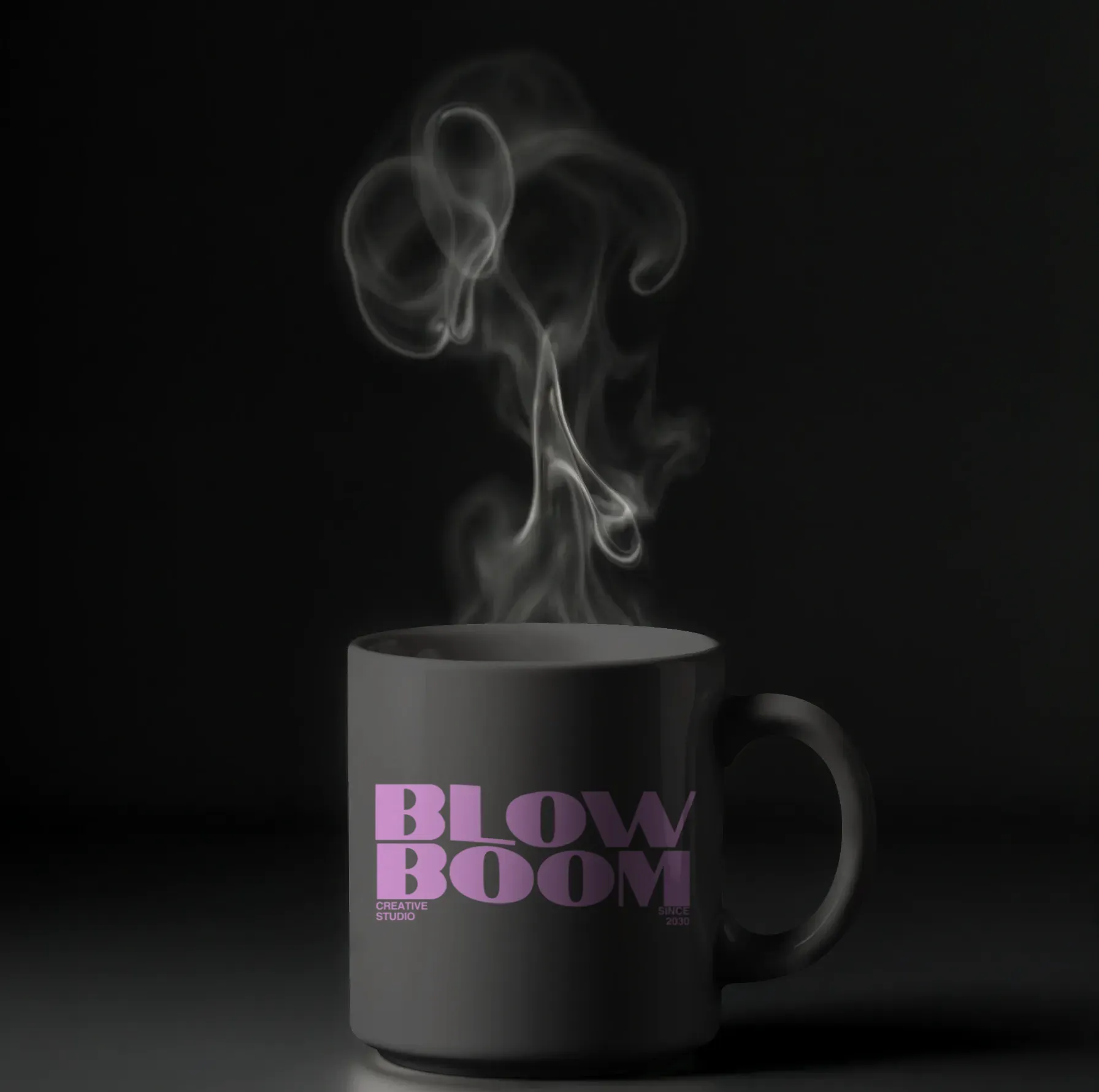
Textured mug mockups highlight matte ceramic looks, speckled surfaces, or handcrafted finishes. These make the mug mockup appear more tactile and warm. Use case for textured mug mockups: Ideal for artisan shops and premium brands that use earthy or handcrafted themes.
Occasion-based Mug Mockups
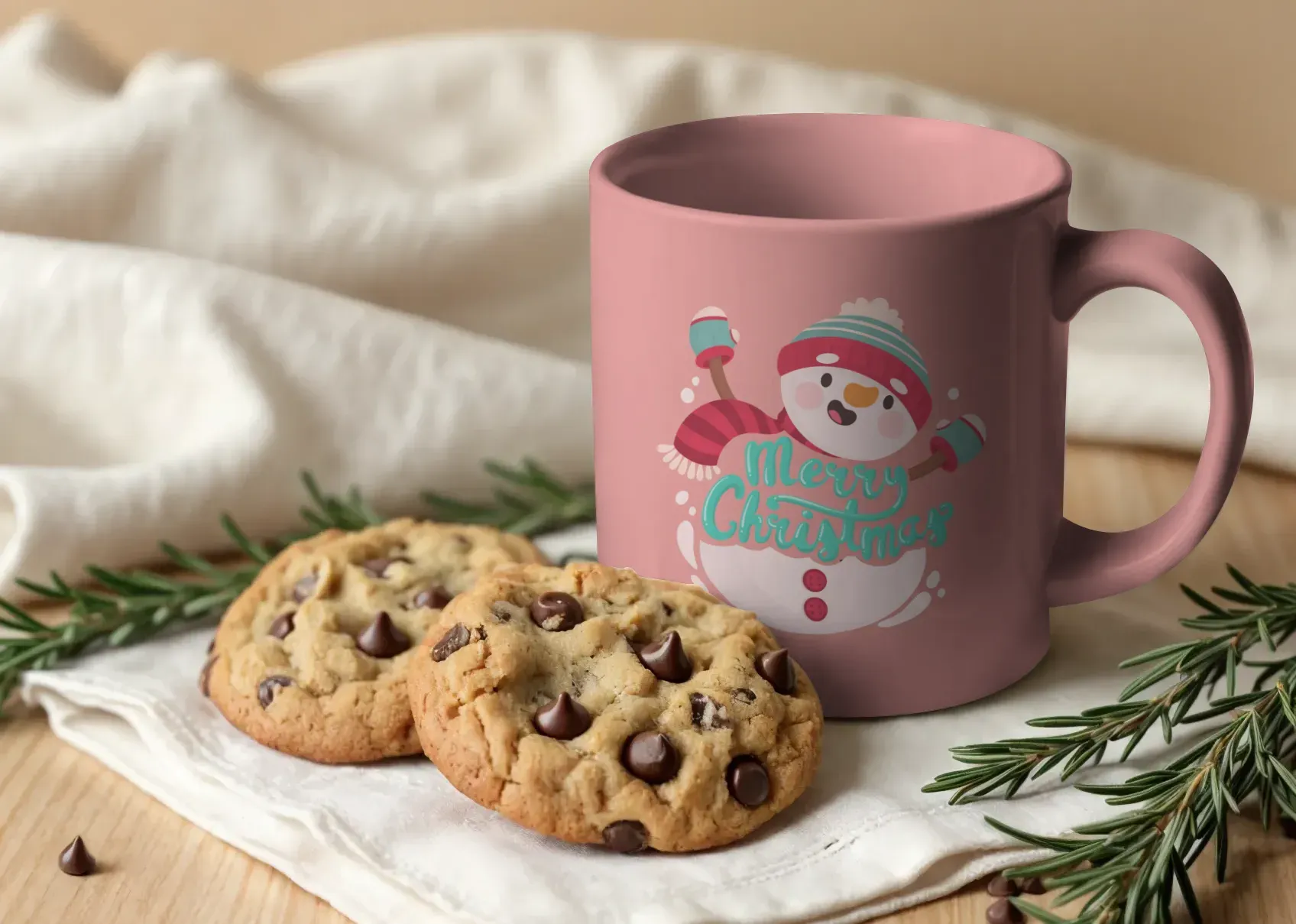
Occasion-based mug mockups use props and colors inspired by festivals or events like Christmas, birthdays, weddings, or seasonal holidays. Use case for occasion-based mug mockups: Best for limited edition drops and time-bound campaigns tied to events.
Pop culture Mug Mockups
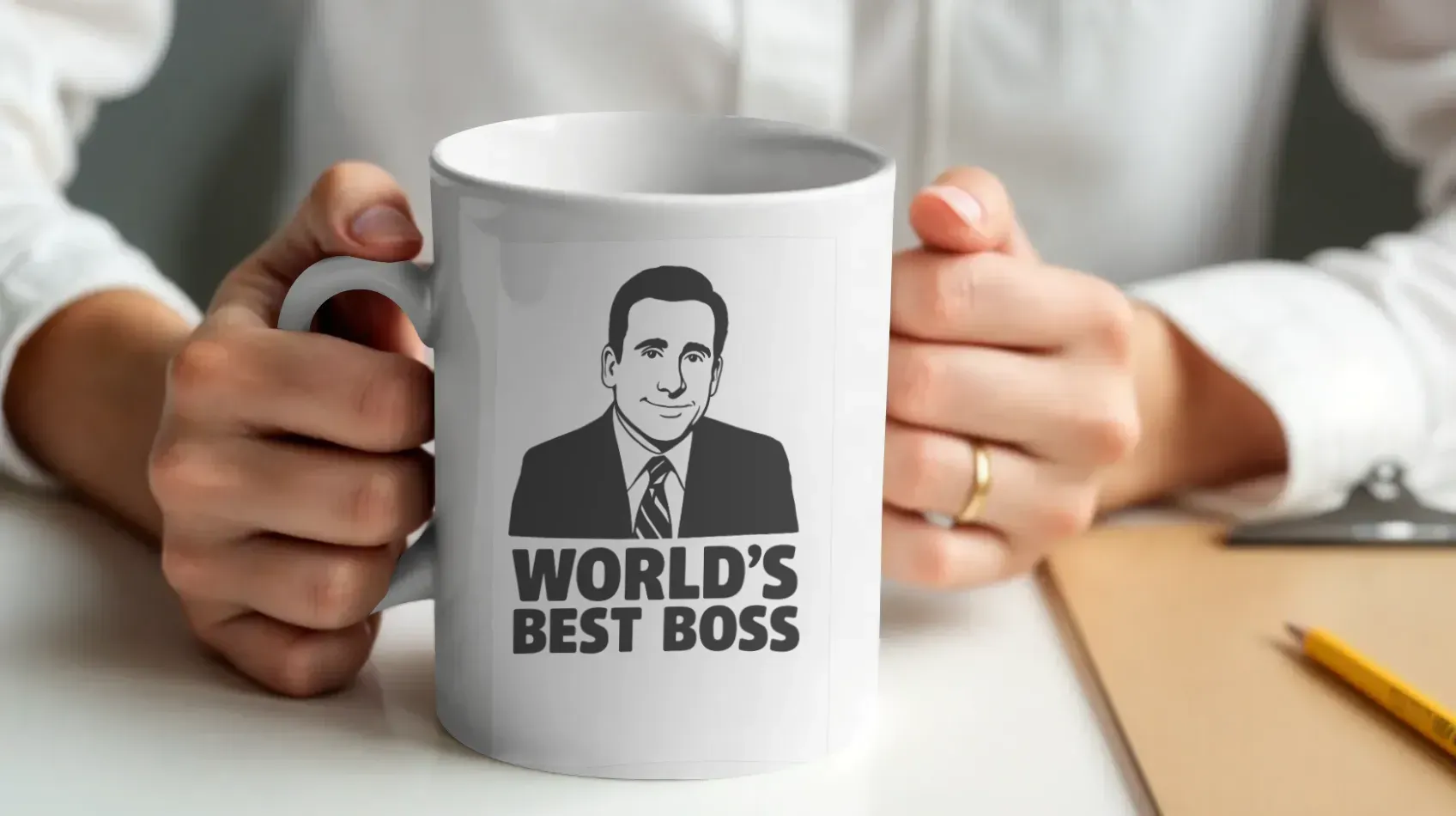
Pop culture mug mockups use anime themes, memes, retro graphics, or iconic quotes. They tap into fandoms and trending interests. Use case for pop culture mug mockups: Perfect for stores that cater to younger buyers and communities that follow current trends.
Conclusion
Realistic mug mockups help your products stand out in crowded marketplaces and give your buyers confidence. A mockup of a mug that feels natural and thoughtfully presented always performs better because shoppers trust what they see.
Modor makes this entire process smooth by offering natural lighting controls and accurate curvature handling. When you combine clear design, consistent styling, and strong testing, your mug mockups will work far better across all platforms and bring more attention to your mug design collection.
FAQs
1. Which is the best mockup generator for mug mockups?
Modor is the most efficient choice for creating mug mockups because it handles lighting and curvature accurately and keeps the process simple. This makes it easy to build a mockup of a mug that looks real without using complex tools.
2. What file formats do mug mockups support?
Mug mockups support JPG, PNG, and PSD formats depending on how you plan to use or edit the design. JPG is suitable for fast loading, PNG works well for detail, and PSD is used for advanced editing in a mockup tool like Photoshop.
3. Where are mug mockups typically used?
Mug mockups are used on Etsy, Shopify, Amazon, Pinterest, and social media. Each platform prefers different aspect ratios. Etsy requires 1:1 square images, while Shopify works well with both square and wider layouts like 4:5. Amazon needs at least 1600 pixels for zoom, Instagram uses 1:1 or 4:5, and Pinterest performs best with tall 2:3 visuals.
4. How to create a mug mockup online for free?
You can create mug mockups using Modor's free plan, which includes a few free exports that help you test and publish initial products. Canva also offers free mockups, though the realism is lower, and they are better suited for simple visuals.
5. Is POD required to sell mug mockups?
POD is not required when selling digital mug designs or mug mockups. It is only needed when you want to sell physical mugs, since production and shipping must be handled by a fulfillment partner.
Related Blog