30 Powerful Billboard Mockup Templates for Outdoor Campaigns
Boost your ad designs with 30 stunning billboard mockups. Test visuals, impress clients, and create high-impact outdoor advertising faster.
Published Dec 3, 2025
How to Create a Billboard Mockup with Modor: Design essentials, tips, and common mistakes
12 min
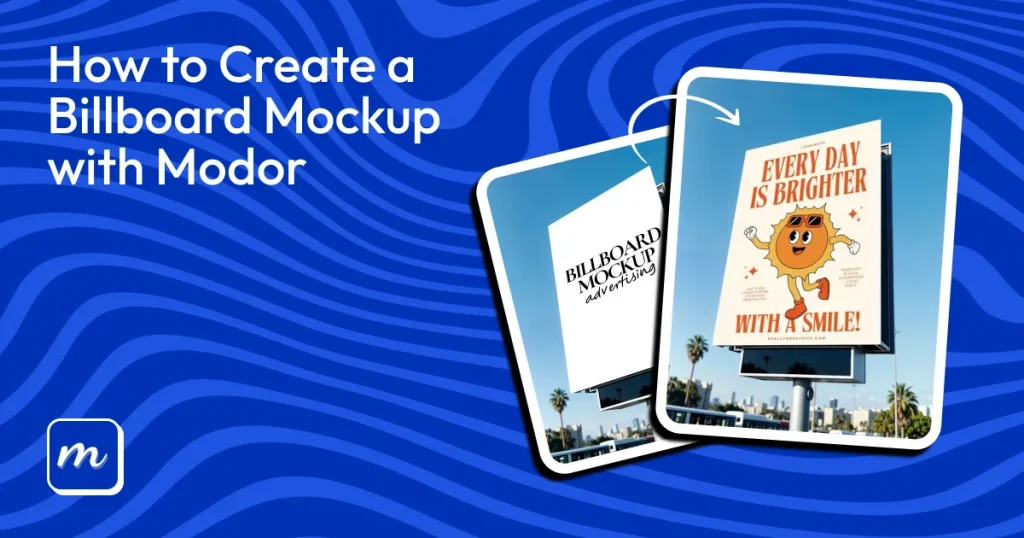
A billboard mockup is a realistic preview of your ad in real-world outdoor environments, like highways or city streets, helping you see how it performs in actual conditions.
Many designers want to know how to make a billboard mockup to use for client presentations, showcase designs in portfolios, and test social media campaigns.
This guide focuses on how to make a billboard mockup with Modor. The process is simple: pick a free billboard mockup template, add your design, adjust the placement, and download it in high resolution, watermark-free.
We also covered how to make a billboard mockup in Photoshop for more detailed editing.
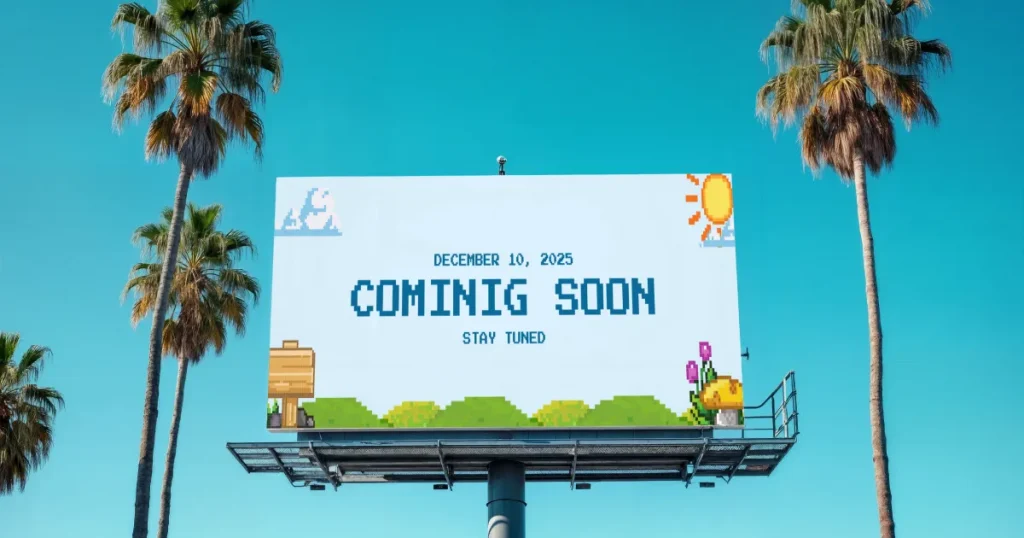
Many designers rely on a billboard mockup template to quickly visualize designs. Billboard mockup templates are realistic digital presentations of your artwork on outdoor structures such as highways, bus stops, rooftops, or city streets. They simulate lighting, perspective, and scale to help you understand how well a design performs outside a design screen. This foundation is important before learning how to make a billboard mockup effectively.
Before learning how to make a billboard mockup, it’s important to understand its value. Below are key points explaining why billboard mockups should be a valuable asset for you.
Before finalizing your outdoor campaign, it’s advised to understand the principles of effective billboard mockups. Below are the essentials for creating billboard mockups:
If you’re exploring how to make a billboard mockup, choosing the right tool matters. Below are the most commonly used tools for how to make a billboard mockup. Most tools here offer ready-to-use billboard mockup template options:
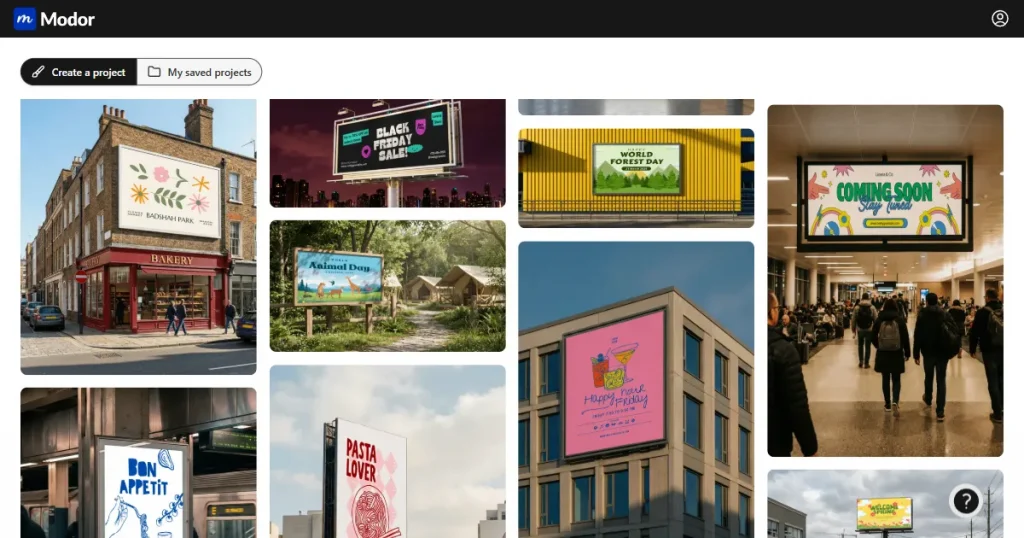
For how to make a billboard mockup, Modor keeps the process simple, which makes it refreshing for fast-moving projects. The billboard mockup templates, lighting, and drag-and-drop workflow help you build realistic billboard mockups even if you’re not a technical designer.
It’s quick, flexible, and ideal for people who need free billboard mockups without unnecessary complexity.
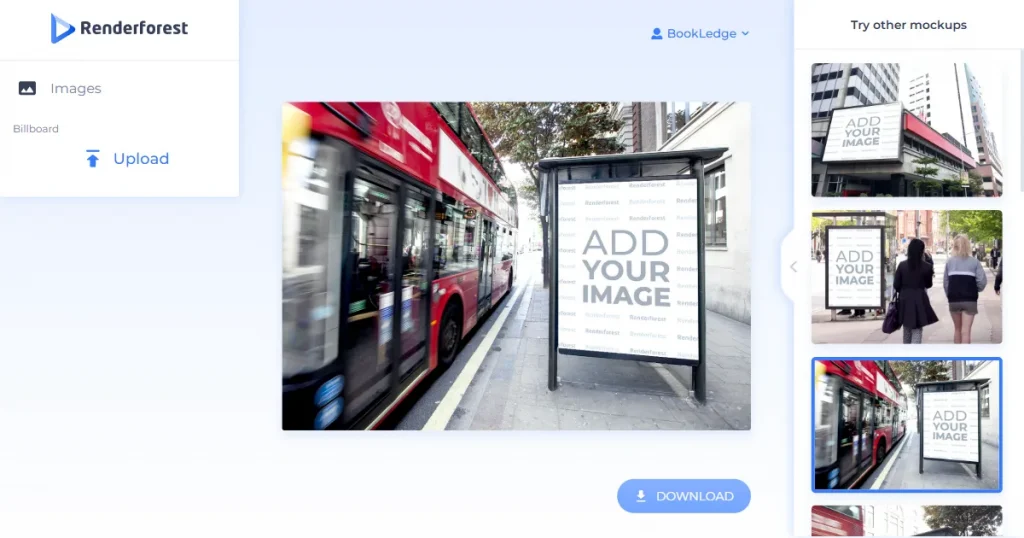
Renderforest provides billboard mockups as part of its broad design suite. It works well for basic mockups, but the library is small, and free exports often come with watermarks or lower resolution. Since the platform leans more toward video tools, it isn’t as specialized for billboard design needs.
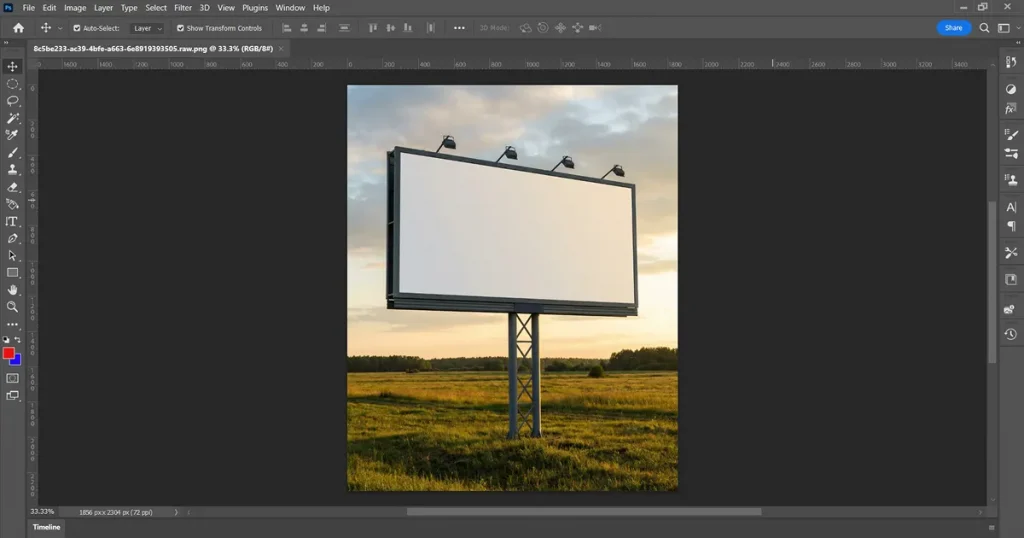
Creating a billboard mockup in Photoshop gives full control and advanced editing features. Photoshop is the expert’s choice for designers, offering complete editing control over PSD mockups. While it’s the most sought-after option, it requires more skill, time, and a paid subscription. If you are looking to create how to make a billboard mockup quickly, then Photoshop won’t help much.
Errors are more common when creating a billboard mockup in Photoshop manually, so keep an eye out for errors.
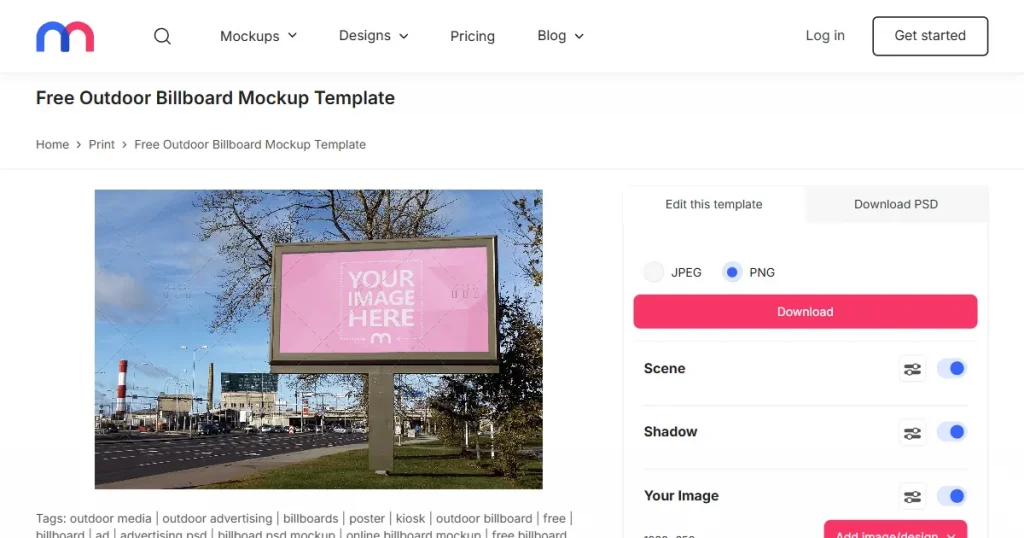
Mediamodifier provides ready-made templates that work well for simple outdoor previews. A few limitations are watermarked downloads, lower-resolution templates, and fewer editing controls. It’s ideal for simple billboard mockups, not a high-end portfolio.
Here’s exactly how to make a billboard mockup using Modor. Start with a clear, high-resolution PNG or JPG, as outdoor formats need to be highly detailed. Matching your design to the billboard’s aspect ratio helps the mockup feel natural.
Gathering your brand fonts, colors, and visual elements in advance also helps in keeping the entire set of billboard mockups visually consistent.
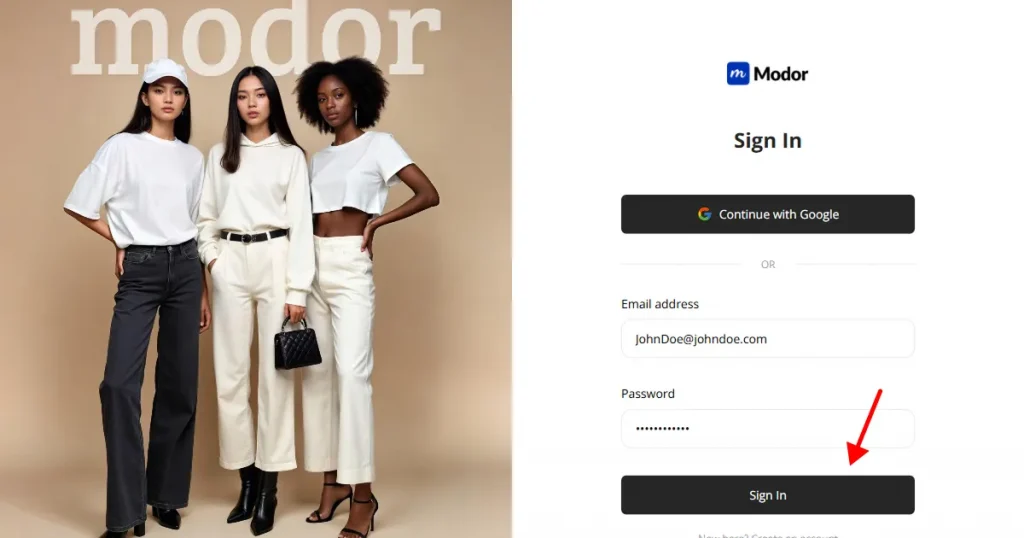
Step 1: Unlike a billboard mockup in Photoshop, Modor simplifies the process. Just sign up on Modor using your Google or email account. If you already have an account on Modor, simply log in with your login credentials and access your dashboard to start creating billboard mockups.
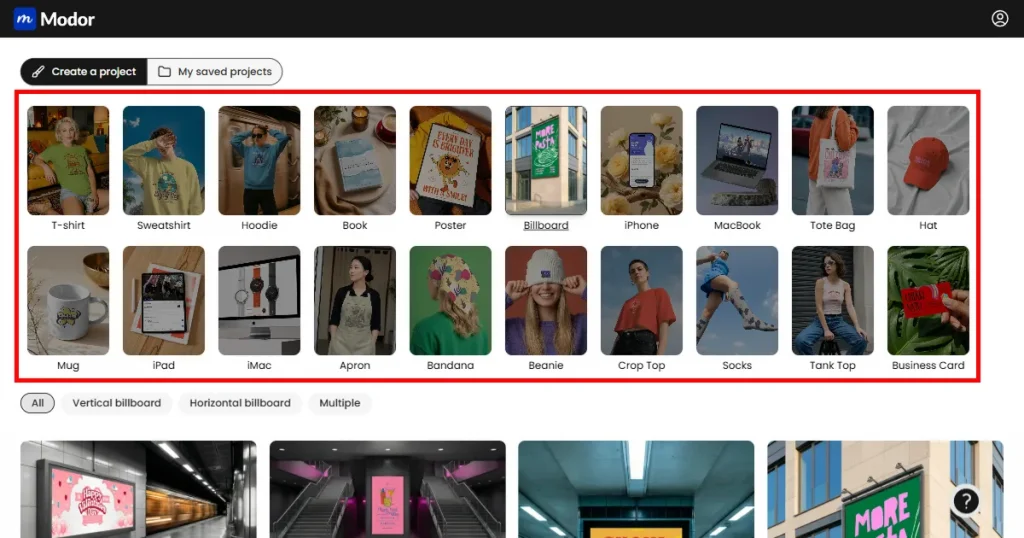
Step 2: Modor lets you start with a free billboard mockup. Browse through billboard mockup templates featuring highways, rooftops, night scenes, or city streets. You can filter further by orientation (vertical or horizontal) or layout (multiple).
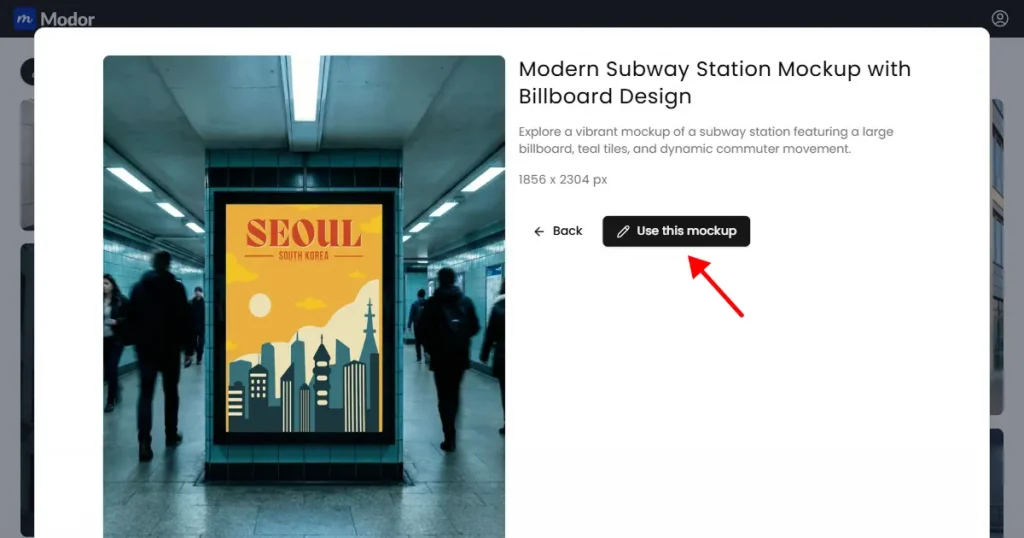
Step 3: Choose a free billboard mockup to begin. Click Use this mockup to load the selected billboard mockup template and start working on how to make a billboard mockup.
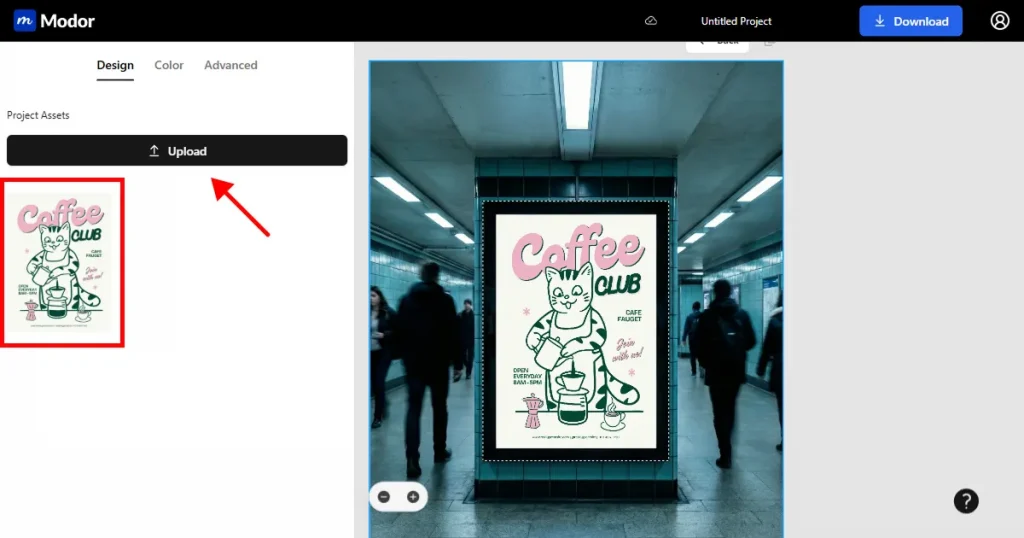
Step 4: Upload your PNG design and place it directly onto the billboard area. Transparent PNGs blend more easily, especially on angled or complex boards. Adjust position, size, and rotate until your design fits naturally within the mockup.
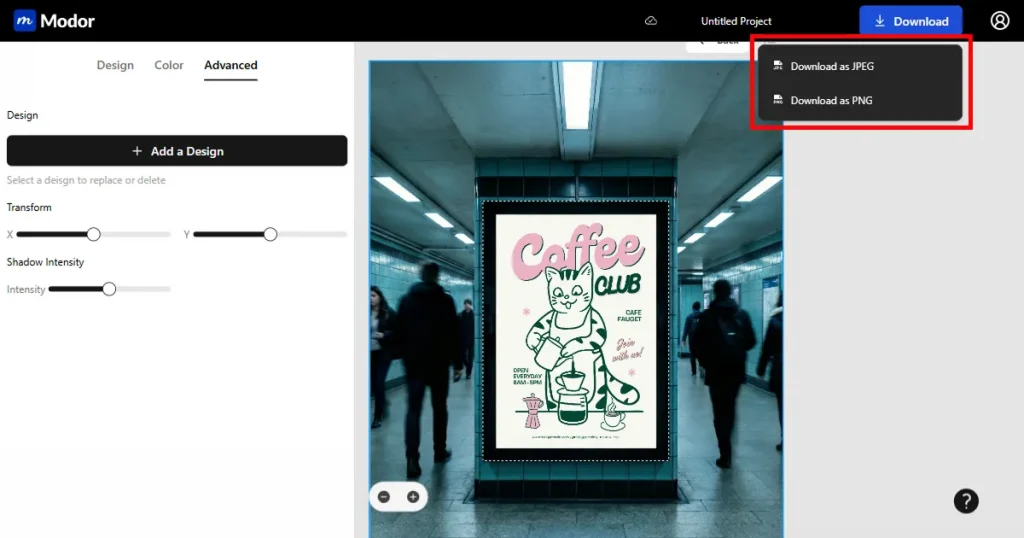
Step 5: After all edits, download your free high-resolution billboard mockup. Choose PNG or JPG format. PNG delivers sharper detail, while JPG works well for lightweight sharing. Always export at high resolution to maintain quality across all screen sizes.
Even if you know how to make a billboard mockup, these mistakes can still happen accidentally. Understanding the most common mistakes to avoid them.
Outdoor advertising continues to evolve with new ideas and strategies. Below are the leading trends shaping how to make a billboard mockup today, along with use cases that show where each one performs best.
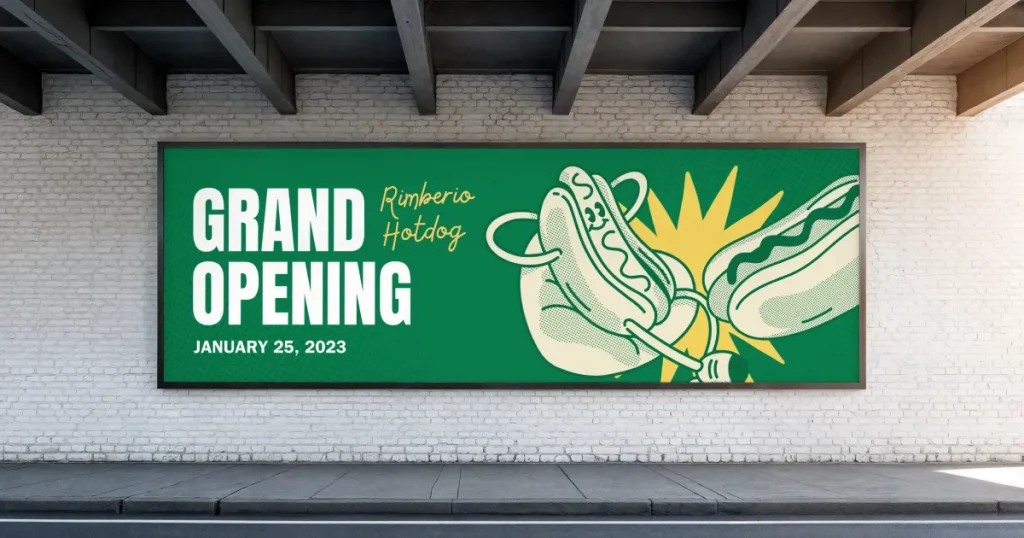
Placed at eye level for pedestrians, urban billboard mockups allow for more detail because viewers stand closer. These are Ideal for promoting local events, store launches, community services, or neighborhood campaigns.
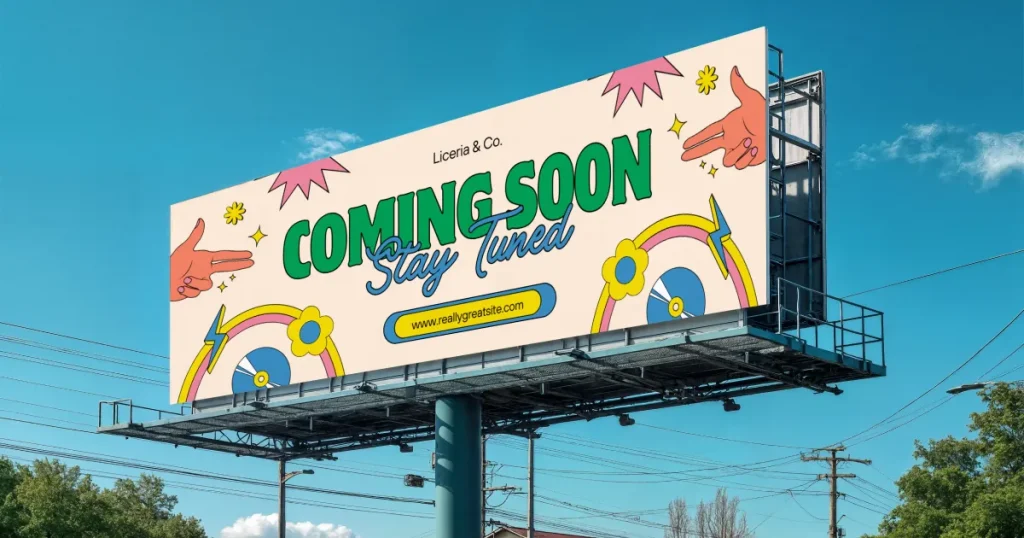
Designed for fast-moving traffic, Highway mega billboard templates go well with bold visuals and short text. These are ideal for branding campaigns, short slogans, or high-impact visuals meant to be recognized from a distance.
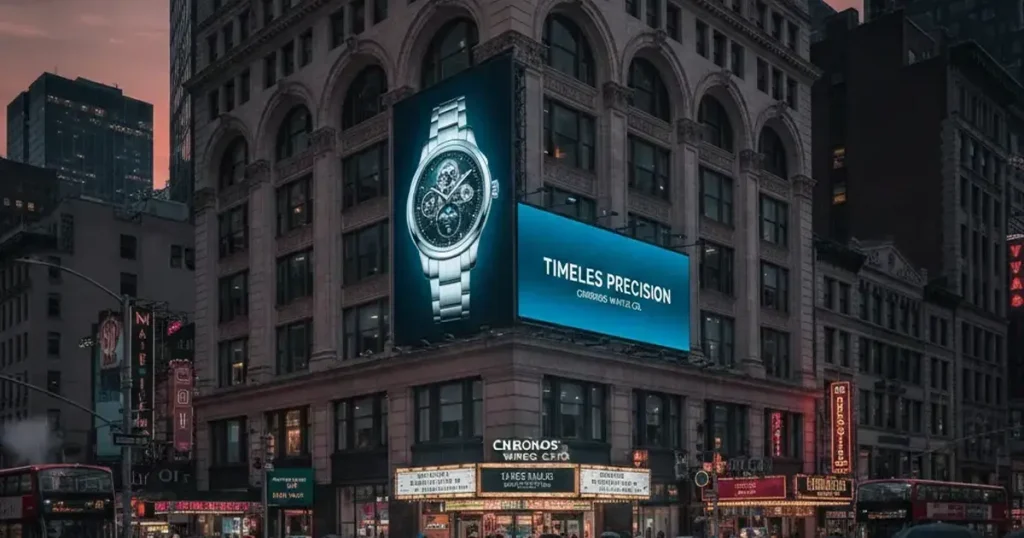
These giant digital screens dominate high-traffic tourist zones with motion and brightness. Famous building billboard mockup templates are perfect for new product launches, entertainment promotions, or major campaigns that need attention at scale.
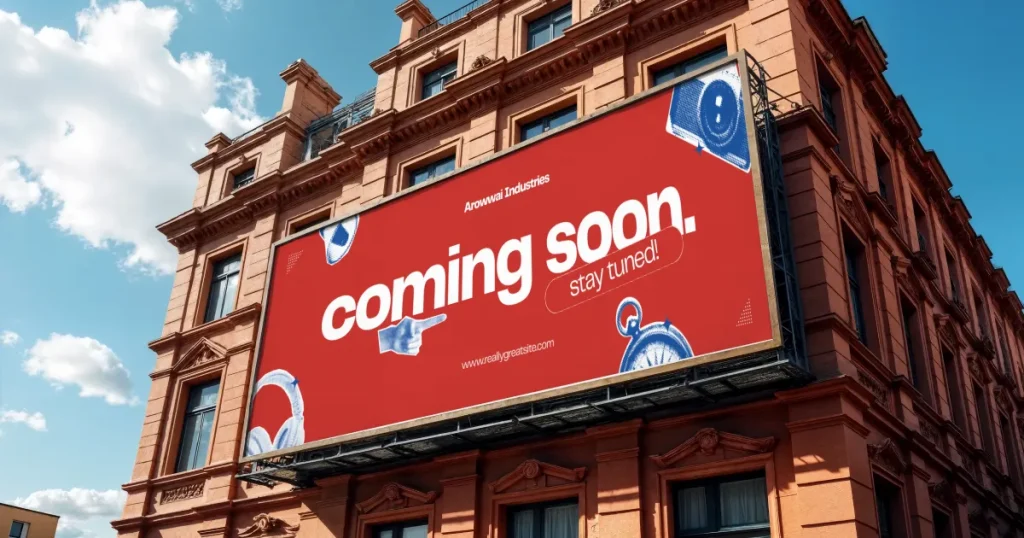
These billboard mockup templates wrap around entire building facades, making a dramatic impression. Wall wrap billboards are great for long-term branding, artistic storytelling, and concepts that rely on immersive visuals.
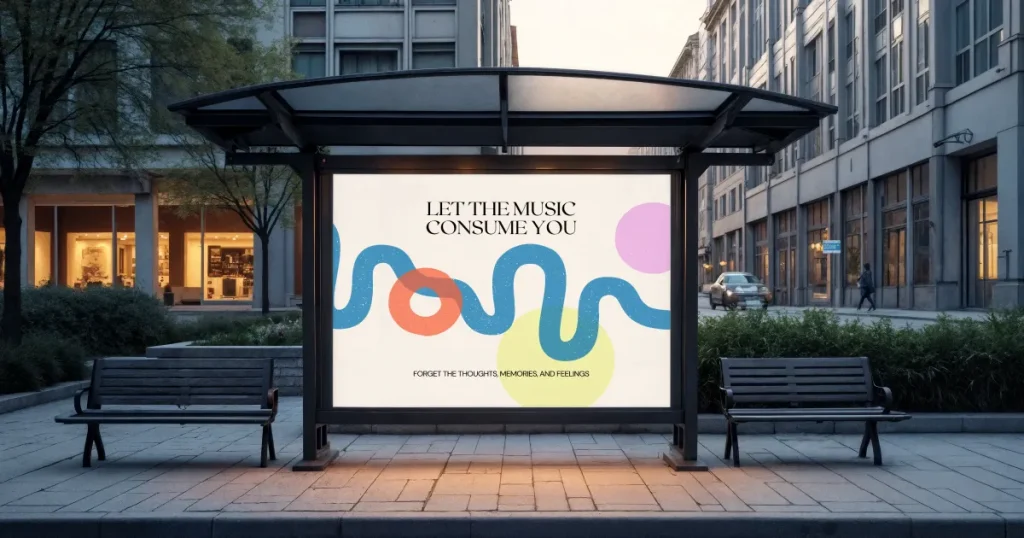
Bus stop billboard mockup templates are intentionally used at bus stops because that’s where people are waiting; these boards can handle more written detail. Perfect for QR codes, app promotions, instructions, or informational ads that need a few extra seconds of attention.
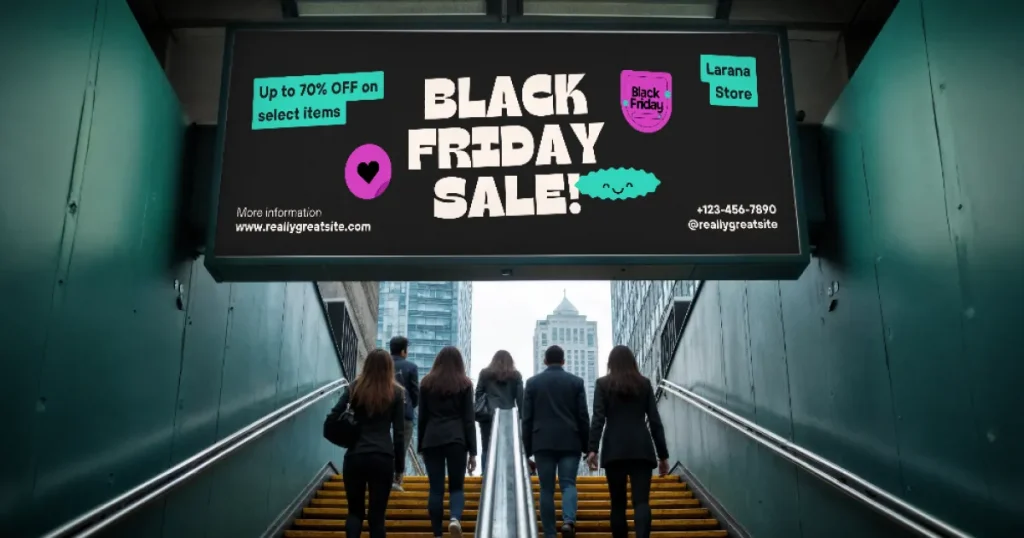
Subway billboard mockup templates are used in subway or tunnel areas to catch passengers’ attention. Works well for reveal-style campaigns, educational content, or product stories broken into phases.
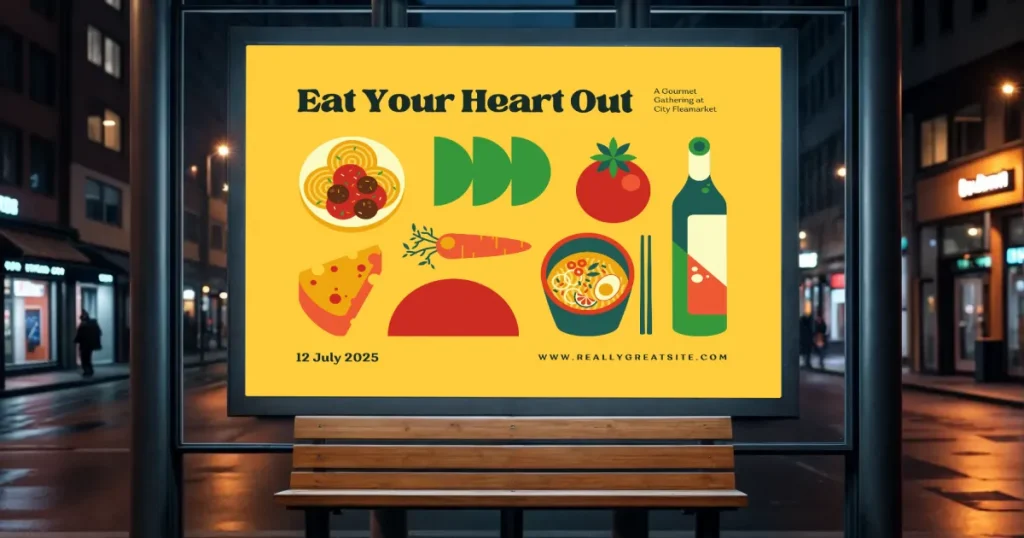
Nighttime billboard mockup templates are used as bright illuminated panels on a dark street. Best for nightlife brands, entertainment venues, or campaigns targeting evening crowds.
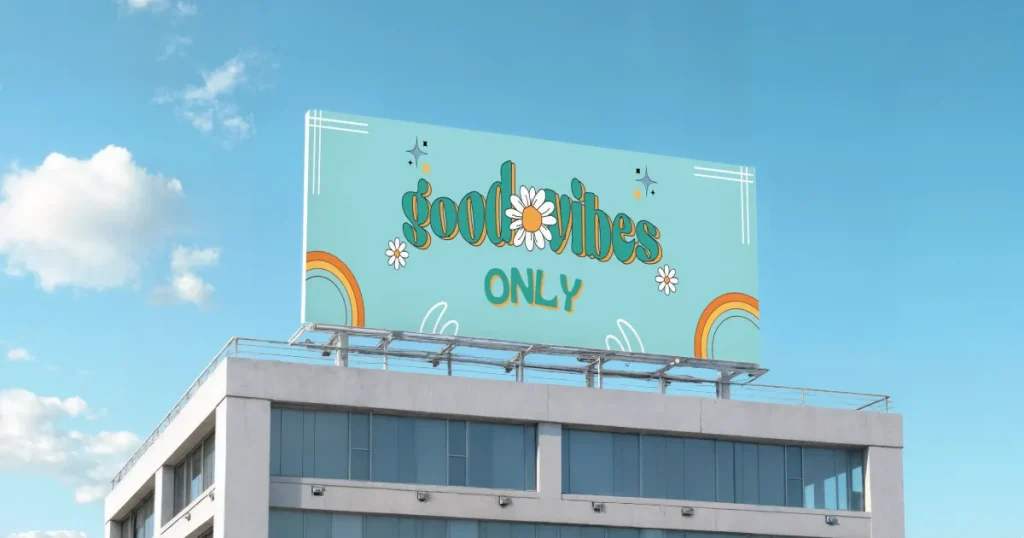
Visible across long distances, rooftop billboards reward simple, striking branding. Perfect for strong logos, short identity messages, and high-visibility awareness campaigns.
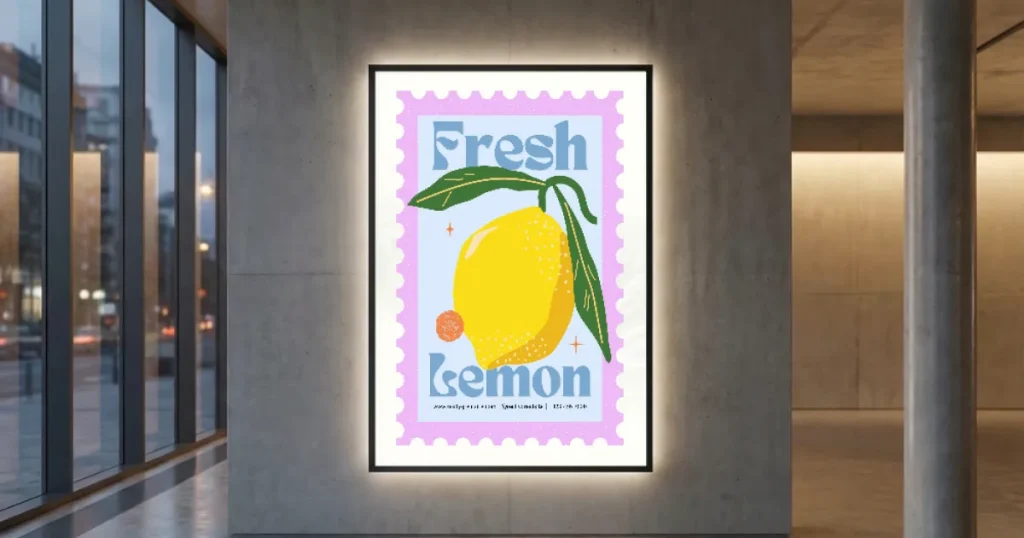
These clean, distraction-free billboard mockups show the design without outdoor noise. Great for portfolios, client approvals, or social media showcases.
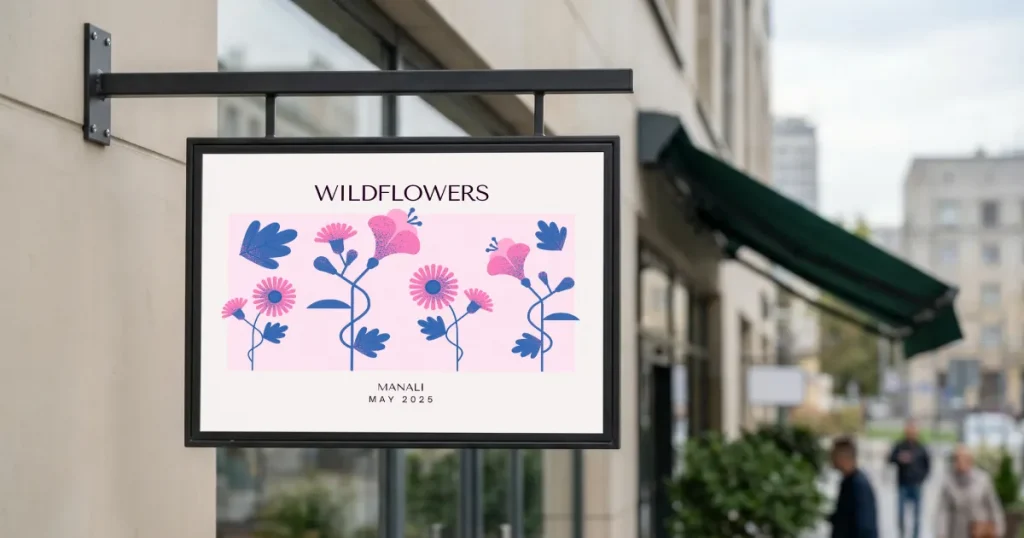
Compact and easy to notice at close distance, these cafe billboards speak to foot traffic. Ideal for daily specials, local event announcements, or small business promotions.
Once you understand how to make a billboard mockup, improving your outdoor designs becomes much easier. Free billboard mockups have become a reliable asset in outdoor advertising, helping you test clarity, refine hierarchy, and avoid costly mistakes before printing. They bridge the gap between a designer’s screen and the real world. When you see your billboard design placed in a realistic scene, it becomes easier to judge whether it will communicate with viewers.
With Modor simplifying how to make a billboard mockup, the entire process feels more approachable. Modor makes it easy to preview ideas, experiment with variations, and present polished billboard mockups without technical friction. You can choose between Modor and a billboard mockup in Photoshop.
Whether you’re pitching to clients or fine-tuning a complex campaign, creating these previews gives you a more straightforward path to stronger outdoor advertising.
You can quickly create billboard mockups with a web app like Modor. Choose a free billboard mockup template, upload your design, customize your mockup, and download it in high resolution for presentations or client use.
The 3-second rule means that people should understand your message within three seconds, ensuring your billboard mockups communicate clearly to fast-moving traffic and passing audiences.
Yes, you can create a billboard mockup in Photoshop using Smart Objects, but it takes more time and expertise than faster online billboard mockup tools.
Billboard mockups are mainly used in client pitches, marketing decks, portfolio displays, internal strategy reviews, and social media showcases where outdoor concepts need a realistic presentation.
Some real-life, successful billboard ads include Brands like Nike and GetYourGuide, which have used powerful billboard visuals to create memorable moments, proving how impactful outdoor advertising can be when executed with strong creative direction.
Yes, Modor offers free billboard mockups you can use to create realistic previews. You can choose a template, add your design, and download high-quality mockups without watermarks.
You can customize a billboard mockup template by uploading your design, adjusting size and position, tweaking colors, and aligning it to fit naturally within the billboard scene.