



How to Create Crop Top Mockup with Modor
If you are looking for how to create crop top mockups, the process is simple. You upload your design, place […]
If you want to create tank top mockups, either the traditional photoshoot method or Photoshop will be time-consuming and expensive. That’s where Modor makes things easier. Instead of going through all that effort, you can simply upload your design, adjust colors, enhance realism with shadow controls, and export your mockup in minutes.
Modor gives you access to over 10,000 professional mockup templates across a wide range of categories, including tank tops and crop tops, so you can easily find styles that fit your designs. With it, you can quickly create high-quality mockups without watermarks in minutes.
With that said, in this blog, we will walk you through how to create tank top mockups with Modor, explore top tools, and share best practices to improve your product photos across all e-commerce platforms.
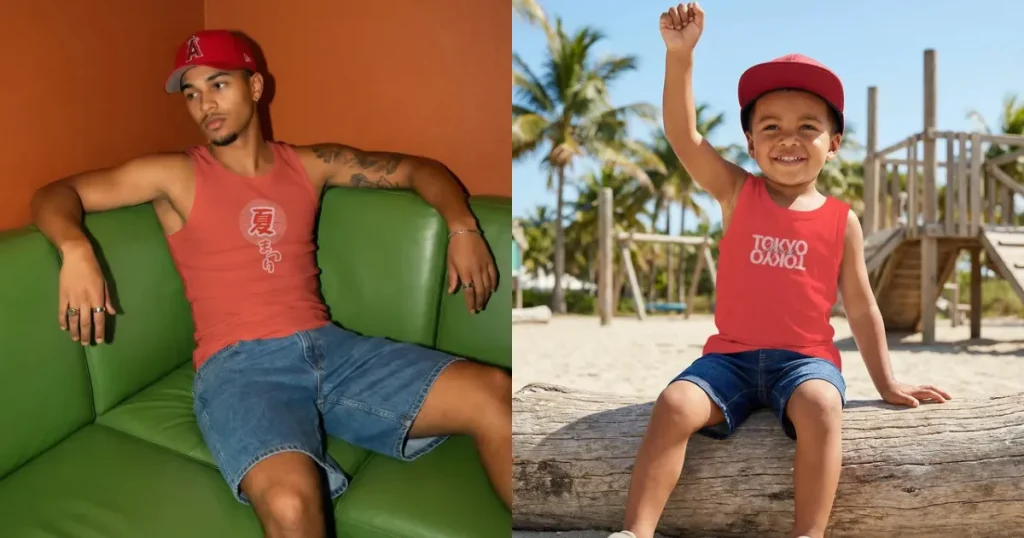
A tank top mockup is a digital representation of how your design would look on tank tops before you start production. It is very useful for designers or sellers who create their own tank tops.
Previously, business owners had to pay models and photographers to capture tank-top product shots for their e-commerce sites, which was costly.
Today, you can create tank top product images using free online mockup generators like Modor, saving both time and money.
Before learning how to create tank top mockups, let’s learn about the different kinds of tank tops.
1. Basic Tank Tops
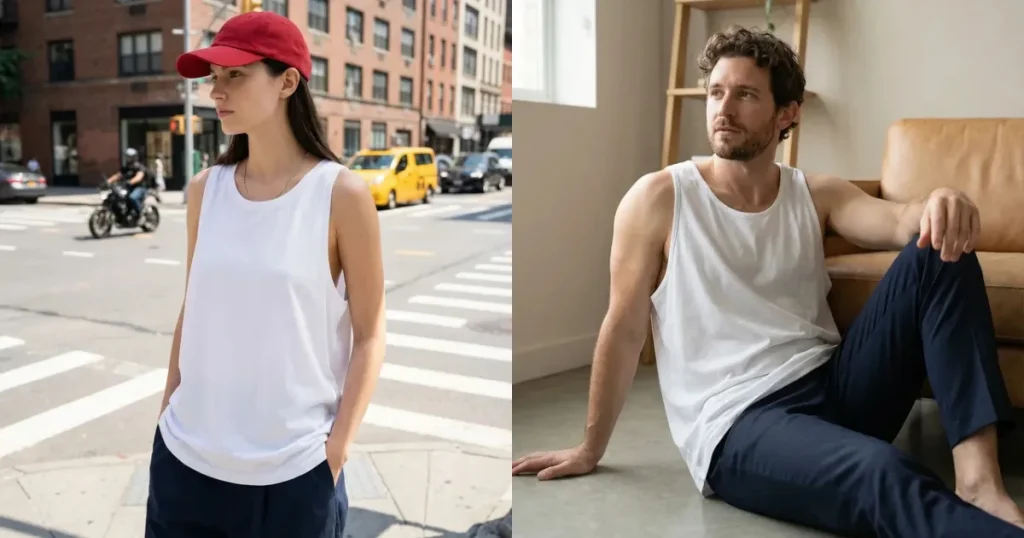
Basic tank tops always stay on trend because they are both simple and classy. They are usually worn during summer seasons because they are comfortable. You can also layer them with flannel shirts, leather jackets, or shackets during winter.
So, if you want to capitalize on this market, go for the basics. Create black tank top mockups and white tank top mockups with your design, as these colors are always bestsellers.
2. Athletic Tank Tops
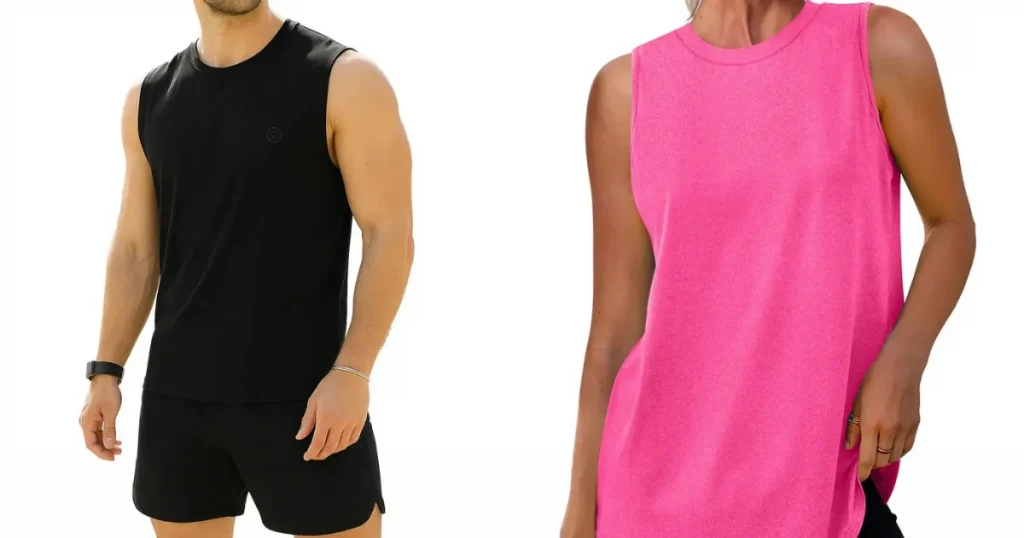
Athletic tank tops are tailored for the needs of sports and outdoor activities. They are lightweight and carry essential qualities such as easy stretch, soft fabric, and quick drying, which help users move freely during their workouts.
Their water-resistant properties make them a popular choice for fitness enthusiasts who want both performance and style.
3. Muscle Tank Tops
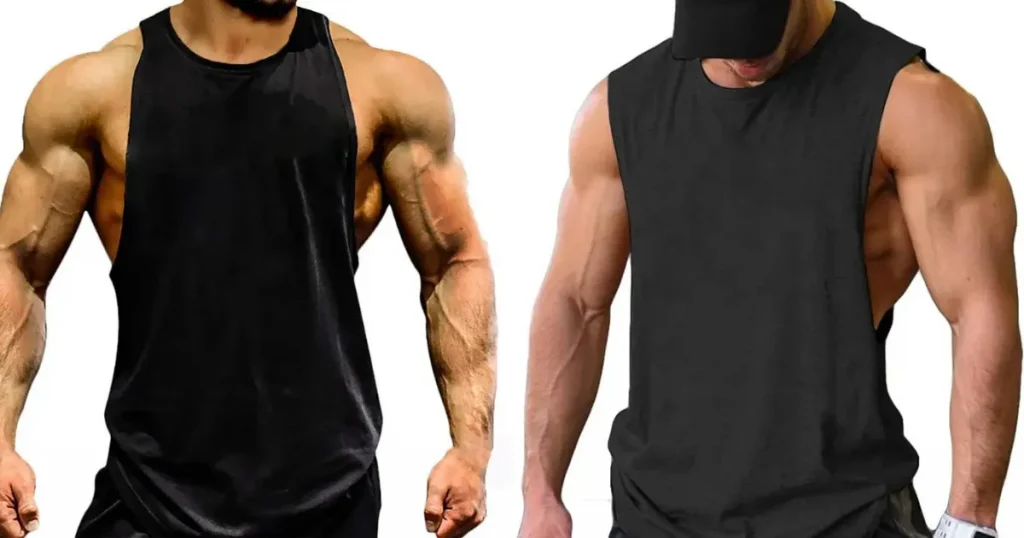
Muscle tank tops come with larger armholes than regular tank tops to provide extra ventilation and showcase arms
While athletic tank tops are designed for sweat resistance and workout comfort, muscle tank tops are for muscle flexing. They are mostly worn by bodybuilders and athletes who want to showcase their muscle growth during workouts.
Here are a few things to keep in mind when you create tank top mockups.
If you want to create tank top mockups for your brand, here are a few different ways to do that.
Adobe Illustrator
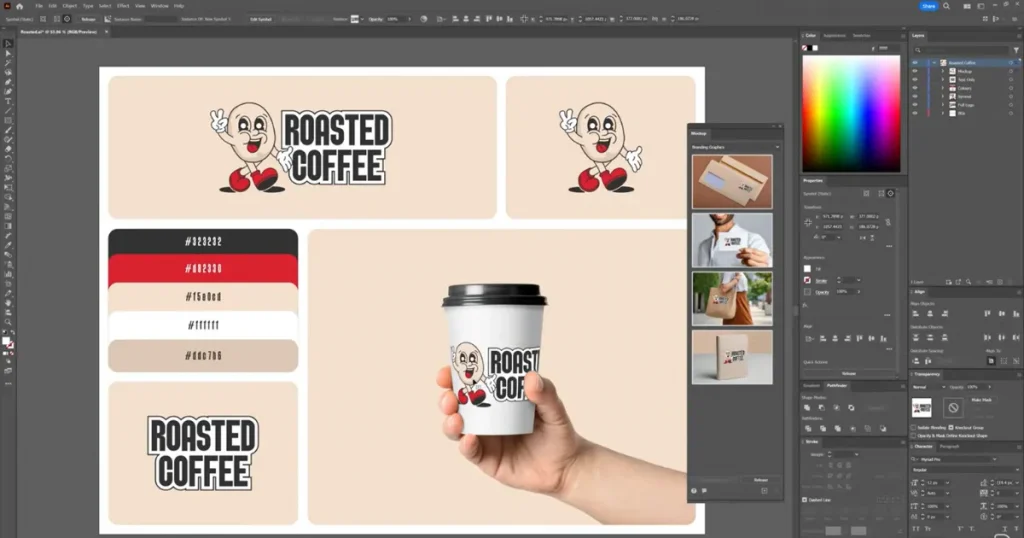
Adobe Illustrator Beta has a new mockup feature called the Mockup (Beta). To create tank top mockups using that feature, select the tank top image with your design, go to Object> Mockup, and click Make.
Once the mockup is ready, you can position your design wherever you like. But the problem is that getting the placement right takes some design skill, otherwise the mockup may not look good. And if you’re creating multiple mockups, it can take a lot of time.
Modor
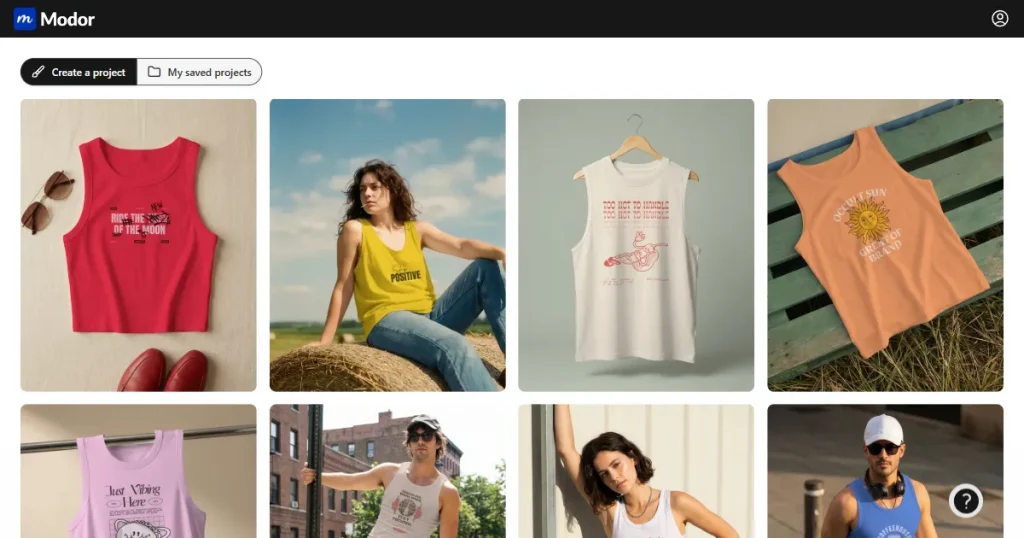
Modor is an AI-powered mockup generator with a very powerful free tank top mockup tool. Here, you can go from raw design to a professional tank top mockup in just minutes.
You can select from a variety of templates, such as white and black tank top mockups, and filter them by model type or by how you want to display your tank top. With or without humans.
Apart from the easy drag-and-drop workflow, Modor also offers features such as watermark-free mockups, commercial licensing, bulk download duplication, and download formats in both PNG and JPEG.
Printify
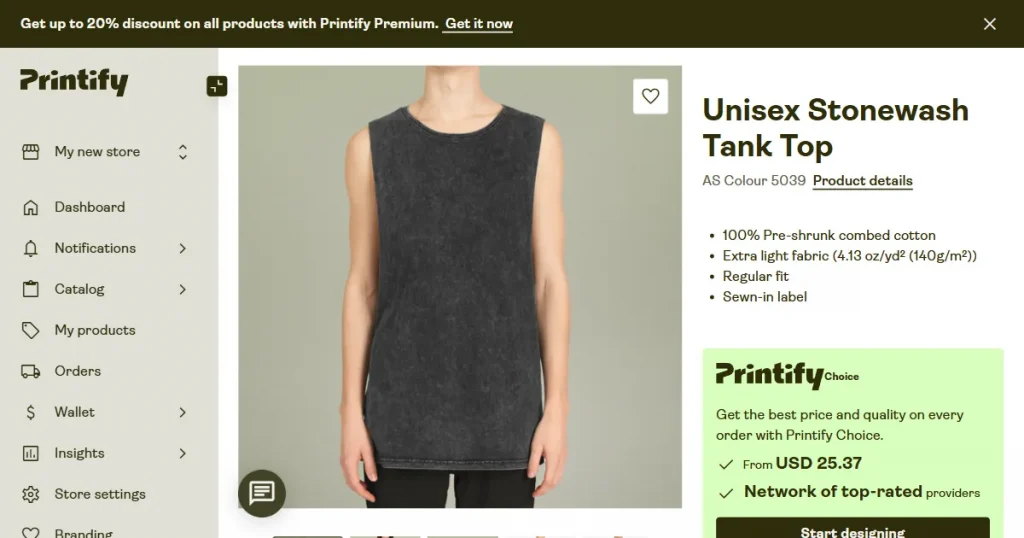
Using print-on-demand platforms like Printify is also a very good idea if you are a POD seller. It has a built-in free tank top mockup generator that lets you create tank top mockups quickly. However, the best feature of Printify is its integration with various POD platforms, so you can take your mockups directly to your ecommerce store.
However, the templates are quite generic and lack lifestyle mockups, which can make your store feel flat and less appealing to buyers.
Here is a step-by-step process for creating tank top mockups with Modor.
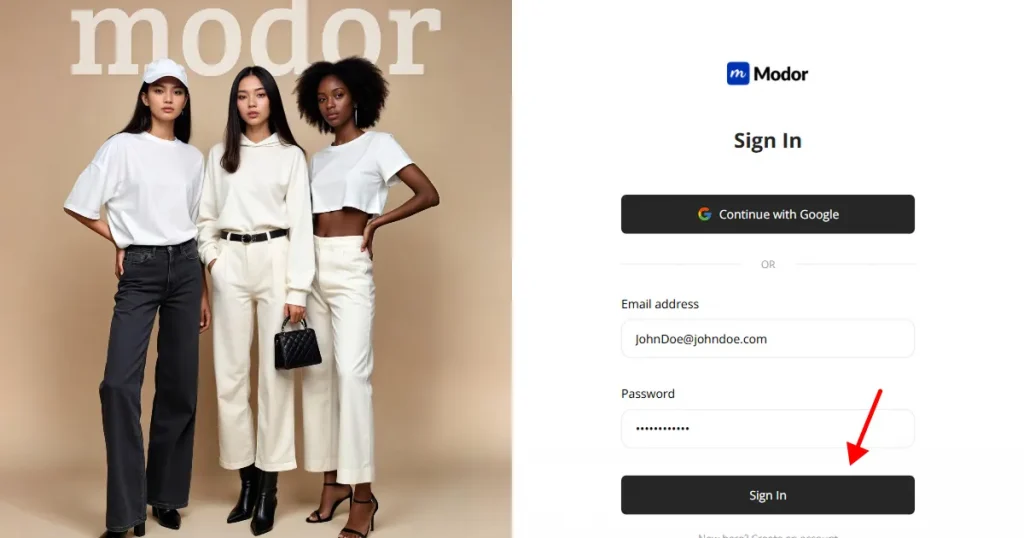
1. Create an Account and Log In to Modor
Create an account using either Google or email login. Once your account has been created, you may log in using the same process. Google login is fast, as you don’t need to take any extra steps.
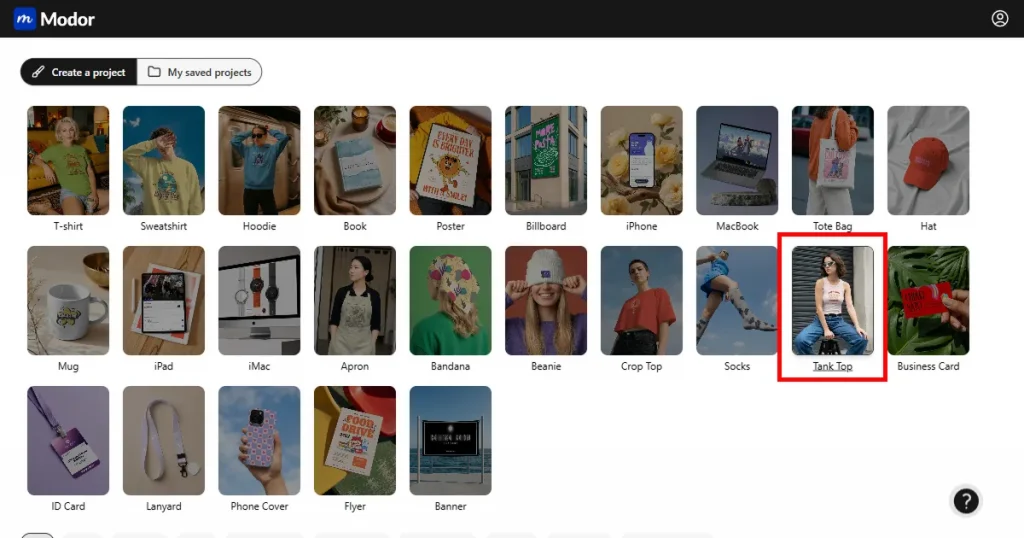
2. Go to Tank Top Mockups
Once inside, go to the Tank Top category from the 20+ categories that Modor offers.
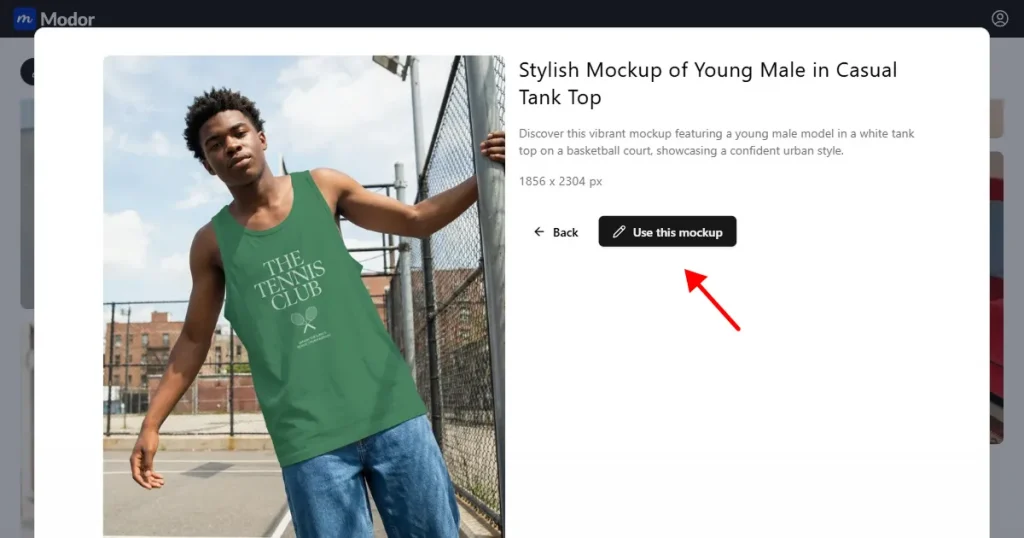
3. Select a Template
Now, select a template from the available models, such as white, black, or Asian models, on Modor. Once you find a template that aligns with your branding, click on Use this mockup.
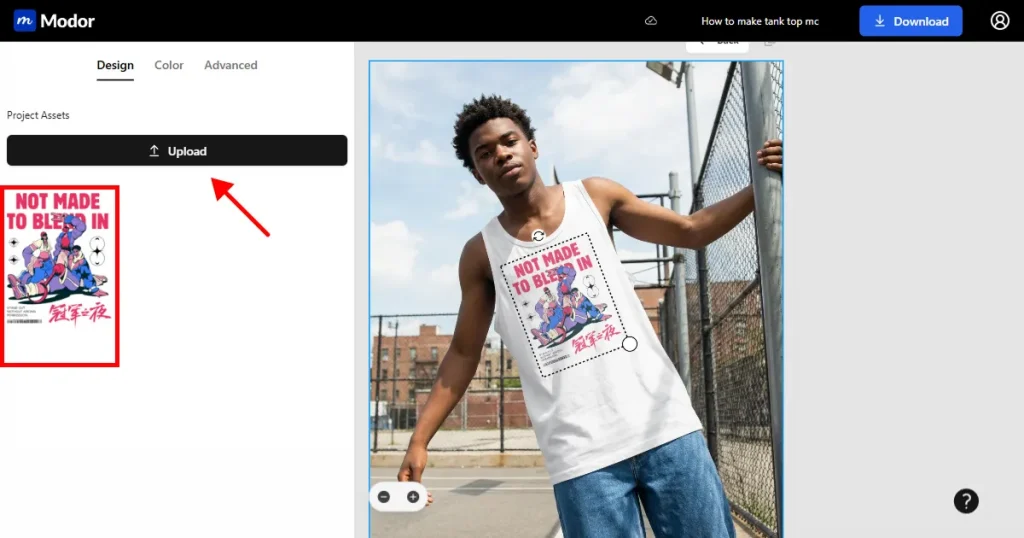
4. Upload Your Design
Once the selected template opens in the dashboard, click the Upload button to upload your tank top design, and Modor’s AI will automatically place it in the correct perspective and lighting.
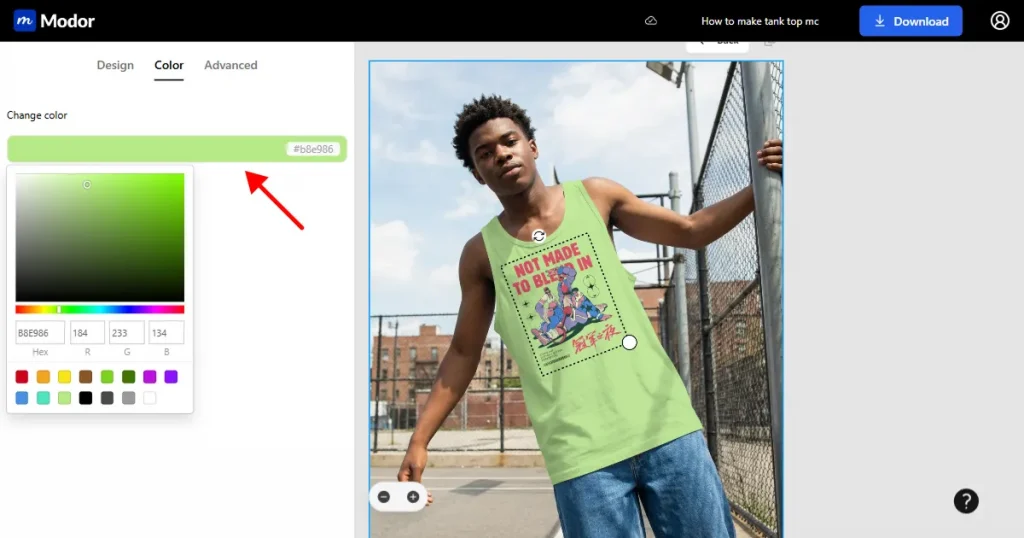
5. Change The Color of the Tank Top
If the white tank top mockup does not suit your design. Change the color of the tank top as you like by entering an RGB value, a hex code, or using the color picker tool.
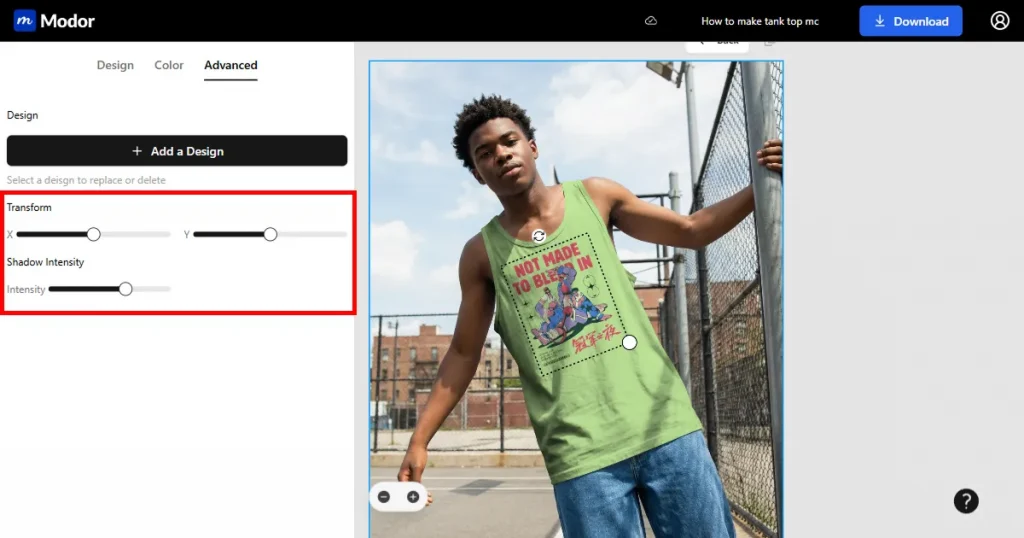
6. Use Advanced Tools
Next, you can use advanced customization tools like the Transform tool and Shadow Intensity tool to adjust shadows and reposition the design using the transform sliders to enhance your mockup’s realism.
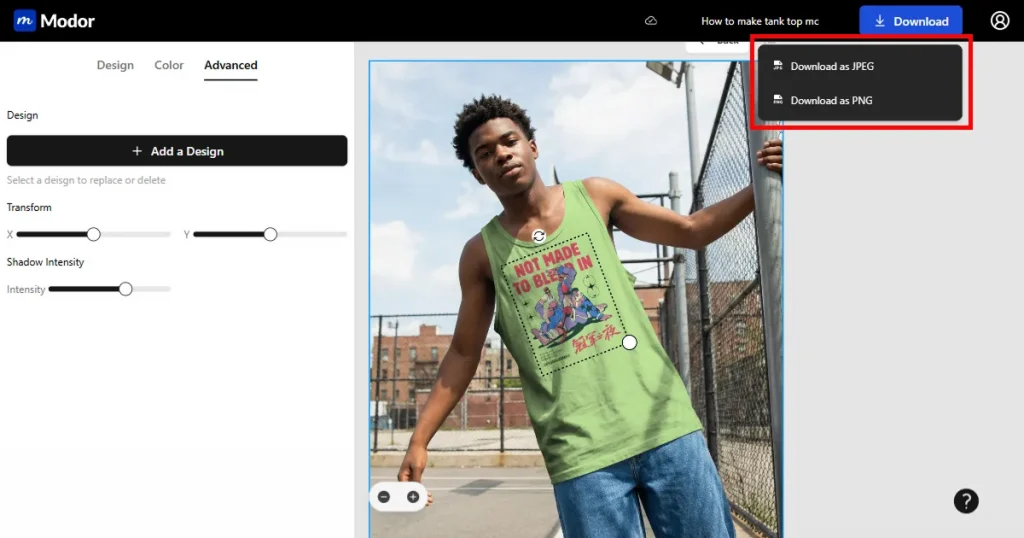
7. Export
Once your mockup is ready, download your mockup as a PNG or JPEG. The file will be in a ZIP, so extract it before uploading to your store.
Before you create tank top mockups, it’s important to keep these points in mind.
Now that we have already discussed a few ways to create tank top mockups, you must know that using Illustrator requires designing skills, while Printify offers only basic mockups that don’t stand out.
Therefore, use Modor if you are a POD seller or designer who wants to create tank top mockups that resemble actual product shots.
With it, you can choose from 10,000+ mockup templates, use a drag-and-drop editor, and create tank top mockups in a matter of minutes.
However, we strongly advise that before committing to any tool, you check it by uploading your own designs and creating the final product to see if everything looks good. This helps you avoid spending time and money on results that don’t meet your standards.
Create a fitness-focused design and use a tank top mockup generator like Modor to visualize it on a tank top before selling.
Yes, Modor is a free tank top mockup generator where you can create store-ready mockups in minimal steps. Also, all of its free templates are watermark-free and can be used for commercial purposes.
To create tank top mockups in Photoshop, start by uploading a PSD tank top mockup file into the software. Next, insert your design into the smart object layer and adjust it to fit naturally on the tank top.
You can find free PSD mockups on design resource websites like Mr. Mockup or MockupWorld, but always check licensing before using them commercially.
Choose based on your design contrast. Light designs work better on black tank top mockups, and dark designs stand out more on white tank top mockups.


