
31 Best T-Shirt Mockup Ideas for Apparel Brands
Discover 30+ professional t-shirt mockup templates for ecommerce, POD, and branding. Learn how realistic mockups boost conversions and save photoshoot costs
Most beanie mockups fall short on small details like fabric texture, knit patterns, and lighting. Because of this, even a strong design can look flat or unrealistic.
That’s why Modor is the best beanie mockup generator, offering realistic mockup templates, an easy-to-use editor, advanced customization options, bulk export support, high-quality exports, and watermark-free downloads, even with free templates.
We have rounded up 30 of the best beanie mockup templates you can consider using, along with a short guide on how to create a beanie mockup with Modor.
Here are a few reasons why you should use high-quality beanie mockups.
Not all beanie mockups look good. Here are a few things to consider when finding the best beanie mockup templates.
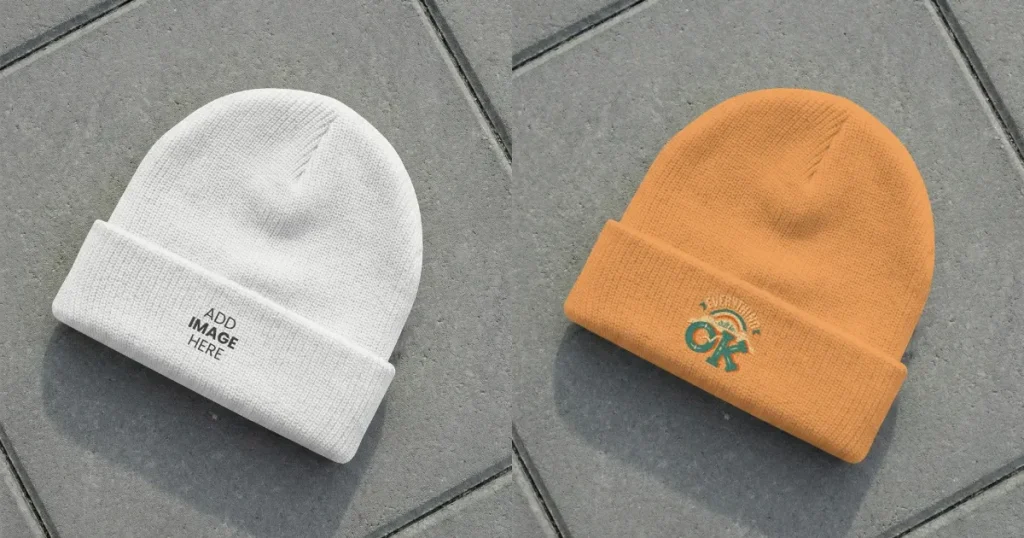
This flat-lay beanie mockup template is perfect for Etsy sellers to showcase winter beanies with realistic fabric in a clean, professional setting.
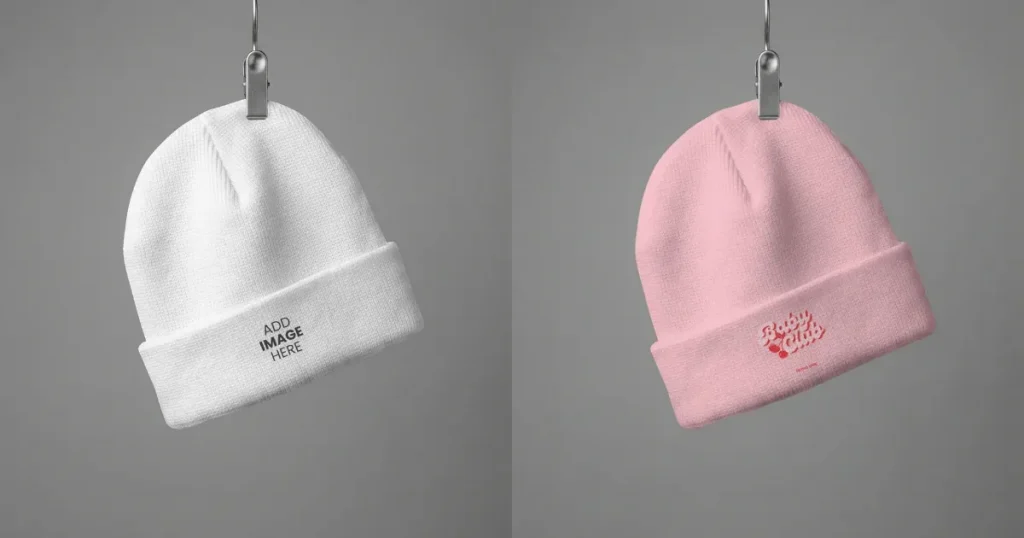
This stylish winter beanie mockup template is ideal for minimalist brands to showcase products in clean, modern listings across Amazon, Etsy, or Shopify.
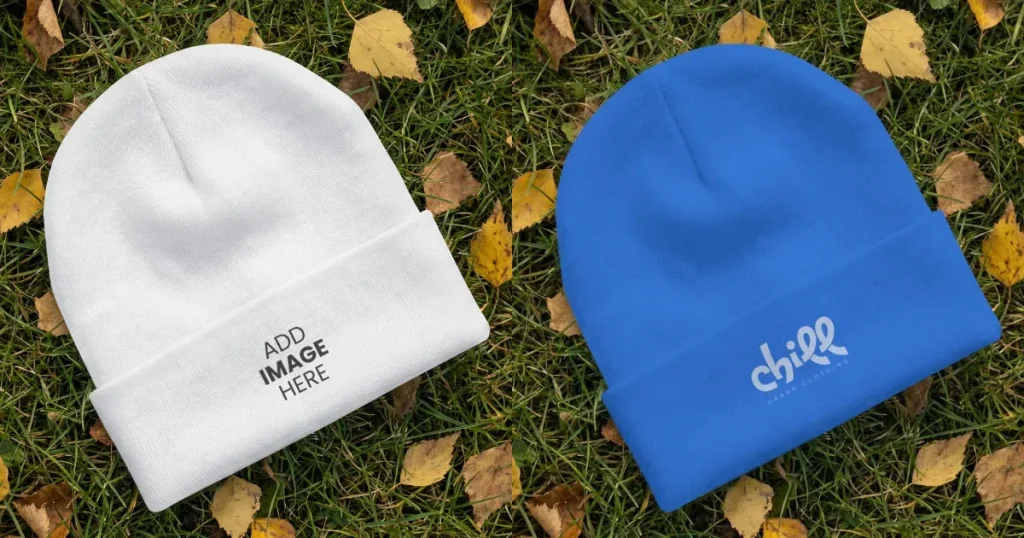
The autumn grass background, with scattered leaves, complements the winter beanie mockup, giving it a warm, cozy feel. This is perfect for lifestyle brands targeting the winter season.
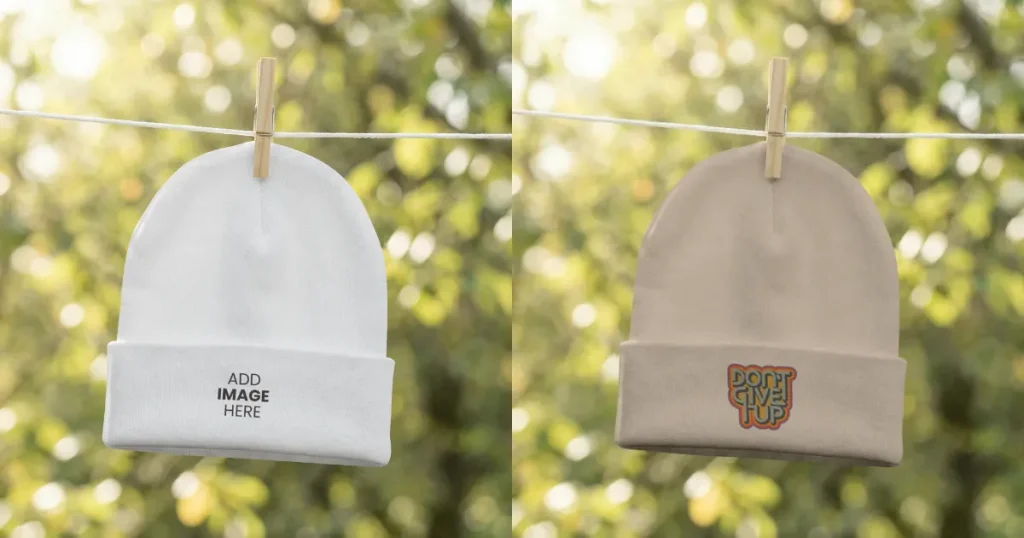
The outdoor setting with natural sunlight gives this beanie a light, everyday feel, making it suitable for mild winter or early spring use. Its clean and minimal look also makes it a good fit for product listings on platforms like Amazon, Etsy, or Shopify.
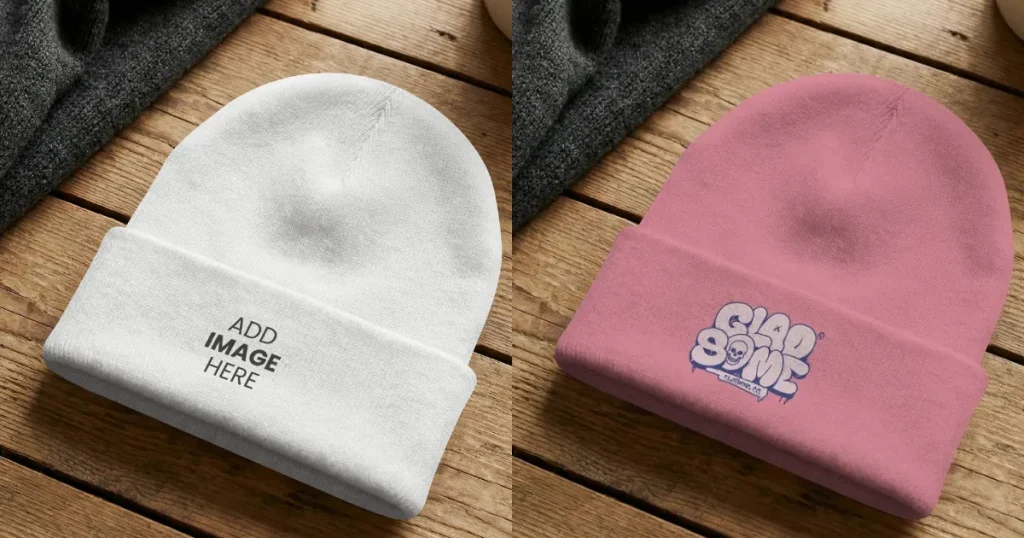
This beanie mockup template showcases the beanie in a lifestyle setting, helping customers visualize how it would look in a realistic setting. This is perfect for e-commerce selling beanies on their own website.
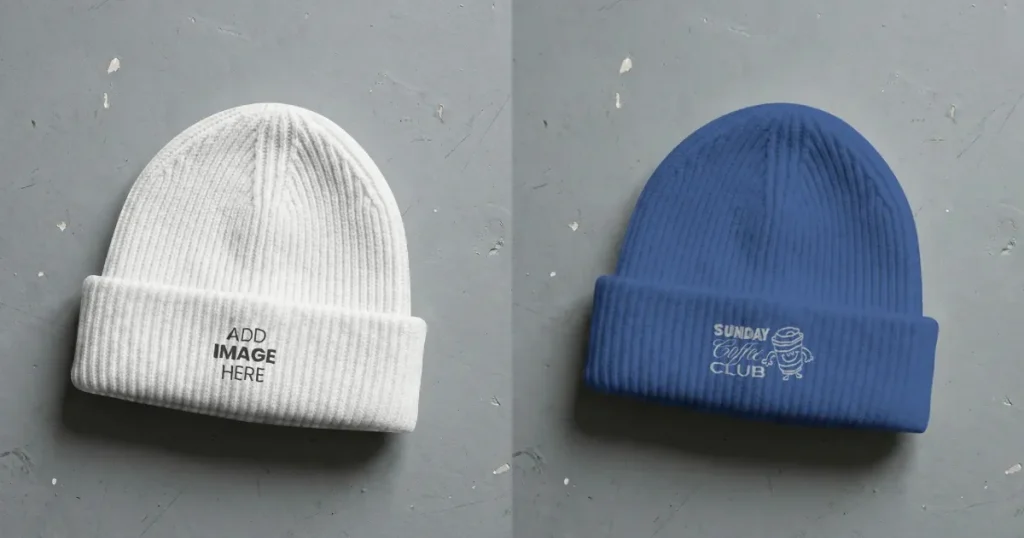
The realistic woolen material texture blends seamlessly with the design in this mockup, giving it a minimal, clean look that is perfect for Amazon or other e-commerce store listings.
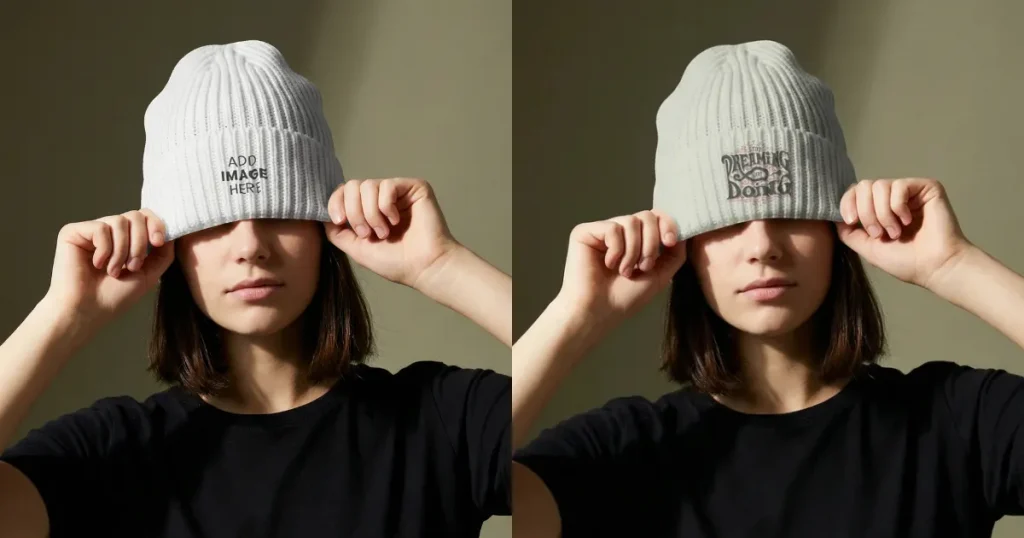
The texture, stitching, and pattern placement make this beanie look natural and true to life. It’s a strong choice for lifestyle brands that want to present their designs in a more authentic way.
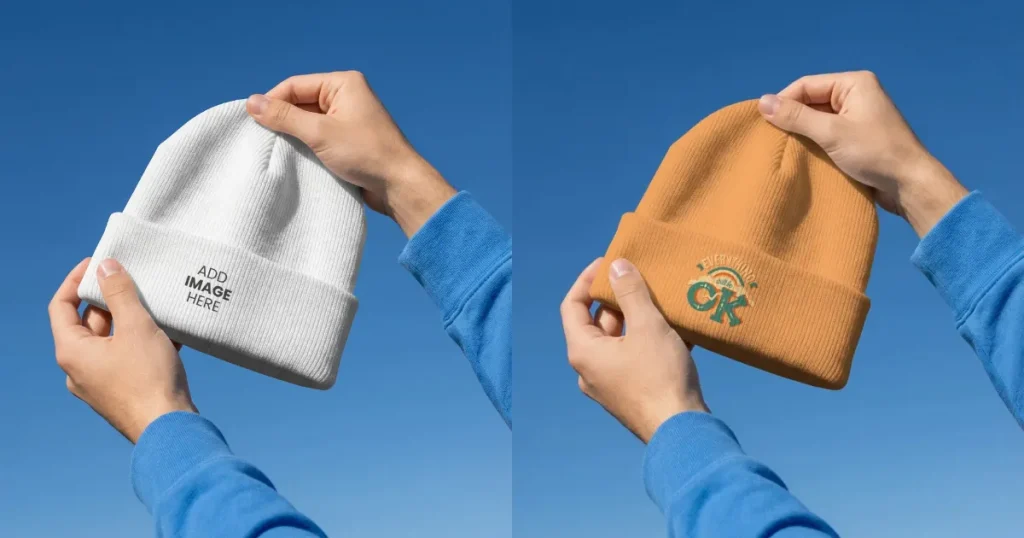
The clear blue sky and natural lighting give this mockup a fresh outdoor feel, helping the beanie look more realistic and easy to relate to. The hand-held presentation adds a human touch, making it easier for customers to imagine wearing it.
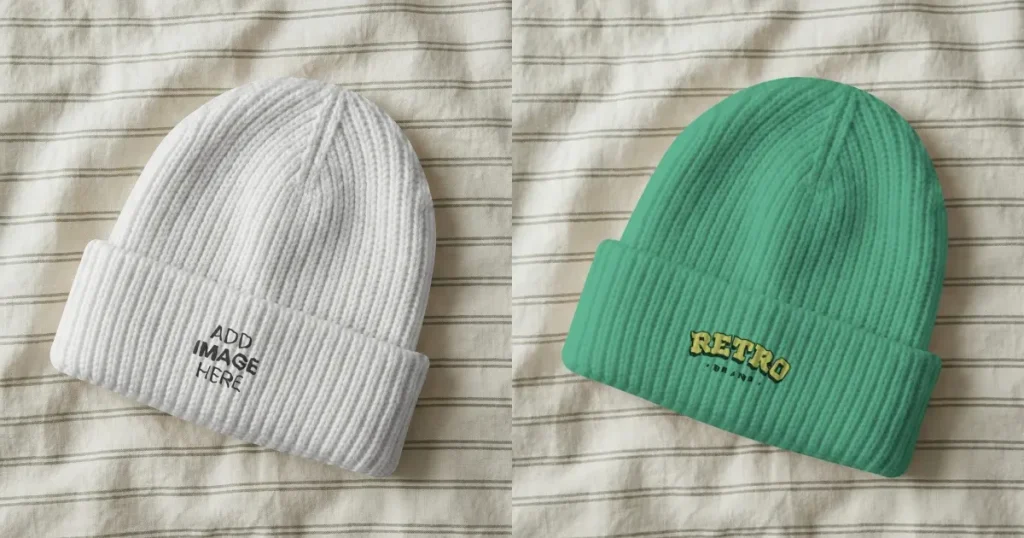
The minimalist feel of this mockup, combined with the realistic stitches and design placement of this beanie, makes it a perfect choice for Amazon, Etsy, and Shopify store listings where you want to stand out from the crowd.
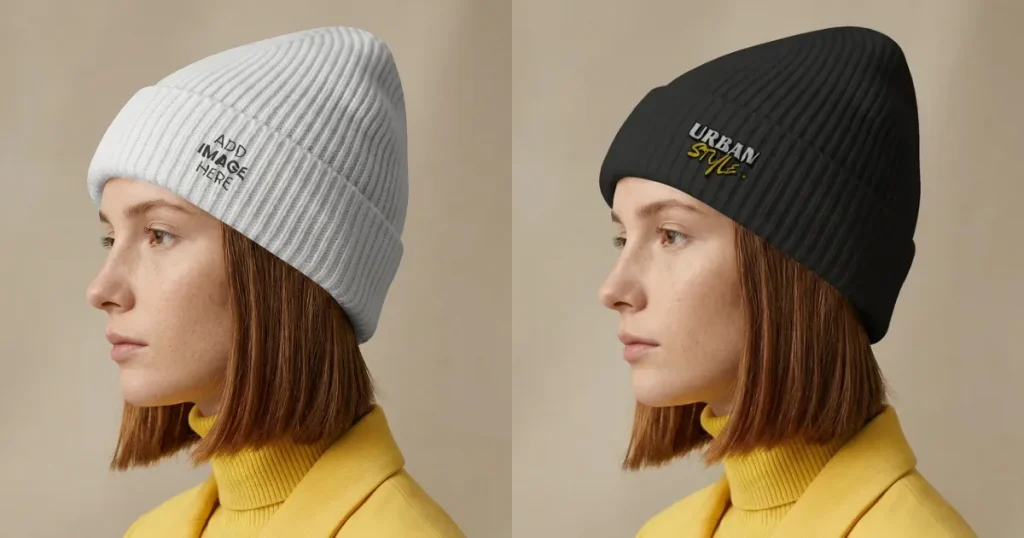
The side profile view highlights how the beanie fits and sits naturally on the head, making it feel more realistic. This makes it a strong choice for product listings where fit, style, and visibility matter.
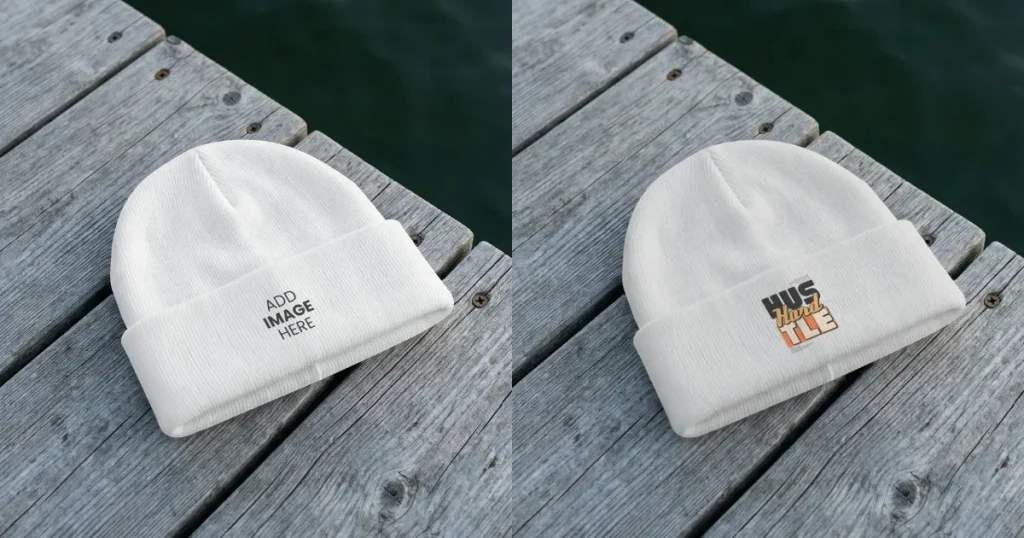
This beanie mockup features a clean, top-down view that clearly highlights the texture, shape, and fit of the design. The placement area ensures your artwork blends naturally with the fabric, making it ideal for showcasing logos or minimal designs with high clarity and realism.
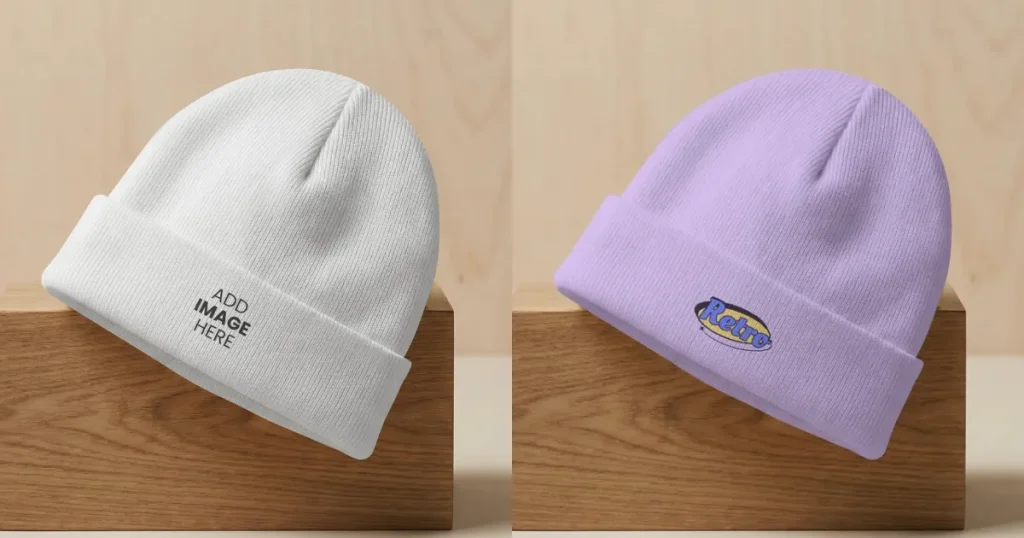
The slight tilt and clean wooden base give this mockup a premium, studio-style look. The front angle keeps the focus on your design while still showing the fabric’s natural folds. It works well for brands that want a simple but refined product presentation.
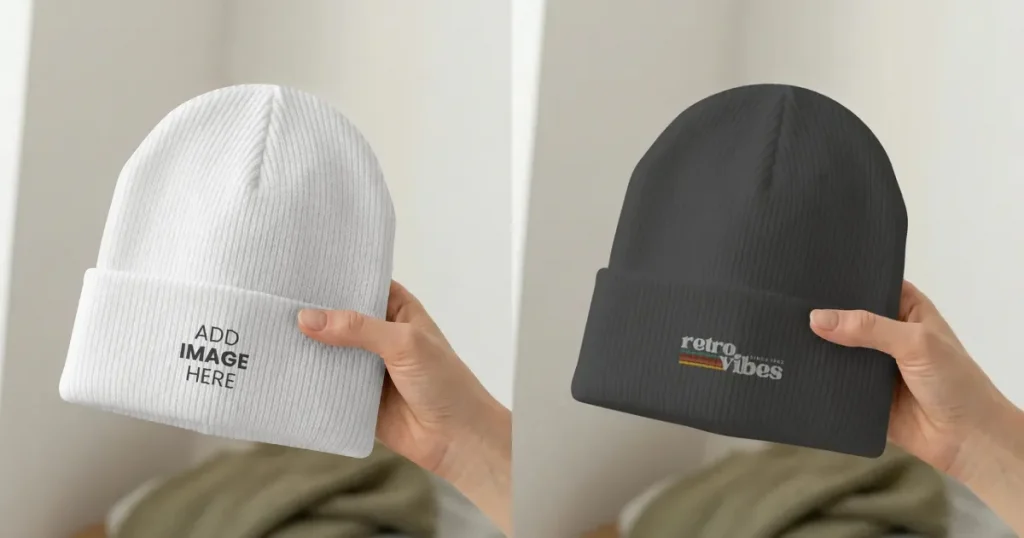
This close-up view highlights how naturally the design blends with the fabric, texture, and stitching. The added detail helps customers see the quality up close, making it a strong fit for product listings where buyers often zoom in before deciding.
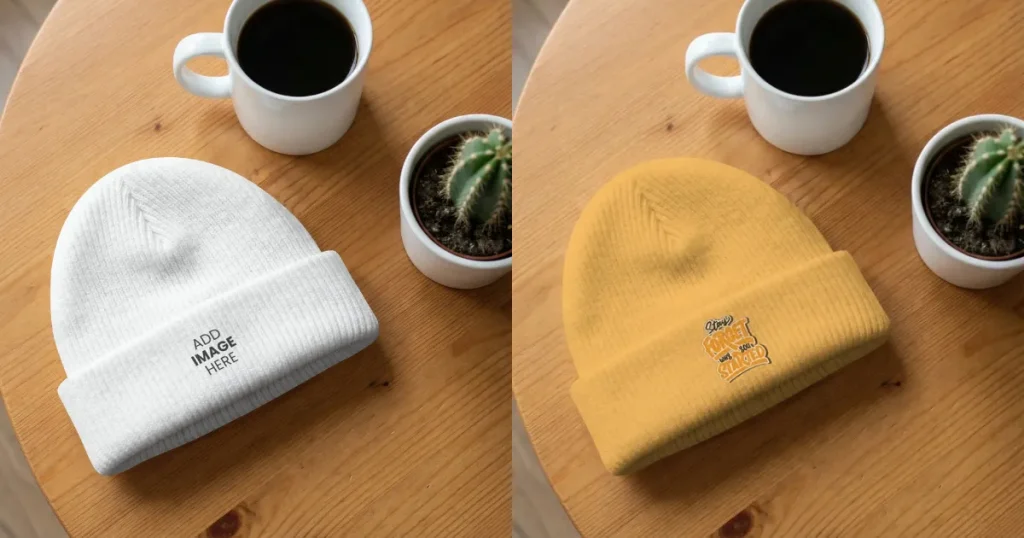
The addition of coffee and a cactus to this flat-lay beanie mockup makes it feel lively and helps the customer visualize how the beanie would look in real life, making it perfect for Instagram ads, where differentiation matters.
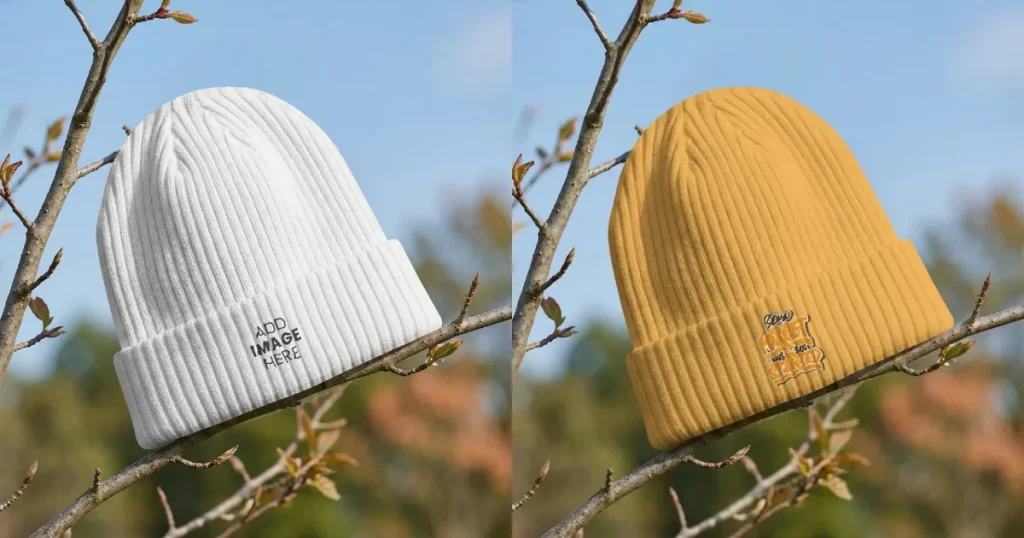
This front-view beanie mockup template, set on a bare tree branch, presents the beanie in a natural setting with realistic design placement, making it ideal for travel-focused brands to showcase their products in authentic outdoor scenarios.
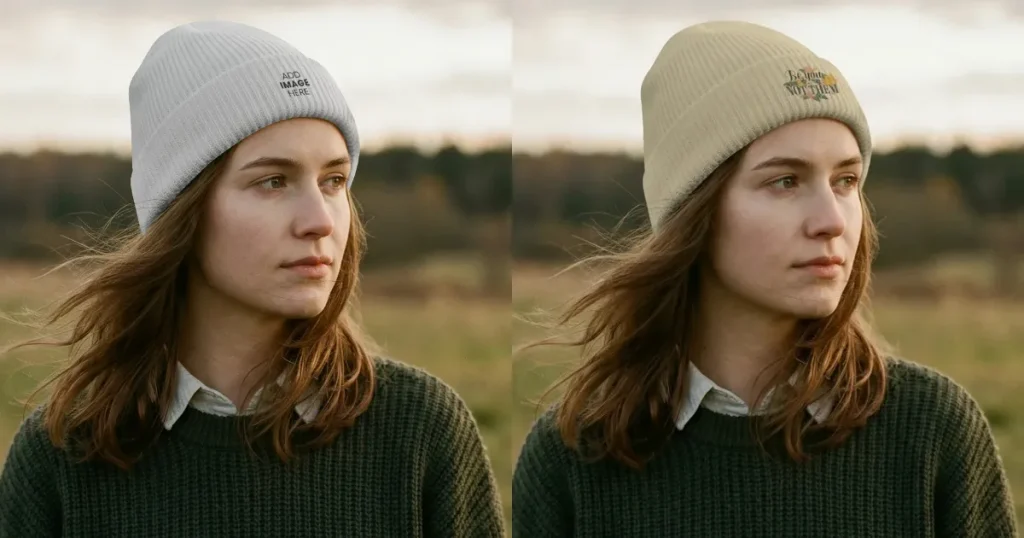
The outdoor setting and natural light give this mockup a calm, everyday feel, making the beanie look more realistic in use. The side view clearly shows how it fits around the head and sits above the ears. It’s a strong choice for brands that want to highlight comfort, fit, and a natural lifestyle look.
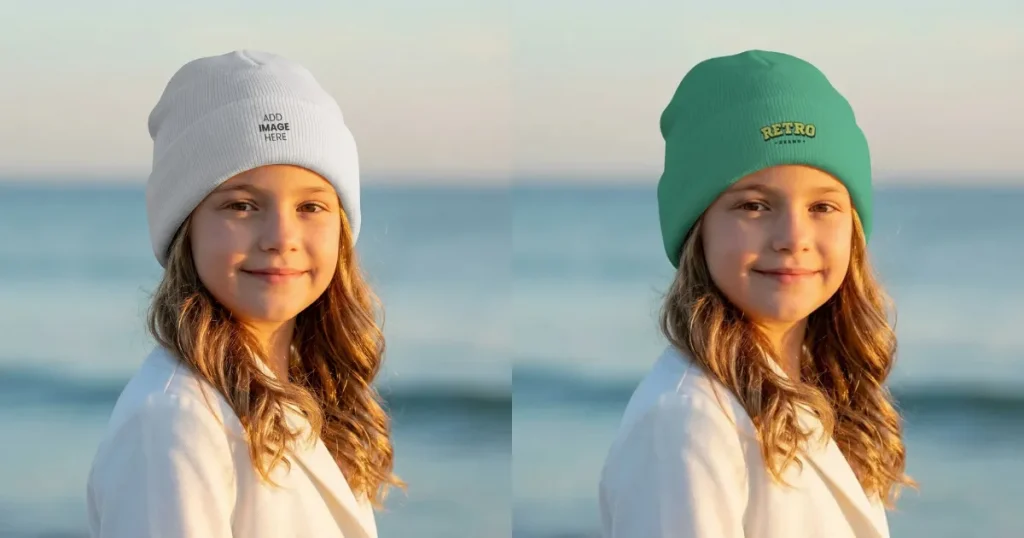
The beach setting and soft natural sunlight on the young model give the mockup a warm, cozy feel, ideal for brands looking to showcase their designs in a picturesque outdoor setting.
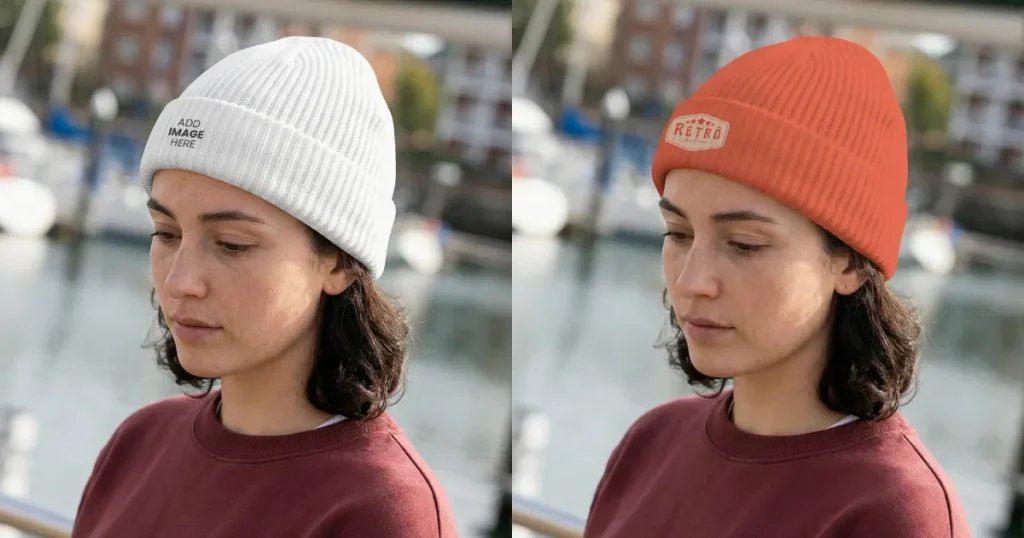
This side-profile beanie mockup shows a young woman in a real outdoor setting, highlighting a natural fit and realistic texture. It’s ideal for brands to showcase designs in a clean, lifestyle-driven context.
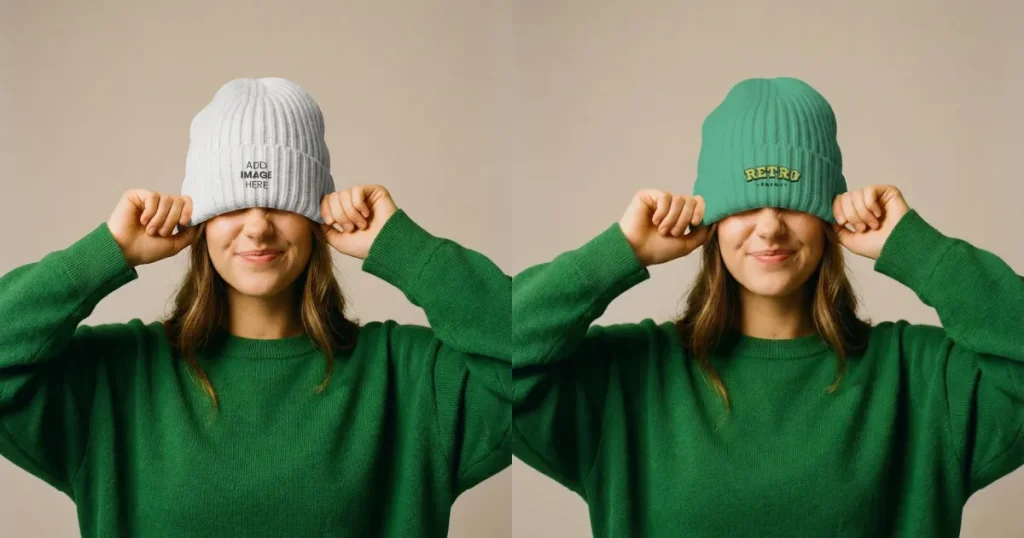
This front-view beanie mockup shows a woman in a playful, real-life pose that highlights the woolen fabric texture and realistic design placement. This makes it best for brands to showcase designs in a fun, everyday wear context.
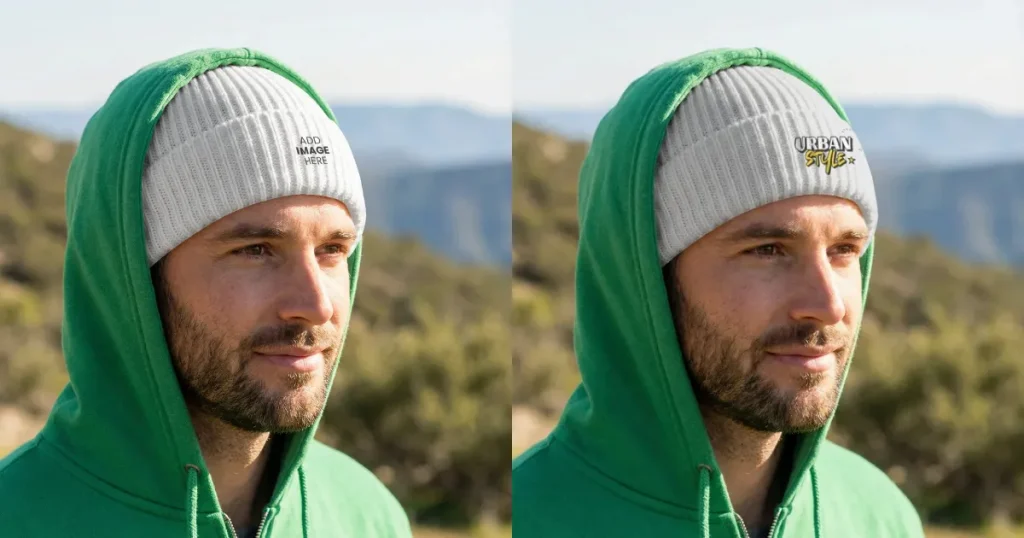
The outdoor backdrop and layered outfit give this mockup a practical, adventure-ready feel. It shows how the beanie fits naturally in real conditions while still keeping the design visible. A good choice for brands that want to position their beanies as both functional and stylish.
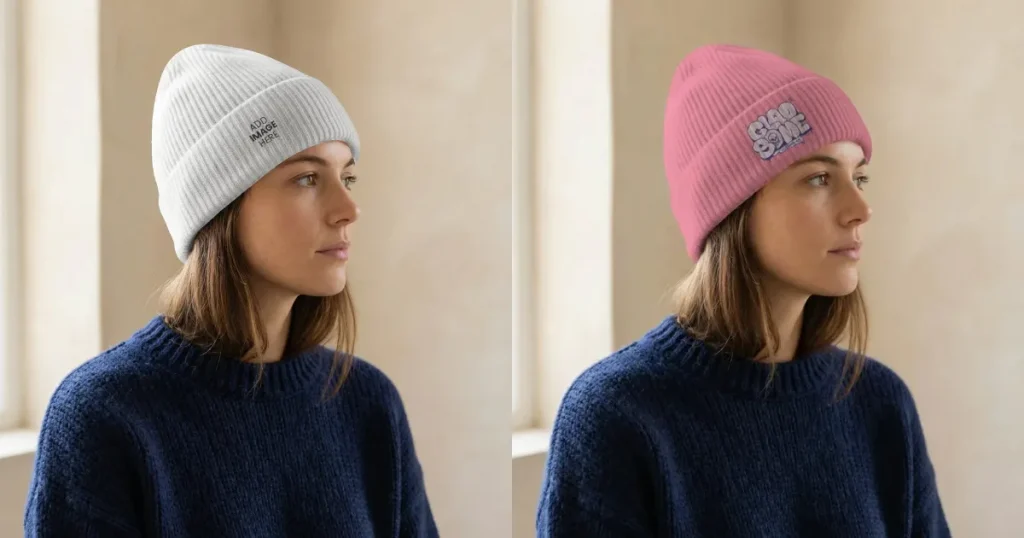
This side-view beanie mockup features a young woman in an indoor setting, giving it a natural and everyday-wear feel. It is best suited for brands looking to showcase their designs in a relatable, casual context.
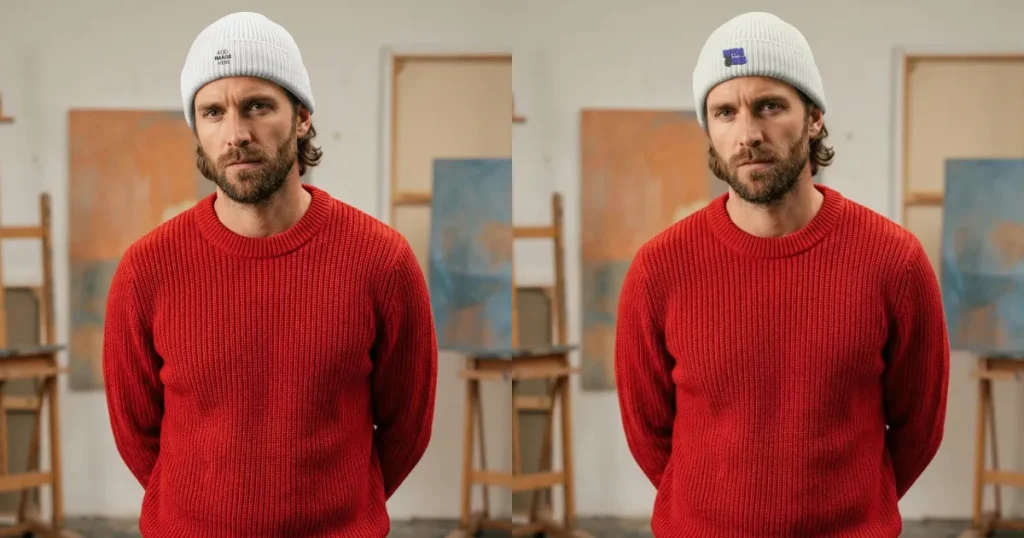
The studio setting and front-facing pose keep the focus on the beanie while still giving a real, in-use feel. The contrast with the red sweater helps the design stand out clearly. It’s a strong option for brands that want a clean, styled look that works across both product listings and campaigns.
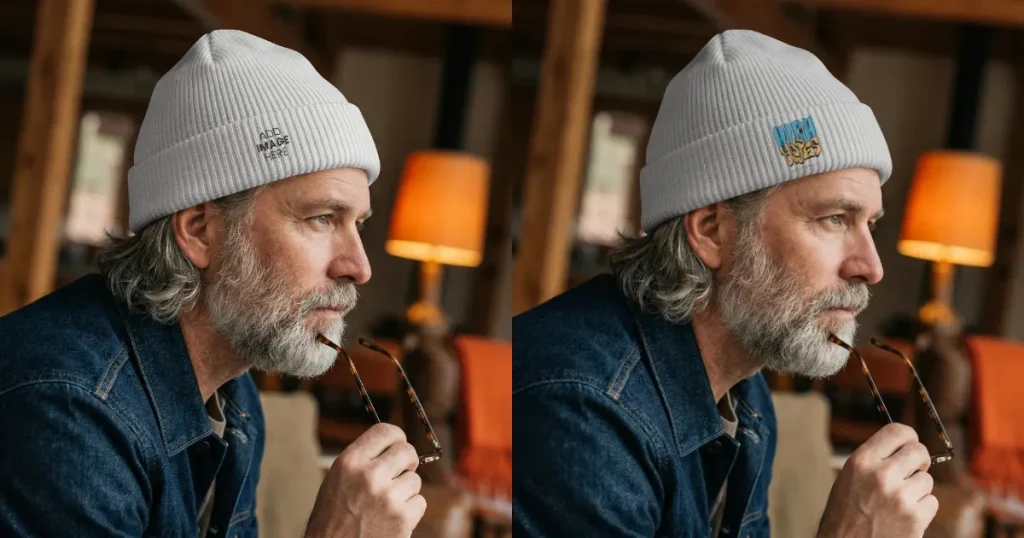
The warm indoor lighting and relaxed setting give this mockup a calm, cozy feel. The side profile shows how the beanie fits naturally while keeping the design visible. It works well for brands that want to highlight comfort, warmth, and a more mature, everyday style.
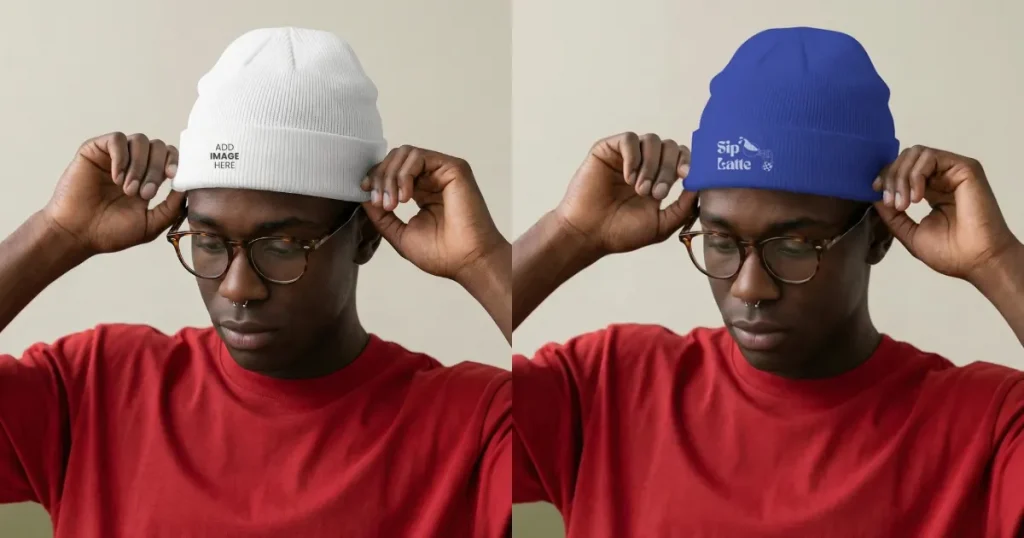
The model adjusting the beanie clearly highlights its natural fit while showing how seamlessly the design blends with the fabric’s texture. This level of detail matters when using it as a product image, as it builds trust and helps customers better judge the look and quality before buying.

The indoor setting of this beanie mockup template shows how comfortable beanies are for everyday indoor use. This mockup template is perfect for brands targeting a relaxed, laid-back lifestyle.
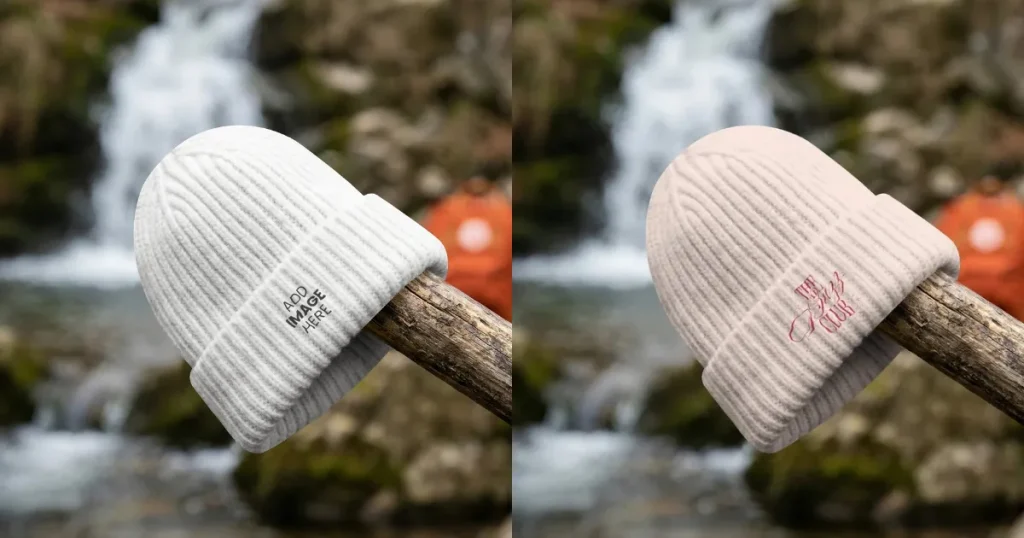
This front-view beanie mockup template places the beanie in an outdoor setting near a waterfall, highlighting its ability to complement an adventurous lifestyle. It’s an ideal choice for travel and adventure-focused brands looking to showcase their designs in dynamic environments.
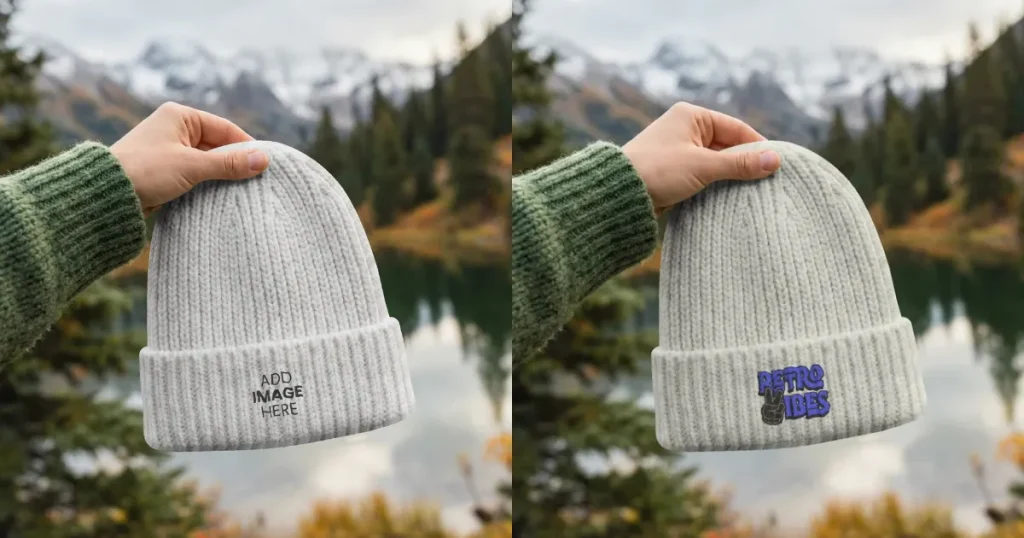
The mountain lakeview of this beanie mockup template showcases a transition from harsh winters to a cozy, comforting spring morning. This makes it perfect for indie travel brands focused on seasonal looks.
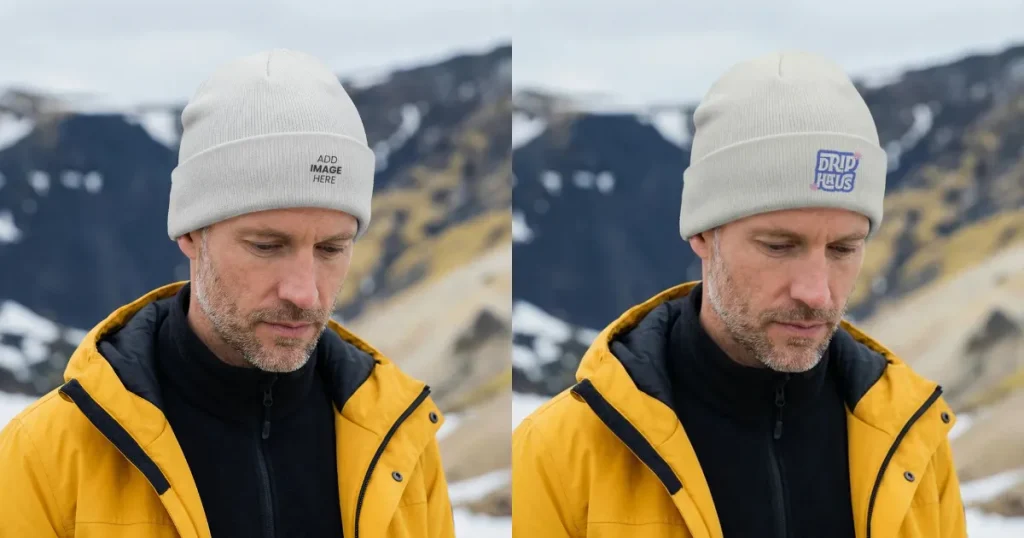
The mountain backdrop adds more context to this mockup template, showcasing the versatility of beanies even during harsh winter conditions, making it perfect for winter apparel brands and outdoor lifestyle stores that want to highlight durability and warmth.
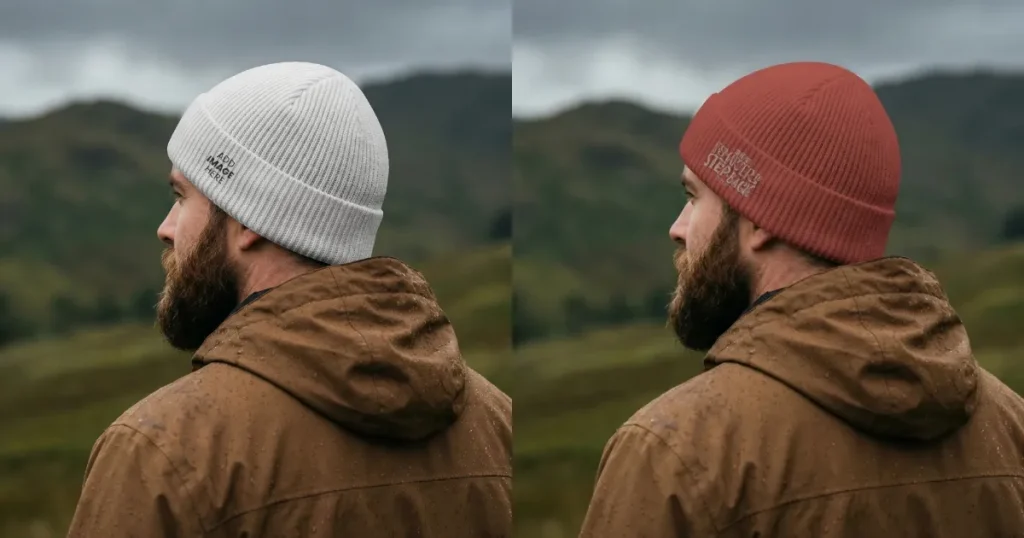
The back view shows how the beanie fits and wraps around the head, while the natural outdoor setting adds a rugged, real-world feel. It’s a strong choice for brands that want to highlight durability, comfort, and an outdoor lifestyle.
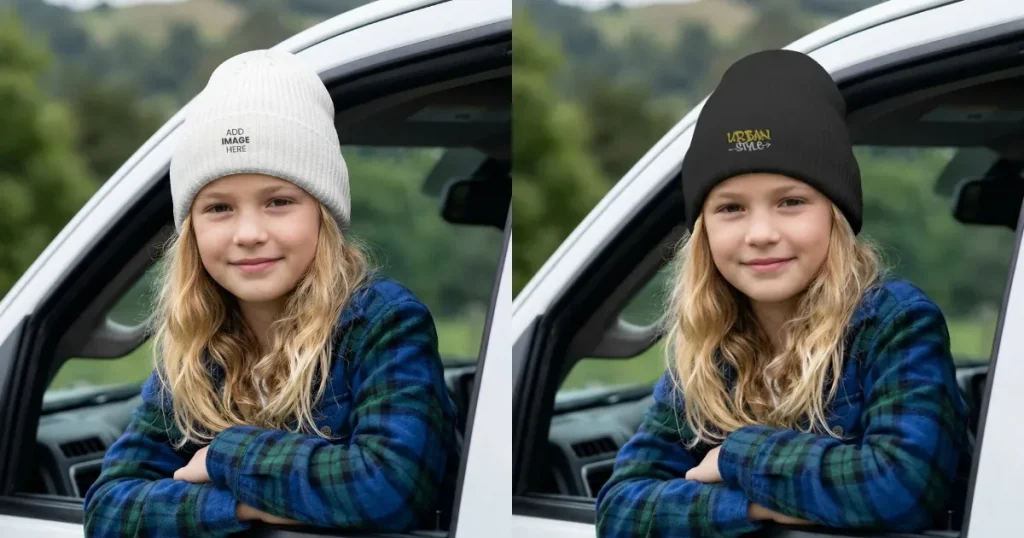
This front view of a girl wearing a black beanie mockup while traveling makes it ideal for youth-focused travel brands looking to convey both safety and a sense of fun-filled exploration.
Let’s have a look at the step-by-step process of creating beanie mockup using Modor.
Step 1: Create an Account
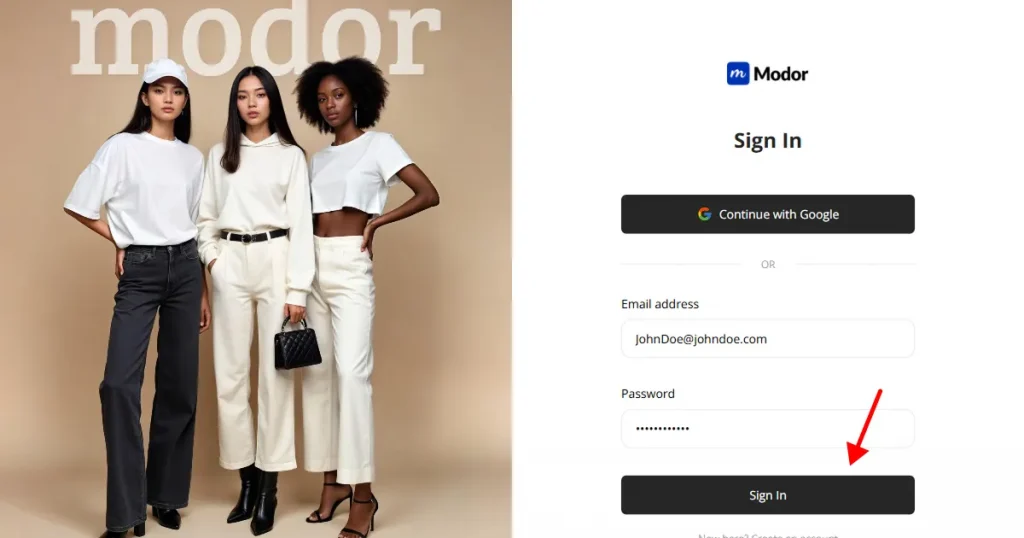
Start by creating a Modor account using your email, or sign in with Gmail for a faster setup.
Step 2: Select Beanie Category
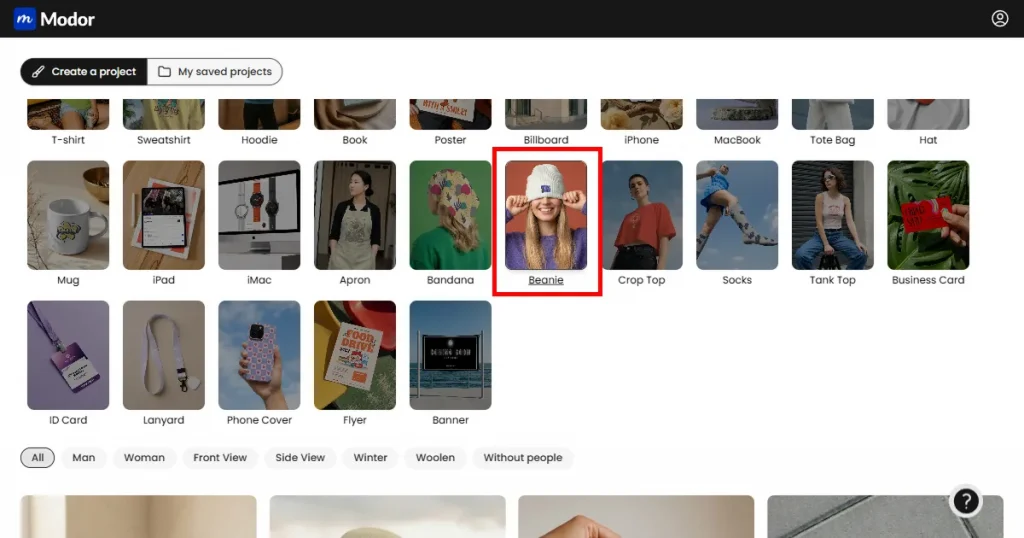
After logging in, you’ll see 25+ mockup categories. Go to the beanie category to view all beanie mockup templates.
Step 3: Choose a Template
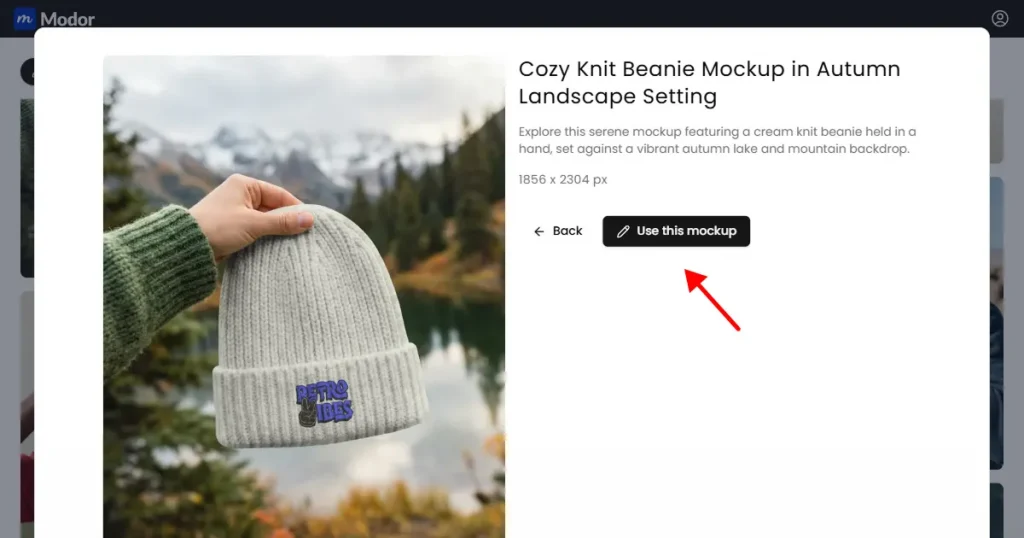
Next, you can choose a template that aligns with your brand, then click it to expand. Once the selected template expands, click the Use this mockup button to edit it.
Step 4: Upload Your design
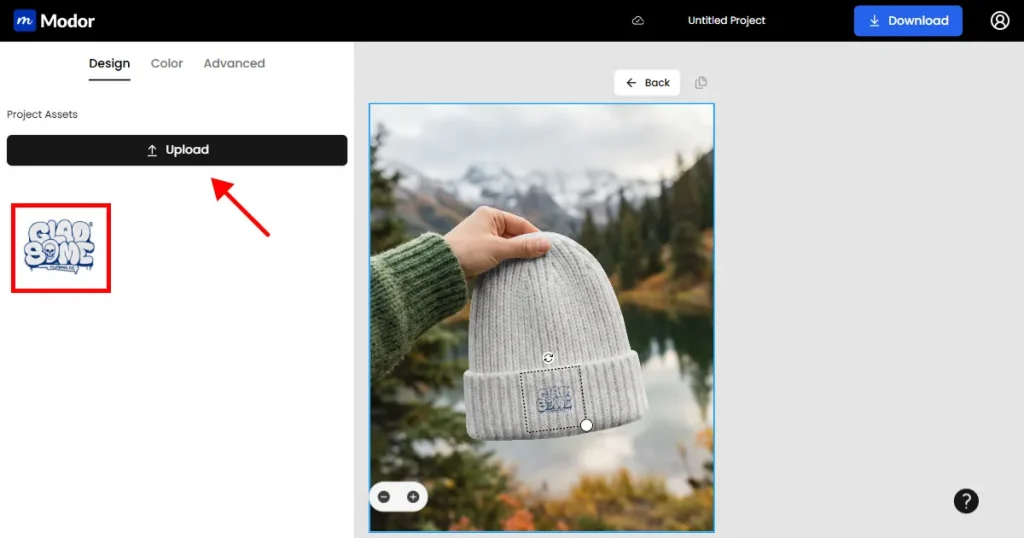
A project is created automatically in Modor. Click Edit Mockup at the top of a template to open the editor, then use the Upload button on the left to add your design.
Step 5: Change Color
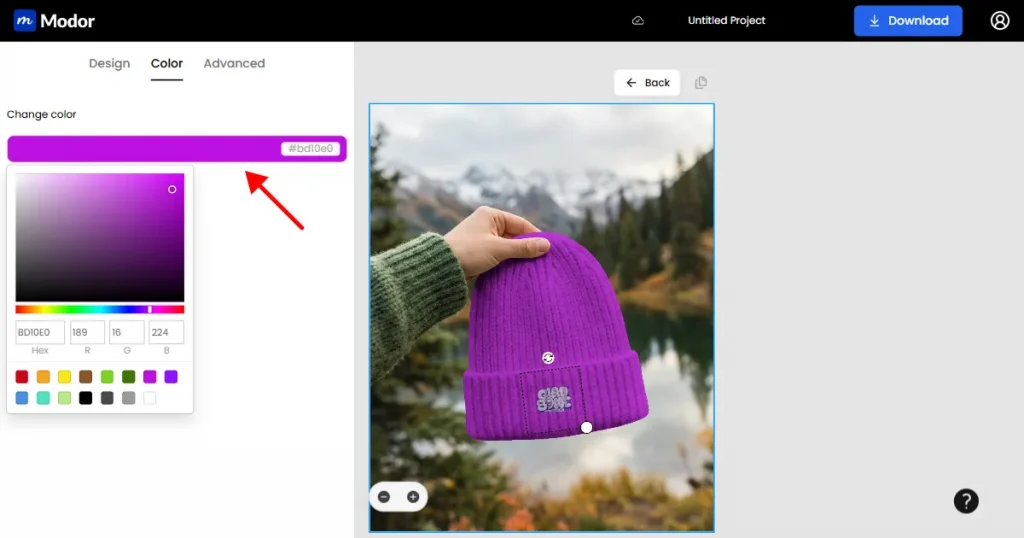
Next, use the color tool next to the upload button, then click Change Color to apply your desired color to the beanie mockup template.
Step 6: Use Advanced Customization
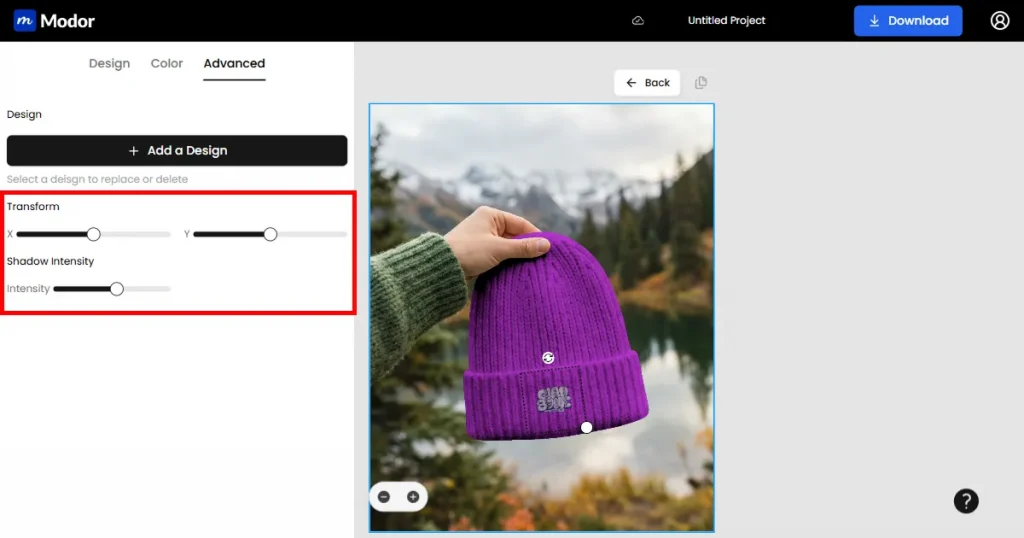
If you are unsatisfied with the positioning of your designs or the shadows in the mockup, you also have an advanced customization option besides the color tool. Click the Advanced button to access two tools.
The first one is the Transform tool, which allows you to reposition your design by toggling the X, Y coordinates of the mockup.
Next, you have the Shadow intensity tool, which lets you add more depth to your mockup by increasing shadow intensity. However, keep in mind not to overdo it, as it will not look good.
Step 7: Export
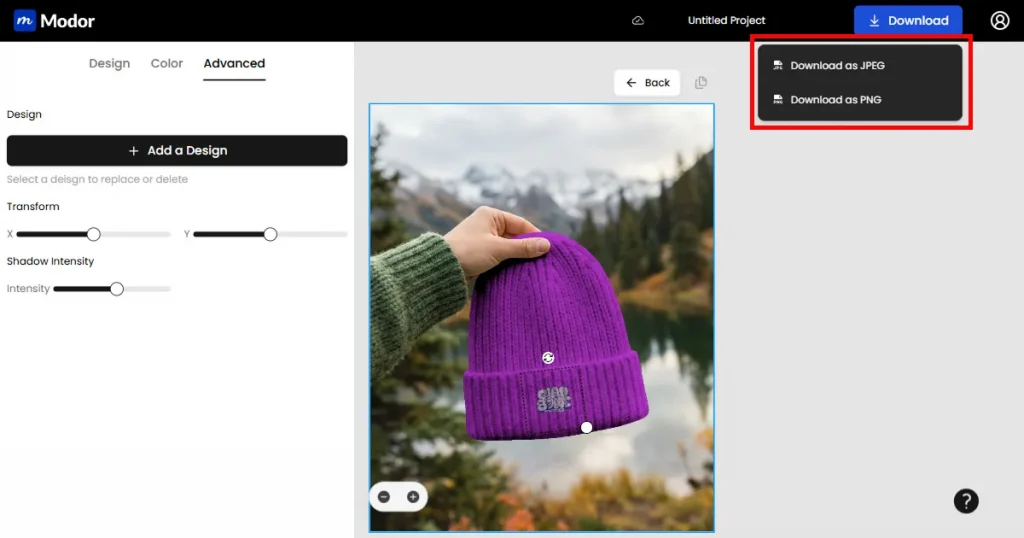
After you finish customizing your mockup template, click the Download button in the top-right corner of the dashboard, and you can choose JPG or PNG as the export format. Choose the one that works for you.
Once the file is downloaded, it will be in ZIP format. You will need to extract it before you can use it.
Beanie mockups are hard to get right. Small details like knit texture, fabric thickness, and how the material folds and stretches make a big difference in how real and high-quality the design looks.
That’s why Modor is the best beanie mockup generator, as it provides real-looking beanie mockup templates, an easy-to-use drag-and-drop editor, trending new designs, and allows you to download the template in the highest quality possible with commercial licensing.
And you can try any of these 30 beanie mockup templates with your own designs before choosing the right beanie mockup generator.
Use Modor to create a beanie mockup. Just choose a template, upload your design, customize it, and export it for use.
You can find a wide variety of free beanie mockup templates in Modor, which supports high-quality exports and a commercial license, even for its free templates.
To create beanie mockups for free use Modor. All you need to do is select a template, upload your design, edit it as needed, and export it for use.
A beanie mockup should match standard headwear proportions, typically around 8–12 inches in height, depending on the style. When designing, ensure your artwork is scaled to fit naturally within the visible area of the beanie mockup for realistic results.
Use a black beanie mockup for bold, light-colored designs, and a white beanie mockup for darker or more detailed artwork. The choice depends on which option gives your design better contrast and visibility.
A 3D beanie mockup is better for realistic presentation and depth, while a plain beanie mockup works well for clean, distraction-free design previews. The right choice depends on whether you want realism or simplicity.
A beanie PSD mockup is a layered Photoshop file that lets you place your design on a realistic beanie, helping you preview how it will look before production or listing.