
Top 9 Mockey AI Alternatives to Try Out in 2026
Top 9 Mockey AI Alternatives to Try Out in 2026: Features, pros & cons, and pricing.
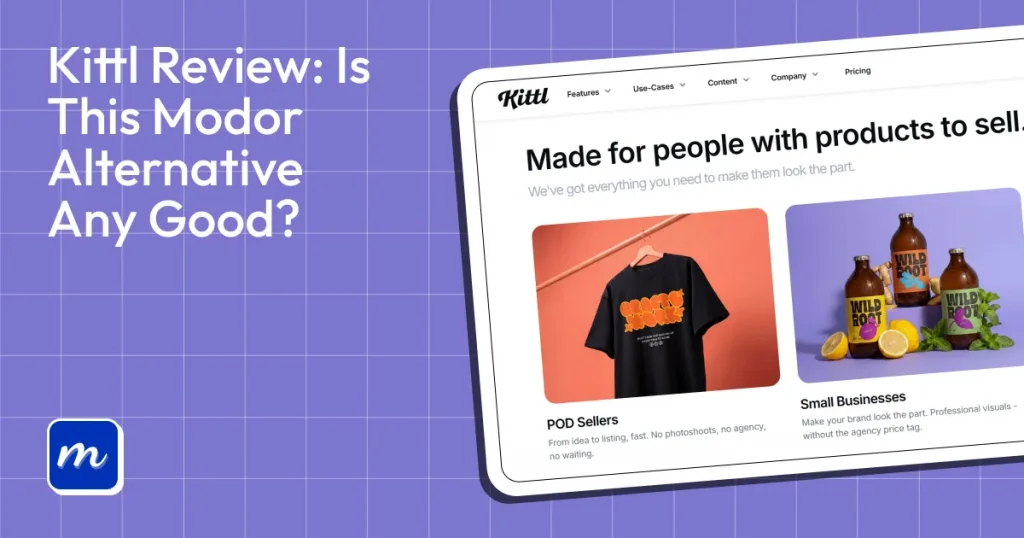
Kittl is an AI-powered, browser-based graphic design platform that lets you quickly create product mockups, logos, and other visual content. However, like any design tool, it has some drawbacks, such as limitations on lower-tier plans, varying template availability across categories, and pricing that may not suit every user.
That’s why Modor stands out as one of the best Kittl alternatives, offering 10,000+ high-quality mockup templates across 25+ categories, bulk mockup creation capabilities, high-quality exports, and free PSD mockup downloads.
This begs the question if Kittl is even worth it? To see where Kittl truly stands, in this Kittl review we will explore its features, pricing, and what real users on Reddit say about the tool.
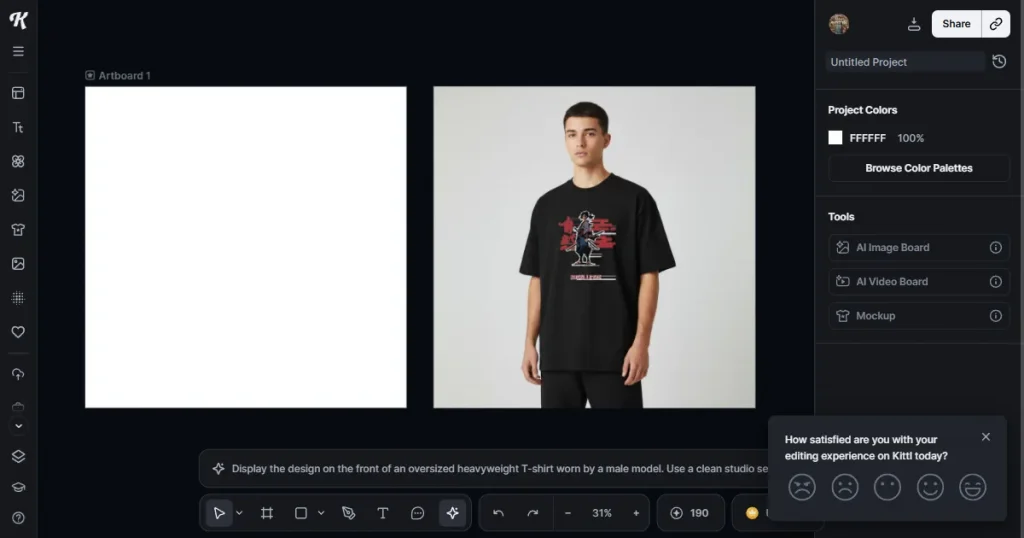
To begin this Kittl review, let’s start by understanding what Kittl is. Kittl is an AI-first browser-based design tool that covers all of your design needs in one place. It comes with a typography tool to create unique, high-quality fonts, and a mockup tool to create high-quality product mockups for POD sellers, ecommerce brands, and design teams.
Apart from its creative toolkit, the Kittl design platform also offers powerful AI integrations that let users generate images and vectors, remove backgrounds, and upscale images with ease.
Moreover, Kittl now includes AI video-creation tools powered by Seeddance 2.0 and Veo 3.1, enabling users to generate product videos for social media ads, marketing campaigns, and website content.
Before diving deeper into this Kittl review, let’s first analyze all the Kittl features in detail.
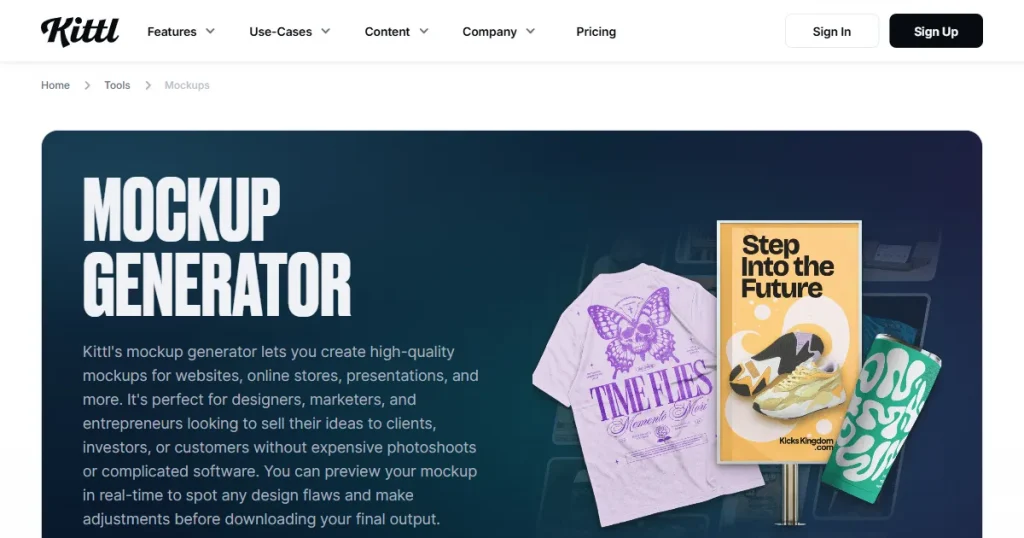
One of the most widely used and appreciated features of Kittl is its built-in mockup generator, which enables print-on-demand sellers and small business owners to create product mockups.
Kittl covers a wide range of mockup categories, including t-shirts, sweatpants, bottles, and iPhone mockups. Although the mockup template library and category selection are much smaller than those of other dedicated mockup tools like Modor, they are sufficient for most business owners.
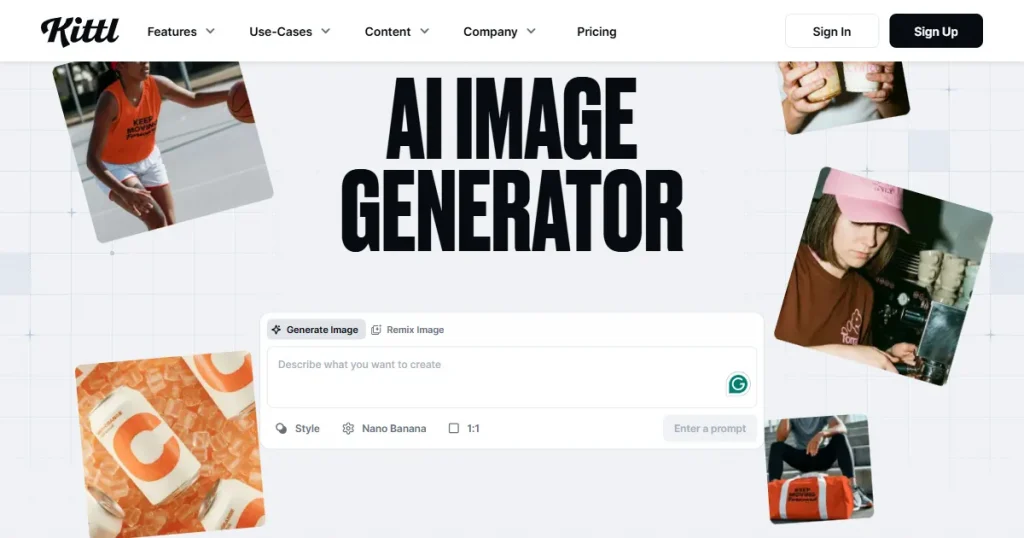
Over the years, Kittl has also expanded its AI creative suite with tools for AI background removal, vector generation, logo creation, mockup design, and even AI-powered video creation using simple text prompts.
These additions make Kittl more than just a design platform for static graphics. It now offers a complete creative workspace where users can generate, edit, and customize a wide range of visual content without using multiple software tools.
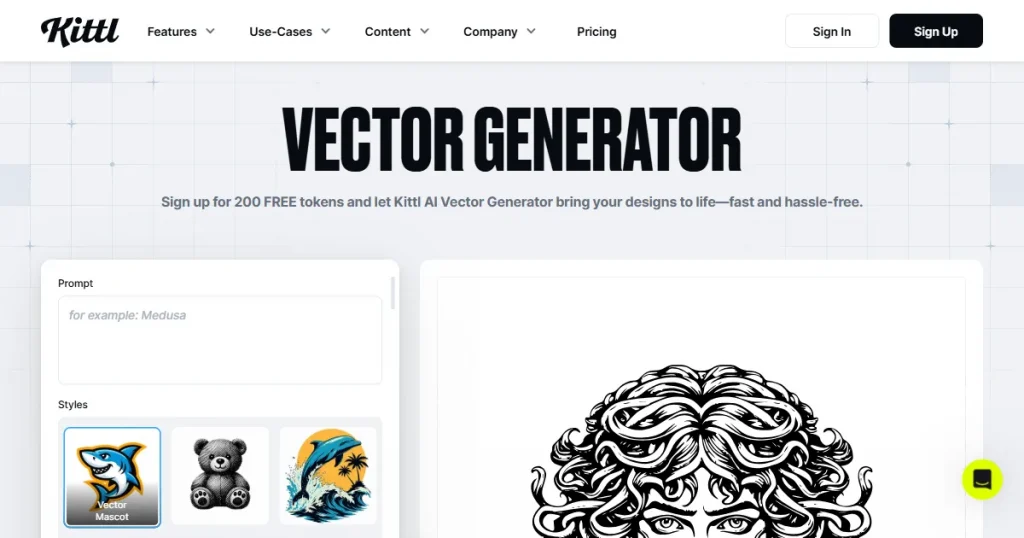
Kittl also offers vector editing right in your browser, without any advanced software like Illustrator. It supports advanced vector editing features like path manipulation, layering, and scalable graphics for detailed design work.
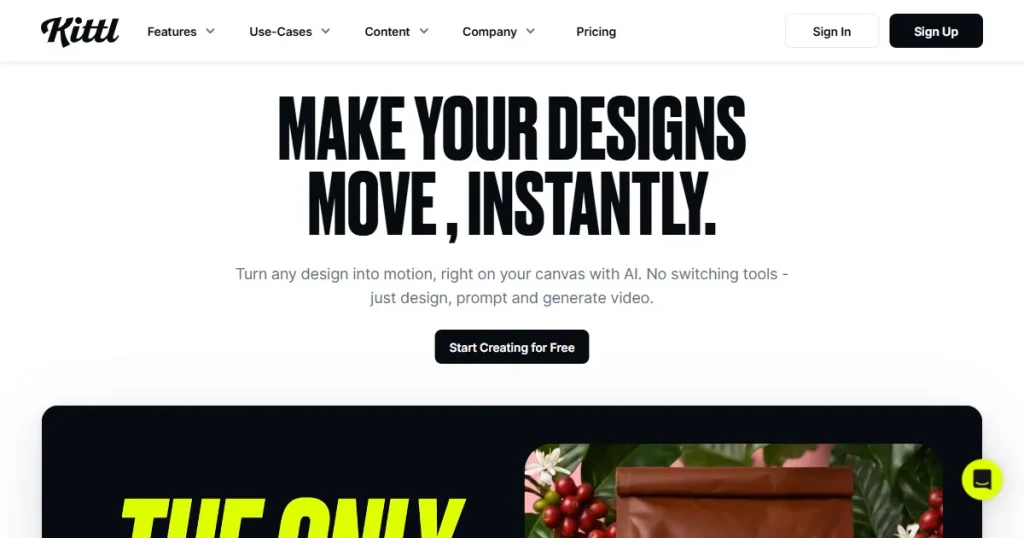
Kittl lets users create animated graphics, motion typography, and short promotional videos using AI for social media and marketing content. Users can animate text, mockups, and design elements directly inside the editor without needing a separate animation software.
The platform focuses on quick motion-based content creation, allowing creators to turn static designs into short video clips with simple prompts and built-in templates. This makes it especially useful for creating Instagram reels, product ads, promotional posts, and branded marketing visuals in just a few minutes.
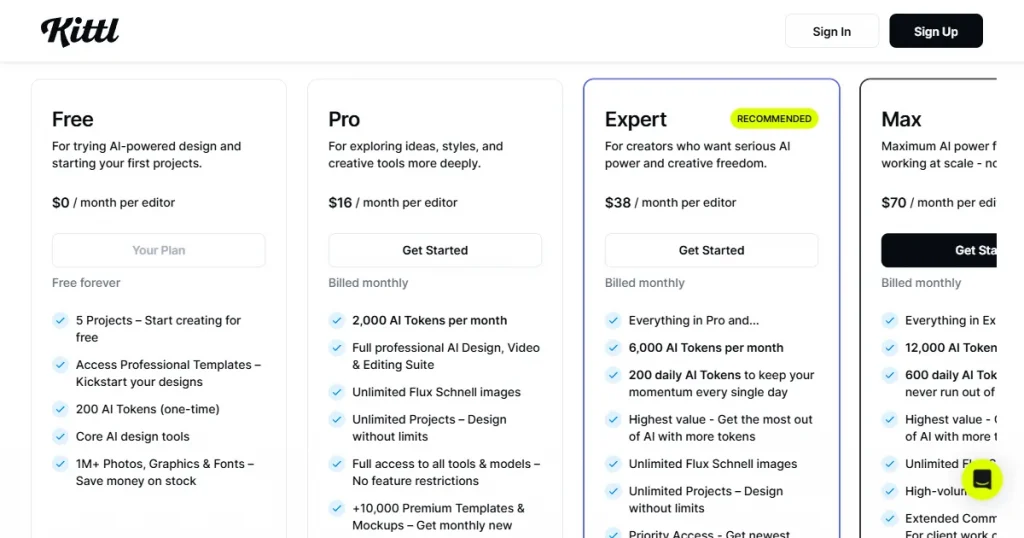
Kittl pricing is divided into 4 parts. They have a free tier, but it’s very limited with watermarked exports and only 200 AI credits. The next is the Pro plan, which starts at $16/month and unlocks unlimited projects and all templates, but storage is limited to 10GB.
It also has an Expert tier priced at $38/month and a Max tier priced at $70/month. Both of these are far better than the Pro and free tiers, as they unlock almost every feature, provide enough AI credits to maximize AI use, and include an extended commercial license for client work.
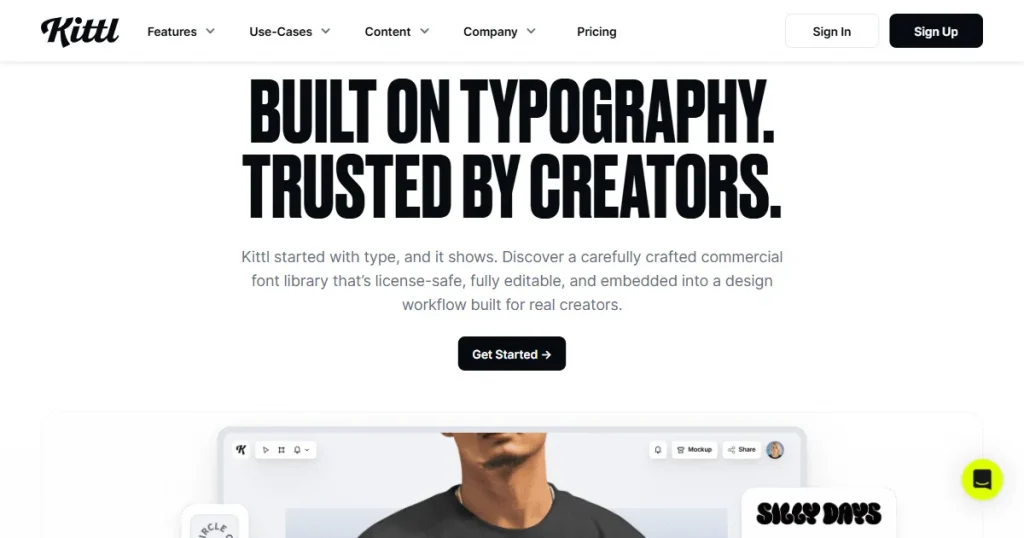
Kittl was launched as a dedicated typography tool that offers powerful text effects, warping, shadows, textures, and layered styles to easily create professional typography designs.
Their typography tool was used to create premium open-world games like Hogwarts Legacy and multiple TV shows and movies on Netflix.
When searching for Kittl reviews from real users, we found Reddit to be the most trusted source, as real users interact here and share their feedback on the tool.
Users on Reddit generally appreciate Kittl for its powerful typography tools, AI features, mockup generator, and beginner-friendly workflow. Many creators in their Kittl reviews say the platform helps them create professional-looking merch, branding assets, and social media graphics much faster than traditional design software.
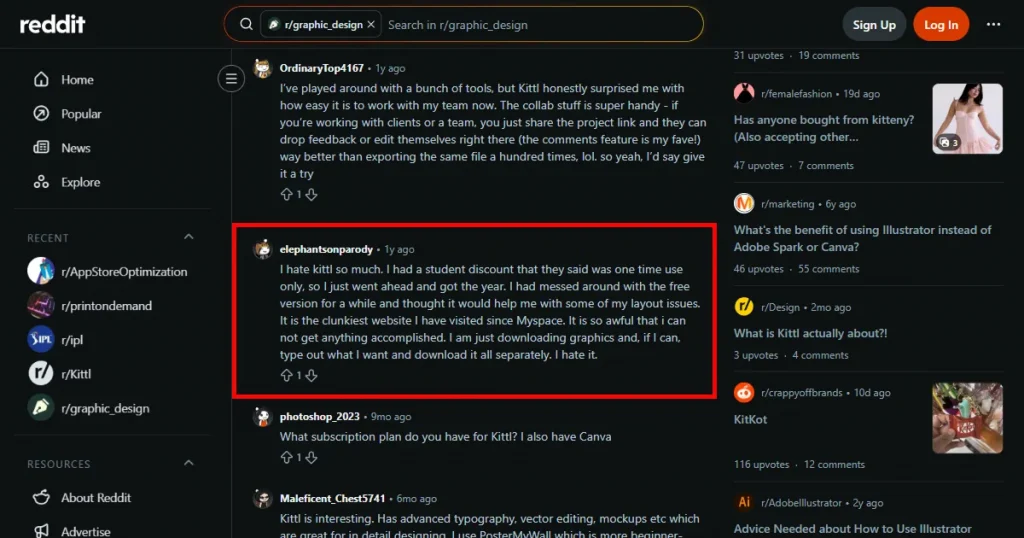
However, Kittl reviews on Reddit also reveal several recurring complaints about the platform. Some professional designers feel Kittl relies too heavily on AI-generated content and background-removal tools rather than offering a truly professional graphic design experience.
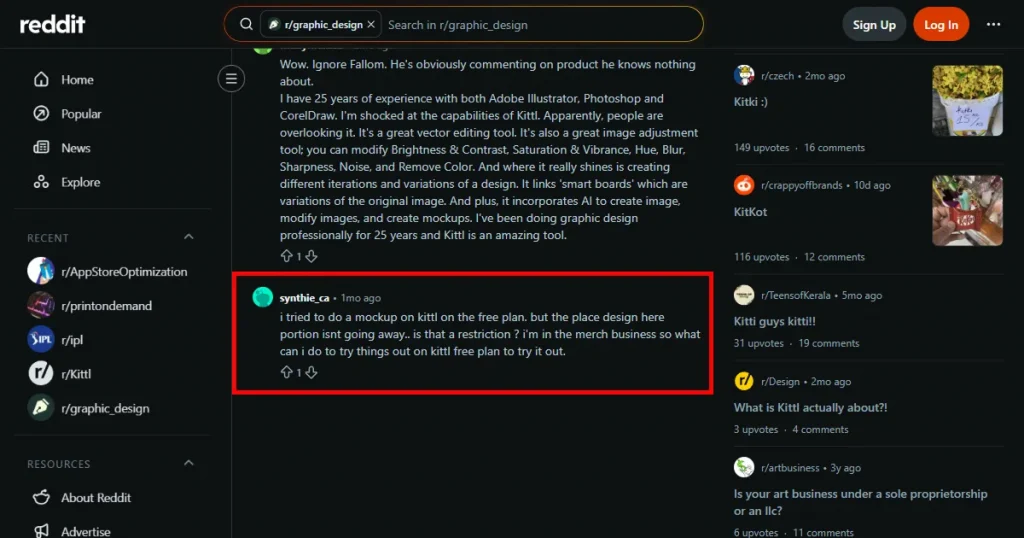
Another common criticism is the restrictive free plan and the limitations on AI tokens. Some Kittl reviews reported that important features, mockups, or exports are limited quickly in the free version, and that frequent AI usage can exhaust available credits much faster than expected.
Users have also raised concerns about originality and the overuse of templates. A few creators claimed in their Kittl reviews that designs made with Kittl’s templates and AI tools often look very similar to other designs online, making it harder for sellers to stand out in competitive niches like print-on-demand.
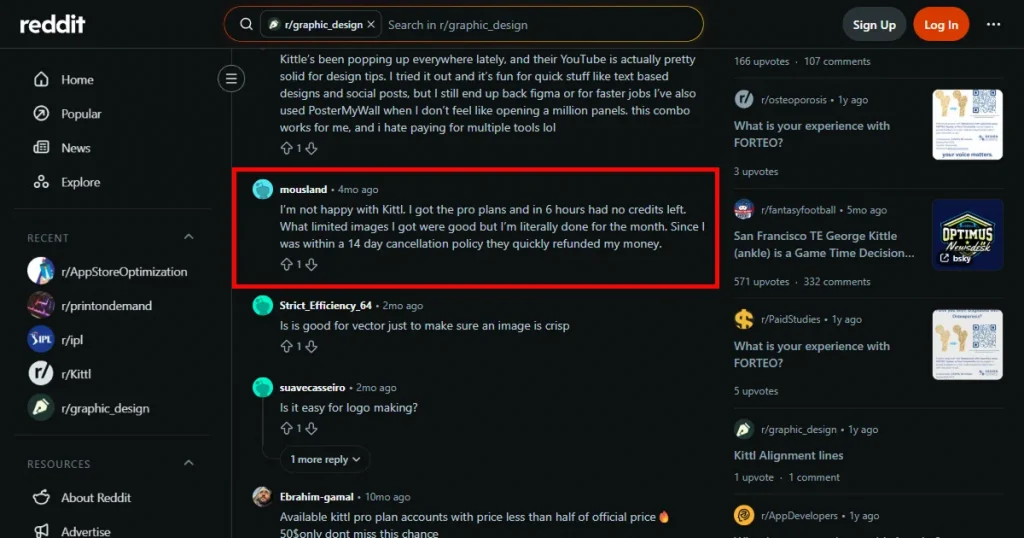
Lastly, some Reddit users criticized Kittl’s interface and workflow, calling the platform clunky or difficult to navigate compared to simpler design tools.
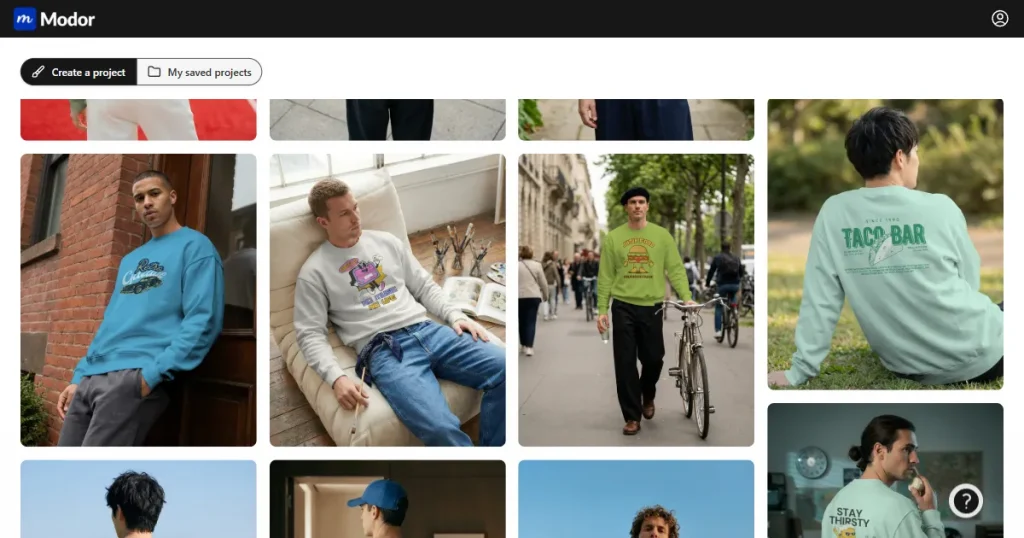
Modor is an AI-powered web-based platform that lets users create professional product mockups in minutes by placing their designs directly on the 10,000+ templates in its library.
The platform is designed for designers, print-on-demand sellers, ecommerce brands, marketers, and content creators who want to showcase products without investing in expensive photoshoots or advanced design software.
Now that we are concluding this Kittl review, let’s explore why Modor is a better alternative to Kittl.
Unlike the Kittl design tool, which features multiple AI workflows and a complex system, Modor uses a simple drag-and-drop editor where you can upload your artwork, place it on a mockup, and have your product image ready in seconds.
This makes the tool accessible to anyone, from beginners with no experience in design systems or AI to professionals well-versed in design tools. And most importantly, you don’t need to spend any time figuring out how everything works, you get step-by-step guides for every process within the tool itself.
When it comes to template quality, Kittl’s library looks premium, but it’s very limited, there is not much variation in lifestyle scenes and mockups. Also, Kittl is highly dependent on AI-generated mockups, which sometimes give off an artificial vibe that most users don’t really appreciate.
At the same time, Modor focuses on providing mockups across a wide range of categories, such as apparel, devices, accessories, and print, in different scenes and settings, ensuring variety in the mockups you create and helping your product stand out from the crowd.
Another major difference between Kittl and Modor is their approach to pricing. Whereas Kittl pricing is divided into multiple tiers with limits on each, Modor follows a simple freemium pricing model.
With Modor, you only need to pay $10/month to have access to all their premium templates and features. Moreover, you can bulk-create mockups and export watermark-free mockups with a commercial license, even on their free tier. So, their free plan is actually usable compared to Kittl’s.
Based on this Kittl review, we can conclude that Kittl is one of the best AI-powered design platforms. But when it comes to mockups, it shows limitations, such as a lack of scene variety, excessive reliance on AI, and insufficient AI credits in its subscription.
This is why Modor is one of the best dedicated mockup generator tools, as it allows you to create high-quality mockups with its simple, easy-to-use drag and drop editor, more than 10,000 professional templates across 25+ categories, and watermark-free export even on free mockups.
Yes! You can use Kittl for free, but the downloads will have a watermark, and you won’t get enough AI credits to properly use the tool.
Kittl pricing for the Pro tier starts at $16/month, which gives you access to all the templates and features, but you still get limited AI features and might have to buy AI credits separately if you use their AI features extensively.
Kittl is used for creating logos, mockups, social media graphics, merch designs, packaging, and other AI-powered branding visuals.
No! Using the Kittl mockup generator for print-on-demand products will not lead to many sales, as there would be no variety in mockup templates, and they might look AI-generated, which would lose customer trust.
Yes, Kittl offers beginner-friendly templates and AI tools that make creating professional-looking designs much easier.
No, most Kittl plans come with limited AI tokens/credits, although higher-tier plans offer larger allowances and additional premium mockup access.
Kittl reviews on Reddit are mostly positive for typography, AI tools, and beginner-friendly design workflows, but users also criticize the limited free plan, AI credit restrictions, repetitive templates, and an interface that has a steep learning curve for beginners.