


Modern iPhone Mockup Templates
Explore iPhone mockup templates with handheld iPhone mockups, iPhone 17 mockups, iPhone 16 mockups, and 3D iPhone mockups. The iPhone mockup generator is perfect for showcasing apps, UI designs, and mobile experiences.
Showcase your mobile app using the Free iPhone Mockup Generator. Customize iPhone mockup templates for iPhone 16 mockups, iPhone 17 mockups, 3D iPhone mockups and hand held iPhone mockups and create professional mockups for presentations, portfolios, or marketing visuals.
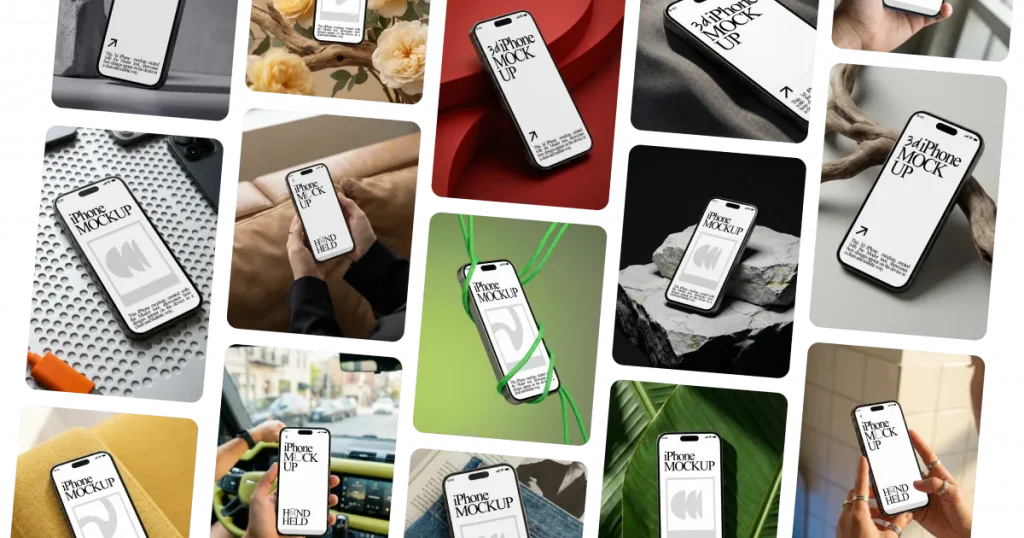
Browse a huge library of iPhone mockup templates, including handheld iPhone mockups, iPhone 17 mockups, iPhone 16 mockups, and 3D iPhone mockups. Use Modor’s Free iPhone Mockup Generator to preview and customize templates easily.
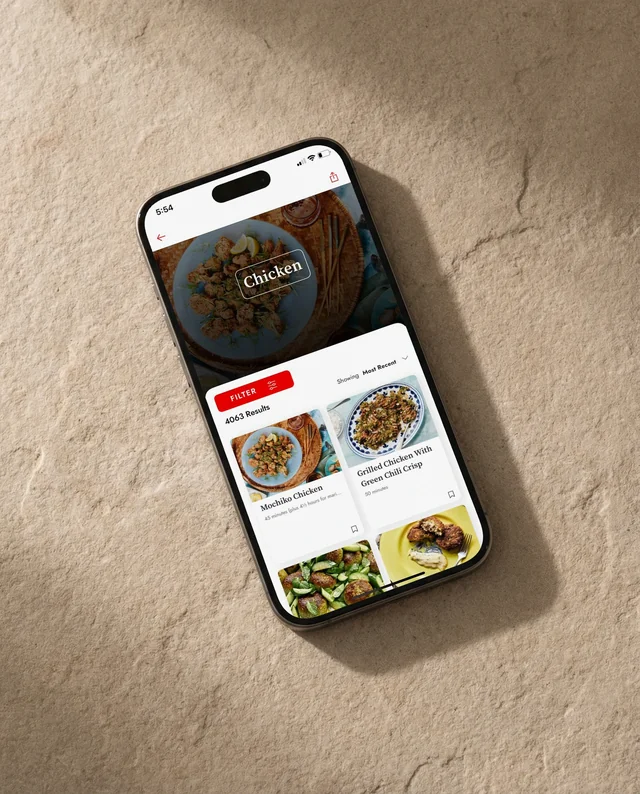
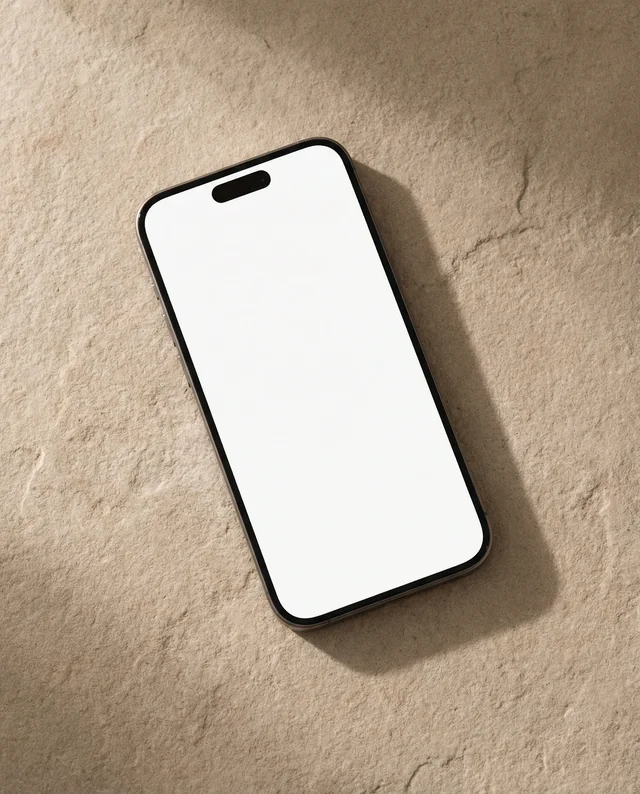
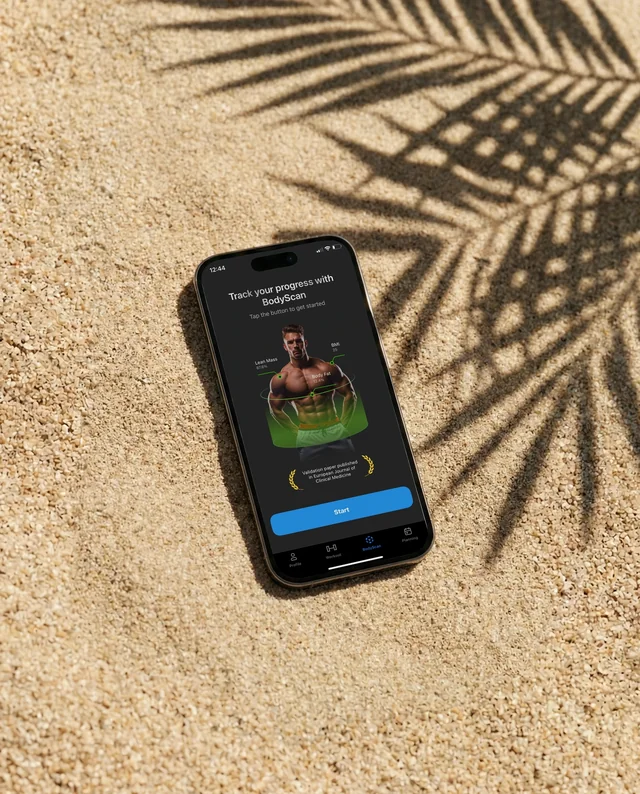

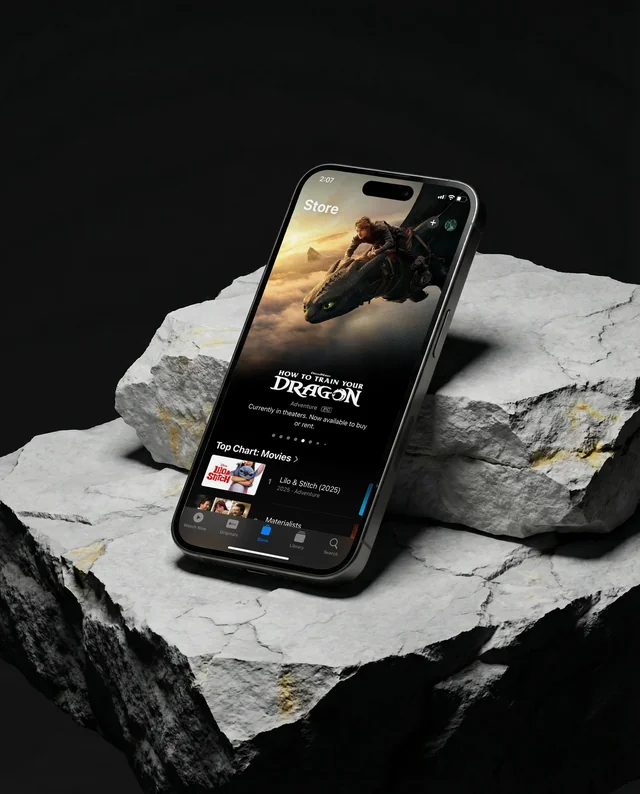

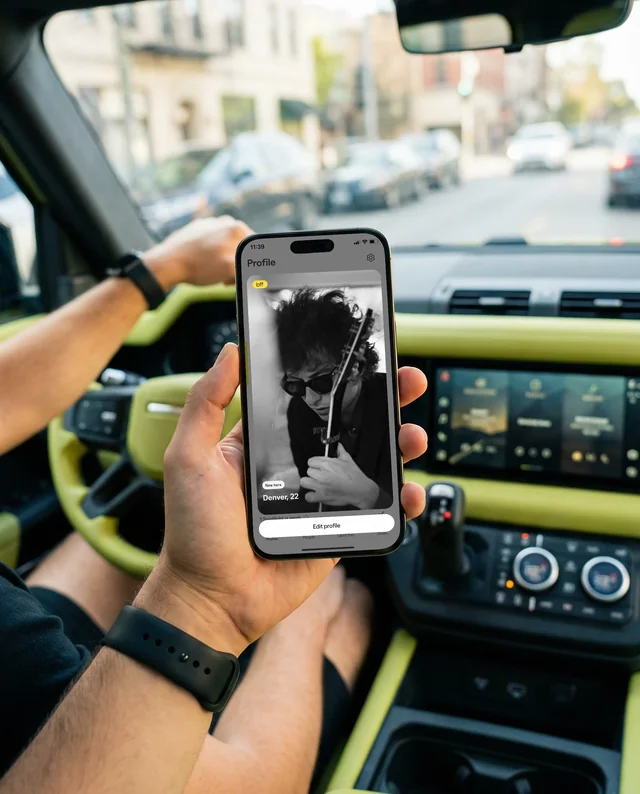

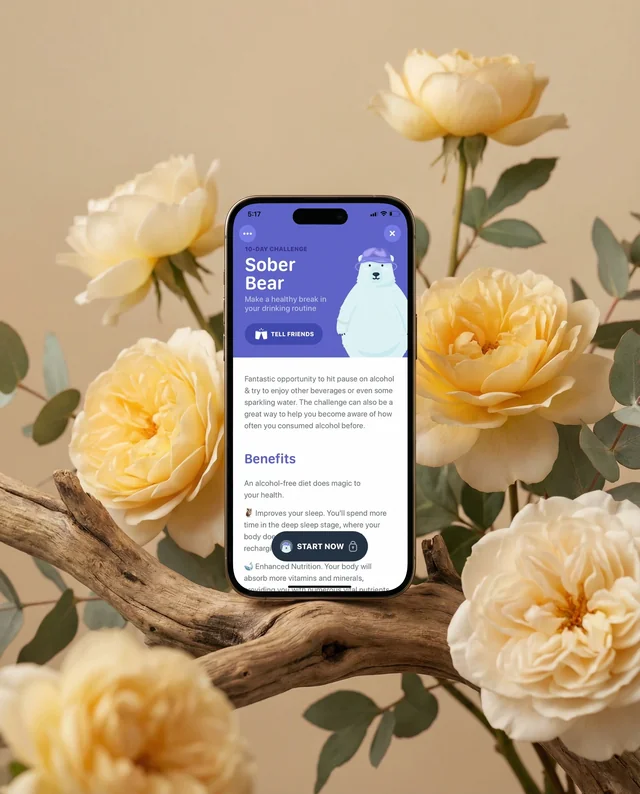

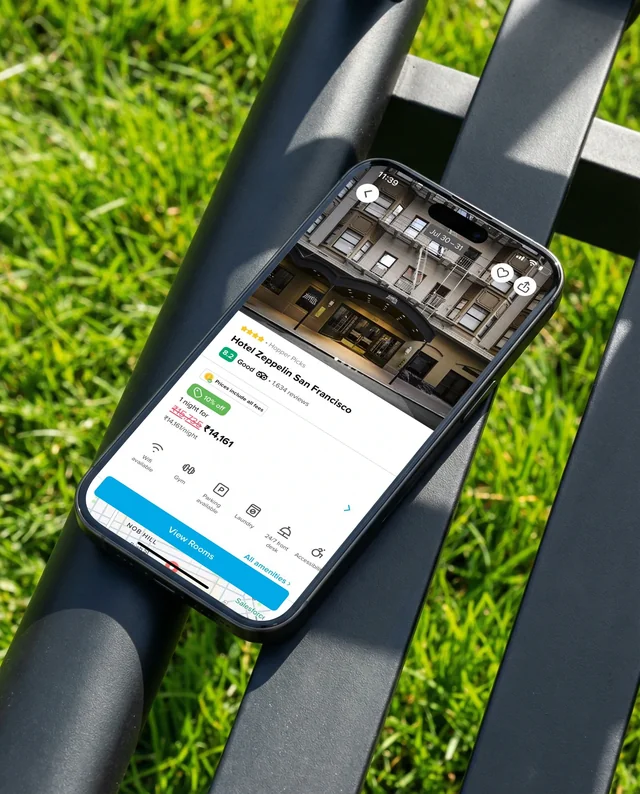

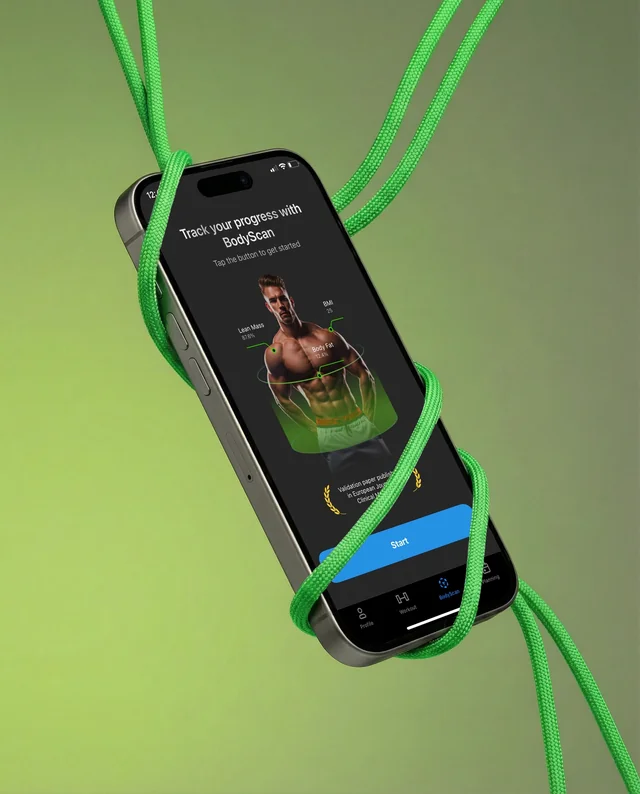

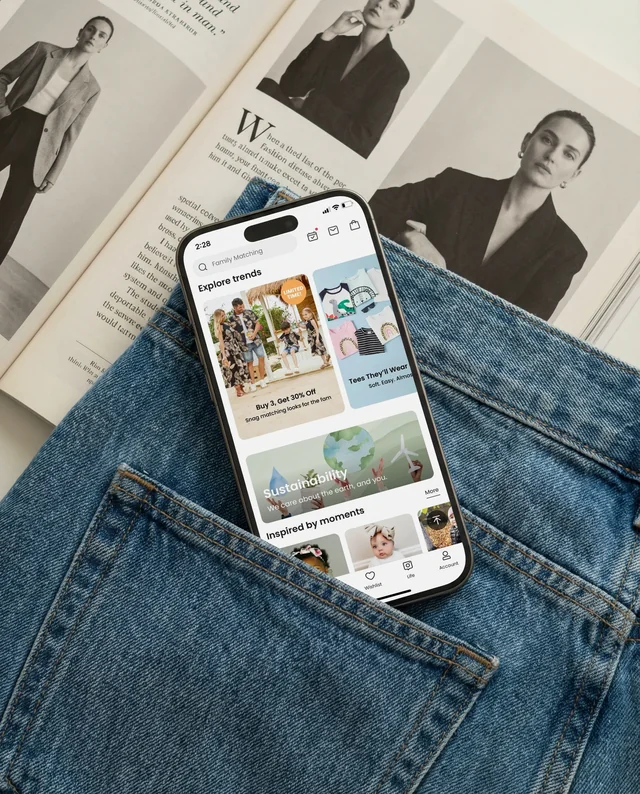

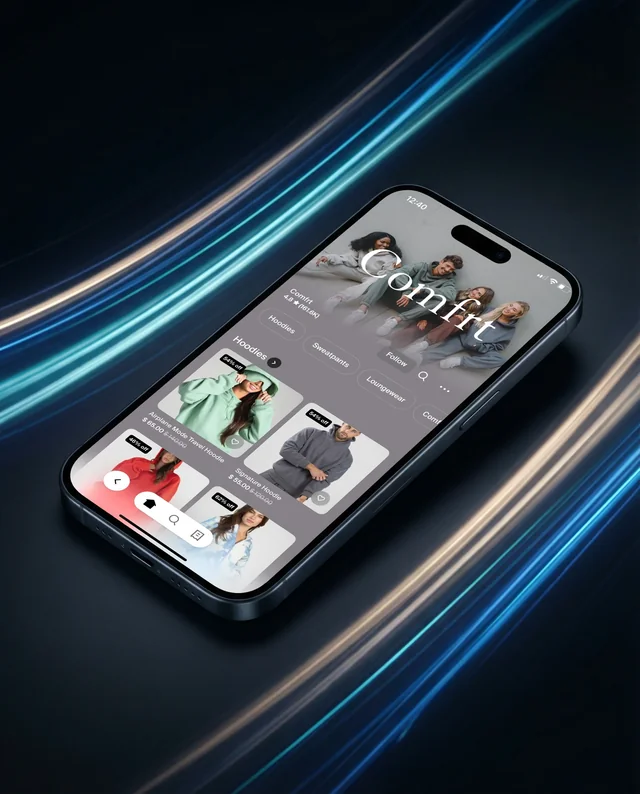

Showcase your app or website in realistic hand-holding iPhone mockups. Use Modor’s iPhone mockup generator to upload your design, customize iPhone mockup templates easily, and create professional-looking iPhone previews using free hand held iPhone mockups.

Display your interface on the latest device with Modor’s iPhone 17 mockups. Our iPhone mockup generator lets you place your design on modern screens and create professional-looking iPhone visuals from customizable free iPhone 17 mockups.
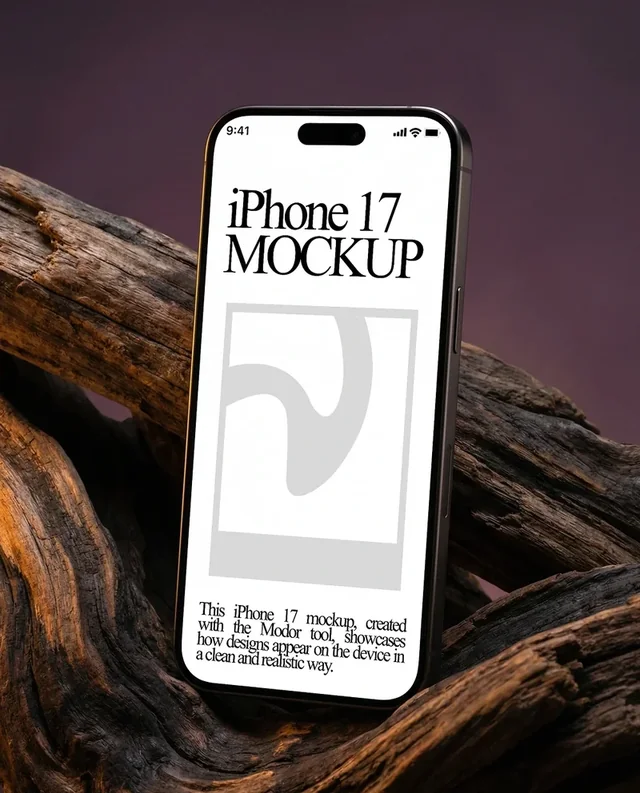
Present your app or website with Modor’s iPhone 16 mockups designed for modern device previews. Upload your interface, customize iPhone mockup templates, and generate clean visuals using our free iPhone 16 mockups library.

Create depth and realistic presentation with Modor’s 3D iPhone mockups. Use our iPhone mockup generator to customize angles, apply your design, and produce professional looking iPhone visuals quickly from a wide range of free 3D iPhone mockups.

Browse iPhone mockup templates in the iPhone mockup generator. Choose from hand held, iPhone 17, iPhone 16, and 3D iPhone mockup styles to find the right layout.

Upload your screens into the iPhone mockup generator and apply them instantly to iPhone mockup templates. Preview layout, size, and orientation in a realistic device view.

Export high quality images from the iPhone mockup generator. Use your final iPhone mockup templates for presentations, portfolios, product pages, or marketing materials.

15K
Users use Modor
500K
Images downloaded
10K
Assets, fonts, graphics
Browse Modor's extensive library of mockup templates, from apparel and devices to packaging and print. This free mockup generator helps you visualize designs in realistic settings.
Explore iPhone mockup templates with handheld iPhone mockups, iPhone 17 mockups, iPhone 16 mockups, and 3D iPhone mockups. The iPhone mockup generator is perfect for showcasing apps, UI designs, and mobile experiences.
The iPhone mockup generator lets you upload screens and automatically fit them into the device frame, saving time while ensuring accurate alignment and realistic presentation.
iPhone mockup templates produce clean, detailed exports suitable for app store listings, marketing visuals, and product presentations.
An iPhone mockup is a realistic visual that displays an app screen or website design on an iPhone device. With Modor’s iPhone Mockup Generator, you can quickly upload your design and create professional previews for presentations or marketing.
No, you don’t need Photoshop or PSD files. Modor works directly online, allowing you to upload screenshots and create realistic iPhone mockups instantly without editing complex design files.
Select an iPhone mockup template on Modor, upload your app or website screen, adjust placement, and download the final image. The iPhone mockup generator keeps everything simple and fast.
Yes, Modor supports 3D iPhone mockups that present your interface with depth and perspective. These iPhone mockup templates help make app demos and marketing visuals more engaging.
Yes, iPhone mockups created with Modor can be used for commercial purposes such as app marketing, product demos, portfolios, social media campaigns, and presentations.
Yes, Modor offers a free iPhone mockup generator. You can create and customize iPhone mockups online without paying or using any additional design software.
Yes, all iPhone mockups created on Modor are watermark free, so you can use them directly for presentations, portfolios, or marketing visuals.
Hand held iPhone mockups show devices being used by people, helping create more natural and relatable presentations for apps and mobile designs.
You can export iPhone mockups from Modor in JPG and PNG formats. These are suitable for app store previews, social media, and product presentations.
Yes, Modor includes iPhone 16 mockups and iPhone 17 mockups, allowing you to showcase your designs on the latest device styles.
3D iPhone mockups add depth and perspective, creating realistic device visuals with shadows and angles for a more engaging presentation.
Modor offers hand held iPhone mockups, 3D iPhone mockups, iPhone 16 mockups and iPhone 17 mockups, helping you present apps and websites in realistic scenarios.