


31 Best T-Shirt Mockup Ideas for Apparel Brands
Discover 30+ professional t-shirt mockup templates for ecommerce, POD, and branding. Learn how realistic mockups boost conversions and save photoshoot costs
Published Nov 26, 2025
Create realistic T-shirt mockups using Modor with this step-by-step guide. Discover tips, tools, and best practices to make professional mockups of t-shirt designs.
12 min
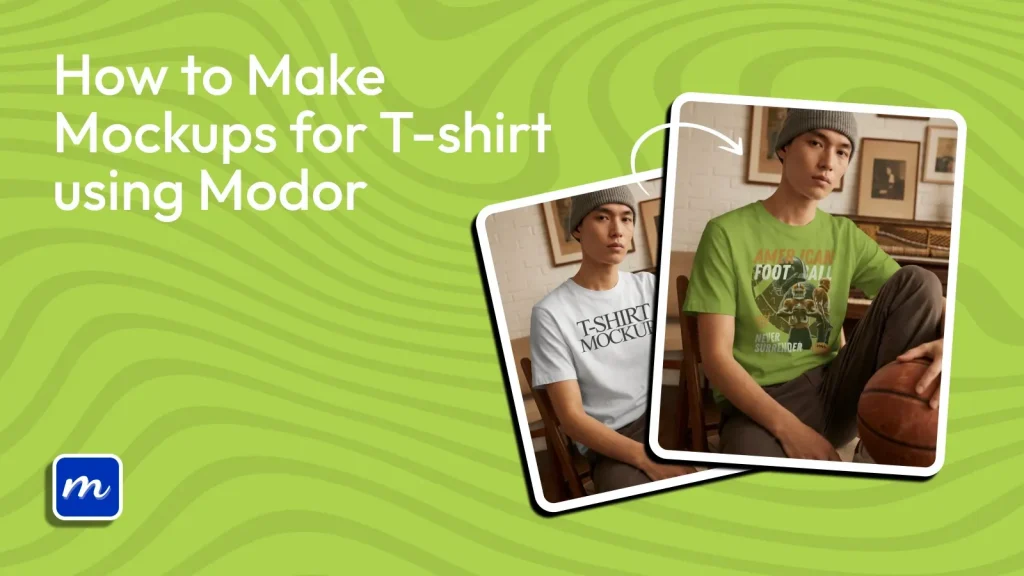
A t-shirt mockup is a realistic digital preview that shows how your design will look on an actual t-shirt before it is printed or produced. Getting t-shirt mockups right can be difficult because poor design placement, flat fabric textures, distorted graphics, and unnatural lighting can make even a great design look unconvincing.
Modor simplifies the process with ready-made t-shirt mockup templates, AI-powered design placement, and a beginner-friendly editor that helps you create t-shirt mockups in minutes. From choosing the right mockup style and preparing your design, this guide covers everything you need to know to create t-shirt mockups using Modor.
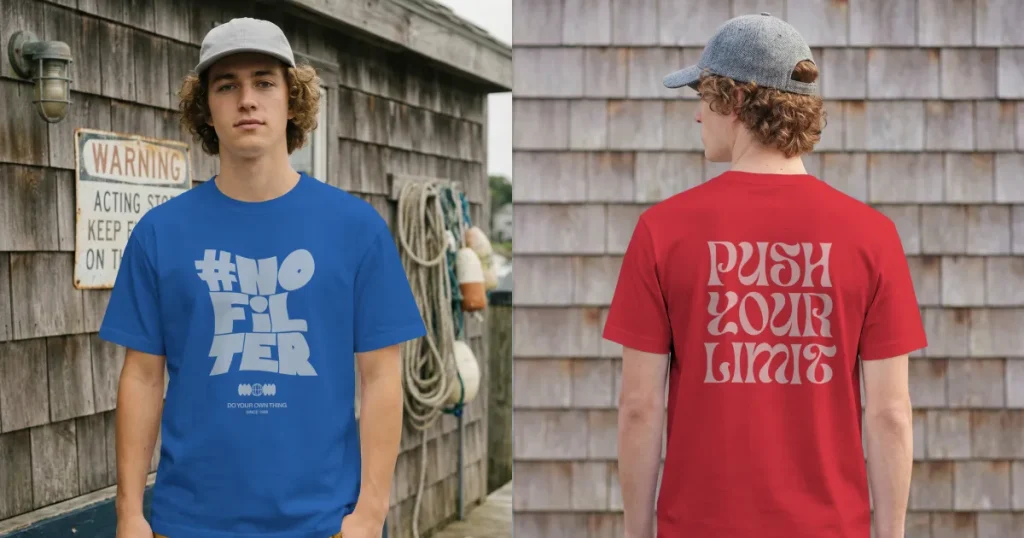
A t-shirt mockup is a digital version of your design placed on a physical shirt model. It helps customers visualize how your t-shirt will look on them before they make the actual purchase. This makes t-shirt mockups a non-negotiable for online stores, where buyers depend entirely on visuals, especially when you want to create t-shirt mockups that convert.
Below are a few commonly used t-shirt mockups:
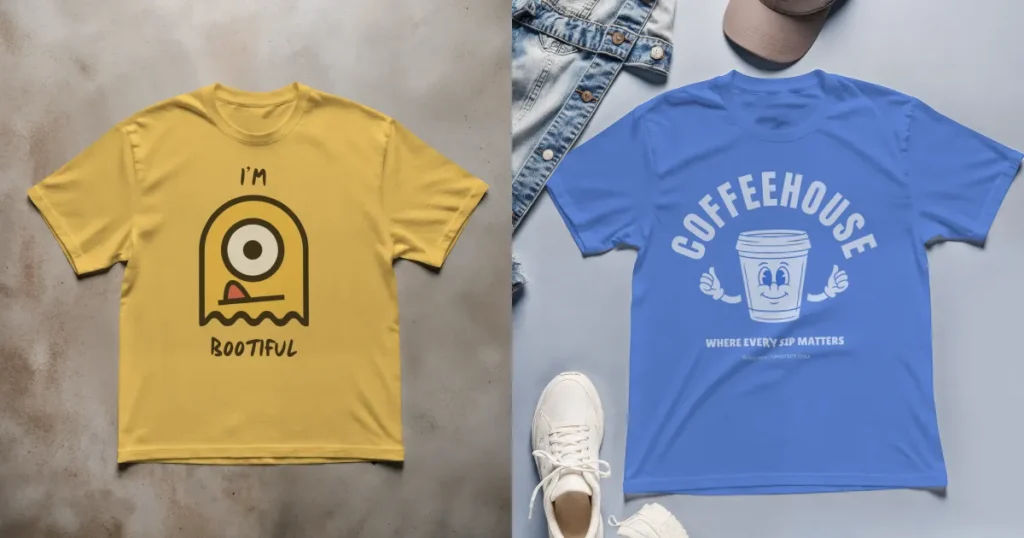
Flat lay t-shirt mockups present the t-shirt on a plain surface, encouraging all attention on the design. Flat lay is Ideal for t-shirt listings where clarity and simplicity matter the most. Flat lays are mostly required for Amazon t-shirt listings.
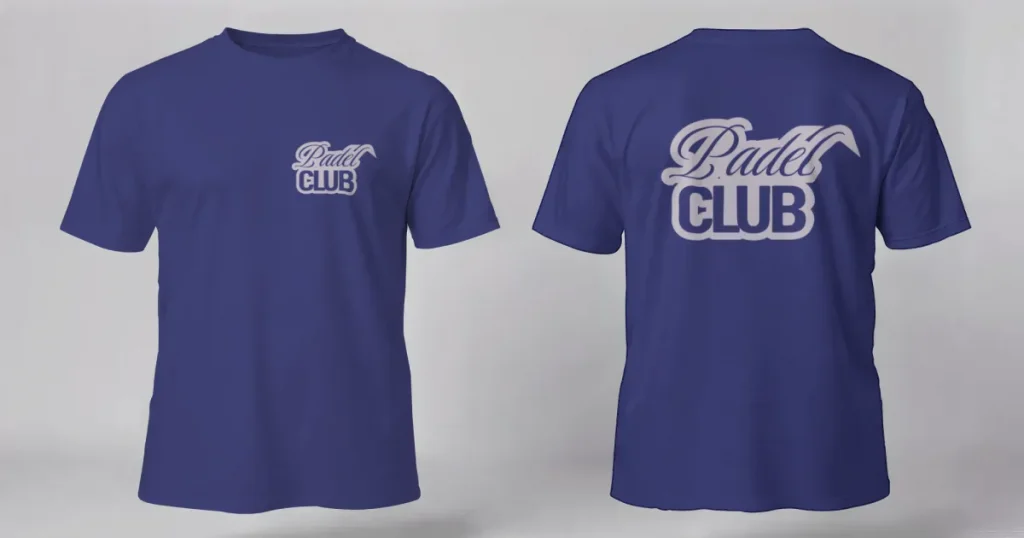
With this mockup style, the t-shirt appears to be worn by an invisible body. It highlights the fit and structure while keeping the focus on the artwork. Ghost Mannequin works best when turned into a 3D, rotatable, walking-style mockup.
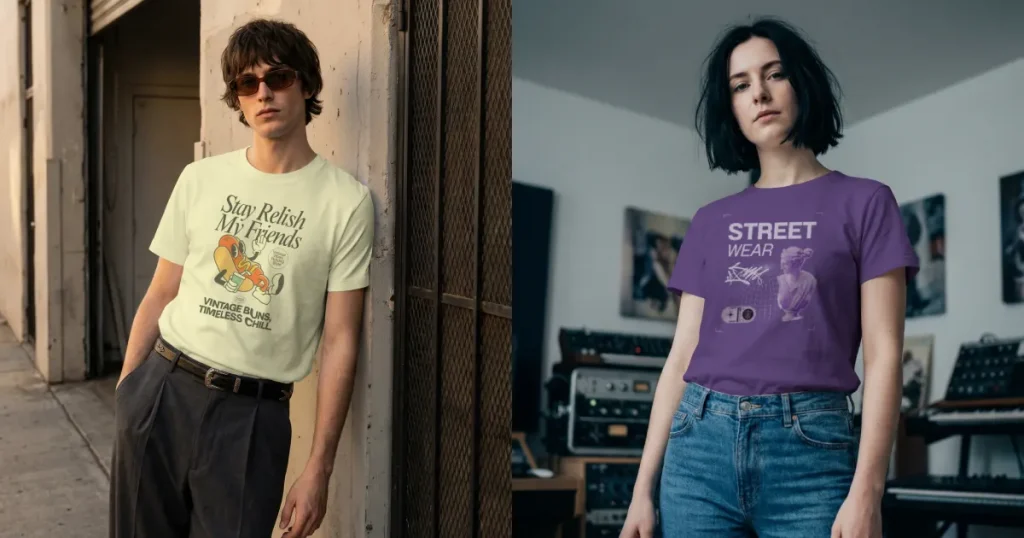
A real person wearing the t-shirt adds lifestyle context, personality, and emotional appeal. Great for brands wanting a more relatable visual touch. Model shots are an excellent choice for nature and retro t-shirt designs as they help to connect with the audience.
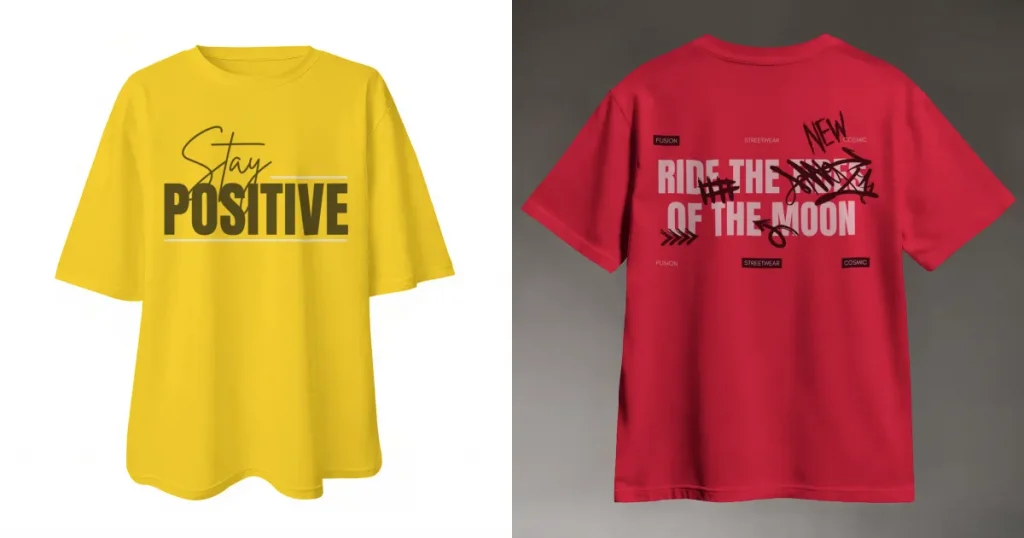
3D mockups are 360-degree-rotatable versions of 2D mockups showing the t-shirt from multiple angles. It brings a dynamic, interactive feel and represents the evolving future of e-commerce product displays.
Before you create t-shirt mockups, get your basics right so you don’t make a mistake.
Before we dive deeper into the process of how to create T-shirt mockups, let’s understand why we need mockups for a T-shirt.
Before we dive into the step-by-step process to create t-shirt mockupsm let’s have a look at the best t-shirt mockup tools.
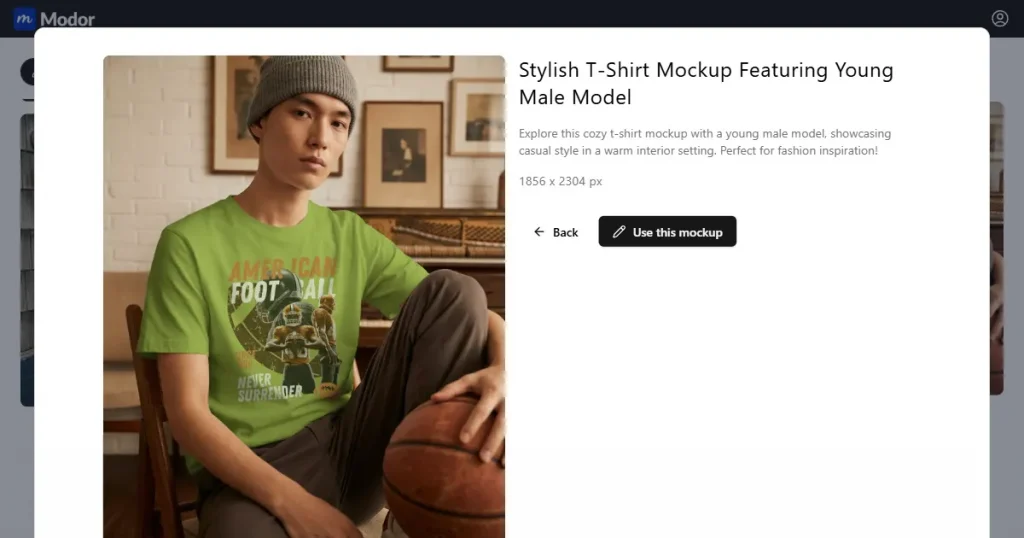
Modor t-shirt mockup generator stands out for its realism and ease of use. This AI-driven platform wraps your design naturally around fabric folds and create t-shirt mockups that look photographed rather than generated. The template library includes a wide range of models with various skin tones, settings, and clothing styles, making niche targeting effortless. You’ll find the best mockups for t-shirts, including black t-shirt mockups, 3D style mockups, and even free t-shirt mockup options.
The workflow is fast and super beginner-friendly. Many creators design in Canva or Kittl first, then bring their design into Modor to finalize polished mockups of t-shirt visuals with minimal effort.
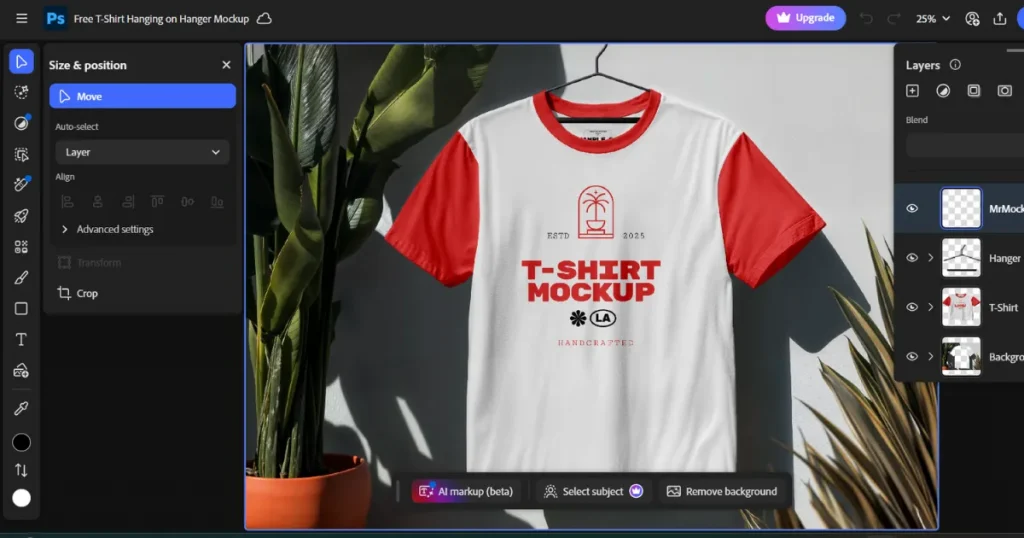
Photoshop is the first choice for detailed custom editing and PSD mockups. You can manipulate lighting, shadows, fabric textures, and layer effects with complete control to create t-shirt mockups in Photoshop. While it is incredibly powerful, it requires time, skill, and practice.
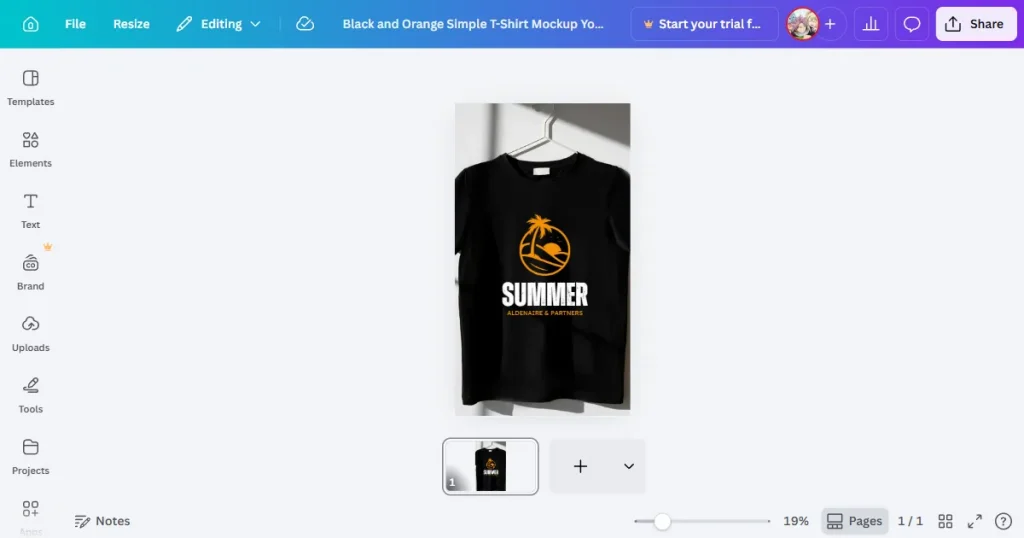
Canva is one of the easiest tools for beginners on the market, making it very easy to create t-shirt mockups. While it is great for speed, Canva often falls short where hyper-realistic details are required. It’s a design tool rather than a specialized mockup generator.
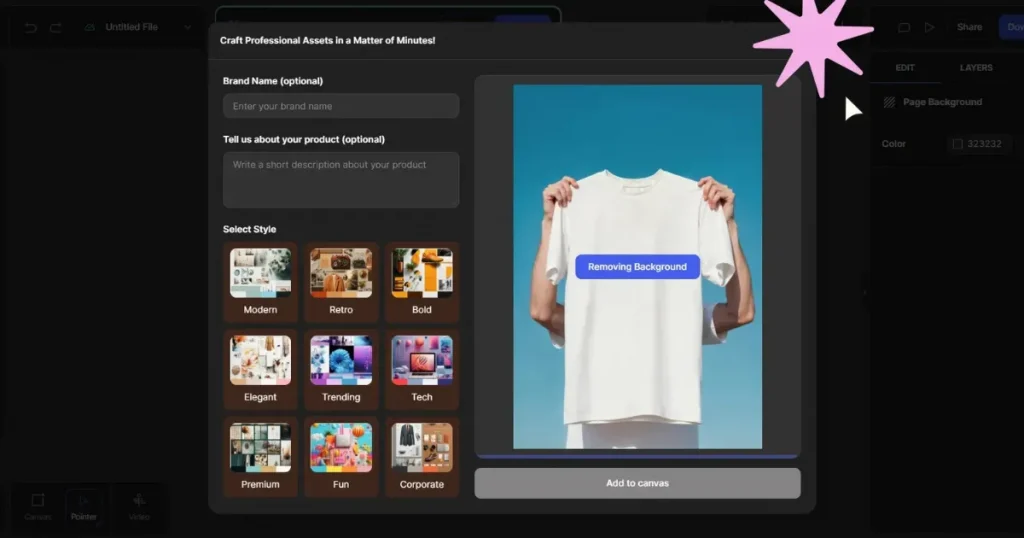
Glorify is the tool for e-commerce sellers offering tools designed for bulk product listings. While it can help create t-shirt mockups, its biggest limitations are its smaller mockup library and a slightly steeper learning curve.
Now, let’s look at the step-by-step process to create t-shirt mockups using Modor.
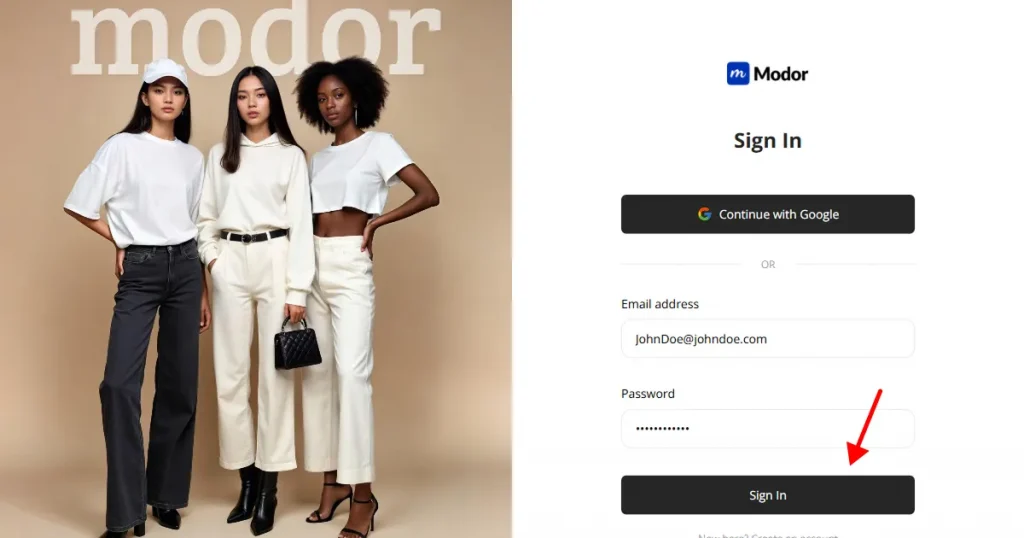
Visit Modor.io and choose your preferred sign-up method. Email works fine, but Google sign-up makes it easier to sync your designs across different devices. New users appreciate that Modor needs no installation, and everything feels light and responsive right from the start.
The dashboard interface guides you clearly. You will see recent templates, suggested styles, and tutorial prompts. Everything is laid out to help beginners create t-shirt mockups without confusion.
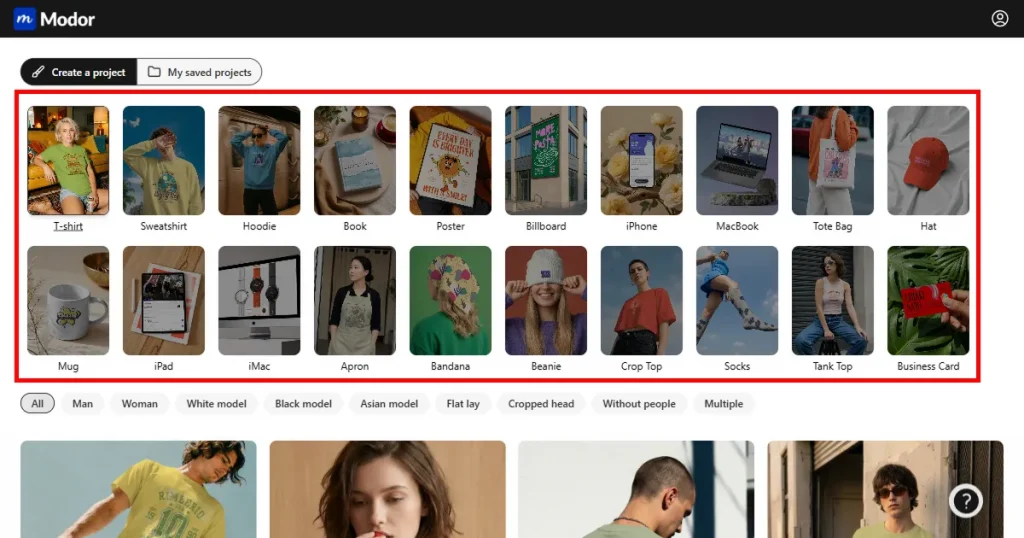
Choose the T-shirt category from a wide range of mockup options, then browse the available T-shirt mockup templates. You can filter by model type, background, gender (men or women), and style (flat lay, multiple, etc.). Premium templates are marked with a crown. You can also find t-shirt mockup free options to use.
This step is when t-shirt design mockups start to take shape, so choose a setting that reflects your brand’s personality.
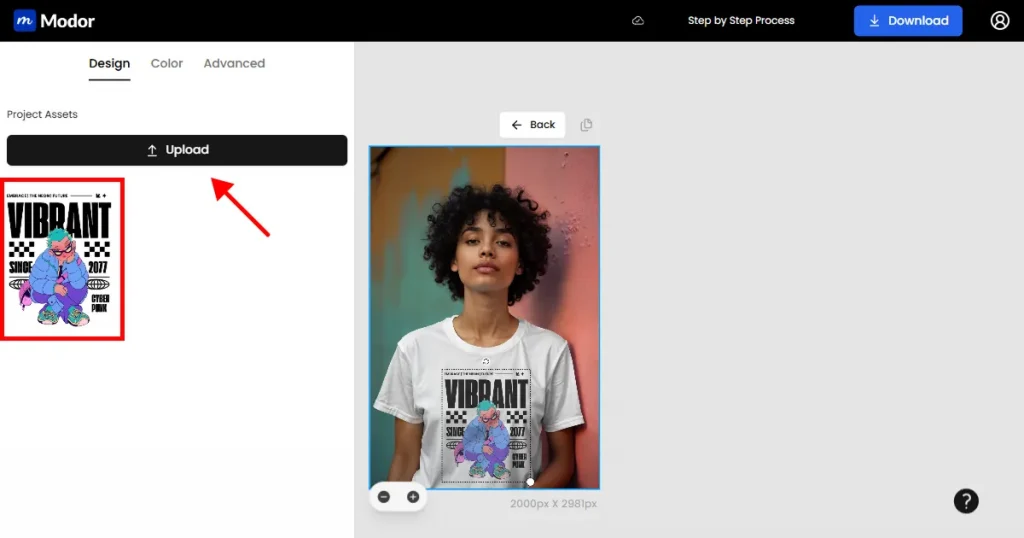
Upload a high-resolution, transparent PNG or SVG file. Modor reads clean edges well, which helps fabric folds blend naturally with the design. You can resize, rotate, or reposition the design. You can also add multiple designs for sleeve details or back prints. All changes are saved instantly, giving you a clear sense of how your T-shirt mockups will look when finalized.
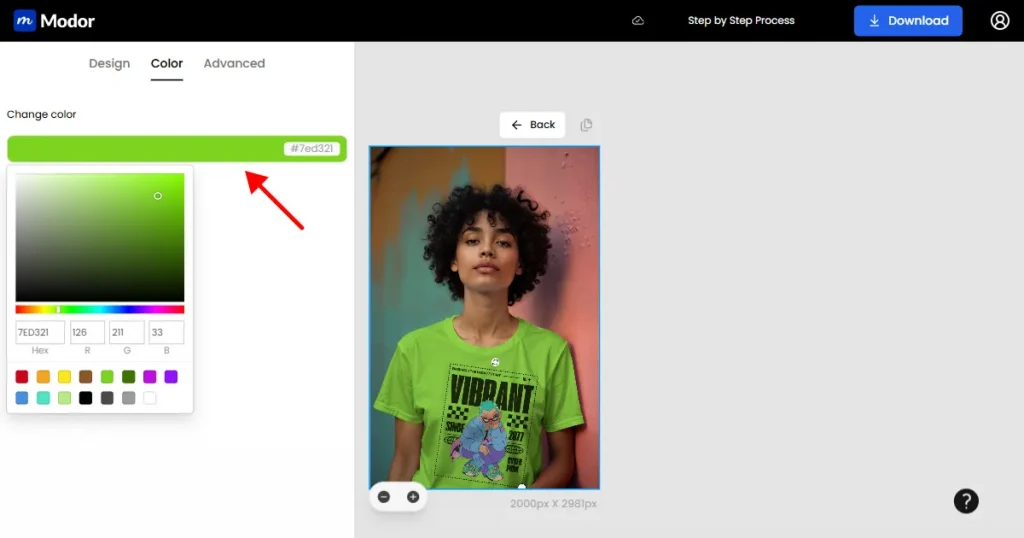
Use the color picker to adjust t-shirt colors. You can also enter color values in Hex or RGB to match your brand palette or mimic real physical stock.
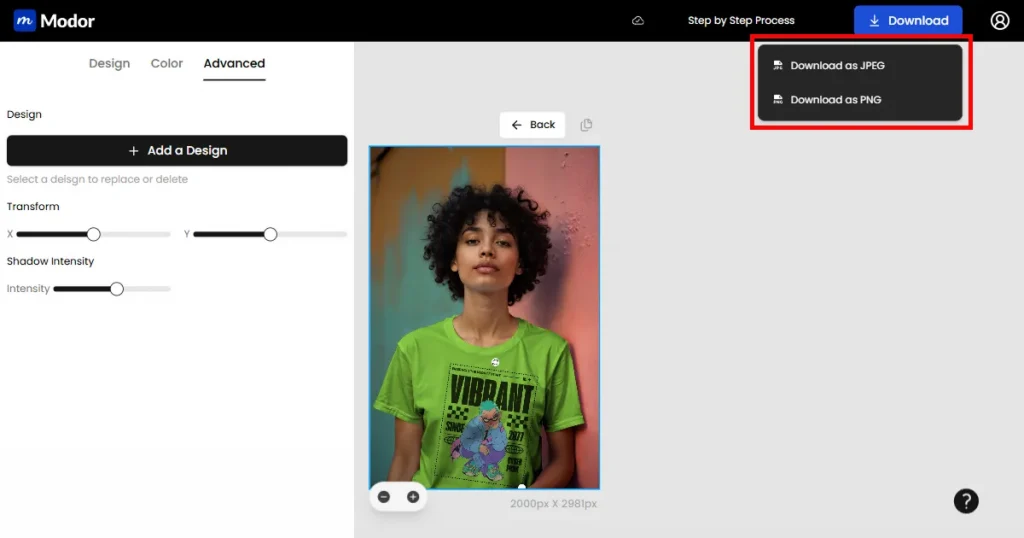
After all edits, download your mockup in JPG or PNG. JPG loads fast on e-commerce sites, while PNG keeps the background transparent for layered designs.
Modor maintains strong clarity even at larger export sizes, which makes your t-shirt mockups suitable for storefront banners, advertisements, and print-ready displays.
Further, give your project an appropriate name. Your work is automatically saved, so you can return later to make updates or export new versions.
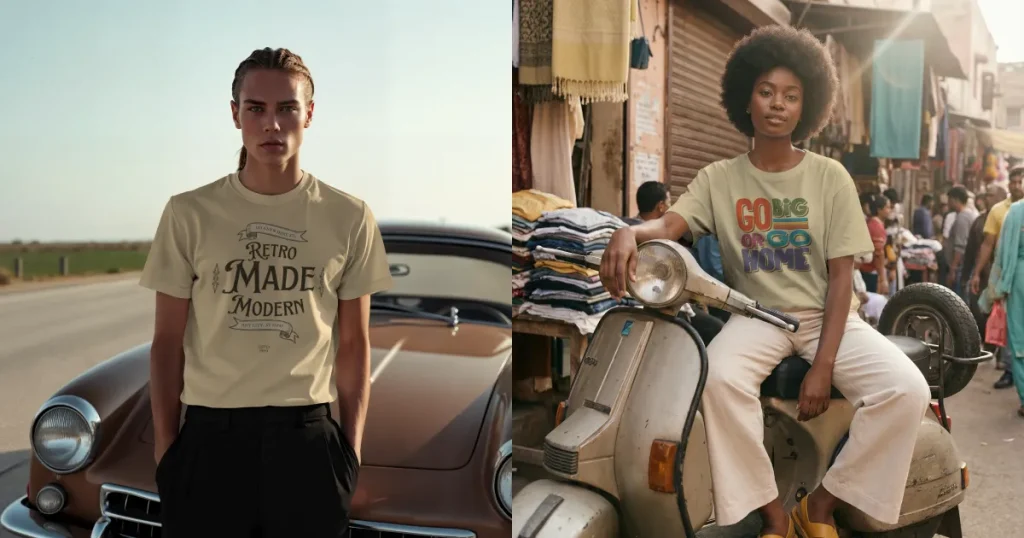
This trend brings back chrome letters, glitter textures, and pixel-styled graphics. It fits perfectly with youth-oriented streetwear and bold fashion aesthetics.
Use case: best for festival clothing lines, limited-edition drops, and nostalgic collections that rely on a strong visual identity.
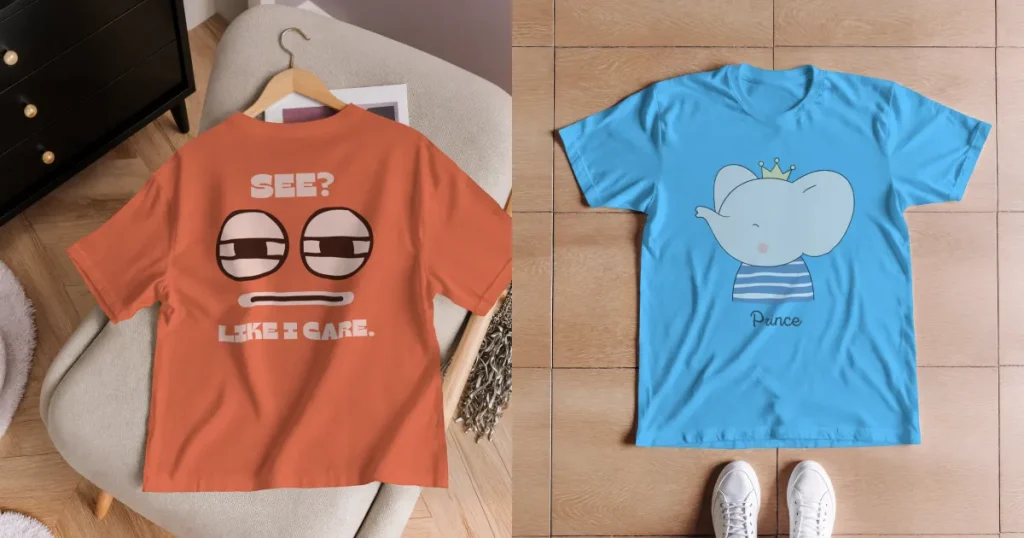
Minimalist graphics focus on soft colors, small logos, and clean typography. They look best on high-quality fabrics with subtle textures.
Use case: These designs work well for lifestyle brands, quiet luxury collections, and elevated basics, where texture speaks louder than decoration.
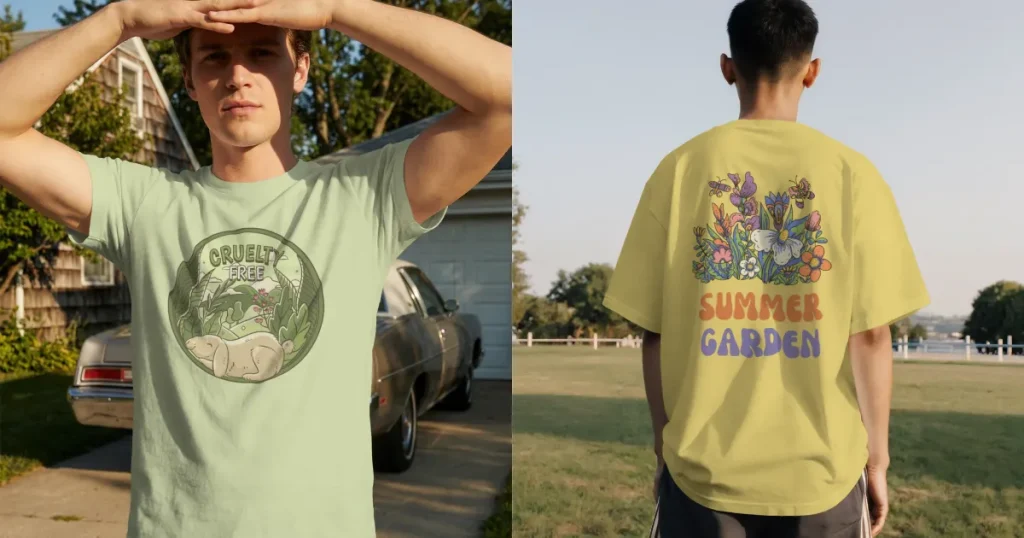
Mountains, forest lines, botanical sketches, and earthy colors are all-time popular. These designs blend beautifully with outdoor settings and natural sunlight.
Use case: Nature-inspired designs work well for eco-friendly store lines, hiking apparel, and wellness-focused clothing collections.
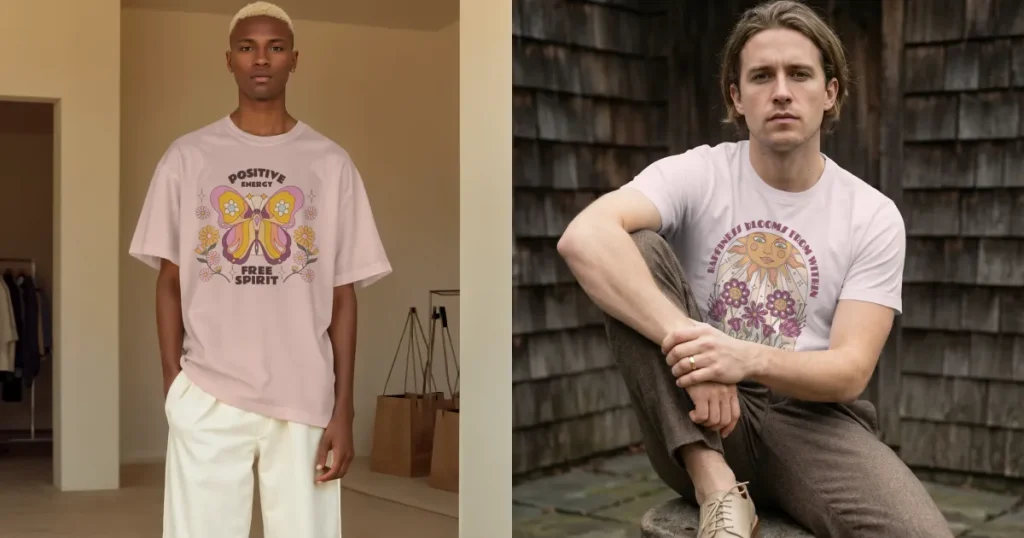
Symbols, numerology, zodiac signs, tarot cards, healing stones, and ritual-inspired art give these shirts a calming personality and help connect with astrology enthusiasts.
Use case: Soft lighting enhances the appeal of spiritual designs, making them ideal for yoga studios, spiritual boutiques, and wellness-oriented brands.
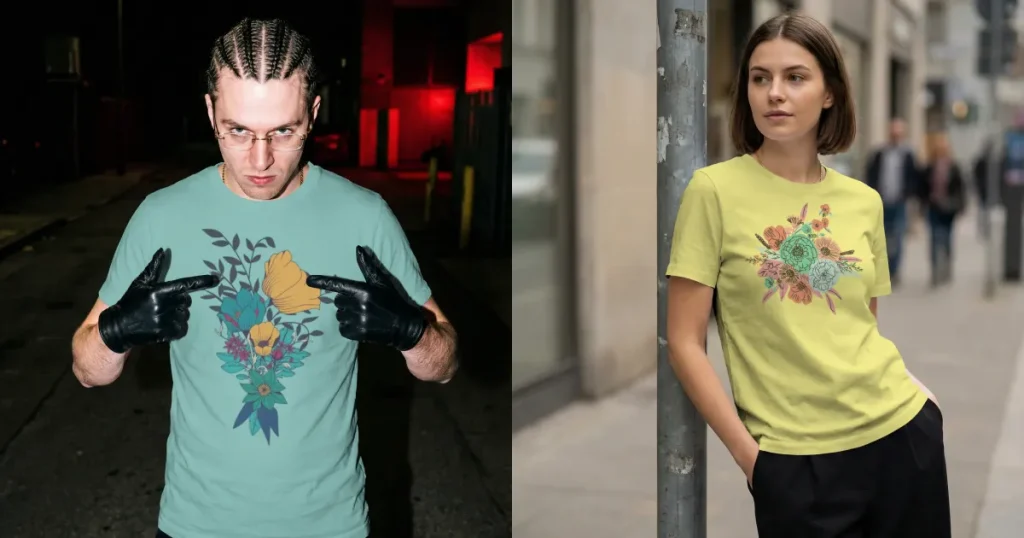
Hand-drawn sketches, watercolor layers, and playful doodles define this trend. These designs need high-resolution mockup tools to capture tiny details.
Use case: They are ideal for artist collaborations, personal commissions, or creative brands that celebrate individuality.
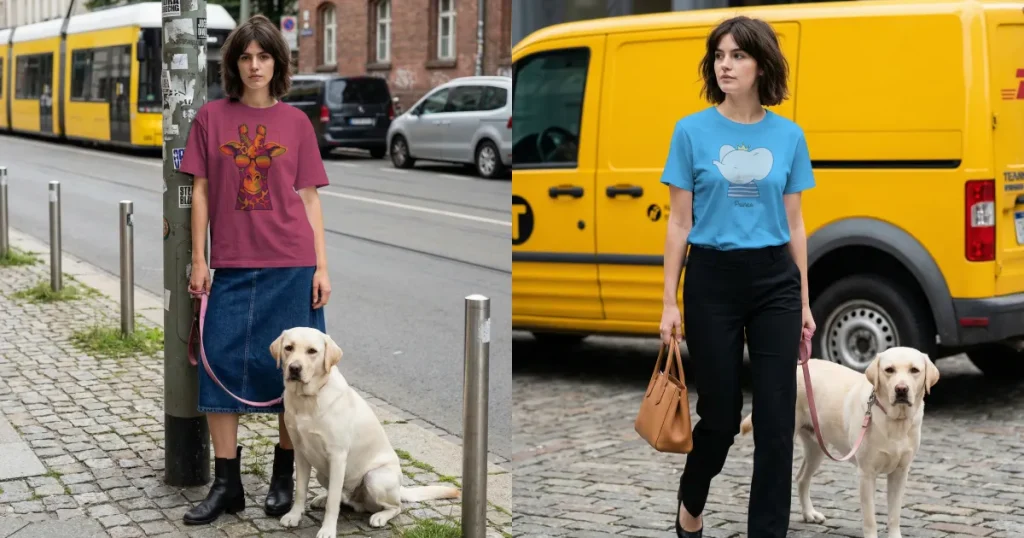
Cute pets, stylized wildlife, and humorous animal-meme prints continue to sell heavily. Lifestyle backgrounds help them feel friendly and relatable.
Use case: These designs work well for youth apparel, gift shops, pet parents, and casual fashion lines.
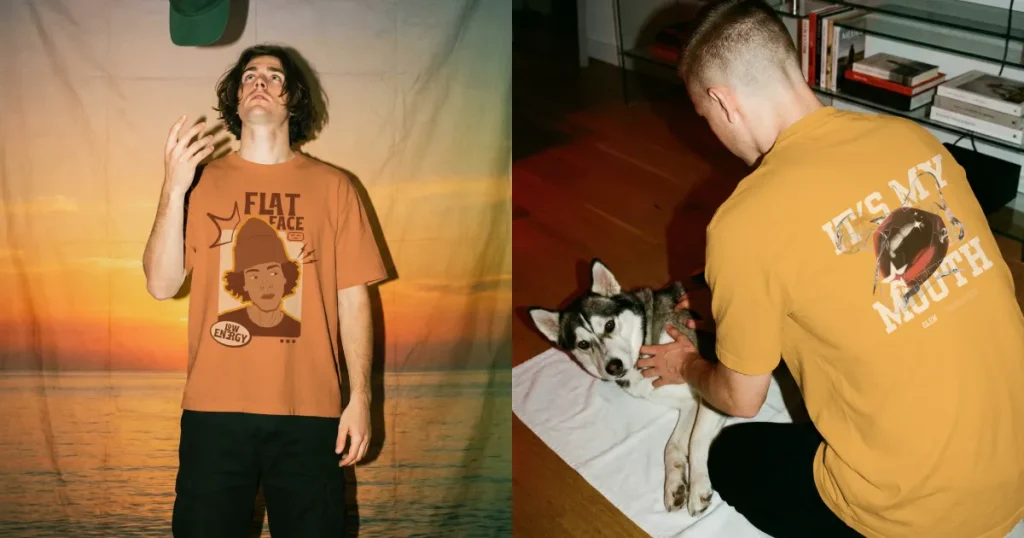
Memes, viral characters, gaming icons, and iconic sitcom influences dominate 2025 and Gen Z. Bold typography and expressive imagery bring them to life.
Use case: Great for limited drops, fandom merchandise, and fast-moving streetwear releases.
Your next bestseller may already be saved in a folder. Modor helps you bring it out with clarity and speed so you can create t-shirt mockups without relying on complex tools. You no longer need photographers, rented studios, or complex editing software. All you need is your design and a browser window.
Modor’s realistic blending and sharp fabric textures make t-shirt mockups feel trustworthy and professional. The tool works well for beginners and scales effortlessly for established brands. If you want to create visuals that elevate your store and help customers connect instantly, Modor is one of the best t-shirt mockup tools available today.
A t-shirt mockup generator is a tool that places your design on a t-shirt without the need for photography. It lets you preview how the artwork will look on fabric by simulating folds, lighting, and texture. Designers and print-on-demand sellers rely on these tools to quickly create realistic product visuals.
Yes, Modor allows users to create t-shirt mockups for free. The free tier includes a variety of templates and clean HD export options. If you need brand asset management or access to a larger library, the paid plan expands your creative flexibility while still being affordable.
You could take photos, edit them in Photoshop or Adobe Illustrator, and adjust lighting manually, but this takes time and requires knowledge of editing. The easier option is to upload your t-shirt design to Modor, choose a template, and let the system handle fabric blending and resizing. This way, the result looks polished even with minimal effort.
Canva is helpful for quick mockups, social media graphics, and simple flat lay visuals. However, the realism and depth are limited because it does not simulate detailed fabric behavior. For high-quality, premium mockups that need texture and accuracy, a dedicated platform like Modor is a better choice.
Go with PNG, PSD, and high-resolution JPGs. PNGs keep the background clean, PSDs let you drop your design into smart objects, and JPGs work well for simple t-shirt mockups. This covers pretty much every mockup style you’ll run into.
Yes, you can create t-shirt mockups in multiple colors without redesigning your artwork. Modor lets you change the shirt color using its color picker, Hex codes, or RGB values, making it easy to test different product variations.
A black T-shirt mockup looks more realistic when it includes visible fabric folds, balanced lighting, and natural shadows. Keep enough contrast between the shirt and background so the texture and design remain clearly visible.


