30+ Best iPhone Mockup Templates Worth Trying
Looking for the right iPhone mockup template to fit your brand? Checkout our list of the best iPhone mockup templates worth trying.
Published Dec 30, 2025
Create professional iMac mockups in minutes with Modor. Learn mockup types, best tools, styling tips, and common mistakes to avoid
10 min
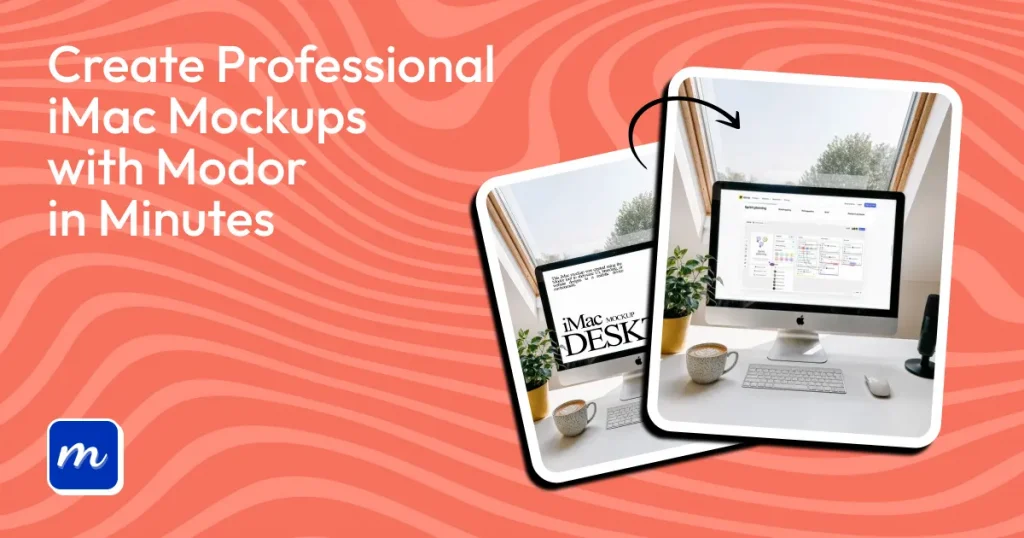
How to make iMac mockup starts with understanding what they actually do. iMac mockup templates place your screen inside a real device frame, helping people see your iMac design in a practical, real-world context. They’re widely used to create iMac mockups for commercial projects and showcase website UI with a professional edge.
This guide shows exactly how to make iMac mockup on Modor step by step. The process is super simple: just pick an iMac mockup template, add your website UI, and download it for free, watermark-free. Like Modor, we have also shared a glimpse of how you can make iMac mockup in Canva.
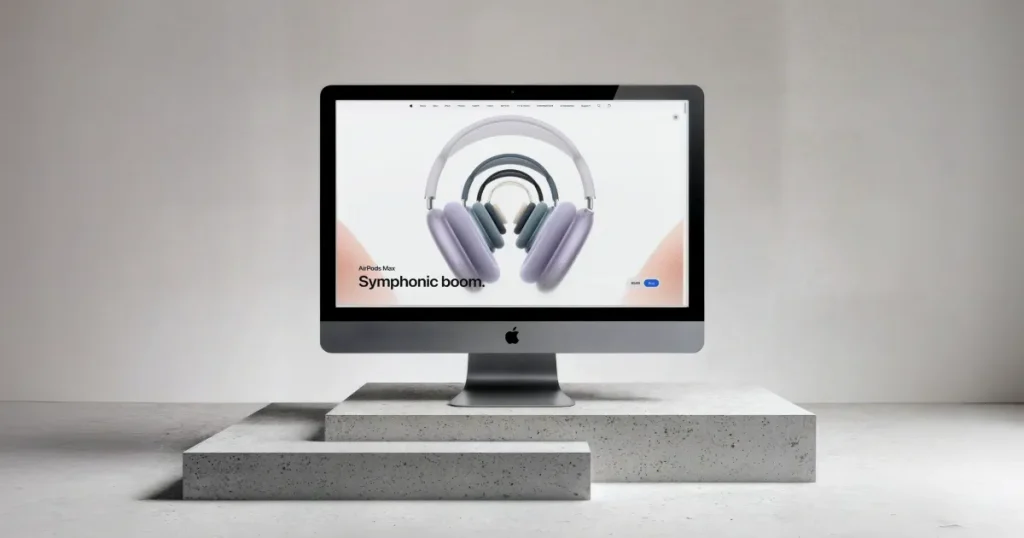
An iMac mockup places your iMac screen inside an iMac device to show how it would appear in a real-world setting. A mockup of iMac helps users understand layout, spacing, contrast, and usability. It is widely used in app launches, portfolios, marketing materials, and social media. A strong iMac design improves how users understand your layout and usability.
Knowing how to make iMac mockup is incomplete without understanding the basic types of iMac mockups.
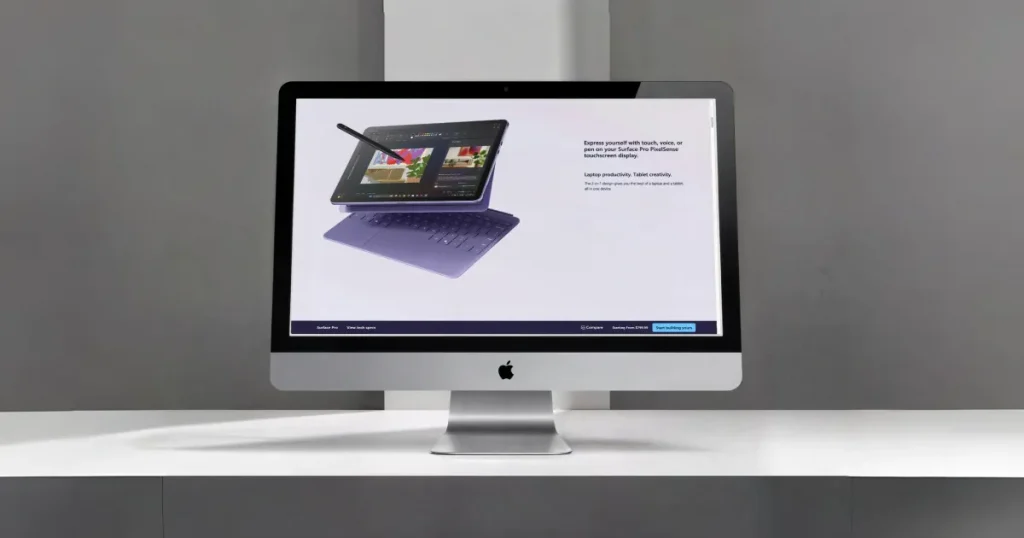
This iMac mockup style offers a flat and minimal look. 2D iMac mockups keep the attention on the UI and work well for simple layouts and clean product pages.
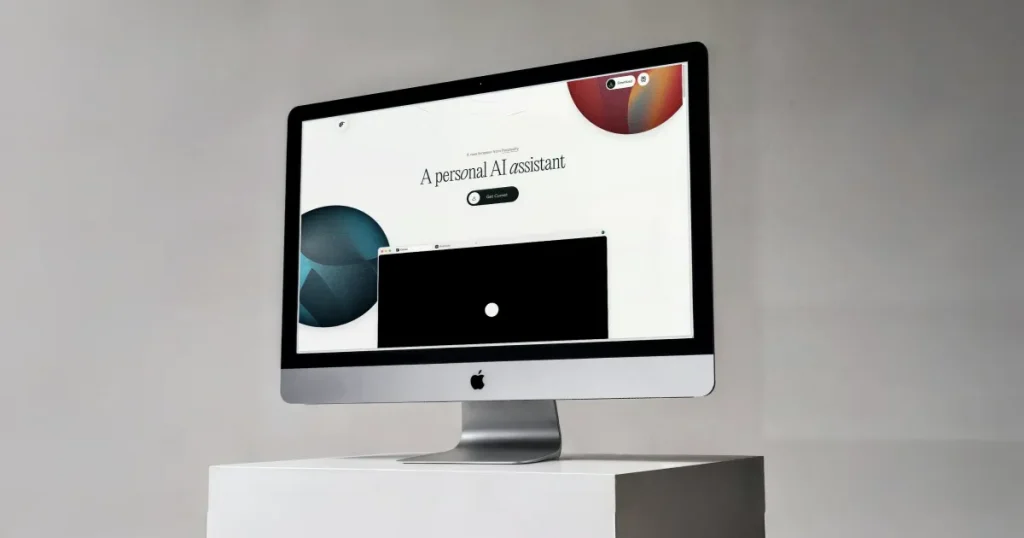
This iMac mockup style adds perspective, angles, and light depth. 3D iMac mockups create a dynamic appearance and make your iMac screen stand out in presentations and graphics.
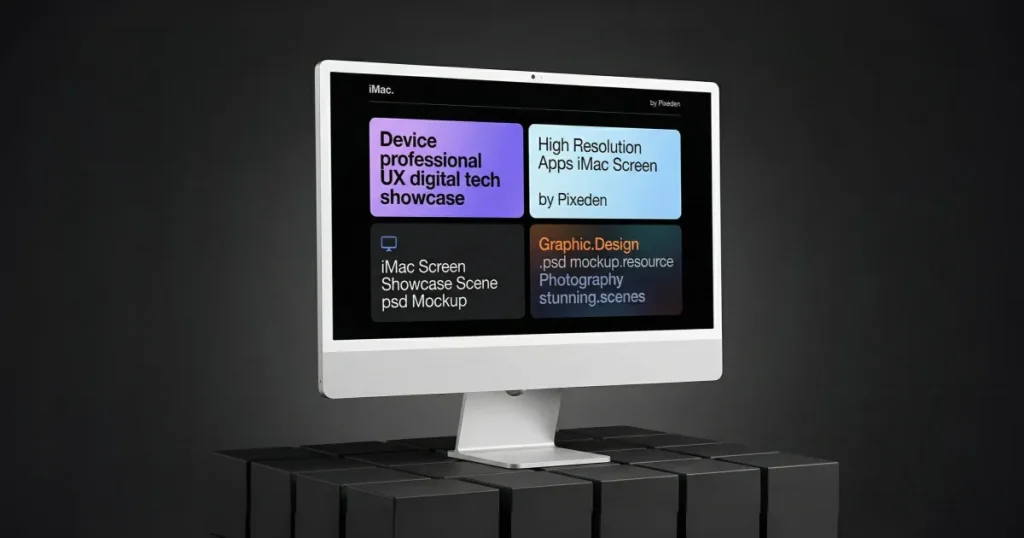
Custom scenes are crafted with branded environments, props, or colors. They help create unique visuals for launches and premium campaigns.
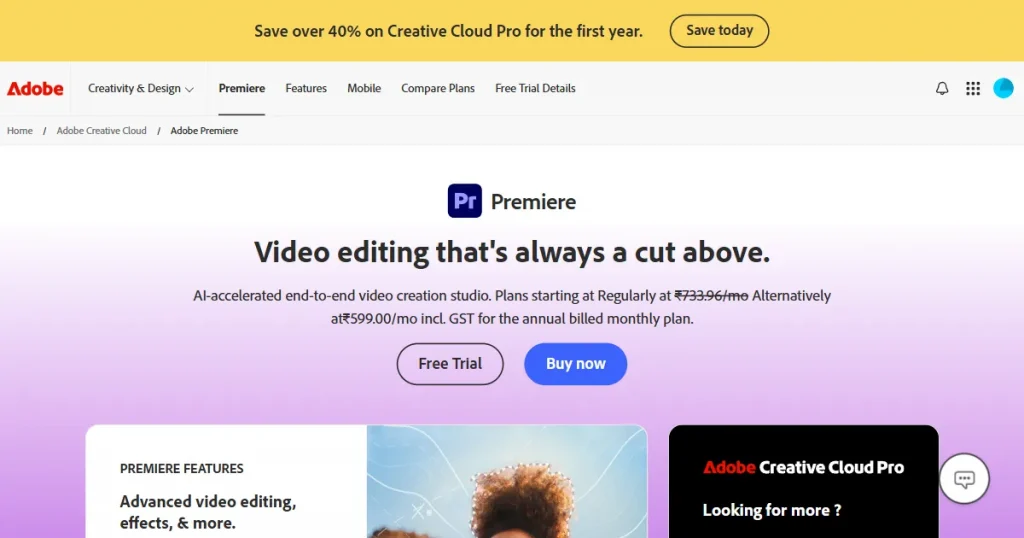
This is one of the most flexible ways if you want to learn how to make iMac mockup with full control. Design software gives you complete control when creating iMac mockups. It allows edits on layers, shadows, lighting, and the iMac design. Designers use these tools when they want complete creative control.
Adobe Premiere Pro is a professional video editing tool used for motion graphics, animated UI previews, and video-based mockups. The downside is that it is not ideal for simple still mockups and takes time to learn, tho his method works well if you’re exploring how to make iMac mockup for motion or video presentations.
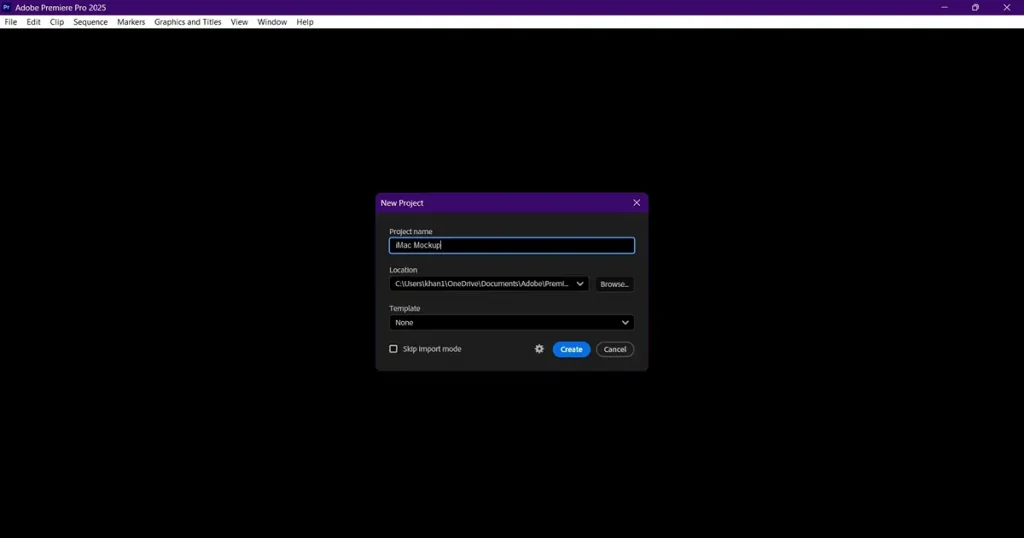
Follow the steps below to create an iMac mockup on Adobe Premiere Pro
Step 1: Open Adobe Premiere Pro and start a new project with a clean sequence.
Step 2: Import your iMac screen, recording, or static image.
Step 3: Import a PNG iMac mockup with a transparent display cutout.
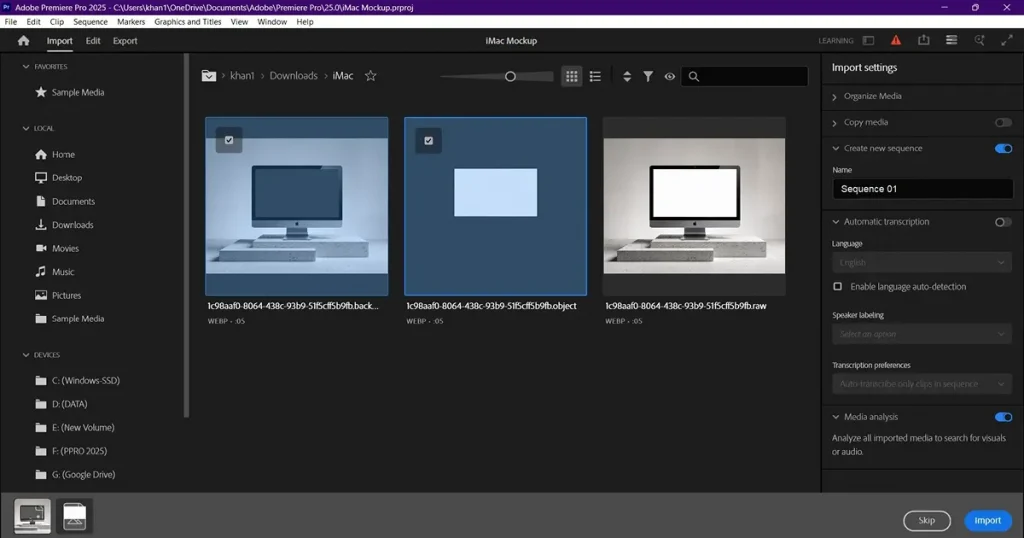
Step 4: Place the iMac screen on the timeline and place the mockup above it.
Step 5: Use Motion controls to position and scale the iMac screen to match the iMac device.
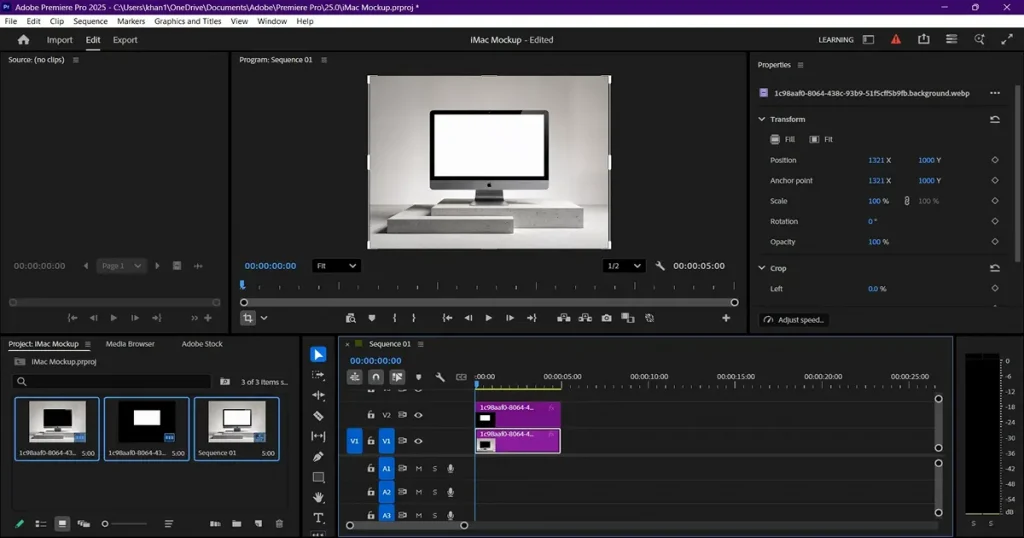
Step 6: Add soft shadows or gentle zoom to create movement.
Step 7: Use Lumetri Color to balance the lighting and contrast.
Step 8: Add transitions such as fade-in or slide.
Step 9: Export as MP4 or as a PNG or JPG frame.
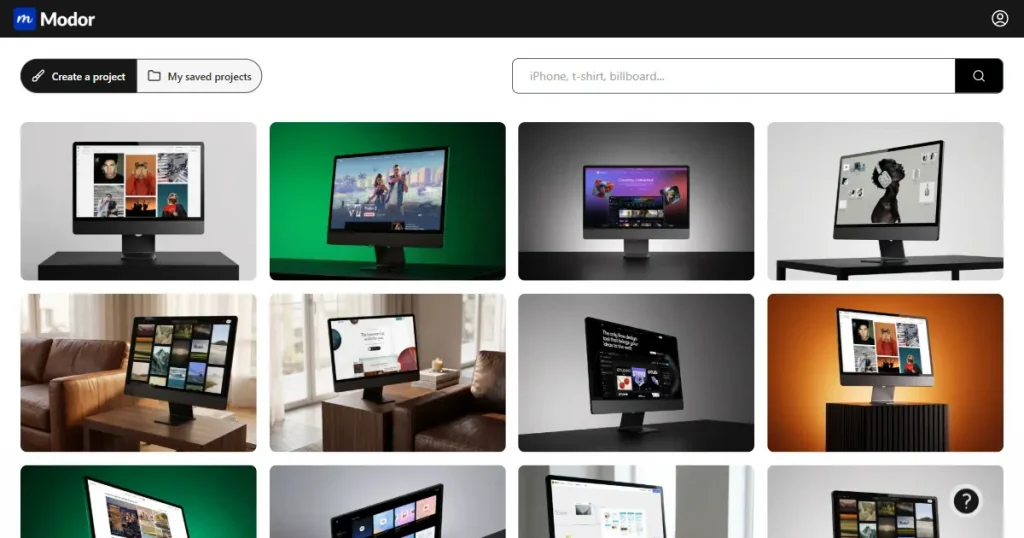
Online generators are the simplest way to create iMac mockups. These mockup tools help founders, marketers, and designers work quickly with minimal effort. They work well when you need consistent and fast outputs from a mockup tool.
One such mockup generator is Modor, which is especially useful for creating iMac mockups for commercial projects with consistent quality
If you’re looking for the fastest way on how to make iMac mockup, online tools like Modor simplify the entire process.
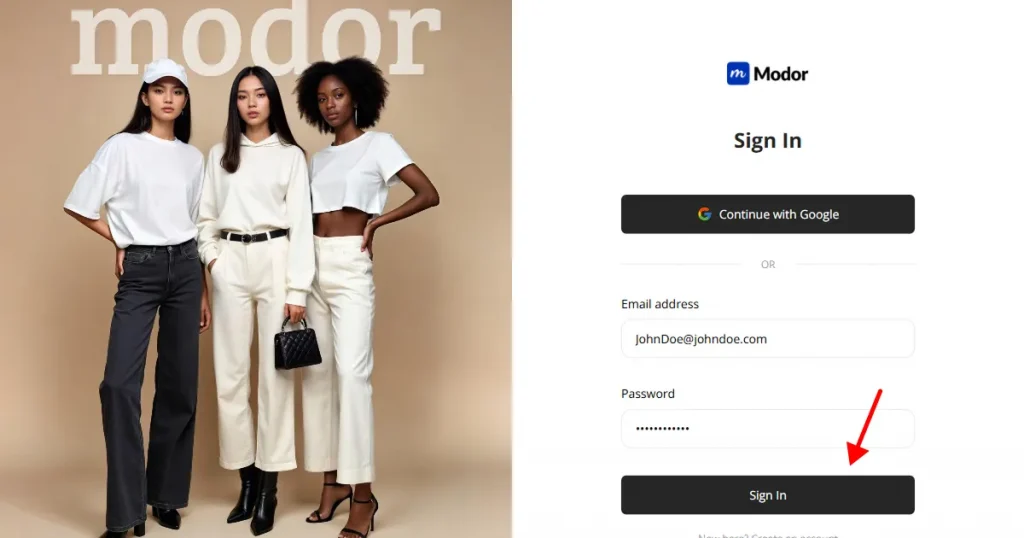
Step 1: Sign up with Google or your email address. If you already have an account, log in with your saved credentials.
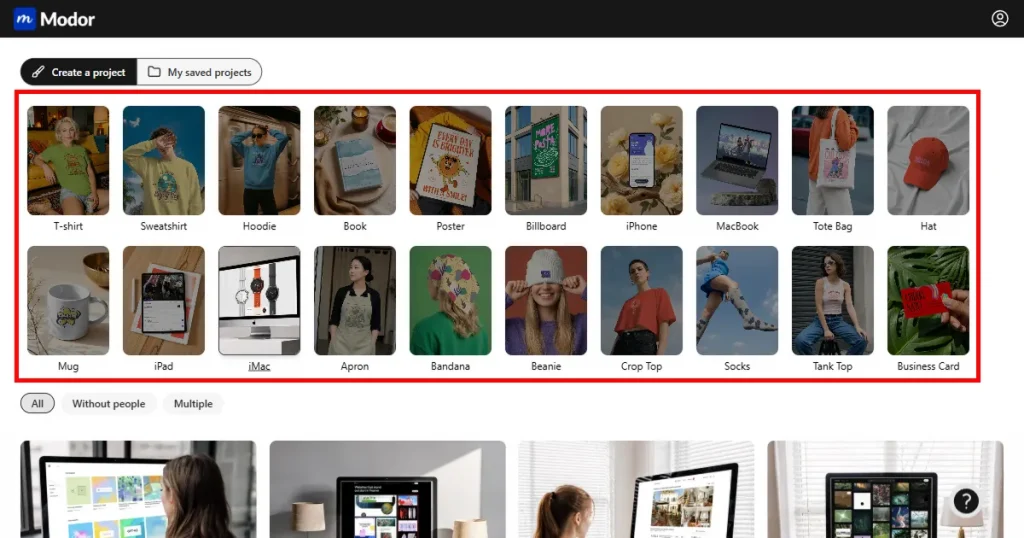
Step 2: Select the iMac category among other categories, such as t-shirt, hoodie, billboard, etc.
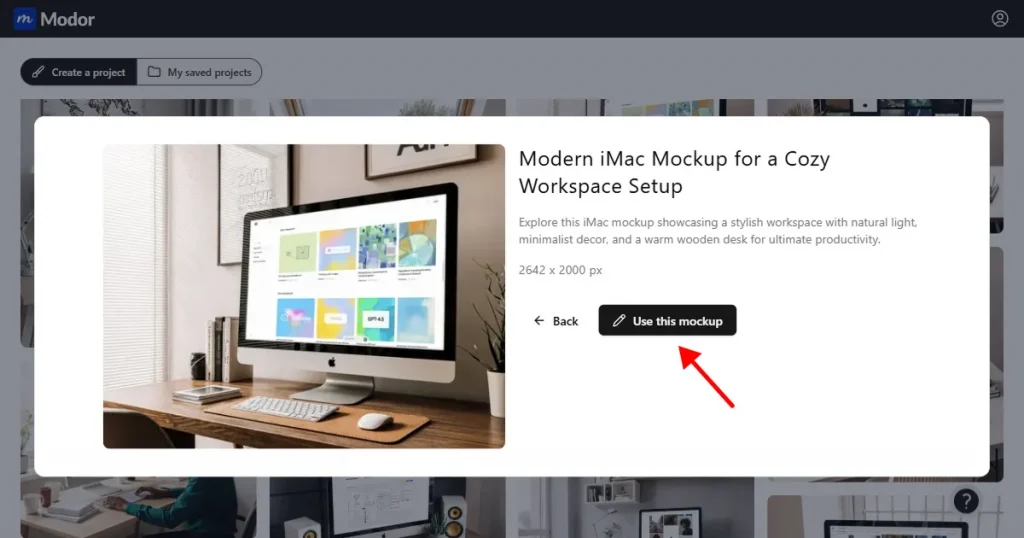
Step 3: Choose an iMac template that matches your brand style, and click on Use this Mockup to start editing the template.
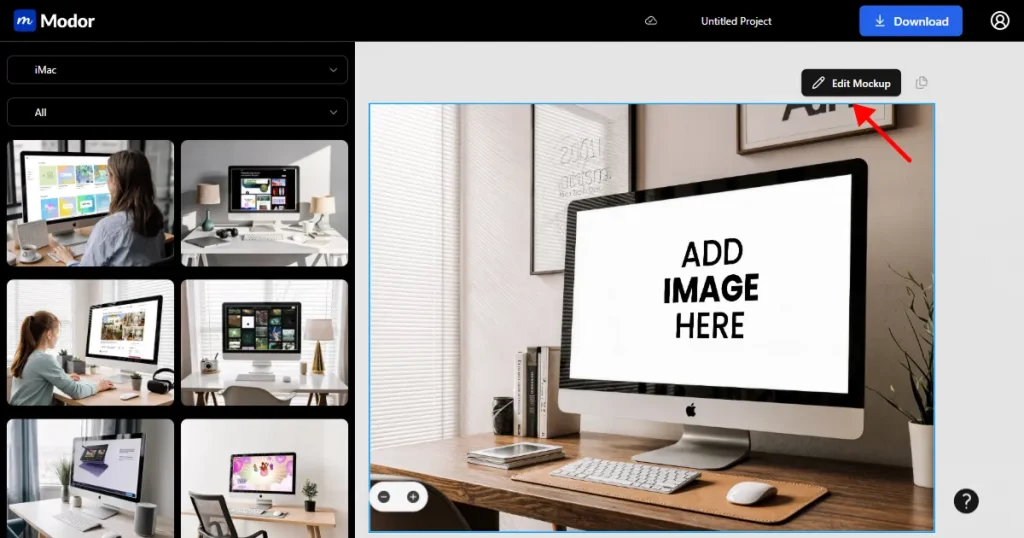
Step 4: Once inside the editor, click on Edit Mockup to unlock editing options.
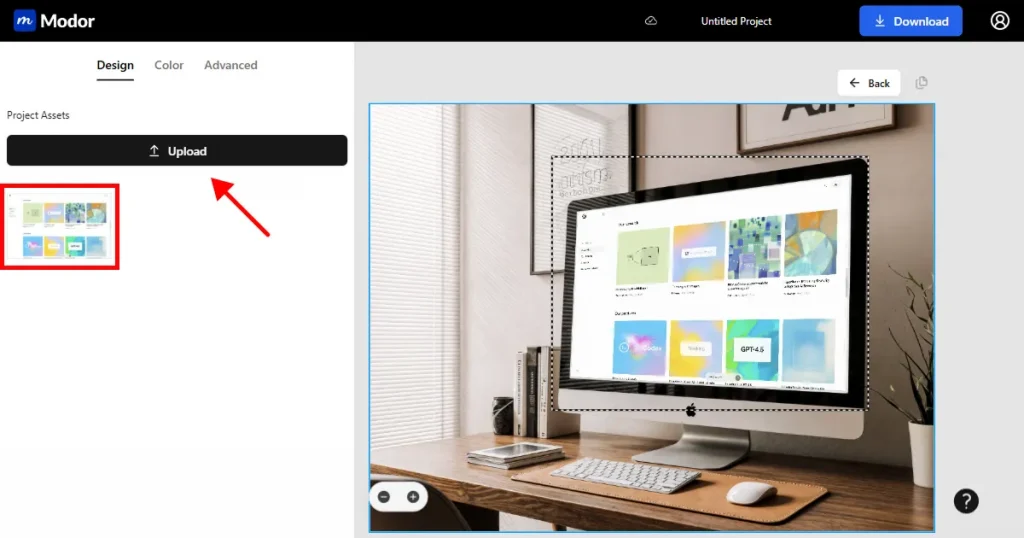
Step 5: Upload your iMac design and place it on the design placeholder box on the iMac mockup.
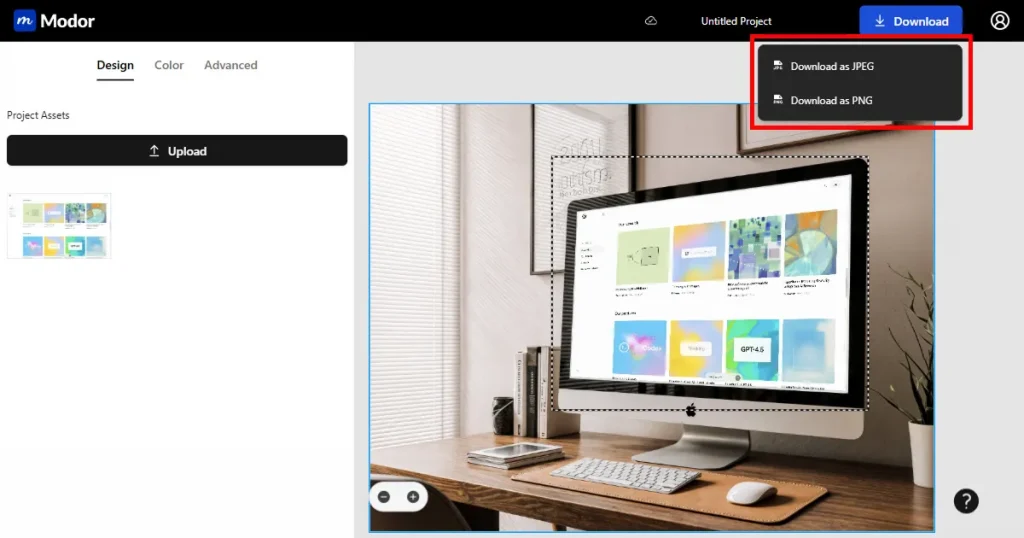
Step 6: Give a name to your project in case you go back to your project for more edits. Lastly, download your iMac mockup in JPG or PNG format.
Tip: Create multiple versions to compare different iMac mockup style variations during testing.
Canva
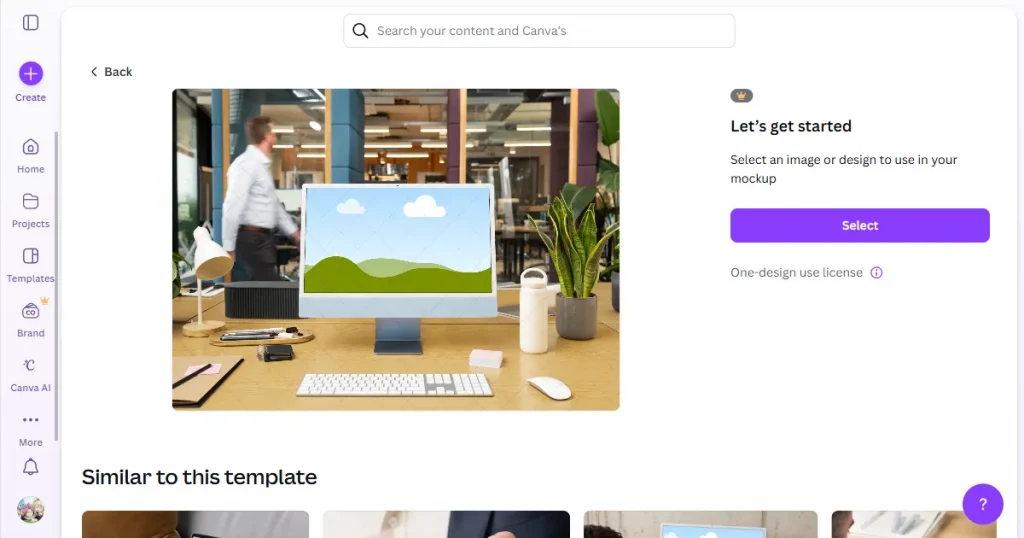
Creating an iMac mockup in Canva is ideal for beginners who want quick results. Canva is a reliable and simple mockup tool for beginners who want instant iMac mockups without learning complex design software.
An iMac mockup in Canva works best for simple visuals and social media use. The only downside is that the iMac templates look basic and lack the depth of more advanced tools.
Mockuuups Studio
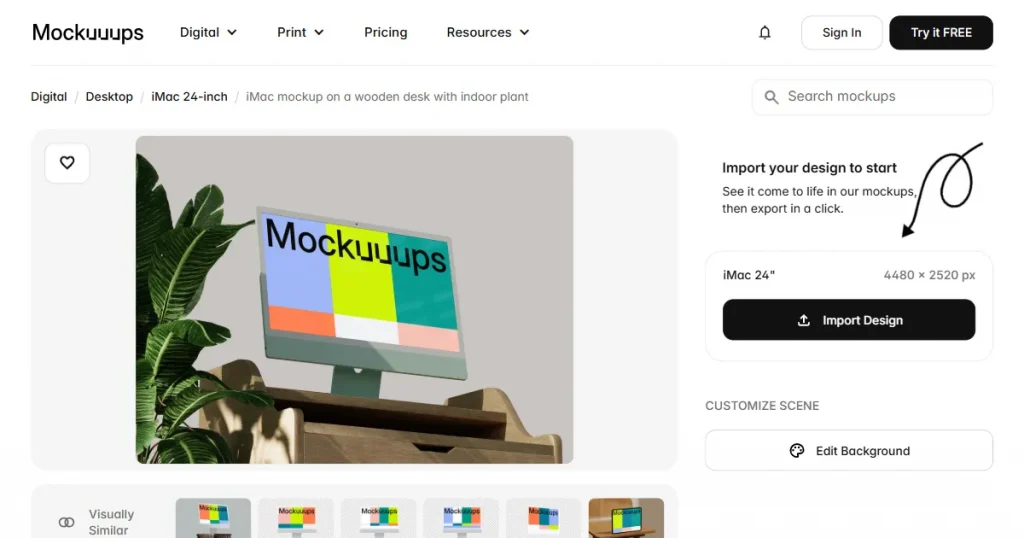
Mockuuups Studio provides an extensive range of iMac templates to help you create clean, clear visuals with minimal effort. It is helpful for quick previews and polished iMac designs. The downside is that customization is limited, and many templates may start to feel repetitive after frequent use.
Mediamodifier
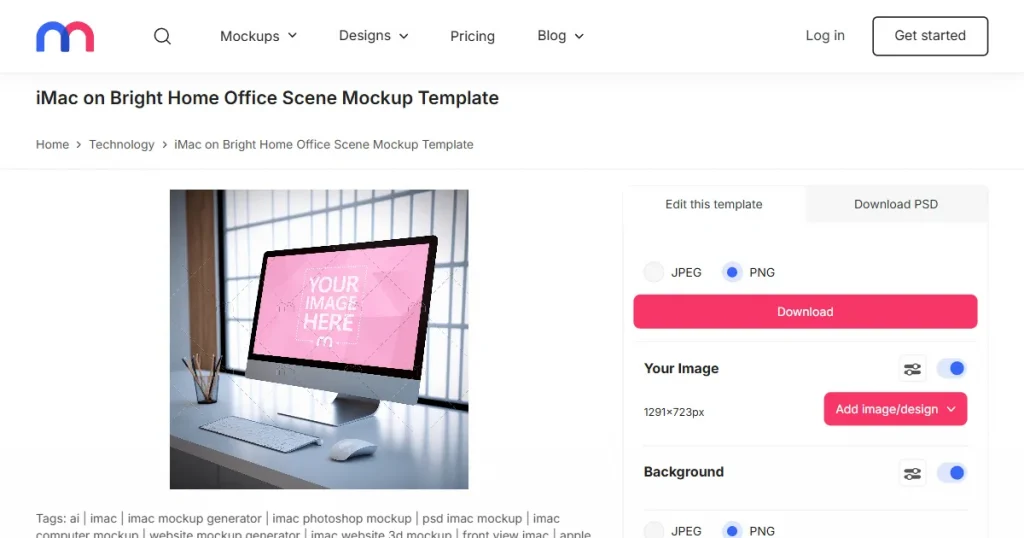
Mediamodifier lets you create quick iMac mockups using preset formats for social media, product pages, and portfolios. It loads fast and supports simple editing tasks. The downside is that some iMac templates look generic and may not offer the refined detail needed for premium iMac designs.
Selecting the right iMac mockup helps you present your UI with clarity and purpose. It shapes how people understand your brand and how they connect with your product. Check out these points and iMac Design Tips for Better Presentation.
Small mistakes can degrade the quality of your mockup and divert attention from your UI. Avoiding these issues helps you create a clean and realistic presentation. Check out the most common mistakes designers make while creating iMac mockups.
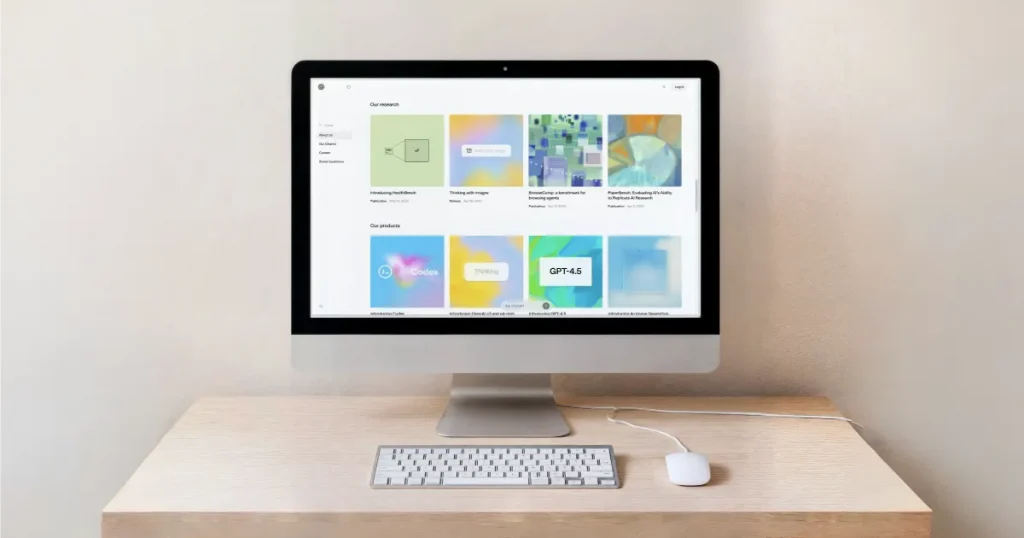
Minimal iMac mockups keep things simple. The screen sits in a quiet space, with nothing to pull your eyes away from it. It feels neat and open, and the iMac design gets all the attention it needs.
Use case: Works well for SaaS platforms, dashboards, and hero sections.
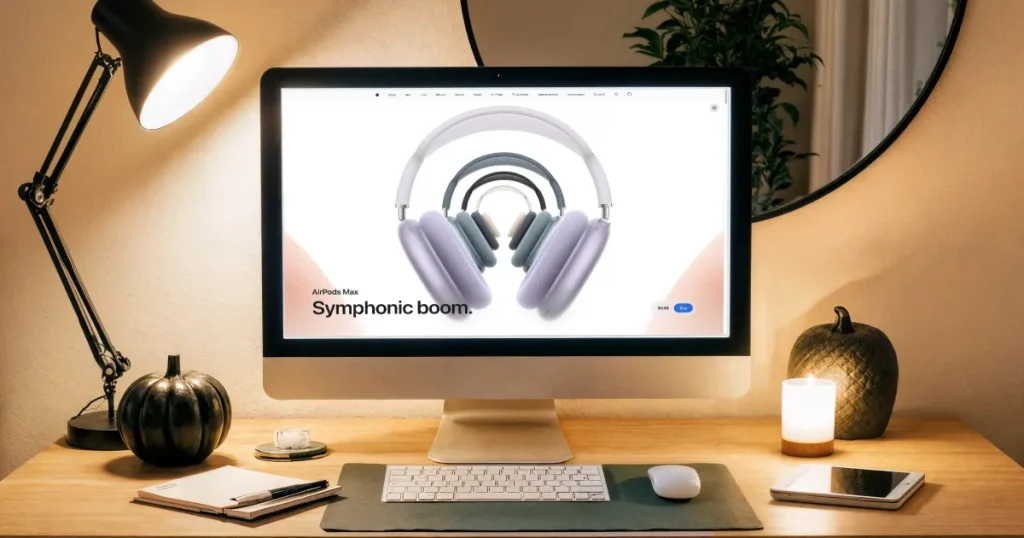
Dark workspace scenes draw the eye straight to the screen. The lights, shadows, and colors make the display stand out more than anything else around it. It feels focused and formal, which suits tech-related products.
Use case: Best for coding tools, AI products, and technical apps.
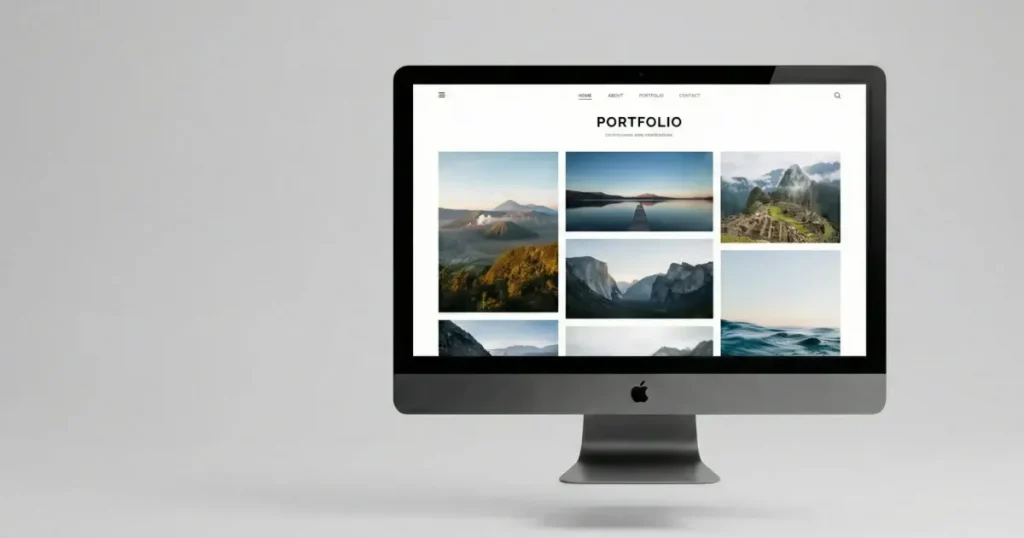
Floating iMac mockups place the iMac in a clean space with a soft shadow under it. The setup feels light and modern, giving the iMac design a fresh look. The screen is the only thing that matters in the frame.
Use case: Useful for modern websites and presentations.
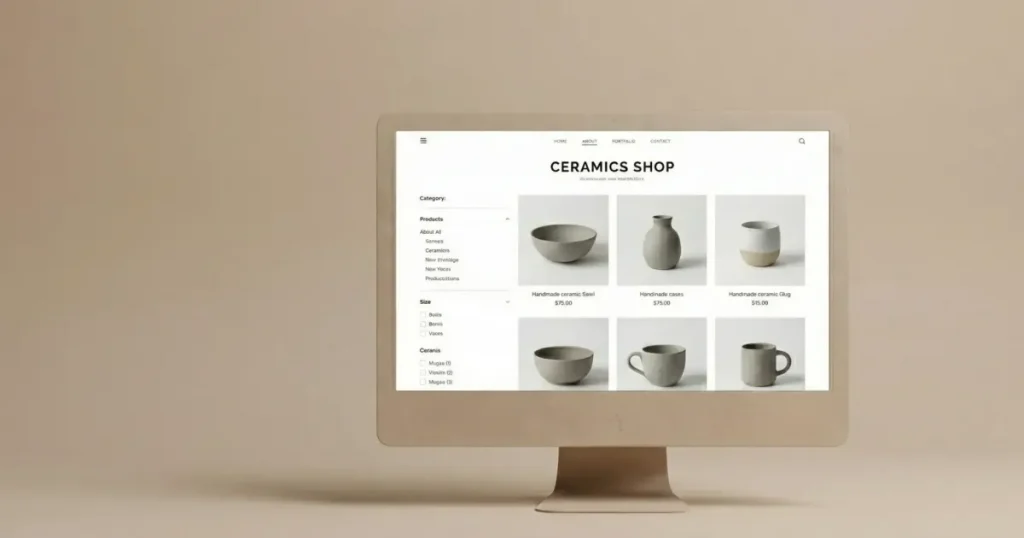
Clay and abstract styles remove real textures and replace them with smooth shapes and soft tones. The scene feels calm and artistic, which helps the interface stand out on its own.
Use case: Ideal for portfolios and creative agencies.

This style places the iMac in a regular desk setup. It looks like a real office environment, which helps people picture how the product fits into daily use.
Use case: Works well for business apps, HR tools, and productivity platforms.
Now you know exactly how to make iMac mockup using different tools and workflows, from understanding mockup types to choosing the right style and avoiding common mistakes. These workflows help you create iMac mockups for commercial projects without the complexity of design.
You also saw how different tools work and how to prepare your iMac designs for social media and presentations. iMac mockups matter because they make your screens feel real and easier to understand. If you want a reliable, straightforward way to build them, Modor offers a direct path. You can pick an iMac template, place your iMac design, and finish your mockup in minutes, with a clean, consistent result.
You can create an iMac mockup in Modor by choosing an iMac template and placing your UI design inside the iMac device. After all editing and final touches, export your iMac mockup as PNG or JPG for commercial use.
Yes, many tools like Modor offer licenses that allow iMac mockups for commercial projects. Always check usage rights before publishing to ensure your iMac designs are safe for client work and promotions.
Yes. Absolutely, Modor is one such mockup tool that requires zero design experience. You just need internet and a device to use, that’s it.
A good iMac mockup keeps the focus on the iMac design, uses clean backgrounds, and maintains proper alignment. It should enhance readability while matching your brand’s tone and visual style.
To create an iMac mockup in Canva, choose a device frame, upload your iMac design, and position it inside the screen area. It’s a simple option for quick visuals that doesn’t require advanced design skills.
You can easily enhance your iMac mockups by using high-resolution UI screens, keeping backgrounds simple, and a mockup style that matches your brand. Make sure to test your iMac mockups on a mobile screen before publishing them.