
iPad Magic: 25 Mockups to Transform Your Designs Into Real-Life
iPad Magic: 25 Mockups to Transform Your Designs Into Real-Life
Discover 25 premium iPad mockups to present your designs professionally. Realistic templates for apps, websites, and digital projects.
By Chanchal pathak
|
Feb 3, 2026
|
10 min read

Introduction
You've spent weeks perfecting your app interface. Every button placement and all micro-interactions are there. But when you show it to potential investors or clients, they're looking at flat, white-screened screenshots. They nod politely, saying Interesting. And then... nothing clicks.
Here's the thing, people don't buy features. They buy the vision of themselves using those features. That's where an iPad mockup comes in.
These digital product mockups are realistic visual representations that place your flat UI screens into real-world iPad environments. They have the power to turn simple designs into realistic products that users can envision using.
That said, let us check out the top iPad mockup collection to bring your design to life.
What Makes a Great iPad Mockup?
Adding Context And Realism
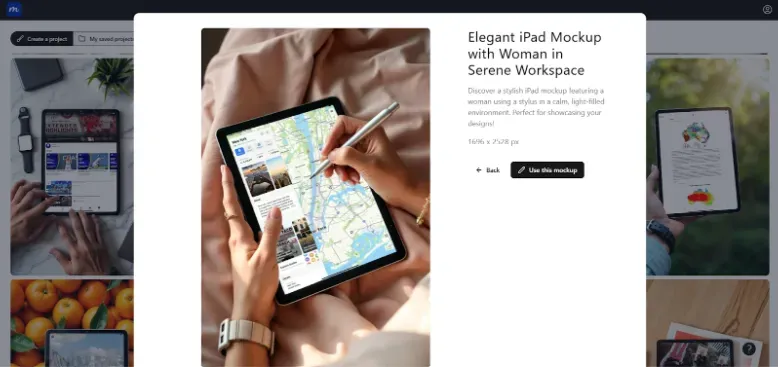
The best digital product mockups don't just show your design. They also tell a story. Natural lighting and depth mimic real photography. This can make your screens feel authentic.
And what about context? Contextual visuals will allow users to understand your message.
For example, a productivity app showcased on a free iPad mockup with natural reflections instantly communicates professionalism and real-world application. This context helps potential ƒusers imagine themselves using your product.
Keeping It Bold and Clear
A great iPad mockup highlights key features without overwhelming viewers. You need to focus on zoomed or isolated screens that showcase one primary feature rather than cramming in your entire app.
Using Strategic Backgrounds to Highlight Your Work
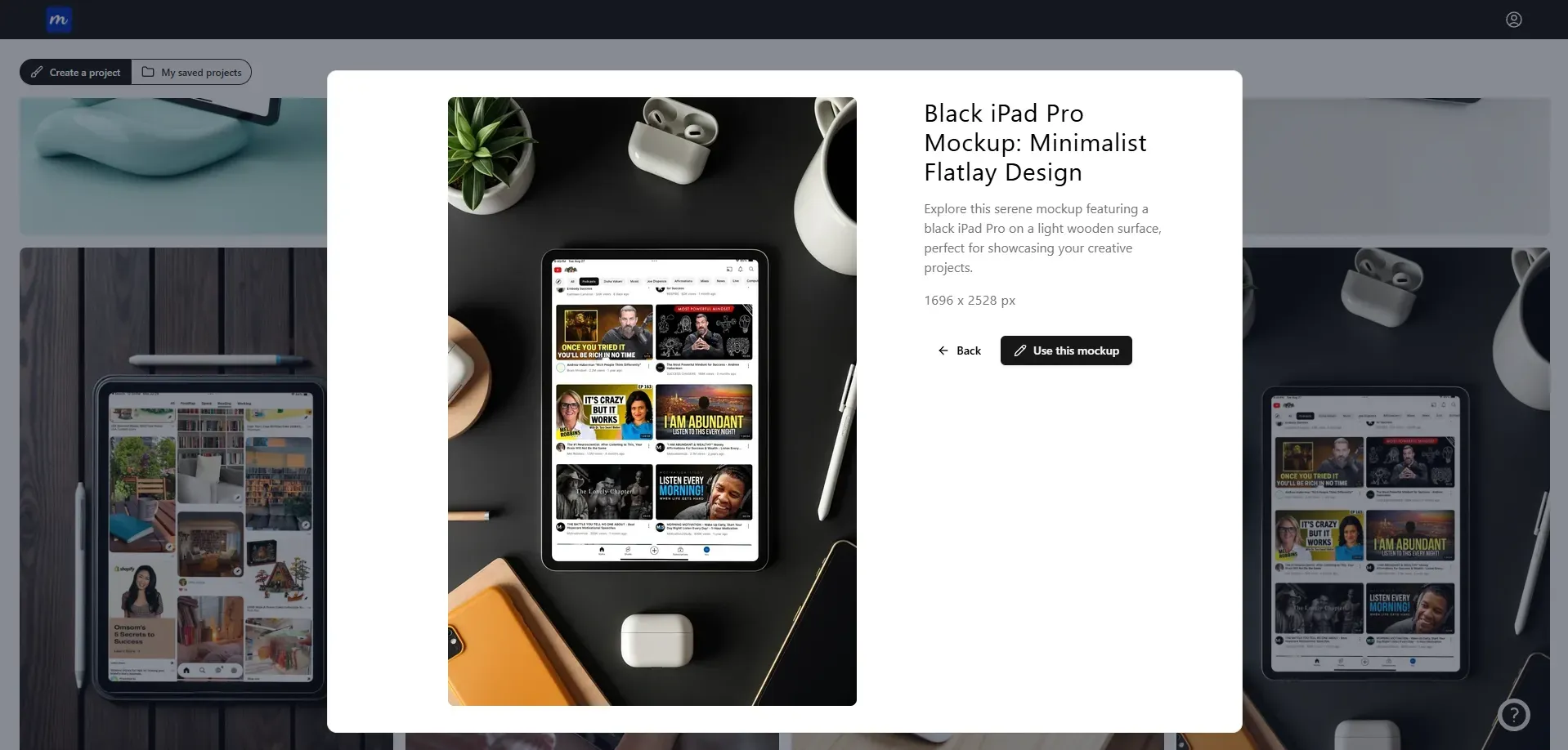
You can use contrasting backgrounds to draw attention to your design! A dark background makes light interfaces pop. Meanwhile, neutral tones work for almost any design. The goal is to make your design the hero, not the mockup.
Flexibility and Customization
A professional iPad mockup offers smart object layers. This allows you to replace screens in seconds. The ability to adjust background colors and device orientations ensures your iPad mockup matches your brand perfectly.
But here’s something to keep in mind. Make sure you get mockup templates for both portrait and landscape modes. This is because different screens may require different orientations. You can use some tools, such as
Adobe Photoshop for iPad mockup
Figma plugin from Mockuuups Studio
Online generators like Modor and Placeit
Online mockup generators make creating a free iPad mockup accessible even without advanced design skills. Meanwhile, if you are a designer, Photoshop can help you get professional results.
Resolution and Export Options
High-resolution outputs ensure your iPad mockup remains crystal clear across all marketing channels. Different formats serve different purposes,
PNG: Use PNG for a free iPad mockup that includes logos, icons, UI screens, or transparent backgrounds. It preserves sharp edges and text clarity. This makes it ideal for design presentations.
JPG: Export an iPad mockup as a JPG when showcasing photographic or lifestyle scenes. It delivers smaller file sizes. This is great for blogs and faster page loading.
WebP: Choose WebP for a web-optimized iPad mockup. It maintains high visual quality while reducing file sizes significantly. This makes it perfect for landing pages and ecommerce listings.
SVG: Use SVG for vector-based elements within an iPad mockup, such as device frames or UI components. Full mockups are rarely exported as SVG. But it’s ideal for scalable assets used alongside mockups.
Make sure you always export a high-quality iPad mockup. This helps prevent blurry UI when zoomed or cropped.
Suitable for UI/UX Design
Accurate iPad mockup bezel sizes and screen ratios are non-negotiable. Poor proportions distort your UI and undermine credibility. A professional iPad mockup features proper spacing and compatibility with UI testing visuals. This makes them perfect for reviews.
The right digital product mockups can help you showcase micro-interactions and entire user flows. This can help your teams visualize the complete user experience.
The 26 Best iPad Mockups To Get Your App Marketing UI to Life
Finding the right iPad mockup for your project means understanding different presentation styles. Here are some of the most versatile iPad digital product mockups.
1. Futuristic iPad Mockup on a Stand
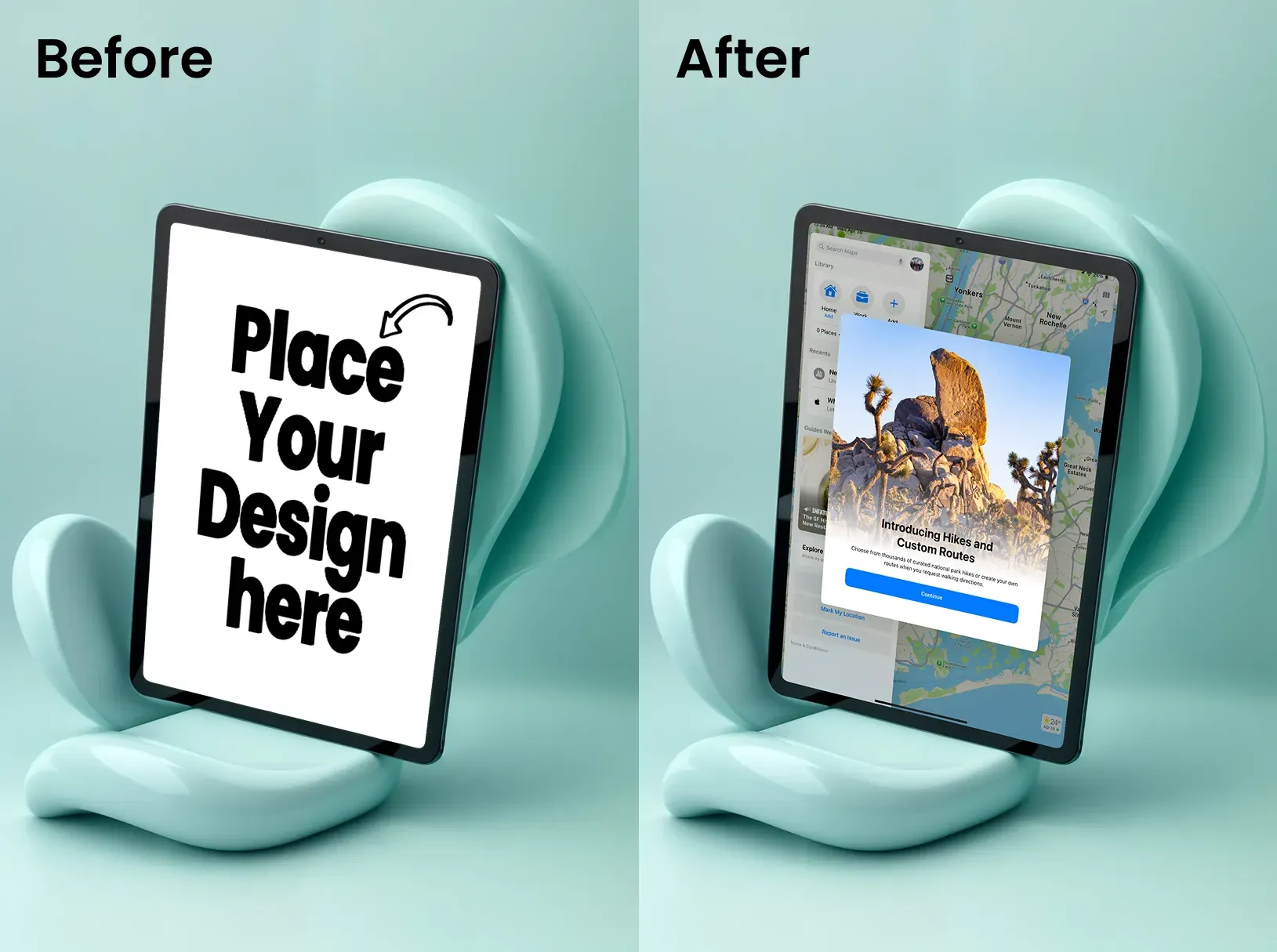
Perfect for showcasing reading apps or video streaming services. The elevated perspective suggests hands-free use and modern design. This free iPad mockup works particularly well for apps emphasizing convenience.
2. Flat Lay iPad Mockup on a Textured Background
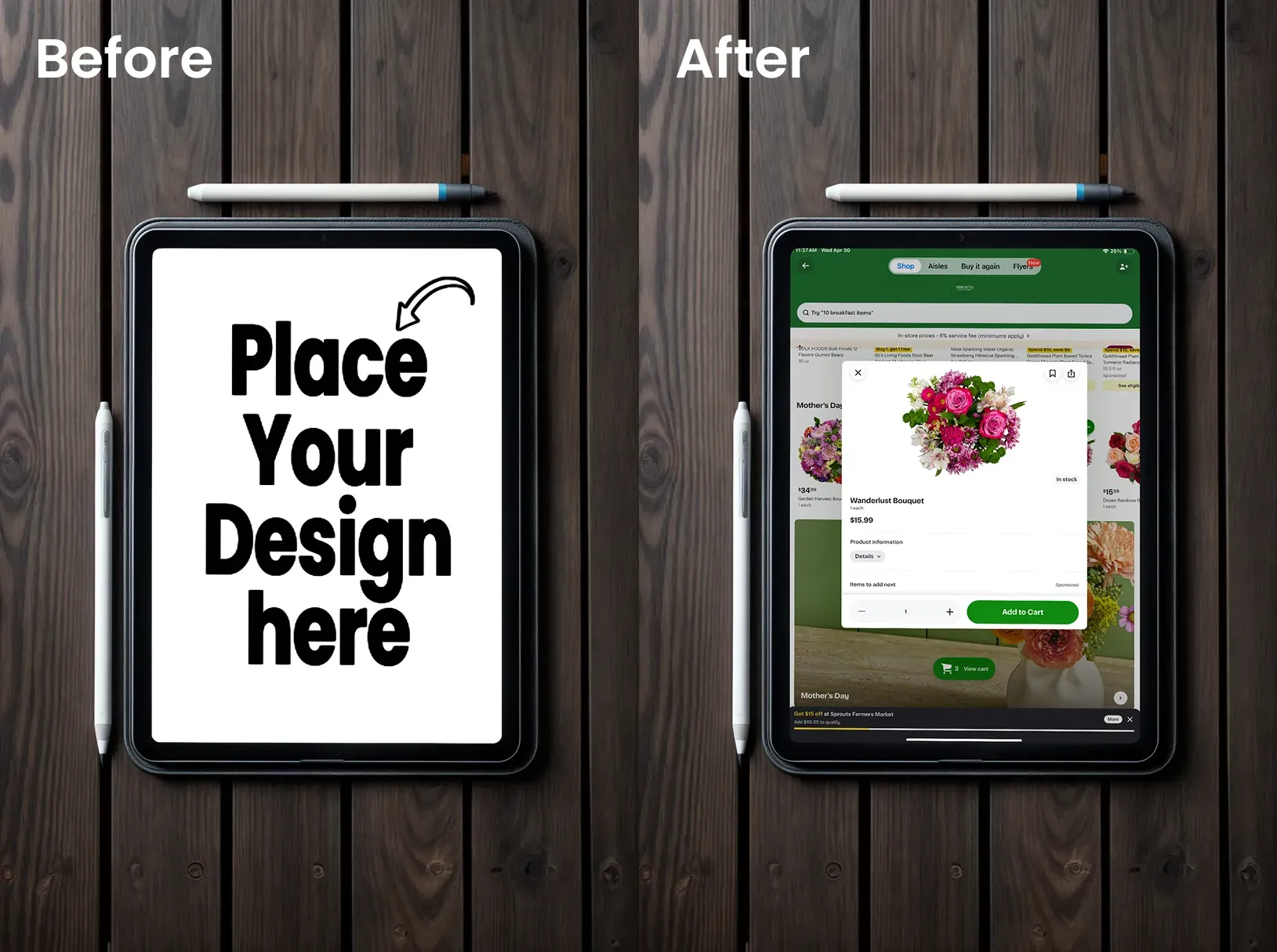
This free iPad mockup adds visual interest without distraction. Works exceptionally well for creative apps, design tools, or artistic platforms where looks matter.
3. iPad Mockup in a Black Background
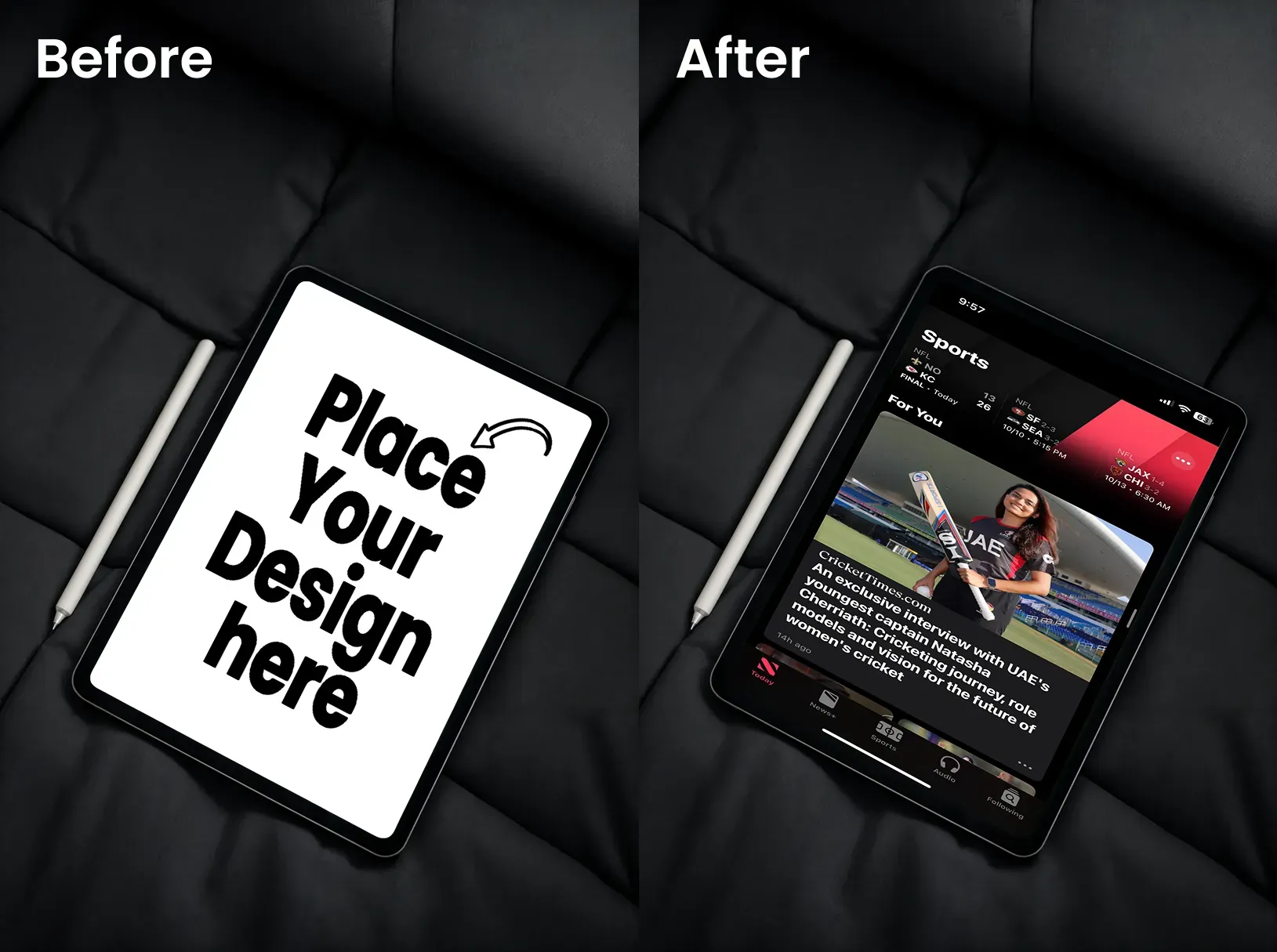
This free iPad mockup creates a dramatic contrast that makes colorful interfaces pop. It is perfect for gaming apps or entertainment platforms.
4. Front View iPad Mockup with a Potted Plant
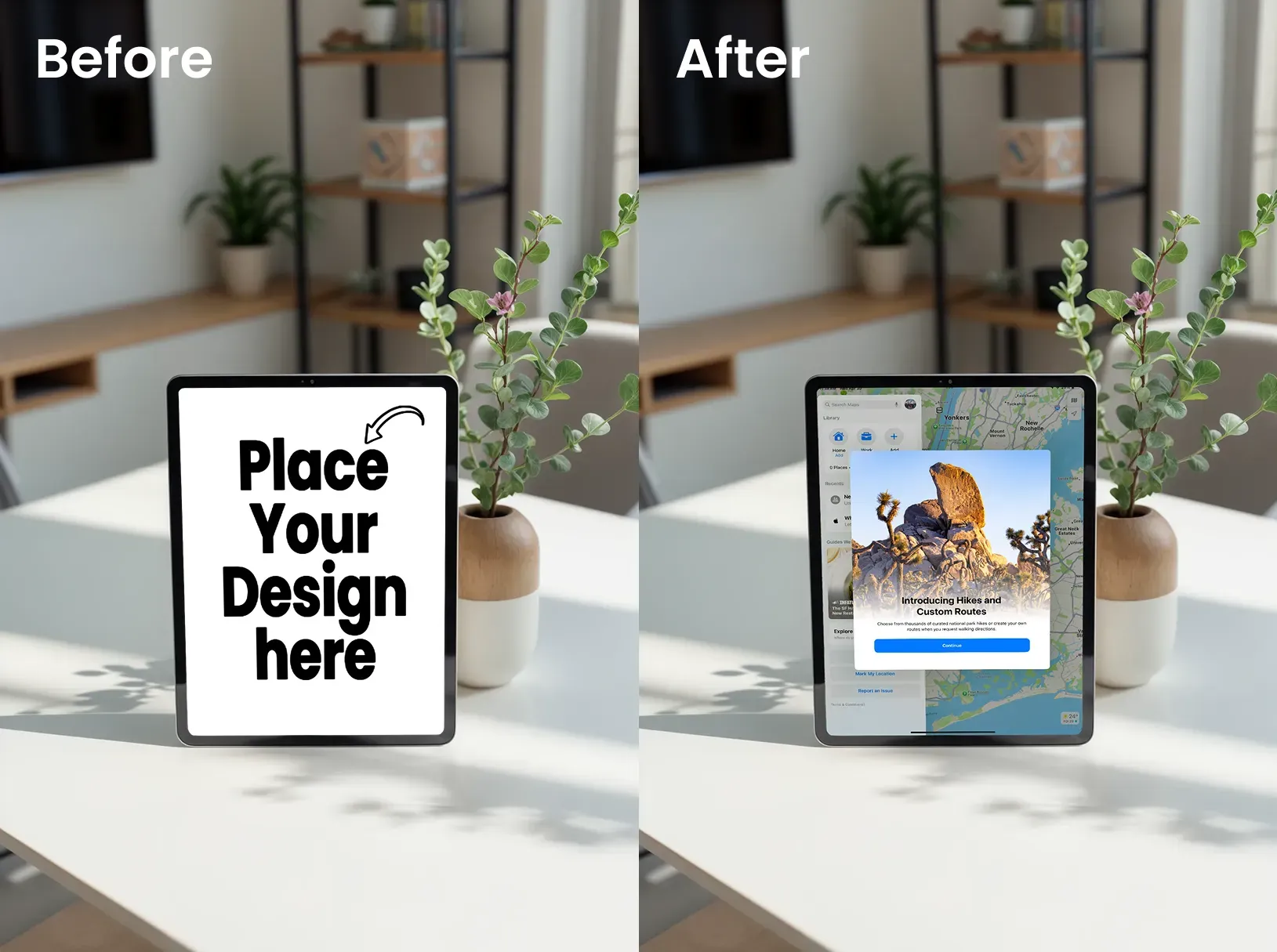
This free iPad mockup brings organic warmth to your presentation. It is ideal for wellness apps or anything targeting mindful consumers.
5. iPad Mockup on a Stand
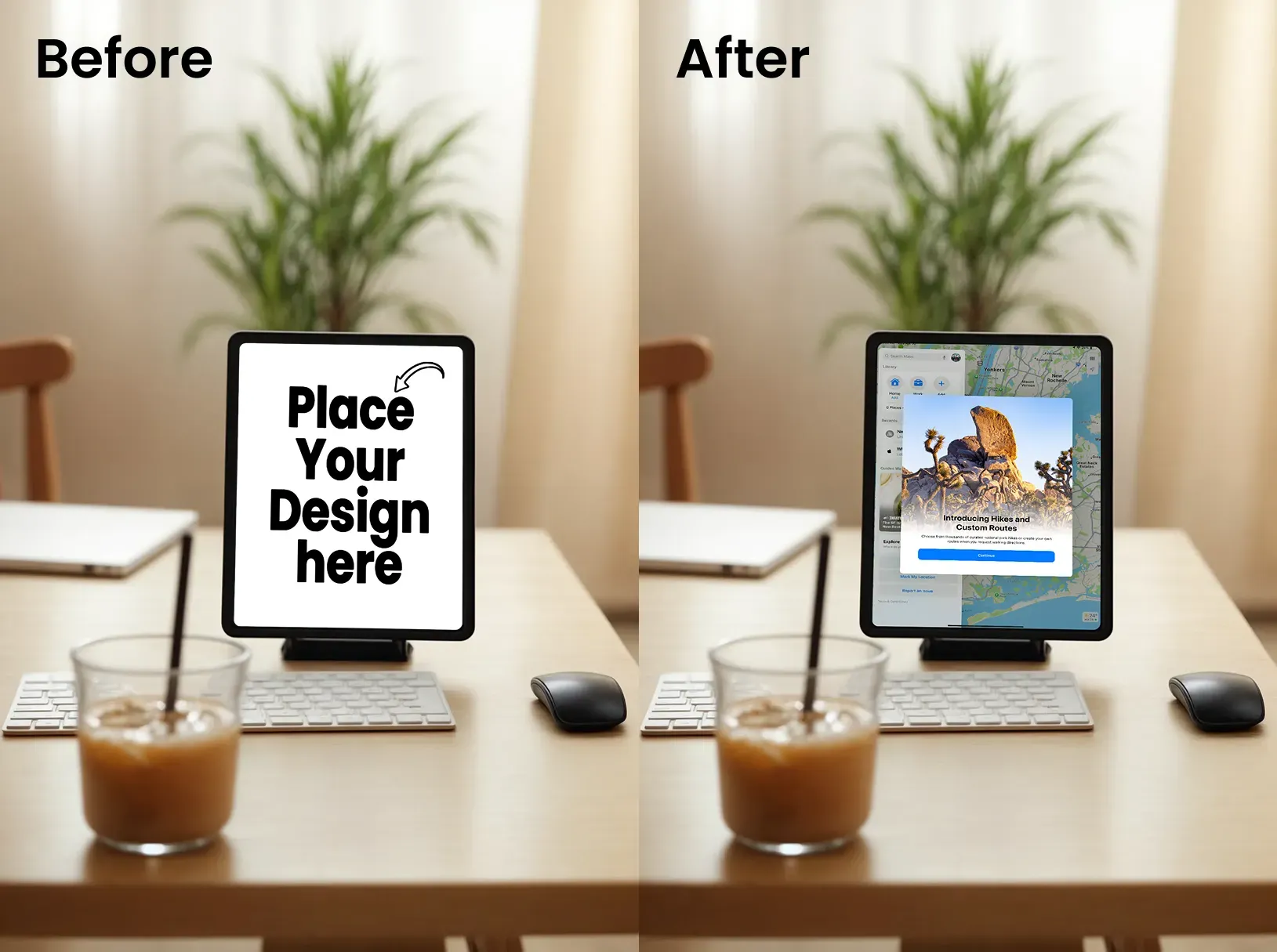
This iPad mockup communicates productivity and professionalism. It is best for business apps or project management tools.
6. iPad Mockup with a Book
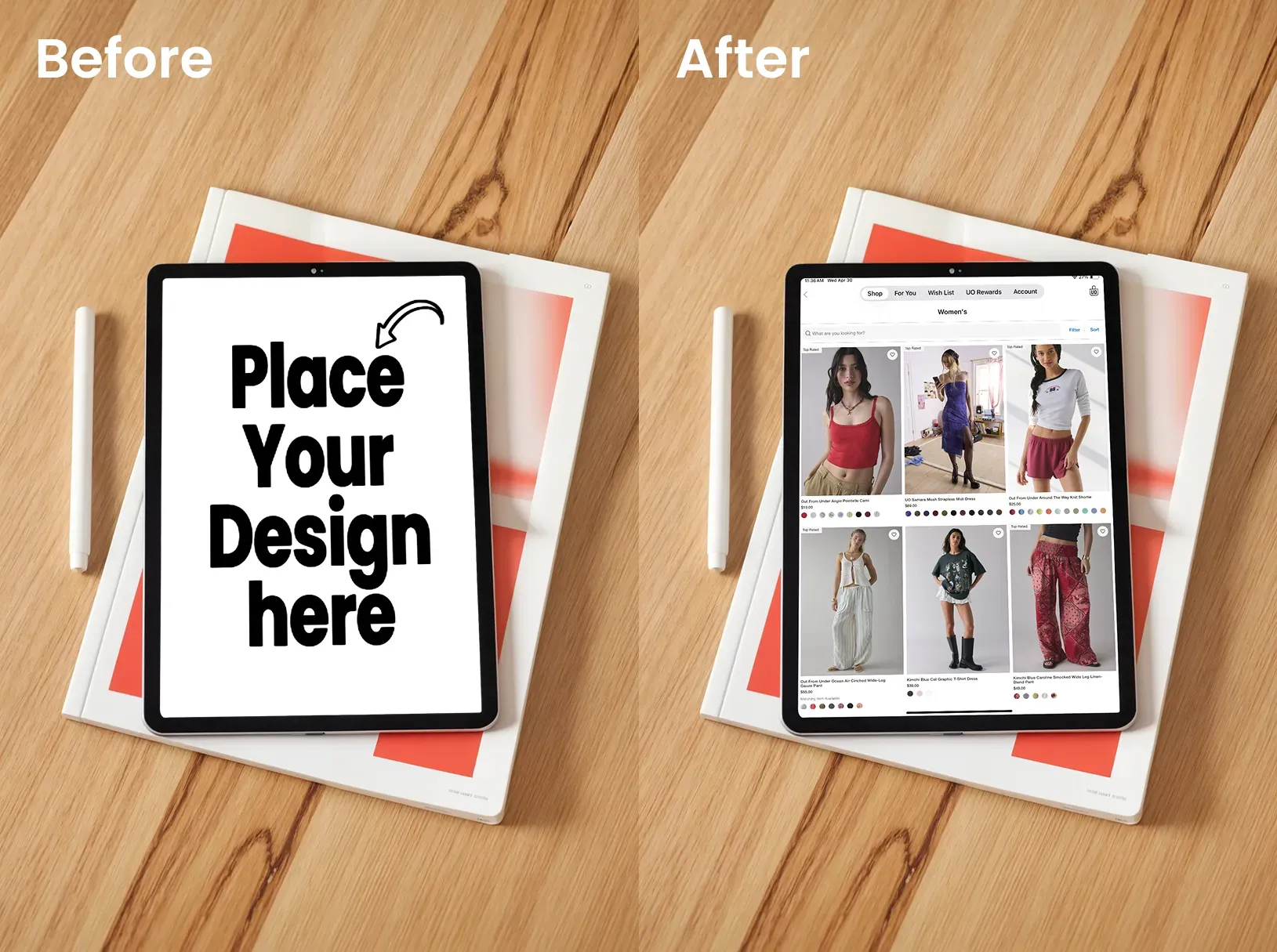
Bridges traditional and digital learning! This free iPad mockup is excellent for educational apps or content platforms, as it appeals to knowledge-focused audiences.
7. iPad Mockup in an iPad Packaging Box
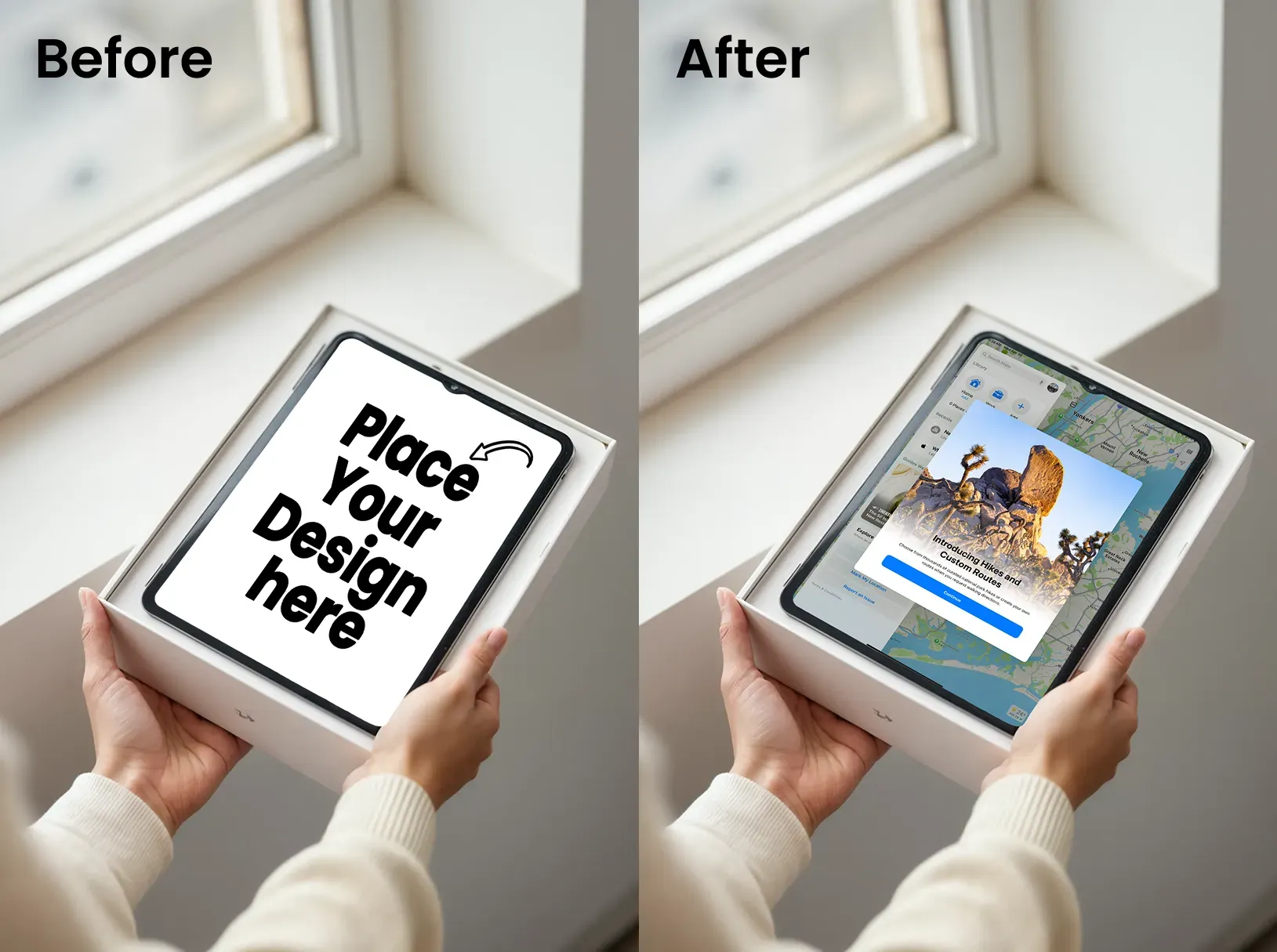
This iPad mockup is ideal for product launches or emphasizing quality and first impressions. This is because it shows the unboxing experience and premium positioning of an iPad.
8. Leaning iPad Mockup
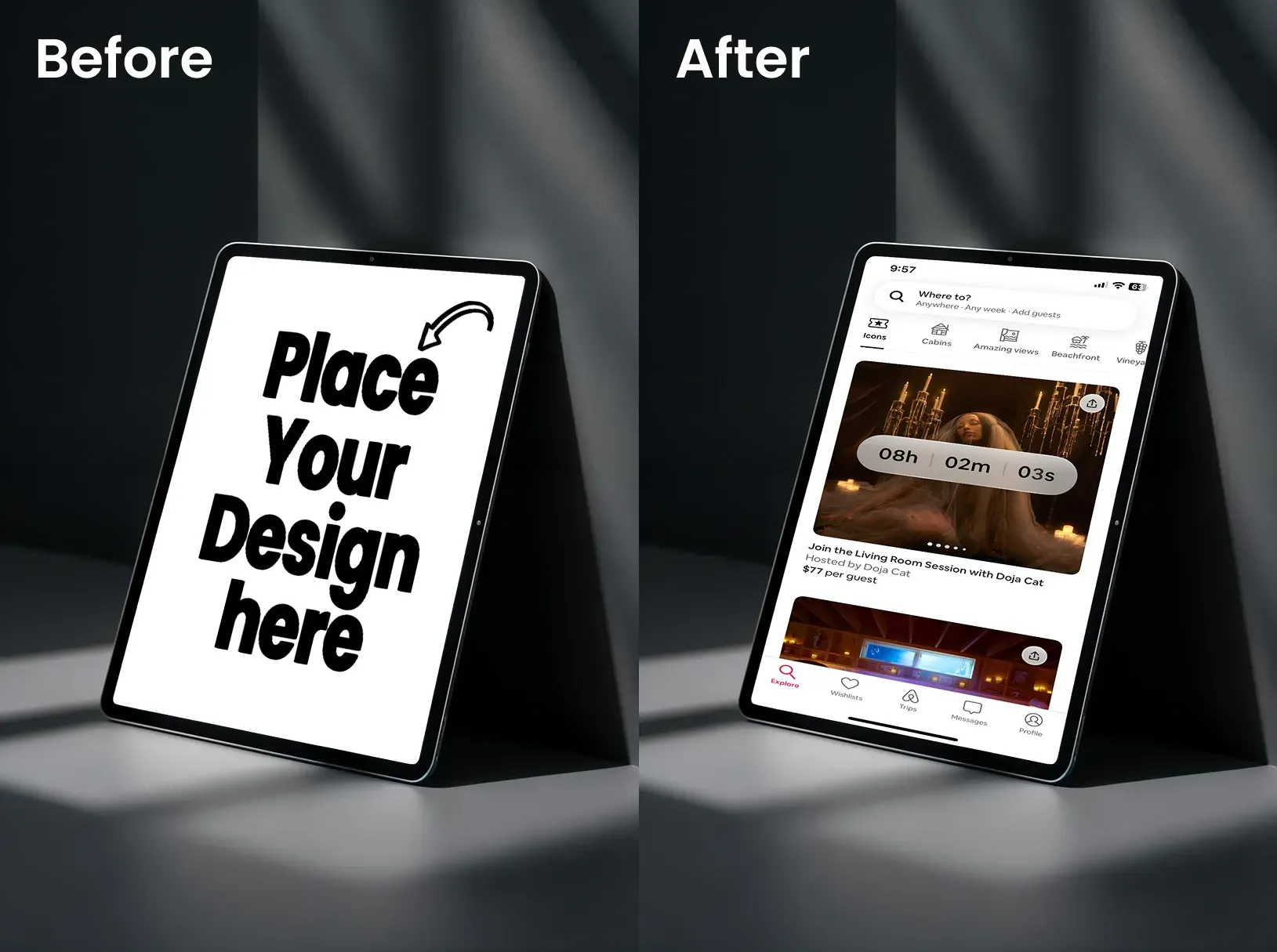
This iPad mockup creates depth and dimension. The dramatic lighting works well for artistic or visually-driven apps.
9. iPad Mockup with a Down Angle View
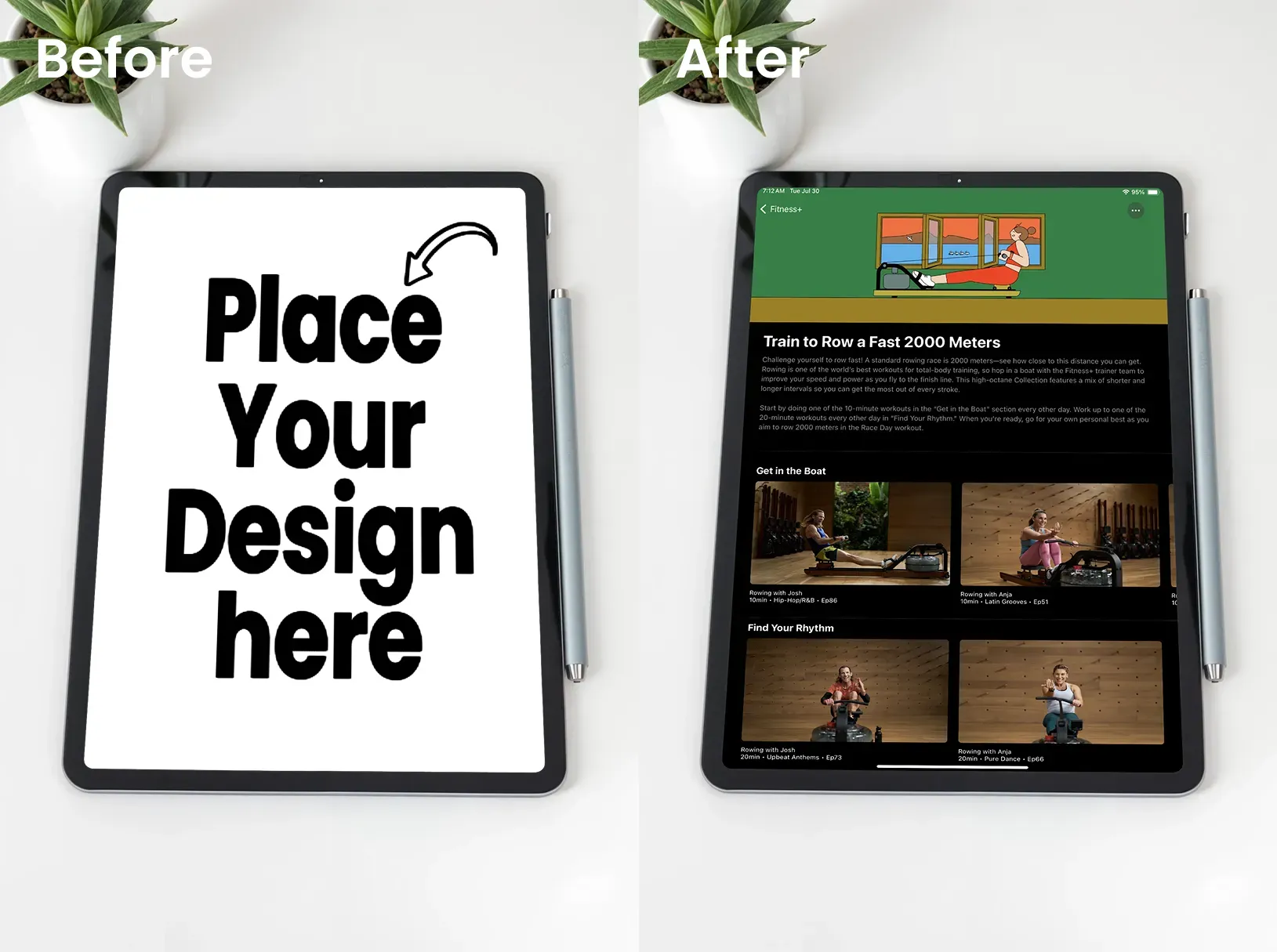
This iPad mockup feels authentic and relatable. It provides a natural viewing perspective that mimics how users actually see their devices.
10. Horizontal iPad Mockup
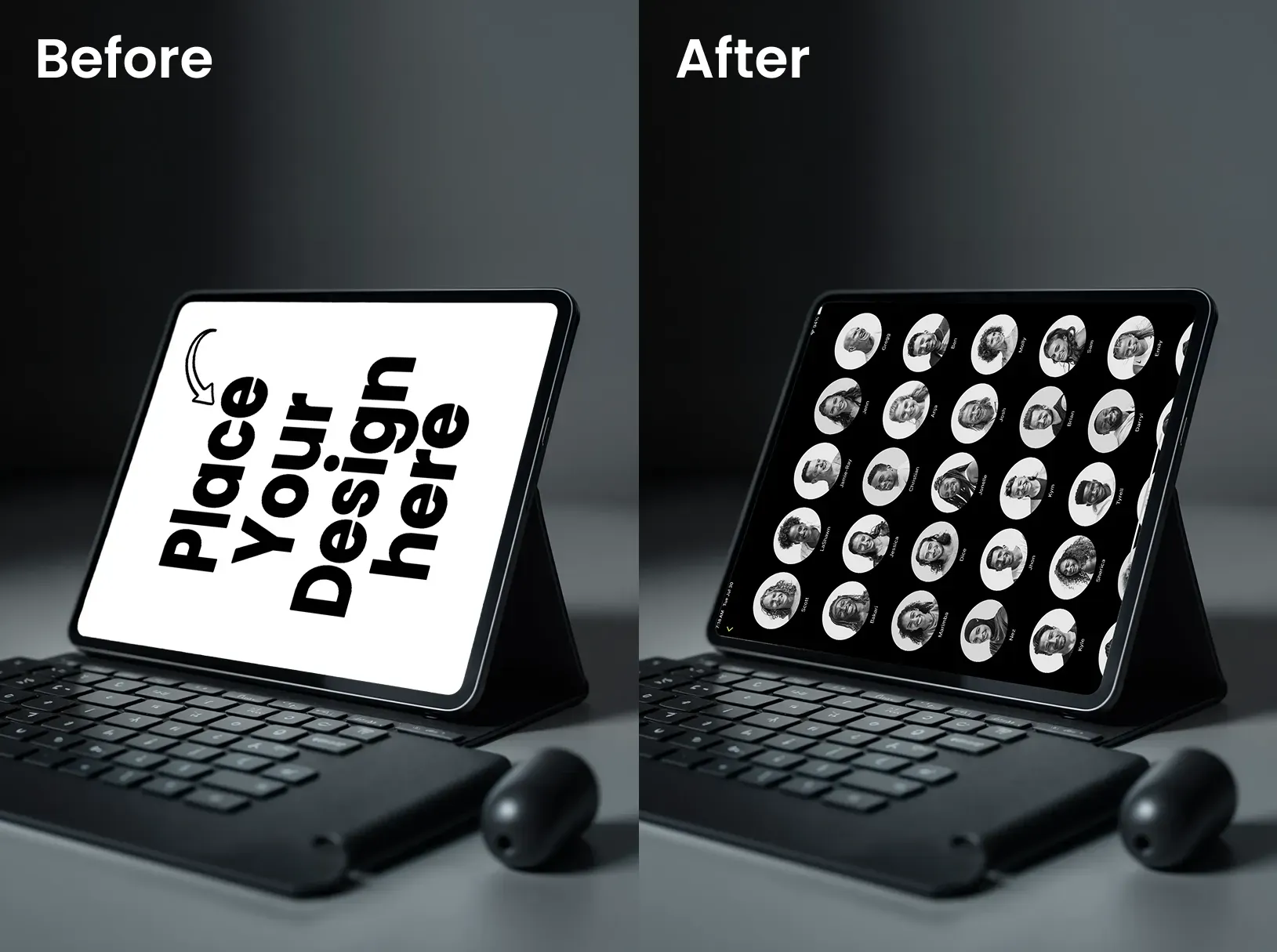
This iPad mockup shows context while maintaining design visibility. It works universally across categories.
11. iPad Mockup with Other Apple Products
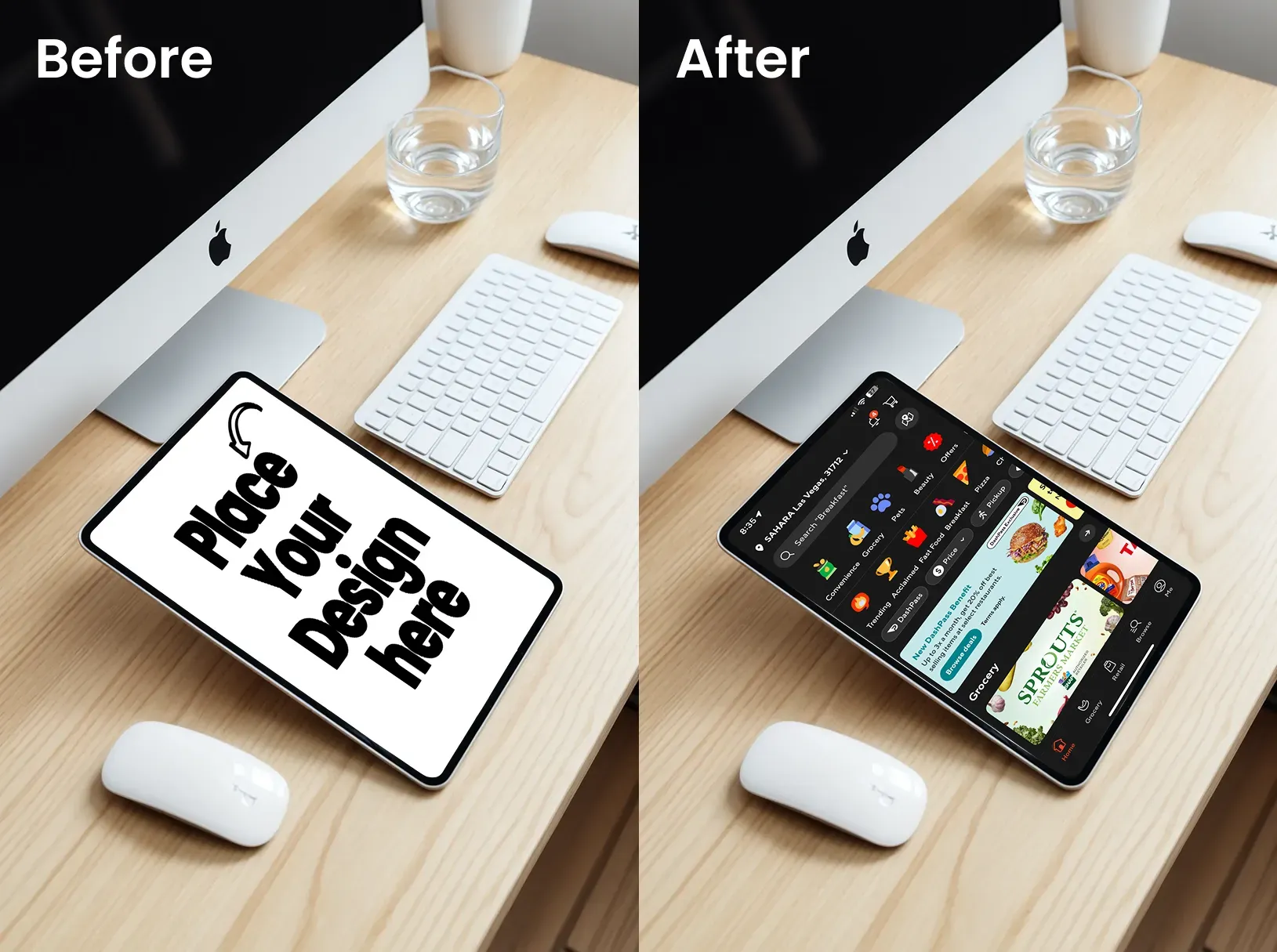
This iPad mockup features a 3D effect and shadow, along with other props. It demonstrates the IOS ecosystem’s integration with design. The template is perfect for apps leveraging multiple devices.
12. iPad Mockup with a PlayStation
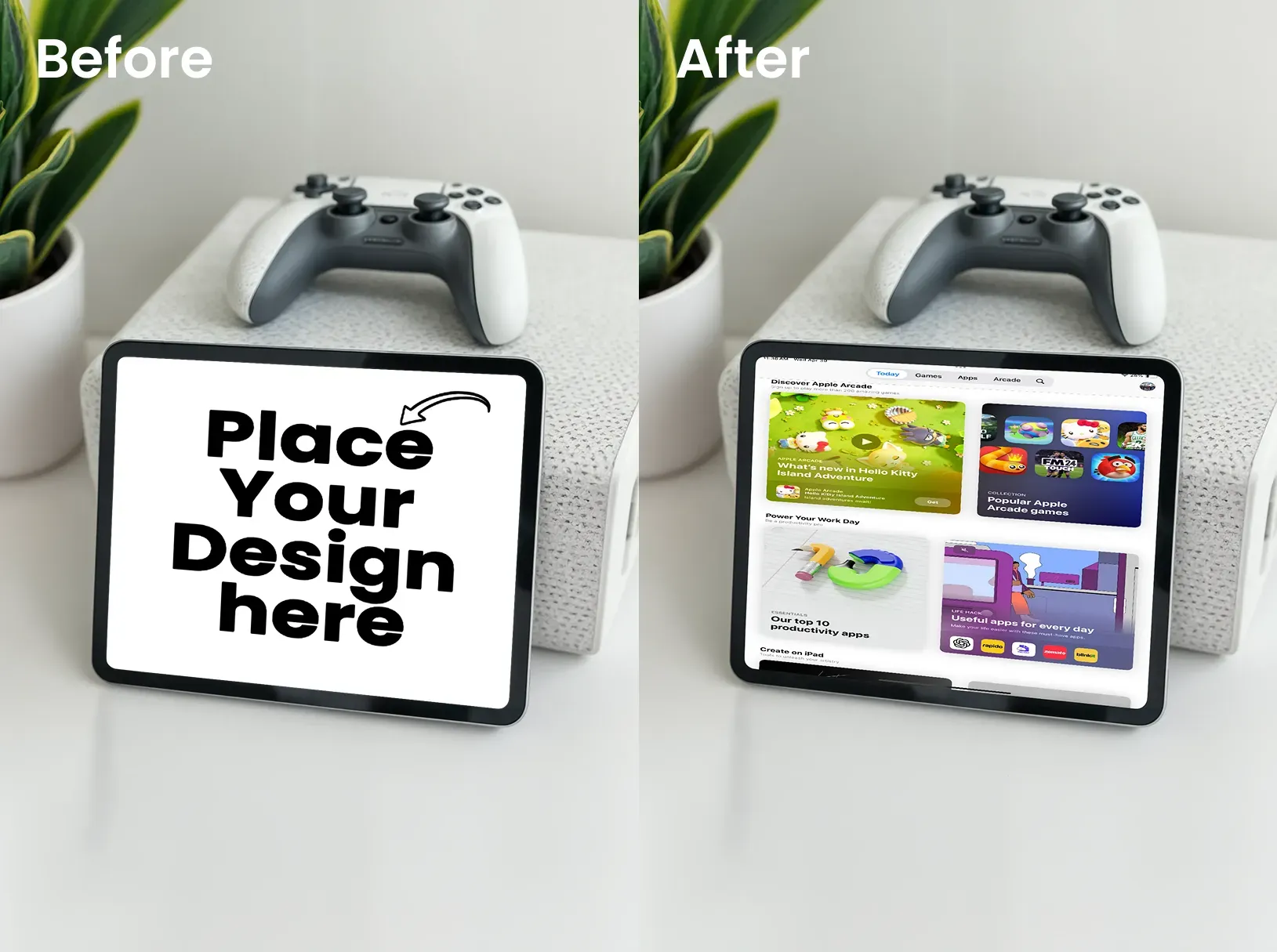
Targets gamers and entertainment-oriented audiences. This iPad mockup is ideal for gaming apps or entertainment platforms focused on fun.
13. iPad Mockup with Oranges
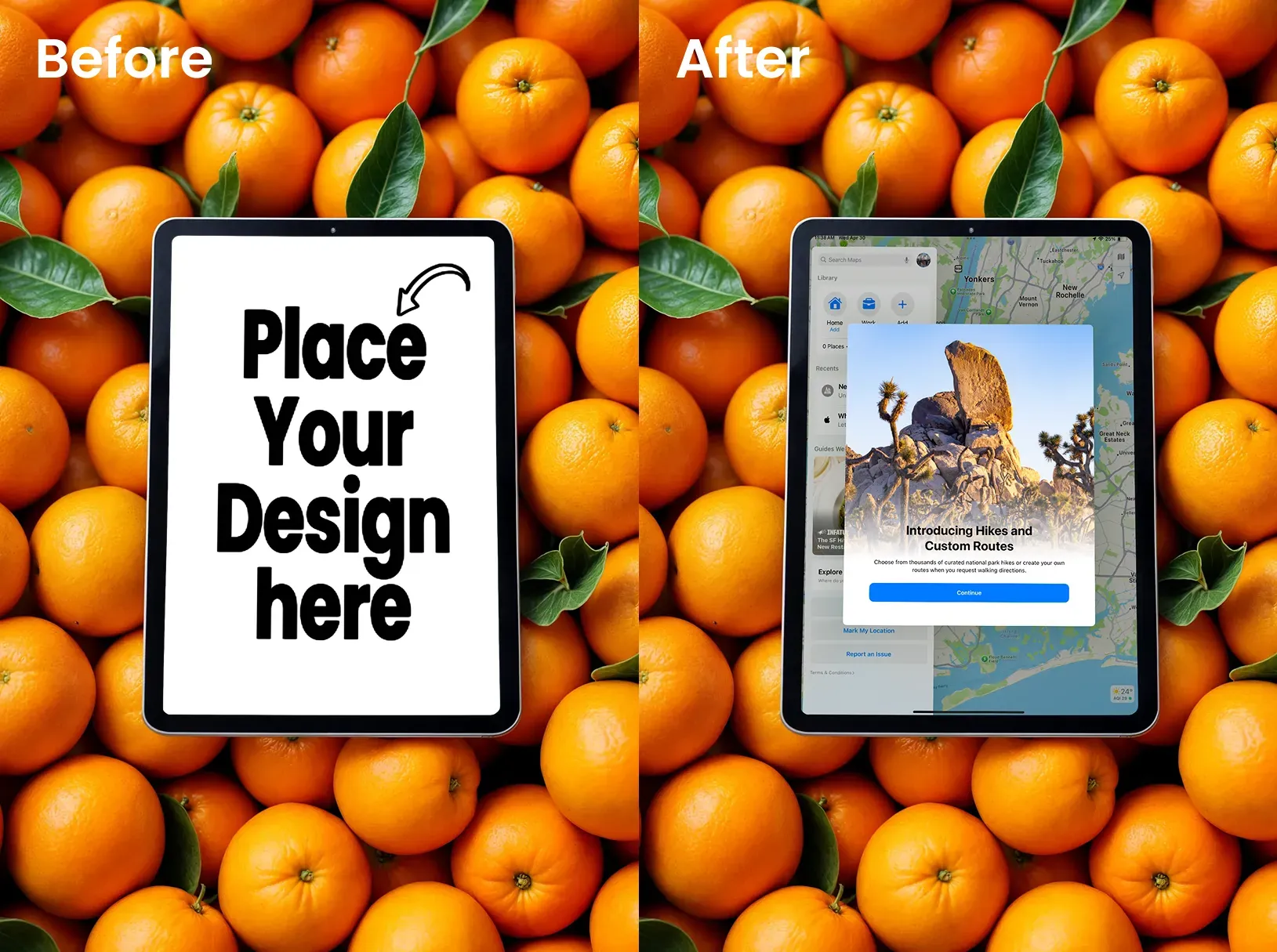
This iPad mockup adds vibrant color and organic elements. It works for food apps or recipe platforms seeking energetic vibes.
14. iPad Mockup with Earbuds
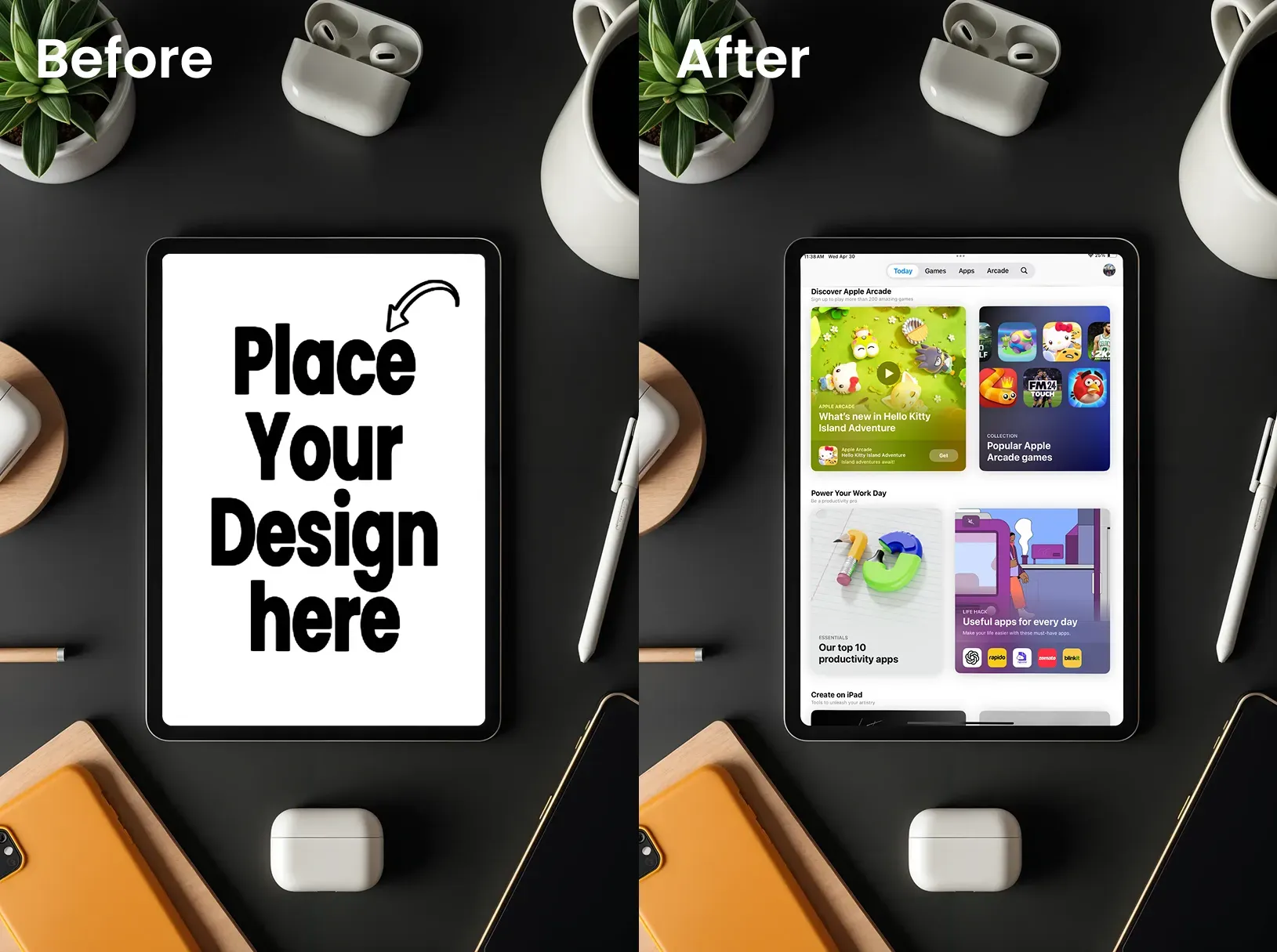
Suggests audio or multimedia functionality. Brands can use this iPad mockup for music apps, language learning, or video conferencing tools.
15. iPad Mockup of a Person Holding an iPad
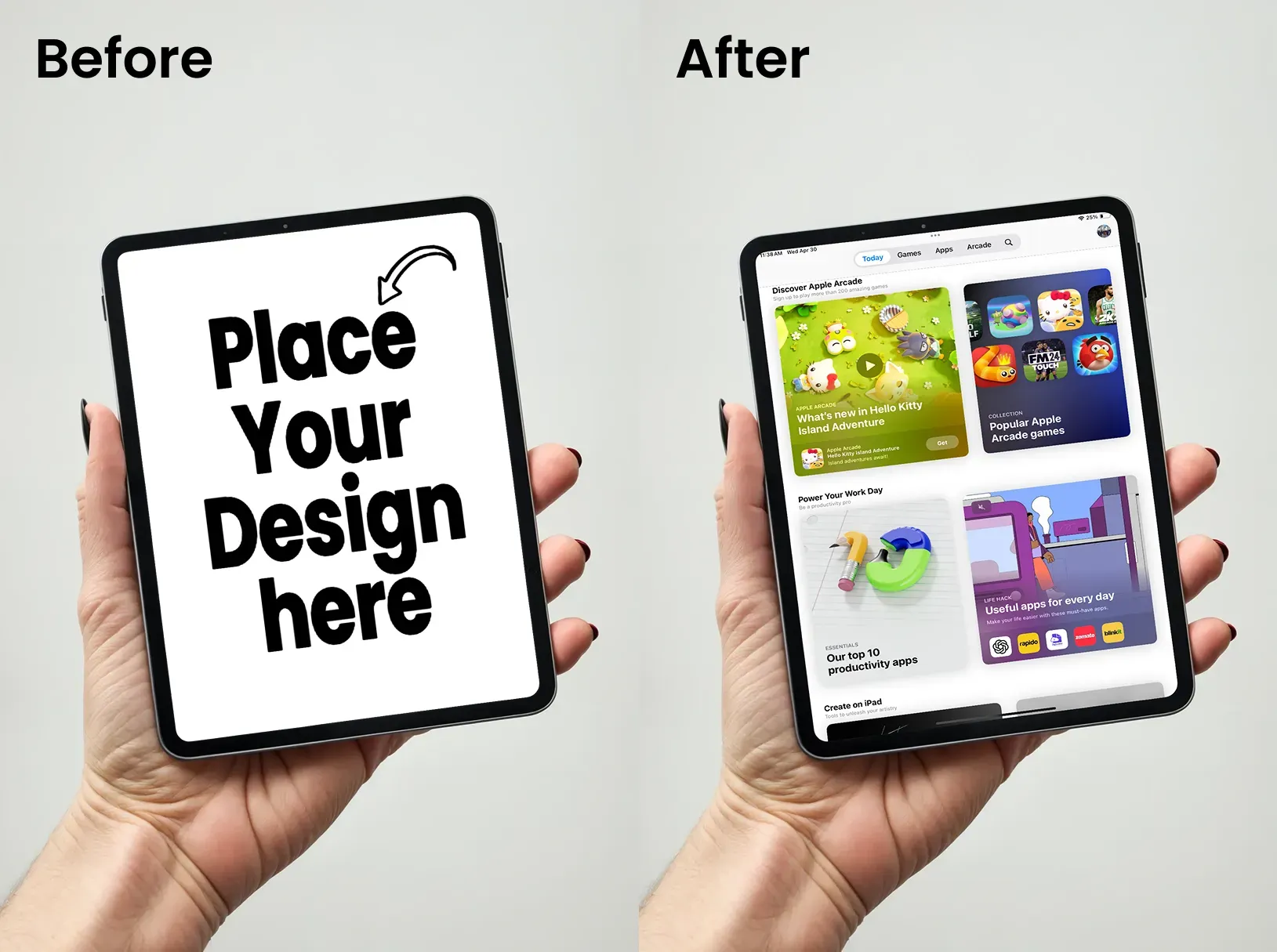
Shows scale and portability. This iPad mockup works universally across app categories by demonstrating real-world handling and natural interaction.
16. iPad Mockup in a Natural Setting
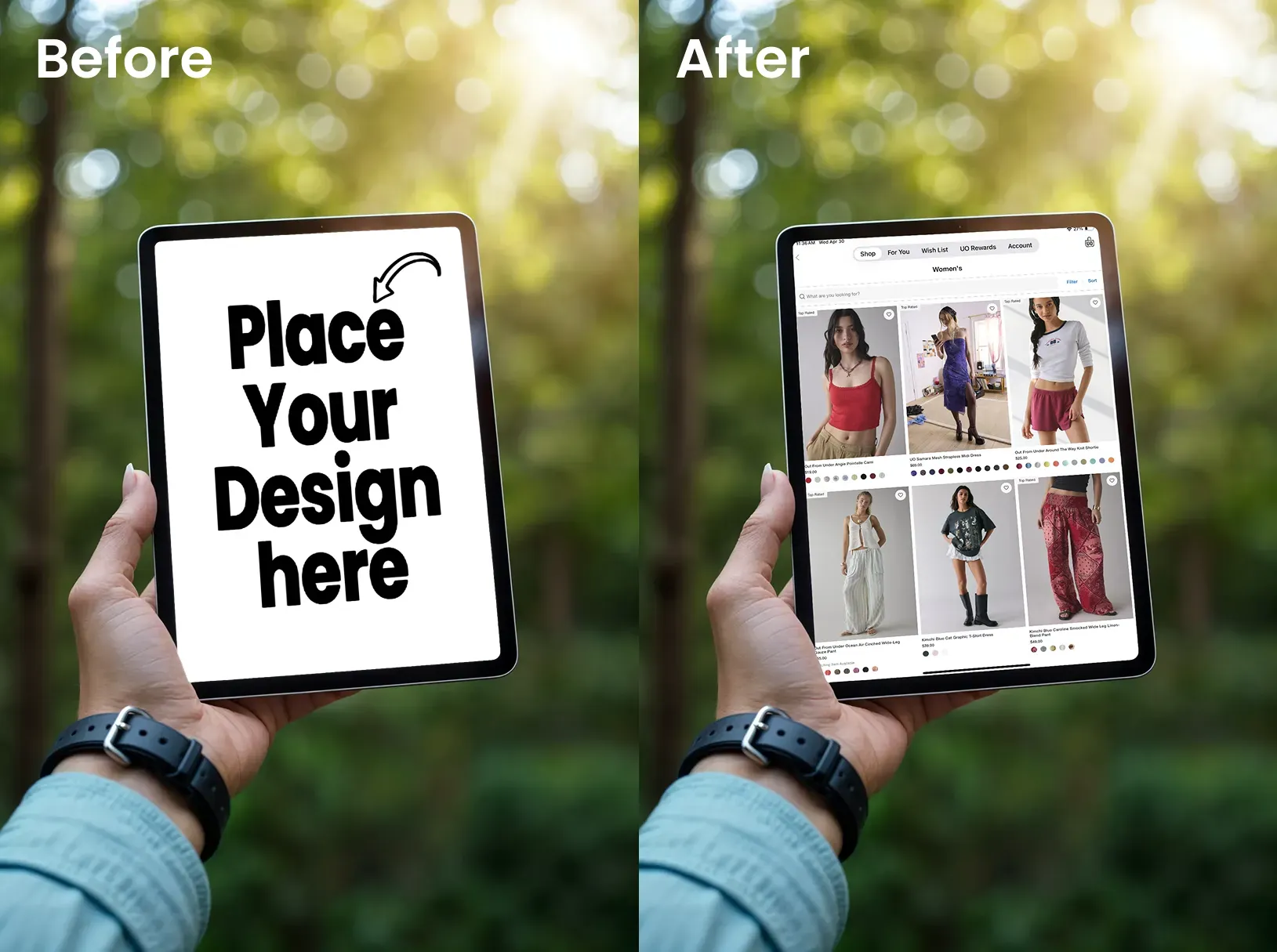
This iPad mockup is perfect for travel apps or nature-focused content platforms. It emphasizes adventure and exploration.
17. iPad Mockup of a Person Using an Apple Pencil
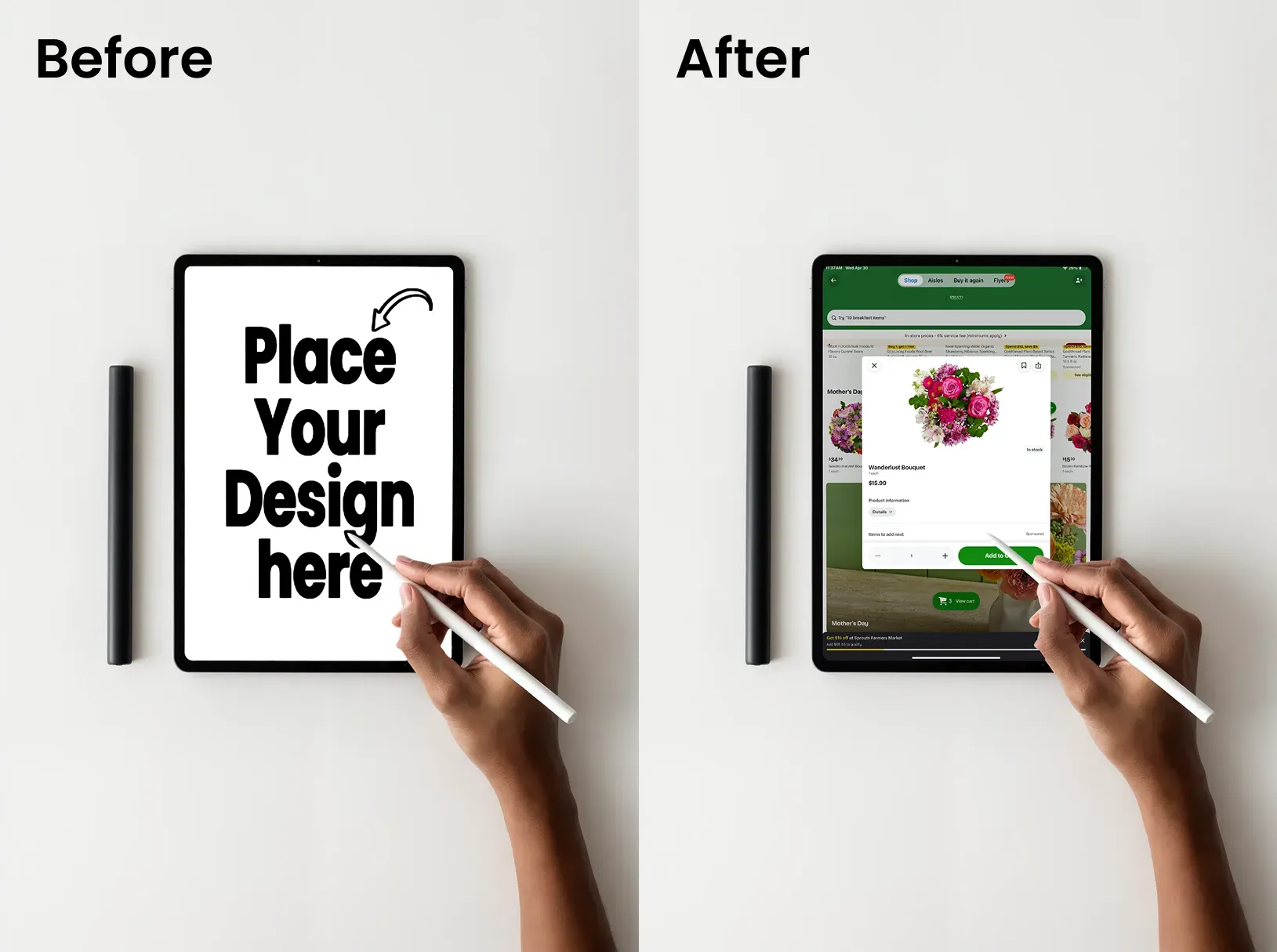
This iPad mockup highlights precision and artistic potential. The template is ideal for drawing apps or graphic design software.
18. iPad Mockup on a Children's Table
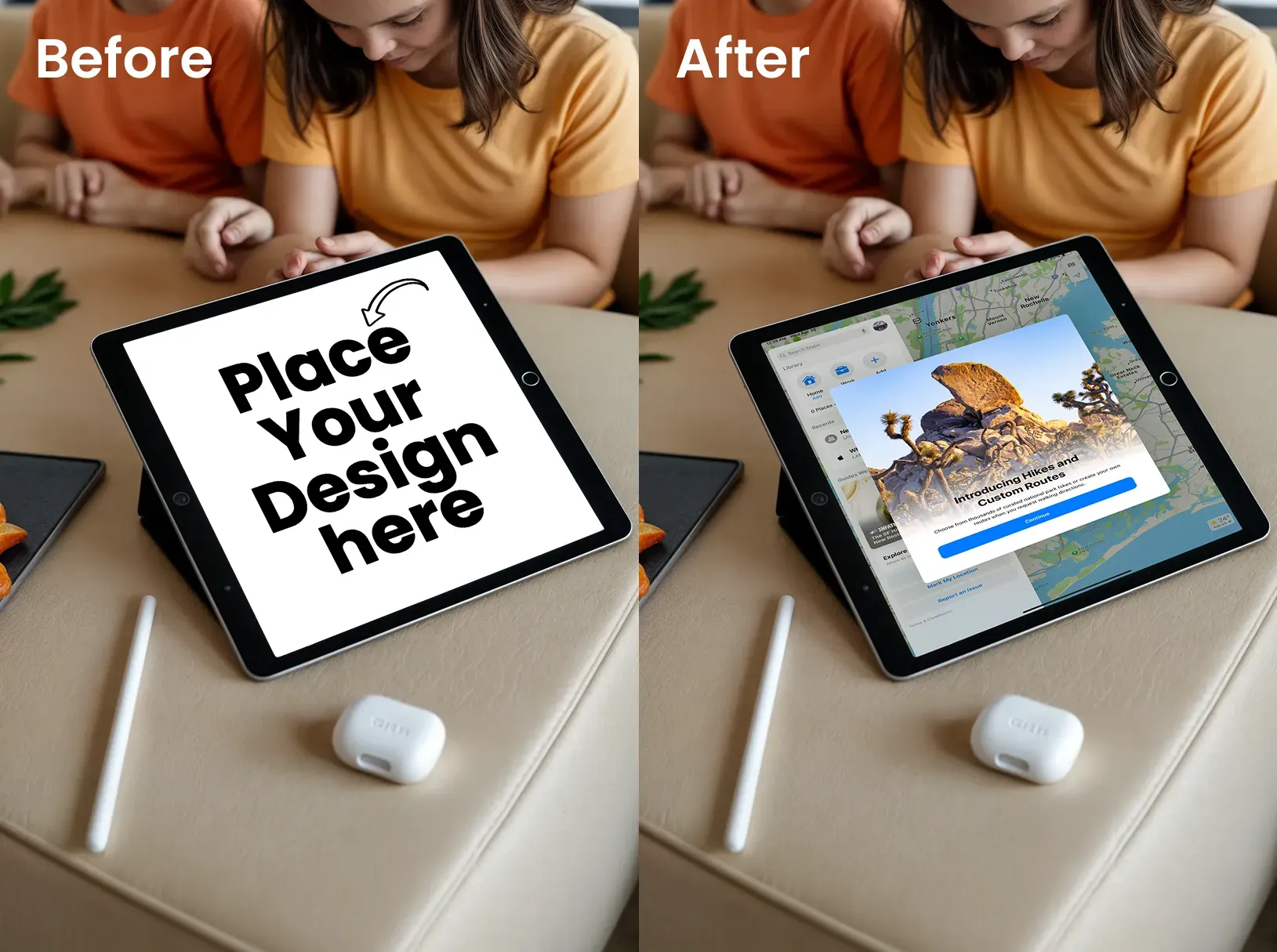
This iPad mockup conveys a child-friendly design. It is specifically aimed at apps targeted at families or parental control software.
19. iPad Mockup of a Man in a Suit
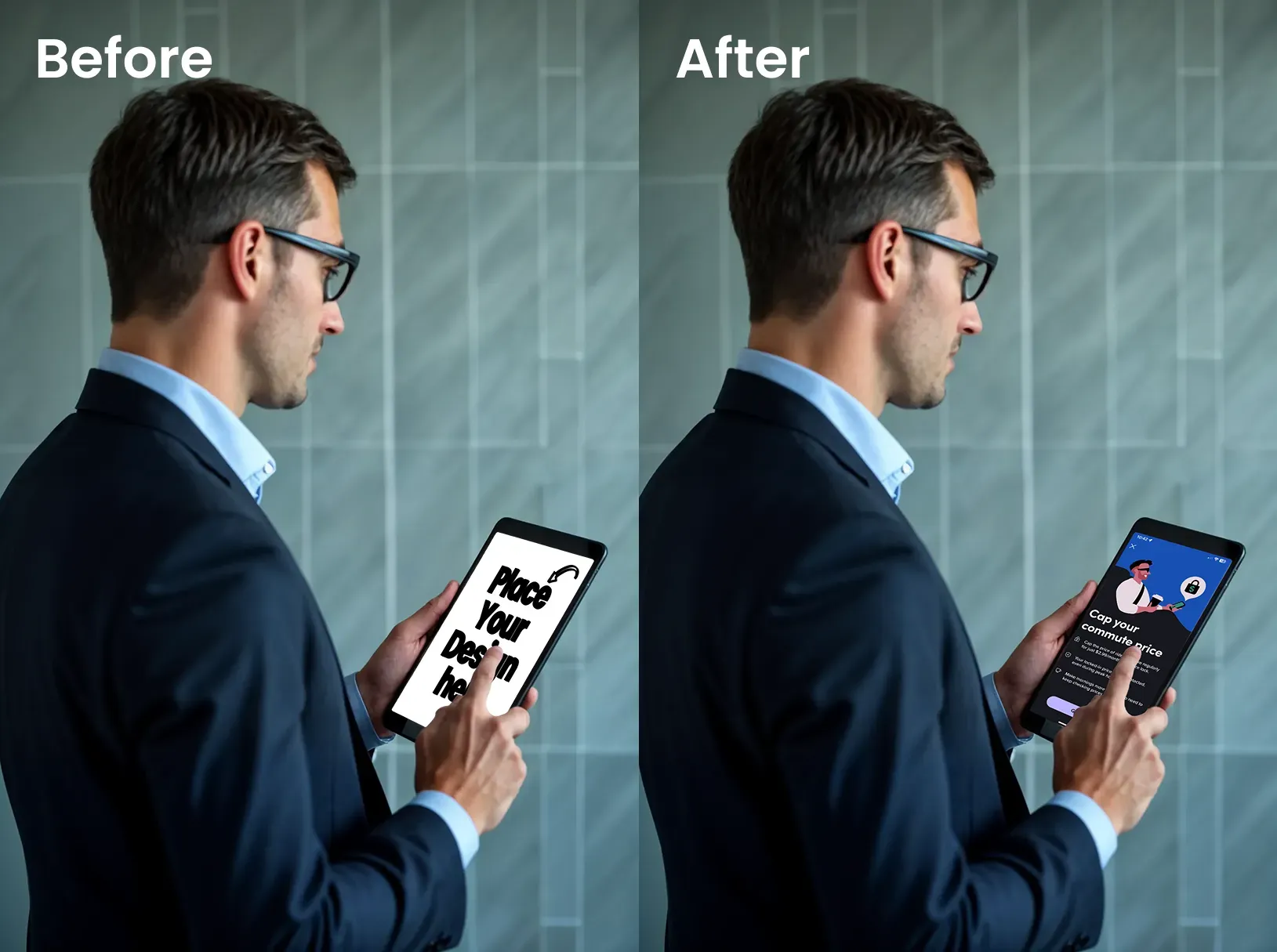
Communicate corporate professionalism in a very easy way. This iPad mockup is best for B2B applications or enterprise solutions targeting decision-makers.
20. Over-The-Shoulder iPad Mockup
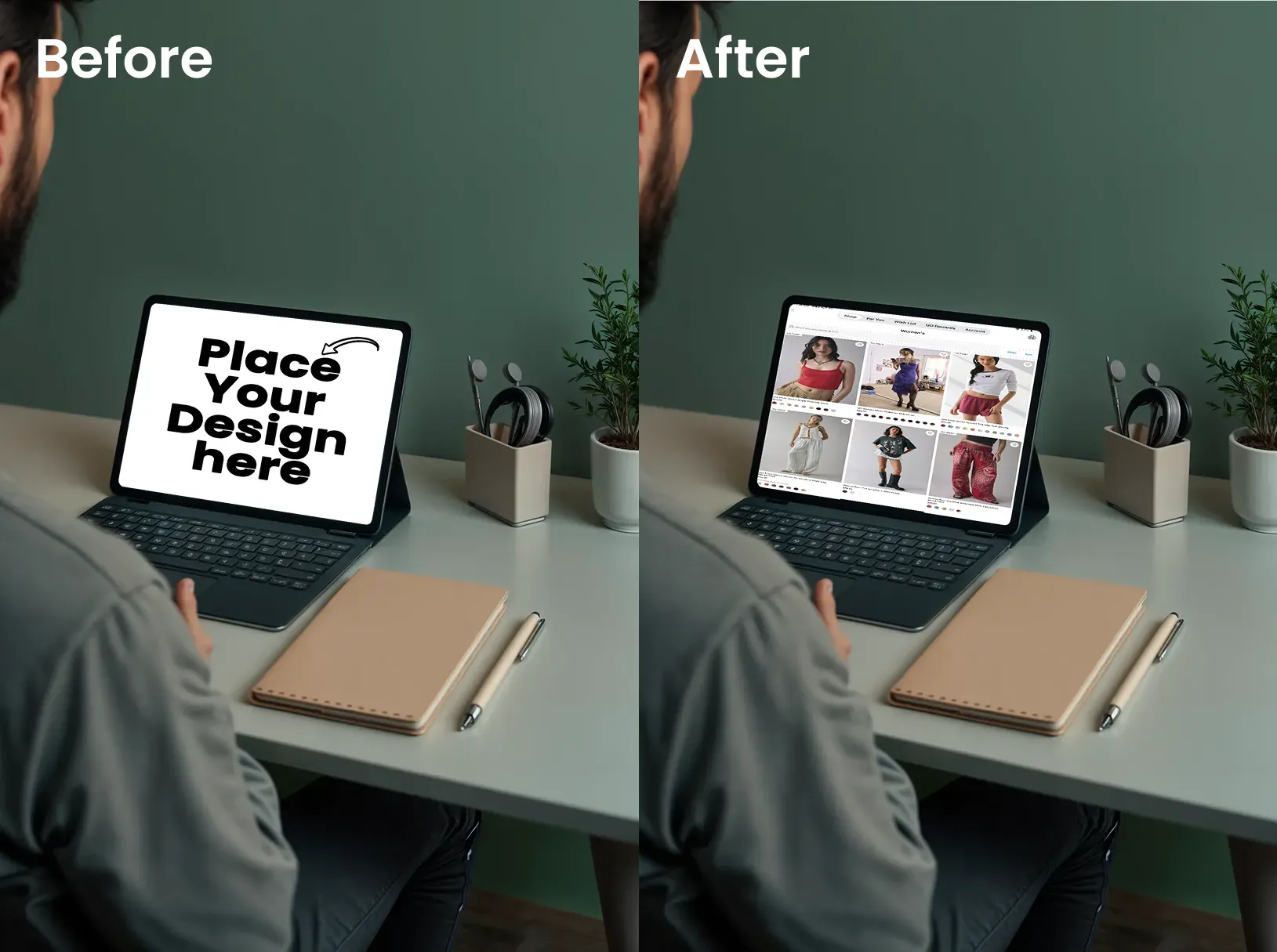
Shows focused productivity in a dynamic angle. This iPad mockup works for almost any productivity or professional app.
21. iPad Mockup of a Person Showing Their Design
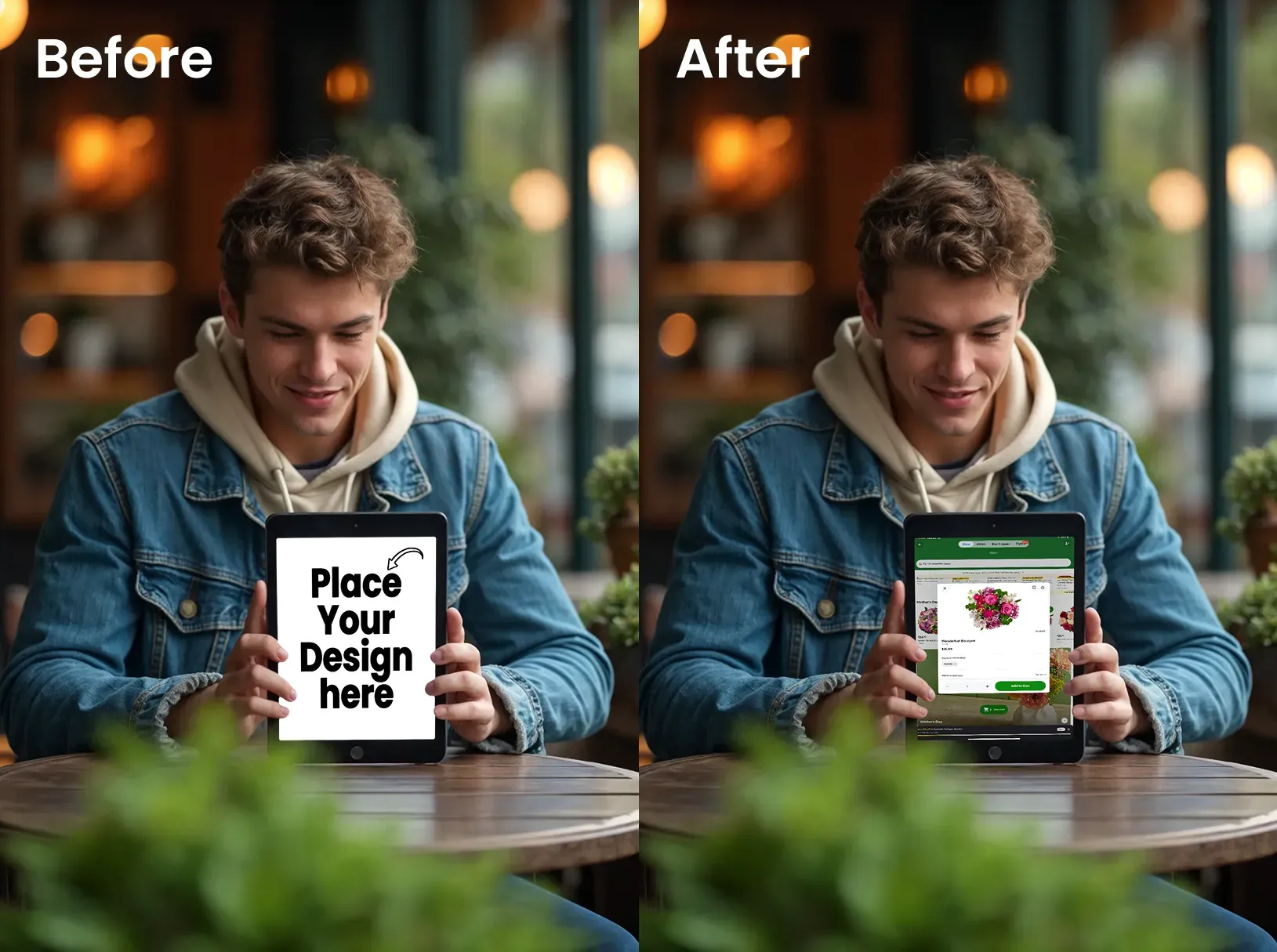
This iPad mockup suggests collaboration and sharing. It is ideal for presentation apps or collaborative platforms.
22. iPad Mockup of a Top Angle View
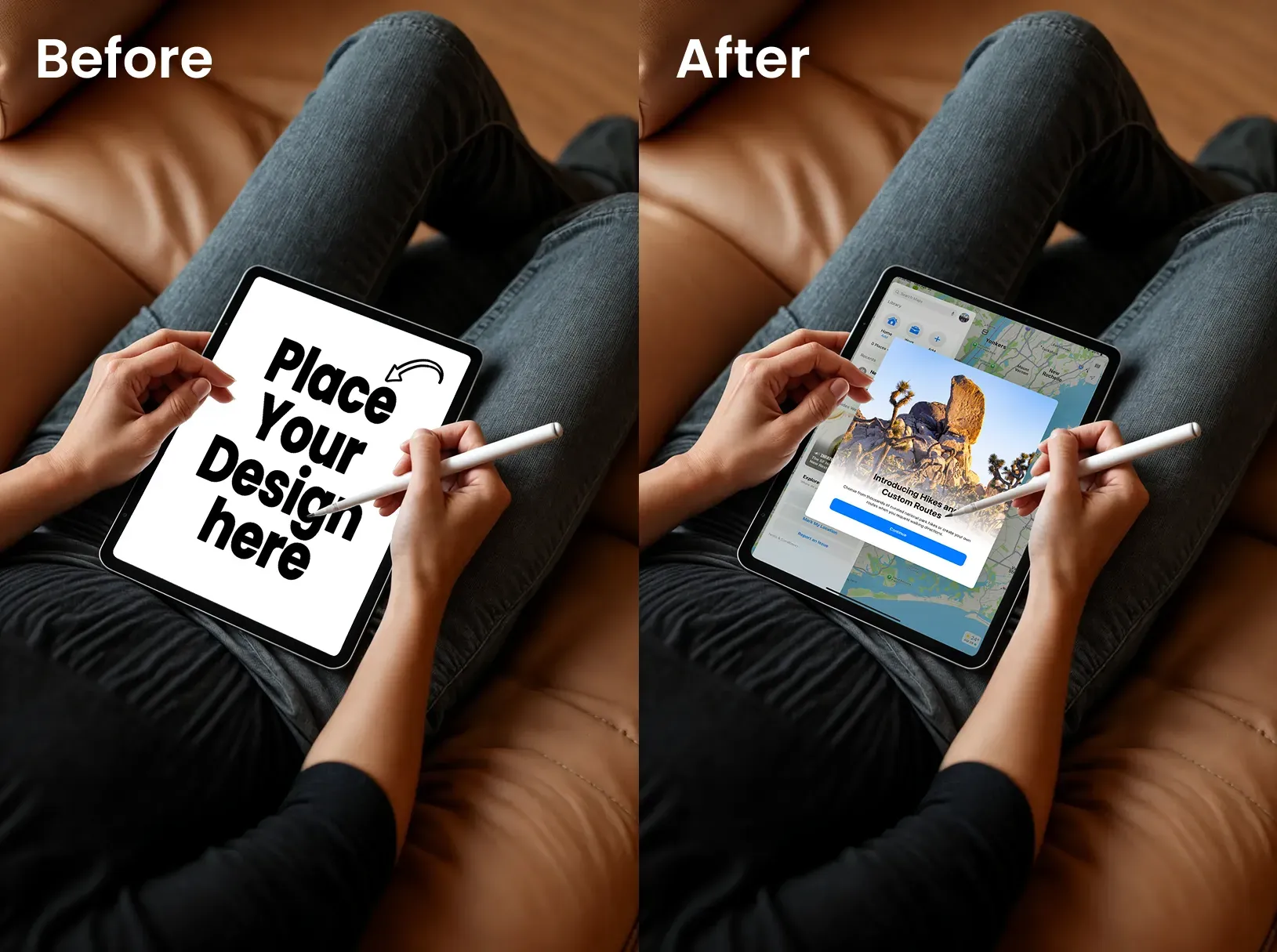
Communicates comfort and casual use from a top angle. This iPad mockup is perfect for reading or leisure-focused apps.
23. iPad Mockup of a Woman Carrying Her iPad
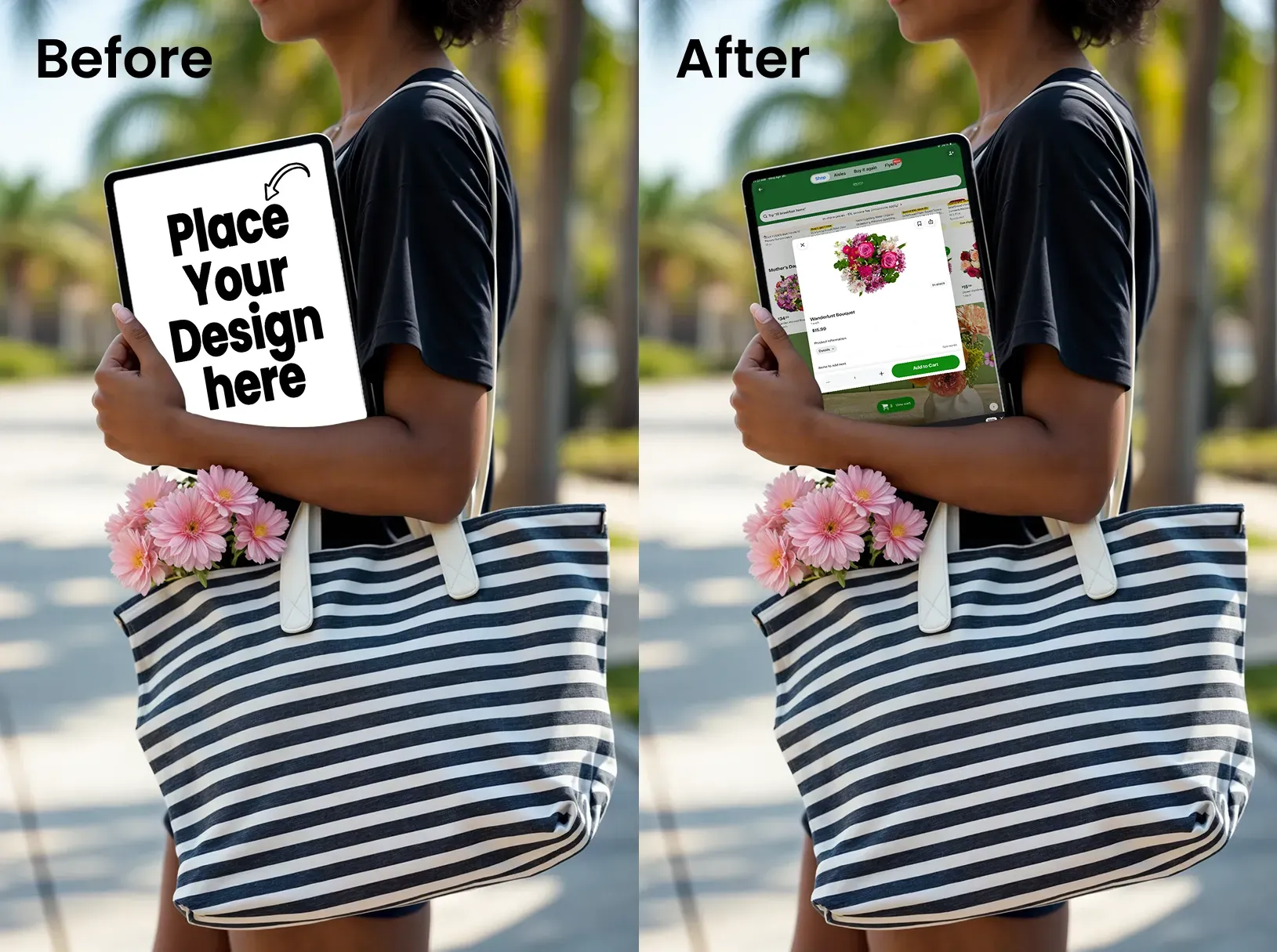
Shows portability and on-the-go functionality. This iPad mockup works for travel apps or lifestyle platforms.
24. iPad Mockup of a Person Watching Videos
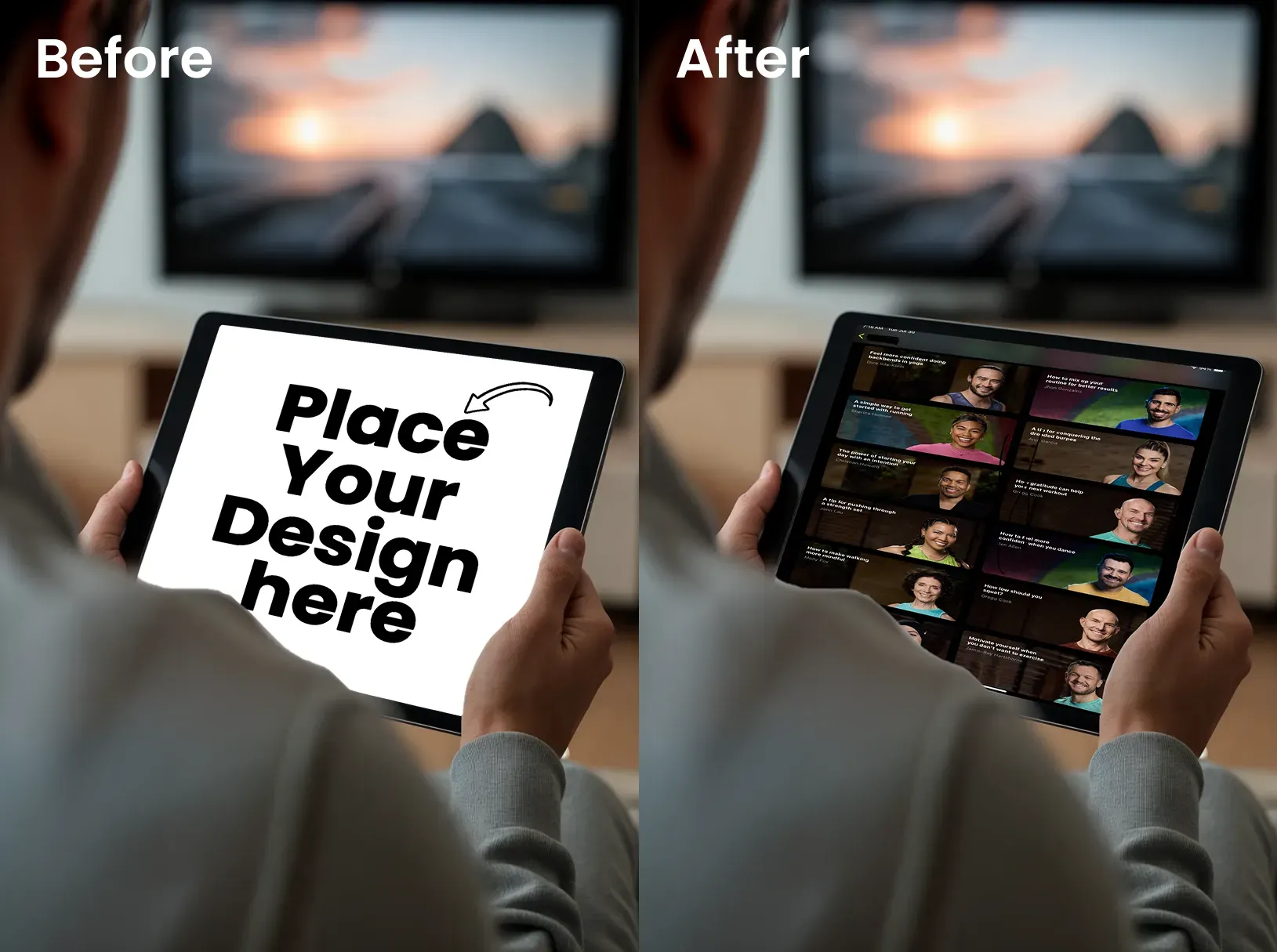
This iPad mockup emphasizes content consumption. It is perfect for video streaming services or educational content platforms.
25. iPad Mockup of a Person Holding the iPad With a Cup
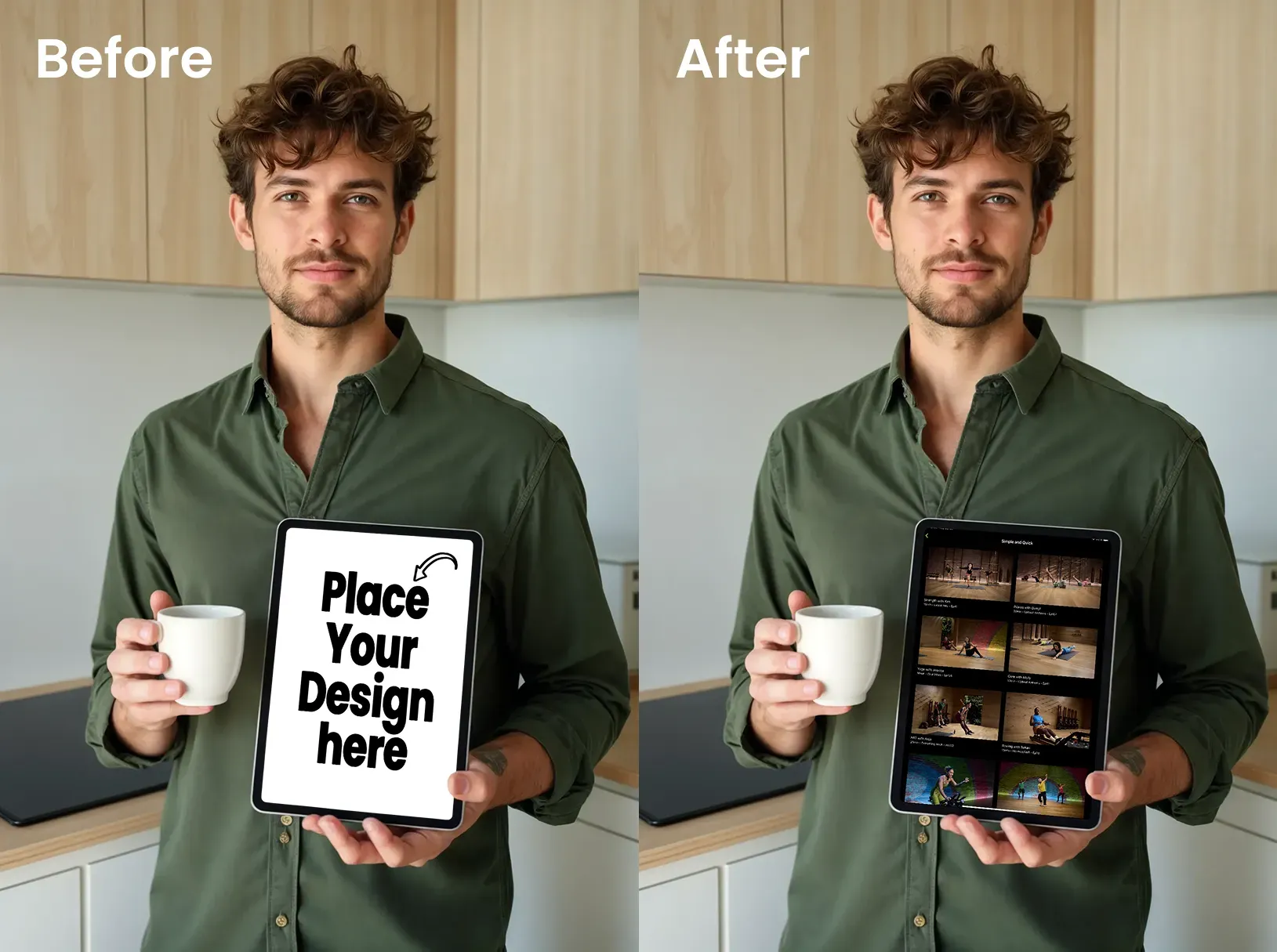
This iPad mockup is great for collaborative tools or social platforms. This is because it emphasizes sharing and presentation capabilities.
Best Practices for Using iPad Mockups
It can help if you use a high-resolution iPad mockup. This will give you sharp results across all platforms. Match the iPad mockup with your brand personality. For instance, you can use minimal for corporate audiences, and lifestyle for consumer brands.
Make sure that you stick to consistent orientations. Why? A mix of landscape and portrait may look unprofessional.
Also, avoid clutter by keeping your design the focal point. According to research, viewers spend only 2.6 seconds looking at the most important elements. It’s what we call dwell time.
So, make those seconds count by removing distractions from your digital product mockups!
Tips to Use iPad Mockups in Your Workflow
In Product Landing Pages and Marketing
Using a free iPad mockup in hero sections can increase conversion rates. So, it is important to design with a mobile-first approach. This will ensure your iPad mockup works across devices.
You can use online mockup generators like Modor to create a professional iPad mockup. This will help you create digital product mockups without requiring advanced design skills or costly software.
Optimizing App Store Previews
An iPad mockup can improve scroll-stopping visuals in crowded app stores. However, you need to make sure your iPad mockup complies with Apple's technical specifications for app preview images. This is to avoid rejection.
Strategically using an iPad mockup can significantly improve your app's discoverability.
For Social Media and Promotional Graphics
An iPad mockup can consistently outperform flat screenshots on social media. Square and vertical exports work best for Instagram and LinkedIn. These formats are ideal for ads and feature updates.
Posts featuring a free iPad mockup generate more engagement than those with plain screenshots. So, use professional digital product mockups to make your content stand out in crowded feeds.
Conclusion
An iPad mockup bridges the gap between design and perception. They turn flat interfaces into tangible products that audiences can imagine using. However, it is important that you follow today's design standards to ensure your iPad mockup remains functional in the long term.
You can use tools like Modor for fast and realistic results that elevate your presentations, whether you need a free iPad mockup for quick social media posts or templates for detailed customization.
So, are you ready to bring your designs to life? Check out Modor's comprehensive collection of iPad mockups. Then, start creating a professional iPad mockup in minutes.
FAQs
1. Are free iPad mockups good enough for startups?
Yes, a free iPad mockup works perfectly for startups with limited budgets. Modor’s free iPad mockup offers high resolution comparable to paid options. However, the paid ones typically offer more variety and exclusive designs.
2. What software should I use to create iPad mockups?
Adobe Photoshop remains the industry standard for an iPad mockup. Online generators like Modor and Placeit require zero design skills. You just have to upload your screen to create a professional iPad mockup instantly.
3. Can I find the latest iPad Pro mockups on Modor?
Modor regularly updates its iPad mockup library with the latest iPad models. You can check their iPad mockup collection that matches Apple's latest releases and design language.
4. What are some golden rules to create realistic mockups?
First, ensure the device proportions and bezel sizes in your free iPad mockup are accurate. Secondly, make sure to use natural lighting and shadows. This will help you avoid harsh and unrealistic effects in your digital product mockups. Lastly, add context to match your target audience.
5. Can Modor's iPad mockups be used for ads and paid campaigns?
Yes! Most professional iPad mockups allow commercial use, including paid advertising across platforms and marketing materials. However, it is important to check for these details. Modor's iPad mockup collection includes commercial licenses suitable for ads and paid campaigns.
Related Blog